





Unlimited local sites, each with its own domain
What is it?A site is a project folder on your Mac that runs under its own address in the browser. For example at https://clientshop.test.
Pick a folder, type a domain, choose a PHP or Node version, done. HTTPS and name resolution are set up by WebDonkey itself. DDEV projects and Docker containers sit right next to them.
Free costs nothing and has no time limit. macOS 11 or later, Apple silicon and Intel.
Without WebDonkey
You add the domain to the hosts file, write a vhost, generate a certificate and mark it as trusted in the keychain. For the next project you do it all over again, this time with a different PHP version.
With WebDonkey
Pick the folder, enter the domain, choose the PHP or Node version. WebDonkey sets up the rest. Every site keeps its web server and its version, whatever the project next to it needs.
What you get out of it
- New project from a formA new client project runs under its own domain with a valid certificate. The app writes the config files.
- Projects kept apartOld and new projects run next to each other. An update for one leaves the other unchanged.
- Test it like it's liveYour project runs under its own domain with HTTPS, the way people will reach it later.
In detail
WebDonkeyFree & Premium
The WebDonkey tab shows every site WebDonkey runs for you, with web server, PHP and Node version and status. From each row you open the site in the browser, its folder in Finder or the editor and a terminal in the project folder, switch it off or edit it. Free allows unlimited sites, three of them with SSL at a time.
New site
Name, domain and aliases, document root and, if you like, a project folder of its own, web server, PHP and Node version and SSL. You choose the domain freely, such as shop.dev or client.local. Next to Create, Still needed lists what is missing before the button becomes active. Edit opens the same form, where switching web server or PHP version works too.
Site packagesPremium
Eleven packages, from WordPress, Shopware 6, Laravel, Symfony and Drupal to Vite, Astro, Angular and Hugo, are set up with one click: the package installs the whole application when the site is created, with configuration, document root and, where it needs one, a database. WebDonkey checks beforehand what it needs and offers to install what is missing.
Serve command
Projects with their own server, such as a Node project with npm start, get a serve command instead of a document root. WebDonkey starts the process, hands it a free port as PORT, and the front proxy passes the domain's requests on to it.
Diagnosis
The diagnosis checks every layer between browser and file: do the document root and an index file exist, is the domain in /etc/hosts, are front proxy and web server running, is the PHP-FPM socket there and the vhost written, is the certificate issued and does port 443 accept connections? With nginx the syntax check of the configuration comes on top. Every line gets a green tick or a red cross, and Check again repeats the run after you have fixed something.
From WebDonkey Pages
Websites you built in WebDonkey Pages that have no site here yet appear on the WebDonkey tab below the list, under From WebDonkey Pages. Set up locally creates them under a .test domain with PHP and starts them, Open in Pages jumps back to the Pages app. Sites set up this way carry the Pages badge in the list.
DDEV
All DDEV projects on your Mac, with status and type. Start, stop, open in the browser, jump to the project folder, open a shell in the container. A detail area shows configuration, snapshots, logs, add-ons and a field for any ddev command. New projects are created right here.
DDEV project
Clicking a DDEV row opens its management with five tabs: Configuration, Snapshots, Logs, Add-ons and Command. You edit the configuration as a form or as YAML; Restart makes the changes take effect.
Docker
What your Docker daemon holds right now, whether Docker Desktop, Colima, OrbStack or Rancher Desktop provides it. Start, stop, restart and pause containers, open published ports in the browser, open a terminal inside a container. WebDonkey only talks to your own docker CLI and never touches your configuration.
Container details
A click on a container unfolds its details: ID, image, created, restart policy, command, usage, ports, networks, mounts and environment. The Logs switch shows its logs instead.
Images, volumes, networks
Next to the containers sit the Images, Volumes, Networks and Compose tabs. You get images with Pull, Clean up removes unused images, volumes or networks, and Compose projects you start or bring down and look at their file. Start container creates a new container from an image, with ports, environment variables, volumes and restart policy; the ports are only reachable on this Mac unless you put an address in front.
What does Free include?
On Free you create unlimited sites, three of them with HTTPS at a time. Site packages that set up WordPress, Shopware 6 or Laravel right along with the site are part of Premium.
Compare Free and PremiumGoes well with this
-
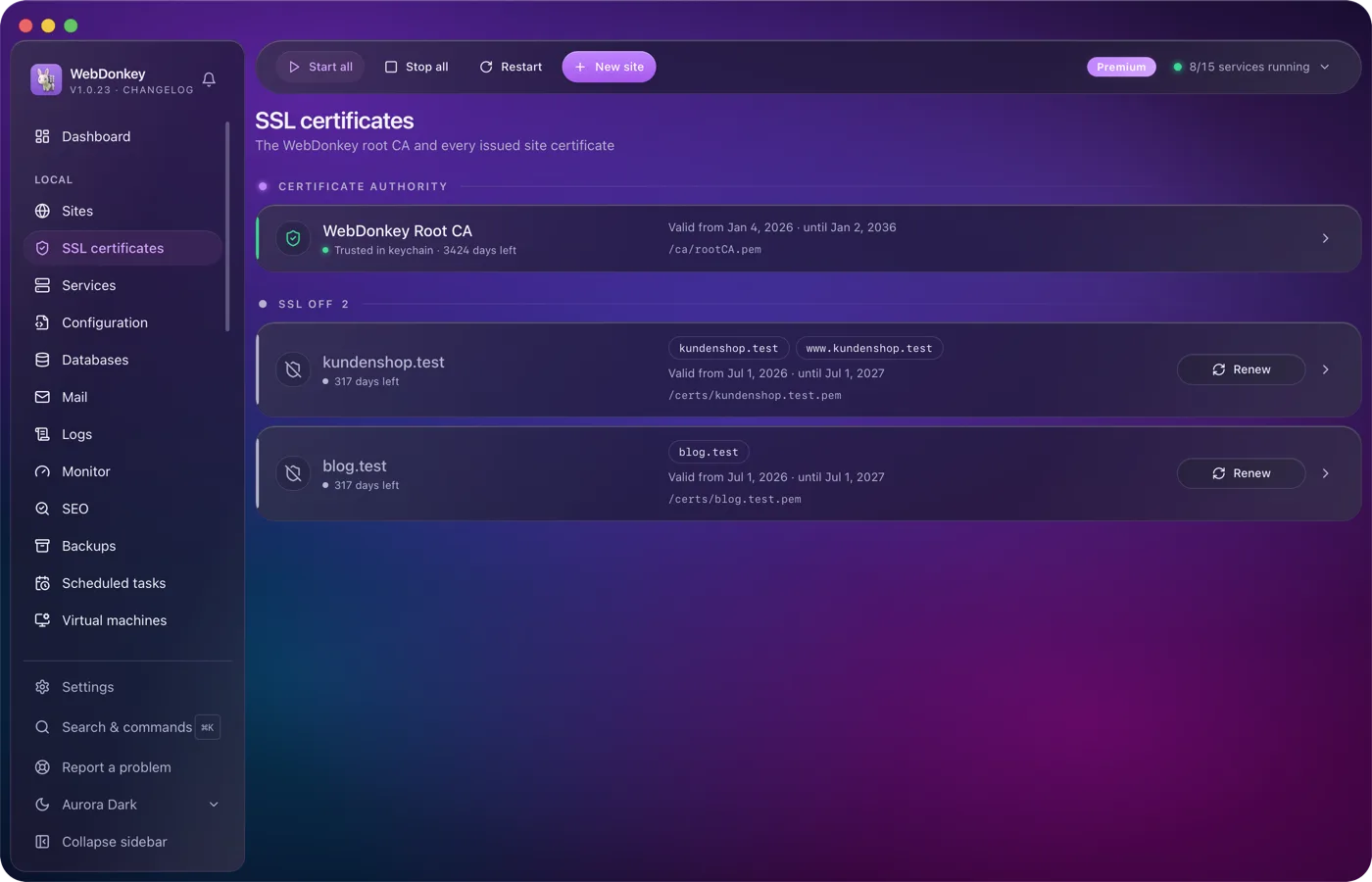
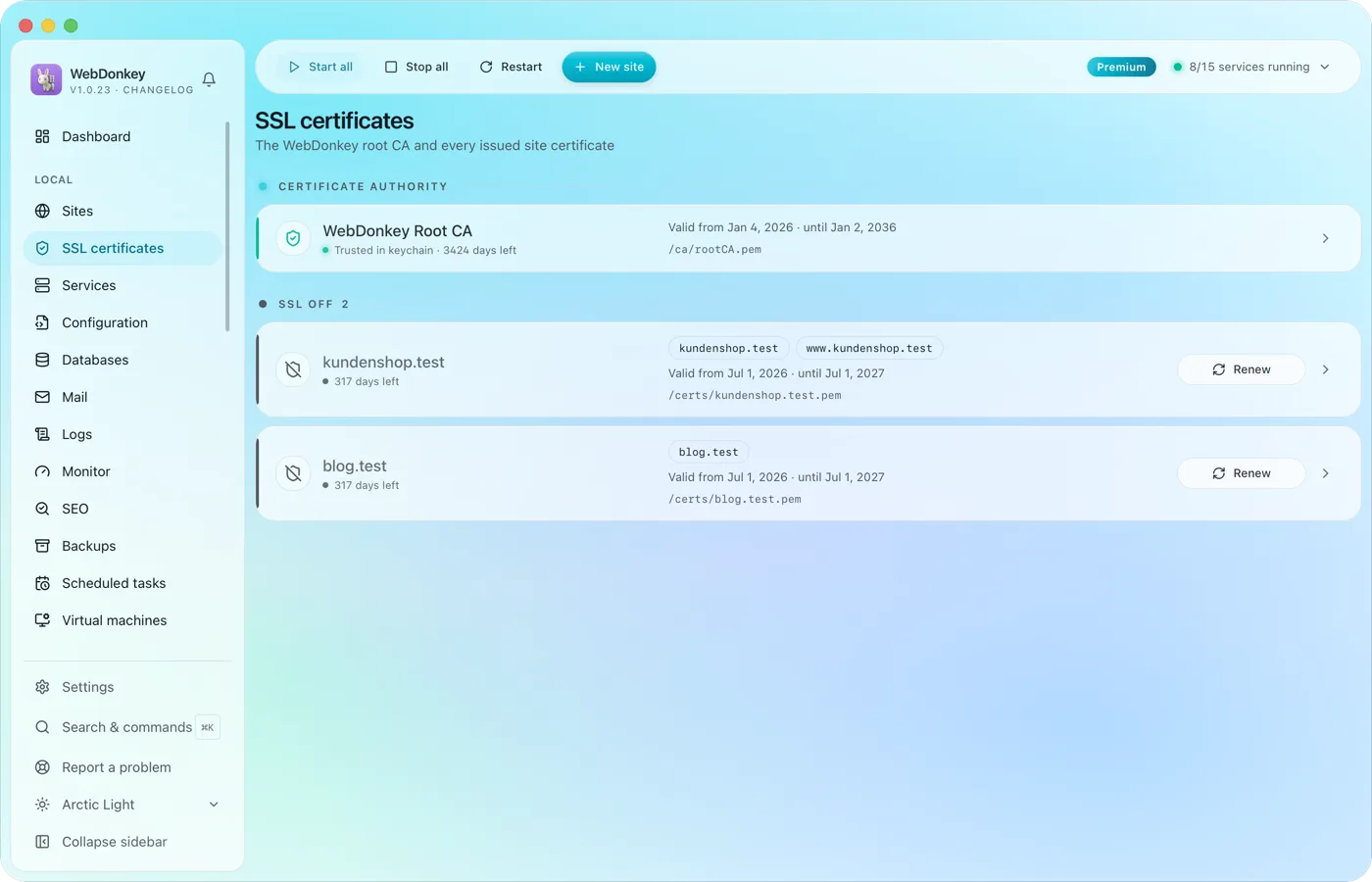 HTTPS locally, without warningsWebDonkey has its own root CA and issues a certificate for every site. Trust the CA once and every .test domain is green in the browser.
-
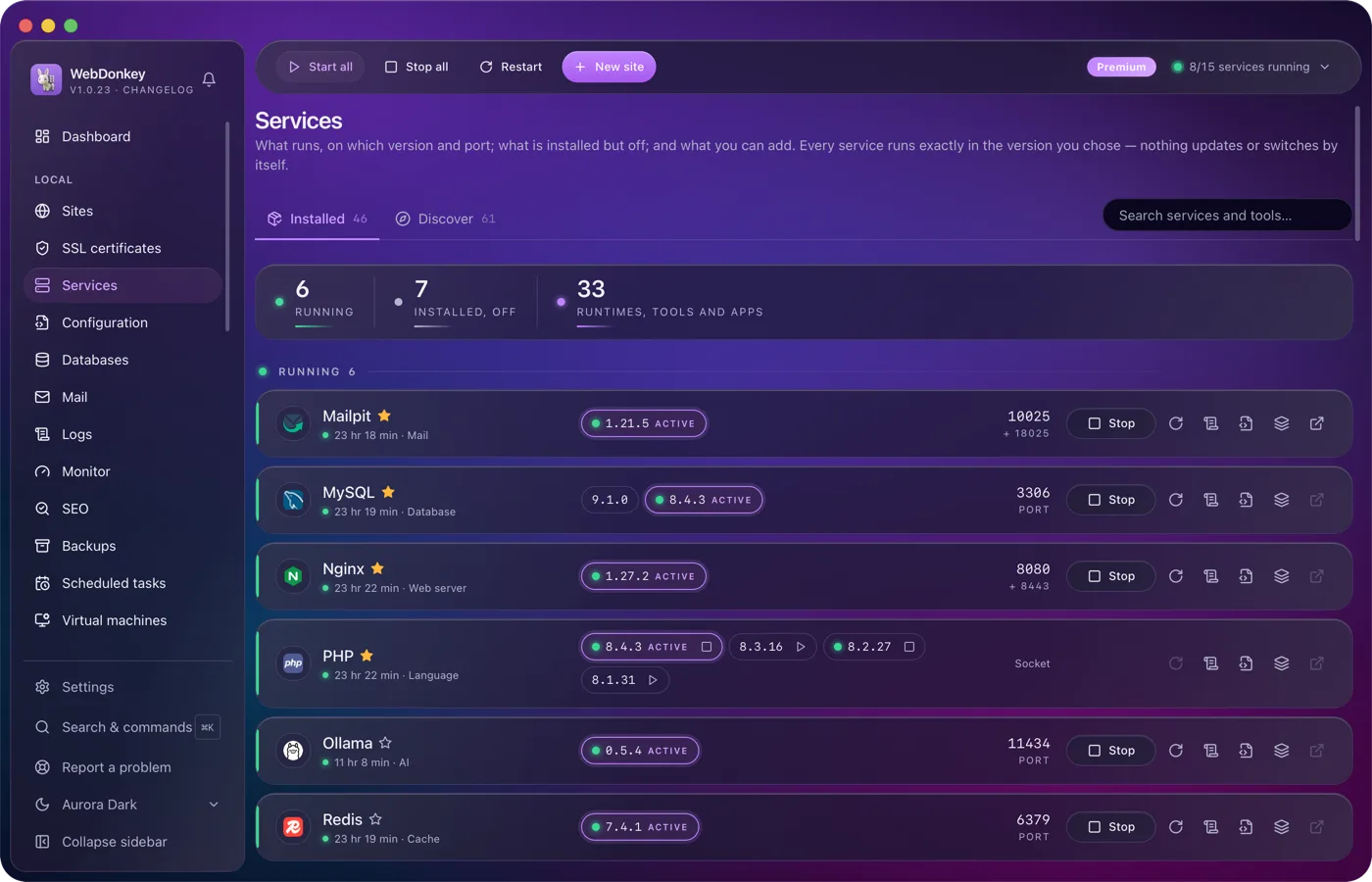
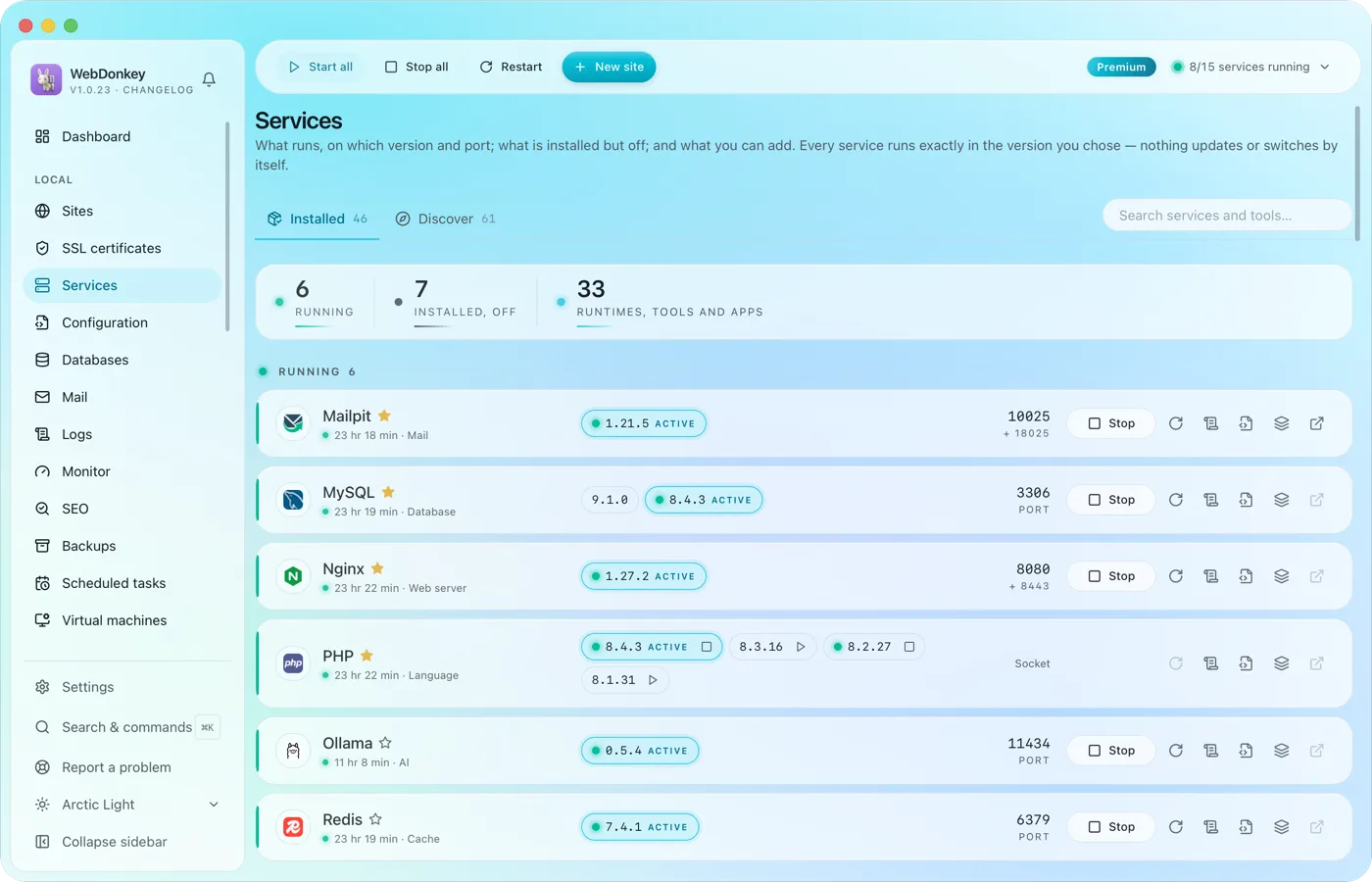 Every service in one placeWeb servers, PHP, Node, databases, cache, mail, search, queue, storage, apps and AI tools. Install, start, stop, switch versions. Services and data live in a folder of their own; for domains, ports and certificates WebDonkey sets up a few system entries with your consent. On top comes a marked block at the end of your ~/.zshrc so your terminal uses the active versions, which you can switch off in the settings.
-
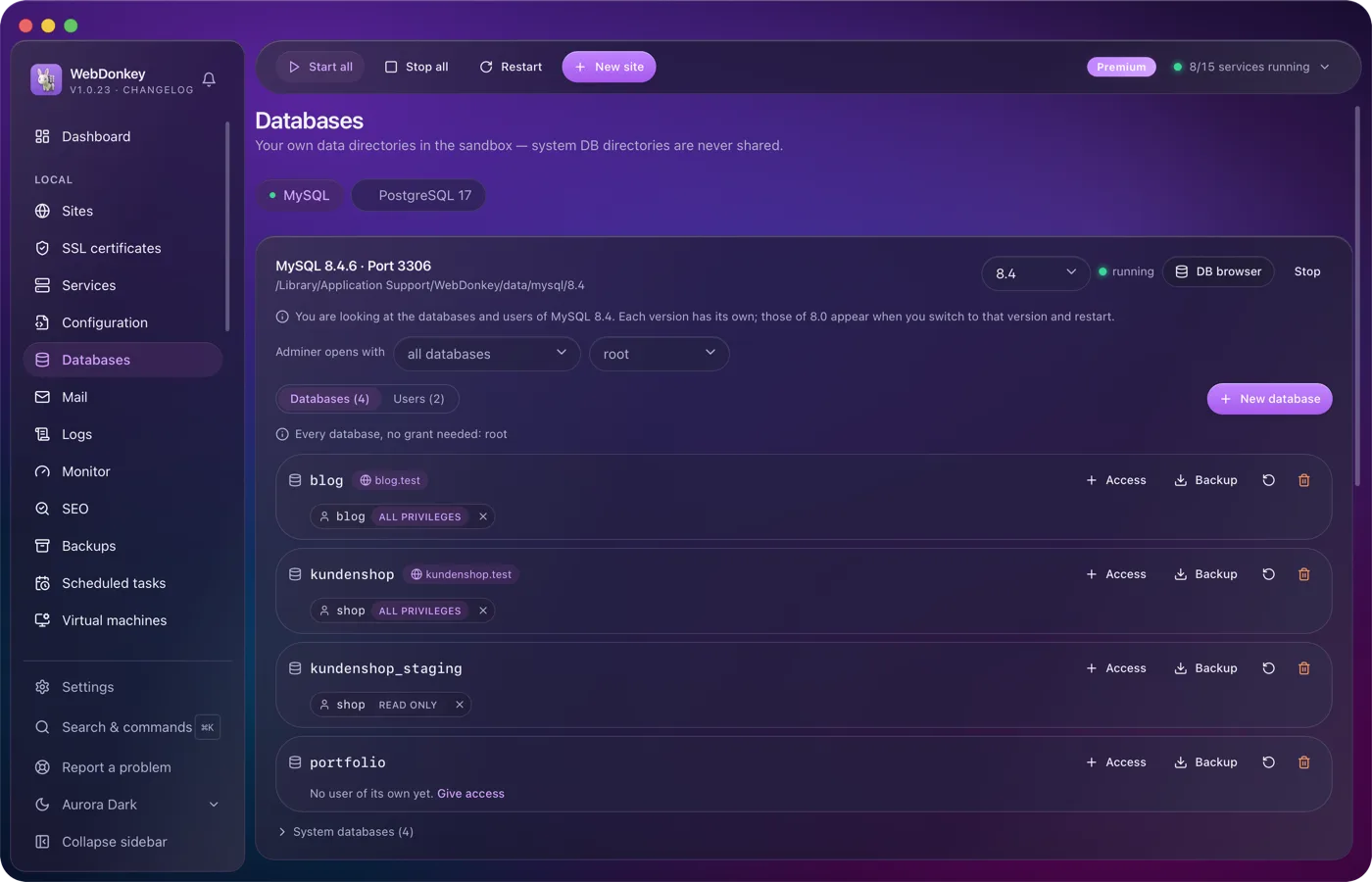
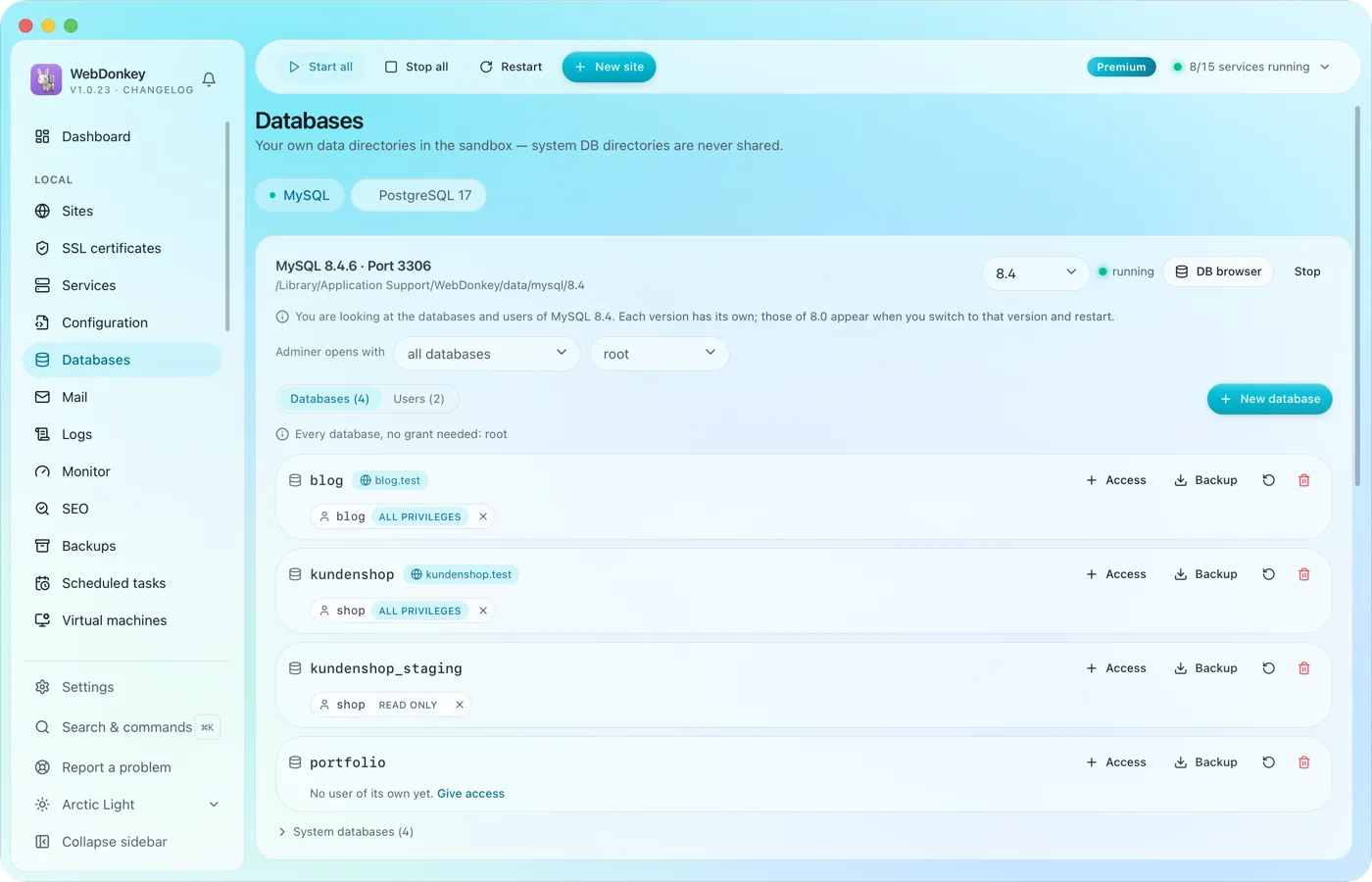 Create and browse databasesManage MySQL, MariaDB, PostgreSQL and MongoDB, create databases and users. Adminer is built in and opens right inside the app, with server and user already filled in.
-
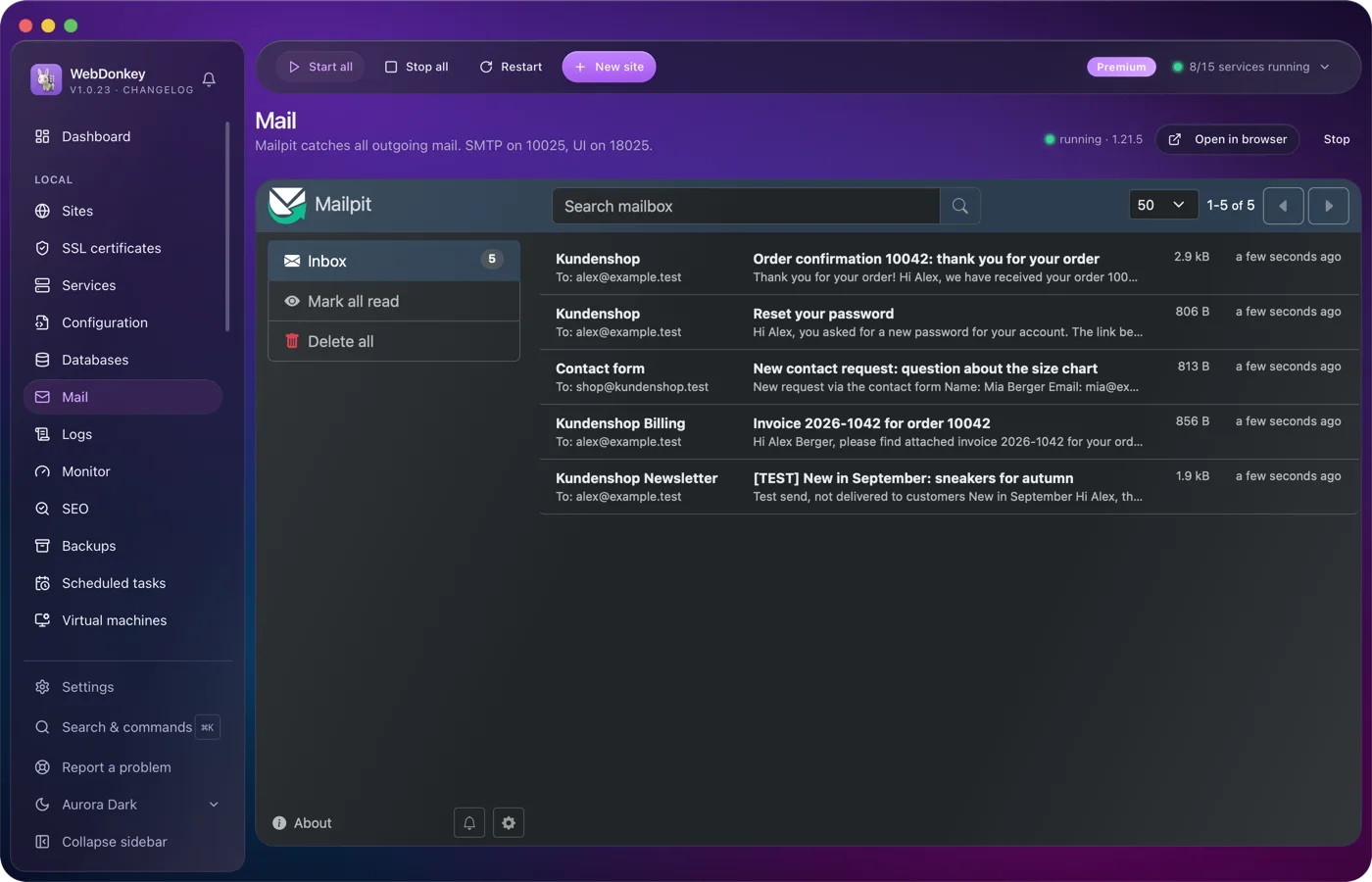
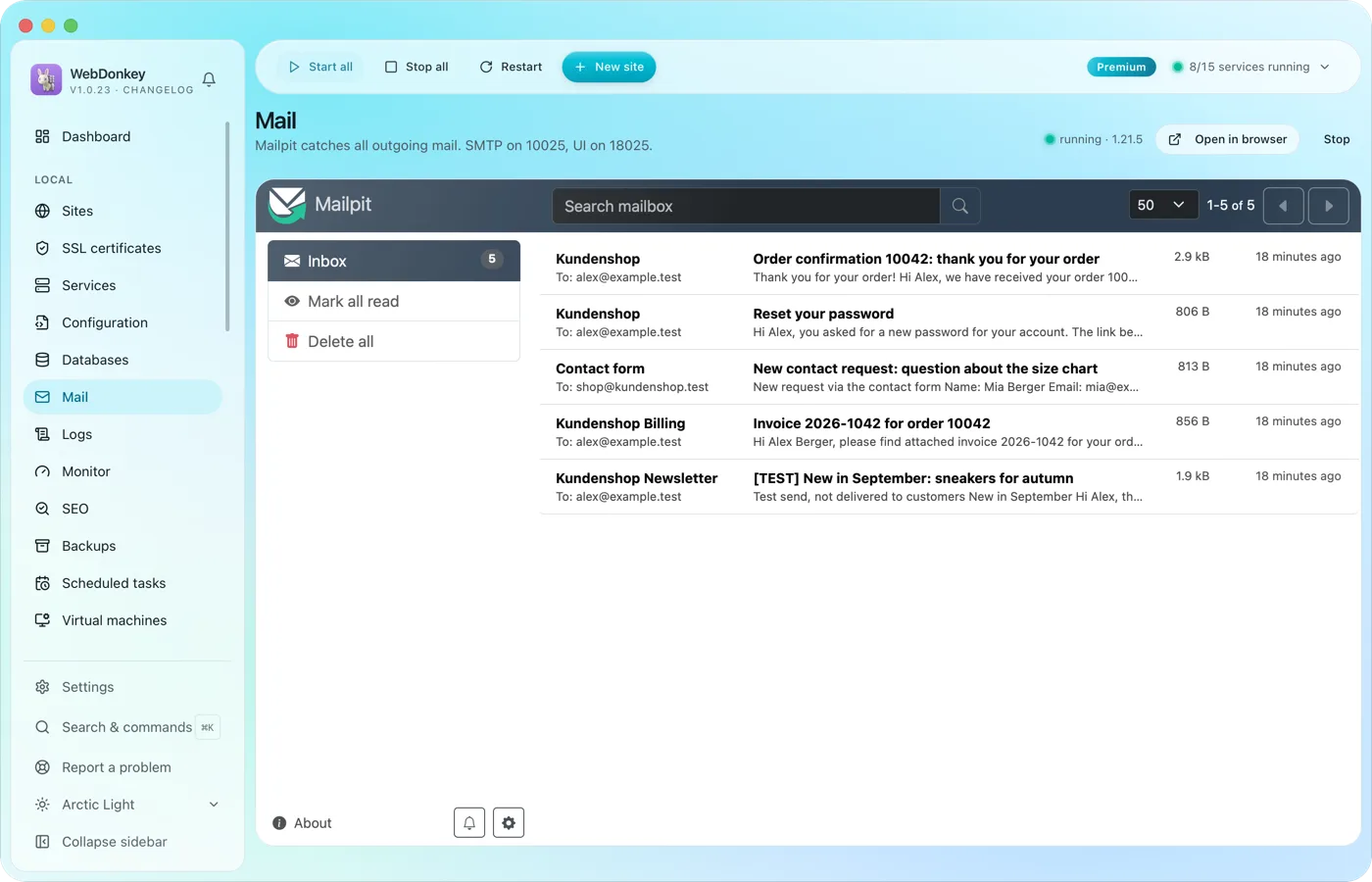 Every mail lands with you, none with the clientMailpit catches everything your projects send. Order confirmations, password links, newsletter tests: all in Mailpit's inbox, with HTML view, source and attachments. With Premium you read it right in WebDonkey, on Free you open it in the browser.
Try it on your own project.
Free costs nothing and has no time limit. macOS 11 or later, Apple silicon and Intel.
