





Every mail lands with you, none with the client
What is it?Mailpit is an inbox that catches every mail from your local projects. None of it leaves your Mac.
Mailpit catches everything your projects send. Order confirmations, password links, newsletter tests: all in Mailpit's inbox, with HTML view, source and attachments. With Premium you read it right in WebDonkey, on Free you open it in the browser.
Free costs nothing and has no time limit. macOS 11 or later, Apple silicon and Intel.
Without WebDonkey
A test in the shop can send the order confirmation to a real customer. If you switch sending off, you do not see what your mails look like.
With WebDonkey
All sites send to one SMTP port. Order confirmations, password links and newsletter tests land in Mailpit's inbox, with HTML view, source and attachments.
What you get out of it
- Mail stays localTest mails stay on your Mac and never reach a real customer.
- Check mails the way they arriveRead them as HTML or text, search them and view the source.
- Latest mail on the dashboardThe dashboard shows the latest mail without you switching pages.
What does Free include?
Catching and reading work on Free, where you open Mailpit in the browser. With Premium you read the inbox right in WebDonkey.
Compare Free and PremiumGoes well with this
-
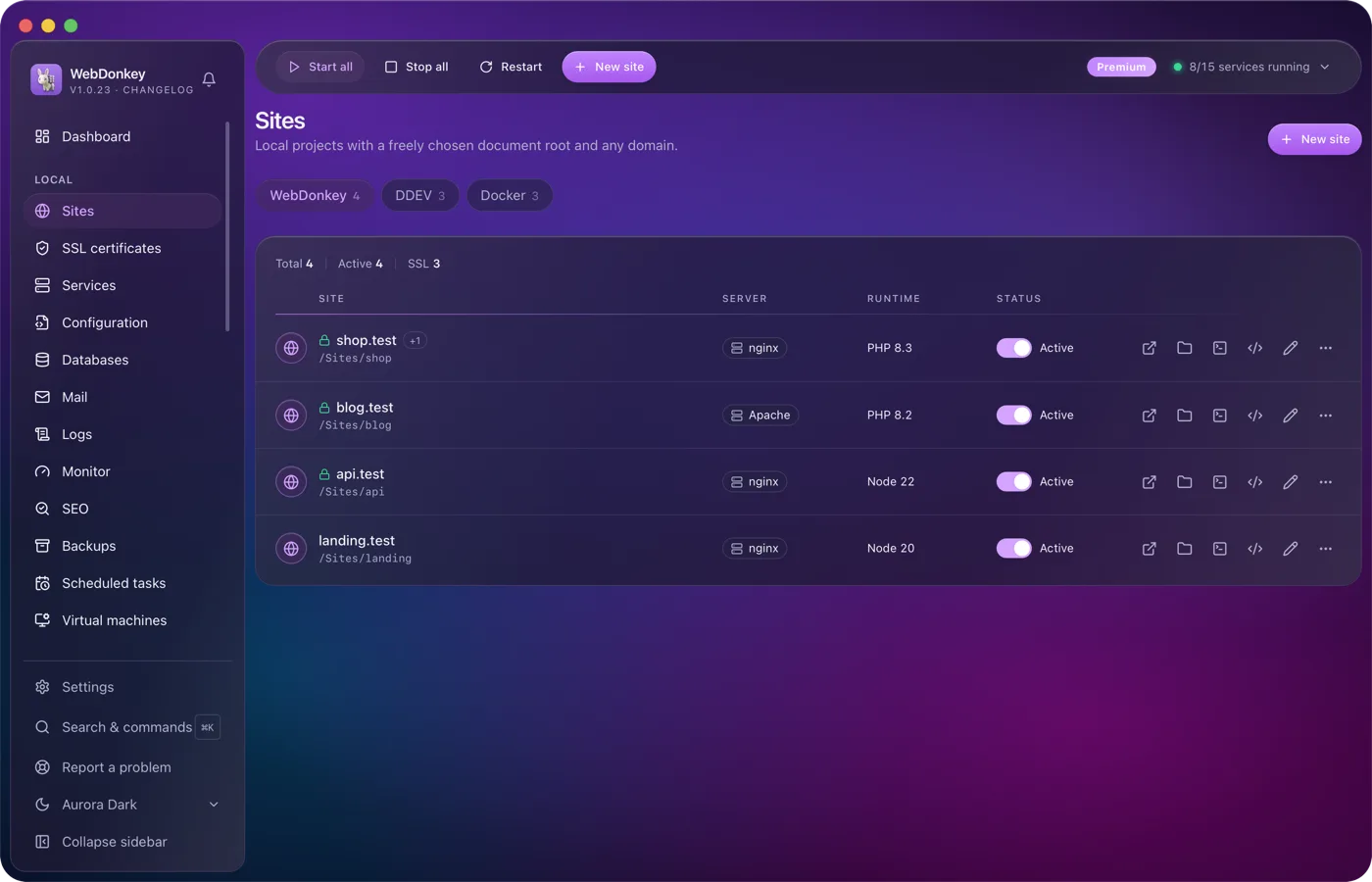
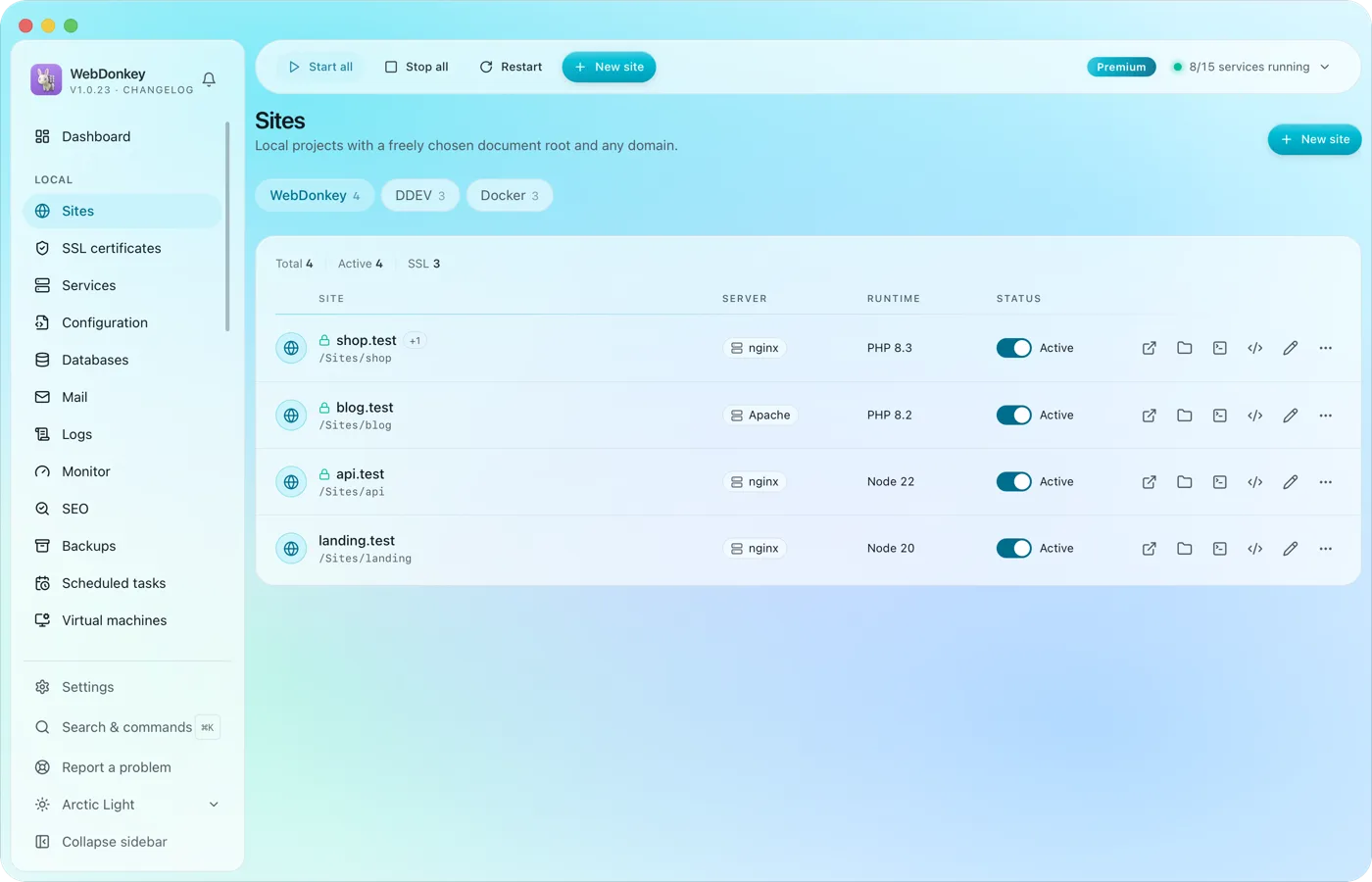 Unlimited local sites, each with its own domainPick a folder, type a domain, choose a PHP or Node version, done. HTTPS and name resolution are set up by WebDonkey itself. DDEV projects and Docker containers sit right next to them.
-
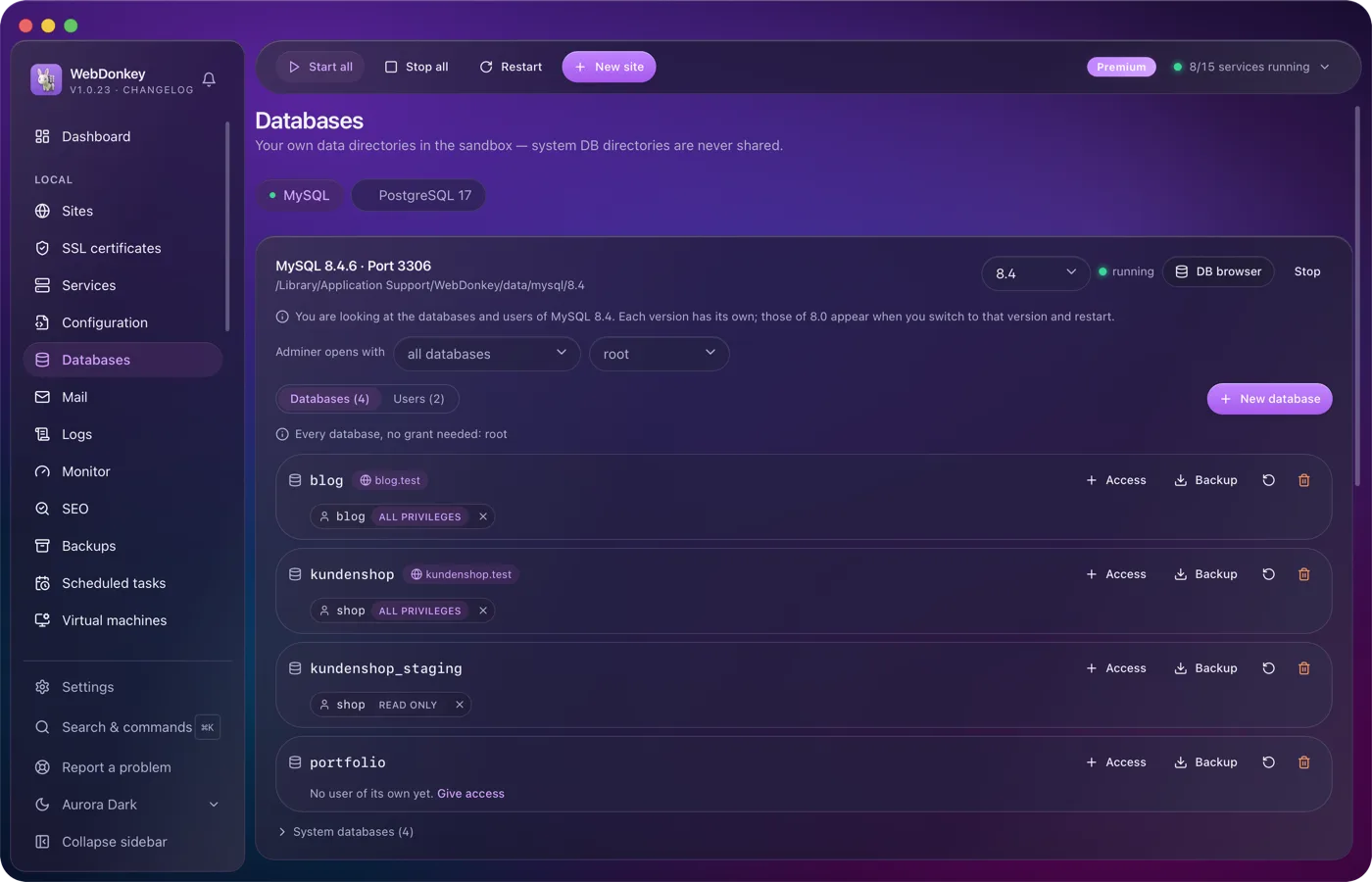
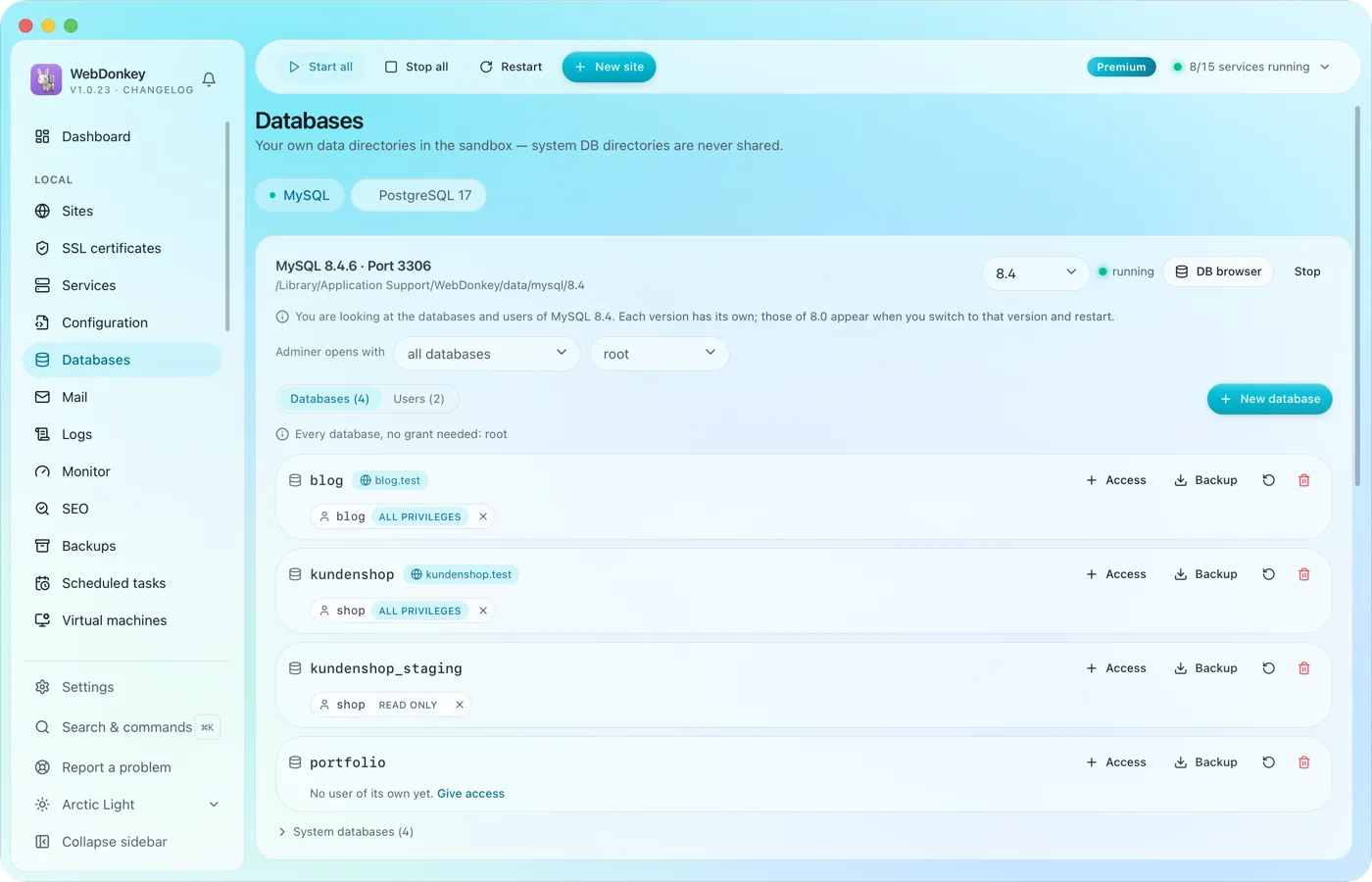 Create and browse databasesManage MySQL, MariaDB, PostgreSQL and MongoDB, create databases and users. Adminer is built in and opens right inside the app, with server and user already filled in.
-
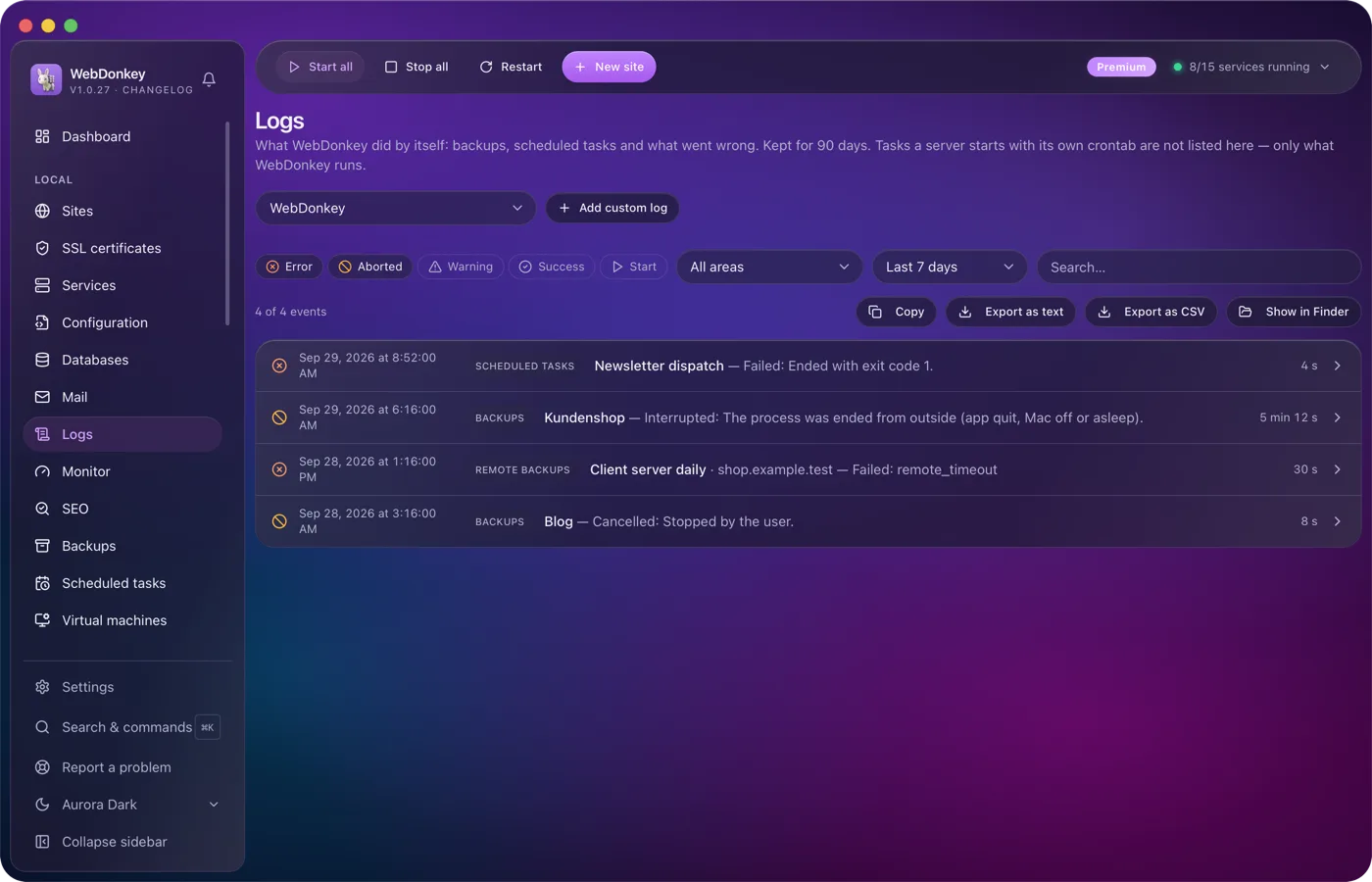
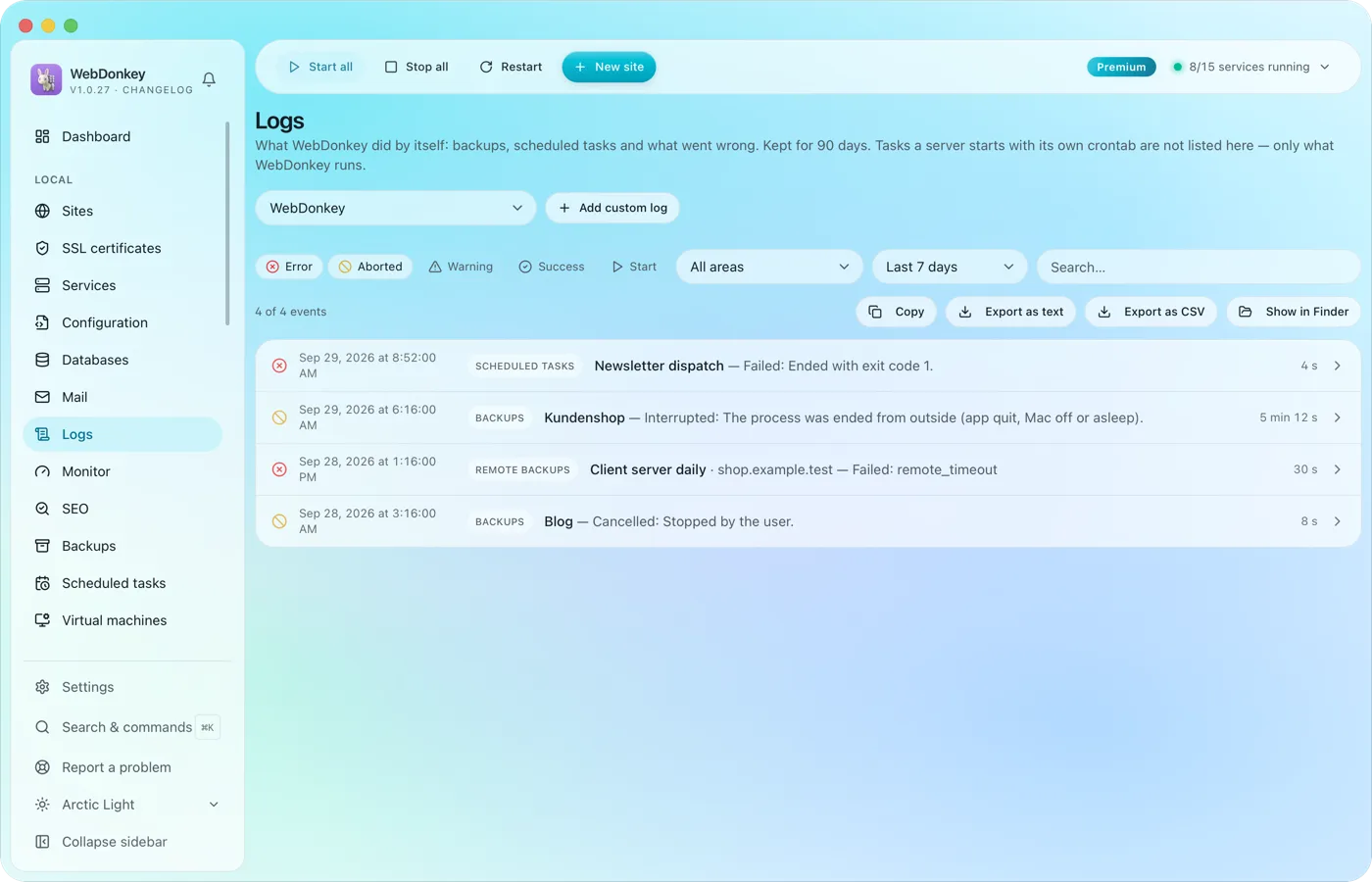 Read logs where they happenService logs from nginx, PHP-FPM, MySQL and the others, live in the app. Plus your own log files, say a project's Laravel log, registered through a file picker and followed live just the same.
-
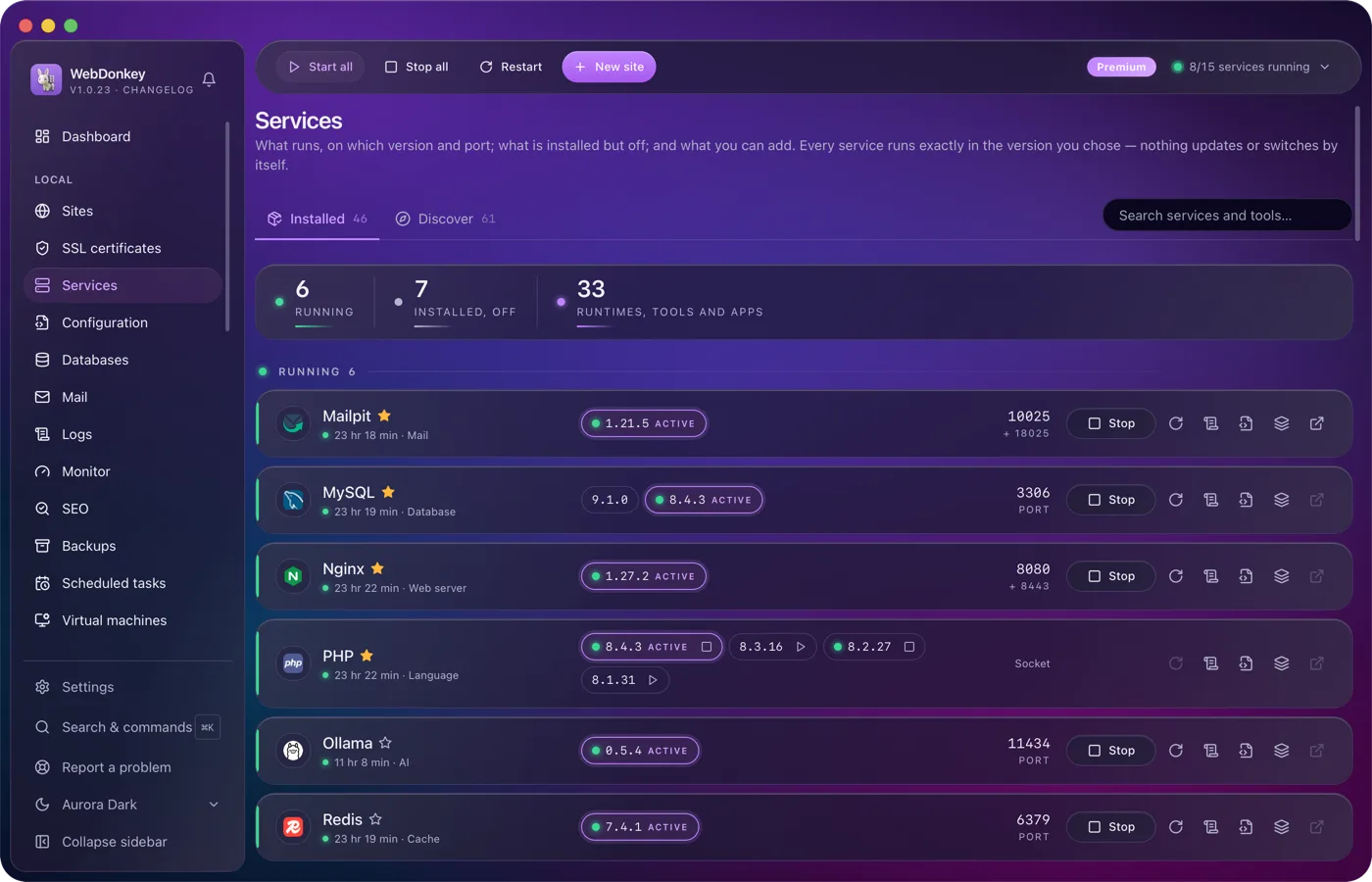
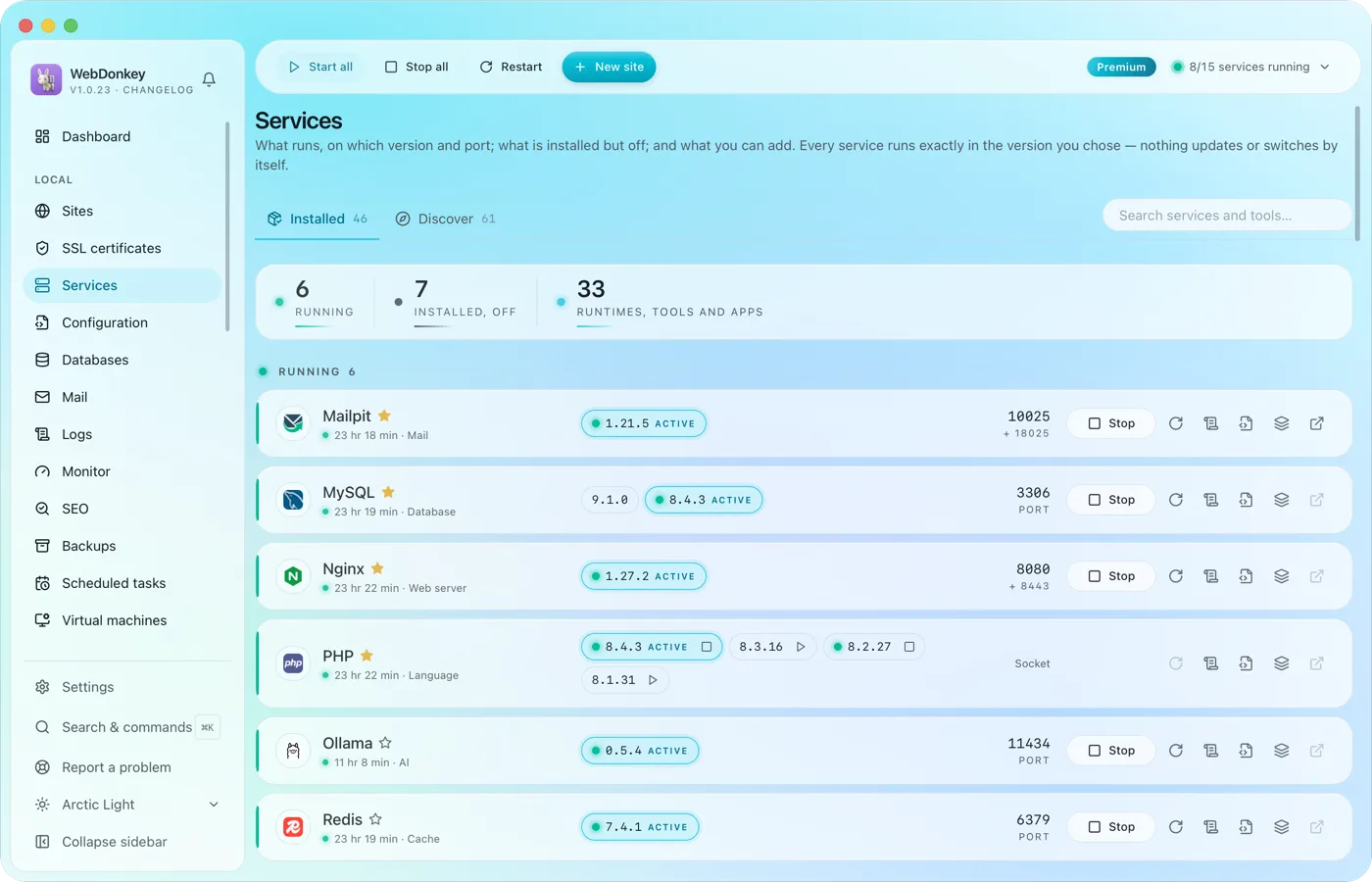 Every service in one placeWeb servers, PHP, Node, databases, cache, mail, search, queue, storage, apps and AI tools. Install, start, stop, switch versions. Services and data live in a folder of their own; for domains, ports and certificates WebDonkey sets up a few system entries with your consent. On top comes a marked block at the end of your ~/.zshrc so your terminal uses the active versions, which you can switch off in the settings.
Try it on your own project.
Free costs nothing and has no time limit. macOS 11 or later, Apple silicon and Intel.
