





Read logs where they happen
Service logs from nginx, PHP-FPM, MySQL and the others, live in the app. Plus your own log files, say a project's Laravel log, registered through a file picker and followed live just the same.
Free costs nothing and has no time limit. macOS 11 or later, Apple silicon and Intel.
What it takes off your plate
Find errors where they happen. Service logs and your own, such as a Laravel log, live in the app.
In detail
WebDonkey log
The WebDonkey entry is the app's own log: what it did by itself, mainly backups and scheduled tasks, and what went wrong. By default you only see errors and aborts of the last seven days; entries are kept for 90 days.
Custom logsPremium
Register any readable file with a name: the shop's deprecation log, the blog's Laravel log. They appear as streams of their own and can be cleared when a run should start fresh.
Add your own logPremium
Pick a file, give it a name, done. It then sits next to the service logs as an entry of its own and is followed live just the same. Handy for a project Laravel log or a file only your deployment writes.
Service logsPremium
Every service brings its streams: the web server's access and error log, the FPM log, the database log, and under Sites the access and error log of every site. Pick one and the app tails the file every one and a half seconds. Lines in common formats show level and time separately, and a stack trace sits folded under its entry. Search, Copy and Export as text sit above the list; Open file takes you to the editor for more.
What does Free include?
This feature comes in Free and in Premium. Where Free ends is set out in the details and in the comparison.
Compare Free and PremiumGoes well with this
-
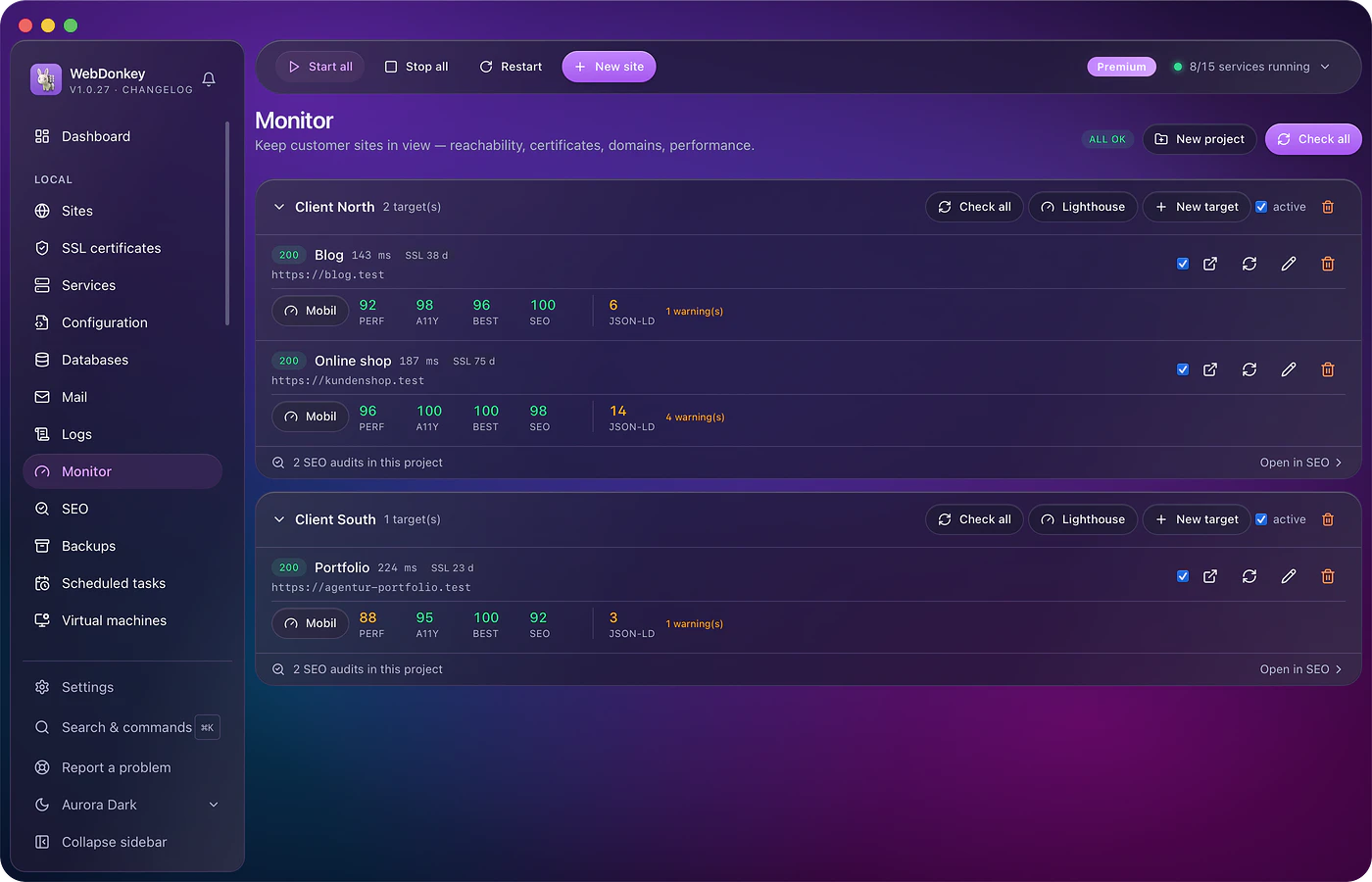
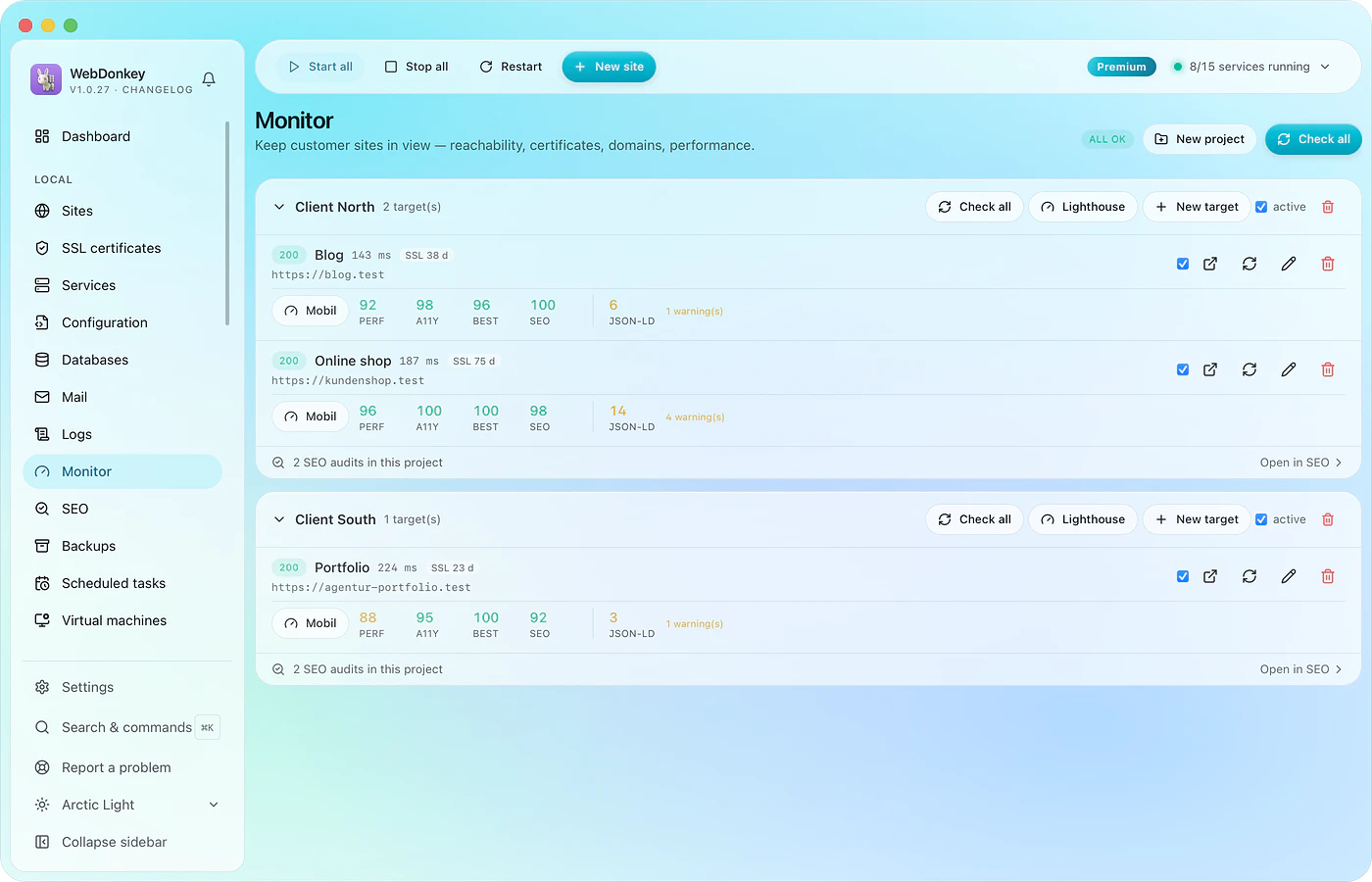 Monitor client sites and catch problems earlyUptime, SSL expiry, domain expiry, response times, structured data and Lighthouse. Everything runs on your Mac and reports in the bell and as a macOS notification.
-
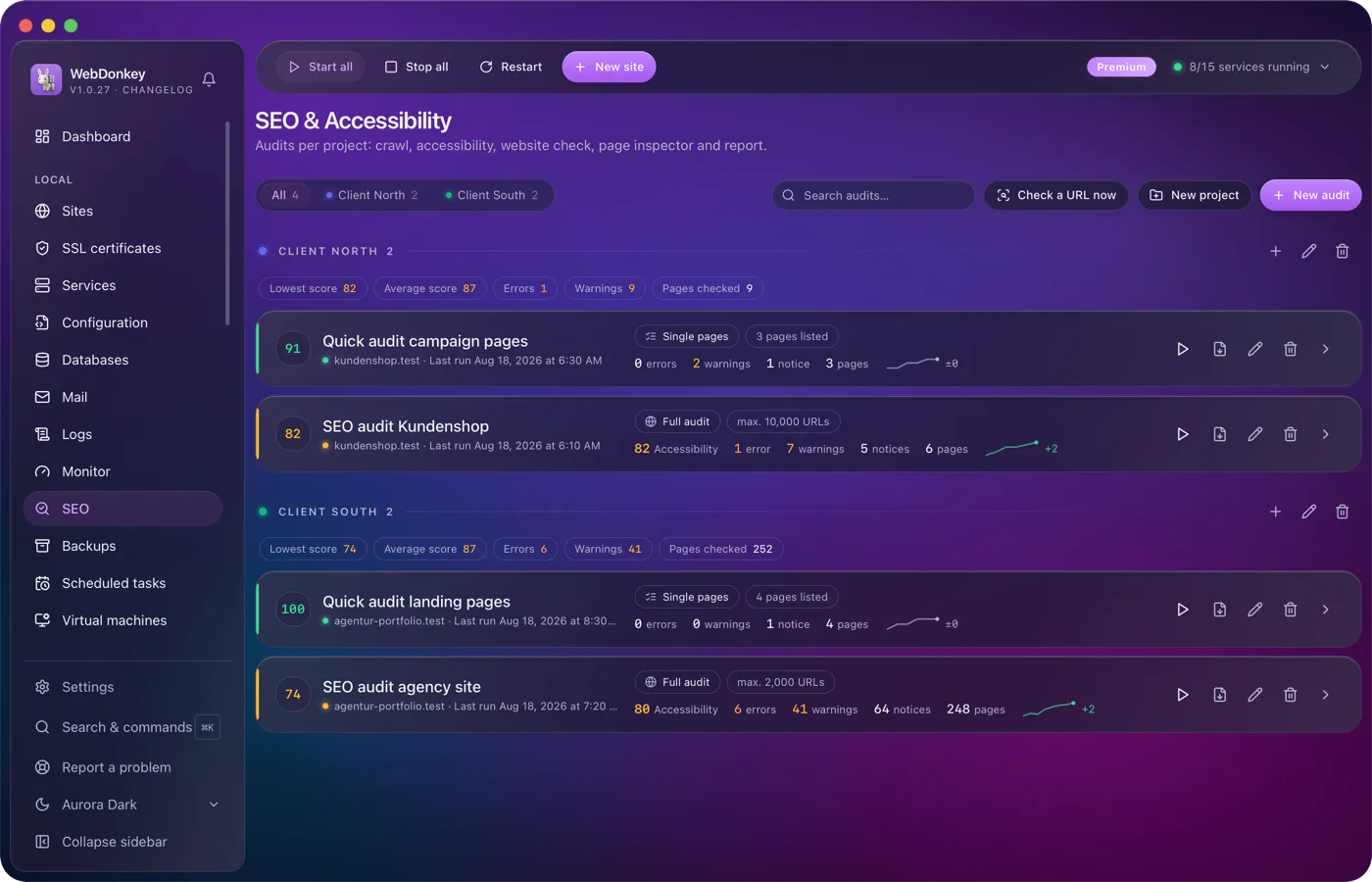
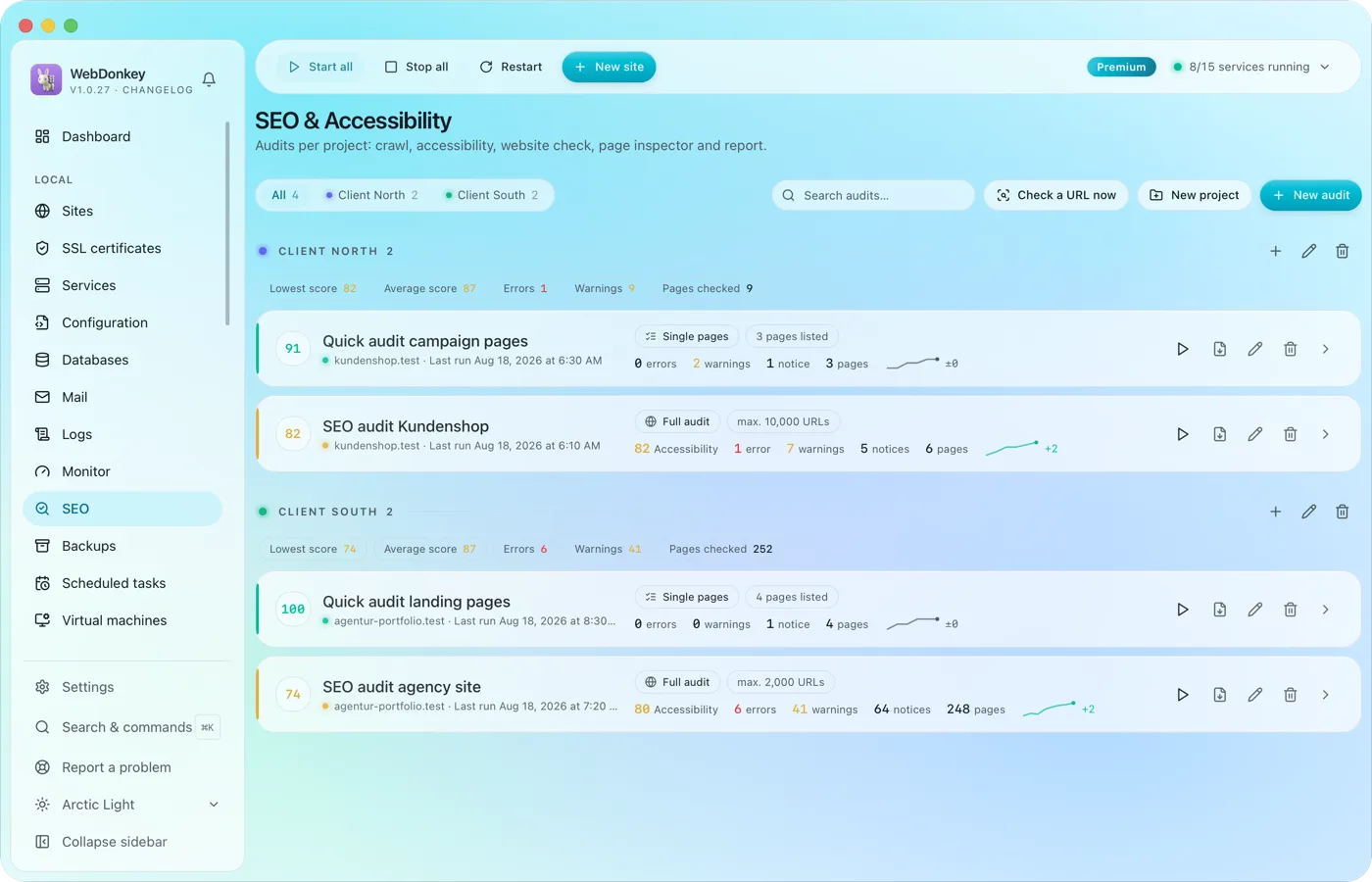 SEO & accessibility audits for your clients' sitesA crawl of the whole website, a section or a list of URLs, as an SEO audit, an accessibility check or both in one pass. Plus a website check for server, security, performance, mail and AI crawlers, and a page inspector for one address. It all ends in a report with a score, findings and history. Everything runs on your Mac.
-
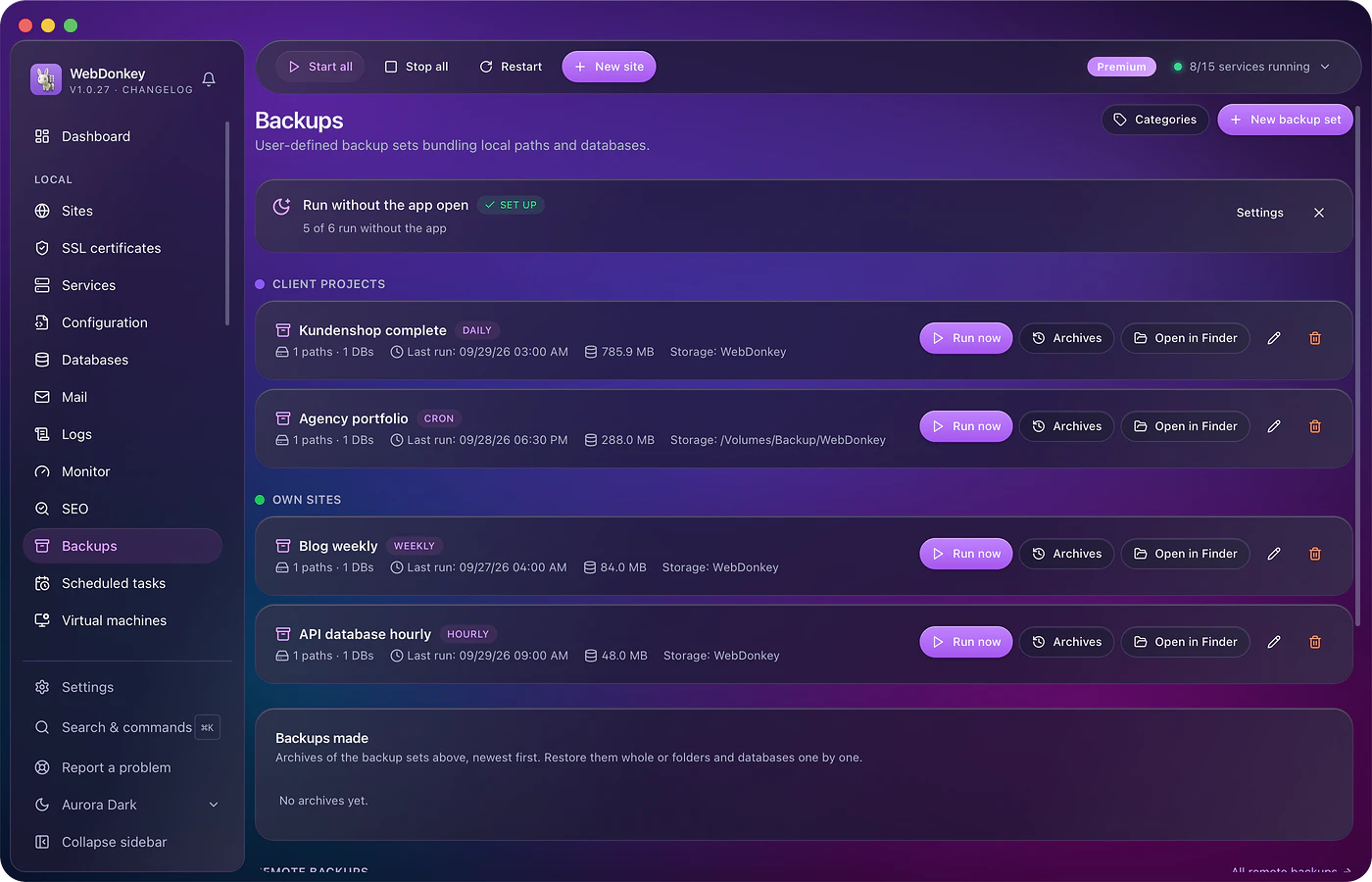
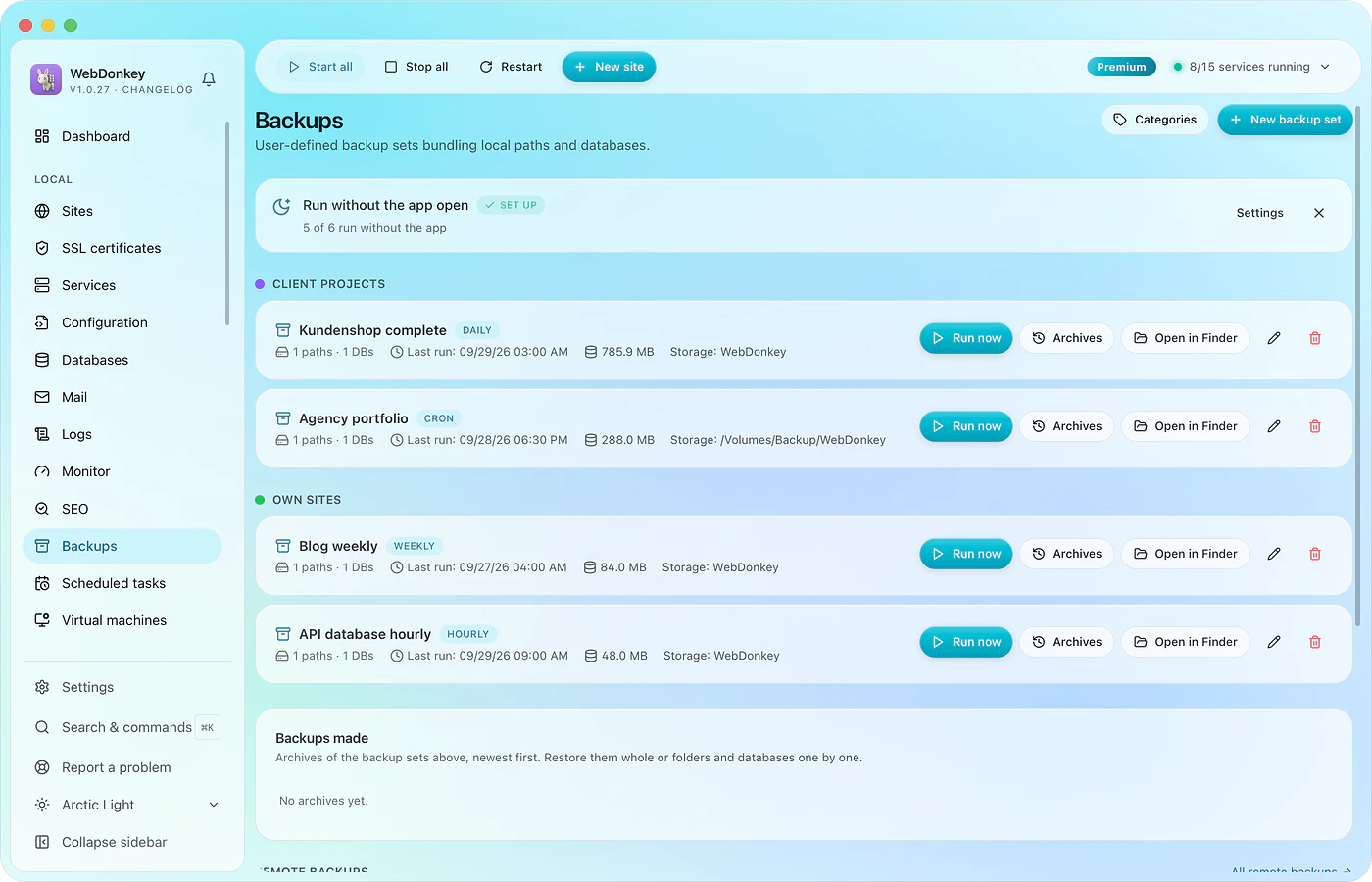 A backup before the update, one that actually comes backBack up files and database together, on schedule, with a retention rule. Every run with size and time. And a restore that shows what it will do before it does it.
-
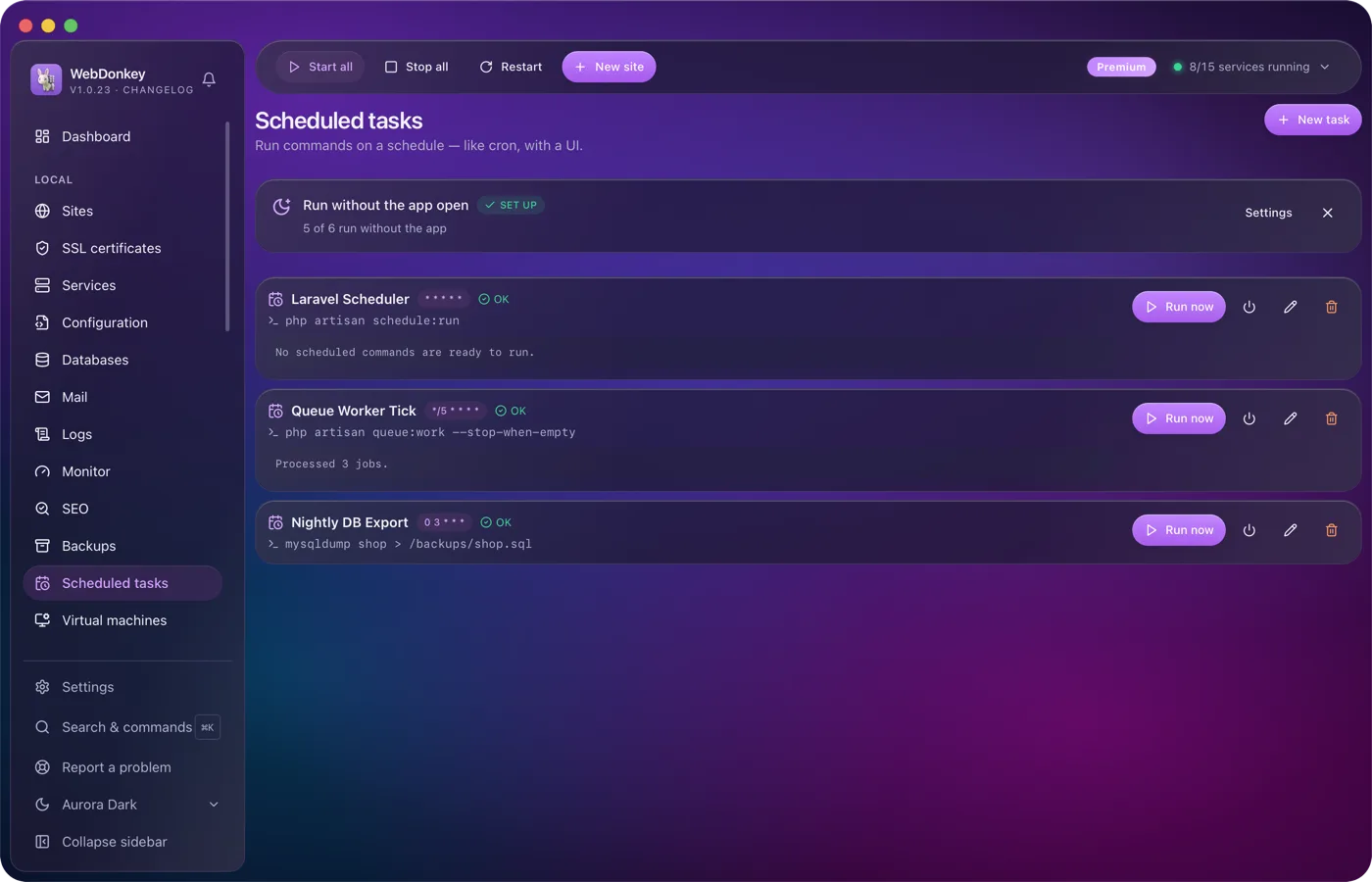
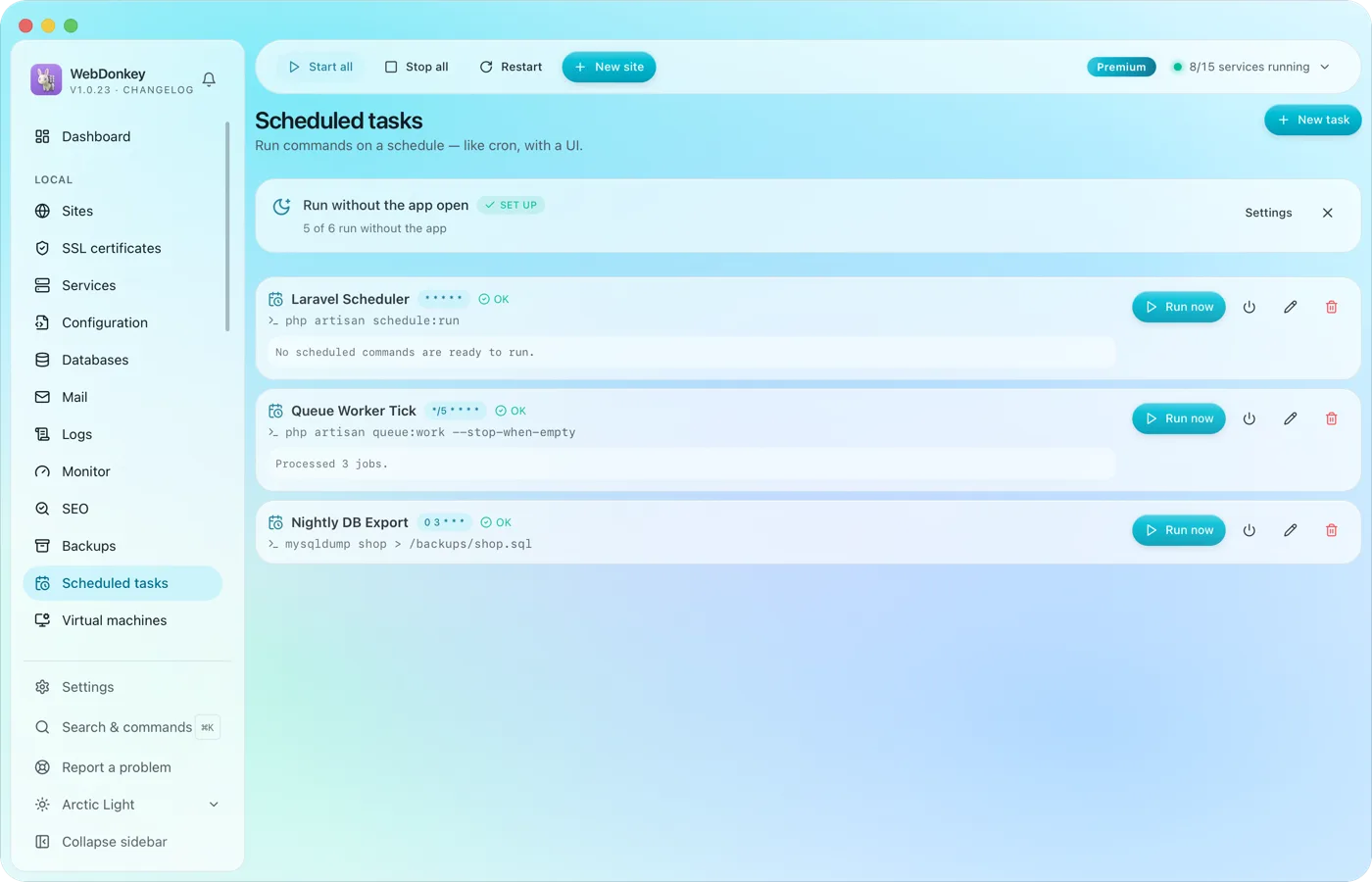 Scheduled tasks with an interface instead of crontabRun commands on a cron schedule, with working directory, status and last output. The Laravel scheduler, a queue worker, a nightly export. If you like, they run even when the app is closed.
Try it on your own project.
Free costs nothing and has no time limit. macOS 11 or later, Apple silicon and Intel.
