





Monitor client sites and catch problems early
Uptime, SSL expiry, domain expiry, response times, structured data and Lighthouse. Everything runs on your Mac and reports in the bell and as a macOS notification.
Free costs nothing and has no time limit. macOS 11 or later, Apple silicon and Intel.
What it takes off your plate
Monitor client sites. Uptime, SSL, domain and Lighthouse, with a notification only when something changes.
In detail
OverviewFree & Premium
Projects with their targets; each row shows status, last response time, SSL days left, the Lighthouse scores and the state of the structured data. Intervals from five minutes to 24 hours, and an optional keyword catches the case a status code does not see: the page answers 200 but shows nothing. Free monitors one project with three targets, with the full feature set.
Projects and targetsFree & Premium
One project per client, its targets below. When you add targets you enter URLs, one per line, each becoming a target of its own; without a label WebDonkey uses the host name. Password-protected pages are checked with basic auth. Untick automatic checks in a target's row and it is only checked with Check now; the active tick on a project pauses a whole client. Free monitors one project with three targets.
Detail
Response time history as a chart for today, seven or thirty days, uptime, certificate with issuer and expiry, domain with registrar and expiry, structured data with missing required and recommended fields.
Lighthouse
Google's audit for every target, mobile and desktop separately: performance, accessibility, best practices, SEO and the Web Vitals. The report opens as HTML. On a project you run Lighthouse for all its targets one after another. WebDonkey needs Node/npm from the Services page and an installed Chrome, Chromium, Brave or Edge for it; Lighthouse itself you install once with Install Lighthouse.
Notifications
A message only comes on a change of state: when a target goes down and when it is back, for the SSL certificate 21, 7 and 0 days before expiry, for the domain 60, 14 and 0 days before. It lands in the bell; with WebDonkey in the background macOS shows it as a notification too. Checks run from your network while WebDonkey is open; when you are offline they pause instead of reporting outages. Only for the domain expiry does WebDonkey look the domain name up at rdap.org; otherwise no client URL goes to anyone else.
What does Free include?
This feature comes in Free and in Premium. Where Free ends is set out in the details and in the comparison.
Compare Free and PremiumGoes well with this
-
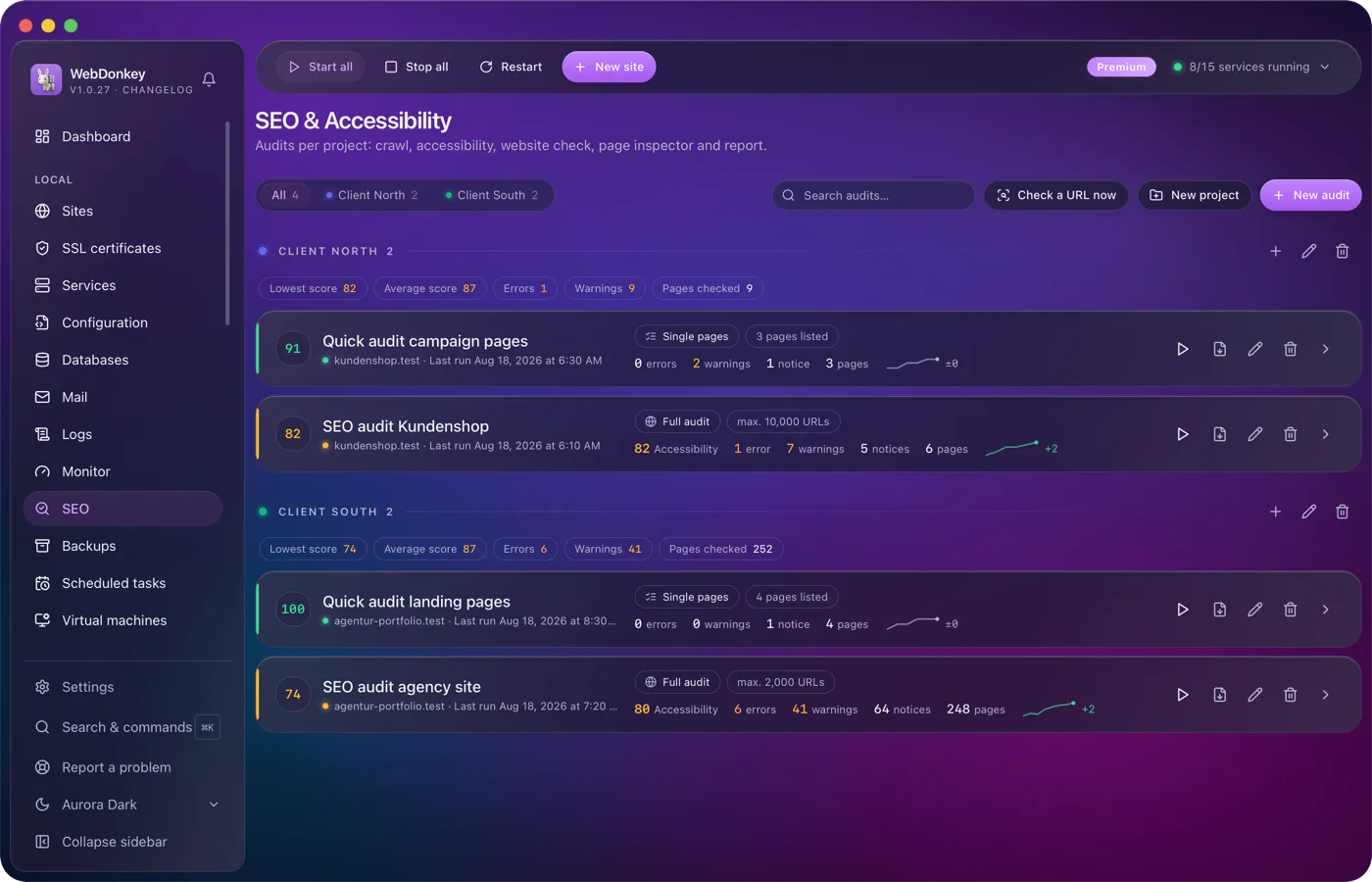
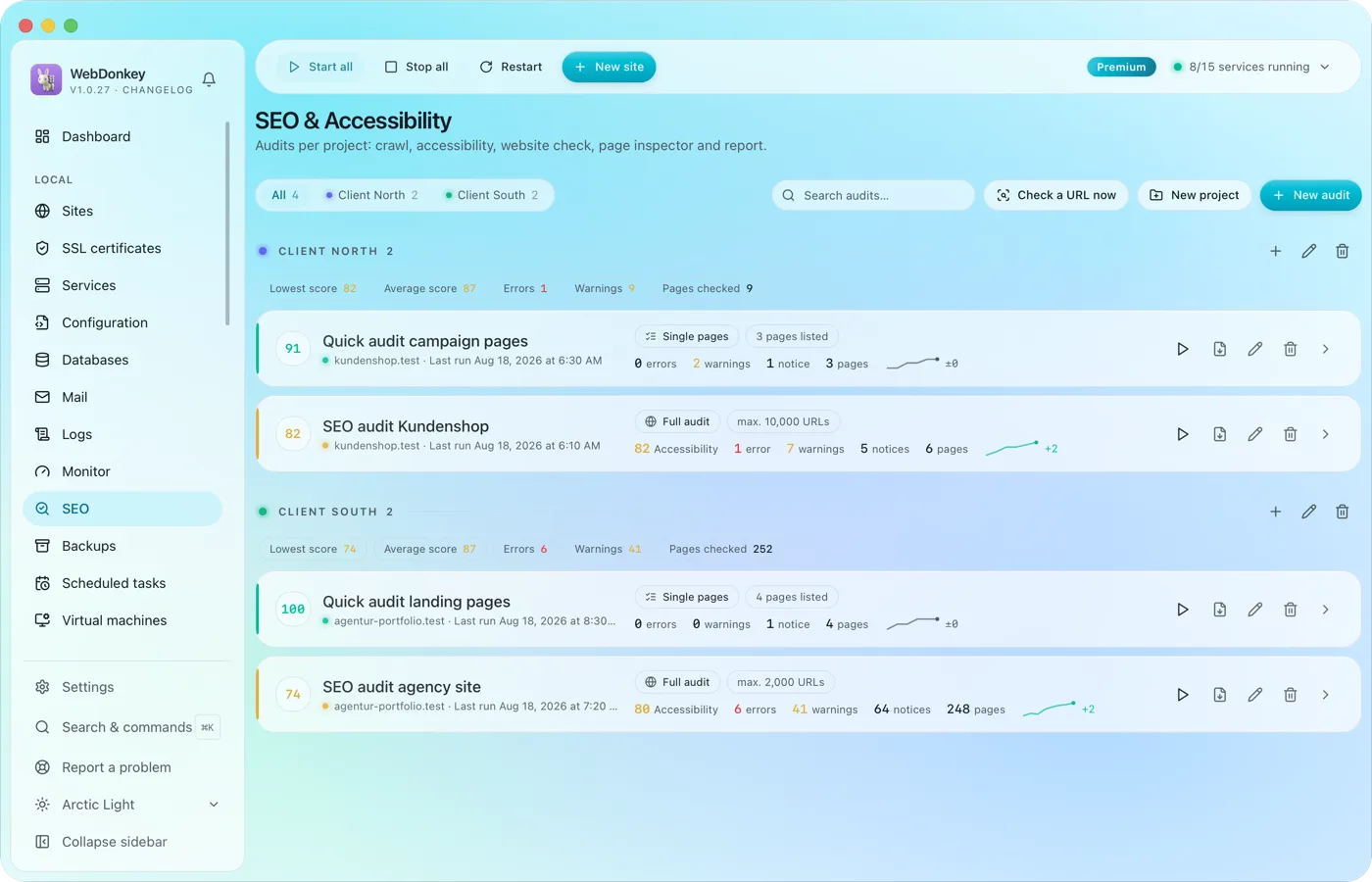 SEO & accessibility audits for your clients' sitesA crawl of the whole website, a section or a list of URLs, as an SEO audit, an accessibility check or both in one pass. Plus a website check for server, security, performance, mail and AI crawlers, and a page inspector for one address. It all ends in a report with a score, findings and history. Everything runs on your Mac.
-
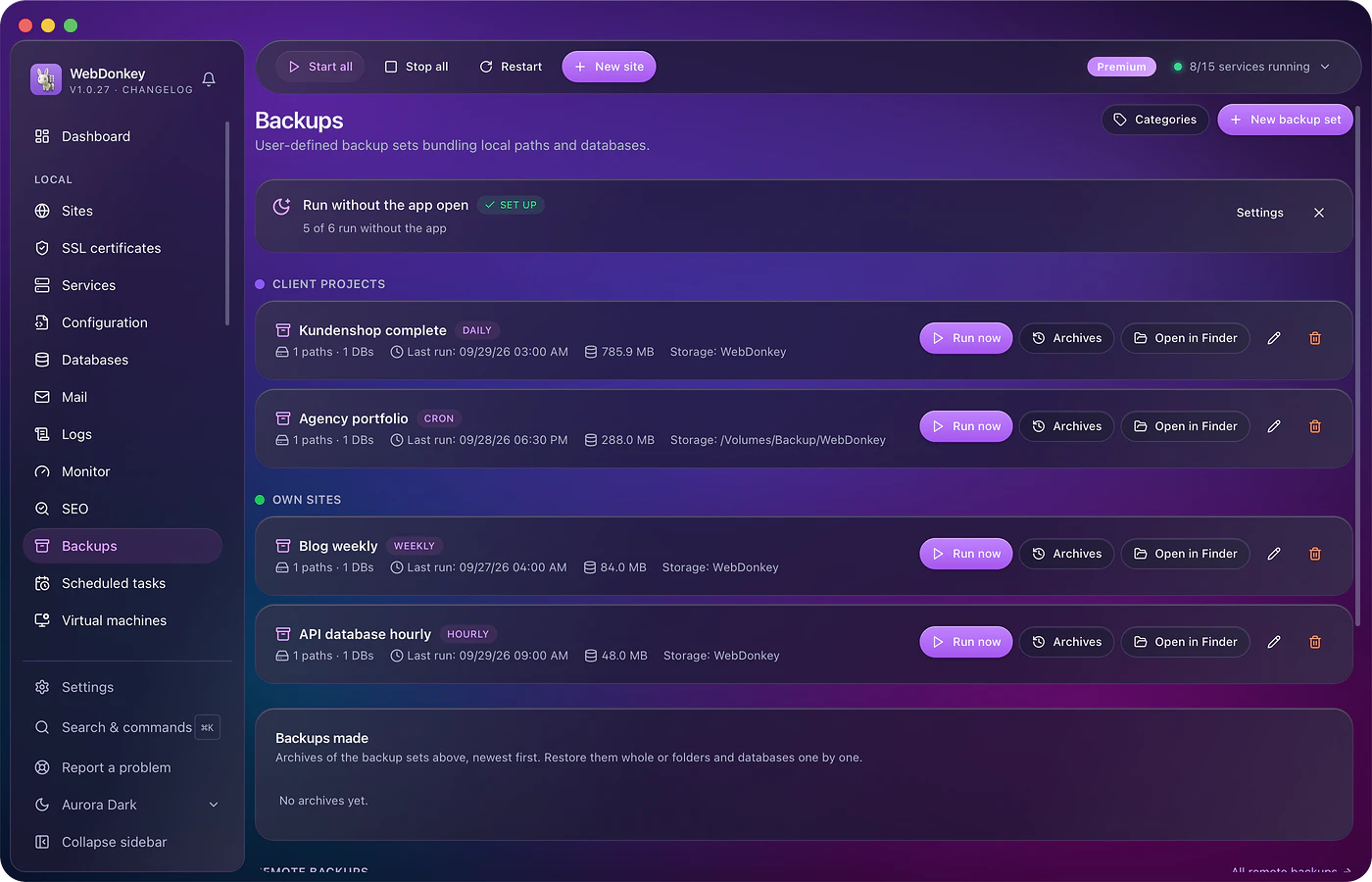
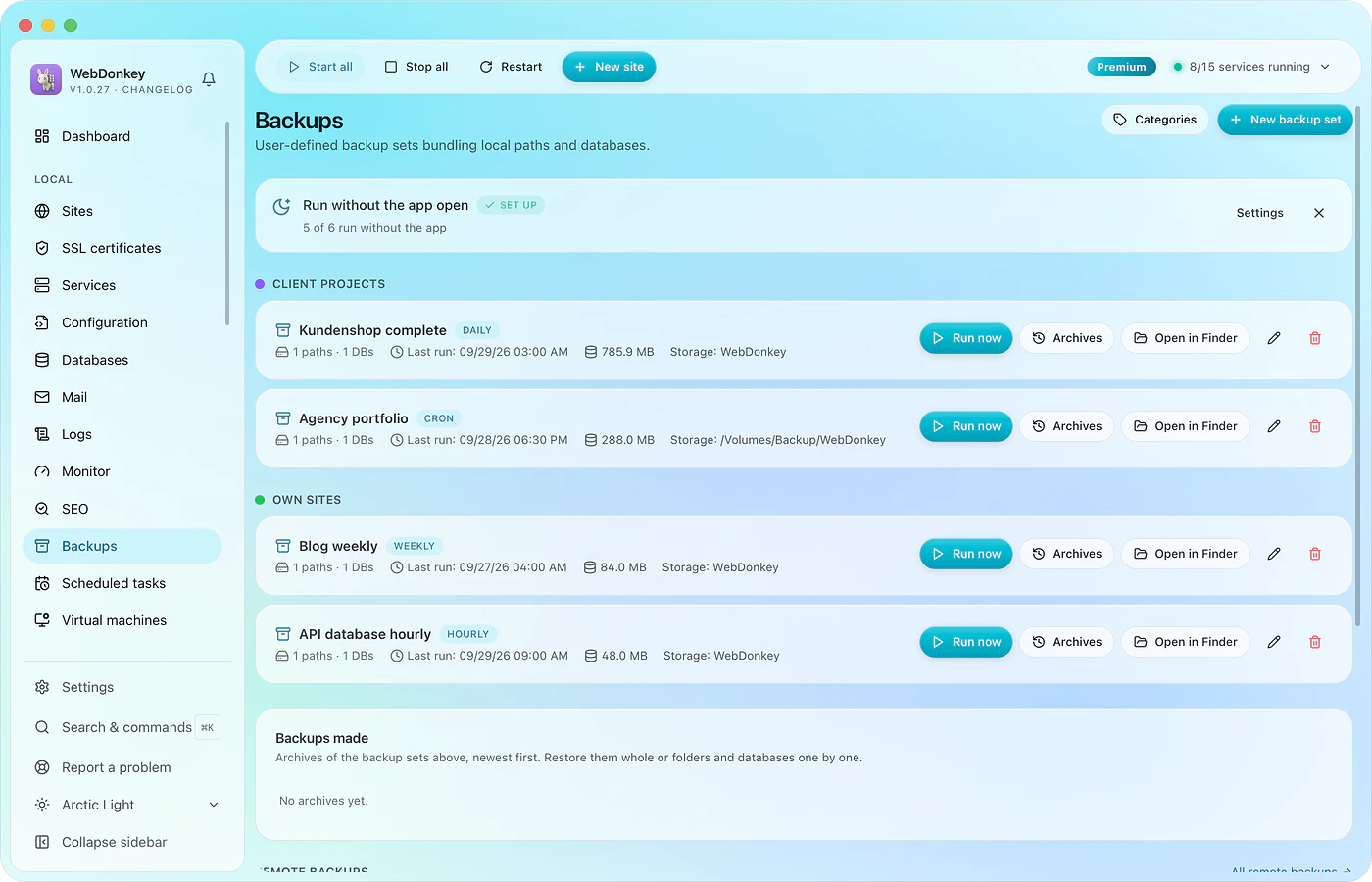 A backup before the update, one that actually comes backBack up files and database together, on schedule, with a retention rule. Every run with size and time. And a restore that shows what it will do before it does it.
-
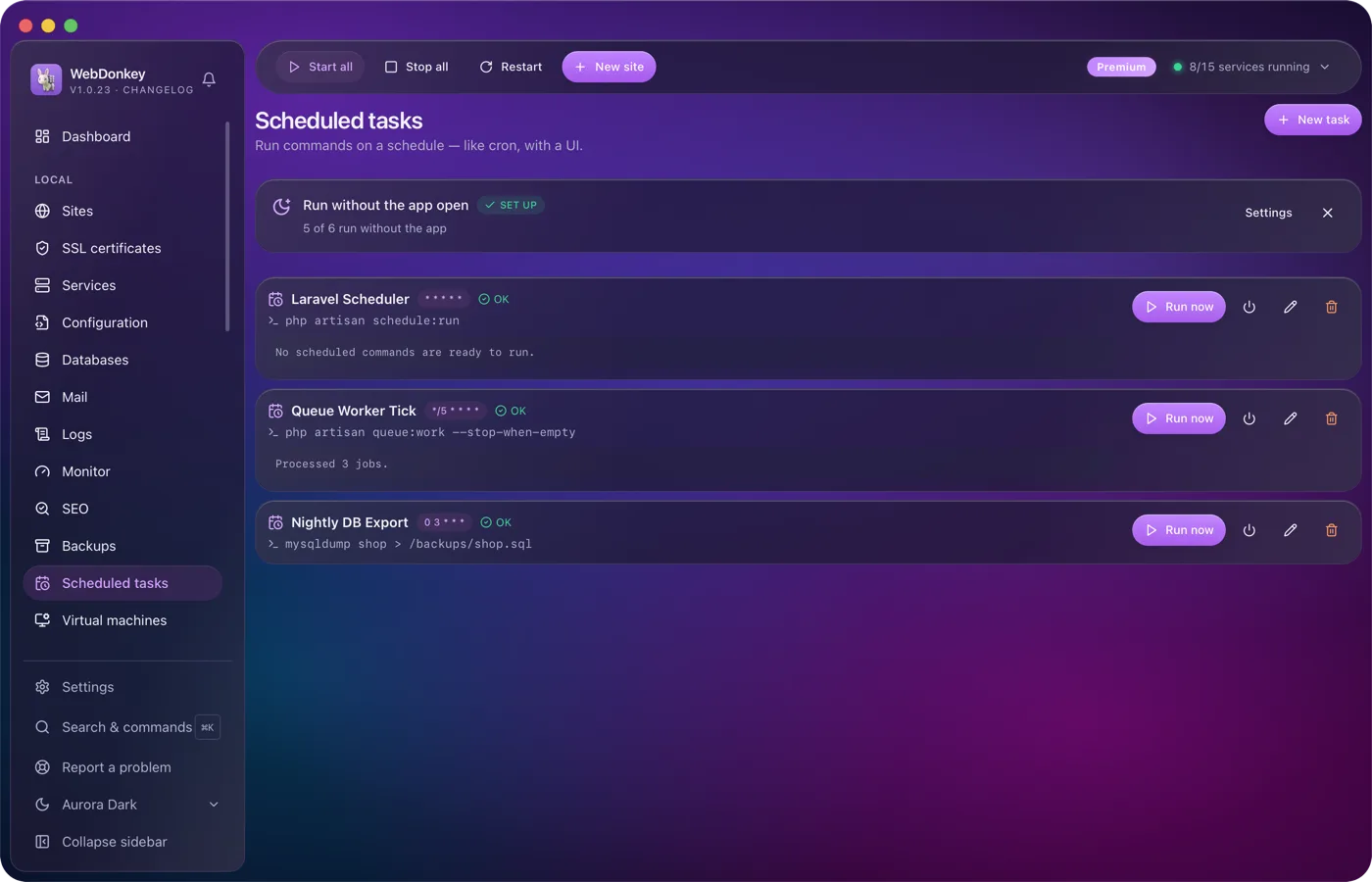
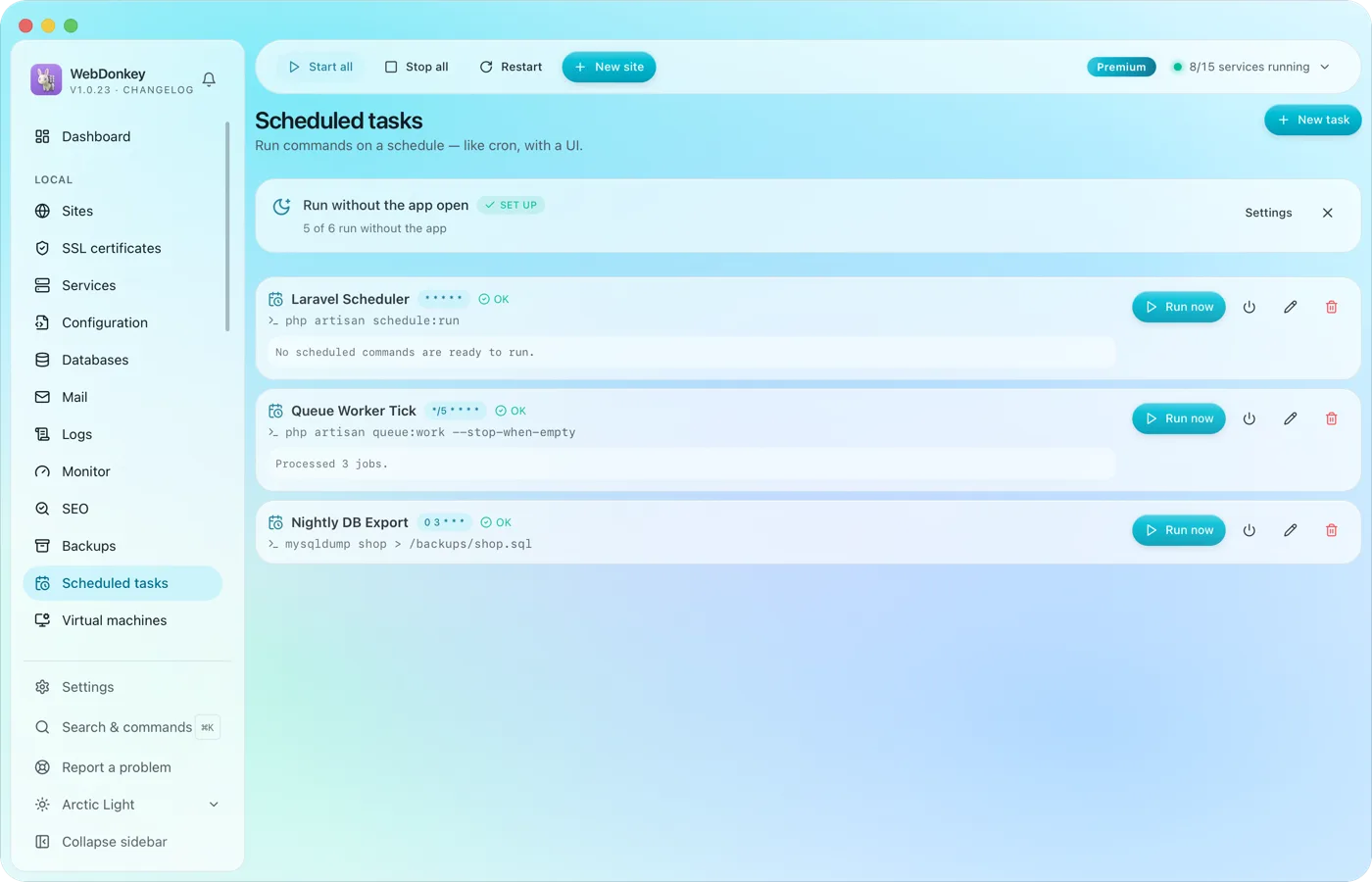 Scheduled tasks with an interface instead of crontabRun commands on a cron schedule, with working directory, status and last output. The Laravel scheduler, a queue worker, a nightly export. If you like, they run even when the app is closed.
-
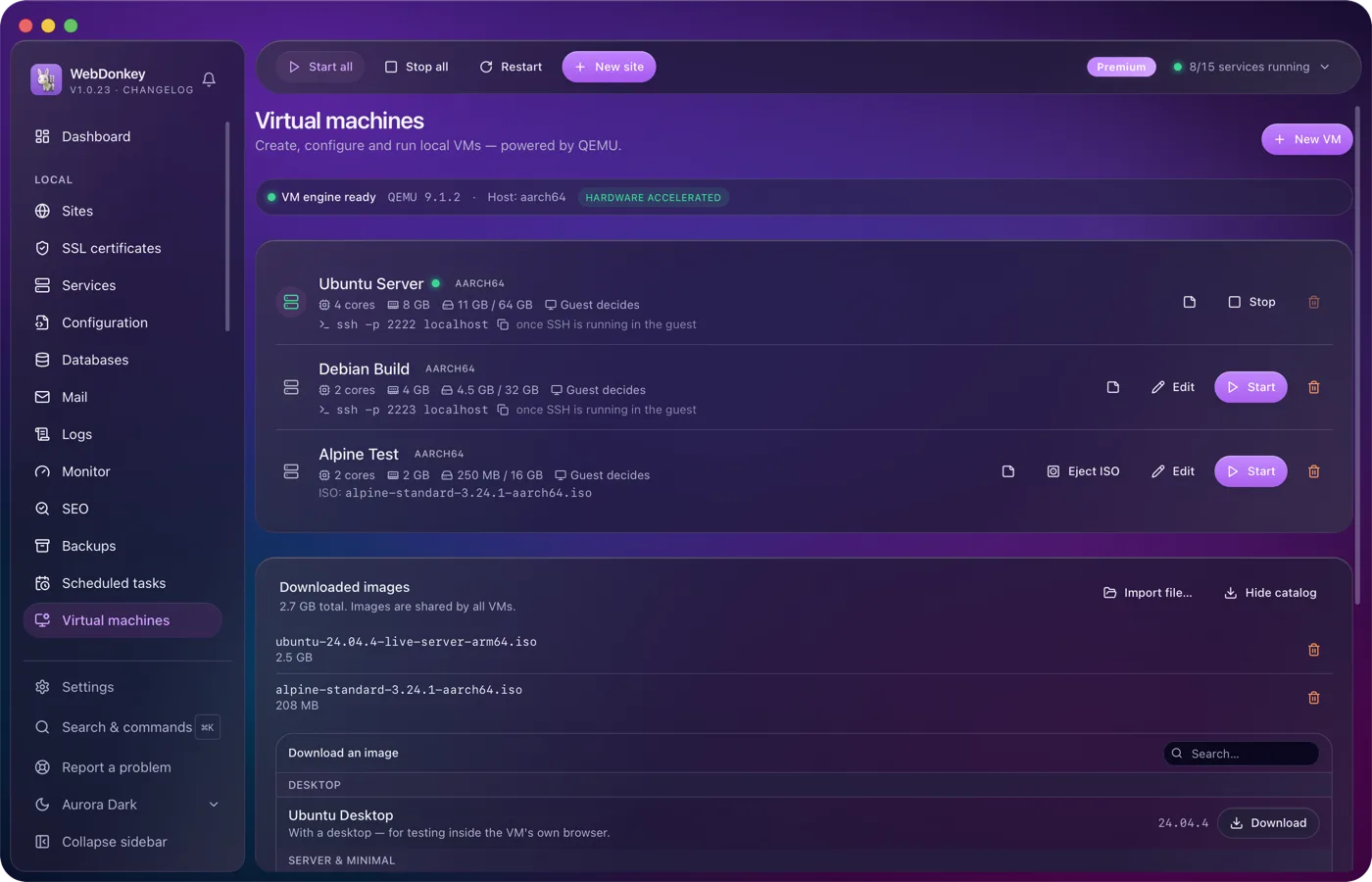
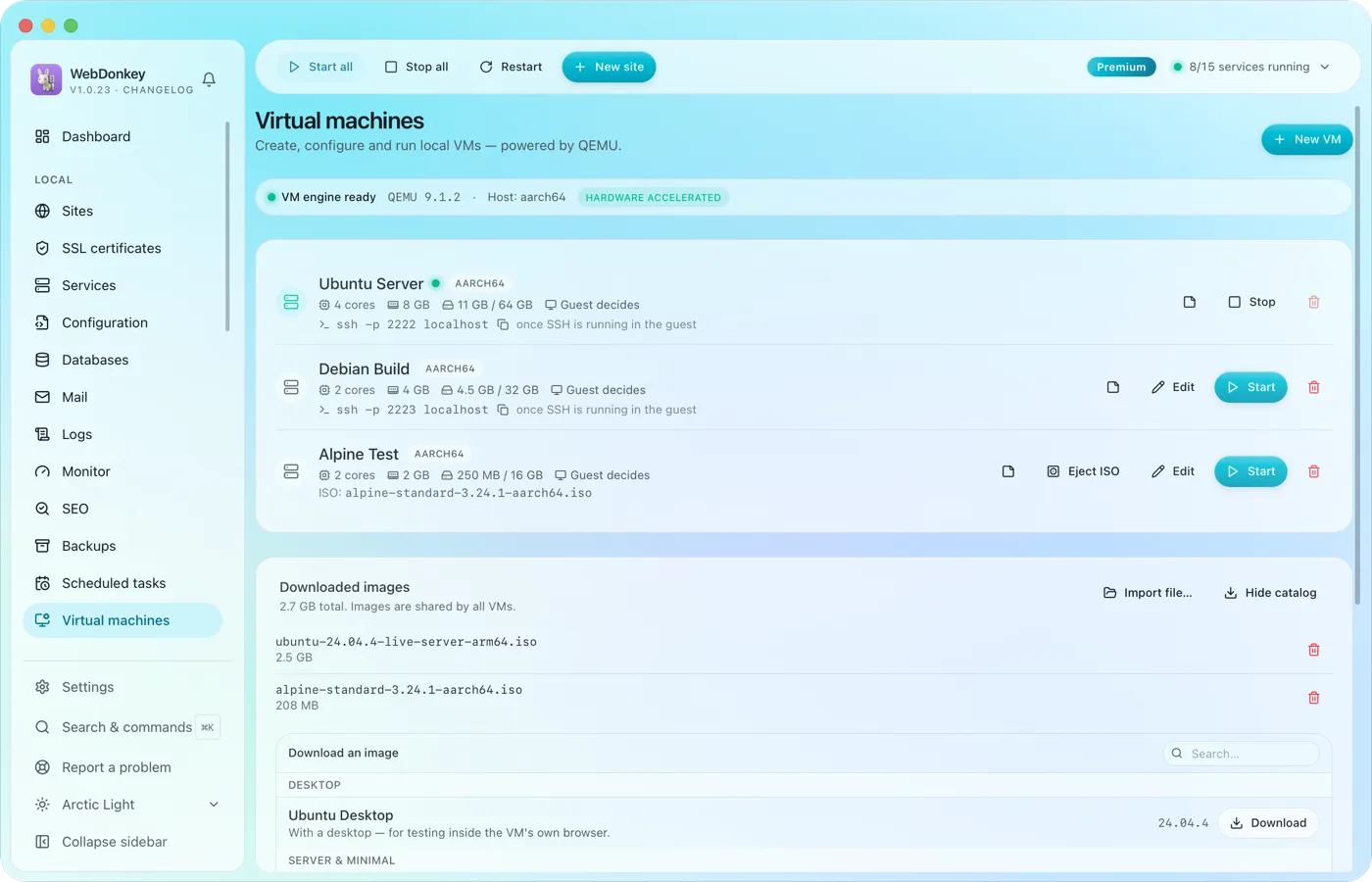 Test whole systems without a setup marathonVirtual machines with QEMU, right in the app. Load an image from the catalogue, enter RAM, cores and disk, start. Ubuntu, Debian, Alpine, Fedora and Rocky are included.
Try it on your own project.
Free costs nothing and has no time limit. macOS 11 or later, Apple silicon and Intel.
