





A backup before the update, one that actually comes back
Back up files and database together, on schedule, with a retention rule. Every run with size and time. And a restore that shows what it will do before it does it.
Free costs nothing and has no time limit. macOS 11 or later, Apple silicon and Intel.
What it takes off your plate
Back up before an update. Files and database as one set on a schedule, with a restore that shows what it affects first.
In detail
Categories
Categories group your backup sets, for example client projects, websites or shops, each with a colour of its own. Sets without a category are listed under Uncategorized.
Create a set
Name, category, destination folder, paths with exclusion patterns, databases, schedule and how many runs to keep. Folders and files are picked in the native dialog.
Schedule and retention
Manual only, hourly, daily, weekly or a cron expression of your own. Backups go to the WebDonkey folder or a folder of your choice, such as an external drive. Plus the rule whether only the newest backup stays or a fixed number, with the oldest making room.
Runs
Every run as a row with time, size and status. While backing up you see the phases: database, files, finalising. Runs outside the retention are removed automatically together with their archive. If you delete a whole set, its archives stay on disk unless you tick that the archives on disk go too.
Restore
Under Backups made or in a set's archives you pick a run and restore all of it, only its files or a single database. Each folder goes back to its origin or to a folder you map, with Replace folder or Merge. The target database is always backed up first, and before anything is overwritten the app shows you what it hits.
Remote backups in view
Below the local archives sit the ten newest archives from your servers too; All remote backups leads to the full list.
What does Free include?
This feature is part of Premium. On Free you see it in the app, and you can use it with a licence.
Compare Free and PremiumGoes well with this
-
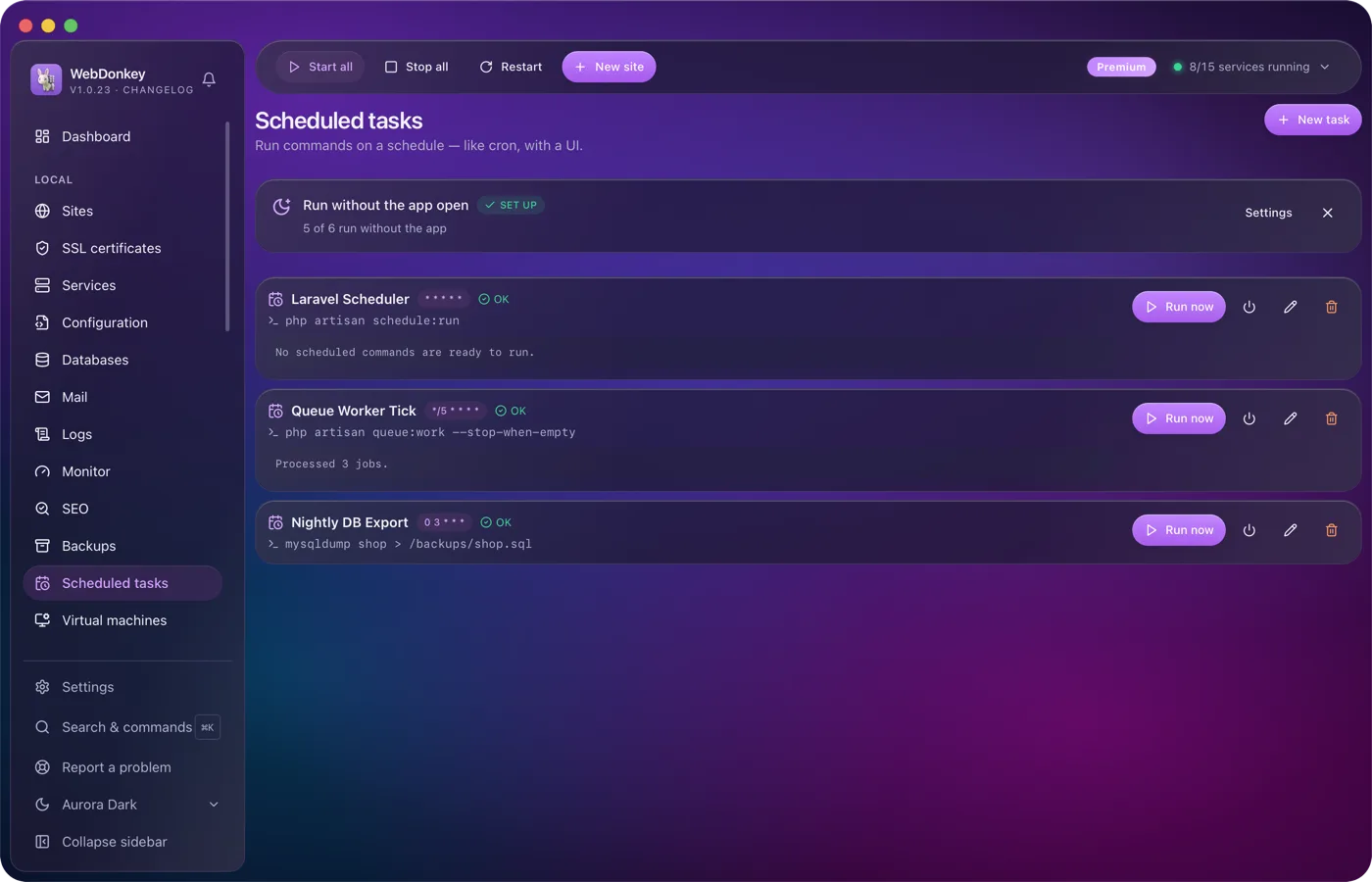
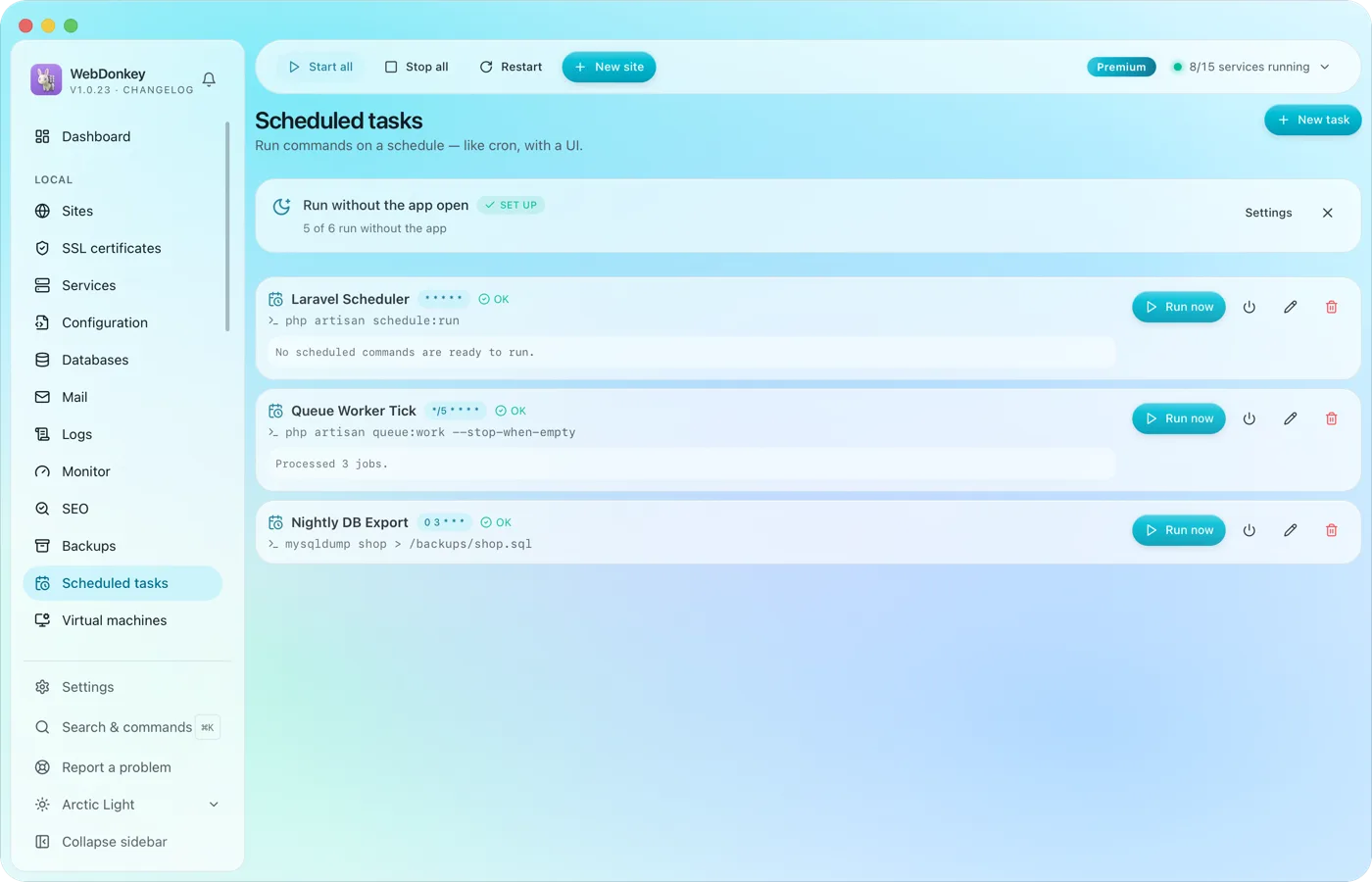 Scheduled tasks with an interface instead of crontabRun commands on a cron schedule, with working directory, status and last output. The Laravel scheduler, a queue worker, a nightly export. If you like, they run even when the app is closed.
-
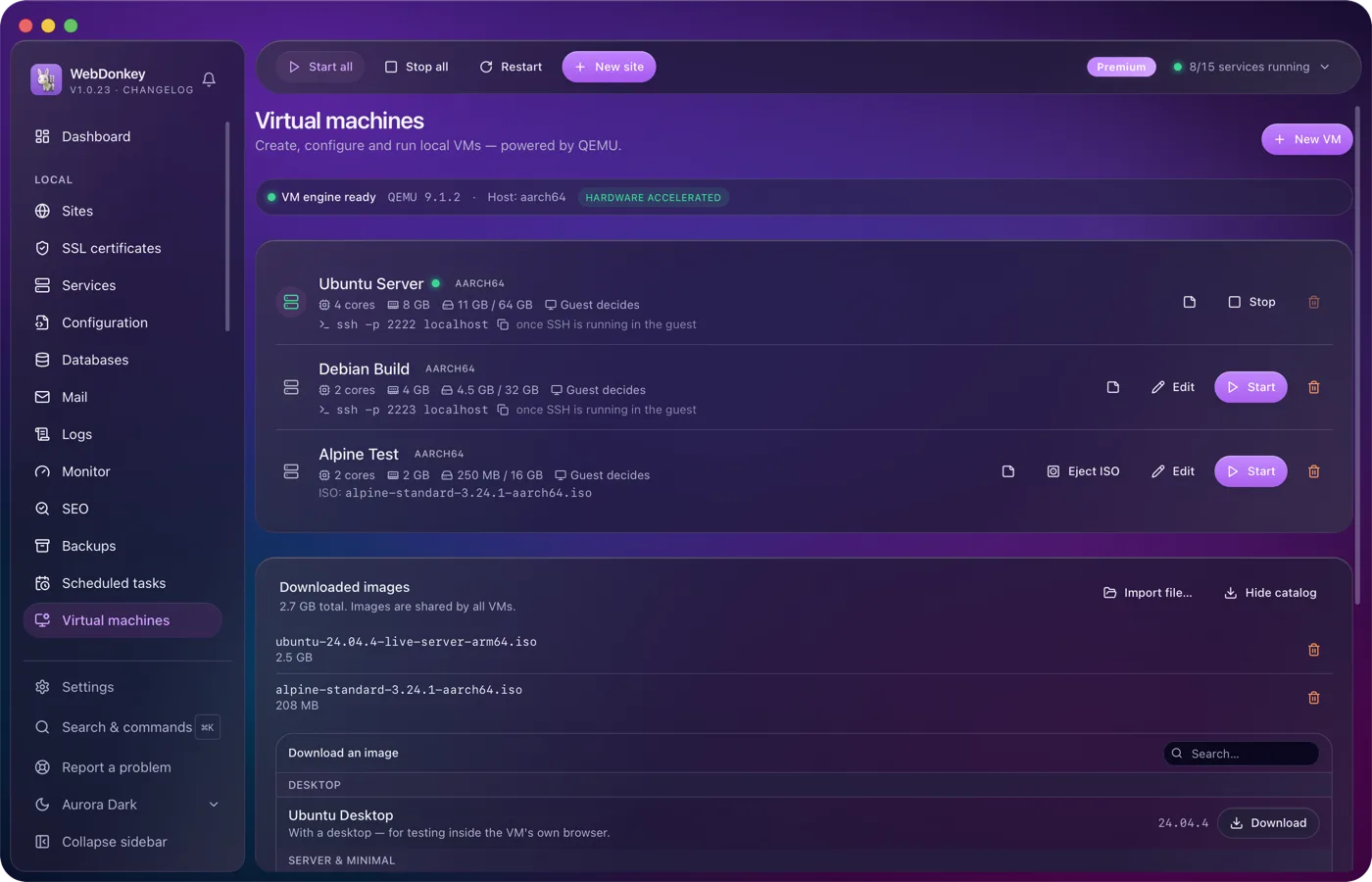
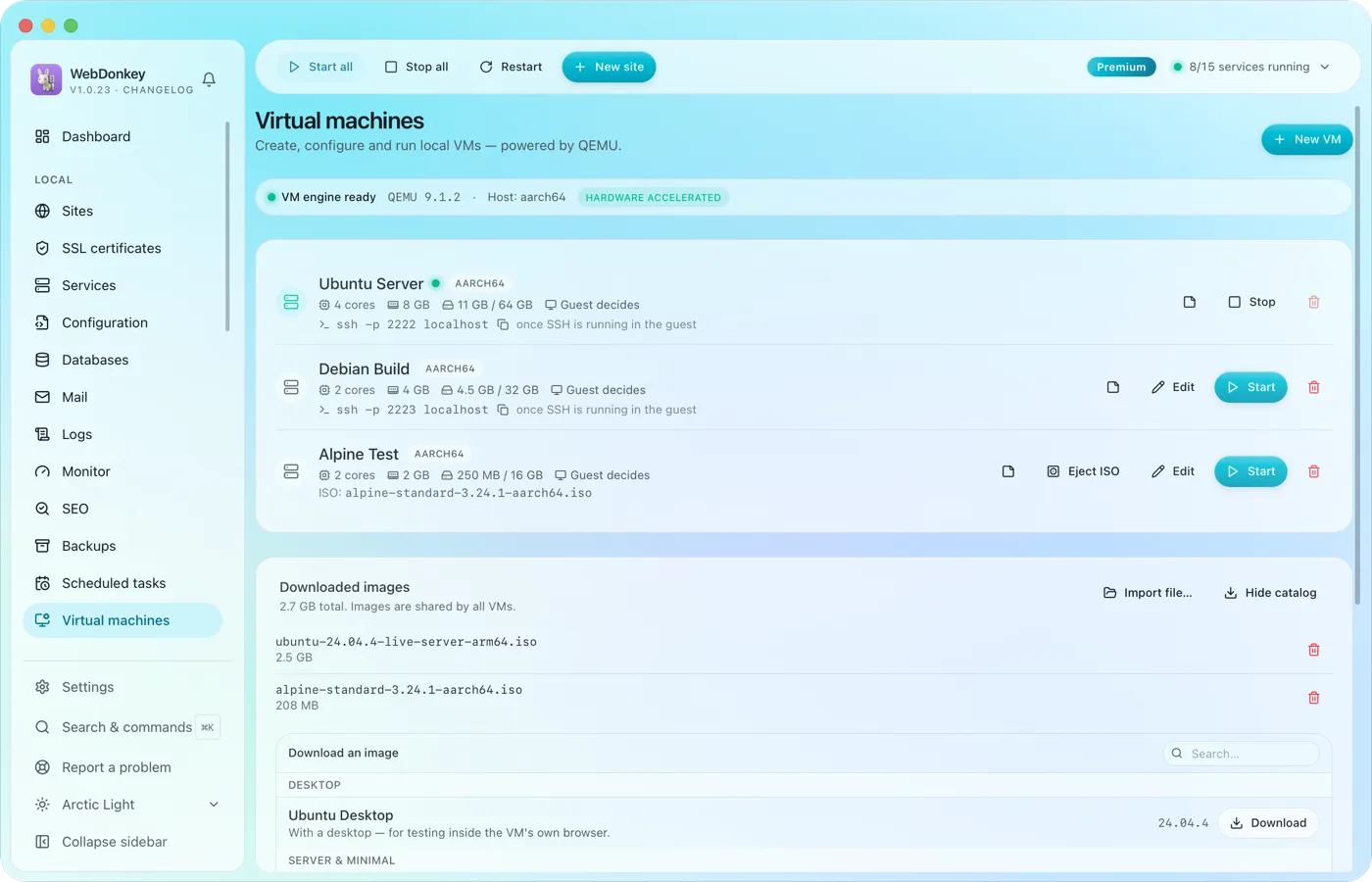 Test whole systems without a setup marathonVirtual machines with QEMU, right in the app. Load an image from the catalogue, enter RAM, cores and disk, start. Ubuntu, Debian, Alpine, Fedora and Rocky are included.
-
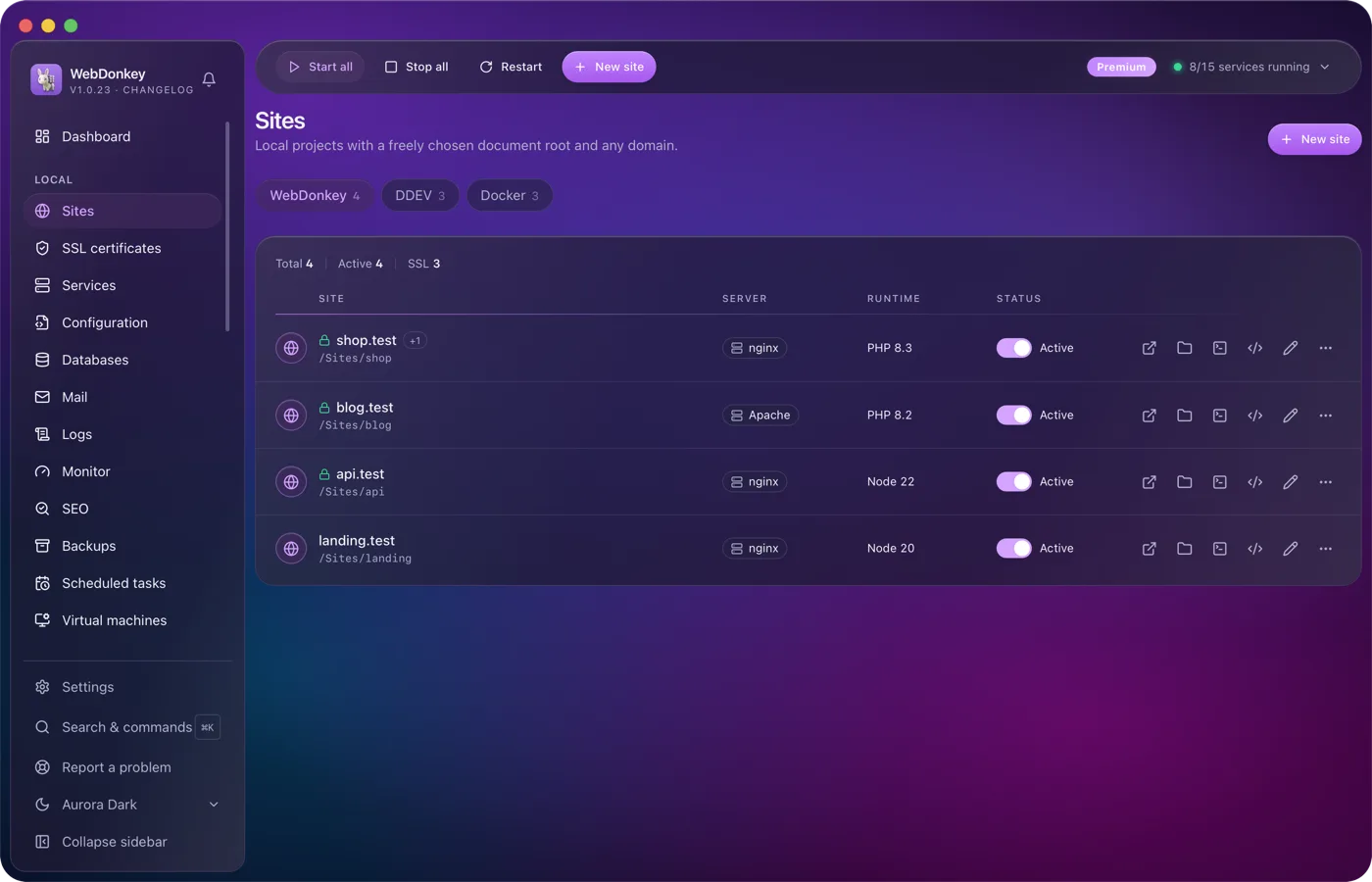
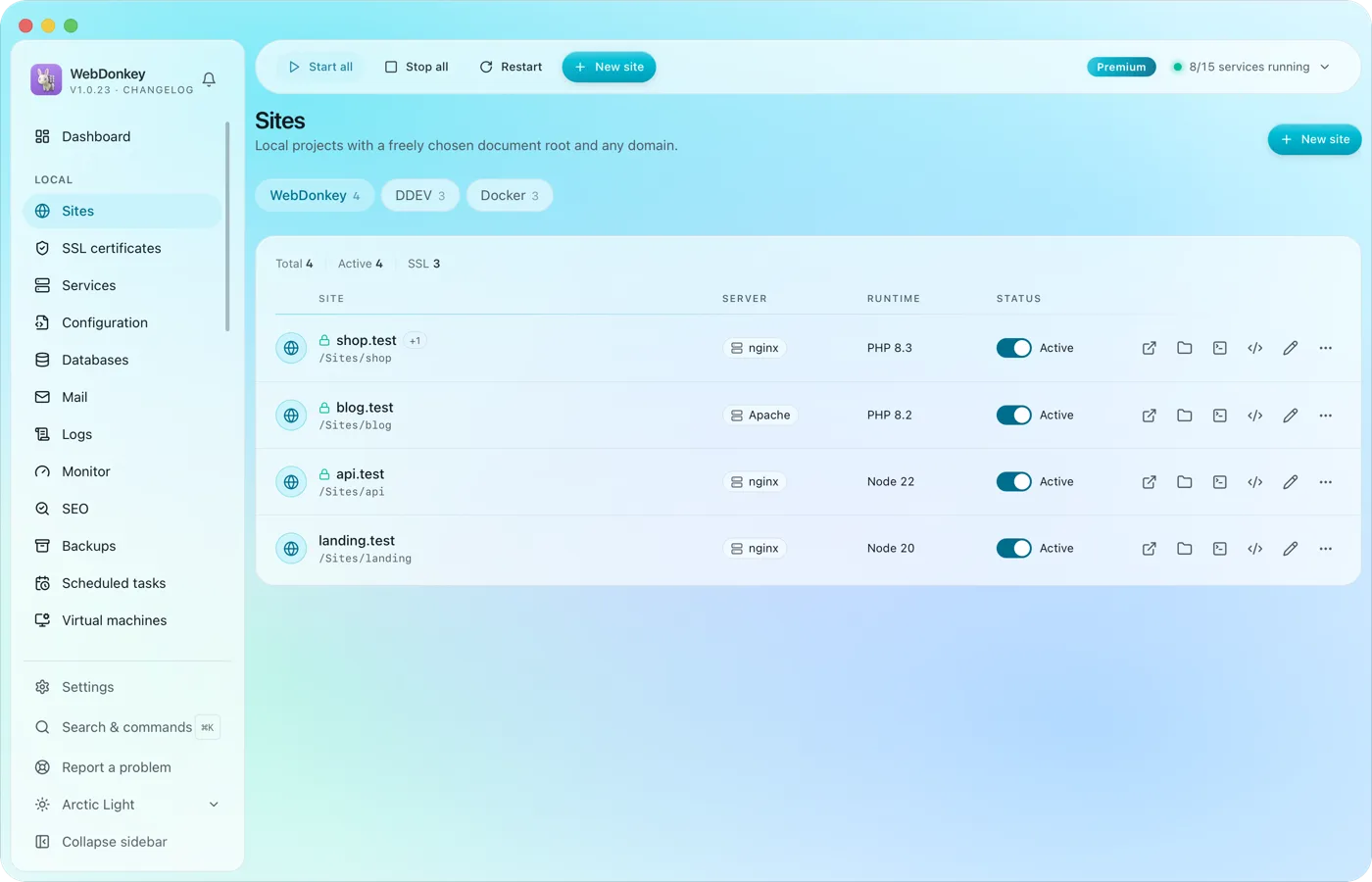 Unlimited local sites, each with its own domainPick a folder, type a domain, choose a PHP or Node version, done. HTTPS and name resolution are set up by WebDonkey itself. DDEV projects and Docker containers sit right next to them.
-
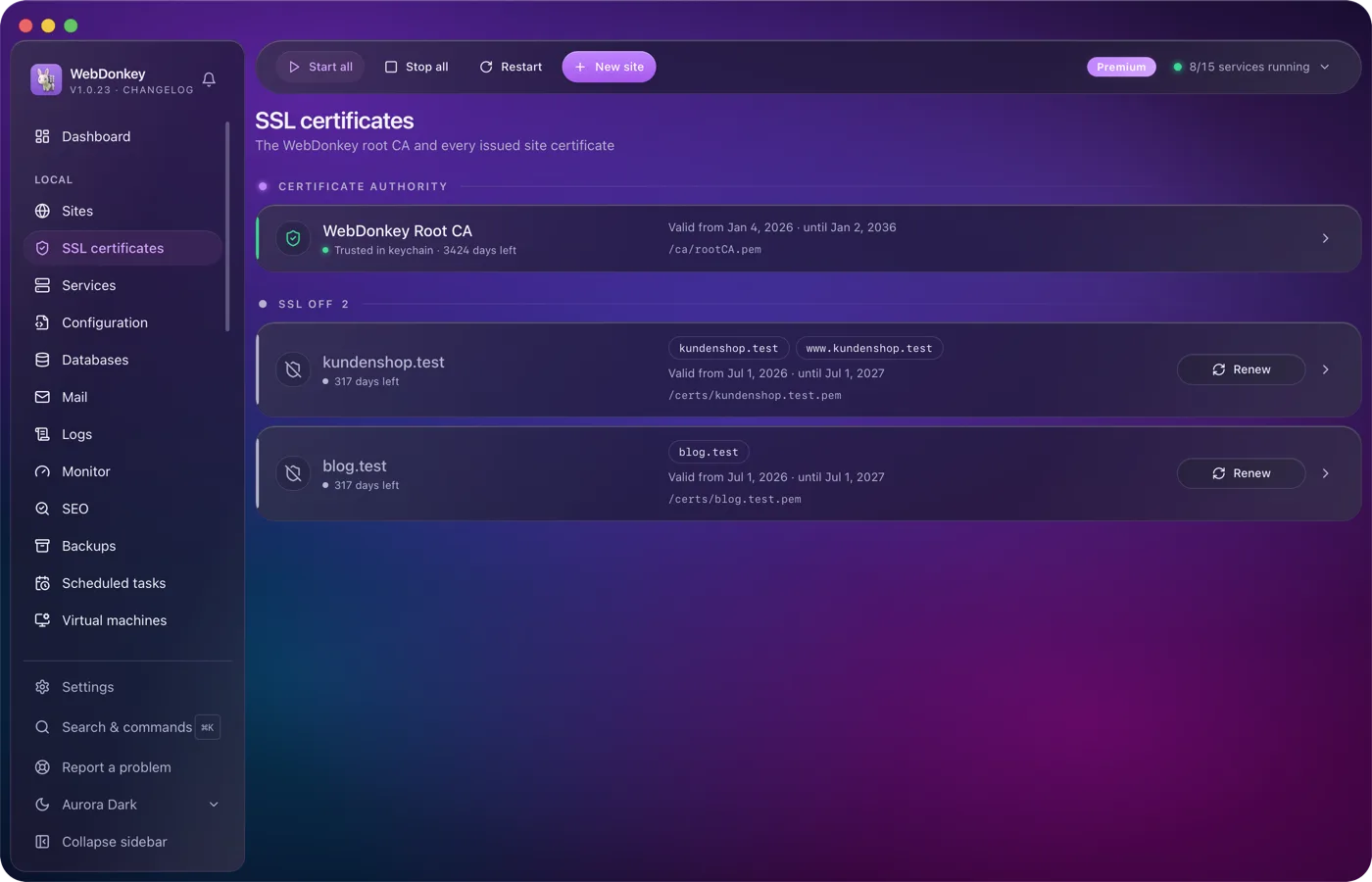
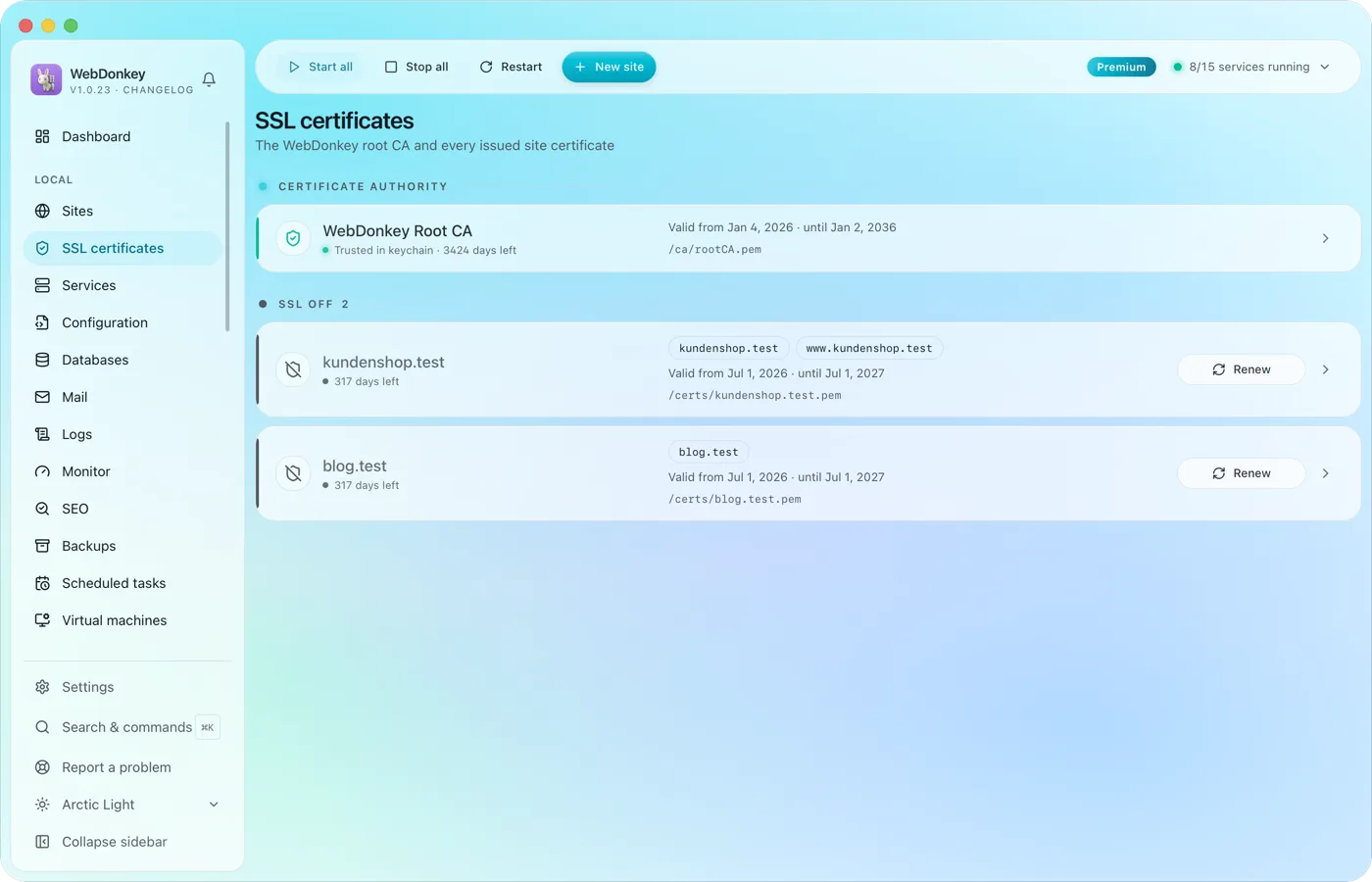 HTTPS locally, without warningsWebDonkey has its own root CA and issues a certificate for every site. Trust the CA once and every .test domain is green in the browser.
Try it on your own project.
Free costs nothing and has no time limit. macOS 11 or later, Apple silicon and Intel.
