





SEO & accessibility audits for your clients' sites
A crawl of the whole website, a section or a list of URLs, as an SEO audit, an accessibility check or both in one pass. Plus a website check for server, security, performance, mail and AI crawlers, and a page inspector for one address. It all ends in a report with a score, findings and history. Everything runs on your Mac.
SEO audits and the accessibility check only work with the SEO package, an add-on for WebDonkey that works with Free and with Premium.
Free costs nothing and has no time limit. macOS 11 or later, Apple silicon and Intel.
What it takes off your plate
Check SEO and accessibility. Crawl whole websites, check them against WCAG 2.2 and deliver a PDF with your logo.
In detail
Creating an SEO audit
An audit belongs to one of your projects from monitoring. You choose the kind of audit, Full audit, Section or Single pages, and what is checked: SEO, accessibility or both. Then the start address, target keywords, extra pages, the URL budget and the crawl settings: scope (only this subdomain, every subdomain of the domain or a directory), click depth, the pause between requests, robots.txt, URL parameters and exclusions. Password-protected pages are checked with basic auth.
Filter pages
Scan site fetches the website once the way the crawl does, reads robots.txt and the sitemaps and shows every address it found as a path tree; nothing is rated or saved. One click on a path takes it out of the audit, a second brings it back; the start address is always crawled. The row sits in the New audit dialog and on the Settings tab.
Single pages
After a deployment the short round is usually enough: only the pages you enter, no crawl, no sitemap. Paste several lines at once, full URLs are cut to their path; twenty links are checked in a few seconds.
Running an audit
It only starts when you click, after a confirmation with scope, URL count, click depth, pace and the longest it can take. The audit runs on as a process of its own, even if you close WebDonkey. If you stop it, you get the report on everything so far, clearly marked as incomplete; an interrupted audit continues where it left off.
Overview
An overall score and one each for content, SEO and technical, plus the key figures and every finding sorted into errors, warnings and notices. 85 checks, from duplicate titles through canonical and hreflang errors and redirect chains to orphan pages and click depth. Every finding lists the pages it affects and can be ignored; notices cost no points.
Issues
Every finding by content, SEO and technical, each with its severity of error, warning or notice, which you can filter by. Each finding explains what it means and what you can do, with example addresses; notices never count against the score.
Pages
Every crawled address on its own, searchable and filterable by finding or status: status, title and description with their length, H1 and outline, canonical, language, words in the main content, click depth, link strength and where the incoming links come from. The page table is saved as CSV under Export at the top.
Website check
The website as a whole: security headers, redirects, robots.txt and sitemap, the server's speed, access for AI crawlers and the domain's mail records. A handful of requests and a few DNS lookups, and the result is there within seconds.
Resources
Images, scripts, stylesheets and fonts of the audited pages, each file requested once: what is broken, what is too heavy and what is served without compression or caching. The check is on by default and covers at most 5,000 files, the most used first; you can switch it off in the audit's settings.
Accessibility
Pages are checked against WCAG 2.2, level AA by default, A or AAA if you choose: with axe-core at desktop and mobile width and with checks of our own for text contrast on images, alt texts, link texts and autoplay. On the home page and one page per template, up to ten pages by default, WebDonkey also tests keyboard and focus, reflow at 320 px, 200% zoom and text spacing. Problems that come from a template are listed once, with every page they affect; a WCAG matrix shows each criterion and the history compares with the previous run. The check runs on its own or together with the SEO audit in one crawl, and for a single URL in the inspector, local .test sites included. It uses the Chrome, Chromium, Brave or Edge you already have and a checking module from npm that WebDonkey installs once; Node.js comes from the Services page. An automated check: it does not replace a full audit under BITV 2.0 / EN 301 549.
Comparison images
Findings come with images: the page with numbered markers and a crop of every spot. The home page and one page per template get more: simulations of colour vision deficiencies, blurred vision, low contrast and forced colours, reflow, 200% zoom and text spacing next to the normal view with a slider, and the tab order as a numbered path. So you can show your clients what is behind a finding. The images come from an automated check and do not replace a full audit under BITV 2.0 / EN 301 549.
Not crawled
URLs the audit found but deliberately did not fetch, each with its reason: robots.txt, exclusion, parameters, too deep, filter trap, link loop, nofollow or the URL limit. So you see what is missing before you treat it as a finding.
History
The last 30 audits with score, pages, errors, warnings and notices and the change against the run before; an audit that did not run to the end is a hollow dot in the chart. From the second run on, a chart shows how the score develops, so you see whether your work pays off.
Settings
How an audit crawls: scope, limits for URLs and click depth, pause and parallel requests, robots.txt, URL parameters, exclusions, the crawler's identity, external links and the resource check, plus Filter pages and the accessibility settings. Below them keywords and extra pages, for Single pages the list of pages. Changes apply from the next audit on; the current report stays as it is.
Page inspector
From the page table, Inspect examines a crawled page in detail, fetched with the audit's settings, keywords and login: status and redirects, load time, search result and social preview, findings, headings, keyword density, links, images and resources.
Check a URL now
Check a single address without creating an audit: the page is fetched once and analysed in detail, and nothing is saved. You start it on the SEO page or from the ⌘K search.
PDF report and export
The report as a designed PDF with SEO, accessibility or both in one file, the page table as CSV and the whole report as JSON. You enter your company name, logo and a contact line once in the settings under Reports; with your own sender, logo and name appear on the cover and in the footer, the contact line in the footer, and “Report for” with your client's name on the cover. The WebDonkey style stays, and the small “Created with WebDonkey” note can be switched off. The accessibility chapter itself states that it is an automated check and does not replace a full audit under BITV 2.0 / EN 301 549. Exporting works as soon as the first audit has finished.
Result of an automatic check. It does not replace a full audit under BITV 2.0 / EN 301 549.
What does Free include?
This feature is part of the SEO package, which builds on WebDonkey Premium.
Compare Free and PremiumGoes well with this
-
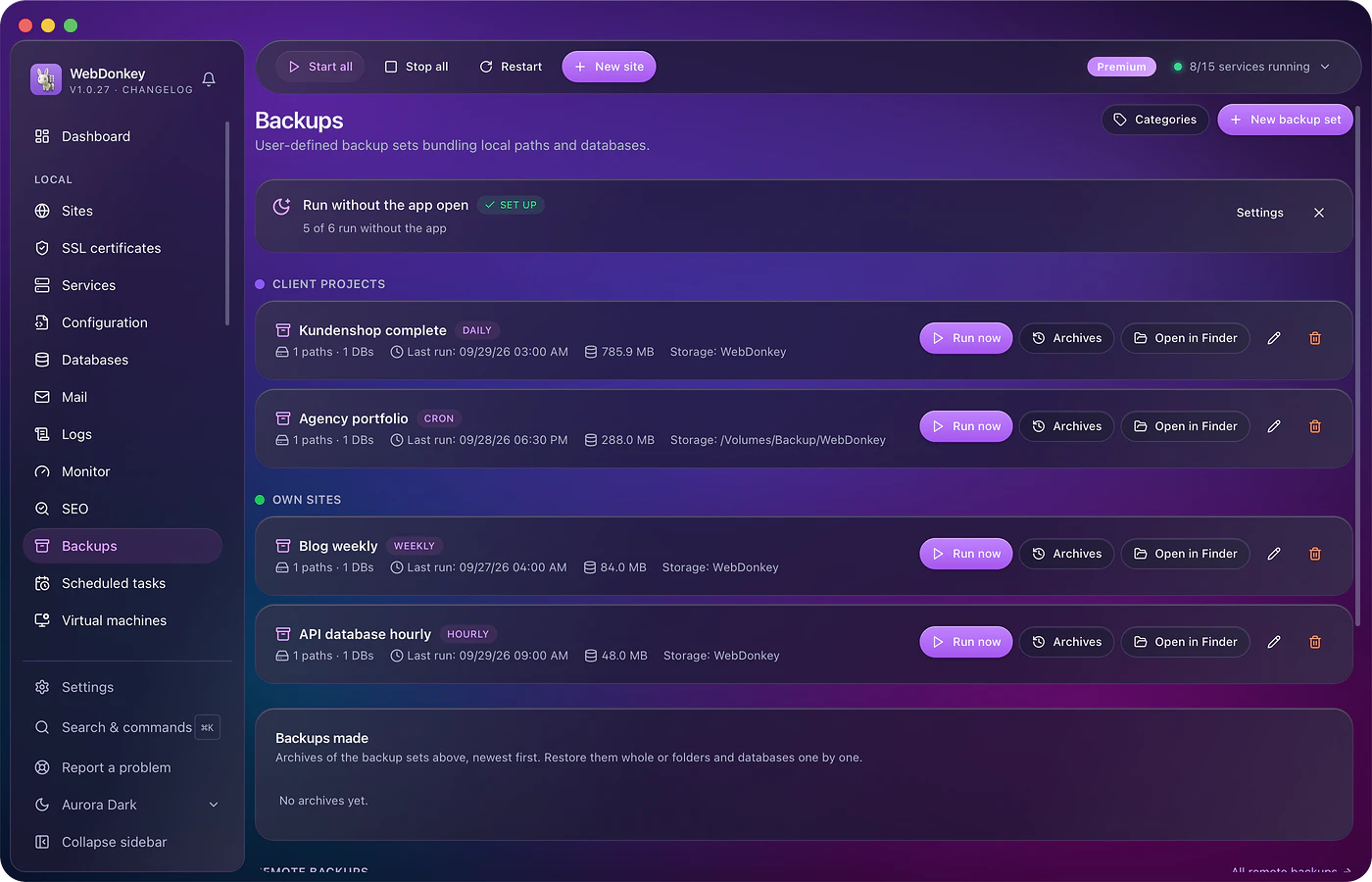
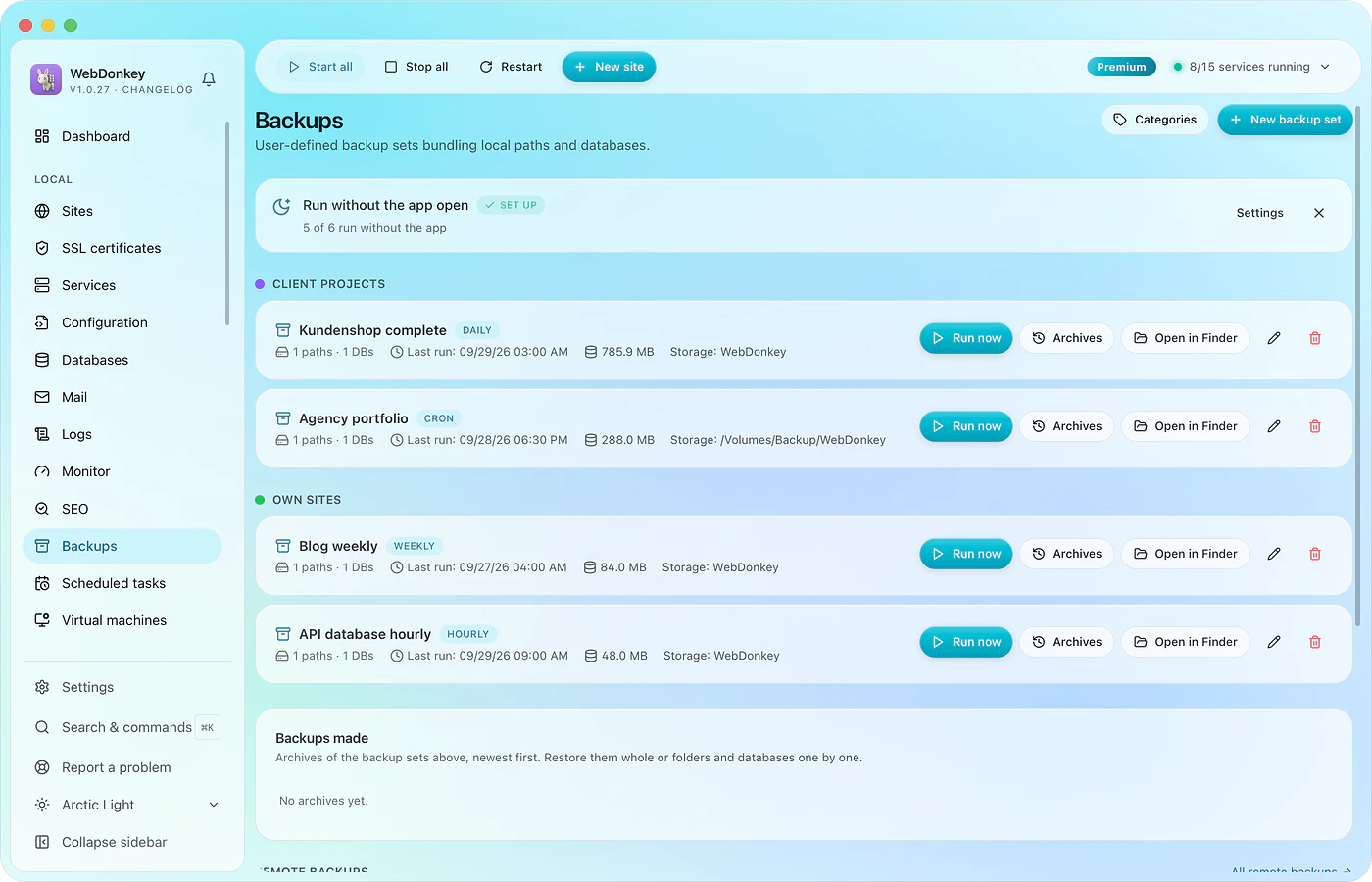 A backup before the update, one that actually comes backBack up files and database together, on schedule, with a retention rule. Every run with size and time. And a restore that shows what it will do before it does it.
-
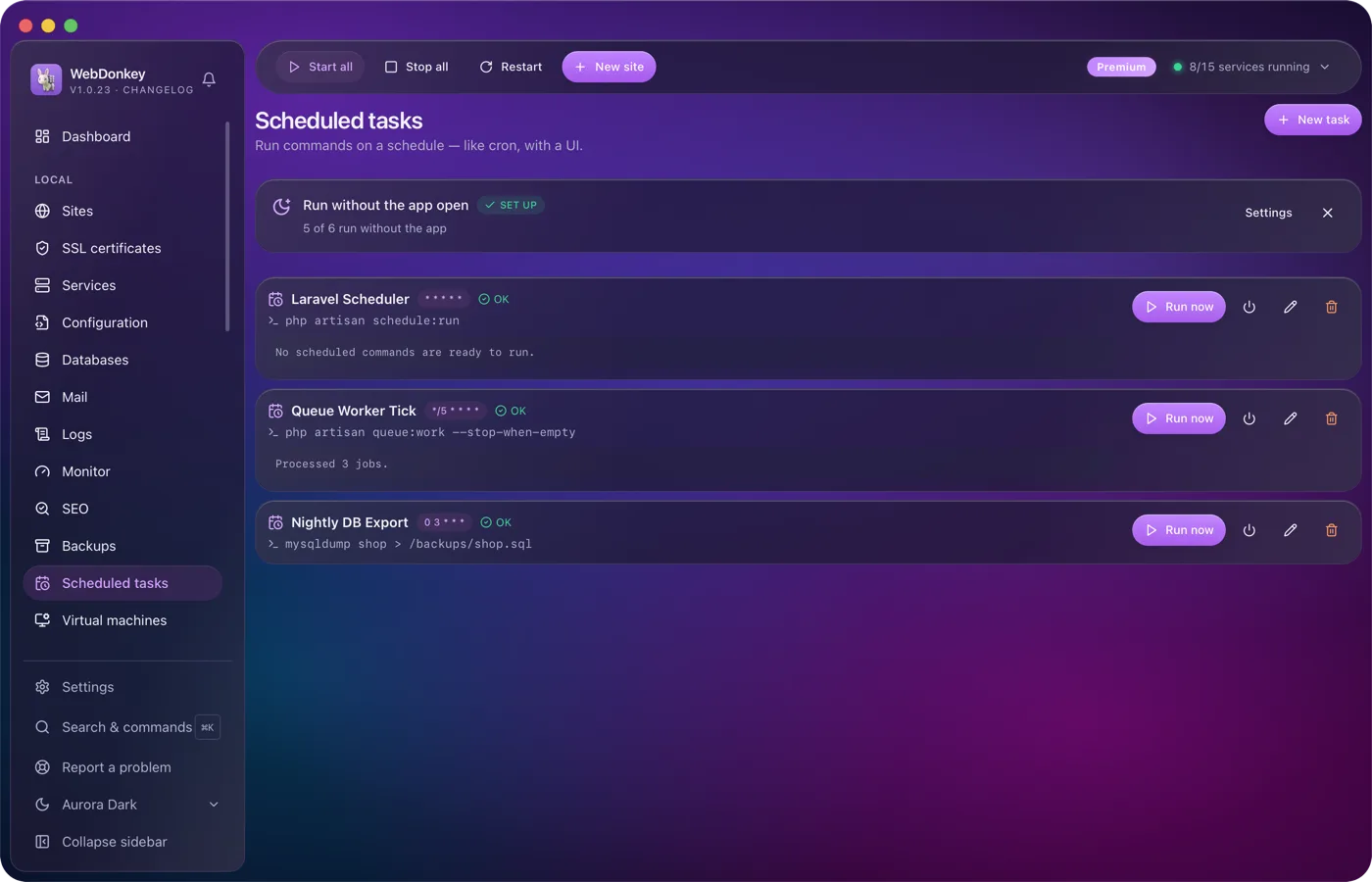
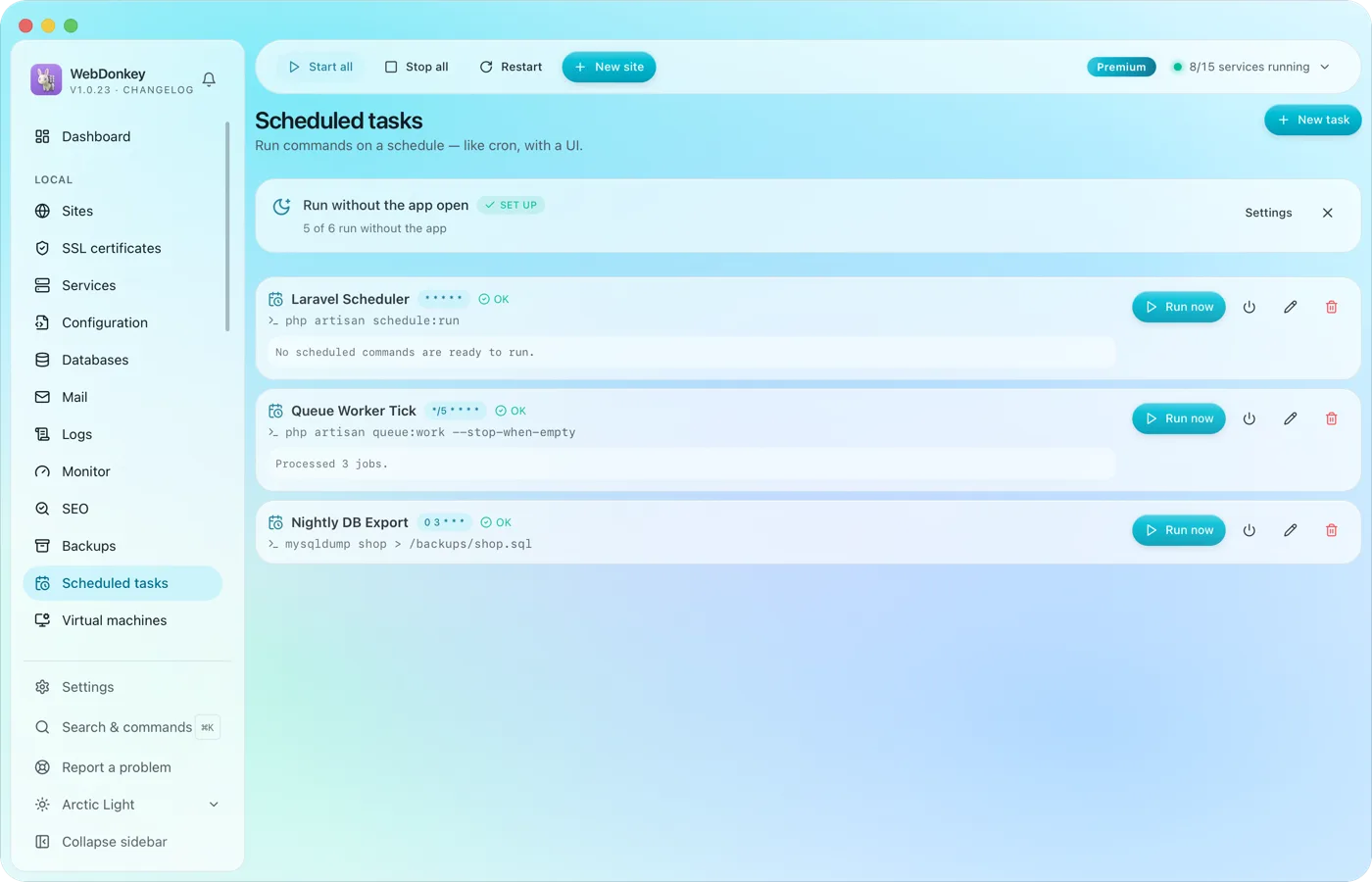 Scheduled tasks with an interface instead of crontabRun commands on a cron schedule, with working directory, status and last output. The Laravel scheduler, a queue worker, a nightly export. If you like, they run even when the app is closed.
-
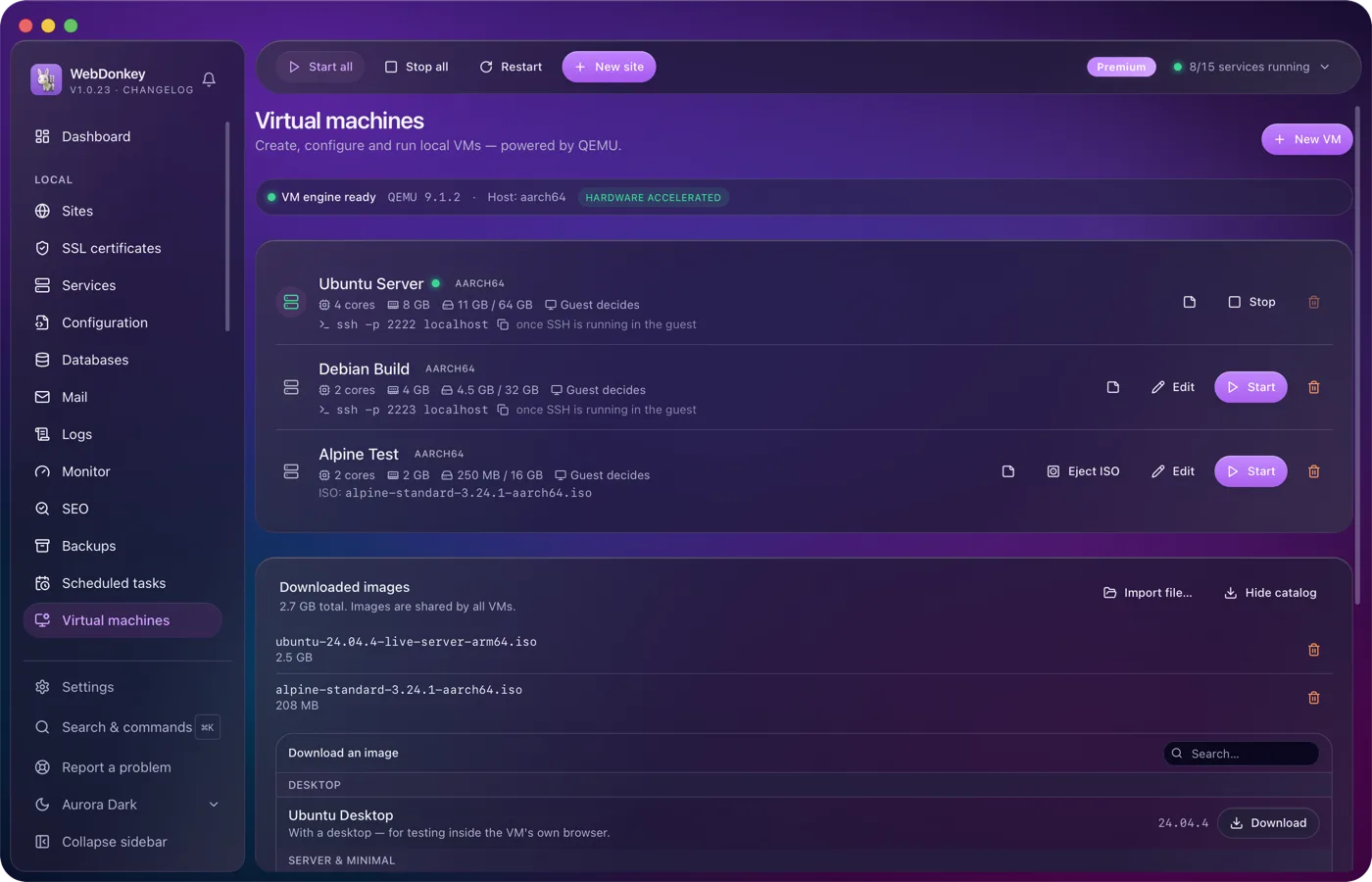
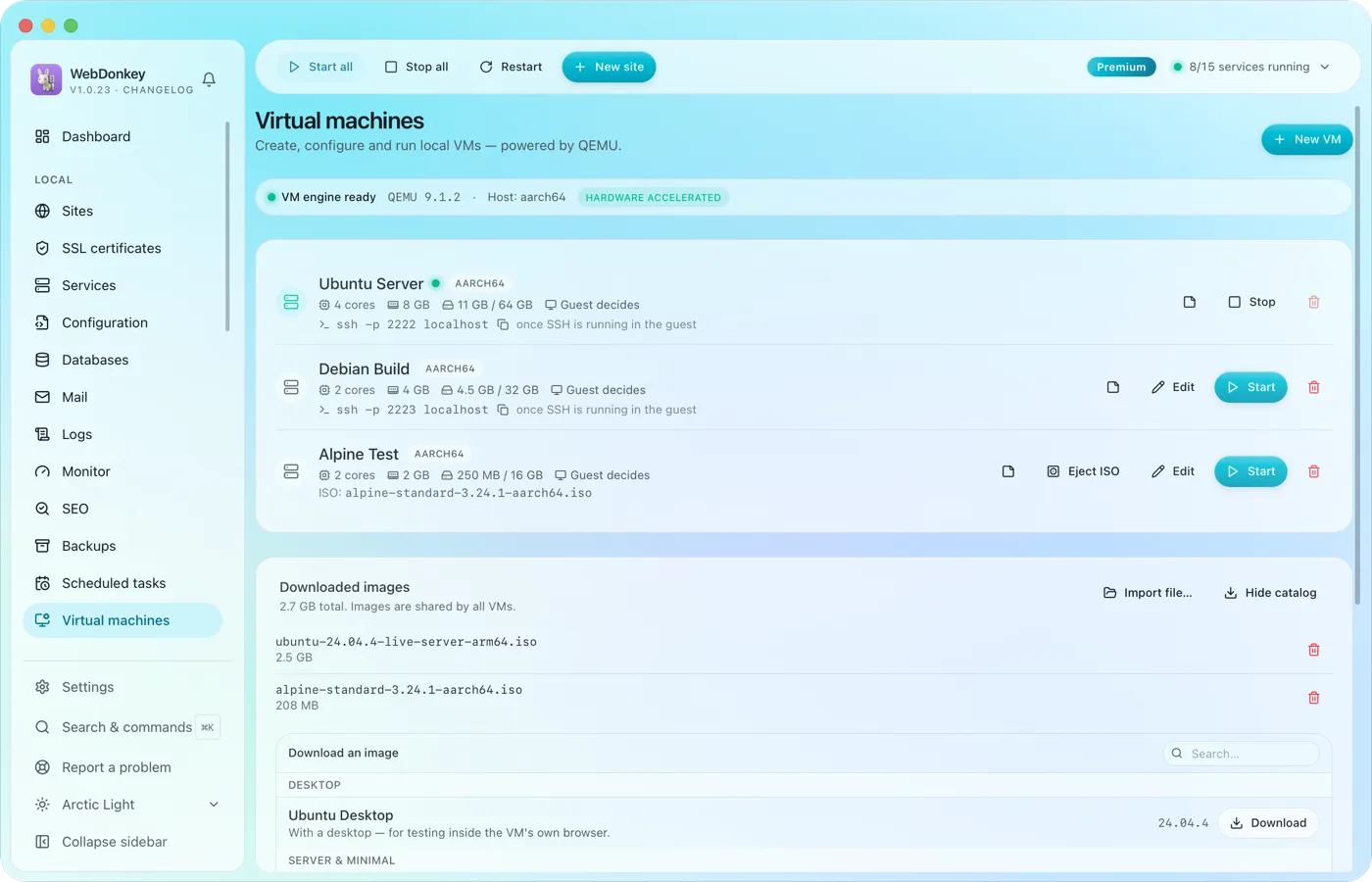 Test whole systems without a setup marathonVirtual machines with QEMU, right in the app. Load an image from the catalogue, enter RAM, cores and disk, start. Ubuntu, Debian, Alpine, Fedora and Rocky are included.
-
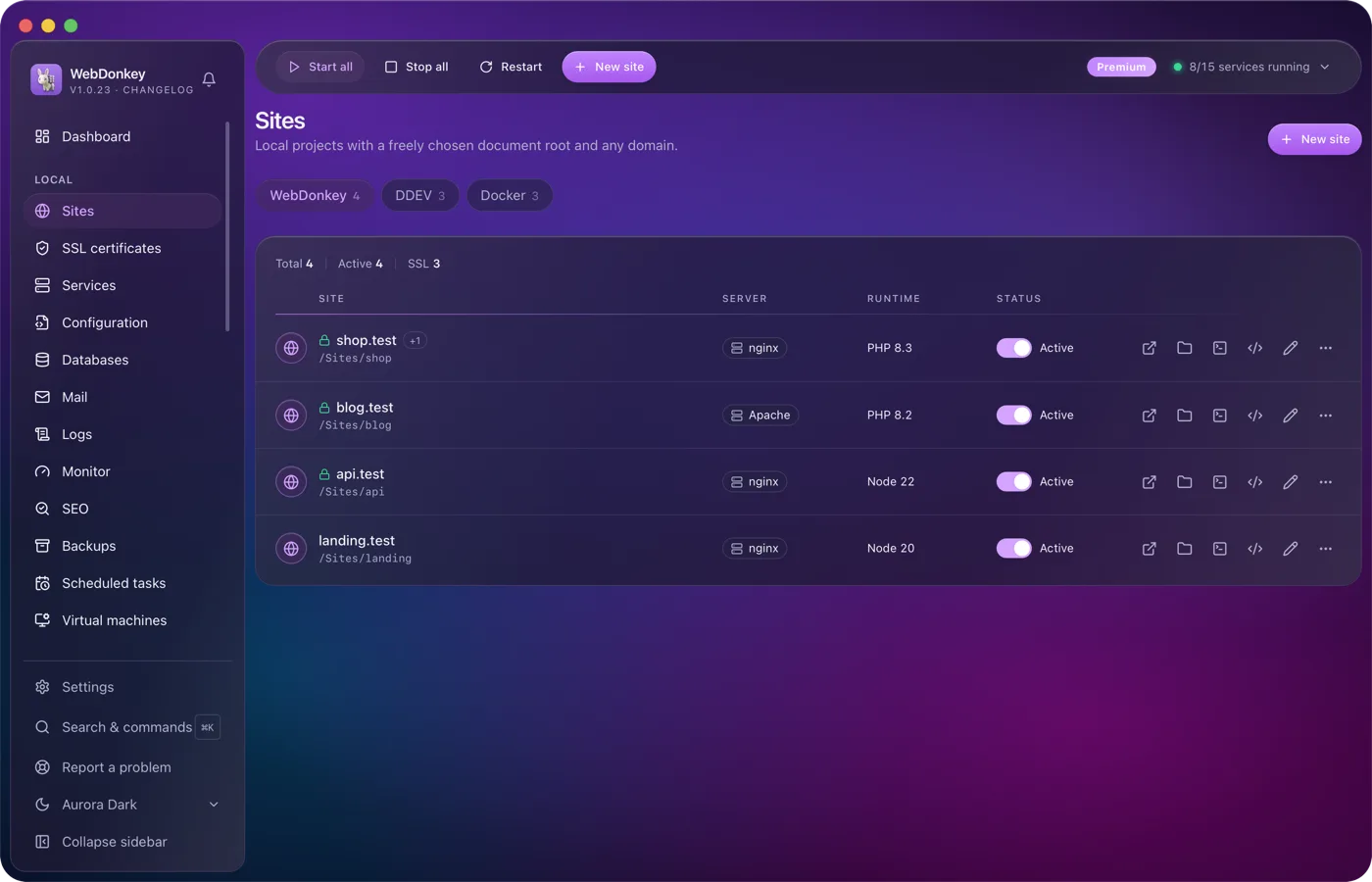
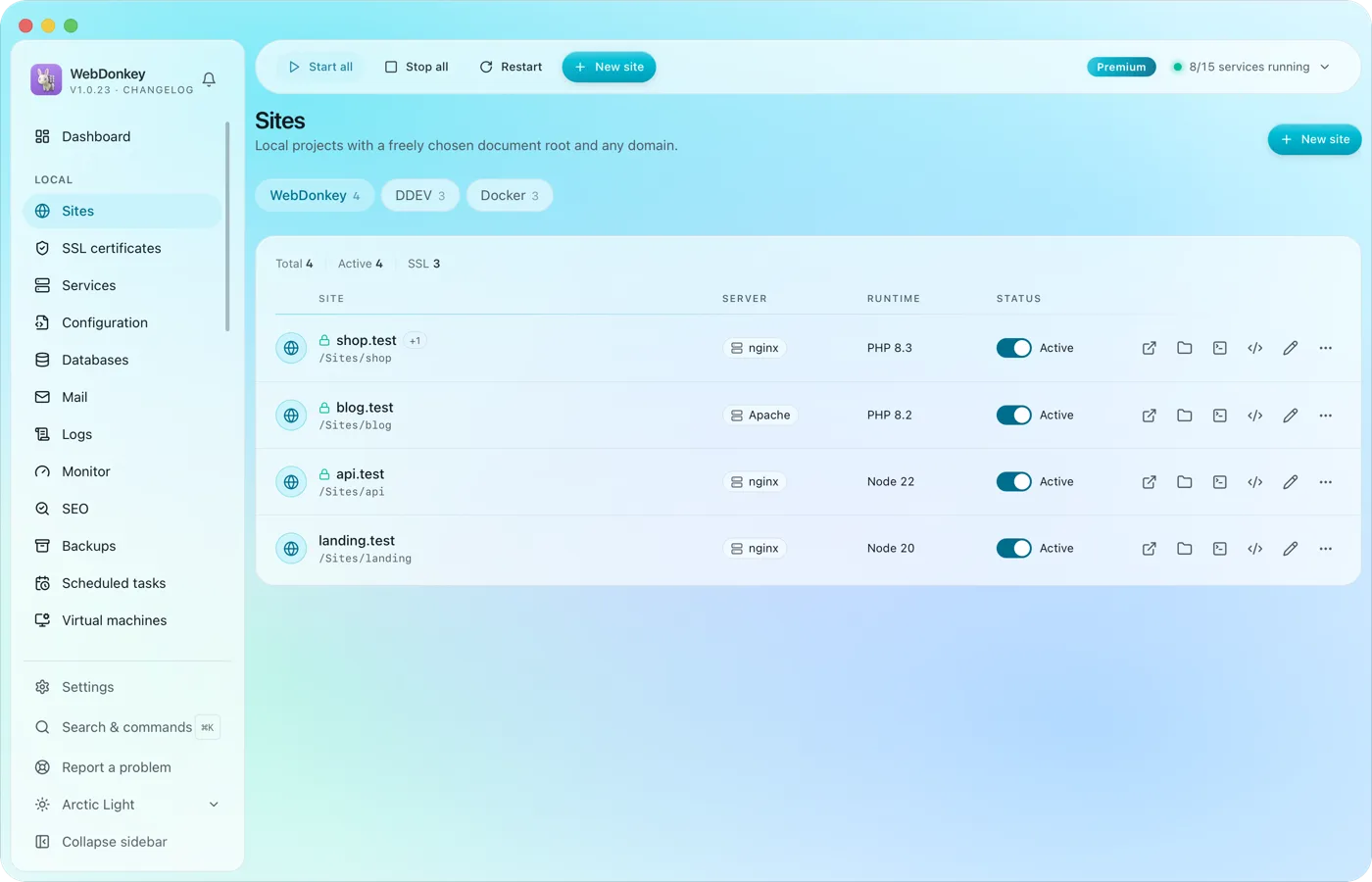 Unlimited local sites, each with its own domainPick a folder, type a domain, choose a PHP or Node version, done. HTTPS and name resolution are set up by WebDonkey itself. DDEV projects and Docker containers sit right next to them.
Try it on your own project.
Free costs nothing and has no time limit. macOS 11 or later, Apple silicon and Intel.
