





Test whole systems without a setup marathon
Virtual machines with QEMU, right in the app. Load an image from the catalogue, enter RAM, cores and disk, start. Ubuntu, Debian, Alpine, Fedora and Rocky are included.
Free costs nothing and has no time limit. macOS 11 or later, Apple silicon and Intel.
What it takes off your plate
Test a whole system. Virtual machines with Ubuntu, Debian and more, set up from the app.
In detail
VM engine
WebDonkey runs VMs with QEMU. On first opening, Install engine sets it up through Homebrew, with the command shown beforehand and the output live.
New VM
You need a name and, for the first start, an install ISO from your library. With images from the catalogue, operating system and architecture follow by themselves; with your own you choose them. Then memory, CPU cores, disk and, if you like, an SSH port forward.
Window size
So that a VM does not open in a small window, the setting tells the guest which resolution to prefer: presets up to 2560×1440, a size of your own, the guest's own choice or straight to full screen.
Start and manage
Each VM is a row with status, architecture, cores, RAM, the actual disk use and the SSH port. Start opens the machine in its own window, Stop shuts the guest down cleanly, and editing happens while it is stopped.
Images
You download installation media from the catalogue with Ubuntu, Debian, Alpine, Fedora, Rocky Linux and more, or import a file of your own. All VMs share the images; one ISO serves any number of machines.
Windows and other systems
Some systems such as Windows 11 and Windows Server are deliberately not downloaded automatically: their vendor requires you to accept its own licence terms for the images. You download the ISO yourself, choose the file, and from then on everything works as with catalogue images.
What does Free include?
This feature is fully included in Free. No licence and no time limit.
Compare Free and PremiumGoes well with this
-
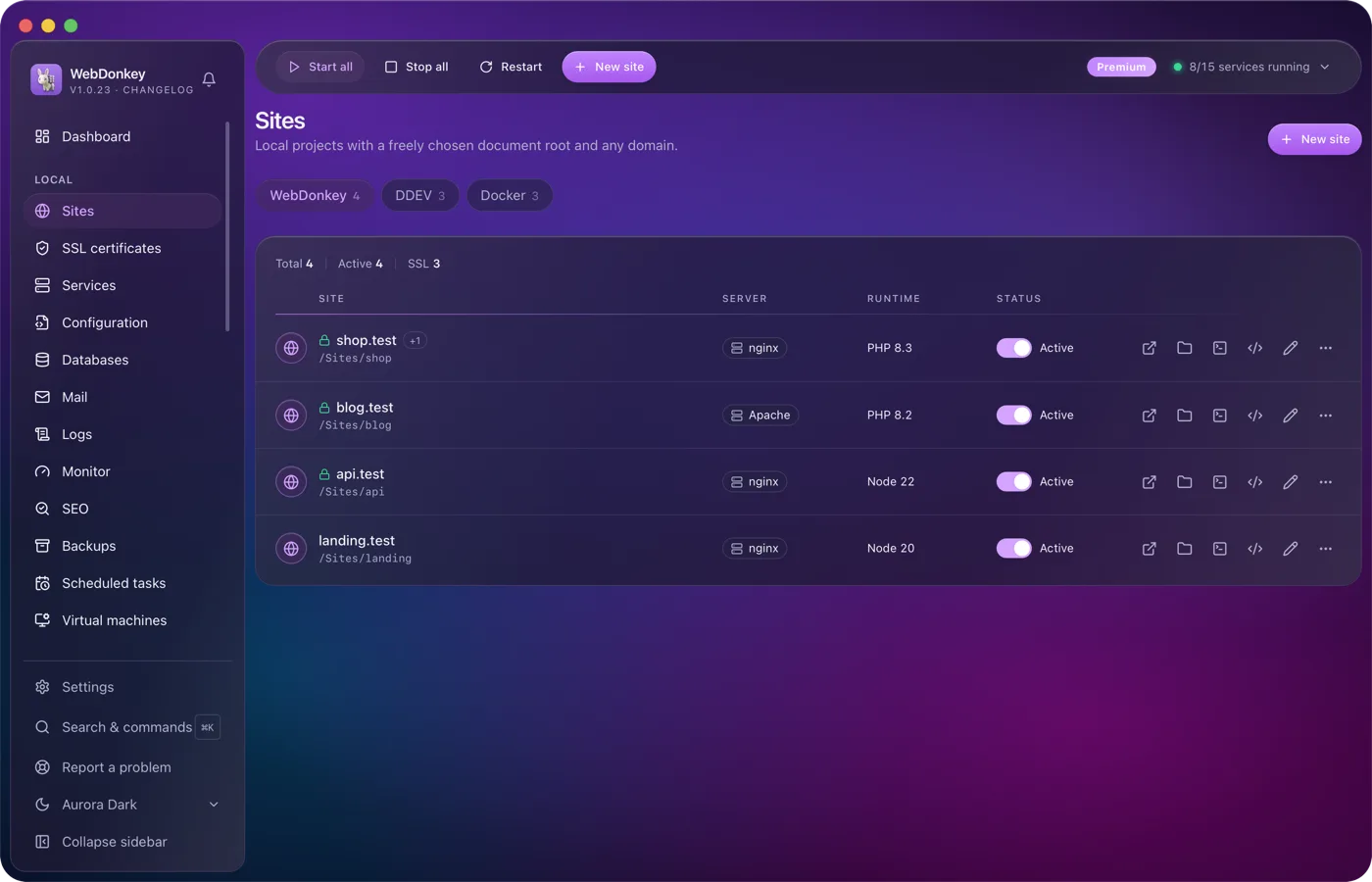
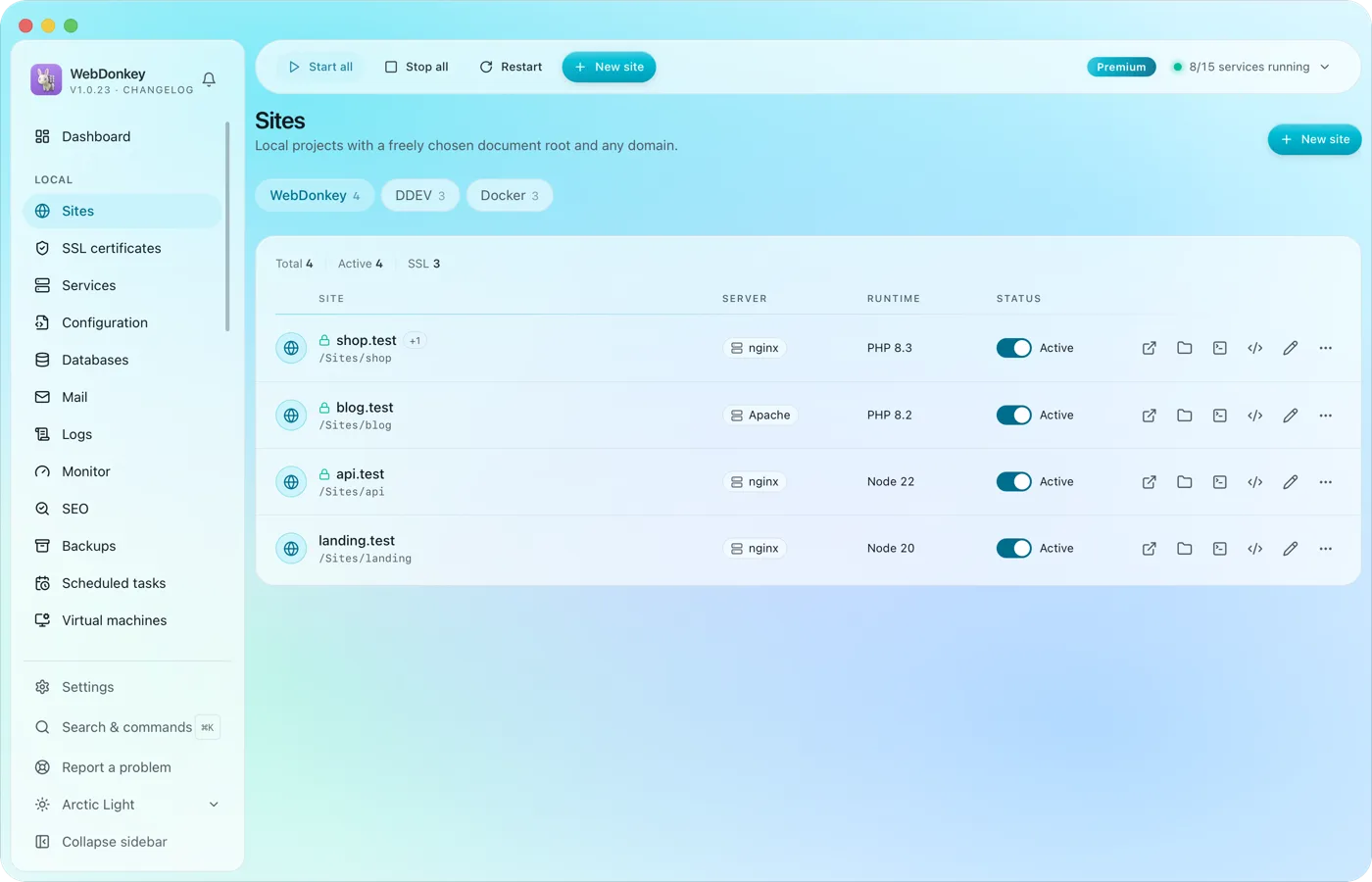 Unlimited local sites, each with its own domainPick a folder, type a domain, choose a PHP or Node version, done. HTTPS and name resolution are set up by WebDonkey itself. DDEV projects and Docker containers sit right next to them.
-
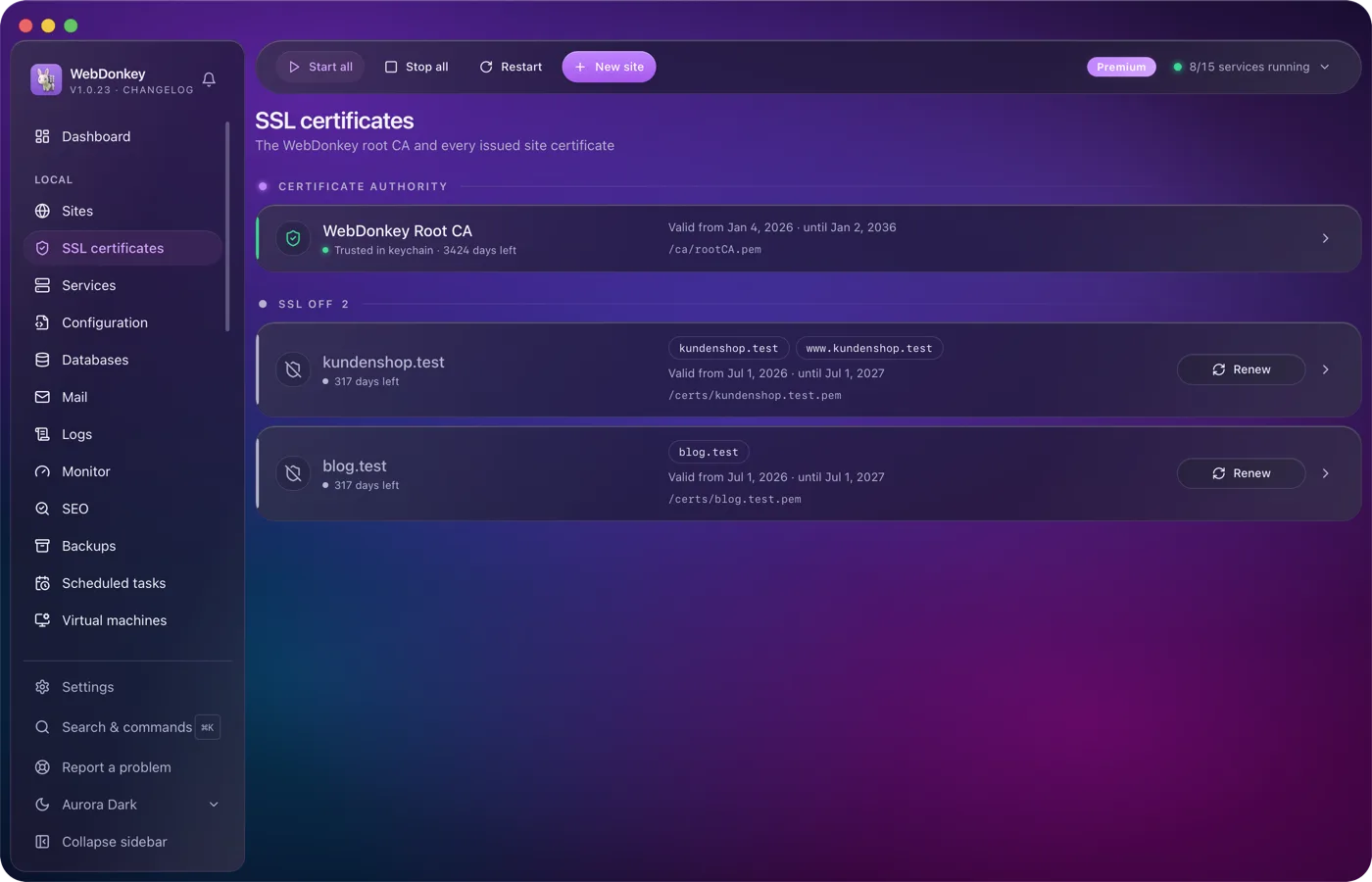
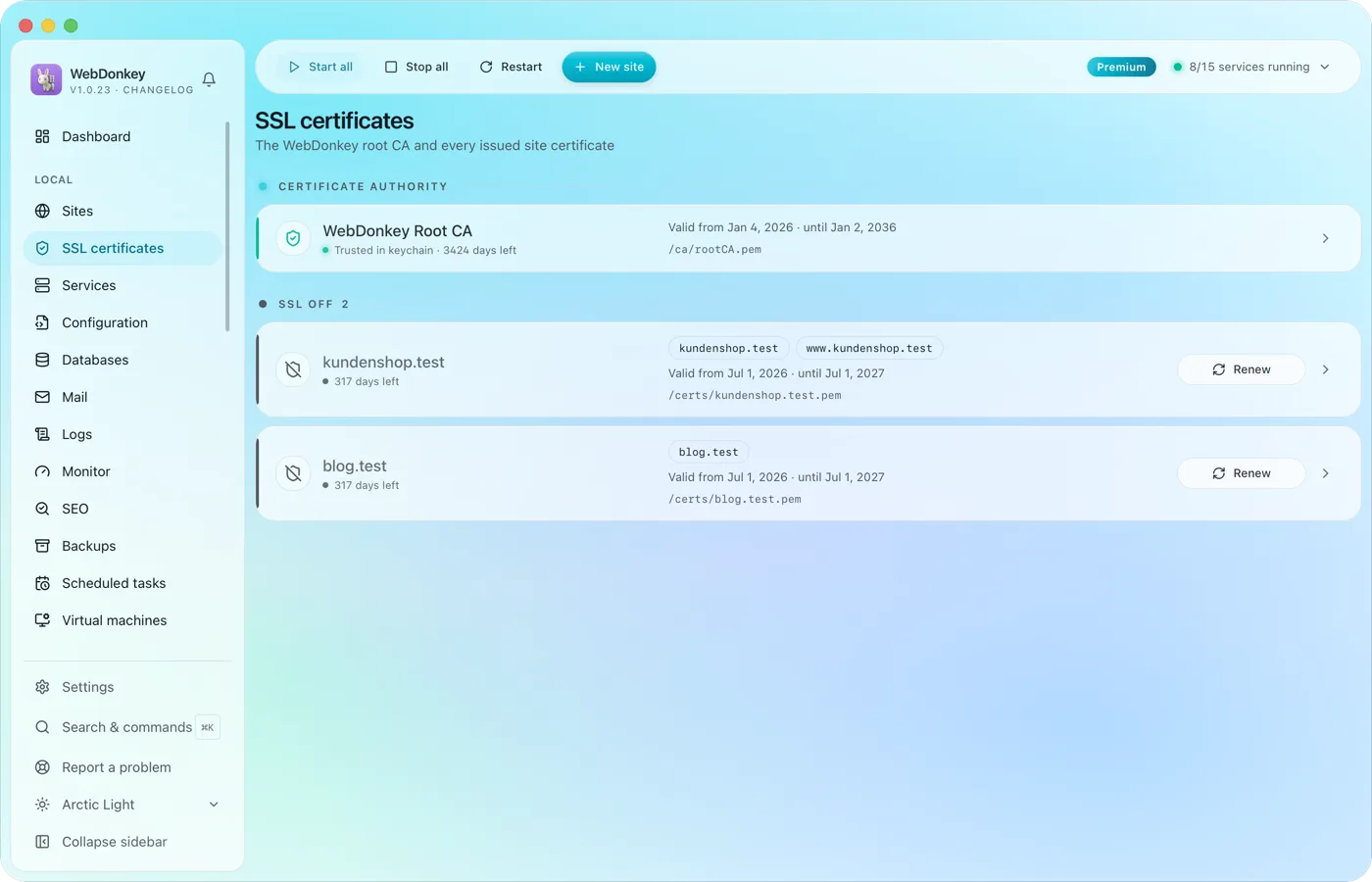 HTTPS locally, without warningsWebDonkey has its own root CA and issues a certificate for every site. Trust the CA once and every .test domain is green in the browser.
-
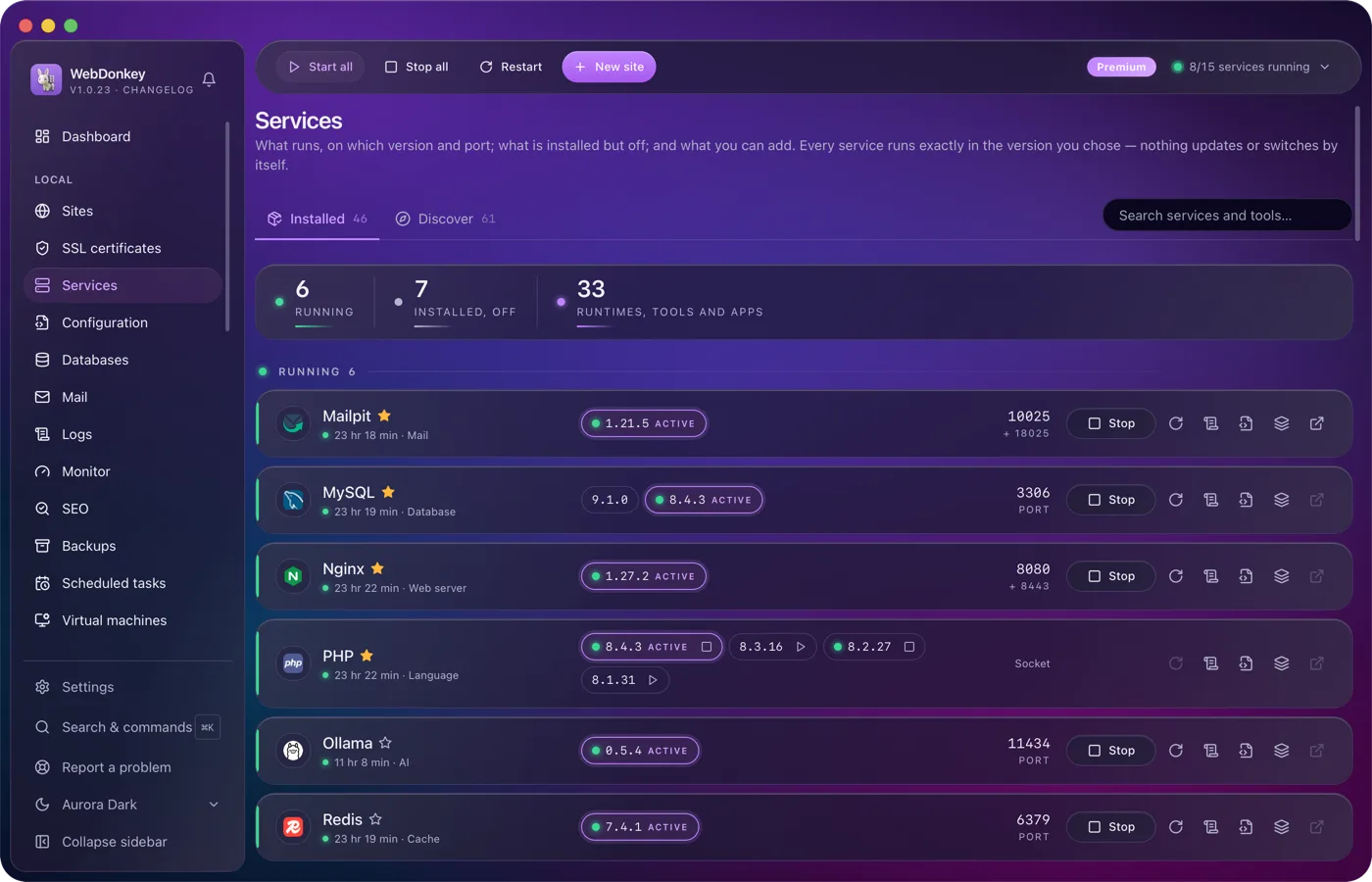
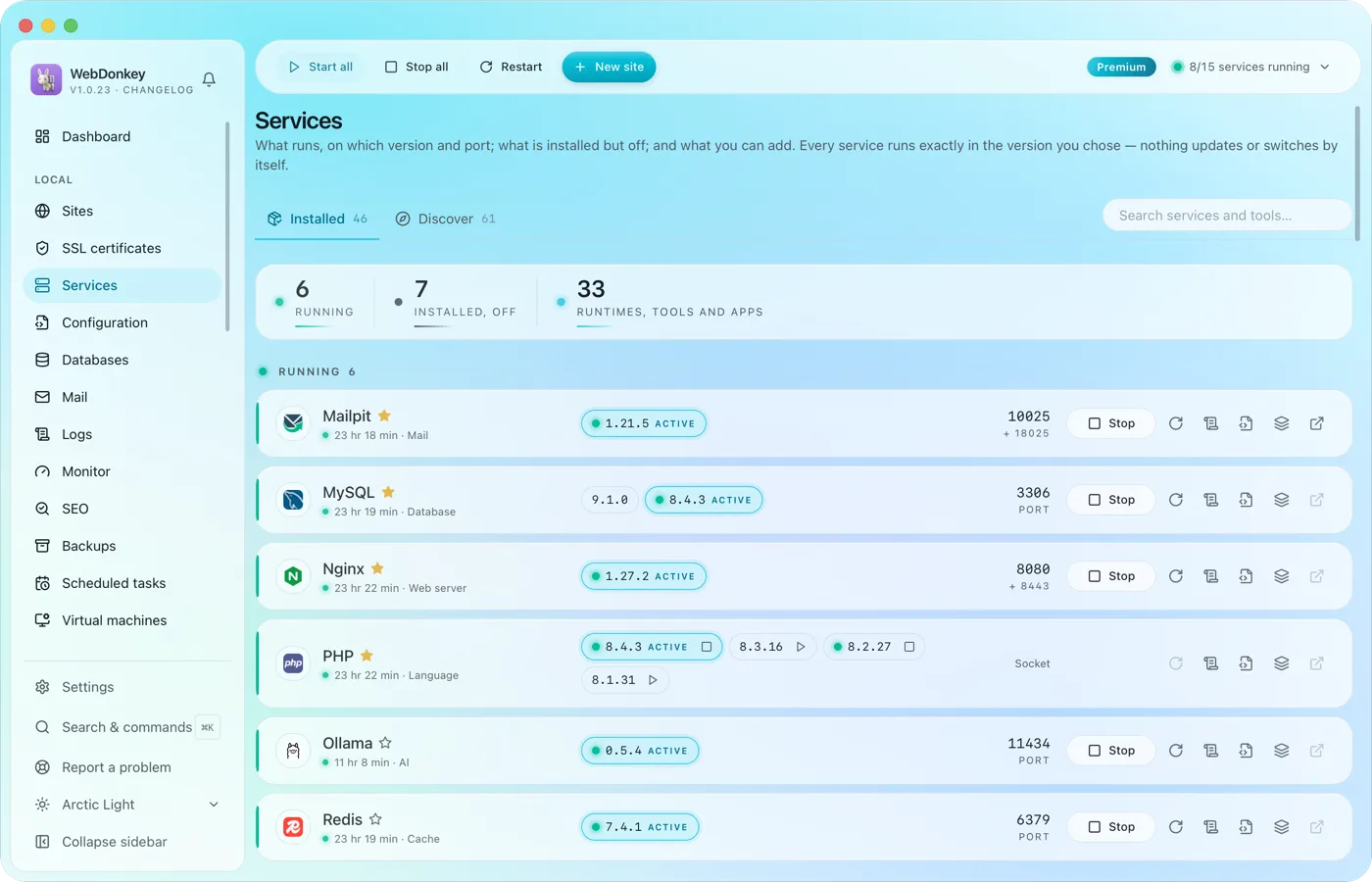 Every service in one placeWeb servers, PHP, Node, databases, cache, mail, search, queue, storage, apps and AI tools. Install, start, stop, switch versions. Services and data live in a folder of their own; for domains, ports and certificates WebDonkey sets up a few system entries with your consent. On top comes a marked block at the end of your ~/.zshrc so your terminal uses the active versions, which you can switch off in the settings.
-
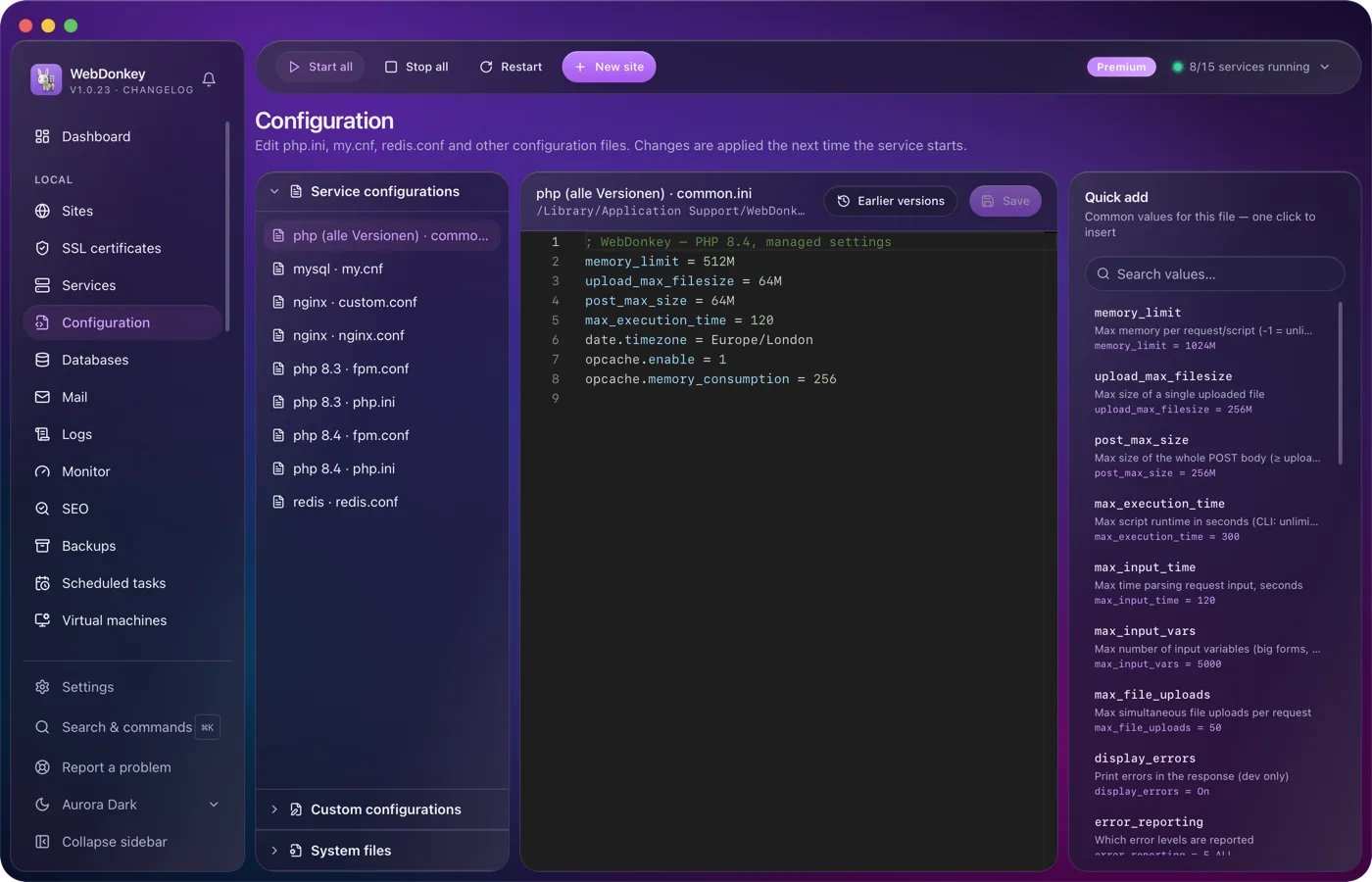
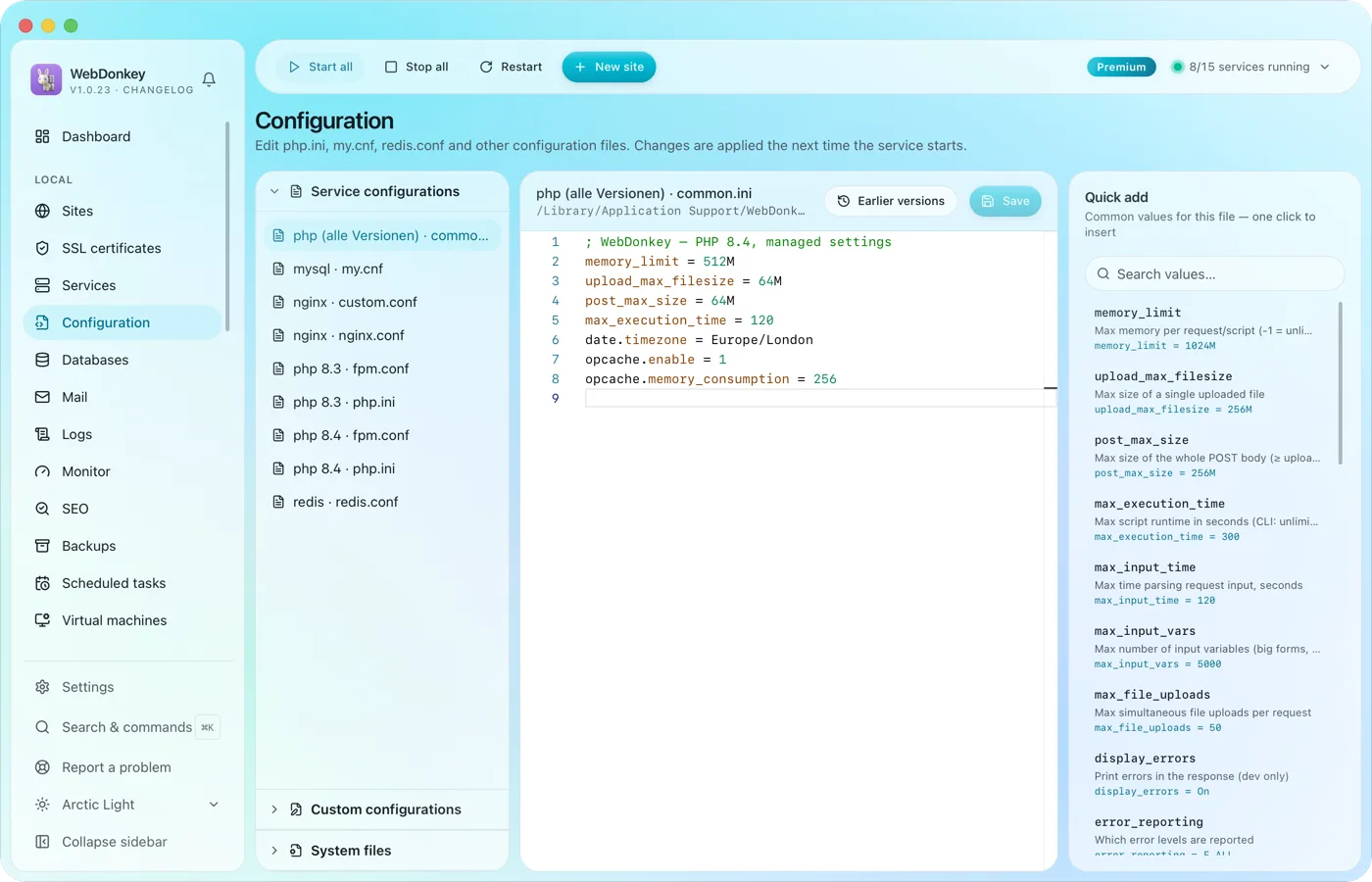 Edit configuration without hunting for filesphp.ini, web server configs, FPM pools, service configs and your system files such as .zshrc or the SSH config. All in an editor with syntax colours and presets to drop in.
Try it on your own project.
Free costs nothing and has no time limit. macOS 11 or later, Apple silicon and Intel.
