





Every service in one place
What is it?Services are the programs behind your projects: web servers, PHP, Node, databases, cache, mail and search. WebDonkey installs, starts and stops them for you.
Web servers, PHP, Node, databases, cache, mail, search, queue, storage, apps and AI tools. Install, start, stop, switch versions. Services and data live in a folder of their own; for domains, ports and certificates WebDonkey sets up a few system entries with your consent. On top comes a marked block at the end of your ~/.zshrc so your terminal uses the active versions, which you can switch off in the settings.
Free costs nothing and has no time limit. macOS 11 or later, Apple silicon and Intel.
Without WebDonkey
One global PHP for all projects, version switches by hand and configurations scattered across half the system. After an update you no longer know which version is running.
With WebDonkey
Every version is installed separately and runs on its own. You set one active, and individual sites can still use a different one. Nothing updates or switches by itself.
What you get out of it
- Several versions in parallelSay PHP 8.2, 8.3 and 8.4 side by side, each site on its own.
- The same version in the terminalYour terminal gets the active version too, through small launchers for php, composer and the rest.
- System check with latencyThe system check asks every service itself and shows the latency, so you can see when a service responds slowly.
In detail
Installed and DiscoverFree & Premium
Installed shows what runs, with version, port and uptime, what is installed but off, under Also running the site processes and the front proxy, and below them your runtimes, tools, apps and AI CLIs. Discover lists what you can add, with the chips All, Services, Runtimes, Tools, Apps and AI CLIs; web servers, databases, cache, mail, search, queue and storage sit under Services. Every entry says what it brings. The star on an installed service marks it as a favourite, and it moves to the top.
Versions and shims
Every version is installed separately and runs on its own. PHP shows it best: 8.2, 8.3 and 8.4 side by side, and you set one active. That is the one your terminal gets, because WebDonkey puts small launchers for php, composer and the rest in your path. Individual sites can still pin a different one.
Apps
Editors, database tools, Git clients, terminals and API tools you install right from the app, under Discover with the Apps chip. More than fifty programs are ready, each with a description and its pricing: open source, free, freemium or paid. On a fresh Mac that is the shortcut: go through one list instead of fifty download pages.
AI CLIs
The command-line agents of the big providers, eleven of them, installed and updated with one click. They then run in any terminal. Six of them, Aider, Qwen Code, Codex CLI, Goose, OpenCode and Crush, also run with Premium in the app's AI section, right in the embedded terminal against your local model.
System check
Run check, at the bottom of Installed, tests every running service: does nginx answer, is the PHP-FPM socket there, does MySQL accept connections, does Redis say PONG. With latency per service, so you see when something gets sluggish. Apps and CLIs are not checked.
Active services
The status indicator at the top right of every page opens everything that is running: the front proxy, services and site processes, the last two with uptime. Restart and stop sit right in the row. The front proxy comes first, a crashed service right below it.
Autostart and lifecycle
At start WebDonkey brings back what you used last, plus PHP and Node in the versions your sites need. On quit the app waits until every service has stopped cleanly, and after a crash it cleans up its own leftover processes without touching anyone else's.
What does Free include?
Free runs up to six services at once, Premium all of them.
Compare Free and PremiumGoes well with this
-
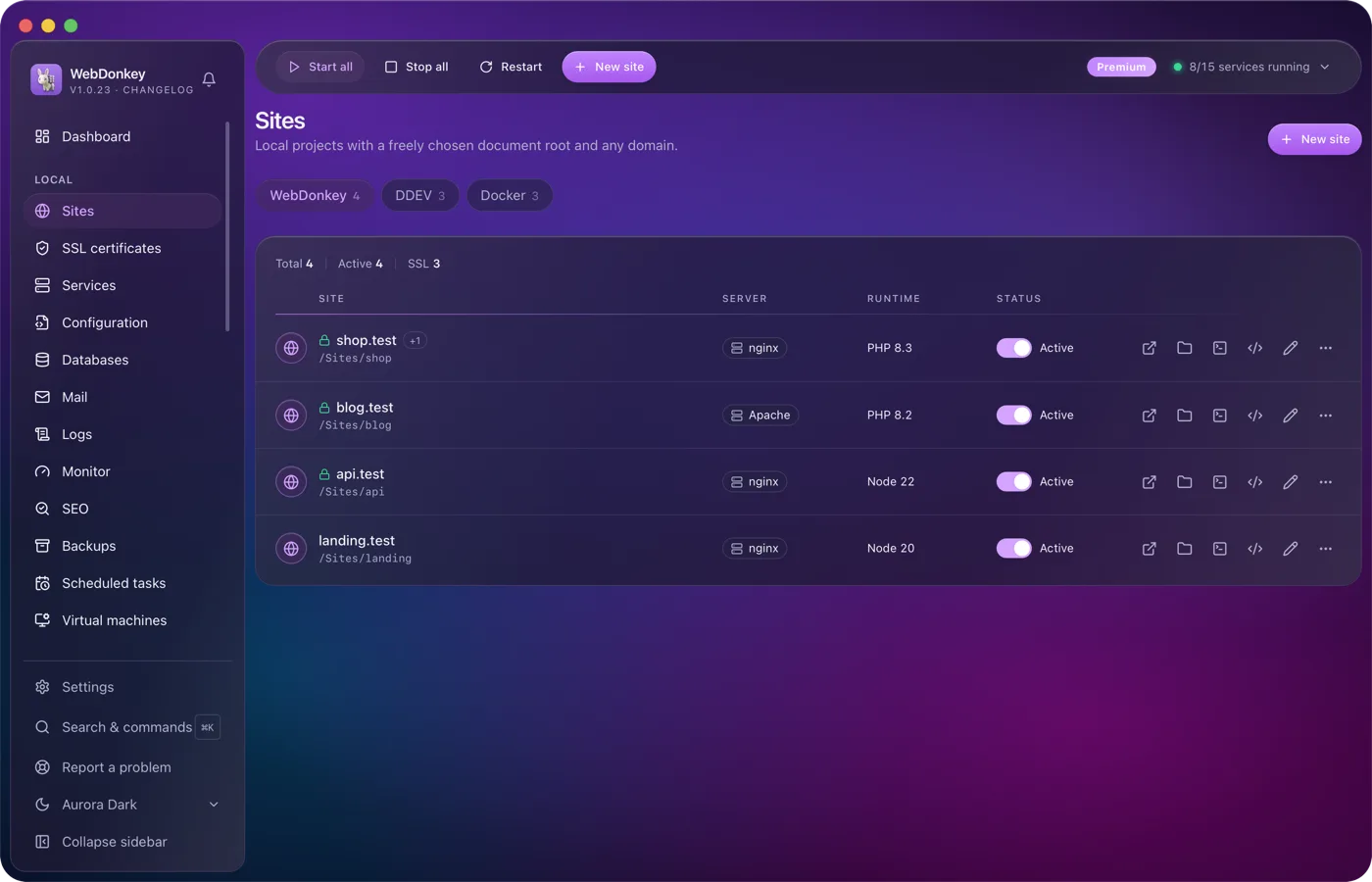
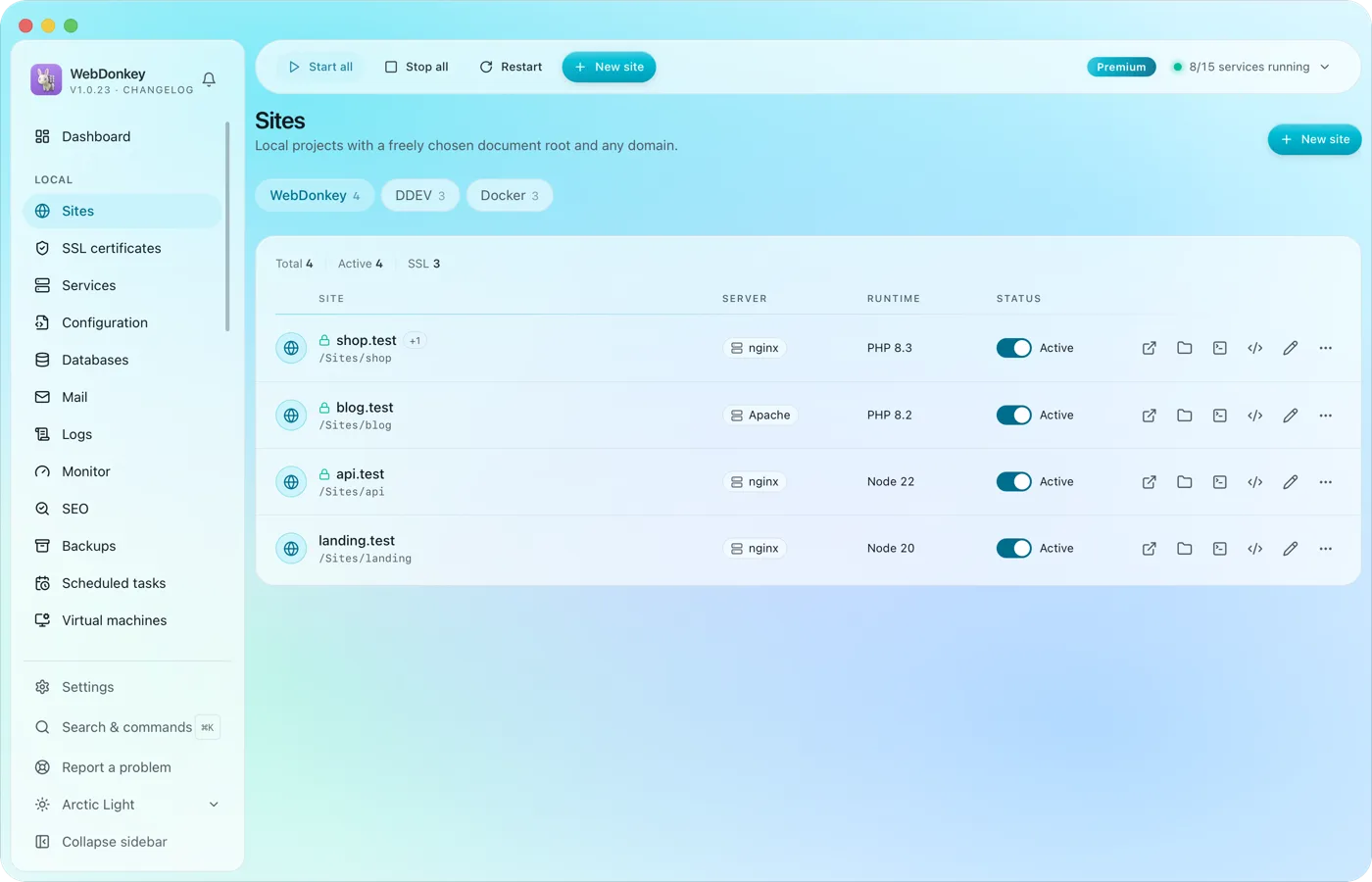 Unlimited local sites, each with its own domainPick a folder, type a domain, choose a PHP or Node version, done. HTTPS and name resolution are set up by WebDonkey itself. DDEV projects and Docker containers sit right next to them.
-
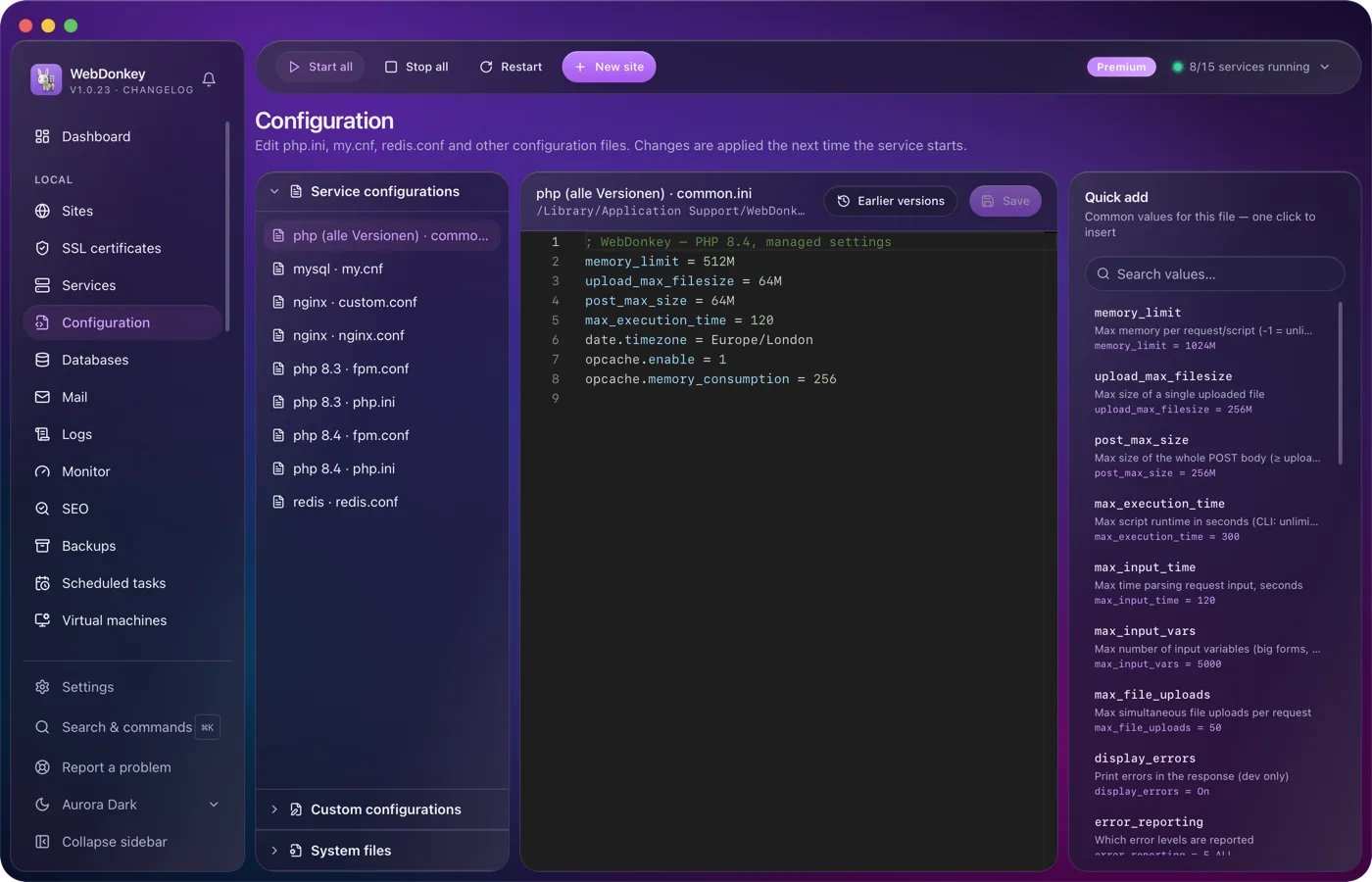
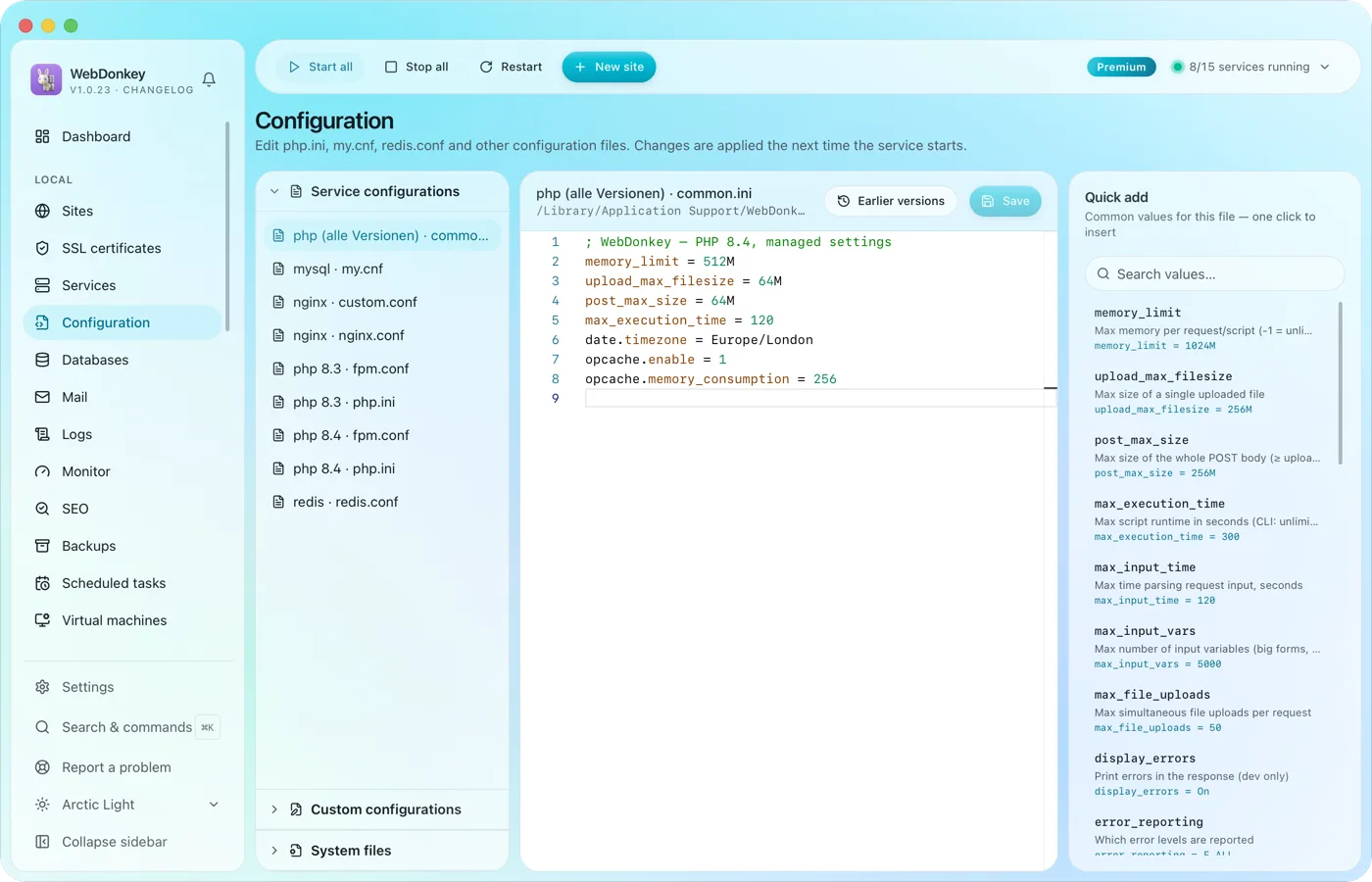 Edit configuration without hunting for filesphp.ini, web server configs, FPM pools, service configs and your system files such as .zshrc or the SSH config. All in an editor with syntax colours and presets to drop in.
-
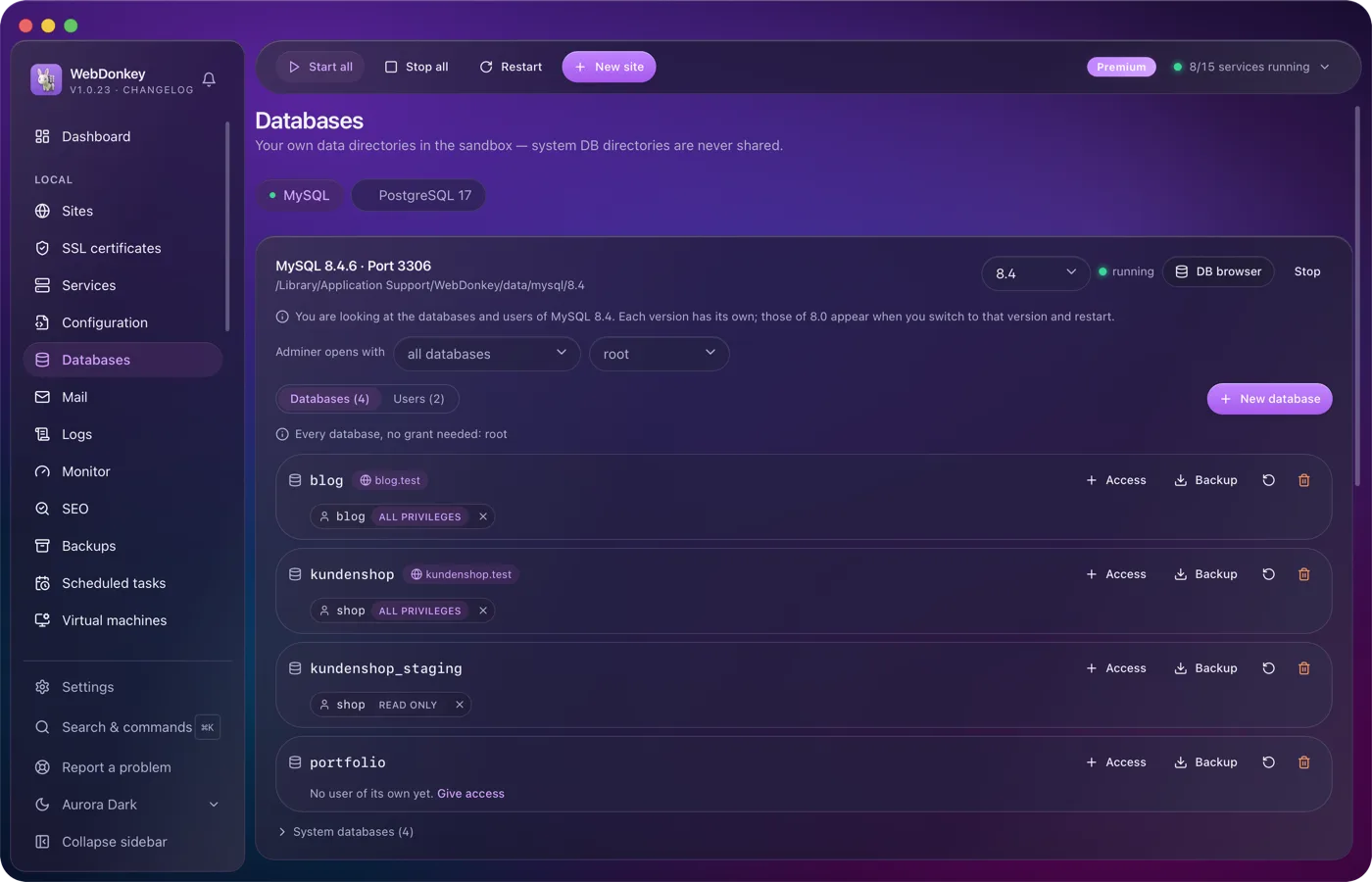
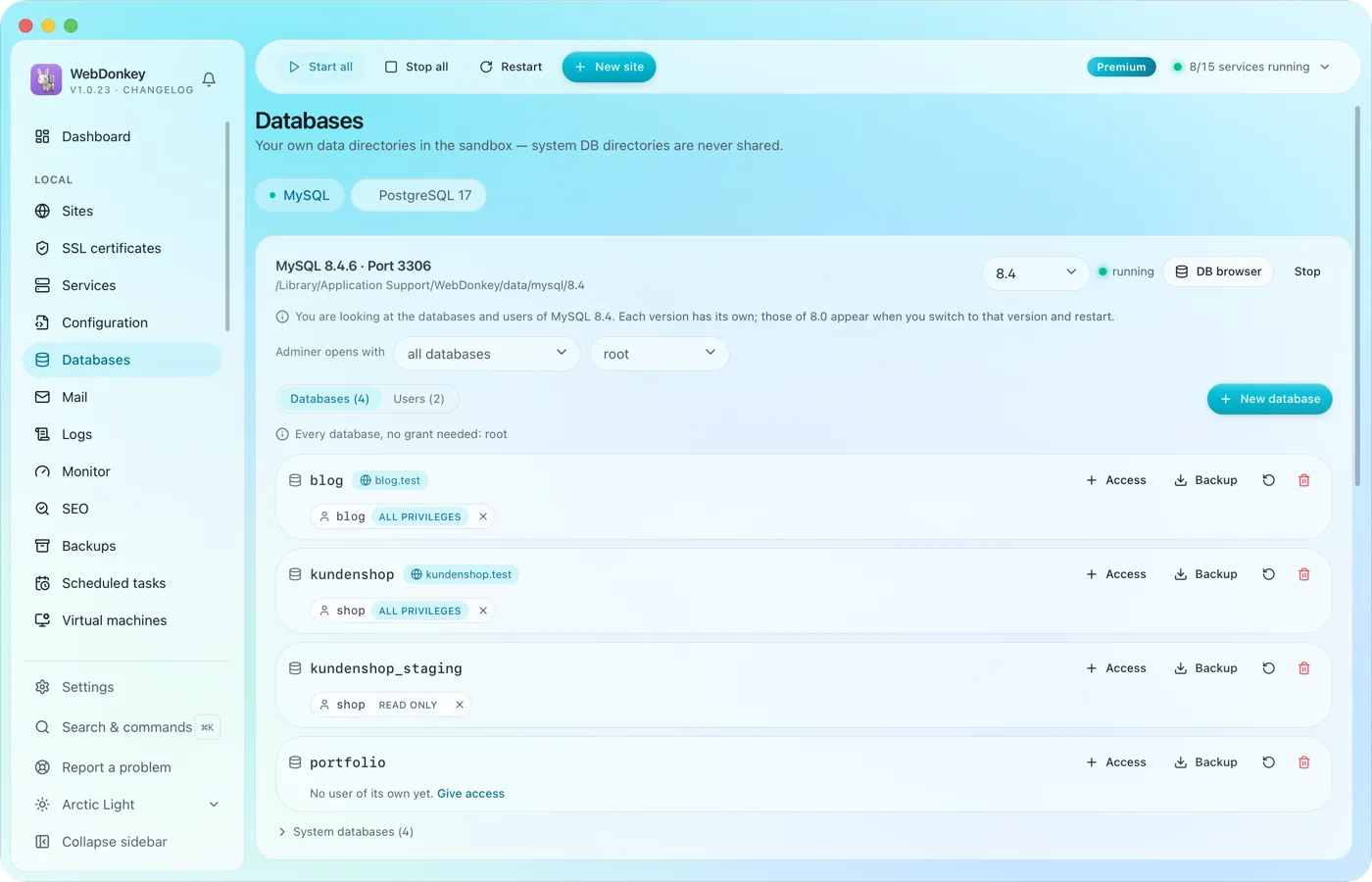 Create and browse databasesManage MySQL, MariaDB, PostgreSQL and MongoDB, create databases and users. Adminer is built in and opens right inside the app, with server and user already filled in.
-
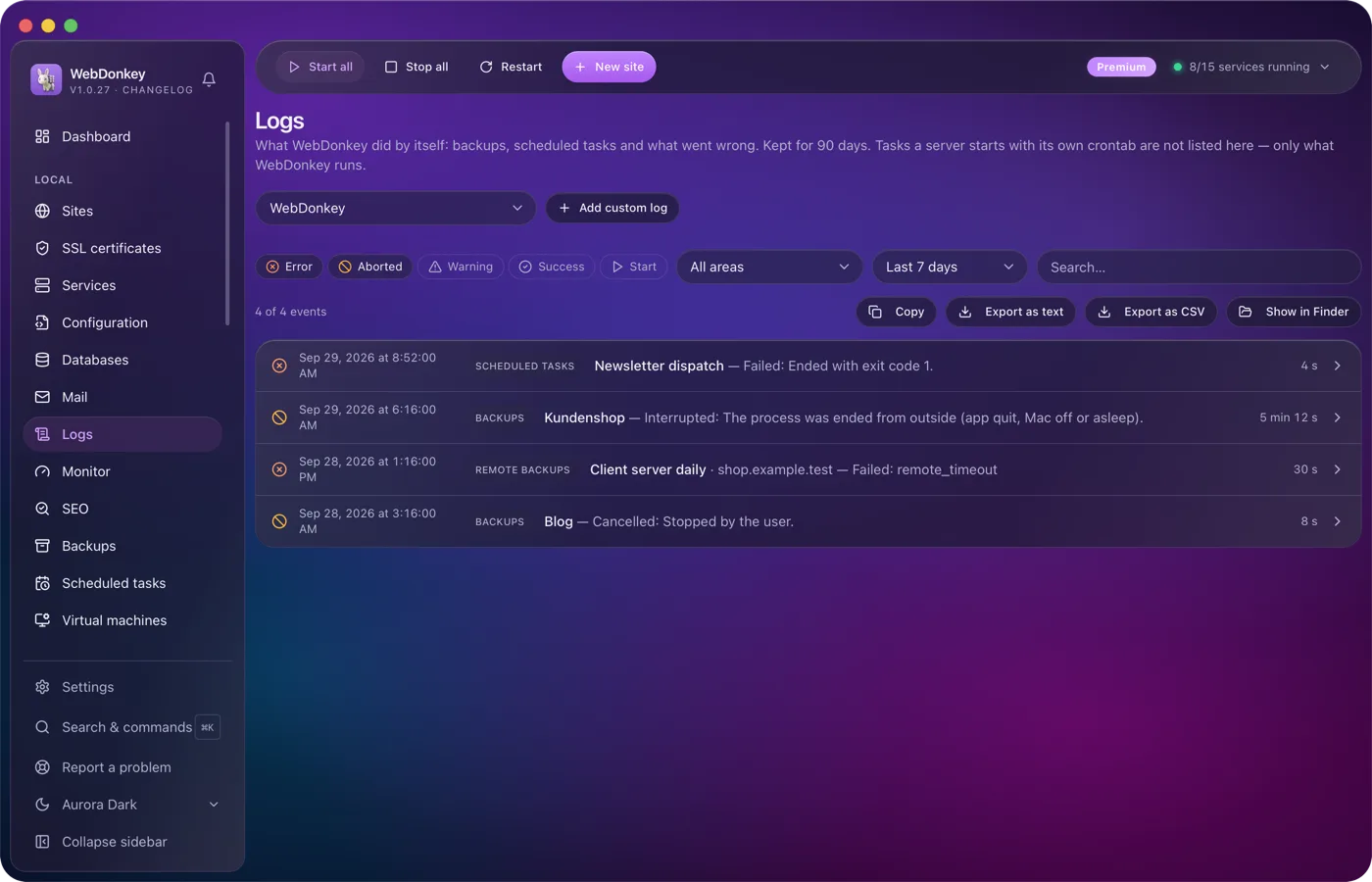
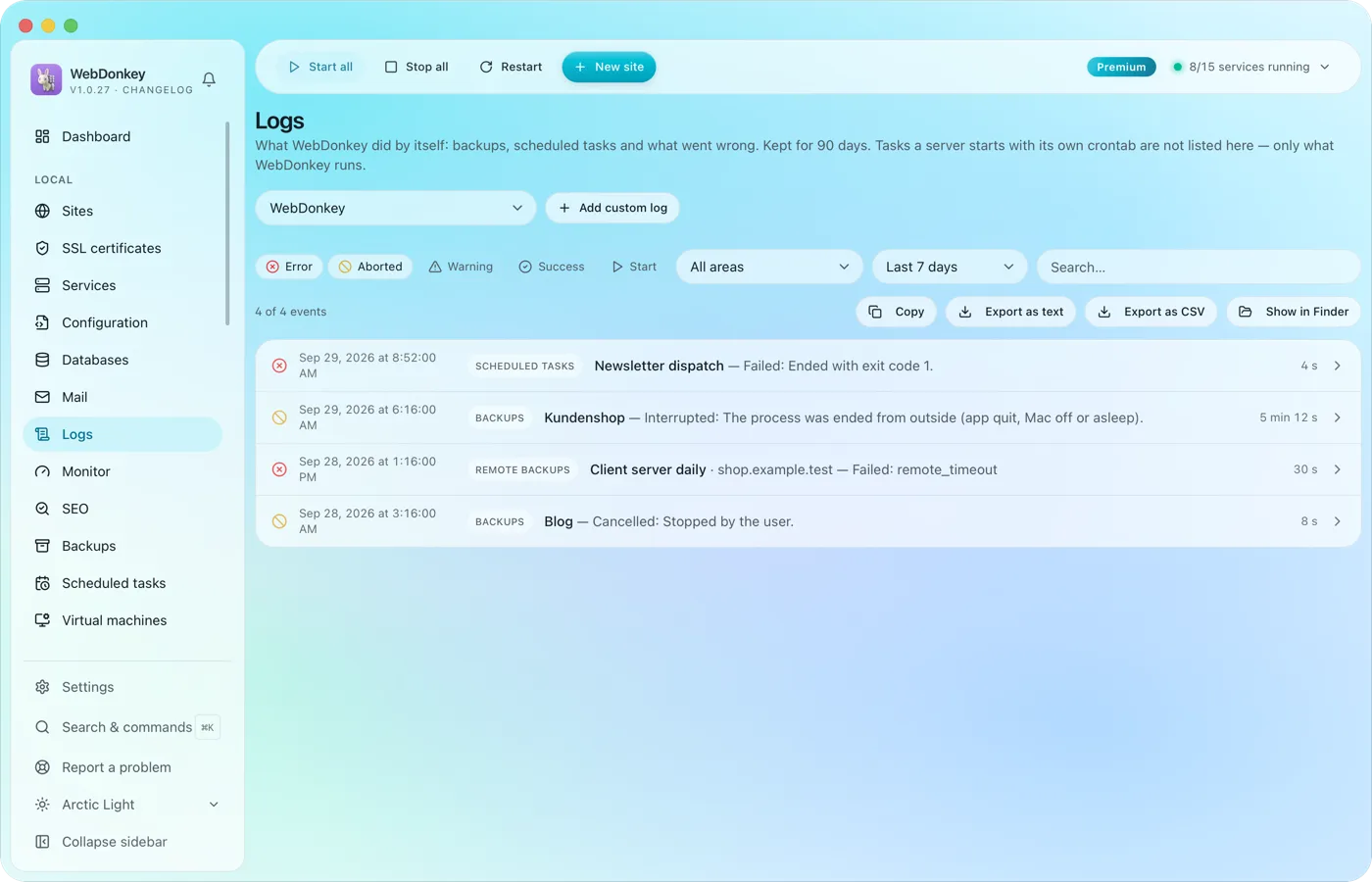 Read logs where they happenService logs from nginx, PHP-FPM, MySQL and the others, live in the app. Plus your own log files, say a project's Laravel log, registered through a file picker and followed live just the same.
Try it on your own project.
Free costs nothing and has no time limit. macOS 11 or later, Apple silicon and Intel.
