





Create and browse databases
What is it?This is where you manage the databases of your local projects: MySQL, MariaDB, PostgreSQL and MongoDB, with their users and permissions.
Manage MySQL, MariaDB, PostgreSQL and MongoDB, create databases and users. Adminer is built in and opens right inside the app, with server and user already filled in.
Free costs nothing and has no time limit. macOS 11 or later, Apple silicon and Intel.
Without WebDonkey
For every new database you open a second program or type SQL into the terminal. You only find out who may access what when a project stops with an error message.
With WebDonkey
You create the database and user exactly as the project's .env expects them. Adminer is built in and opens with server and user already filled in.
What you get out of it
- Permissions at a glanceThe card reads the permissions straight from the server: each database with its users, or each user with their databases.
- Back up from the rowYou back up any MySQL, MariaDB or PostgreSQL database from its row into a file and restore it again.
- Deleting only after confirmationNothing is deleted without confirmation, and a database with tables only once you type its name.
In detail
Servers and databases
Pick the server at the top; below it you see port, data directory and status. Databases are created with a name and dropped only after confirmation, one with tables only once you type its name. PostgreSQL databases can be renamed. With several versions installed you choose in the card which one runs on the next start; for MySQL and MariaDB every version line has its own databases and users.
Backup and restore
You back up any MySQL, MariaDB or PostgreSQL database from its row into a file: SQL, gzipped or plain, for PostgreSQL also as a PostgreSQL archive, plus one CSV per table as a ZIP, or JSON. WebDonkey remembers format, file name and folder per database and never overwrites anything. Restore loads a .sql, .sql.gz or .dump file and, if you like, first makes an SQL backup of the current state.
Users
Create database users with a password and access to a specific database, the way a project expects them in its .env. Removing a user is just as quick.
Who may do what
The card reads the permissions straight from the server instead of keeping a list of its own. You see either each database with the users who may access it, with their level, or each user with their databases.
Adminer embeddedFree & Premium
Adminer runs as its own service and starts automatically when opened. Under Adminer opens with you pick database and user; Adminer prefills server, user and database on its login, and you enter the password there. Reload and Open externally sit in the card header; if Adminer does not start, Go to Services takes you to the Services page. With Premium Adminer runs right in the card, on Free you open it in the browser. Adminer does not support MongoDB, so there is no DB browser button there.
What does Free include?
Database management is included in Free. Free opens Adminer in the browser, Premium right in the window.
Compare Free and PremiumGoes well with this
-
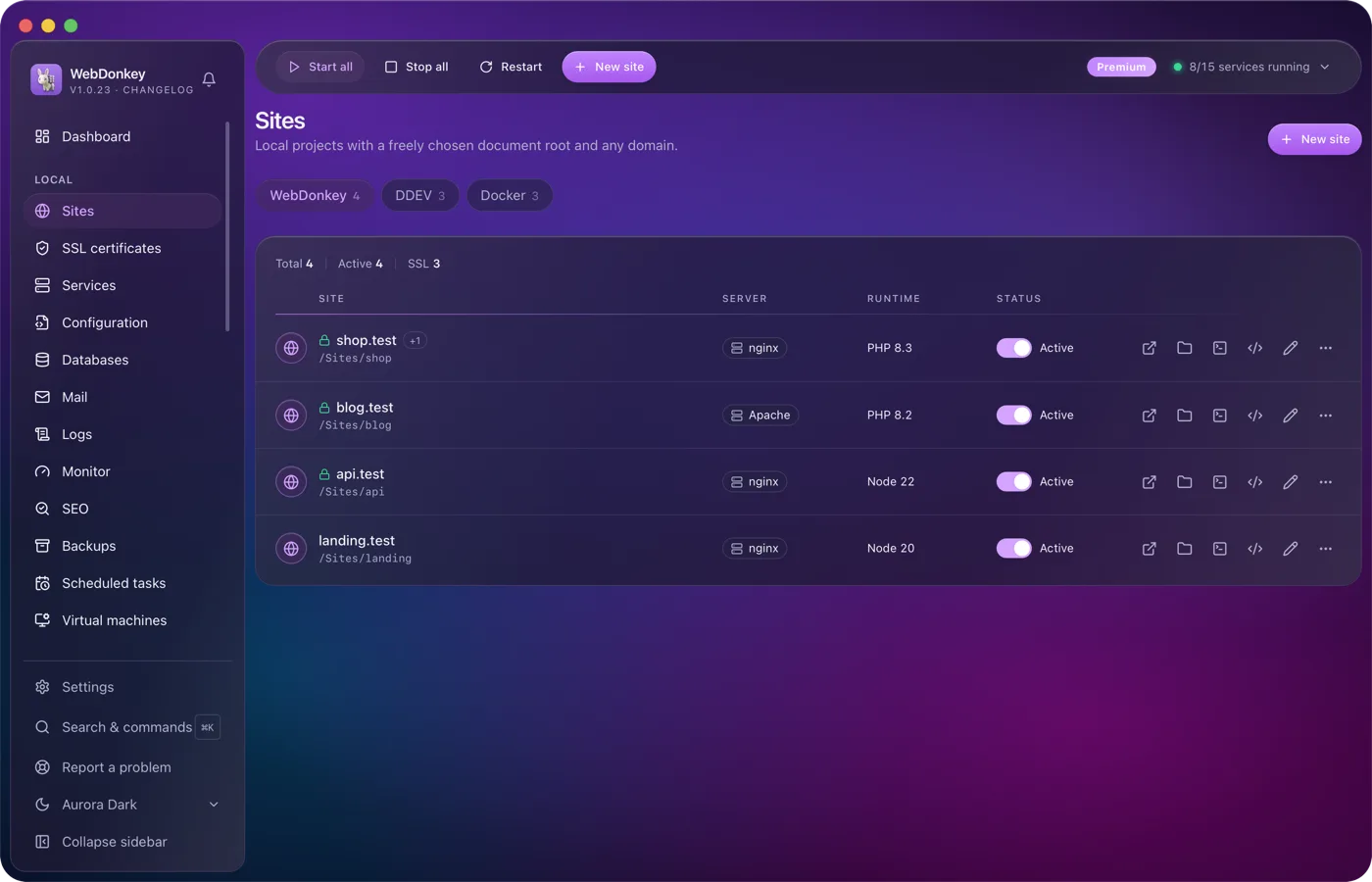
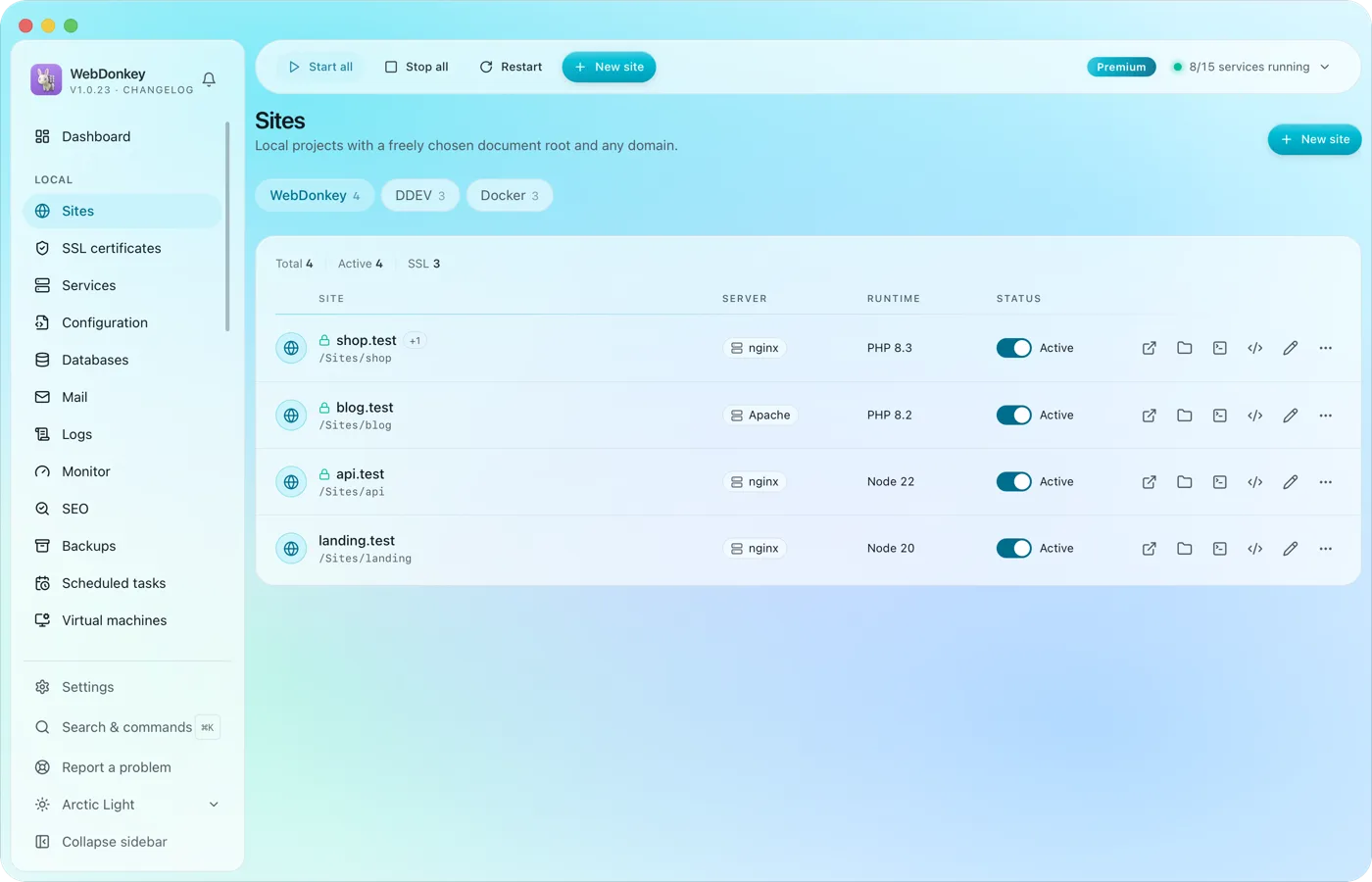 Unlimited local sites, each with its own domainPick a folder, type a domain, choose a PHP or Node version, done. HTTPS and name resolution are set up by WebDonkey itself. DDEV projects and Docker containers sit right next to them.
-
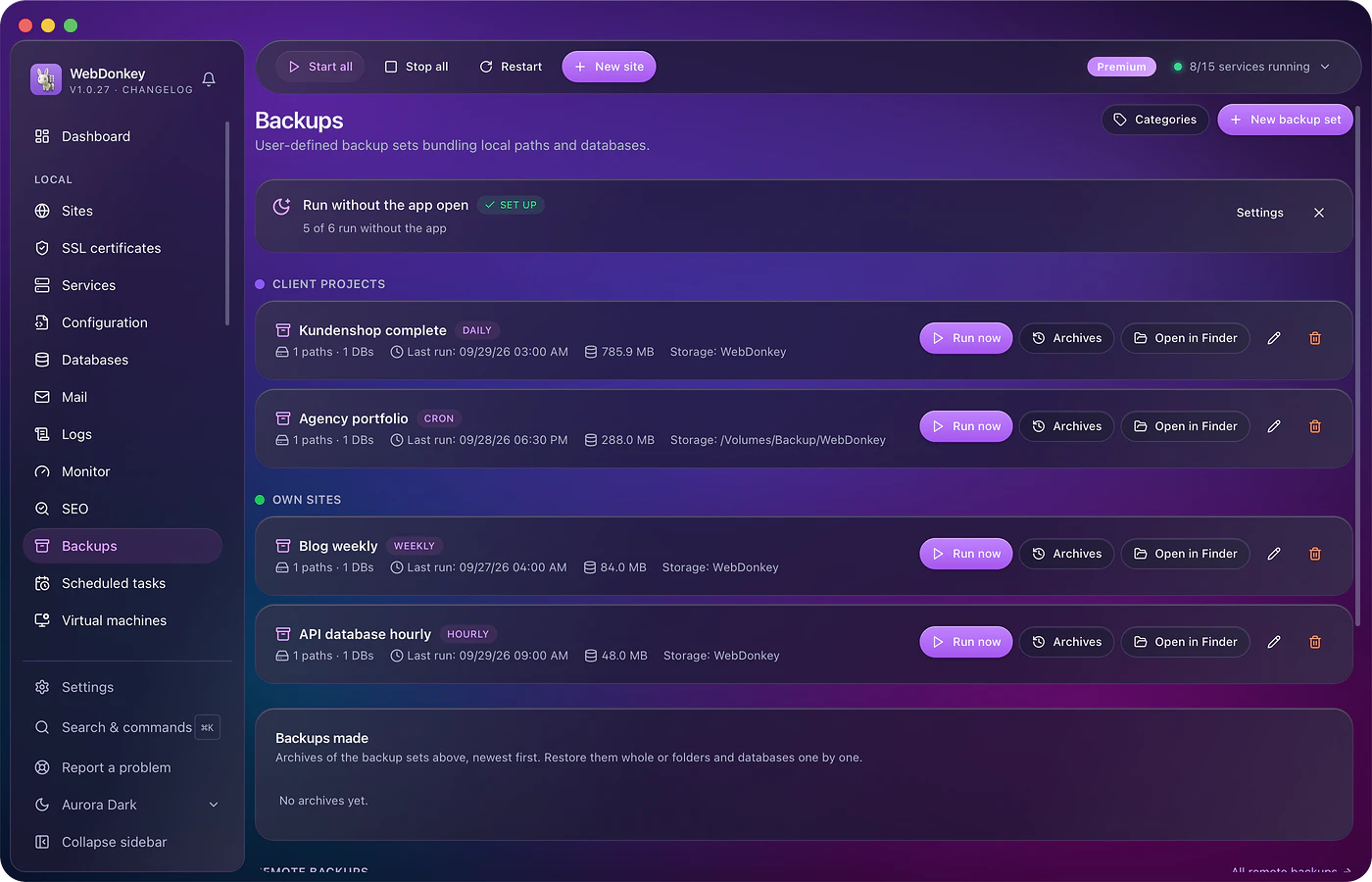
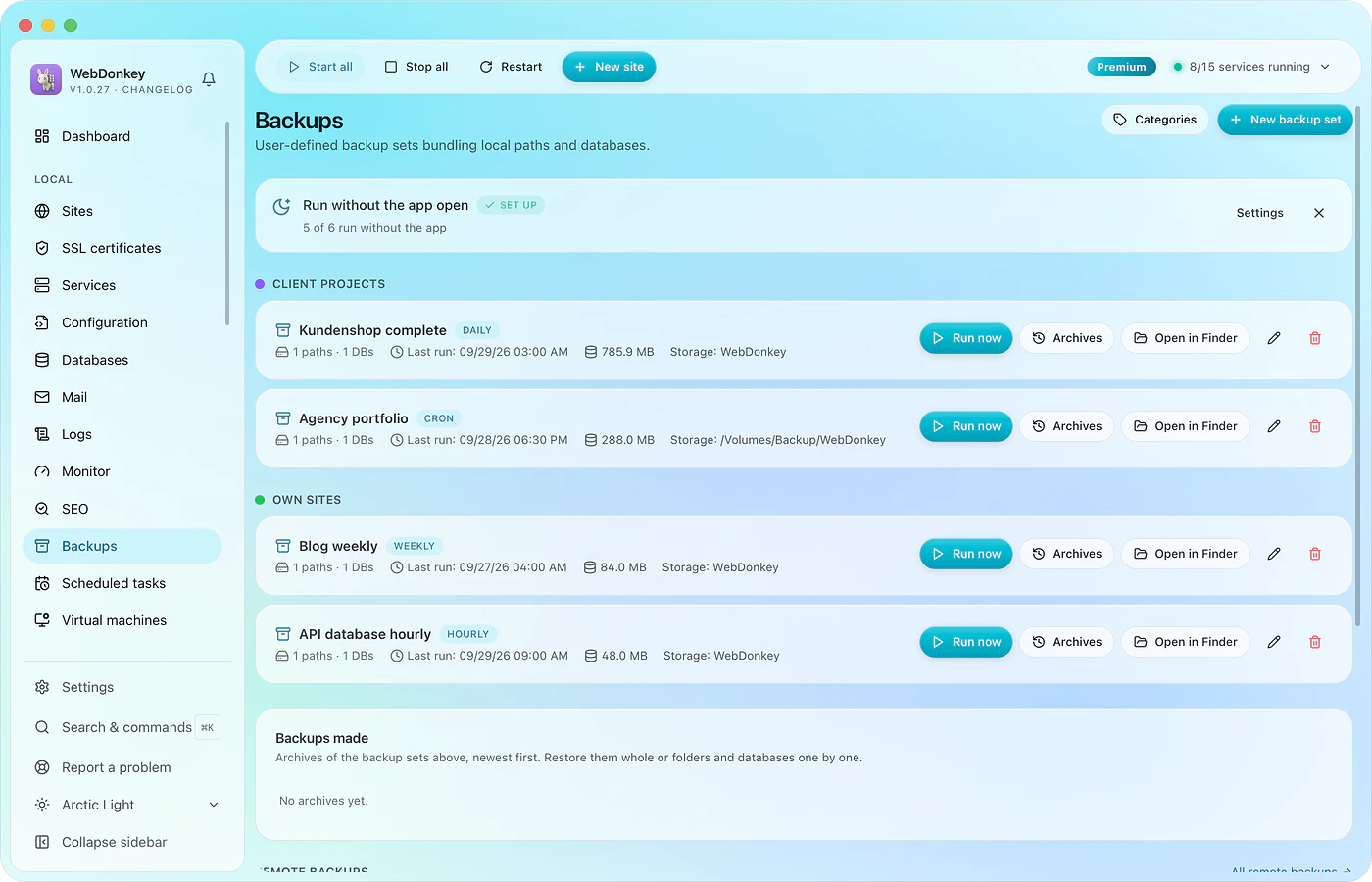 A backup before the update, one that actually comes backBack up files and database together, on schedule, with a retention rule. Every run with size and time. And a restore that shows what it will do before it does it.
-
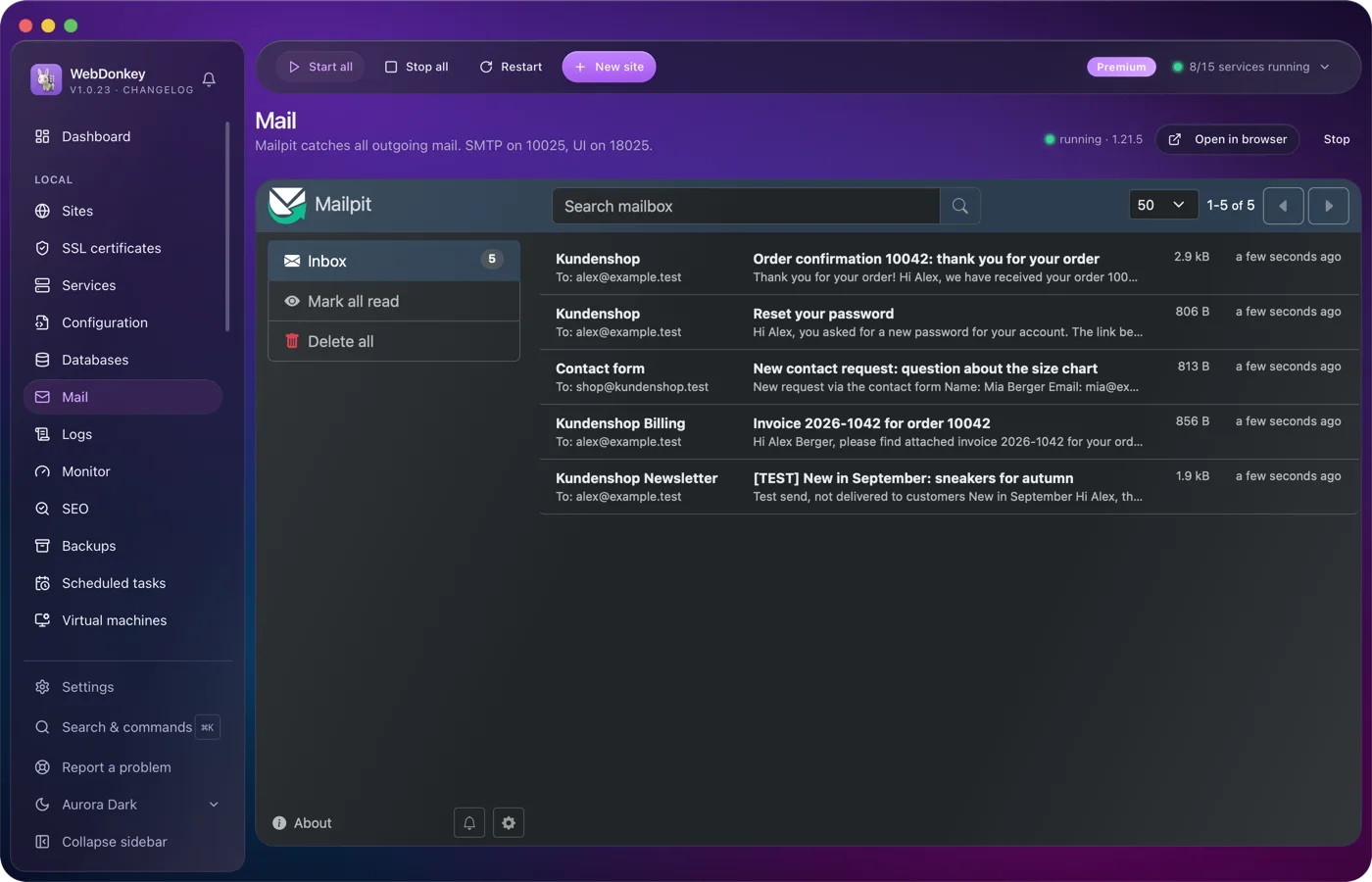
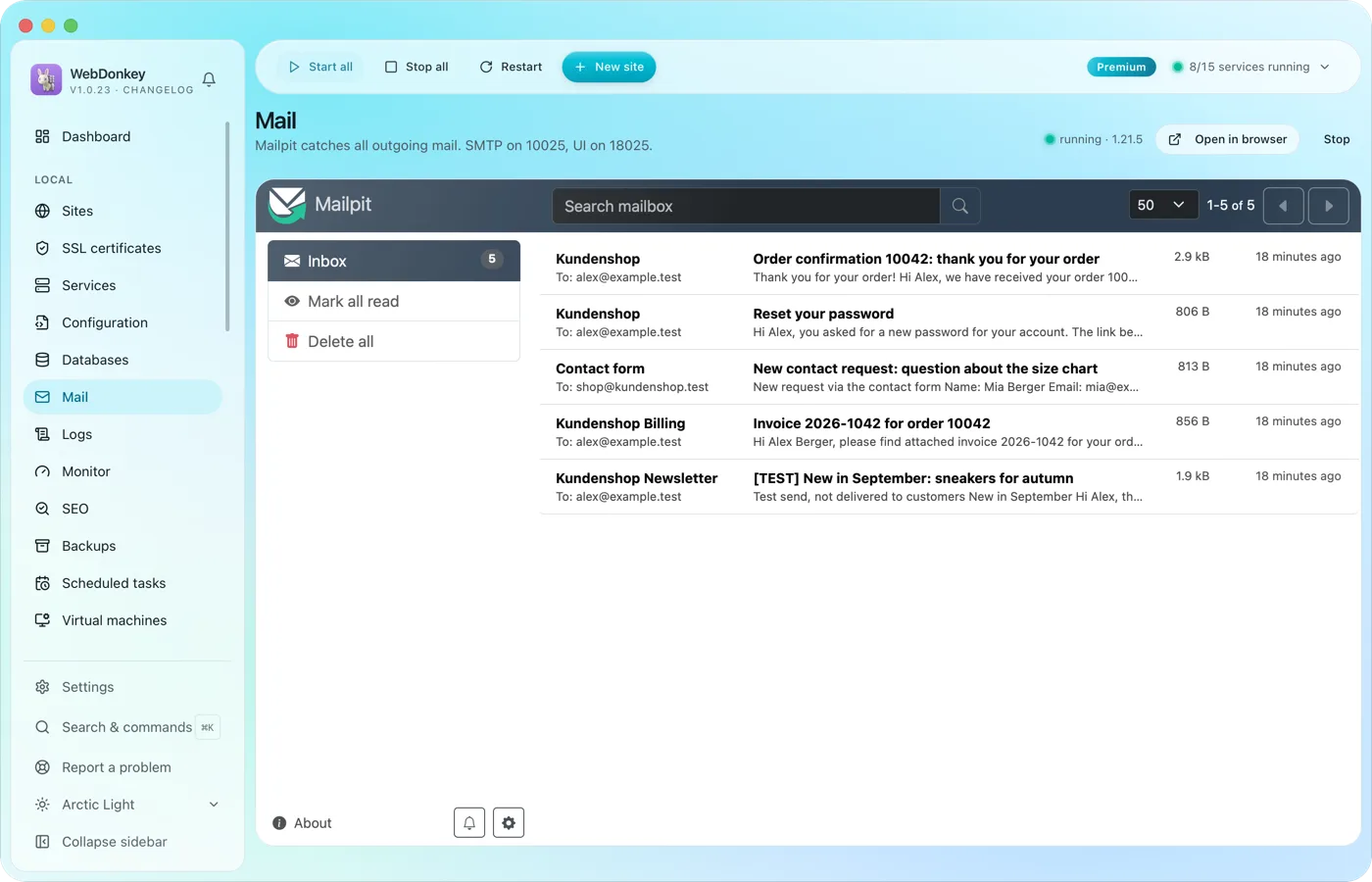 Every mail lands with you, none with the clientMailpit catches everything your projects send. Order confirmations, password links, newsletter tests: all in Mailpit's inbox, with HTML view, source and attachments. With Premium you read it right in WebDonkey, on Free you open it in the browser.
-
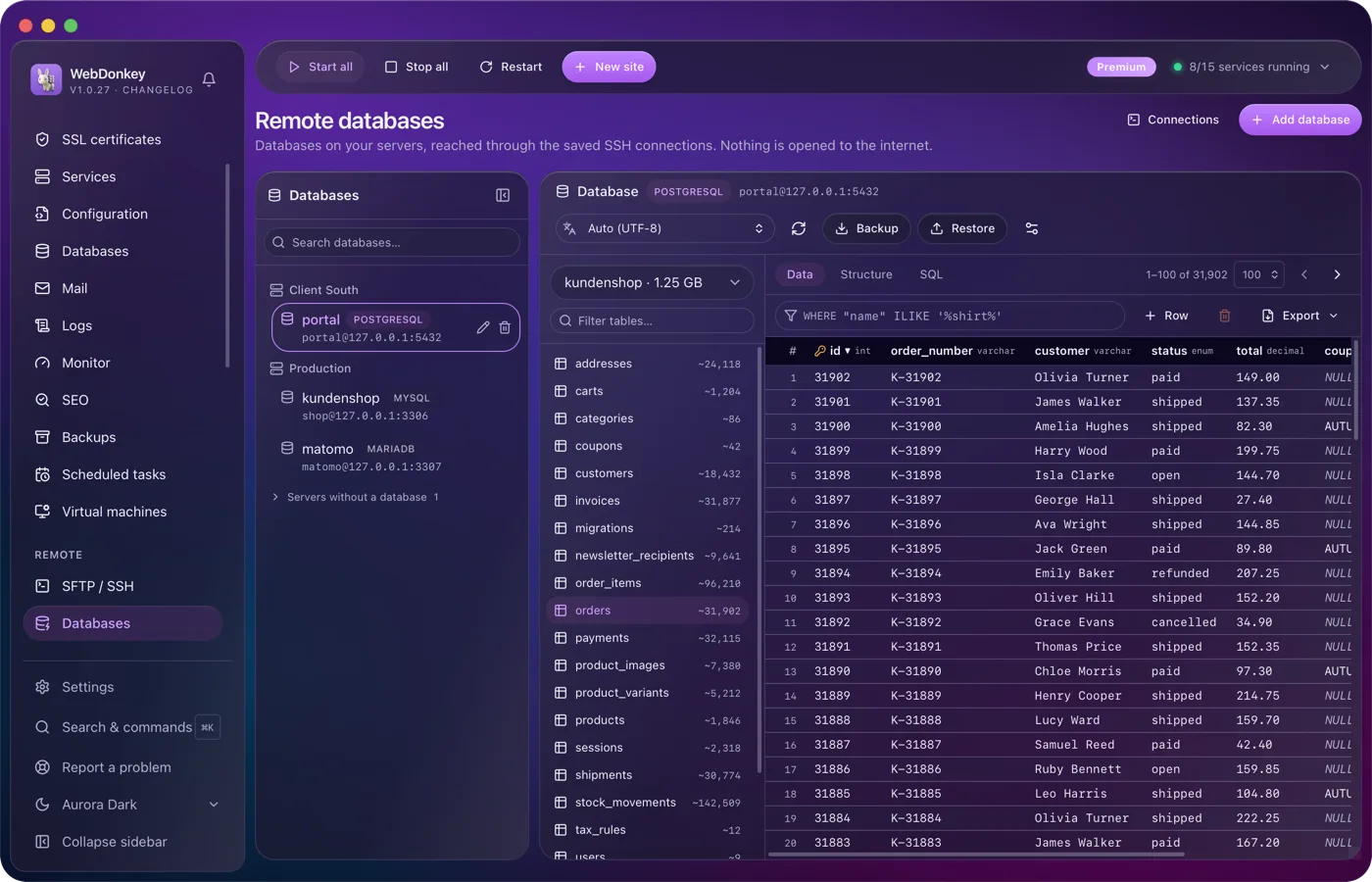
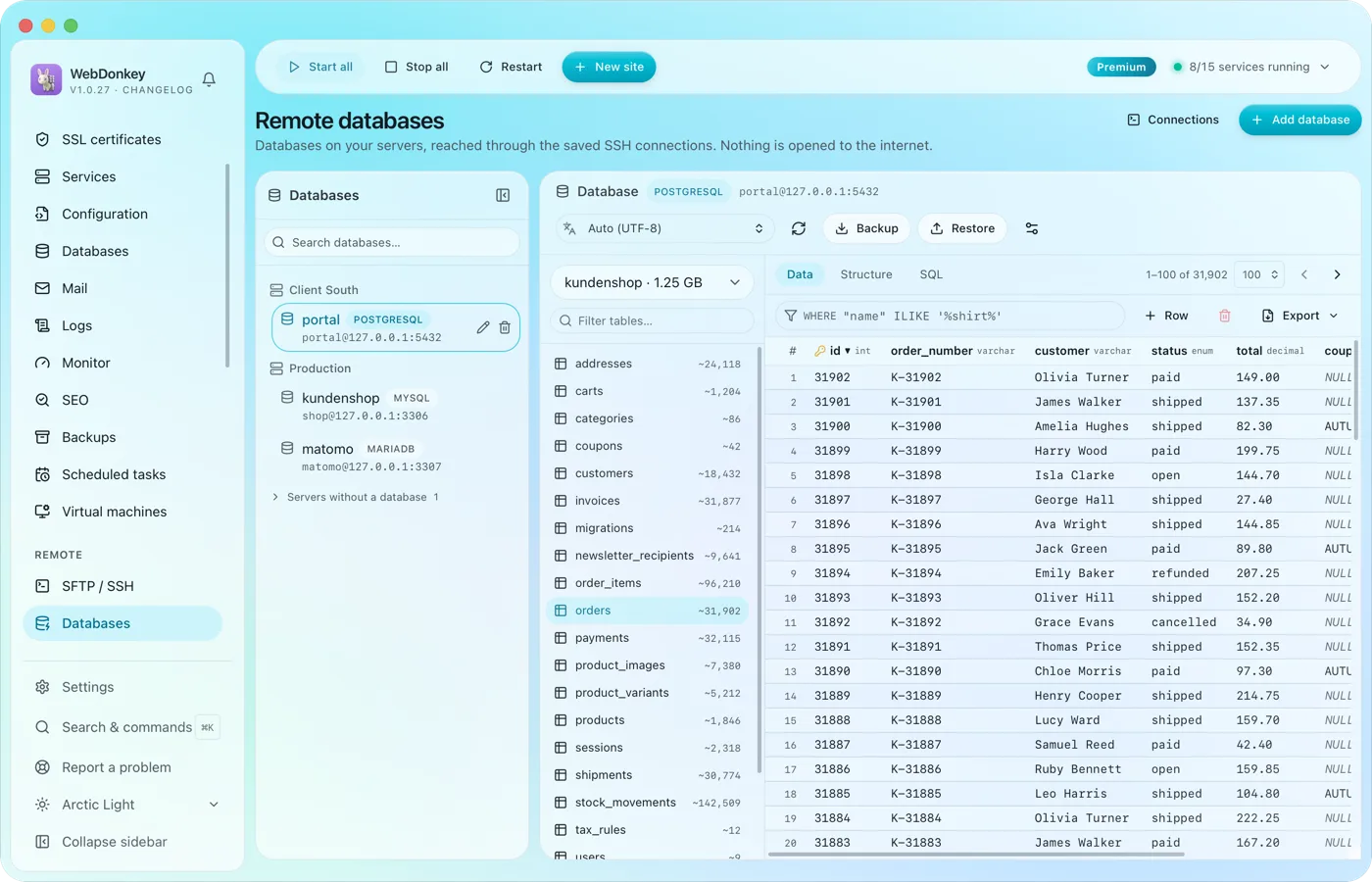 The databases on your servers, without Adminer on the serverAll databases of all servers on one page, reached over the saved SSH connection. No port is opened to the outside for it. Browse tables, edit rows, run SQL.
Try it on your own project.
Free costs nothing and has no time limit. macOS 11 or later, Apple silicon and Intel.
