





The databases on your servers, without Adminer on the server
All databases of all servers on one page, reached over the saved SSH connection. No port is opened to the outside for it. Browse tables, edit rows, run SQL.
Free costs nothing and has no time limit. macOS 11 or later, Apple silicon and Intel.
What it takes off your plate
Open server databases over SSH. Browse, edit and run SQL without opening a port to the outside.
In detail
Add a database
A database connection belongs to one of your servers and runs through its SSH connection: MySQL, MariaDB or PostgreSQL, the host as seen from the server, port, user and password. Test access checks your entries before you save.
Character set
Old shops often do not store text as UTF-8, and umlauts turn into garbage. If WebDonkey spots double-encoded umlauts, one click on Use Latin-1 shows them correctly. The character set menu also has Latin-2, Windows-1250, Windows-1251, Greek, UTF-8 for old servers, Shift-JIS, GBK, Big5 and EUC-KR.
Back up a database
The whole database as a file on your Mac: an SQL dump, gzipped or plain, one CSV per table as a ZIP, a JSON document or, for PostgreSQL, its own archive format. Existing files are never overwritten.
Restore
Load a dump into a database on the server, from a WebDonkey backup or a file of your own (.sql, .sql.gz or .dump). Beforehand WebDonkey can back up the target database's current state, because the tables from the dump replace the existing ones.
Data
Pick a table and its rows come page by page, sortable through the column headers and filterable with a condition as in WHERE. With a right-click you edit, duplicate or delete rows, copy them as CSV, JSON or INSERT or filter by a value; Row adds a new one. Views and tables without a key are read-only.
Export
Table data as CSV, CSV (Excel), TSV, JSON, SQL INSERT, Markdown, HTML or XML, either exactly the rows shown or all rows with the current filter, to the clipboard or as a file. The same works for the result of an SQL query.
Structure
How the chosen table is built: at the top engine, collation, row count and the sizes of data and indexes, below them the columns with type, default, key and collation, plus indexes and foreign keys. The tab only shows; you change the structure with SQL.
SQL
Run your own statements in the chosen database with ⌘↵. The result comes as a table with the time taken and the rows changed. Statements that change data ask first, since they run on the server right away.
What does Free include?
This feature is part of Premium. On Free you see it in the app, and you can use it with a licence.
Compare Free and PremiumGoes well with this
-
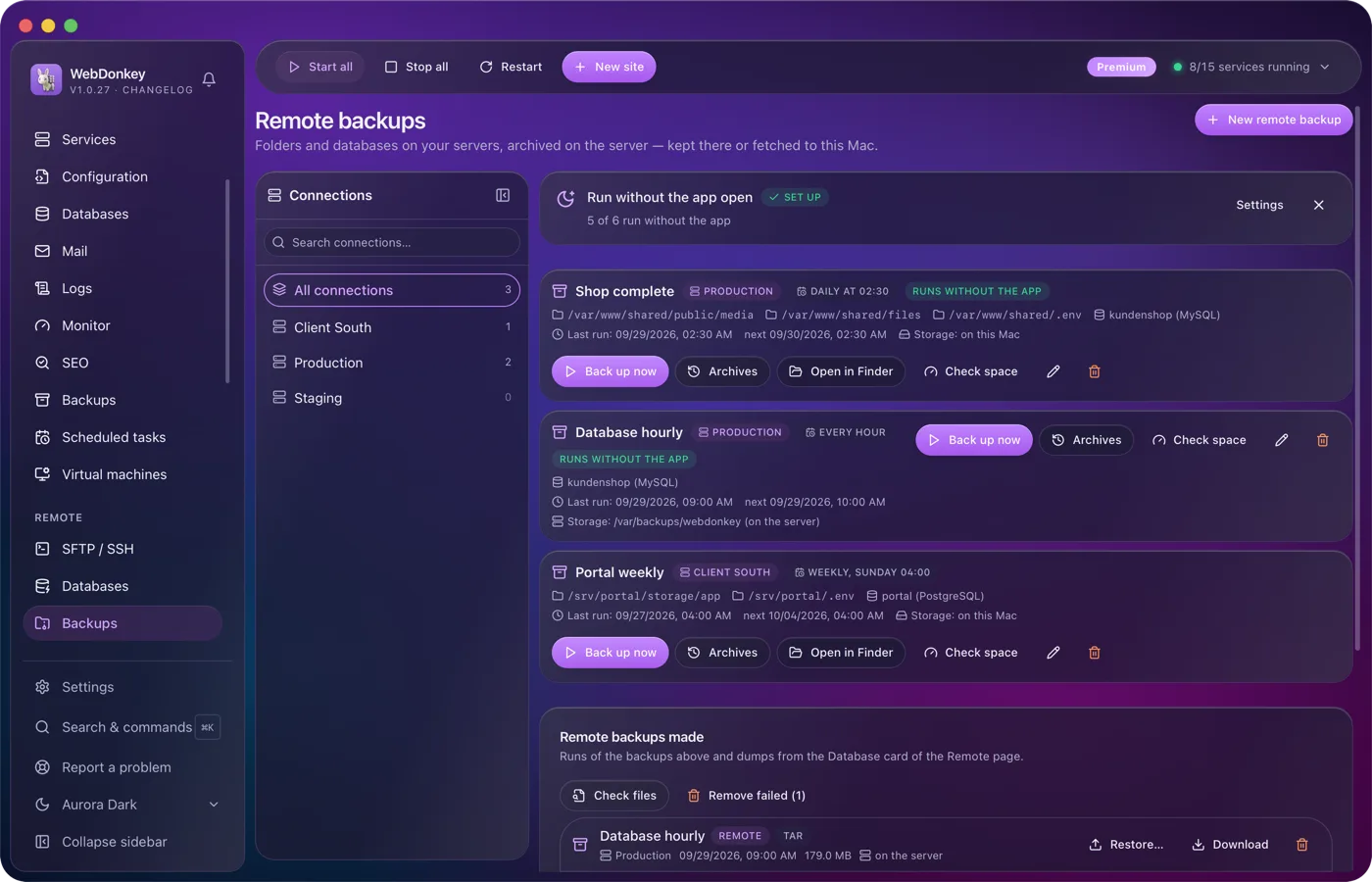
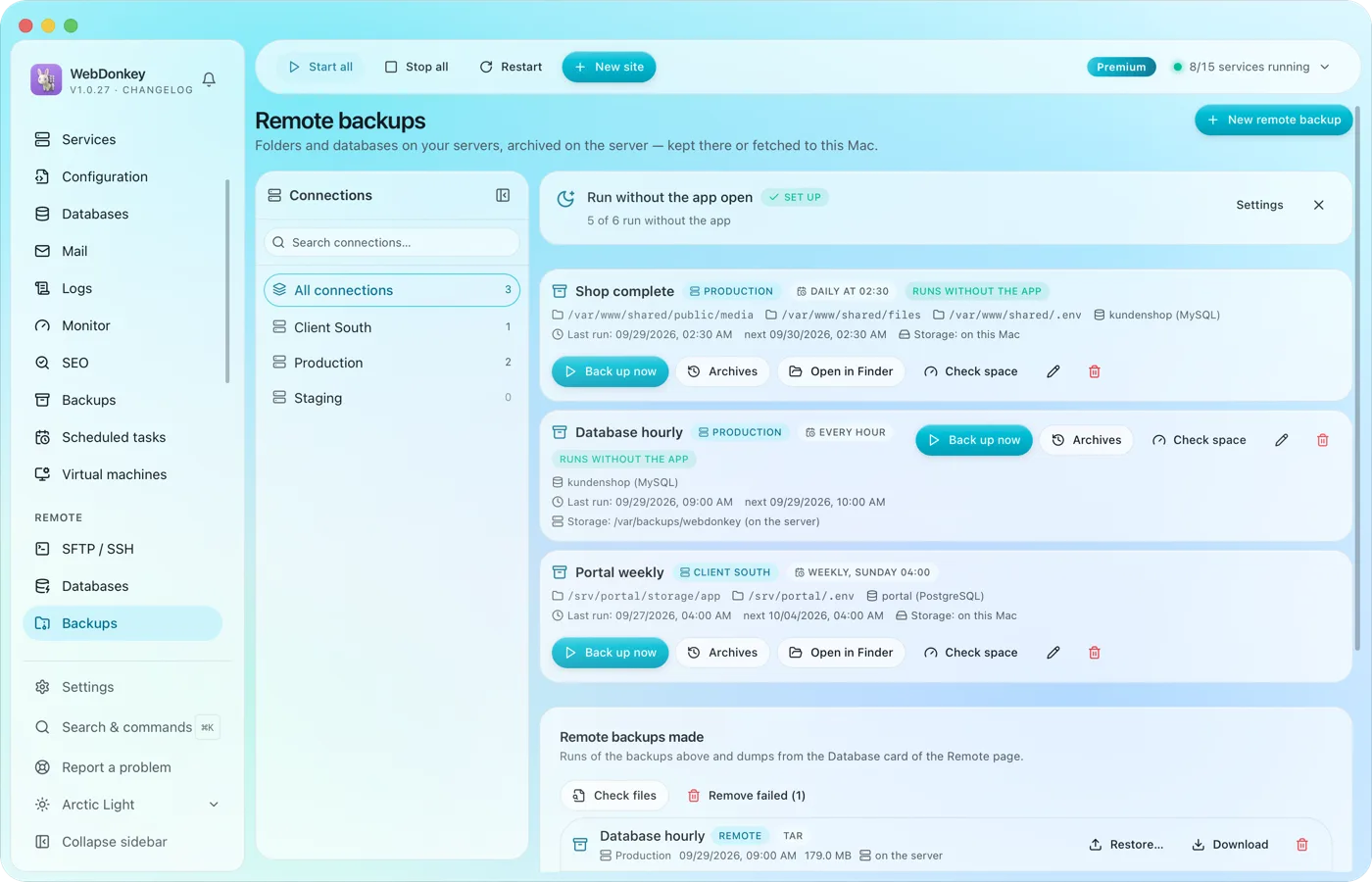 Backups of your servers, kept there or fetched to your MacBack up the folders and databases of your servers. The archive is built on the server and stays there or comes to your Mac, on a schedule if you like.
-
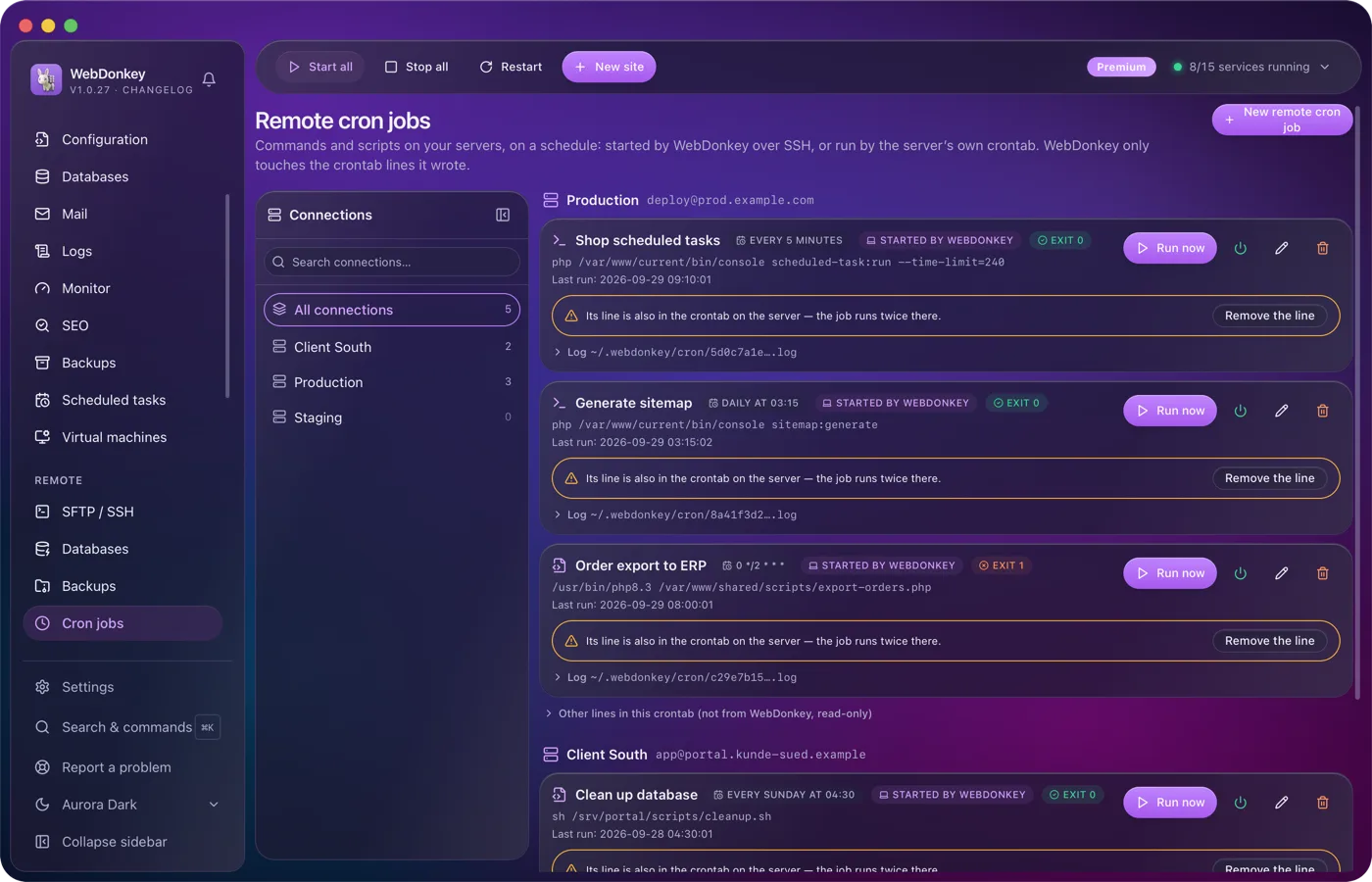
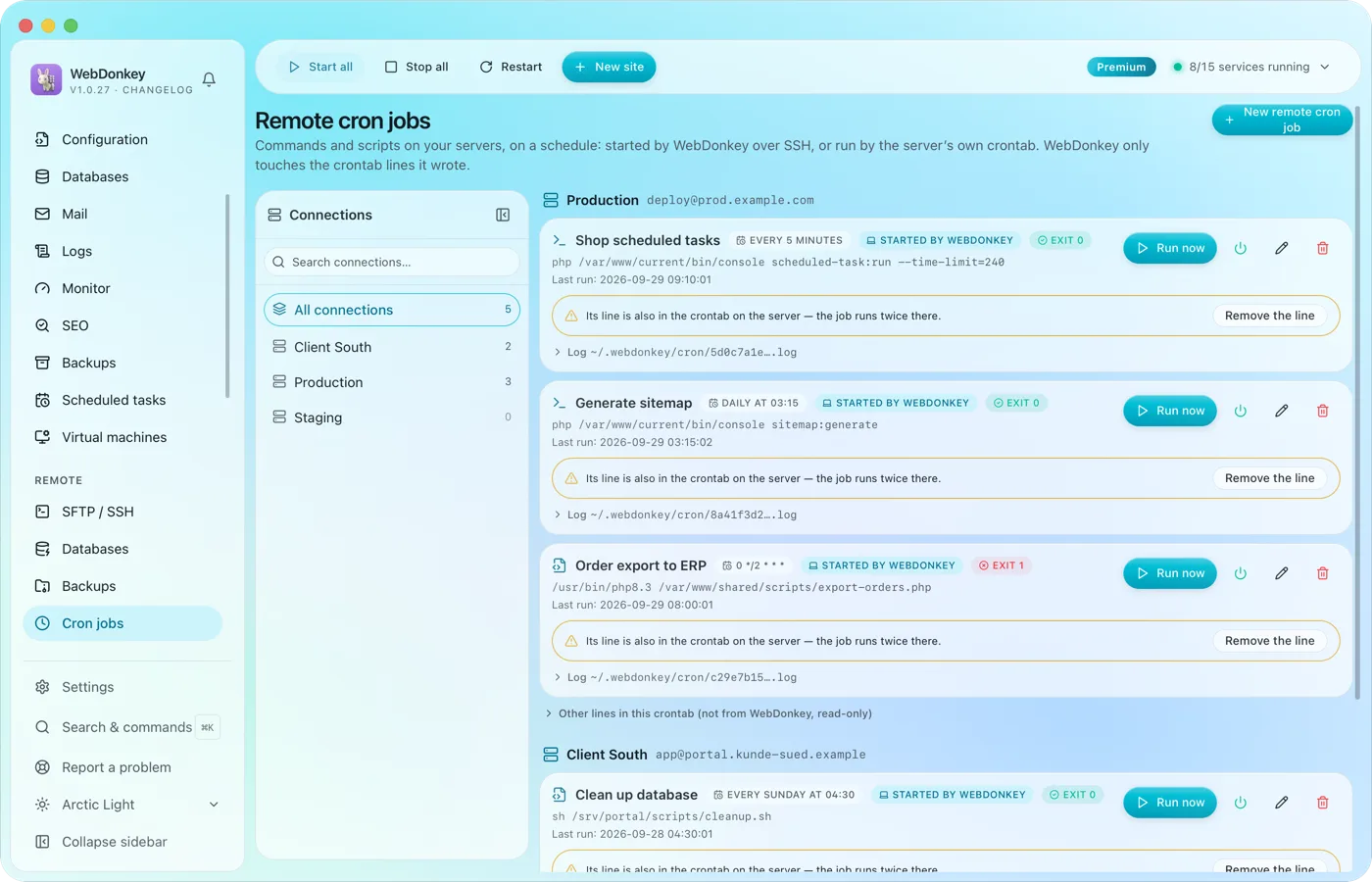 Cron jobs on your servers, with log and exit codeCommands and scripts on your servers, on a schedule. Either WebDonkey starts them over SSH, and the server needs nothing. Or they sit in the server's own crontab and run even when your Mac is off.
-
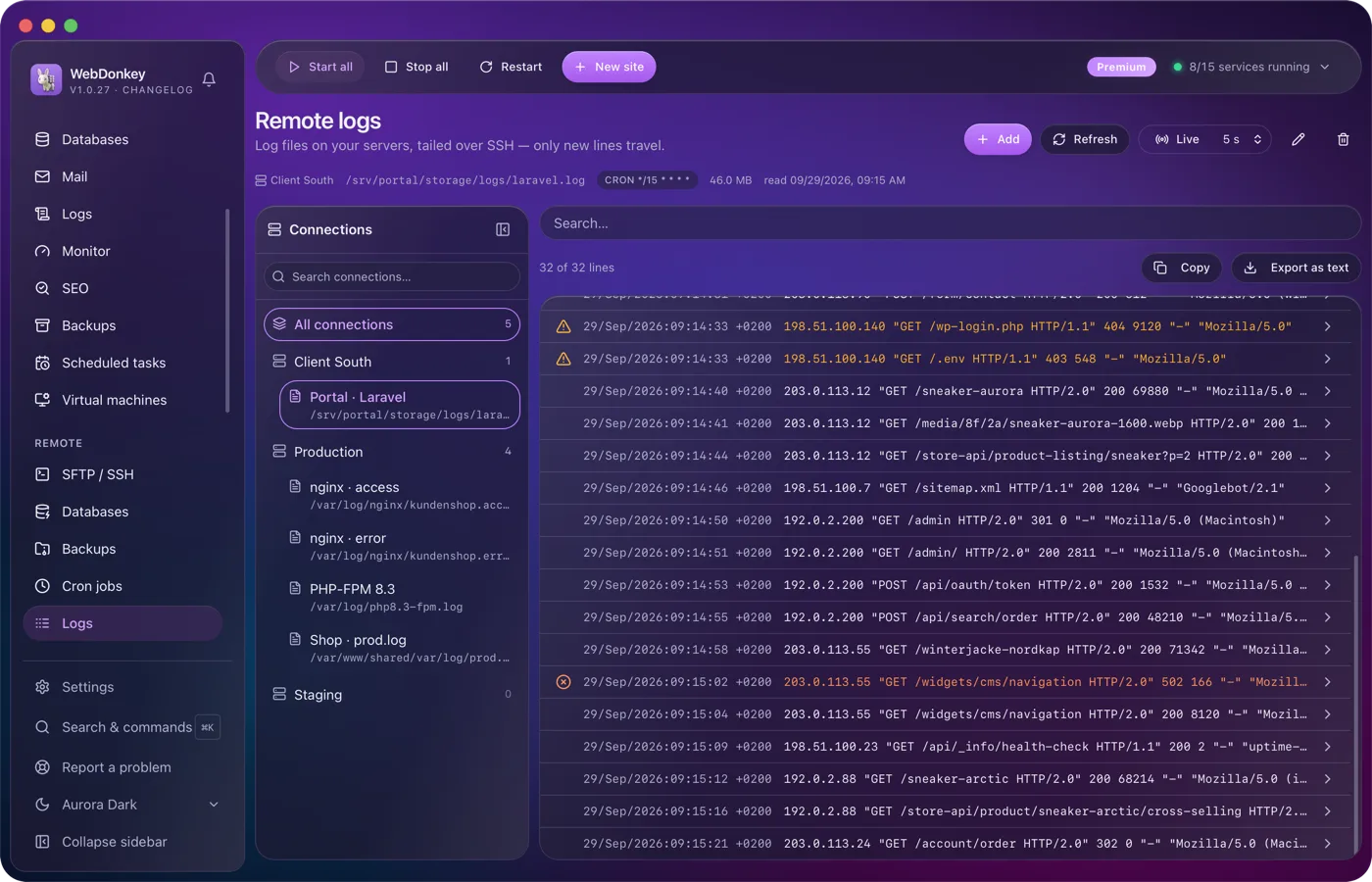
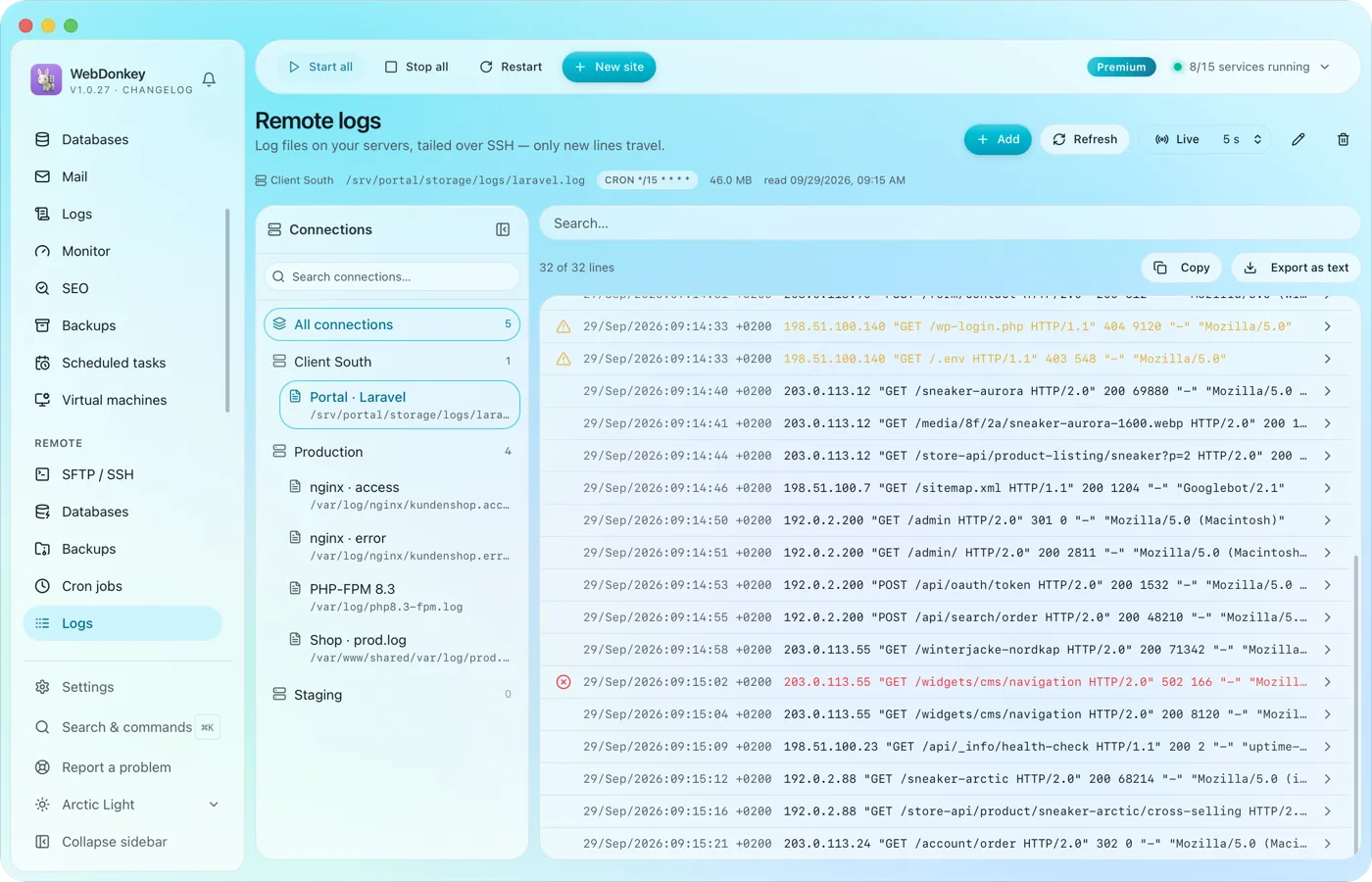 The logs of your servers, followed liveLog files on your servers, followed over SSH. Only new lines are transferred.
-
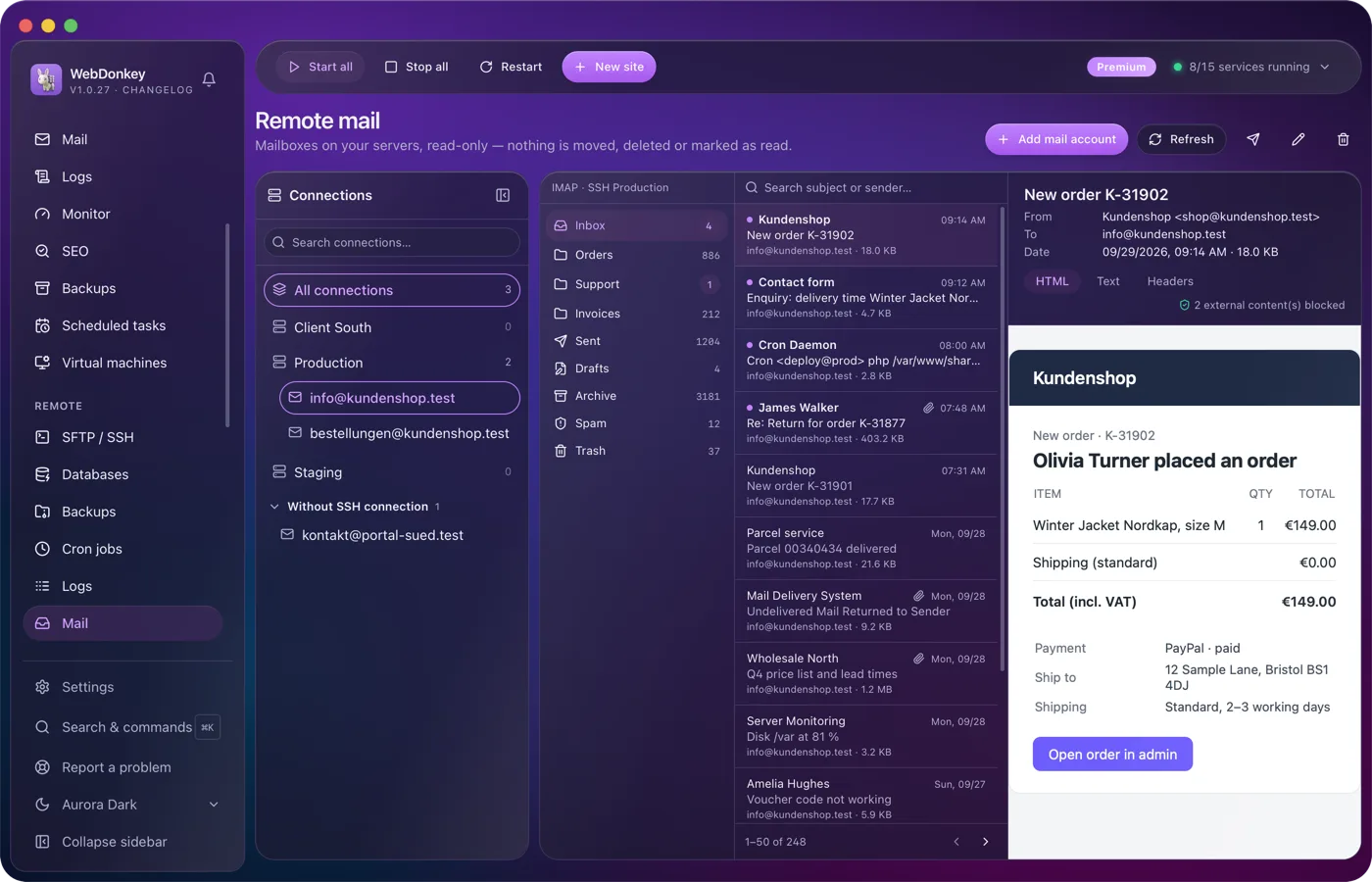
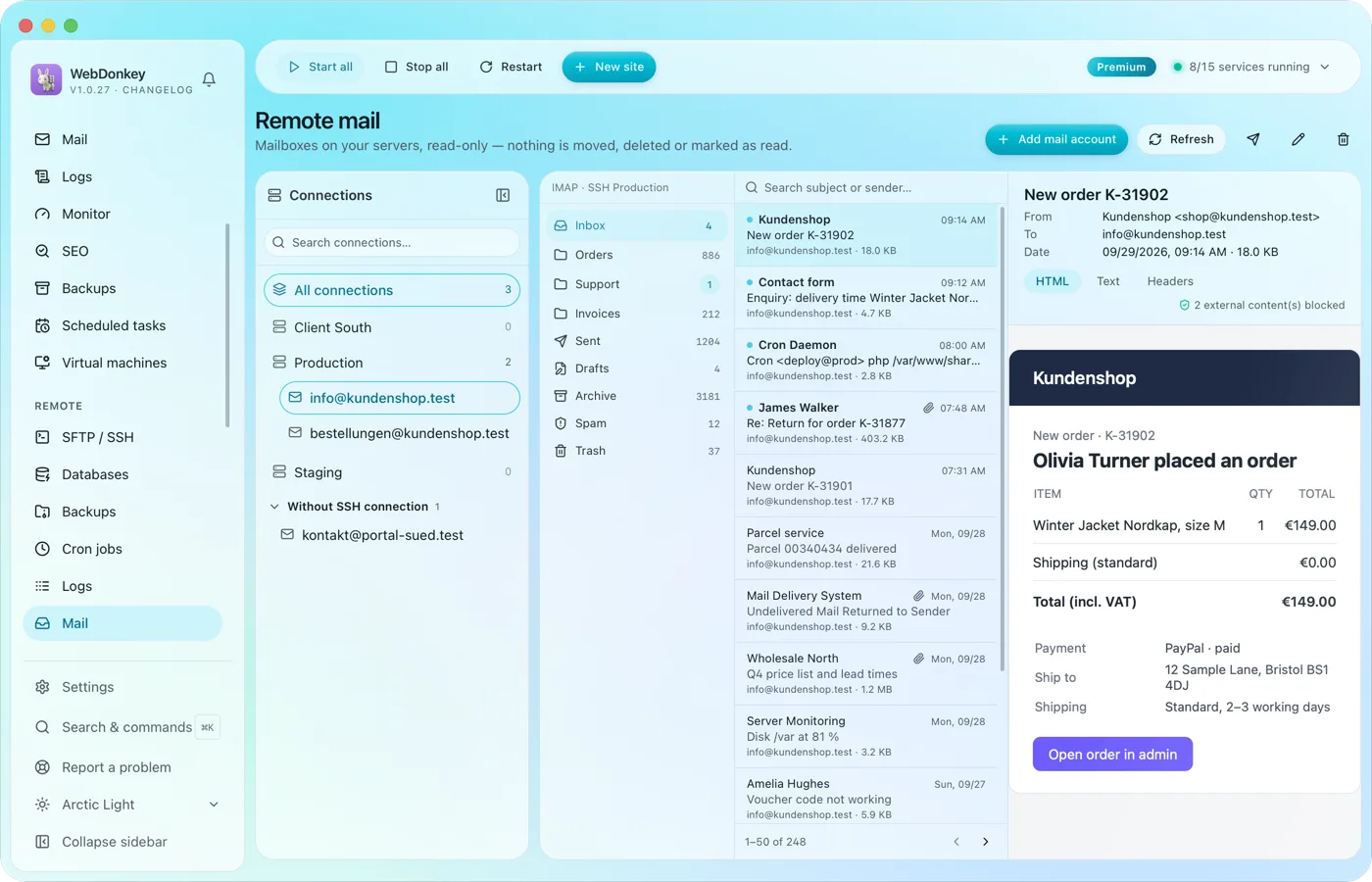 The mailboxes of your domains, read-onlyRead the mailboxes on your servers, directly or over an SSH connection, without a mail program. Folders, a searchable message list, a reading pane. Nothing is moved, deleted or marked as read.
Try it on your own project.
Free costs nothing and has no time limit. macOS 11 or later, Apple silicon and Intel.
