





Backups of your servers, kept there or fetched to your Mac
What is it?A remote backup saves a server's folders and databases into an archive. It stays on the server or comes to your Mac.
Back up the folders and databases of your servers. The archive is built on the server and stays there or comes to your Mac, on a schedule if you like.
Free costs nothing and has no time limit. macOS 11 or later, Apple silicon and Intel.
Without WebDonkey
Whether a backup on the server still runs, whether there is enough space and whether it can be restored, you often only find out when you need it.
With WebDonkey
You pick folders and databases right on the server and set schedule and retention. Before every run WebDonkey checks the free space.
What you get out of it
- Check the space first, then back upIf space on the server gets tight, WebDonkey asks before it backs up.
- Restore in partsFrom an archive you restore only the files or only a single database.
- Backup before restoringBefore restoring, WebDonkey backs up the target database. It only overwrites once you type the database name.
In detail
Create a backup
Name, server, the archive file name, the folders and files on the server, what is left out, databases with their format, where it is stored, on this Mac or on the server, schedule and retention. You pick the folders with Browse right on the server; a database can be backed up without any folder too.
Back up now
Before every run WebDonkey checks the free space on the server, then dumps the databases, packs an uncompressed .tar on the server and downloads the archive if you want it on your Mac, with progress in per cent. A note names whatever the SSH user may not read.
Schedule and retention
Manual only, hourly, daily, weekly or a cron expression, with presets. The row shows the last and the next run, and a rule decides how many archives stay.
The backup list
Every archive a Remote function created, newest first, with server and location. Download fetches archives on the server to your Mac; failed runs are marked.
Restore
Folders and databases of an archive back onto the server, each folder to its origin or to another target you map, with Replace folder or Merge. Before loading, WebDonkey always backs up the target database, and nothing is overwritten until you type its name to confirm.
Partial restore
If an archive holds folders and databases, its parts are listed below it: the files and one row per database. That way you restore only what you need.
What does Free include?
Remote backups are part of Premium. Scheduled runs start even with the app closed, once macOS takes over the scheduling.
Compare Free and PremiumGoes well with this
-
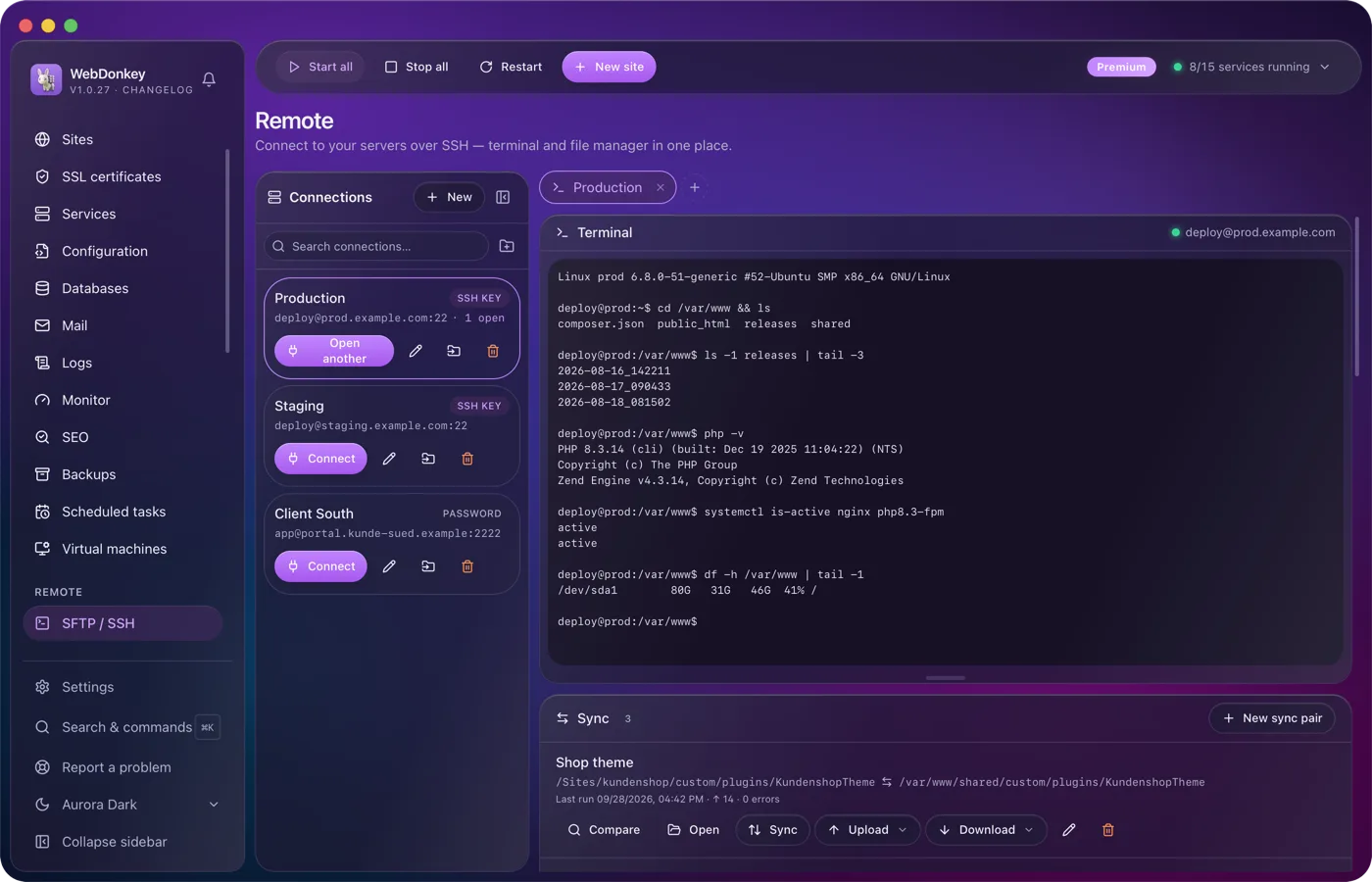
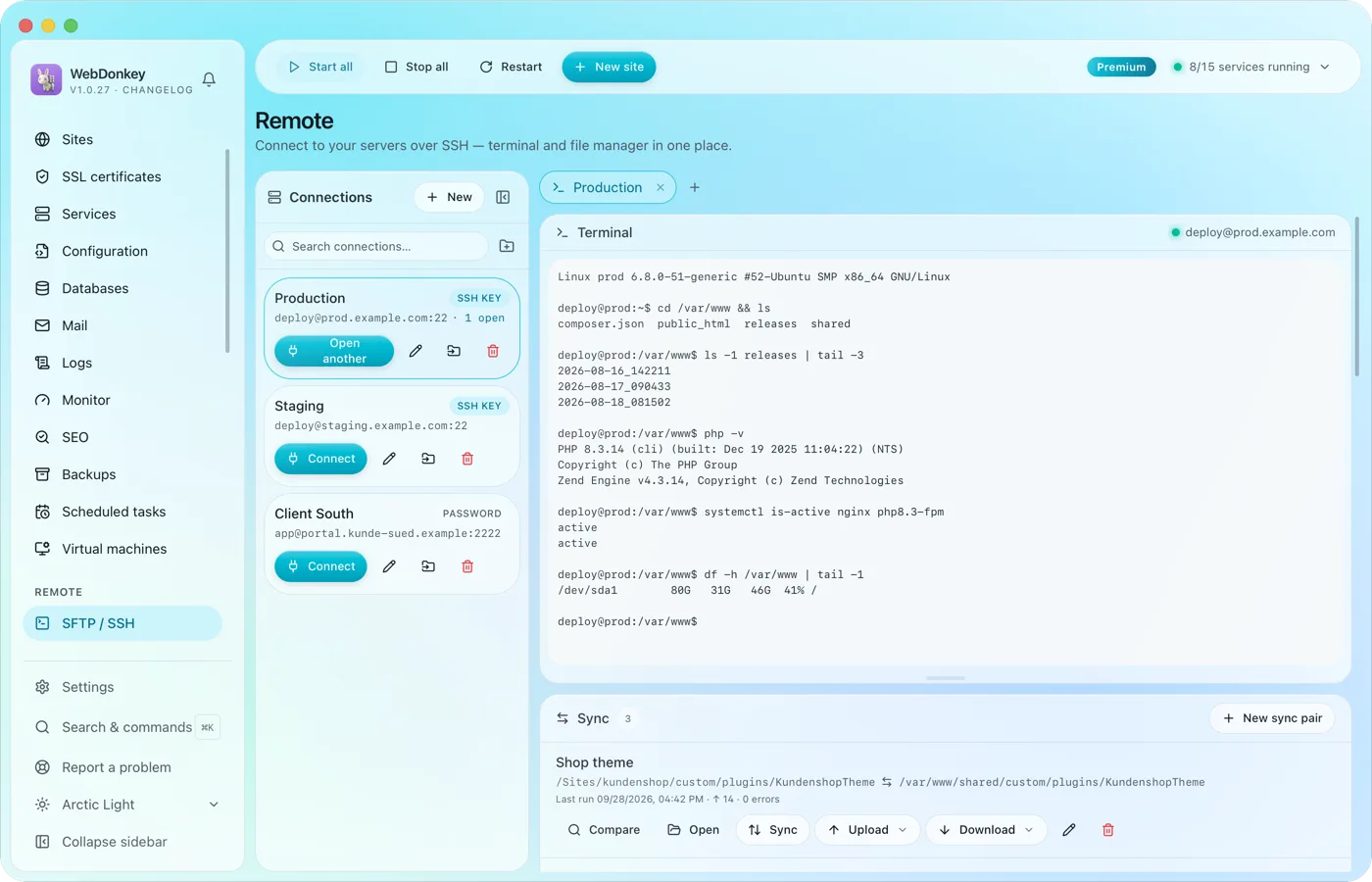 Onto the client's server, without switching windowsSSH terminal and SFTP file manager in one tab. Drag files back and forth, edit them right in the editor, change permissions. Credentials are stored encrypted, not in plain text in a file.
-
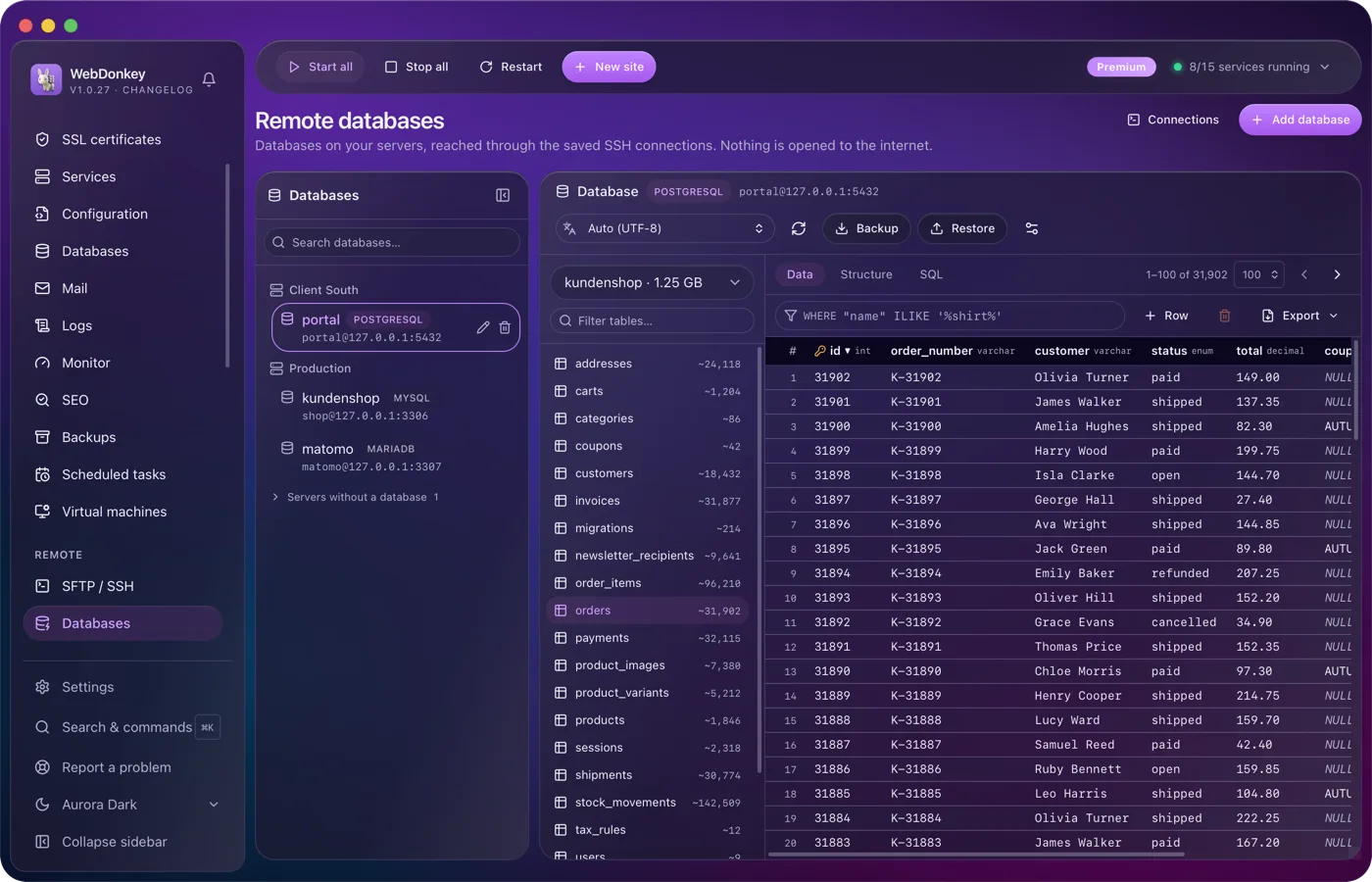
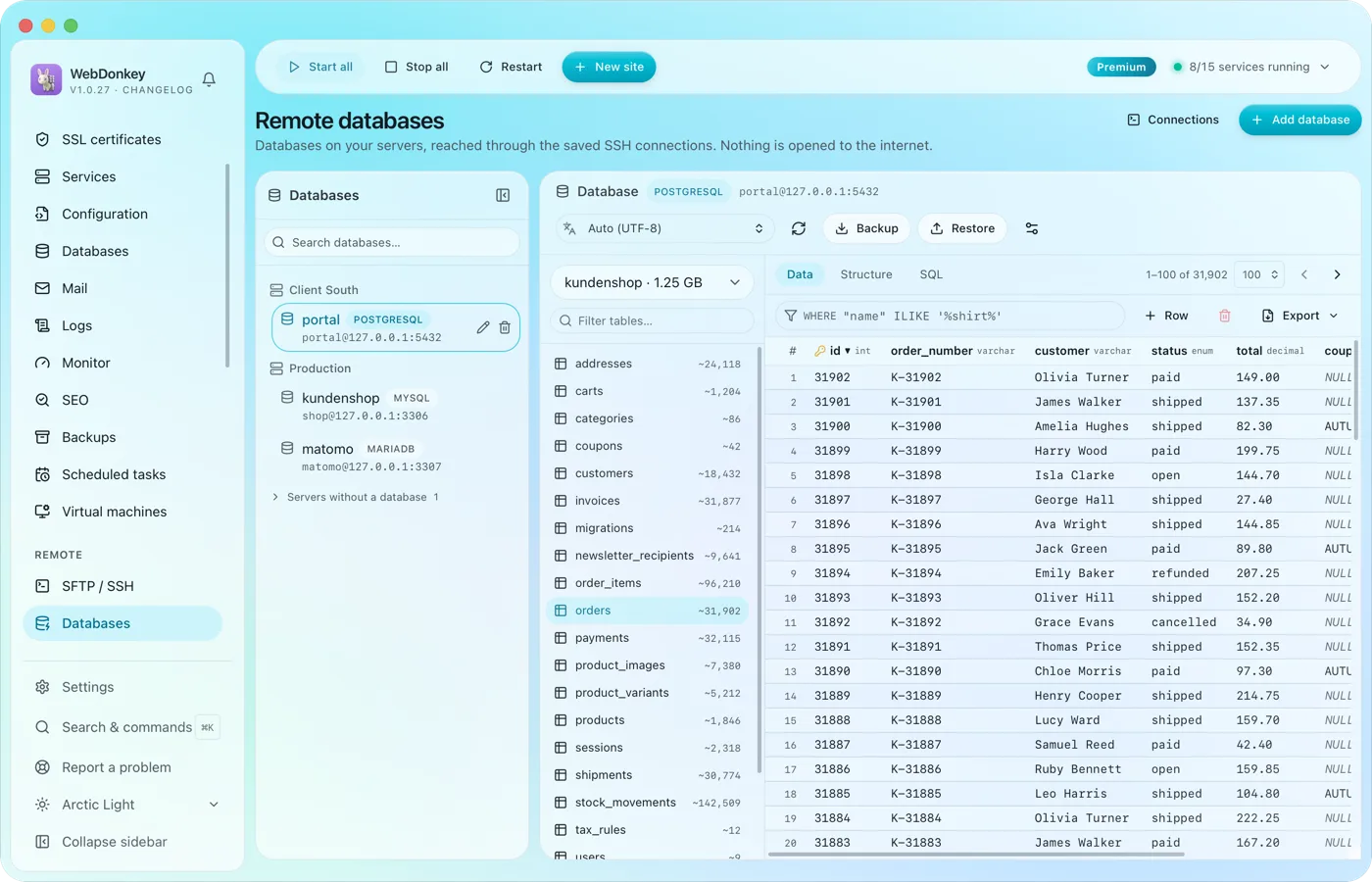 The databases on your servers, without Adminer on the serverAll databases of all servers on one page, reached over the saved SSH connection. No port is opened to the outside for it. Browse tables, edit rows, run SQL.
-
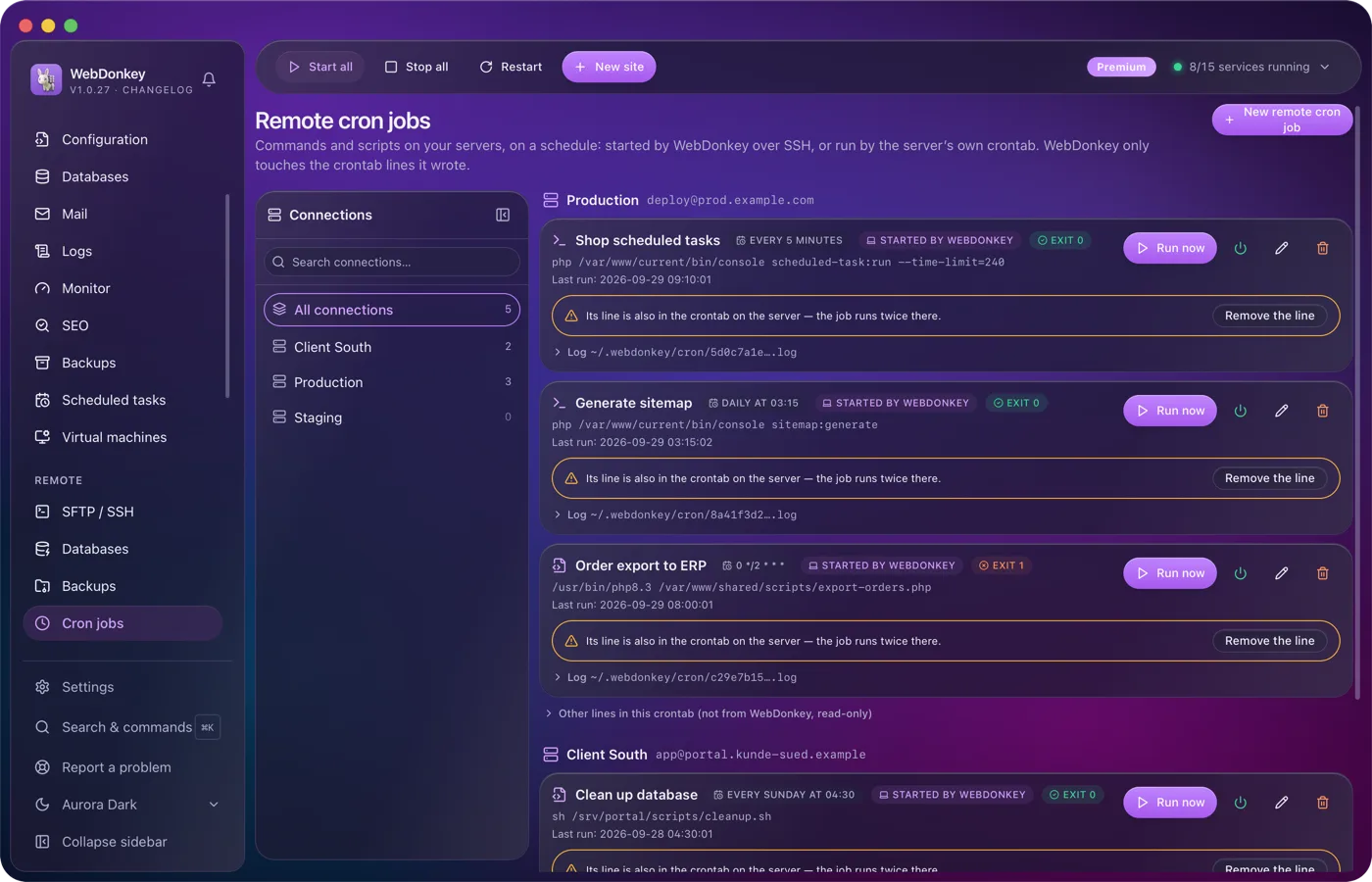
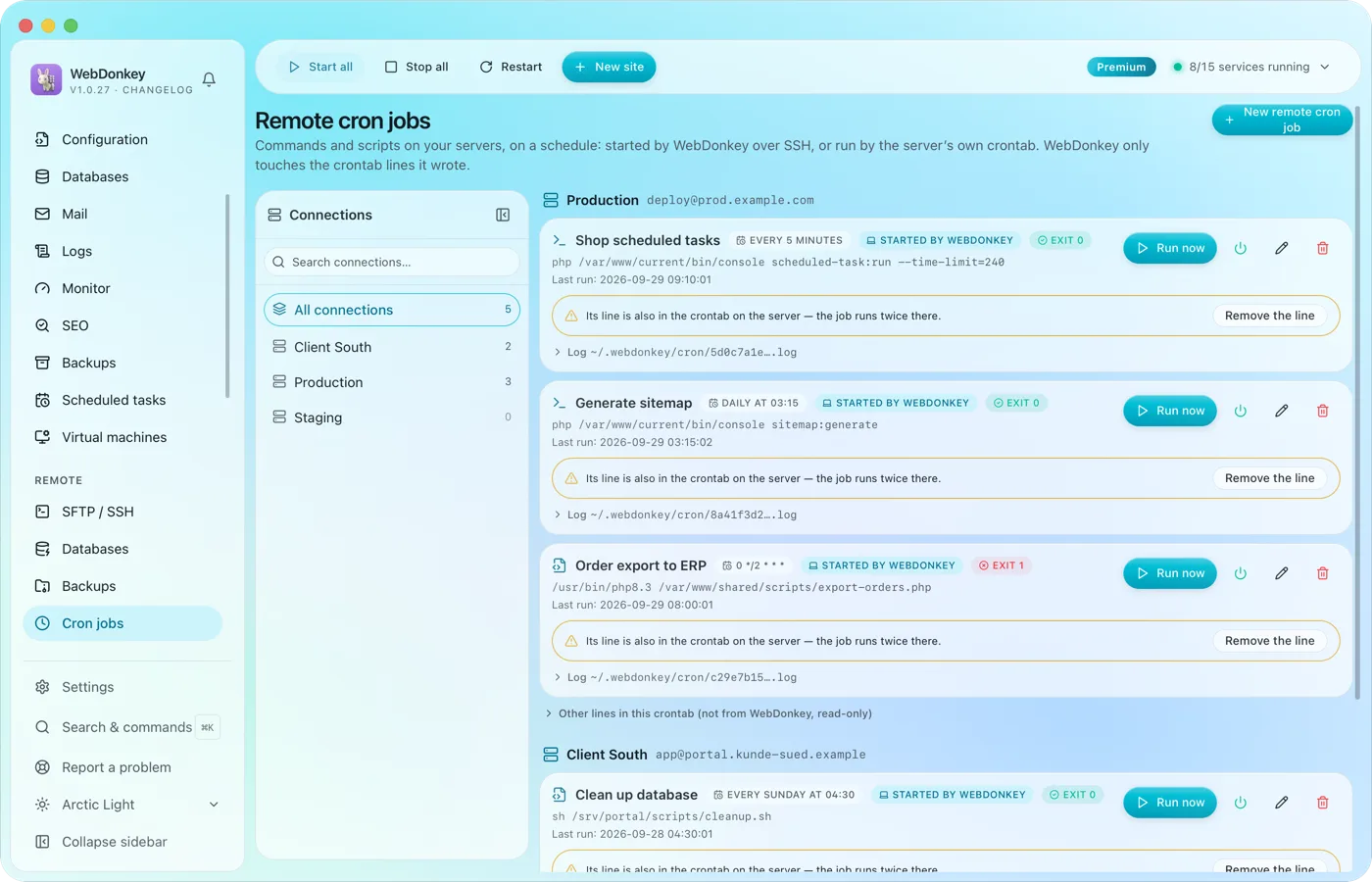 Cron jobs on your servers, with log and exit codeCommands and scripts on your servers, on a schedule. Either WebDonkey starts them over SSH, and the server needs nothing. Or they sit in the server's own crontab and run even when your Mac is off.
-
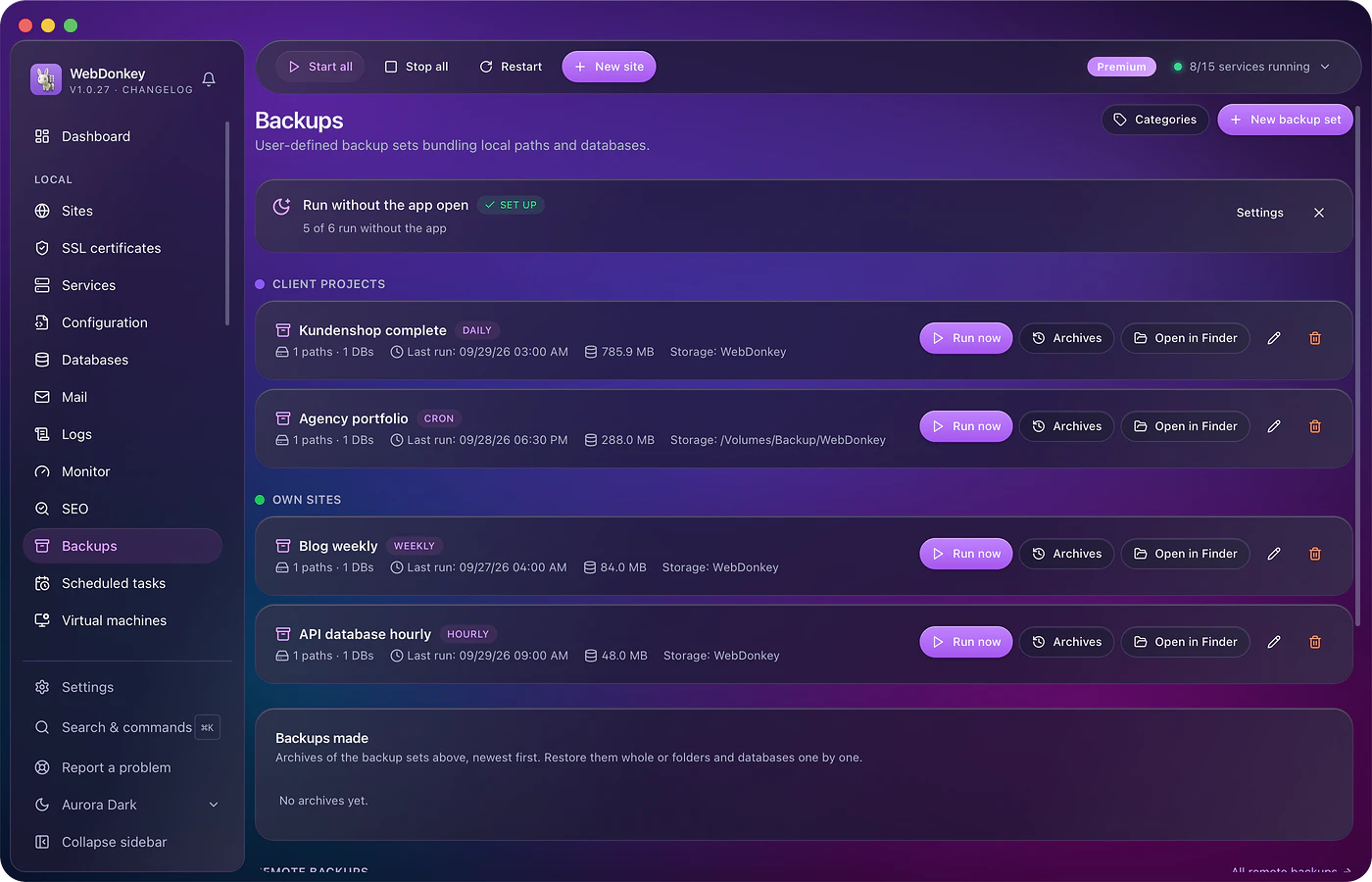
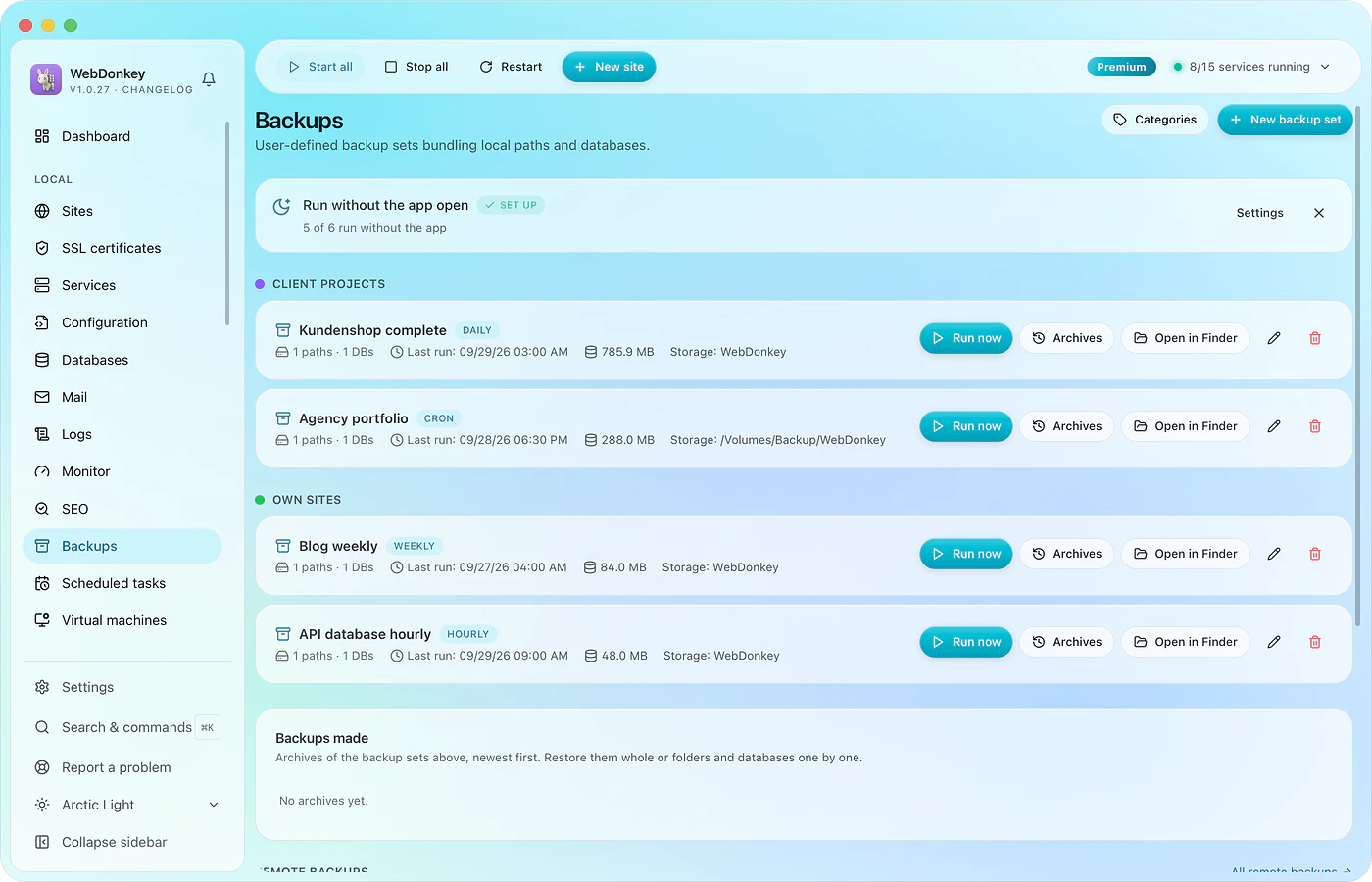 A backup before the update, one that actually comes backBack up files and database together, on schedule, with a retention rule. Every run with size and time. And a restore that shows what it will do before it does it.
Try it on your own project.
Free costs nothing and has no time limit. macOS 11 or later, Apple silicon and Intel.
