





Cron jobs on your servers, with log and exit code
Commands and scripts on your servers, on a schedule. Either WebDonkey starts them over SSH, and the server needs nothing. Or they sit in the server's own crontab and run even when your Mac is off.
Free costs nothing and has no time limit. macOS 11 or later, Apple silicon and Intel.
What it takes off your plate
Cron jobs with a log. Every run with exit code and output, even without cron on the server if you like.
In detail
Create a cron job
Server, name, a command or a script file on the server and the schedule. A script runs with the interpreter from its first line, otherwise by its extension: .php with php, .sh with sh, .py with python3. Output and exit code go to the log.
Who runs the job
Either WebDonkey triggers the job over SSH, so the server needs nothing but your Mac has to be on, and times are in your Mac's local time. Or it becomes a line in the server's crontab and runs without your Mac, in the server's local time. If server and app disagree, WebDonkey says so and aligns them with a click.
Manage jobs
Run now starts a job immediately; afterwards the row shows the last run, the exit code and the log. Pause and resume work just as directly.
What does Free include?
This feature is part of Premium. On Free you see it in the app, and you can use it with a licence.
Compare Free and PremiumGoes well with this
-
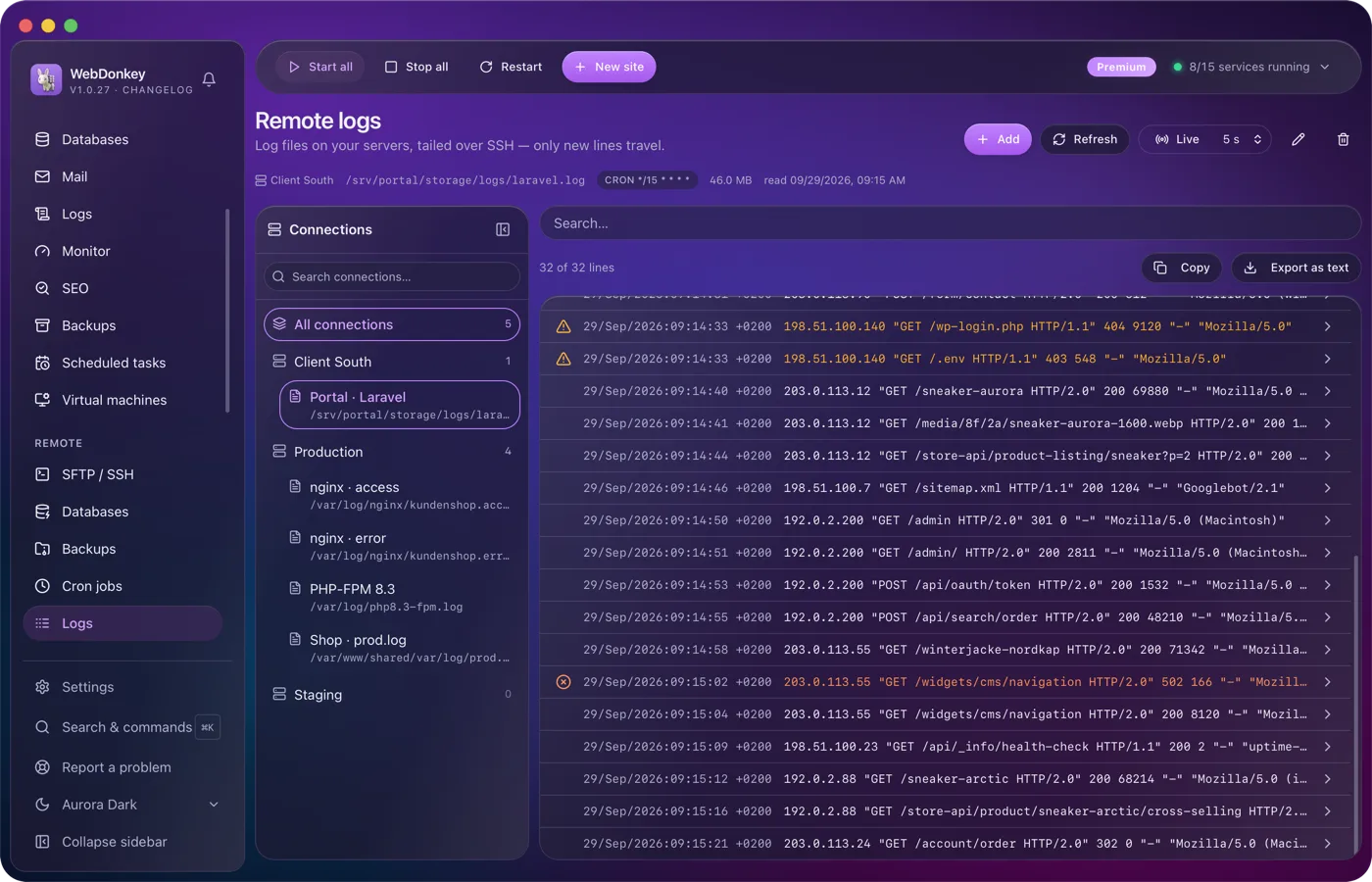
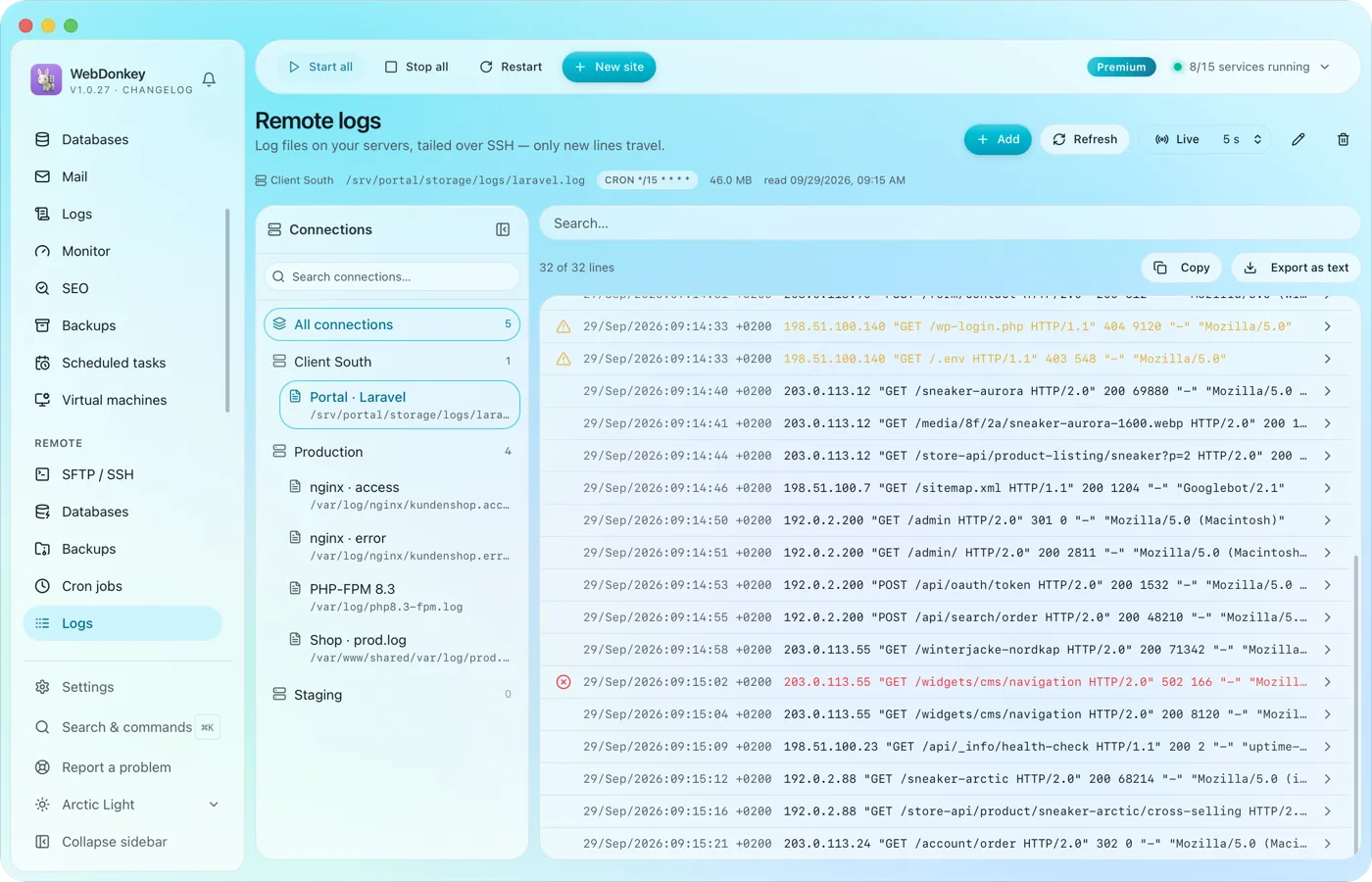 The logs of your servers, followed liveLog files on your servers, followed over SSH. Only new lines are transferred.
-
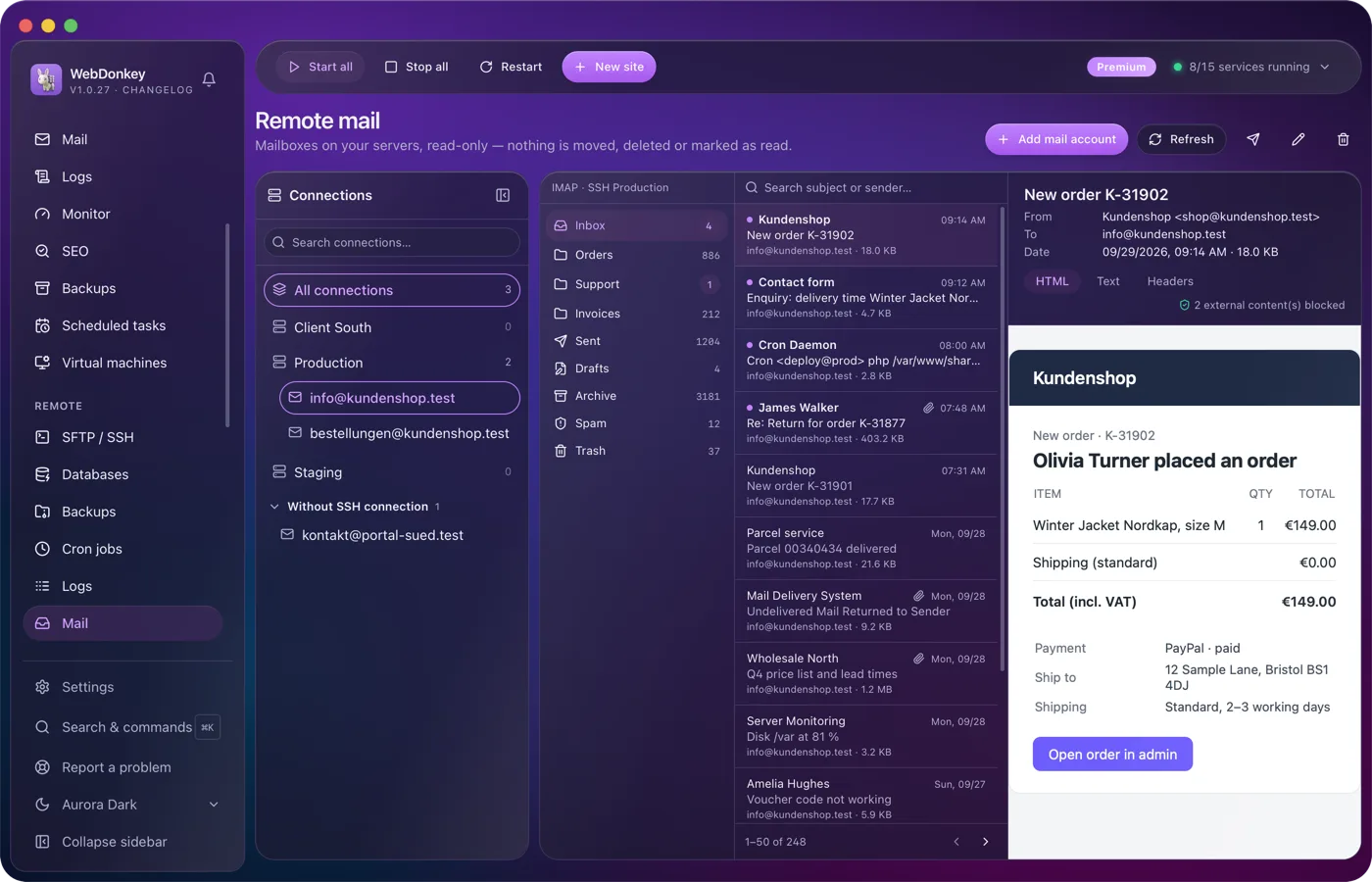
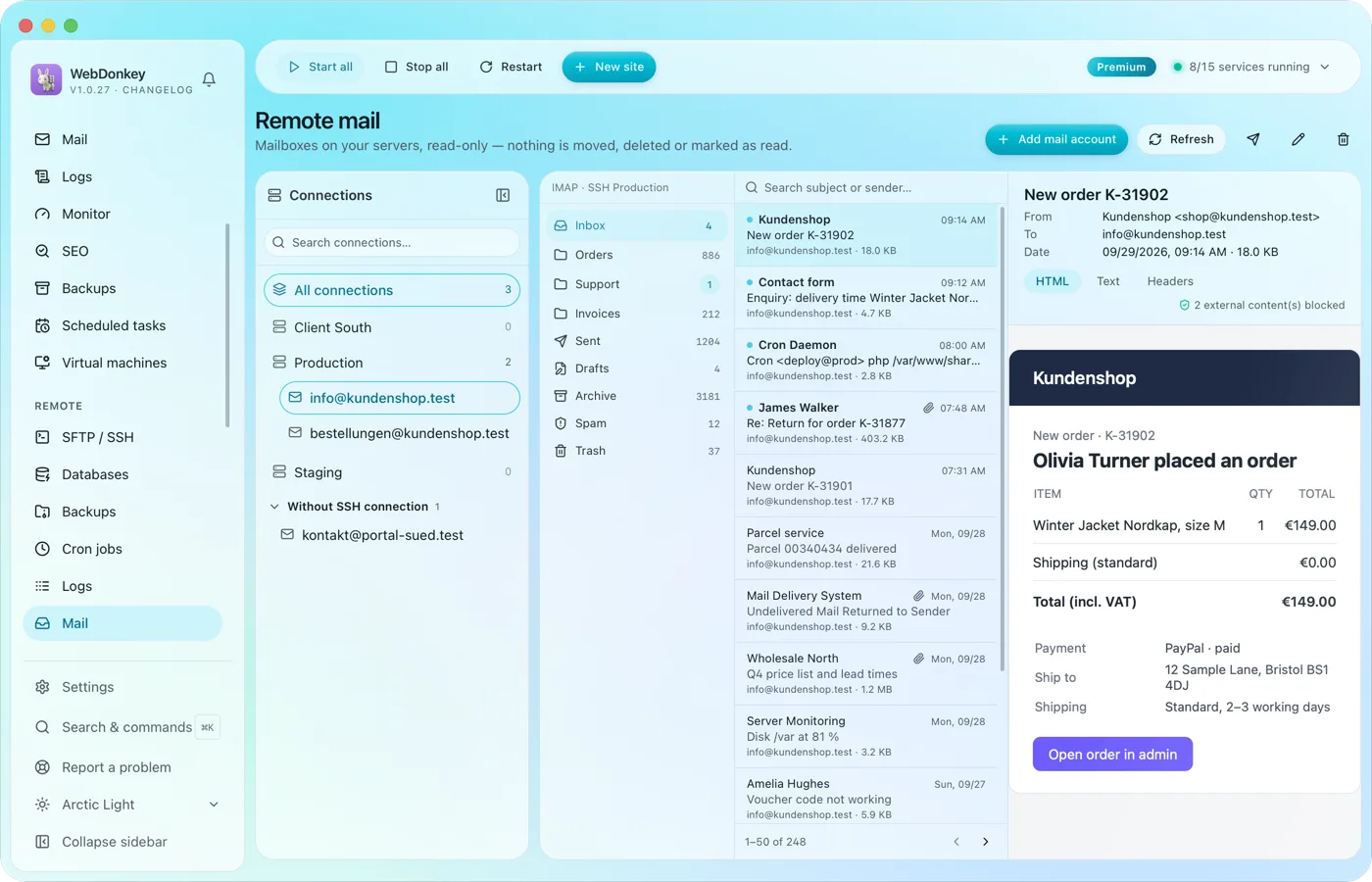 The mailboxes of your domains, read-onlyRead the mailboxes on your servers, directly or over an SSH connection, without a mail program. Folders, a searchable message list, a reading pane. Nothing is moved, deleted or marked as read.
-
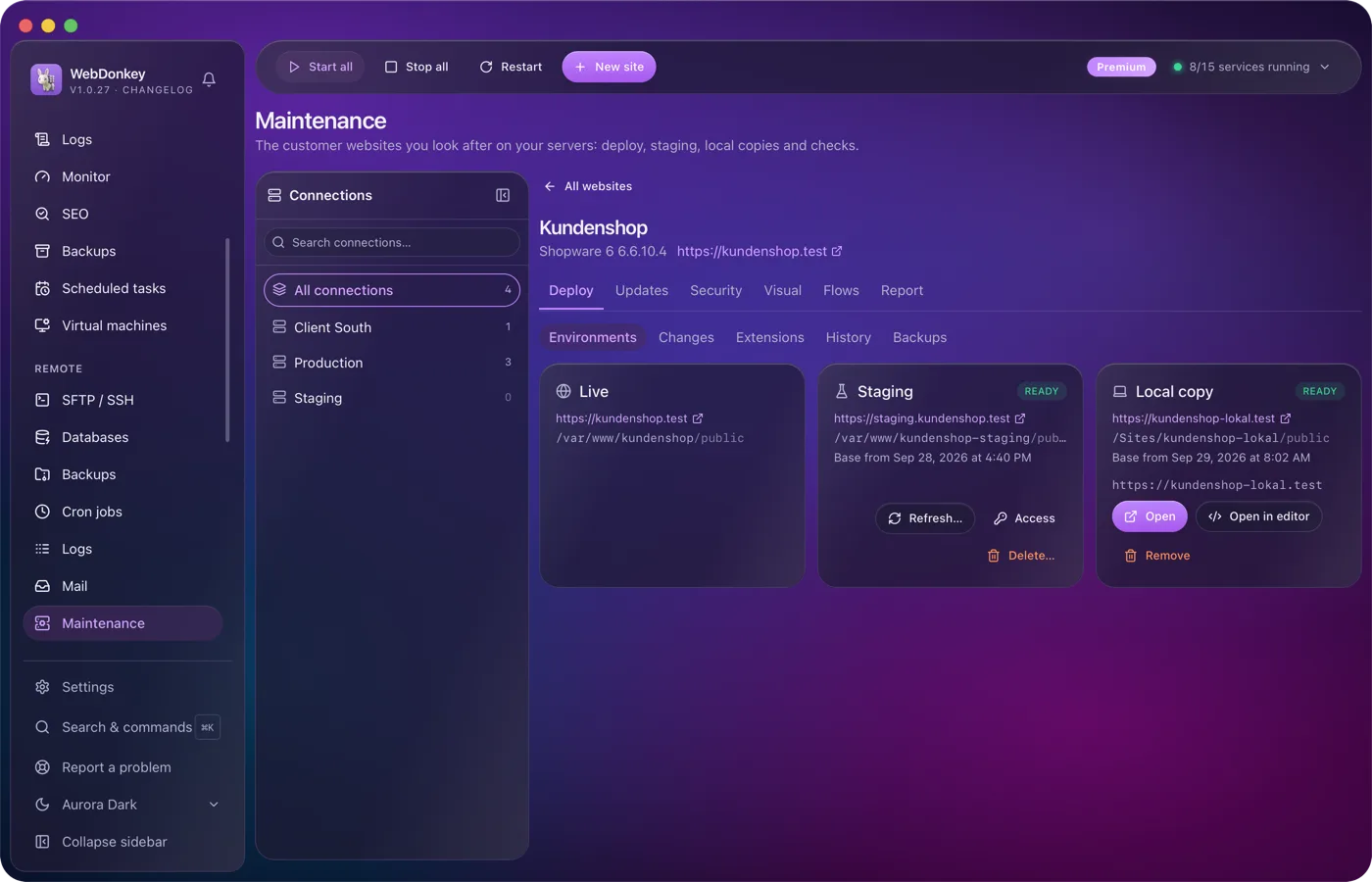
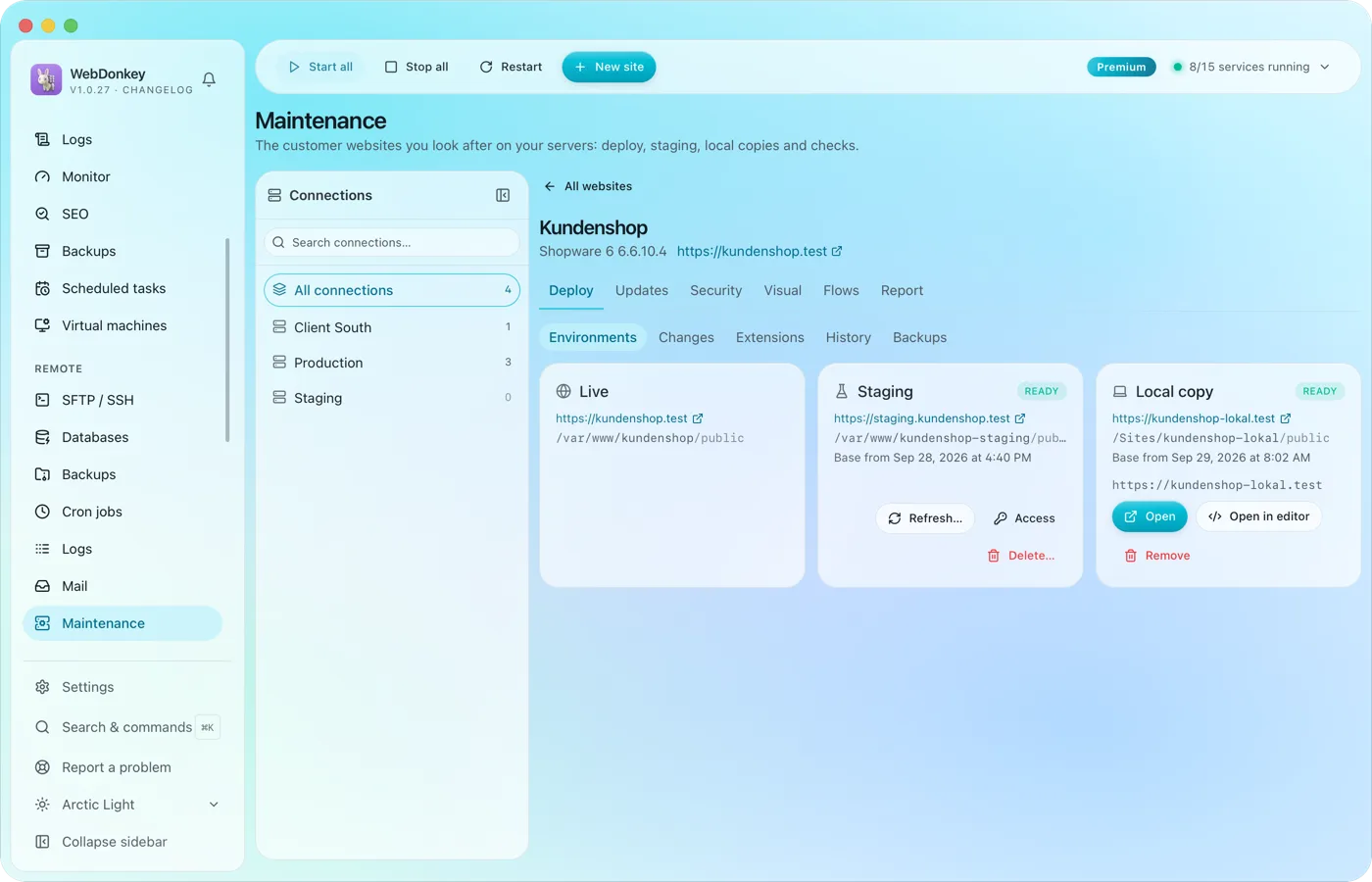 Maintenance for your clients' websitesFor agencies and freelancers: for each server connection you add the websites you look after. Websites on Shopware 6, WordPress, WooCommerce or Magento 2 get a staging site on the same server and a local test copy, and you take changes from them over to live one by one. On top come updates, vulnerabilities, checksums, visual comparisons, flow tests, a monthly report and a status page.
-
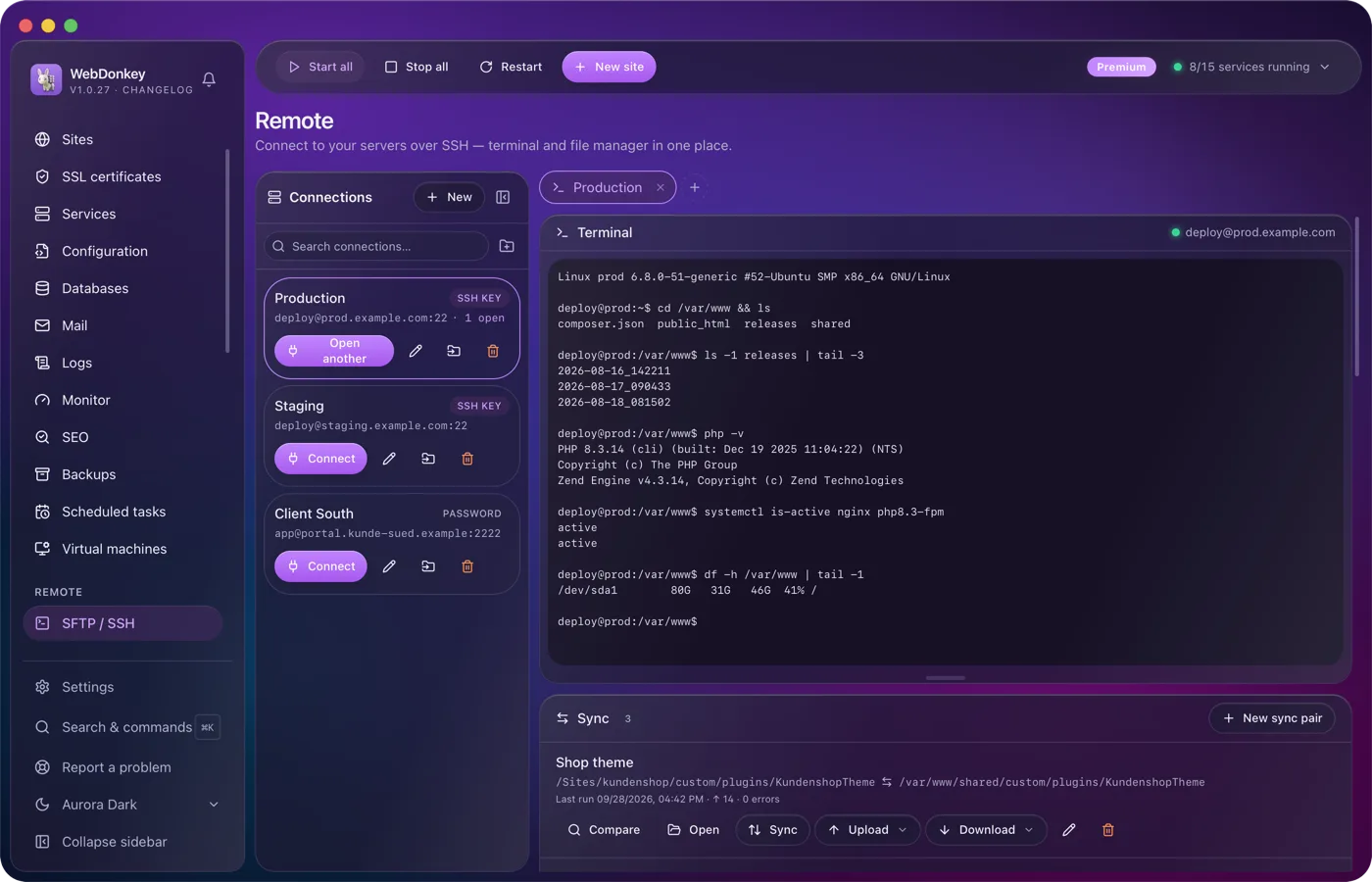
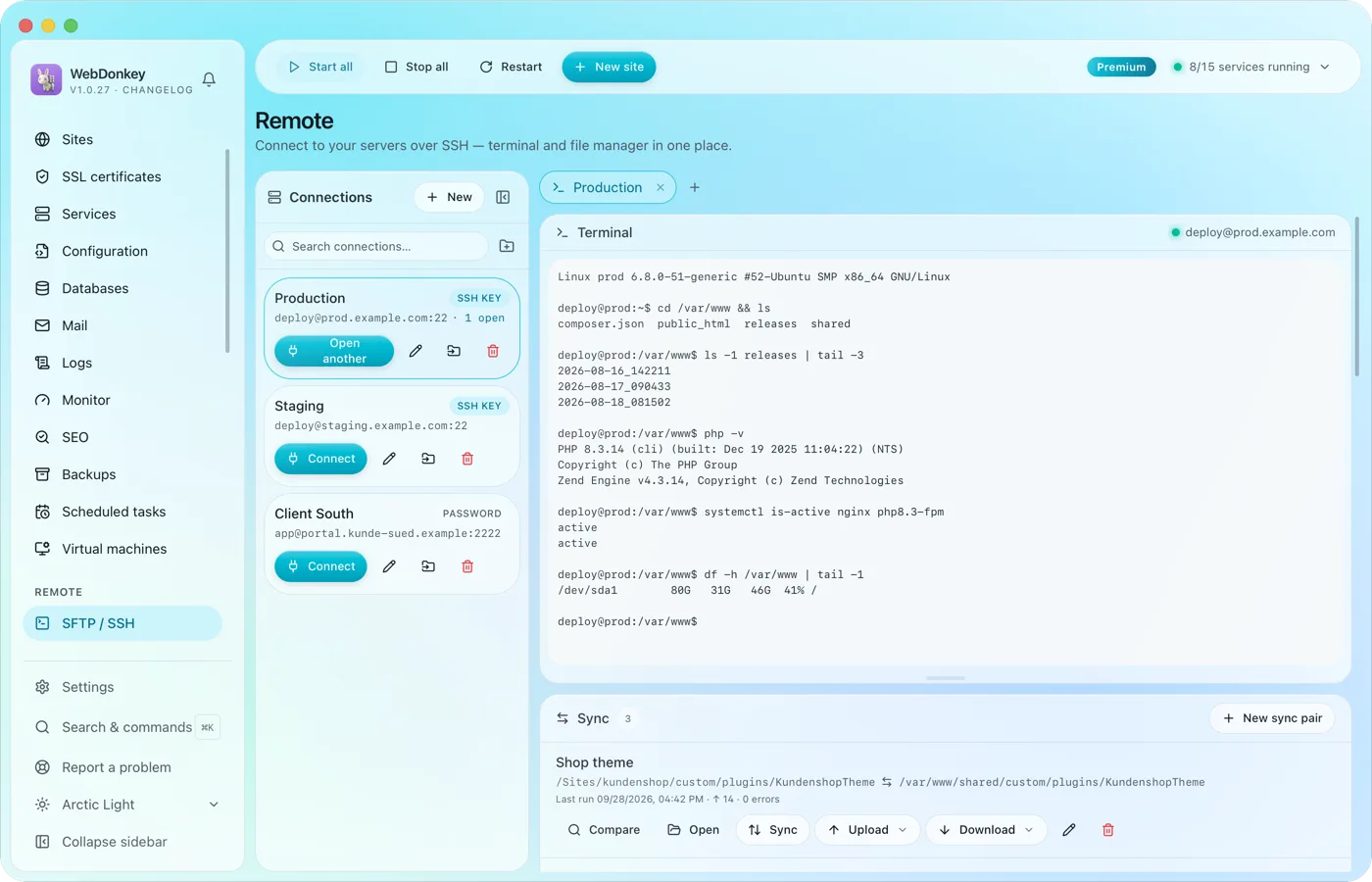 Onto the client's server, without switching windowsSSH terminal and SFTP file manager in one tab. Drag files back and forth, edit them right in the editor, change permissions. Credentials are stored encrypted, not in plain text in a file.
Try it on your own project.
Free costs nothing and has no time limit. macOS 11 or later, Apple silicon and Intel.
