





Maintenance for your clients' websites
For agencies and freelancers: for each server connection you add the websites you look after. Websites on Shopware 6, WordPress, WooCommerce or Magento 2 get a staging site on the same server and a local test copy, and you take changes from them over to live one by one. On top come updates, vulnerabilities, checksums, visual comparisons, flow tests, a monthly report and a status page.
Fetching a project locally needs Premium or the maintenance package. Everything else here comes with the maintenance package, an add-on for WebDonkey that works with Free and with Premium.
Free costs nothing and has no time limit. macOS 11 or later, Apple silicon and Intel.
In detail
Looked-after websites
For each server connection you add the websites you look after. You pick the project folder, WebDonkey detects system and version and changes nothing. Active websites count: archiving frees a slot, reports and history stay readable. Above your quota the most recently added ones are locked, nothing is deleted. A system version that is not fully tested yet carries a Preview badge, and you confirm once more before every write to live. Unsupported versions, such as ones without security updates, carry Locked and get no deploy, only checks and backups.
Staging on the same server
You create the folder, an empty database and a subdomain in your hosting panel. WebDonkey checks everything before writing, only reads the live site and backs up its database first. The staging site is built with personal data replaced, defused (no mails, no scheduled tasks, access of external services cleared) and only then made visible, protected by Basic Auth or the system's maintenance mode. Refresh rebuilds it from live and shows first which changes would be lost.
Local test copy
A looked-after website comes to your Mac as a site with a .test address: files and database, personal data replaced, configuration adapted. You choose whether media files come along, and the same pre-check as for Fetch locally runs first. Try changes and updates there, then take them over one by one. Removing it deletes the site, its database and its folder on the Mac, the live website stays untouched.
Take changes over
WebDonkey compares every field in source and target with its state when the copy was made. Only fields that changed in the source are written. If the same field changed on live too, that is a conflict: you keep the live value or explicitly force the new one. Whatever a chosen object needs comes along, and deletions are shown but never taken over. After writing, WebDonkey reads every field back. You can take over products, categories, CMS pages, snippets and mail templates in Shopware, for example, or pages, posts, menus and settings in WordPress.
Deploy files
For simple websites without a system: between the project folder of a local site and the live folder, in both directions. You see a plan first, and only what you confirm runs. Every file is backed up before it is replaced or deleted, deleting needs a second yes, and the last transfer can be undone.
Take extensions over
Plugins, themes and modules go from staging or a local copy to the target. WebDonkey checks versions and requirements, backs up the database and the extension's folder, and swaps the folder only once everything is ready. Then the system's own steps run, in Shopware the plugin update, for example. The old folder ends up outside the web root. If a step fails, it comes back, and you can restore the backup.
Undo and history
Before every takeover WebDonkey keeps the previous value of each field. Undo writes it back as long as live still holds the value taken over, otherwise it shows a conflict. The history lists every takeover with source, target and objects, and an interrupted one can be resumed or discarded.
A backup before every write
Before WebDonkey writes to a website (staging, a takeover, an extension, a restore), it backs up the database and the files concerned on the server. If you like, it also copies them to your Mac, per website. The newest ten stay, and always the backup of the last takeover that was not undone. You find them with the website and under Remote backups. Before a restore WebDonkey counts what is new since and would be lost.
Updates
What is installed on the live site and what is newer: core and extensions of WordPress, Shopware and Magento, plus Composer and npm packages. The lookups run from your Mac while WebDonkey is running, daily by default. Updates are only shown, never run on live: you update in staging or the local copy, compare, then take the extension over.
Vulnerabilities and checksums
The installed versions are matched on your Mac against public databases of known vulnerabilities, for WordPress with your own Wordfence key. On top come checksums of the files on the live server, compared with the base daily by default: new, changed and deleted files, executable files in upload folders above all. WebDonkey also checks WordPress core and plugins from wordpress.org against the official checksums.
Visual comparisons
The start page and up to ten more pages, captured at the widths 375, 768, 1280 and 1920 pixels, which you pick one by one, and compared pixel by pixel: live earlier and now (weekly against the base by default), live and staging, live and the local copy, before and after every takeover to live. Animations are off, common cookie banners hidden, and areas that keep changing you mask by selector, or WebDonkey leaves them out by itself.
Flow tests
A flow clicks through the website like a visitor: start page, login, search, cart, checkout. You start from a template and run it by hand, daily, weekly or monthly. Against the live site a flow stops before the buy button: WebDonkey never orders, pays, registers or sends a form there. Complete flows run against staging or the local copy.
Monthly report as PDF
For every website and month: uptime, SSL certificate, backups, updates, vulnerabilities, changed files, takeovers and Lighthouse scores, as a PDF with your name and logo for your clients. On the first of each month WebDonkey freezes the month before. If the Mac was off, it catches up at the next start. What was not measured says so.
Fetch locallyPremium
Project folder and database come from the server to your Mac over SSH and become a site with a .test address. Projects with a database are fetched for Shopware 6, WordPress, WooCommerce and Magento 2. The server is only read, and WebDonkey detects the public folder or you name it. Fetching needs Premium or the maintenance package; in Free the connection and the pre-check work. The copy is always made safe: database access to the local database, mails to Mailpit, scheduled tasks off, access of external services cleared. With Premium or the package it runs straight away, with addresses on .test and Redis and the search service off. Customer data comes along unchanged, and you confirm first that you may fetch it. Only the maintenance package replaces it while fetching (pseudonymised).
Pre-check and database accessFree
Before anything is created on your Mac, WebDonkey checks whether the fetch will work: connection to the server, PHP on the server, project folder, document root, the database login, a way to back up the database, space on the server and on your Mac, a free local target and the database service on your Mac. Every point names the reason and the fix. With everything green the fetch starts straight away, with warnings only after Fetch anyway, with red not at all. Under Advanced you set the database access per connection and project folder: host, port, socket, database, user, password and dump program, prefilled from the project's configuration, with Test connection; WebDonkey stores the password encrypted. For the dump program you choose Automatic (recommended), one found on the server, Without dump program (PHP) or a path of your own. Automatic only takes mysqldump or mariadb-dump of the same kind as the database server, the closest version first, and tries each one beforehand; if none works, WebDonkey reads the database with PHP. That takes longer, the result is the same. The same check runs before every local test copy, and the stored access also applies to staging and to the backups before a write.
Status page
One HTML file with the state of the chosen websites and a bar per day of the last 90 days. No script, no outside request, no tracking. Save it as a file or upload it to a folder on your server, where it replaces the previous one in one step.
Settings
Under Check times you set, per website or for all, how often WebDonkey checks updates, vulnerabilities, files and visual comparisons: daily, weekly, monthly or off. The default is daily, weekly for the visual comparison. Checks run while your Mac is on, and a missed one follows after the next start. Flows have times of their own. You also store your Wordfence Intelligence key here for matching WordPress, kept encrypted on your Mac.
Free, Premium and the maintenance package
Fetching a project locally needs Premium or the maintenance package; the connection and the pre-check are free. Everything else comes with the maintenance package: an add-on that works with Free and with Premium and does not include Premium. It comes for 10, 30 or 100 websites, with add-ons for 10 more each, as a monthly subscription. For more than 150 websites we make you an individual offer. When Premium ends, the maintenance package keeps running with the same key. When the package ends, no maintenance function is reachable any more, not even restoring or undo.
What does Free include?
This feature comes in Free and in Premium. Where Free ends is set out in the details and in the comparison.
Compare Free and PremiumGoes well with this
-
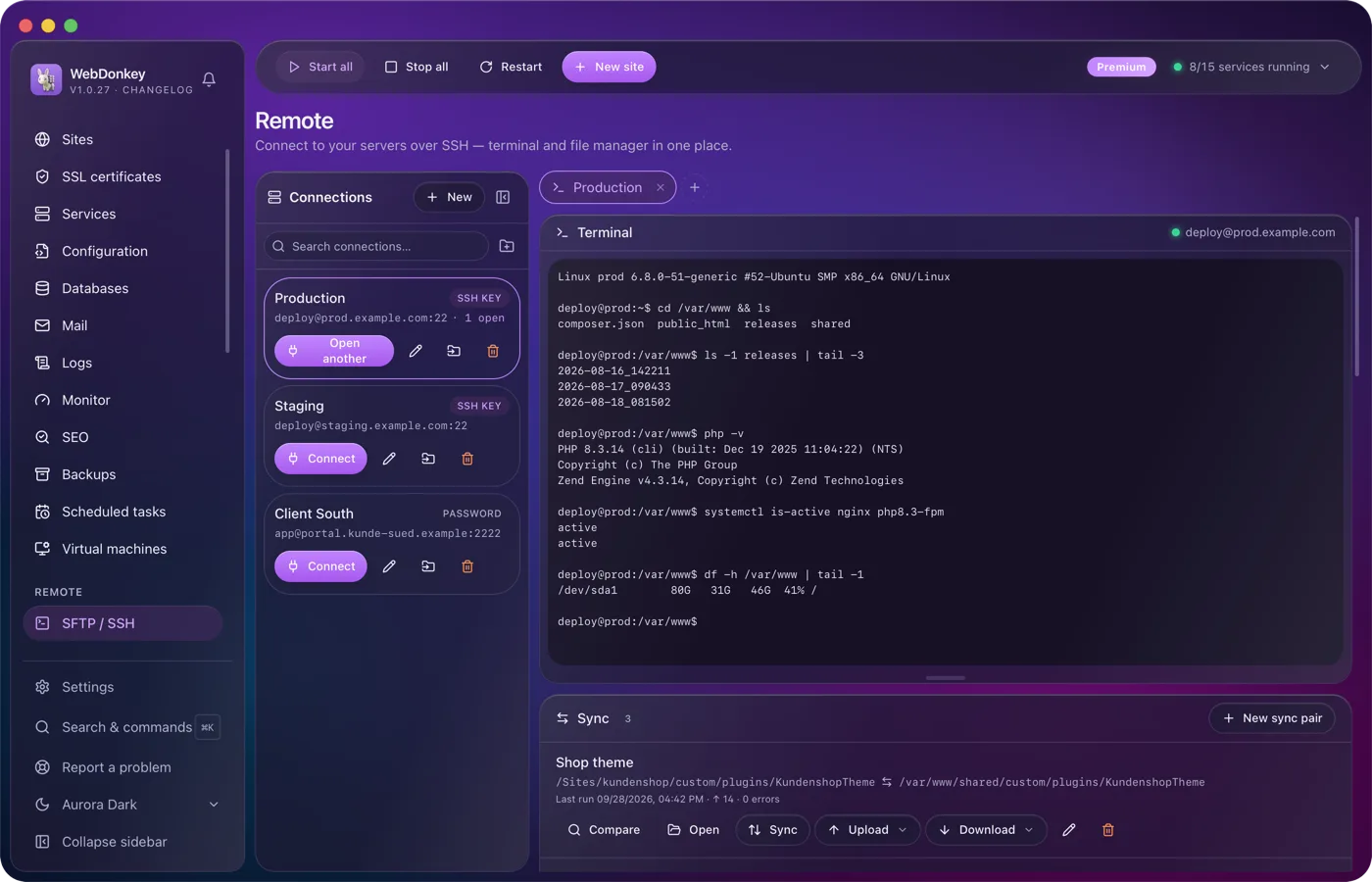
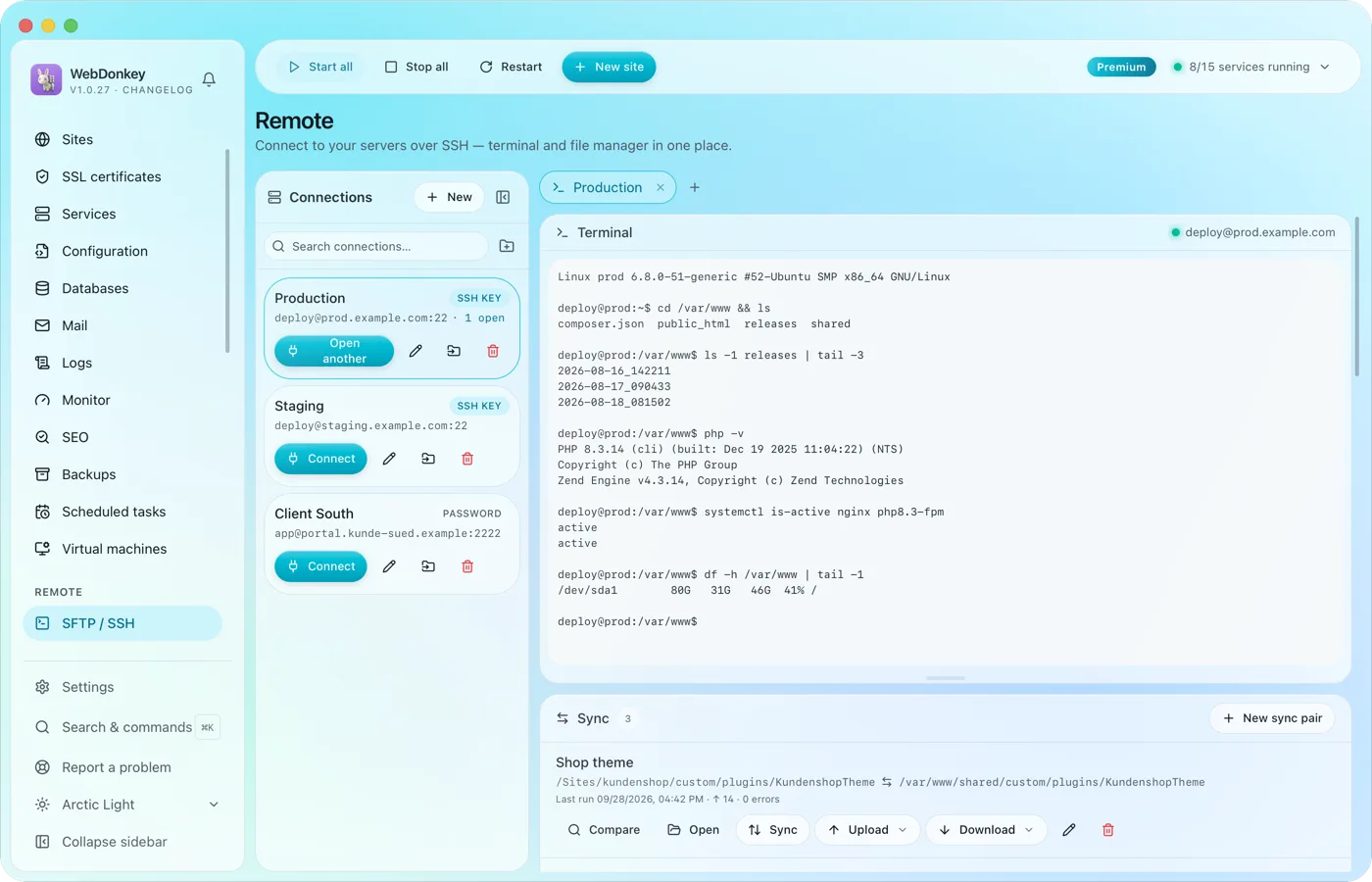 Onto the client's server, without switching windowsSSH terminal and SFTP file manager in one tab. Drag files back and forth, edit them right in the editor, change permissions. Credentials are stored encrypted, not in plain text in a file.
-
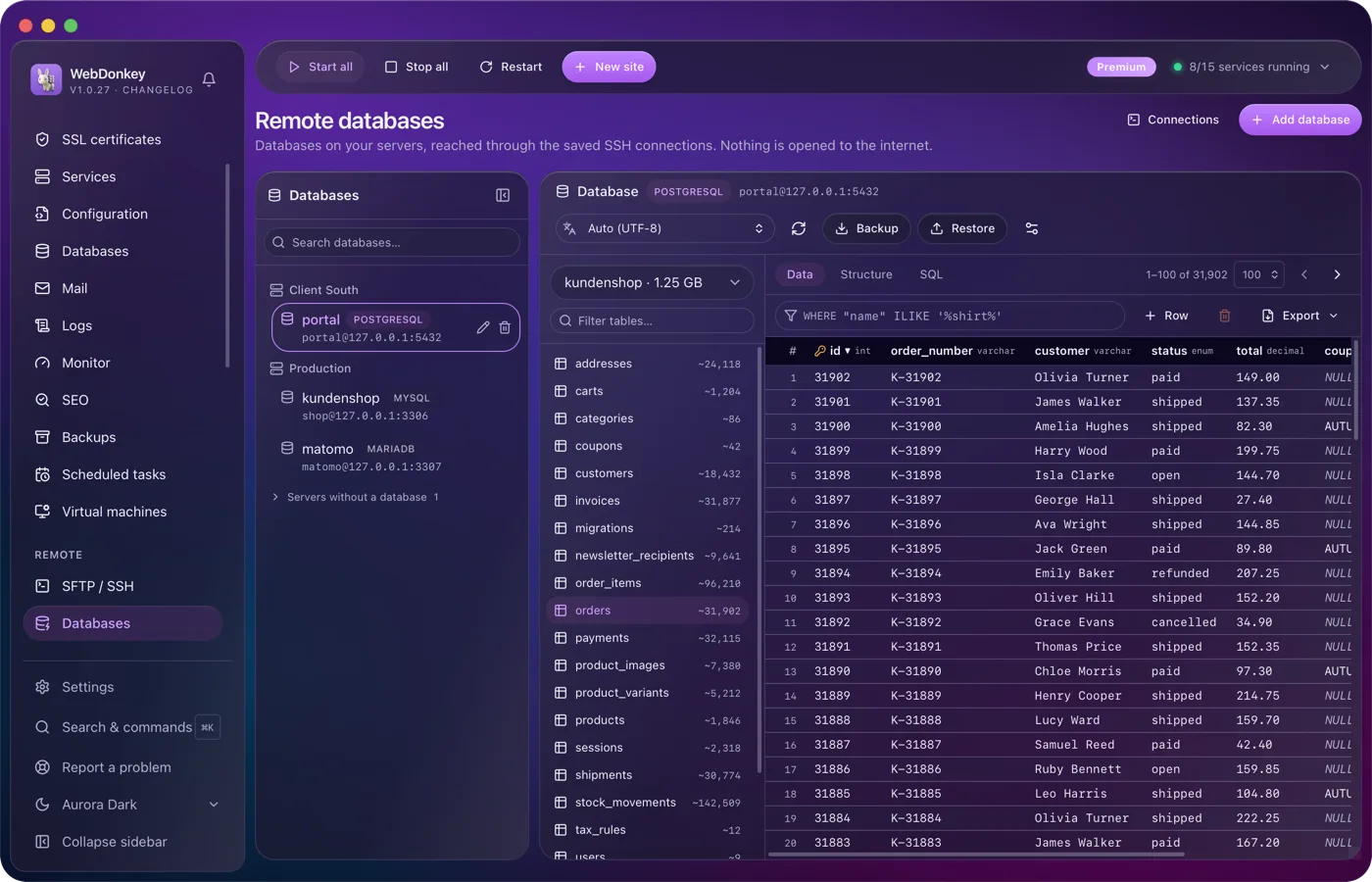
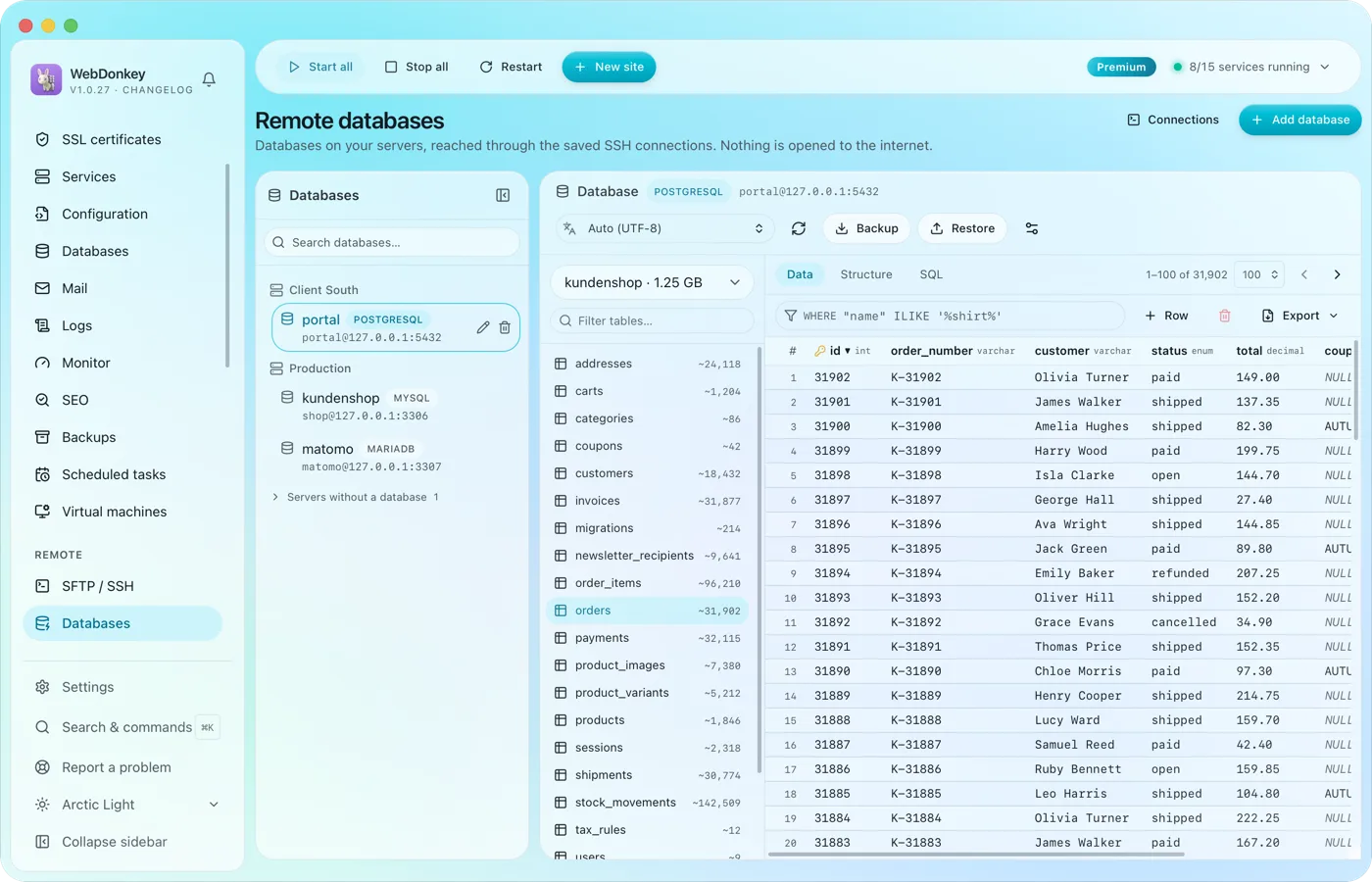 The databases on your servers, without Adminer on the serverAll databases of all servers on one page, reached over the saved SSH connection. No port is opened to the outside for it. Browse tables, edit rows, run SQL.
-
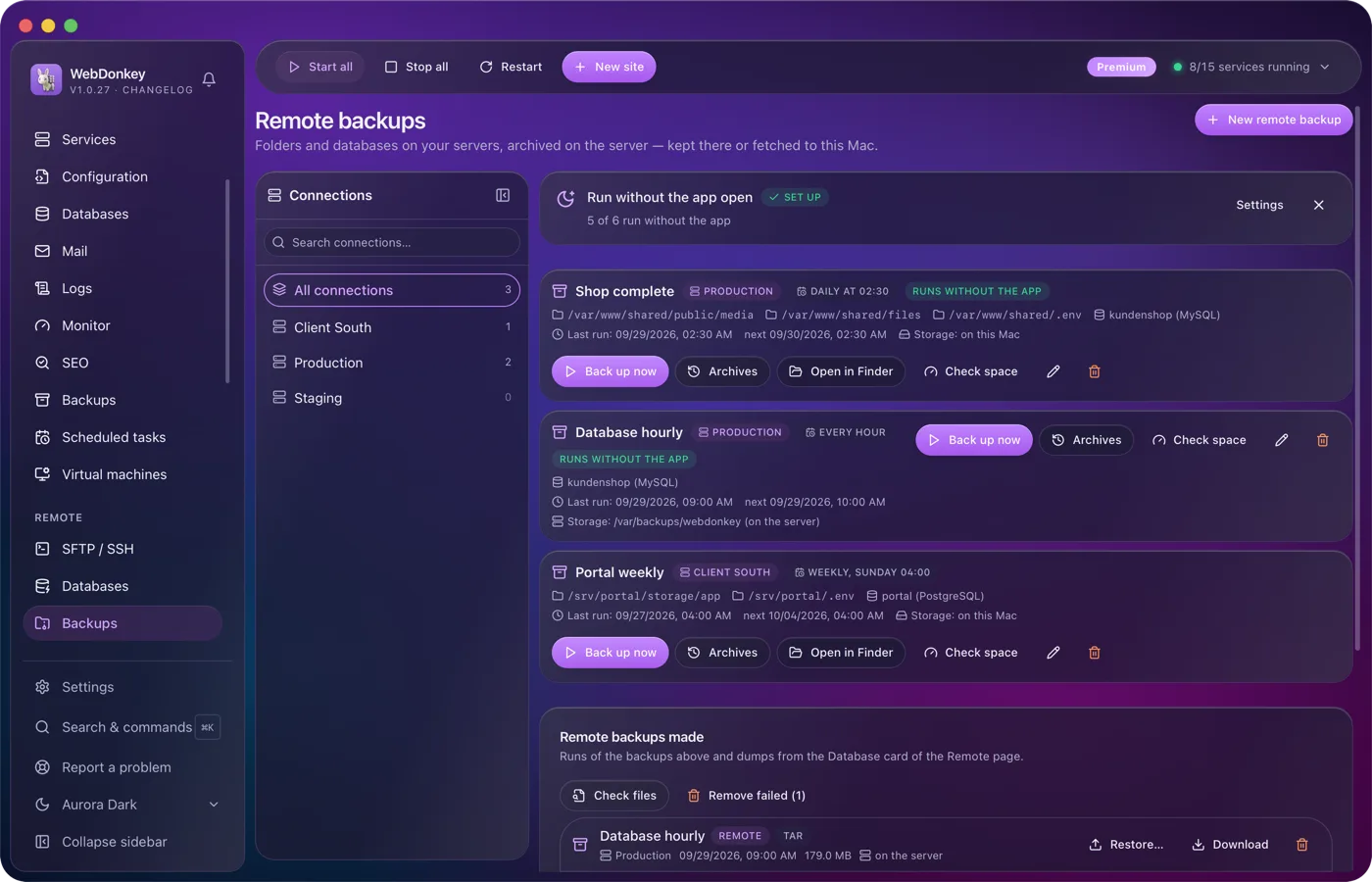
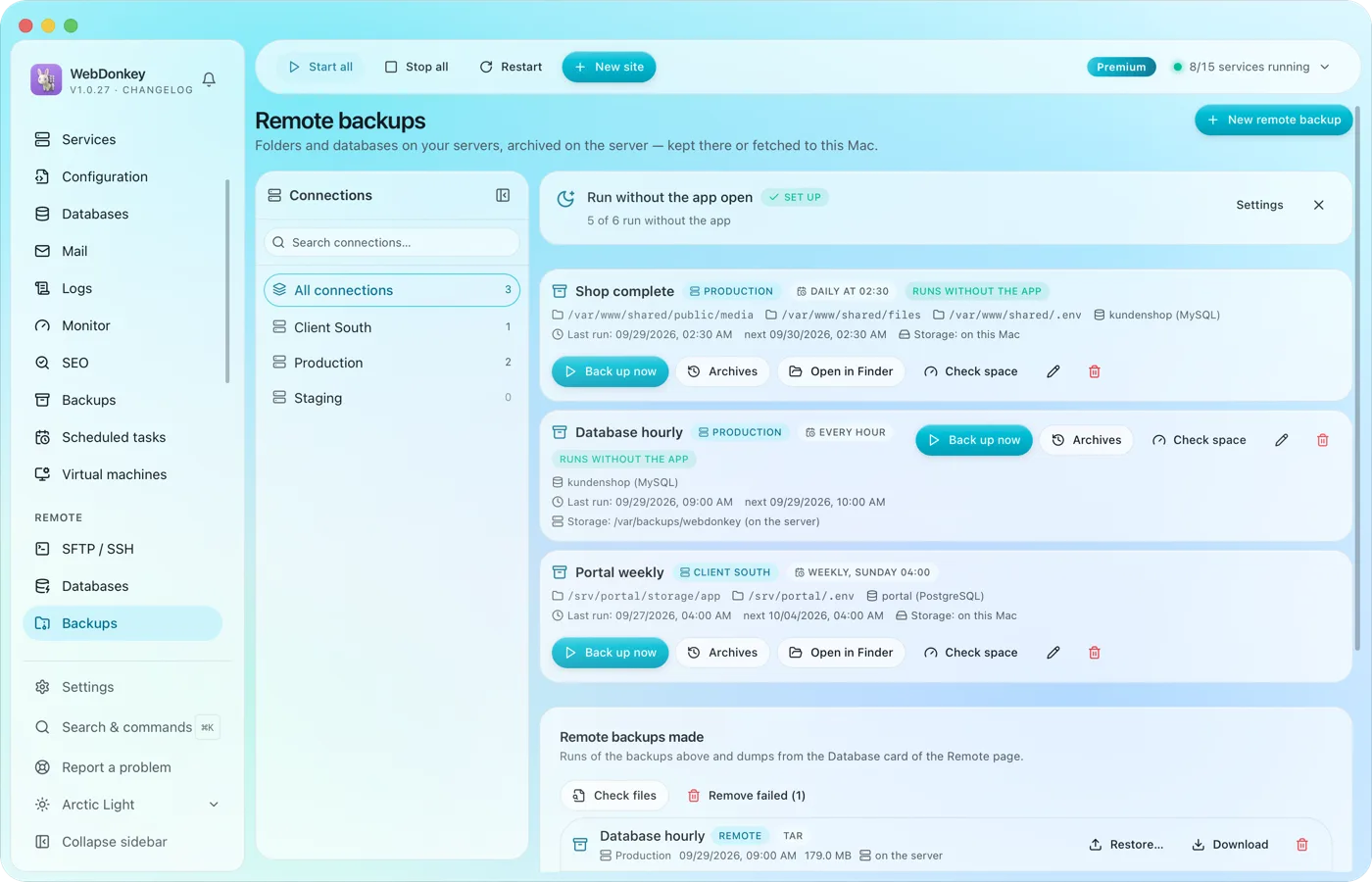 Backups of your servers, kept there or fetched to your MacBack up the folders and databases of your servers. The archive is built on the server and stays there or comes to your Mac, on a schedule if you like.
-
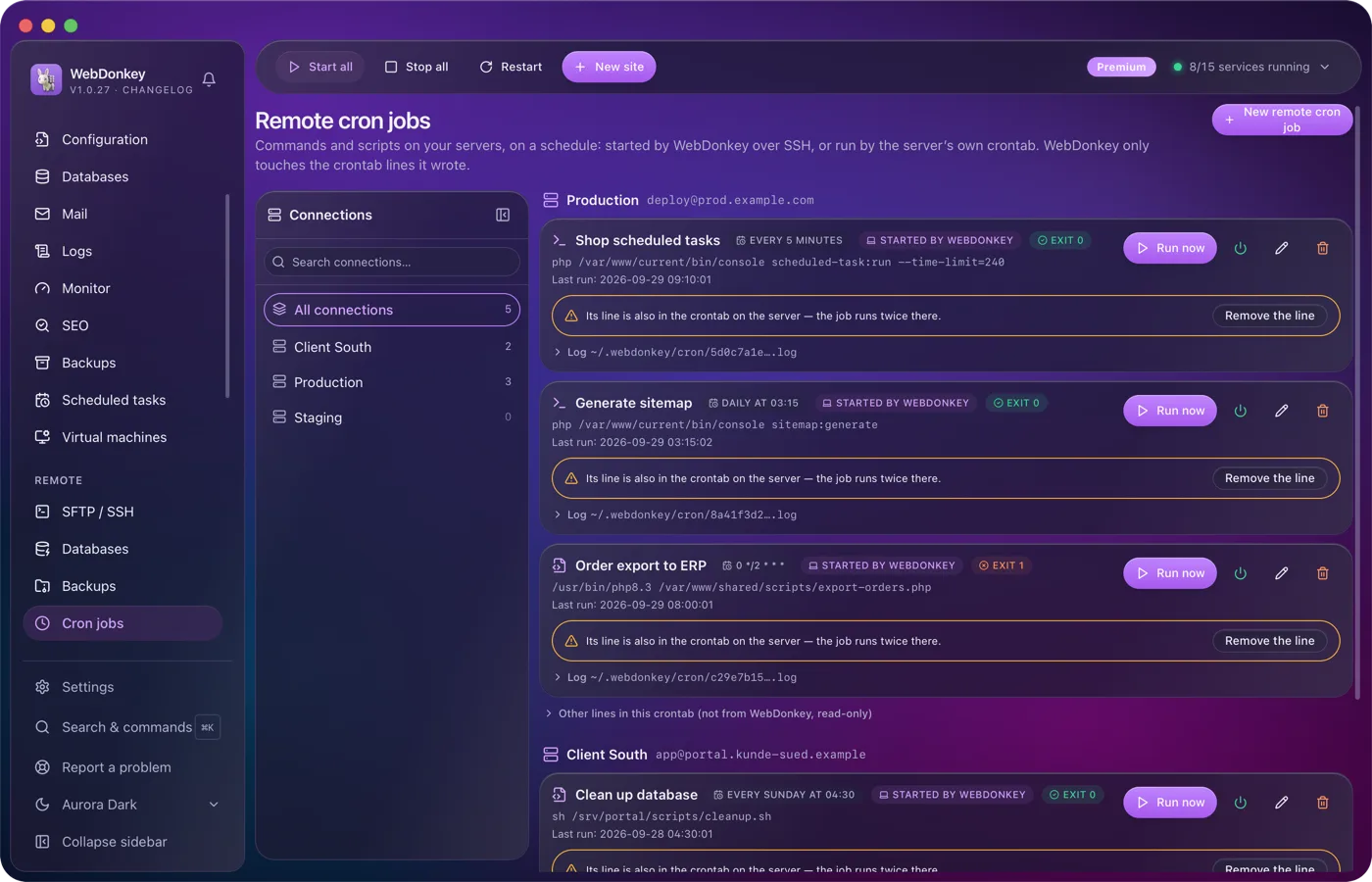
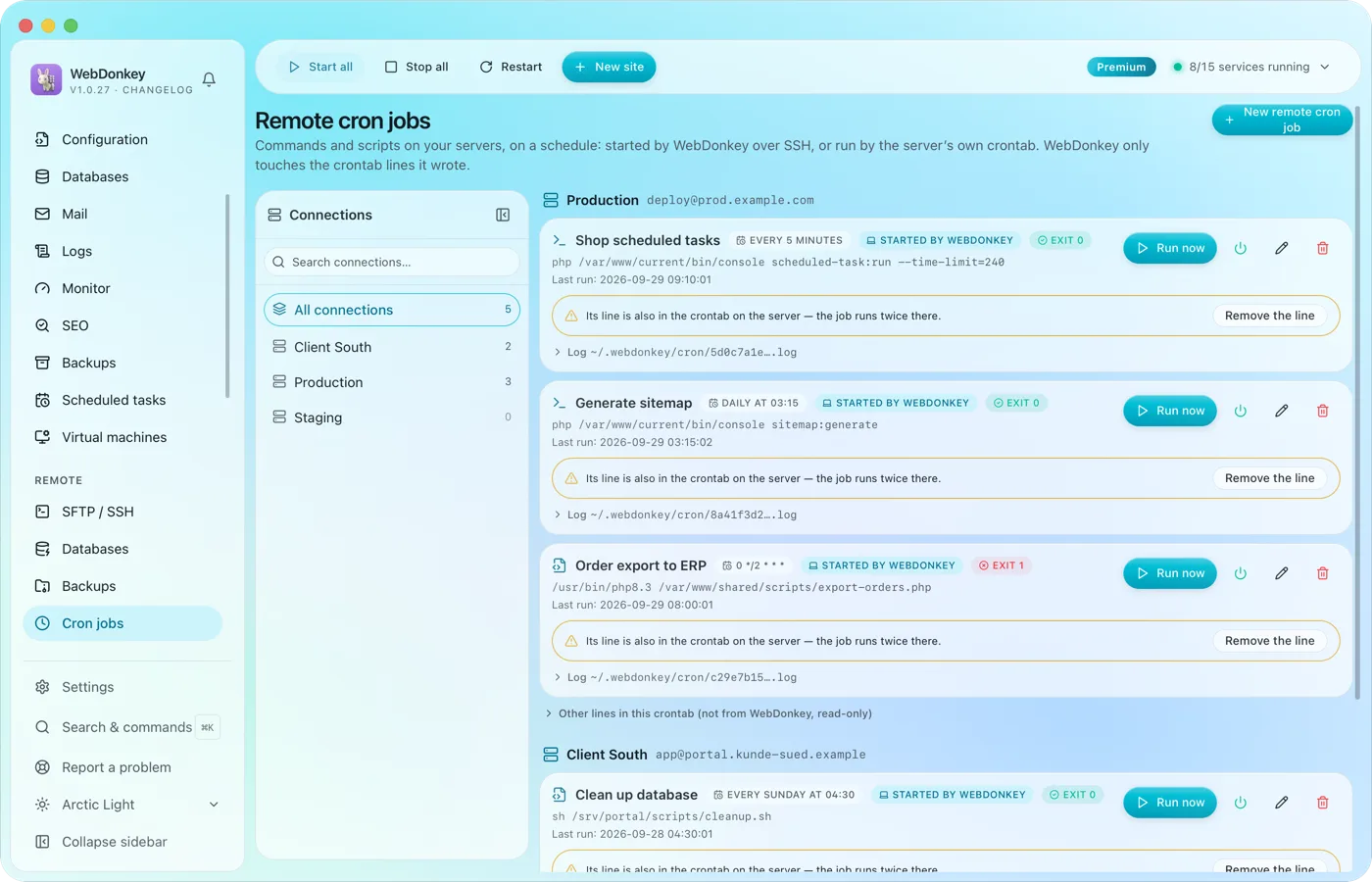 Cron jobs on your servers, with log and exit codeCommands and scripts on your servers, on a schedule. Either WebDonkey starts them over SSH, and the server needs nothing. Or they sit in the server's own crontab and run even when your Mac is off.
Try it on your own project.
Free costs nothing and has no time limit. macOS 11 or later, Apple silicon and Intel.
