





Onto the client's server, without switching windows
What is it?Remote connects WebDonkey to your servers over SSH. Terminal and file manager share one saved connection.
SSH terminal and SFTP file manager in one tab. Drag files back and forth, edit them right in the editor, change permissions. Credentials are stored encrypted, not in plain text in a file.
Free costs nothing and has no time limit. macOS 11 or later, Apple silicon and Intel.
Without WebDonkey
One terminal for SSH, an FTP program for the files and credentials sitting somewhere in plain text. With several clients you lose track of what is open where.
With WebDonkey
SSH terminal and SFTP file manager sit in one tab: your Mac on the left, the server on the right. You drag files across or edit them right in the editor.
What you get out of it
- One connection for bothTerminal and file manager share one connection. Existing hosts come over from ~/.ssh/config.
- Encrypted credentialsPasswords and passphrases are stored encrypted, not in plain text in a file.
- Sync with a previewSync shows beforehand what differs and reports conflicts instead of overwriting them.
In detail
A word of caution
At the top of every remote page and in dialogs that write or delete on the server it says Caution: working directly on the server. Switch it off with Don't show again or in the settings under Remote notices.
Connections
Name, host, port, user and password or key, via ssh-agent if you like. Existing hosts come over from ~/.ssh/config. Passwords and passphrases are stored encrypted (AES-256), with the key kept apart from the database. On first connect the server key is remembered; if it changes, the app asks before going on. In the list you sort connections into projects and search them, and the red colour tag marks production servers. If the server does not know your key yet, the app adds it with your password.
Sessions and tabs
Every open connection becomes a tab above the terminal. That lets you work on several servers side by side, or several times on the same one, each session on its own.
Terminal
A full terminal over SSH, with scrollback, resizing and colours. The terminal and the file manager share one connection, so one login covers both.
Sync
Pair a folder on your Mac with its counterpart on the server. Compare shows what differs, then Upload, Download or Sync in both directions, always with a preview first. Sync also carries deletions and shows conflicts instead of overwriting them; besides it there are Copy only and Mirror. Compared by size and date, replaced atomically, the old version is kept for 14 days, and Undo last sync brings the whole run back.
Files
Two panes: local and remote. Upload, download, rename, move, delete, create folders, set chmod. Transfers carry on when you leave the page, and what you delete locally goes to the Trash.
Editor
The editor card below the file panes opens text files from your Mac or the server, with syntax colours. A dot marks unsaved changes; Save writes the file straight back.
The server's database
If the server has a database entry, its database card with data, structure and SQL sits below the editor, as under Remote databases.
What does Free include?
Remote is part of Premium. You sort your connections by client and project.
Compare Free and PremiumGoes well with this
-
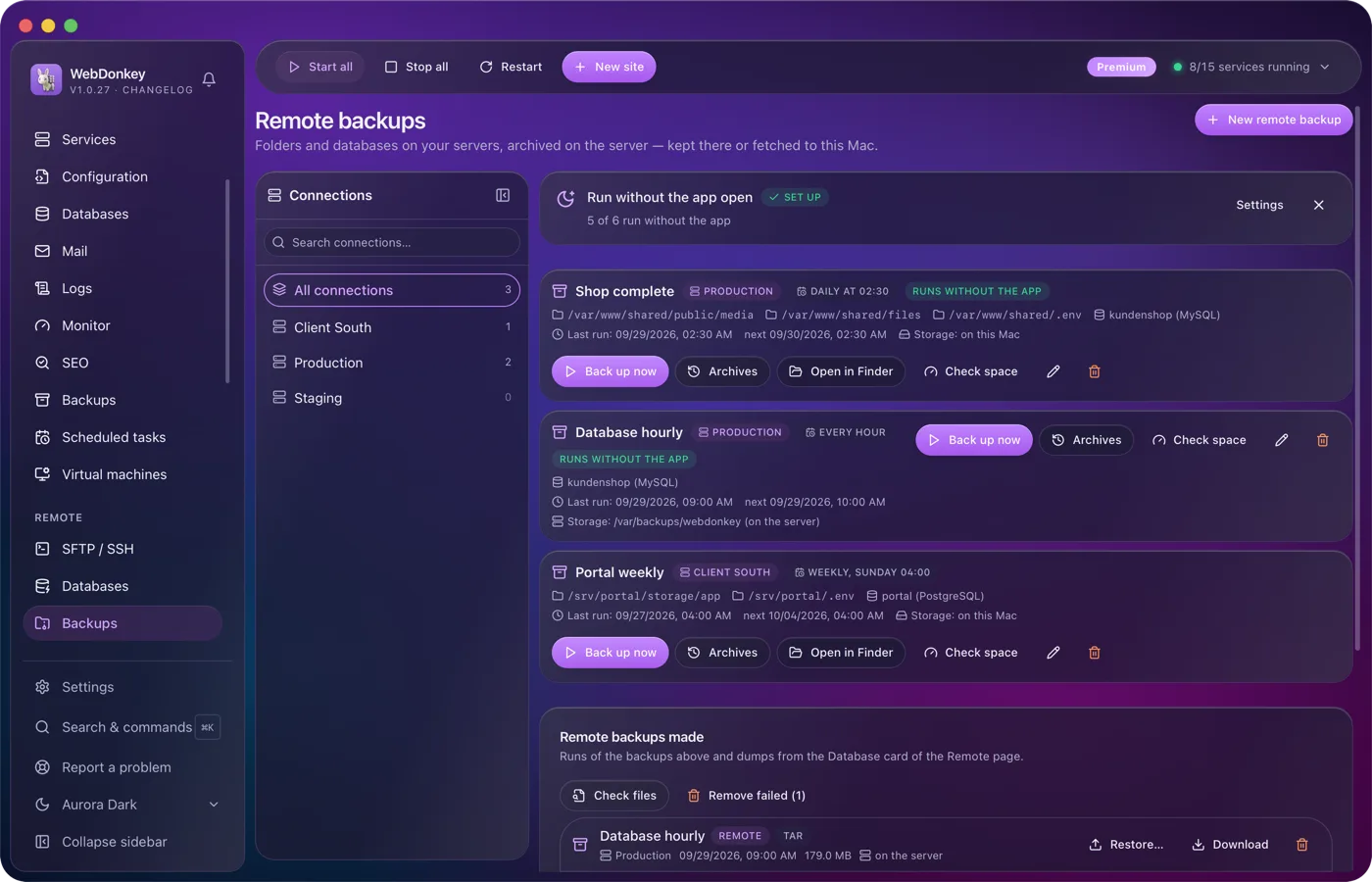
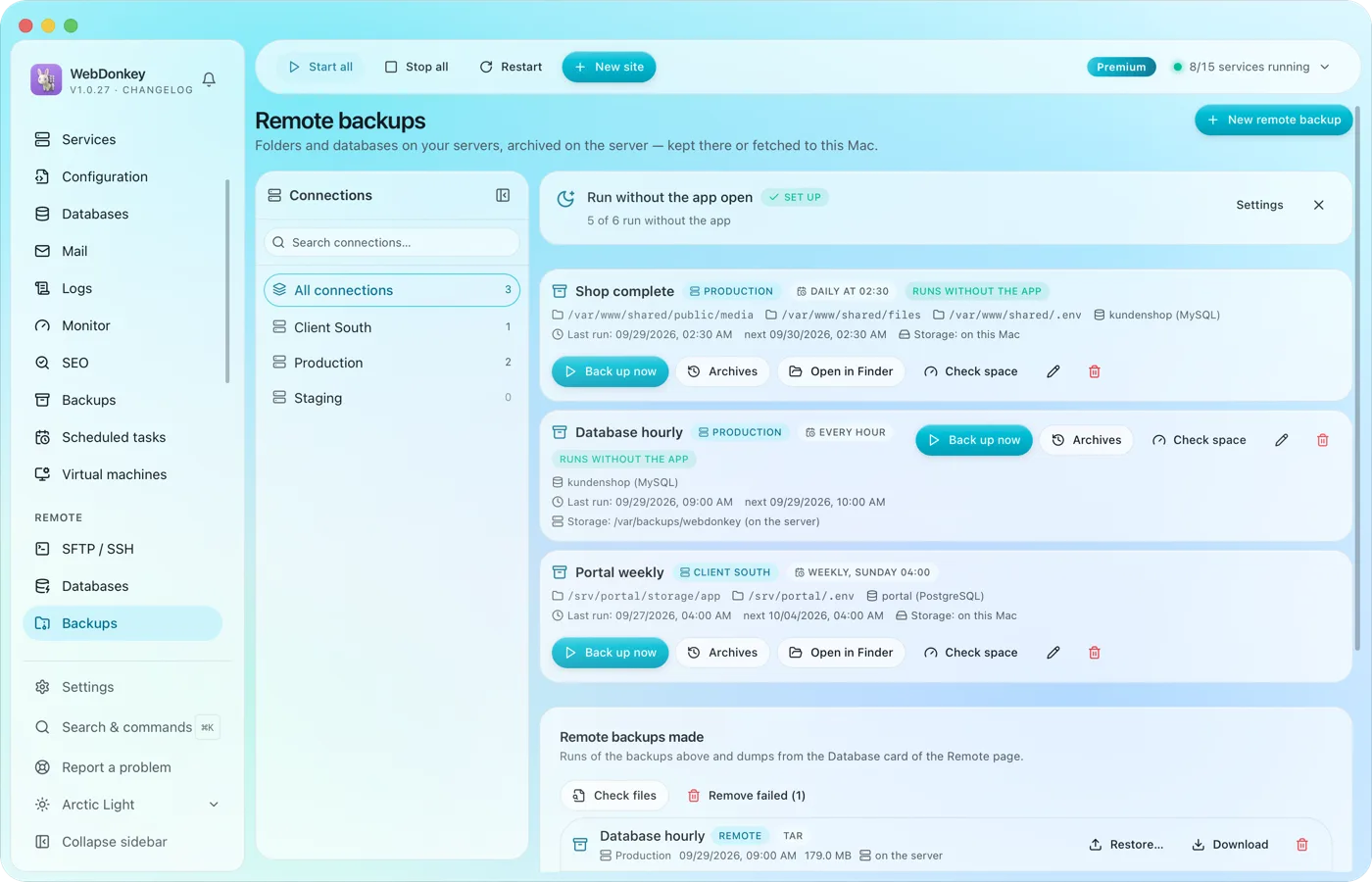 Backups of your servers, kept there or fetched to your MacBack up the folders and databases of your servers. The archive is built on the server and stays there or comes to your Mac, on a schedule if you like.
-
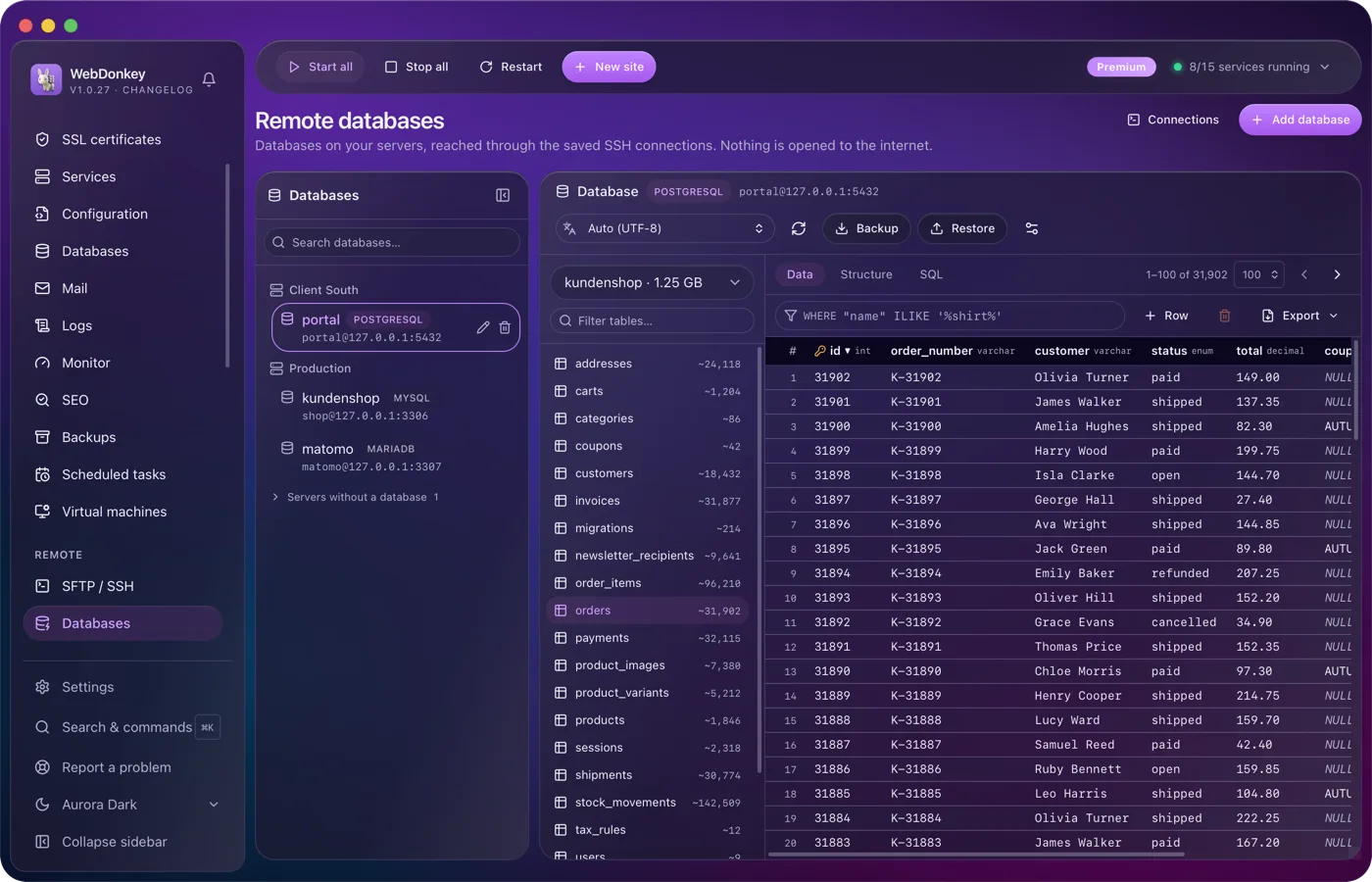
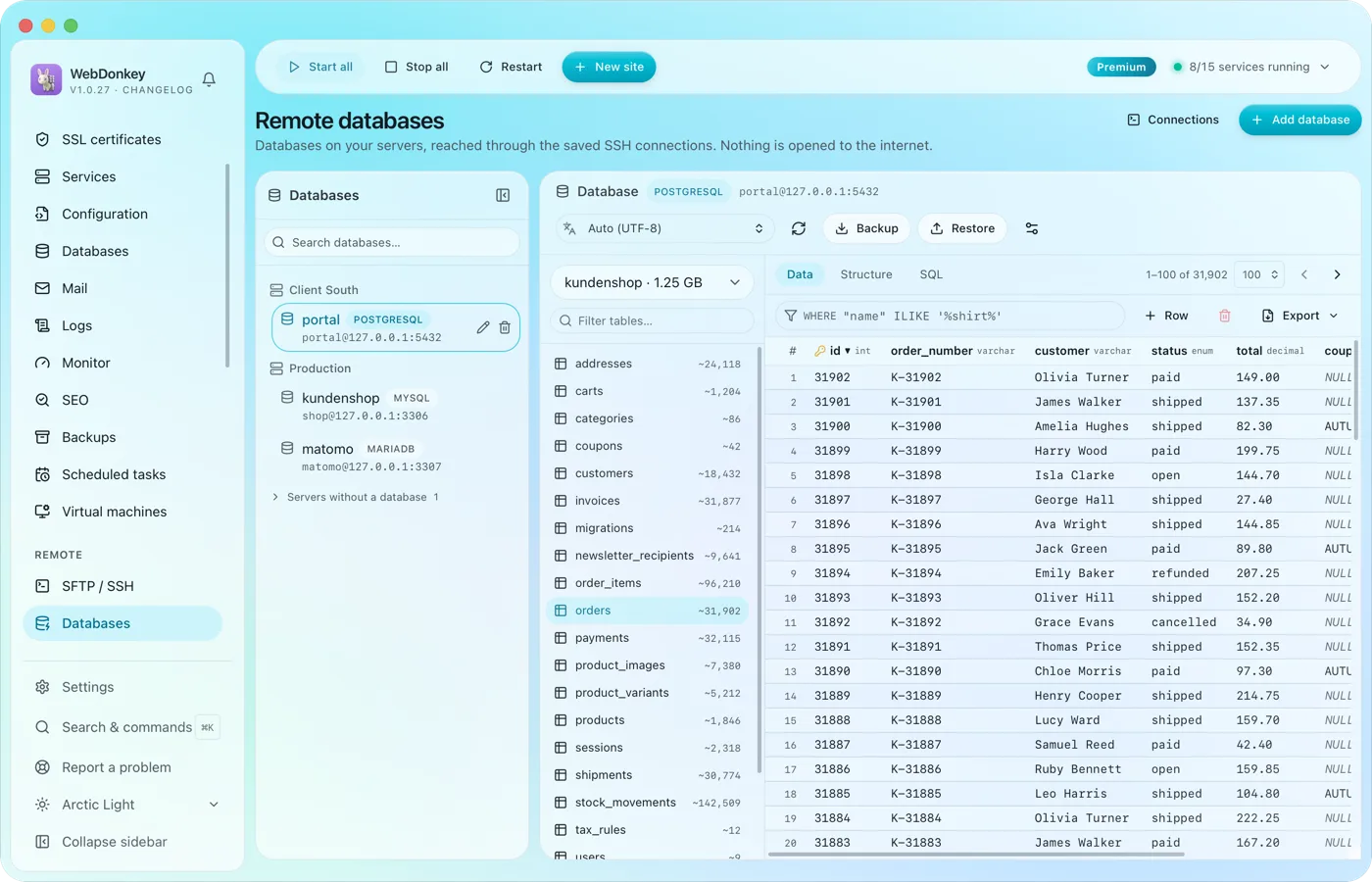 The databases on your servers, without Adminer on the serverAll databases of all servers on one page, reached over the saved SSH connection. No port is opened to the outside for it. Browse tables, edit rows, run SQL.
-
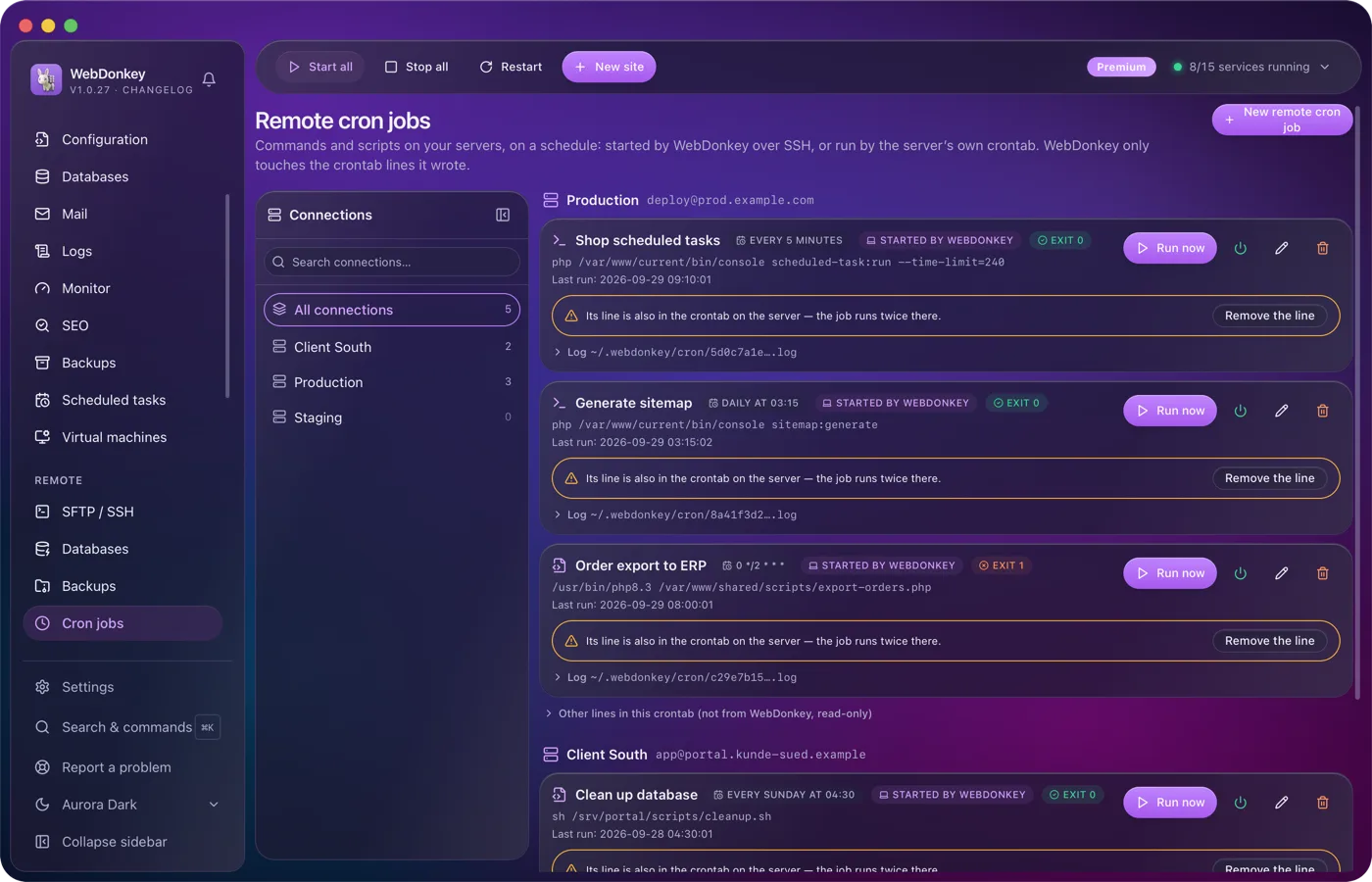
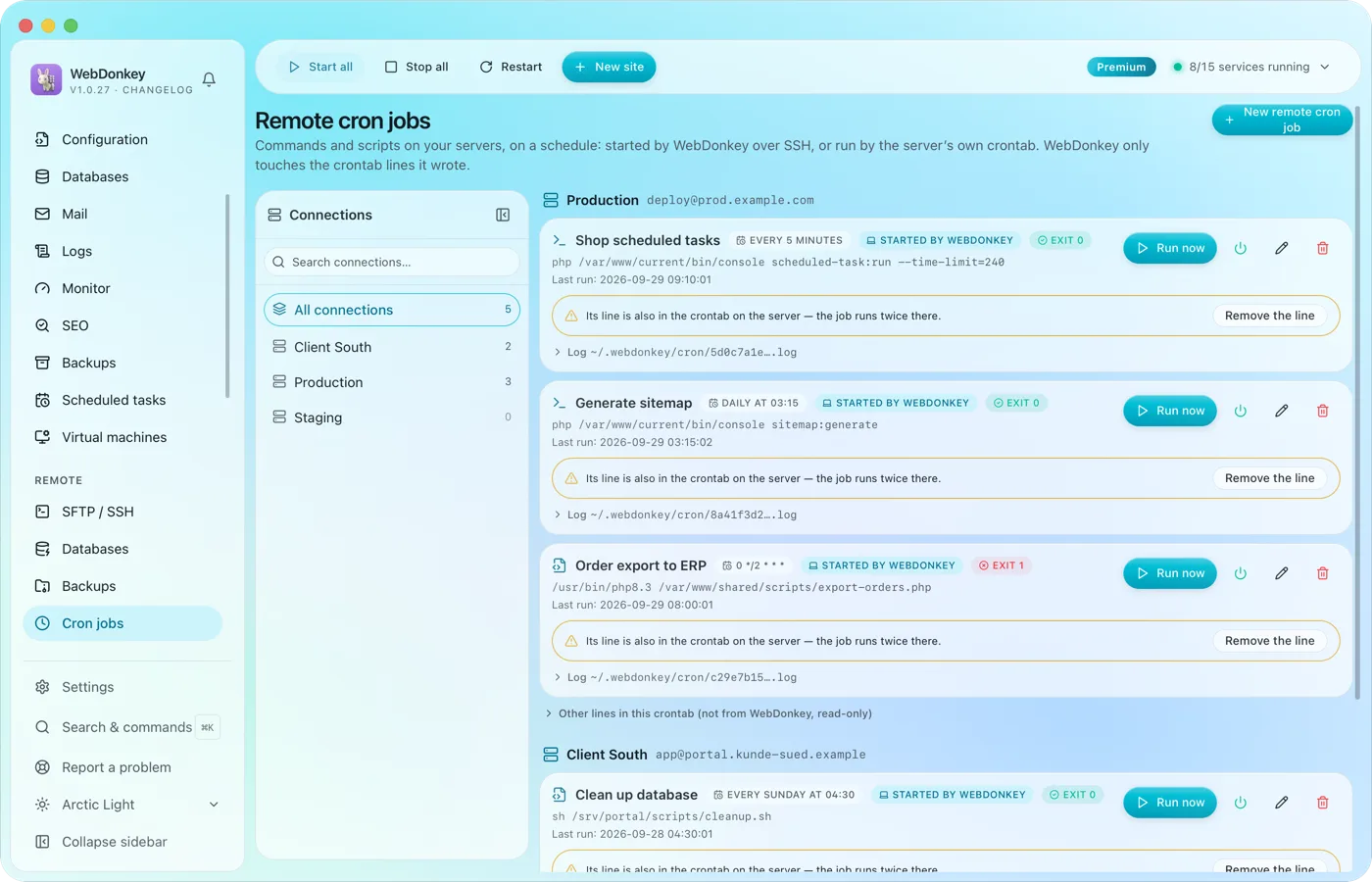 Cron jobs on your servers, with log and exit codeCommands and scripts on your servers, on a schedule. Either WebDonkey starts them over SSH, and the server needs nothing. Or they sit in the server's own crontab and run even when your Mac is off.
-
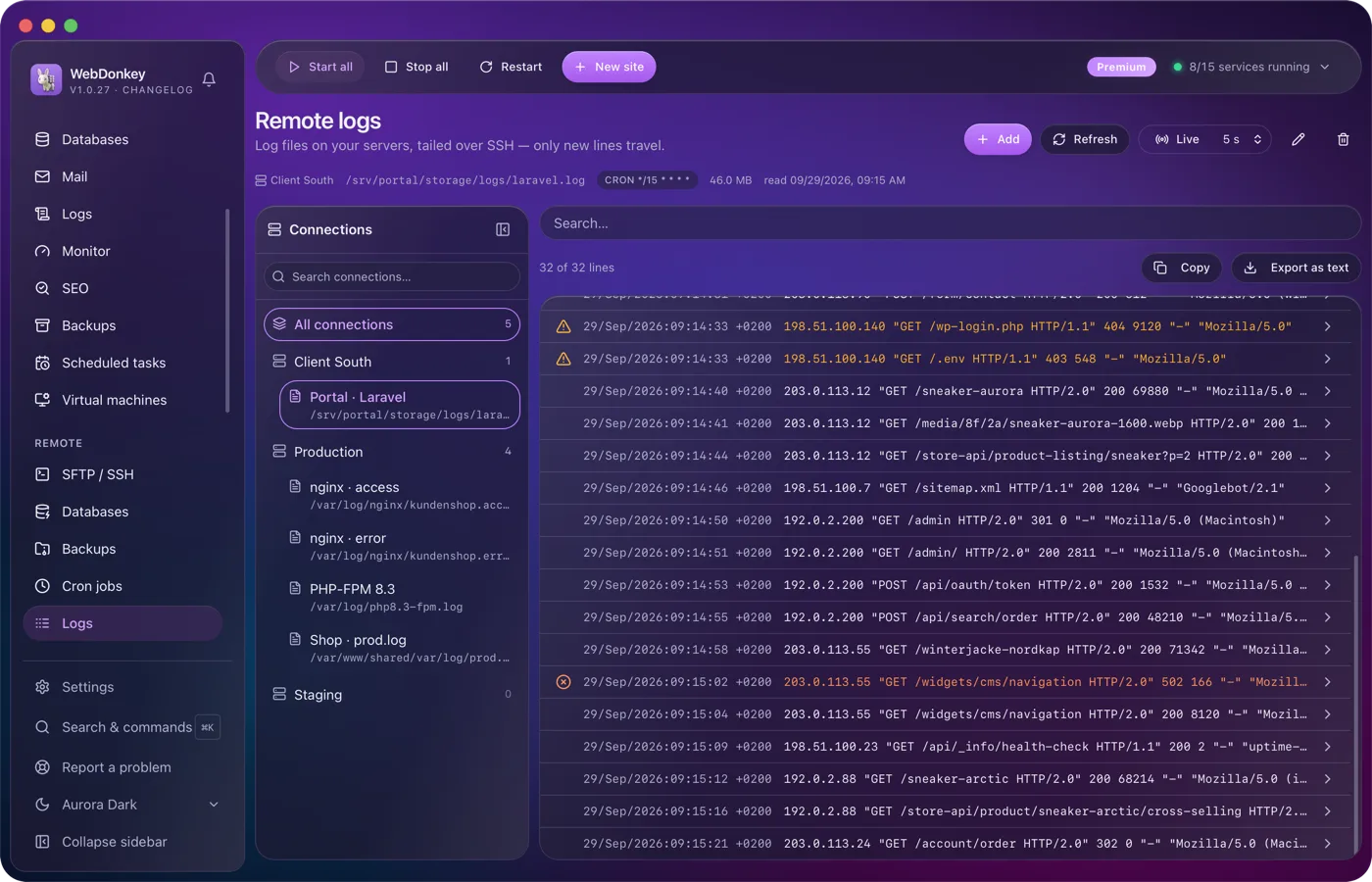
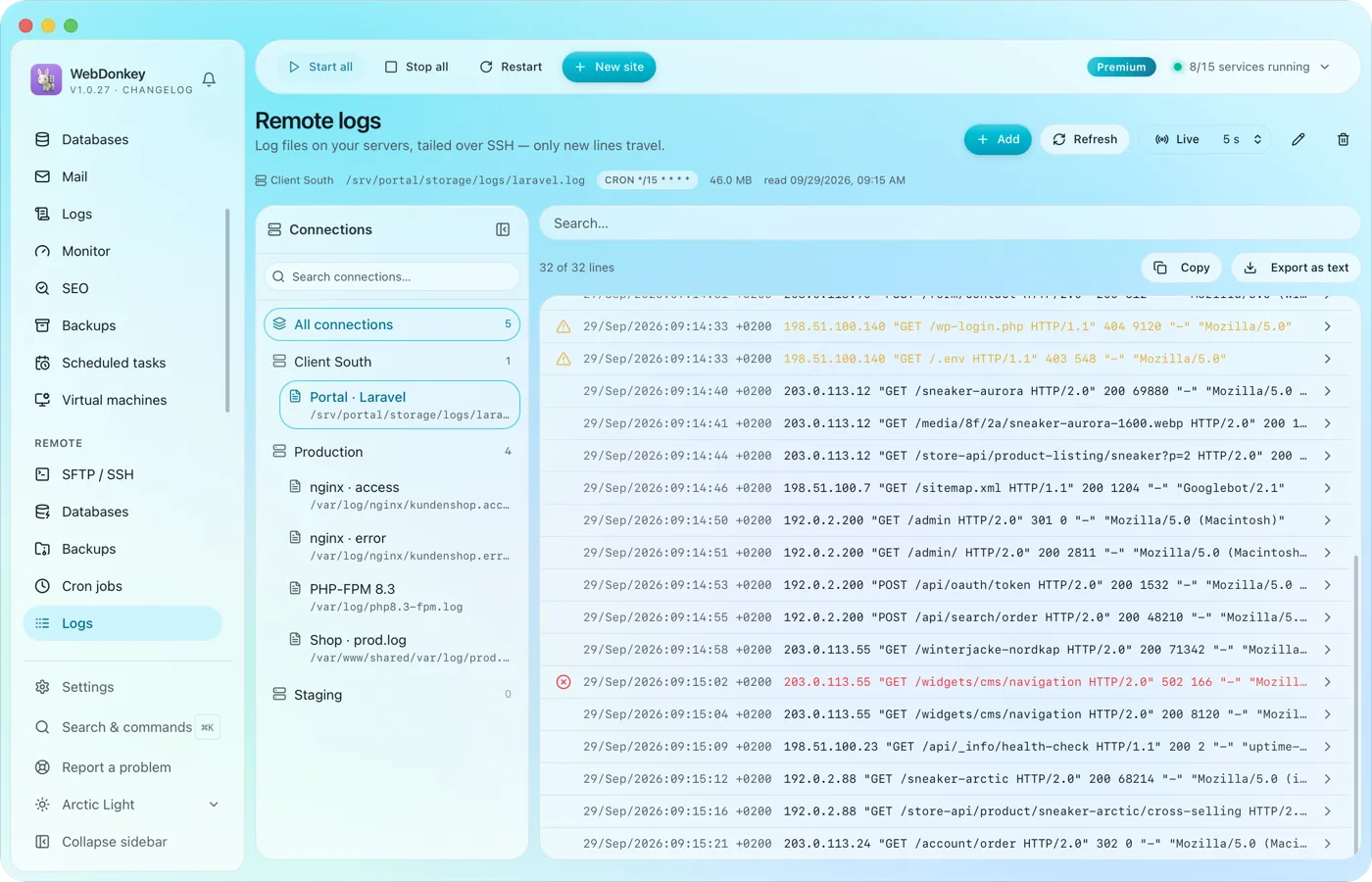 The logs of your servers, followed liveLog files on your servers, followed over SSH. Only new lines are transferred.
Try it on your own project.
Free costs nothing and has no time limit. macOS 11 or later, Apple silicon and Intel.
