





Your terminal, tidied up
Your prompt, shell aliases, SSH keys, SSH hosts and known_hosts in one place. Plus the wd command, which drives WebDonkey from any terminal.
Free costs nothing and has no time limit. macOS 11 or later, Apple silicon and Intel.
What it takes off your plate
Set up the terminal. Aliases, SSH keys and SSH hosts with an interface, plus the wd command to control WebDonkey from any terminal.
In detail
WebDonkey CLI
With wd you drive WebDonkey from any terminal: services, sites, databases, logs, scheduled tasks and backups, plus saved SSH connections, the front proxy and Claude Code. wd edit opens files in the WebDonkey Editor, wd open a page of the app, and wd doctor names setup problems with their fix. Backups and SSH connections need Premium. Any output comes as JSON if you want it. The card checks whether wd is on your path and turns on "Tools in the terminal" with one click.
Aliases
Create aliases with a name and a command, switch them on and off. WebDonkey writes them to its own file and includes it in your .zshrc with a marked block. Whatever your shell already knows is detected and can be adopted with one click.
SSH keys
All keys from ~/.ssh with name, type and fingerprint. Generate new keys as ed25519 or RSA 4096, with a comment and a passphrase if you like, copy the public part, delete old ones.
SSH hosts
Host entries with alias, hostname, user, port and key. They go into their own file under ~/.ssh/config.d, included at the top of your SSH config. Your existing configuration is left untouched. After saving, WebDonkey checks whether logging in with the key works. If the key is not on the server yet, you enter the password once and WebDonkey adds the key there, like ssh-copy-id. The password is not stored.
known_hosts
Which server keys your machine knows, as a list. Remove entries when a server has been rebuilt instead of editing the file by hand.
PromptFree & Premium
Design the left part of your command line, across several lines too: folder, time, date, user, host, git branch, the result of the last command, $ or # and text of your own, plus frame and arrow characters such as ╔═ or ❯ and colours from the 256-colour palette, with a live preview. Save several designs and switch with one click, or go back to your own prompt from .zshrc; eight templates are free for everyone. Free keeps three own prompts, Premium any number.
What does Free include?
This feature is fully included in Free. No licence and no time limit.
Compare Free and PremiumGoes well with this
-
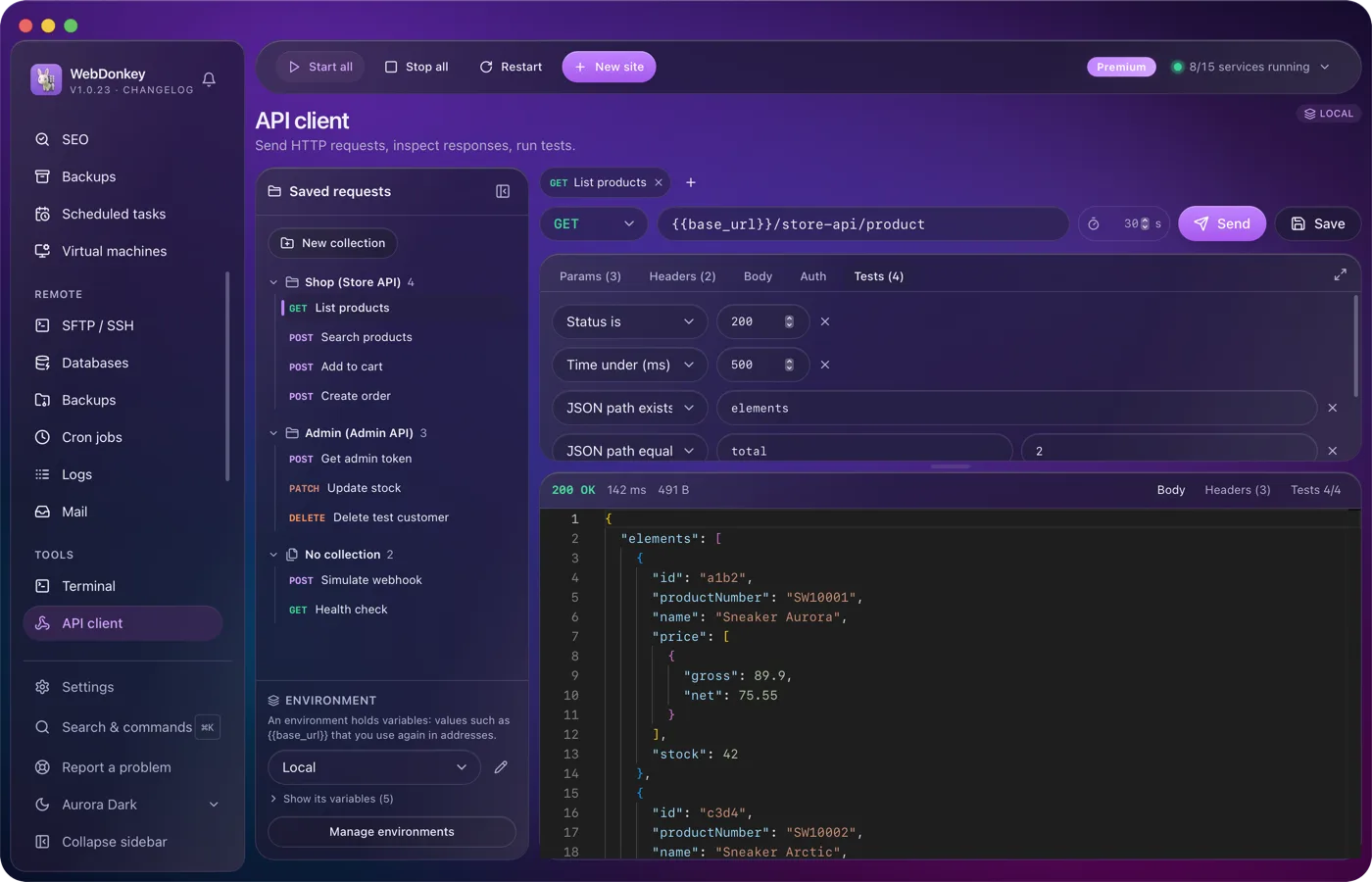
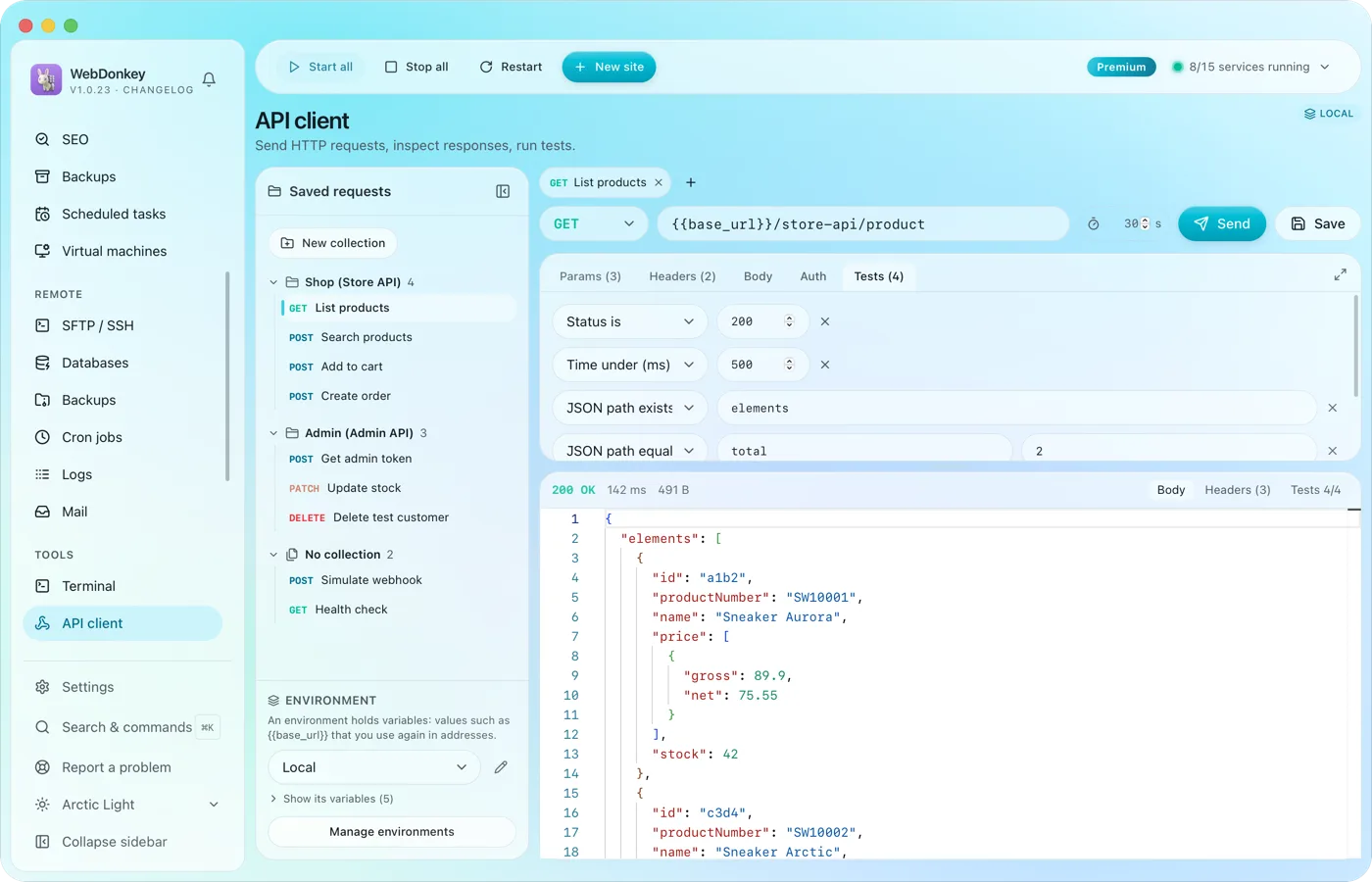 Build requests and check responsesAn API client with everything you expect from one: method, URL, params, headers, body, auth and tests. Environments with variables and saved requests, right in the app.
-
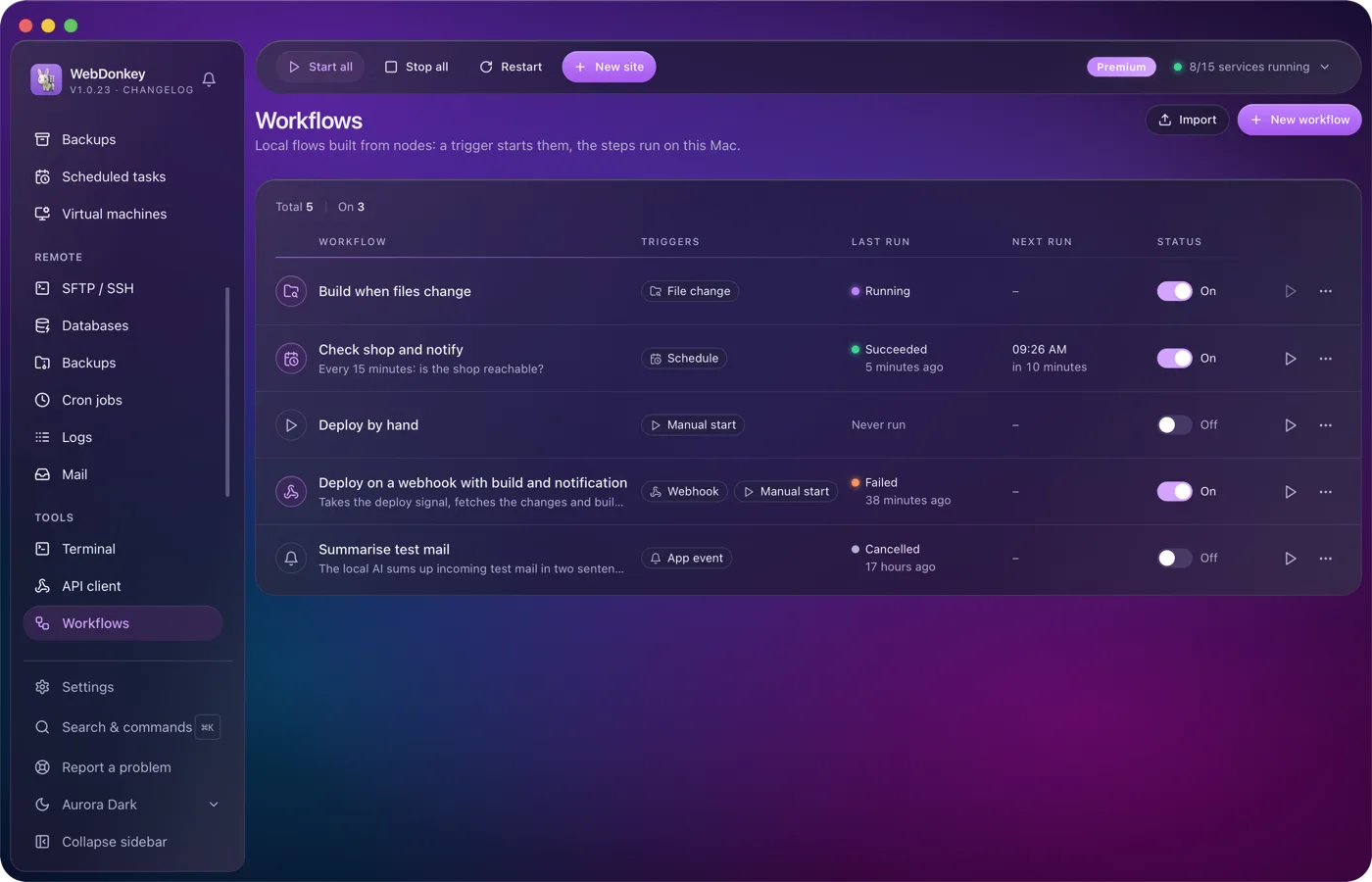
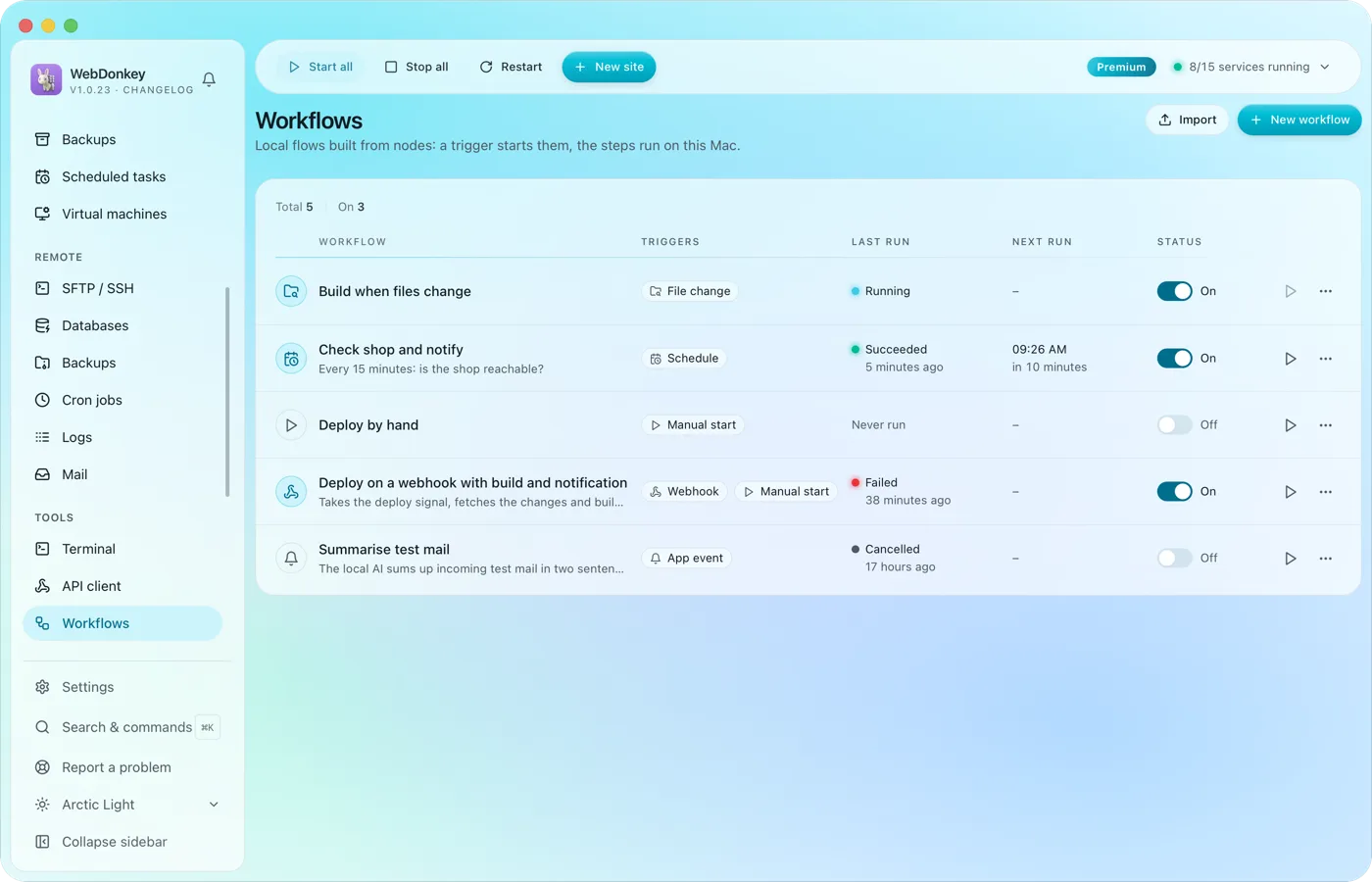 Build flows that run on their ownA trigger starts the workflow and the steps run on this Mac: by hand, on a schedule or through a webhook. You connect the nodes on a canvas; HTTP requests, shell commands, files, conditions and notifications are all there. Every run shows, step by step, what went in and what came out.
-
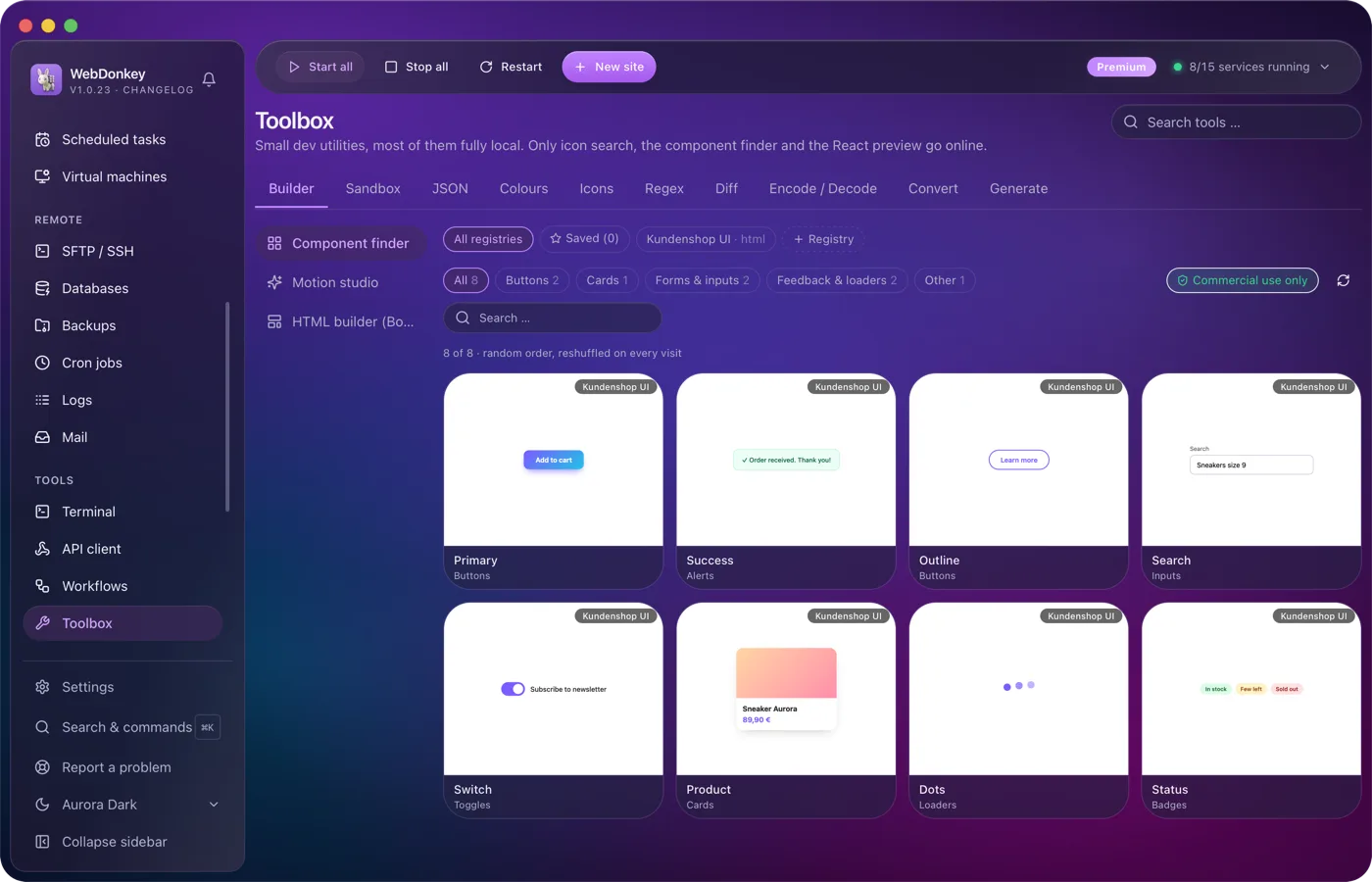
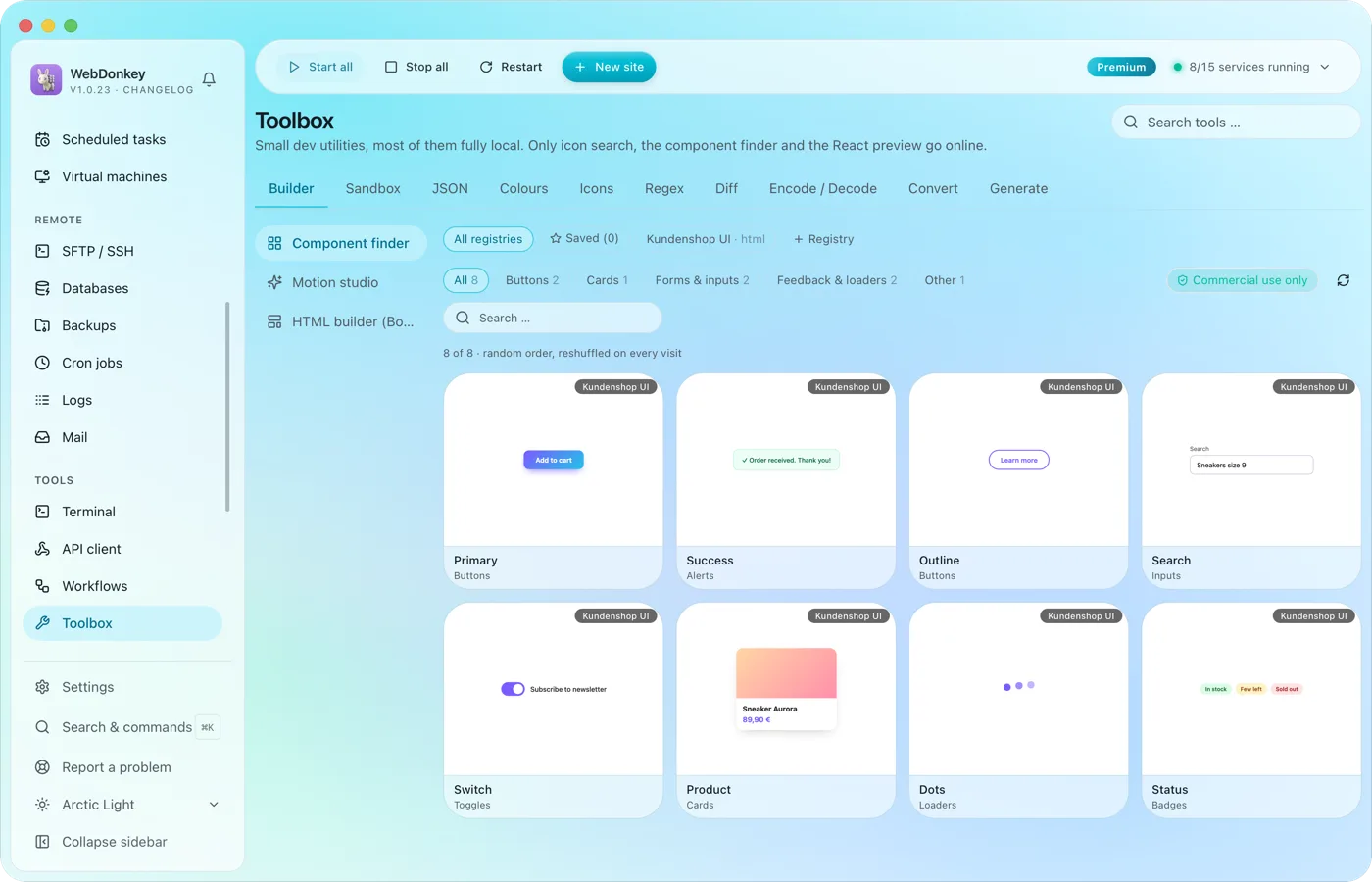 The small tools you would otherwise google24 tools in ten groups. Format JSON, test regex, generate hashes, manage colours, search icons, run code, build layouts, find components, build animations. Most of them run fully offline; only icon search, the component finder and the React preview fetch from the web when needed.
-
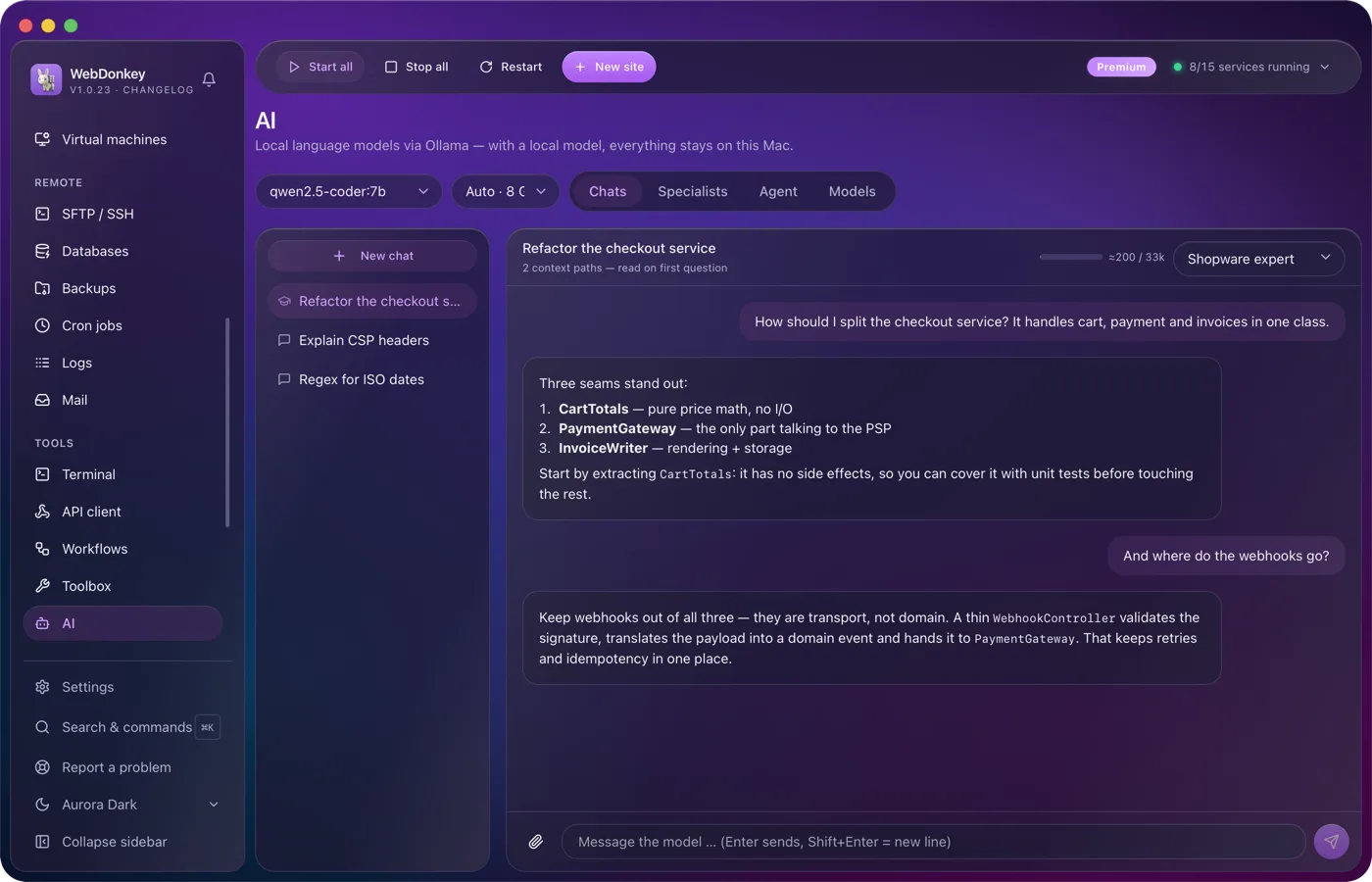
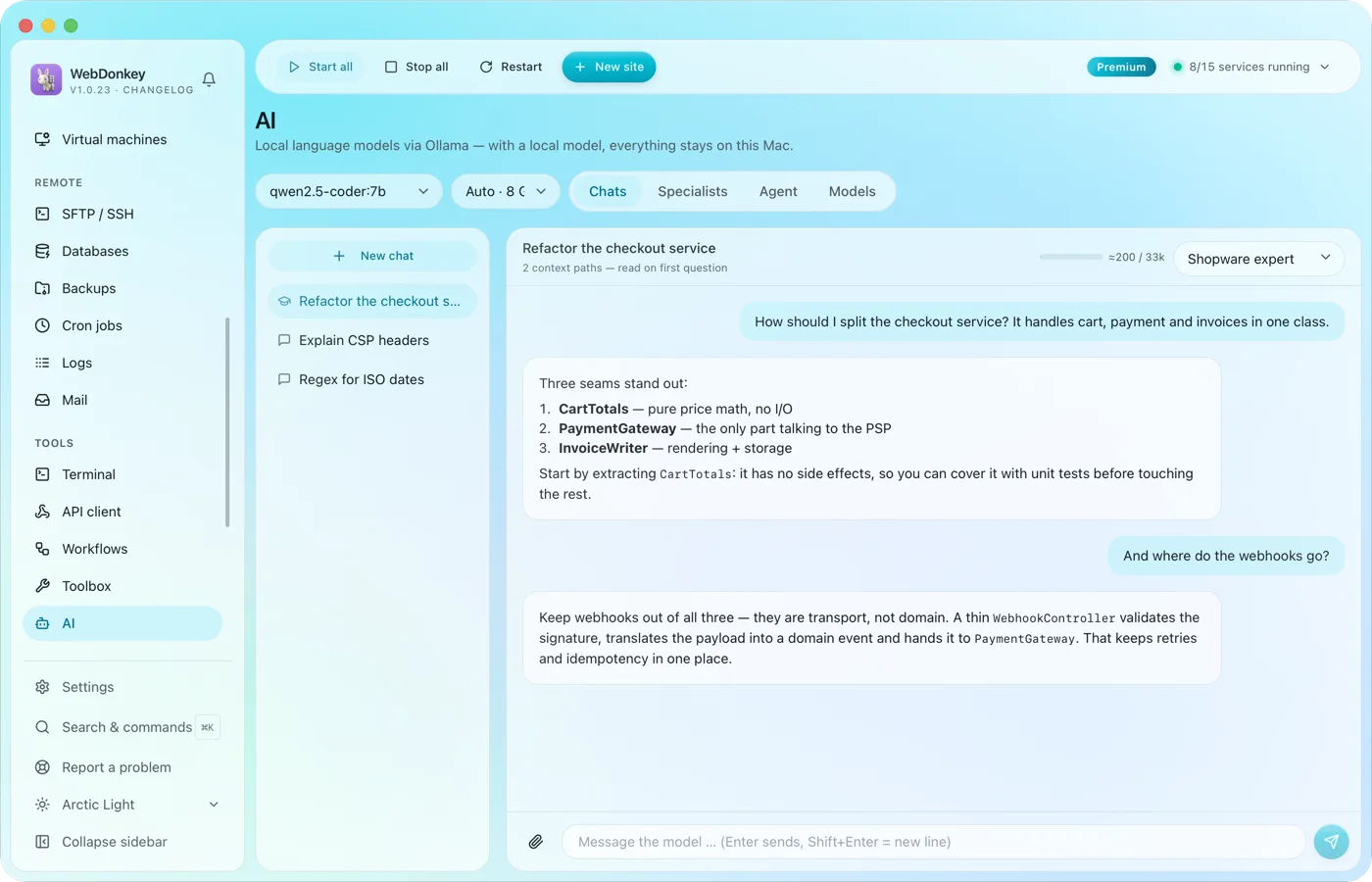 An assistant that stays on your MacLocal language models through Ollama, as a managed service. No key, no token counter, and chats with local models stay on your Mac. Attach files or folders to your question, a log for example, and the assistant reads along.
Try it on your own project.
Free costs nothing and has no time limit. macOS 11 or later, Apple silicon and Intel.
