





Build requests and check responses
An API client with everything you expect from one: method, URL, params, headers, body, auth and tests. Environments with variables and saved requests, right in the app.
Free costs nothing and has no time limit. macOS 11 or later, Apple silicon and Intel.
What it takes off your plate
Test APIs. Requests with tests on status, response time and fields, green or red.
In detail
Params
Query parameters as a table with key, value and a checkbox to switch them on and off. When sending, the app appends the active ones to the URL.
Headers
Custom headers the same way, as a table. Content-Type is set to match the body unless you want otherwise.
Body
Raw text with its own content type, such as JSON with syntax colours, or form data (urlencoded). Environment variables work here too, for IDs or tokens.
Auth
Bearer token, basic auth or an API key in a header. The token comes from the environment, so the request itself stays free of secrets.
Tests
Assertions without code: status is 200, body contains, JSON path equals or exists, response time below. After sending, every test shows whether it passed. A small test suite for every API you look after.
Response
After Send the response appears with status, time and size, below it body, headers and test results. JSON is indented; binary responses are summarised instead of showing up as garbage.
EnvironmentsPremium
Local, staging, production: one set of variables each, such as base_url or token. One click switches the environment and every request uses the new values.
Saved requestsPremium
With Premium you keep requests and sort them into collections; the list on the left shows them and one click opens one. Up to 20 request tabs side by side work in Free too.
What does Free include?
This feature comes in Free and in Premium. Where Free ends is set out in the details and in the comparison.
Compare Free and PremiumGoes well with this
-
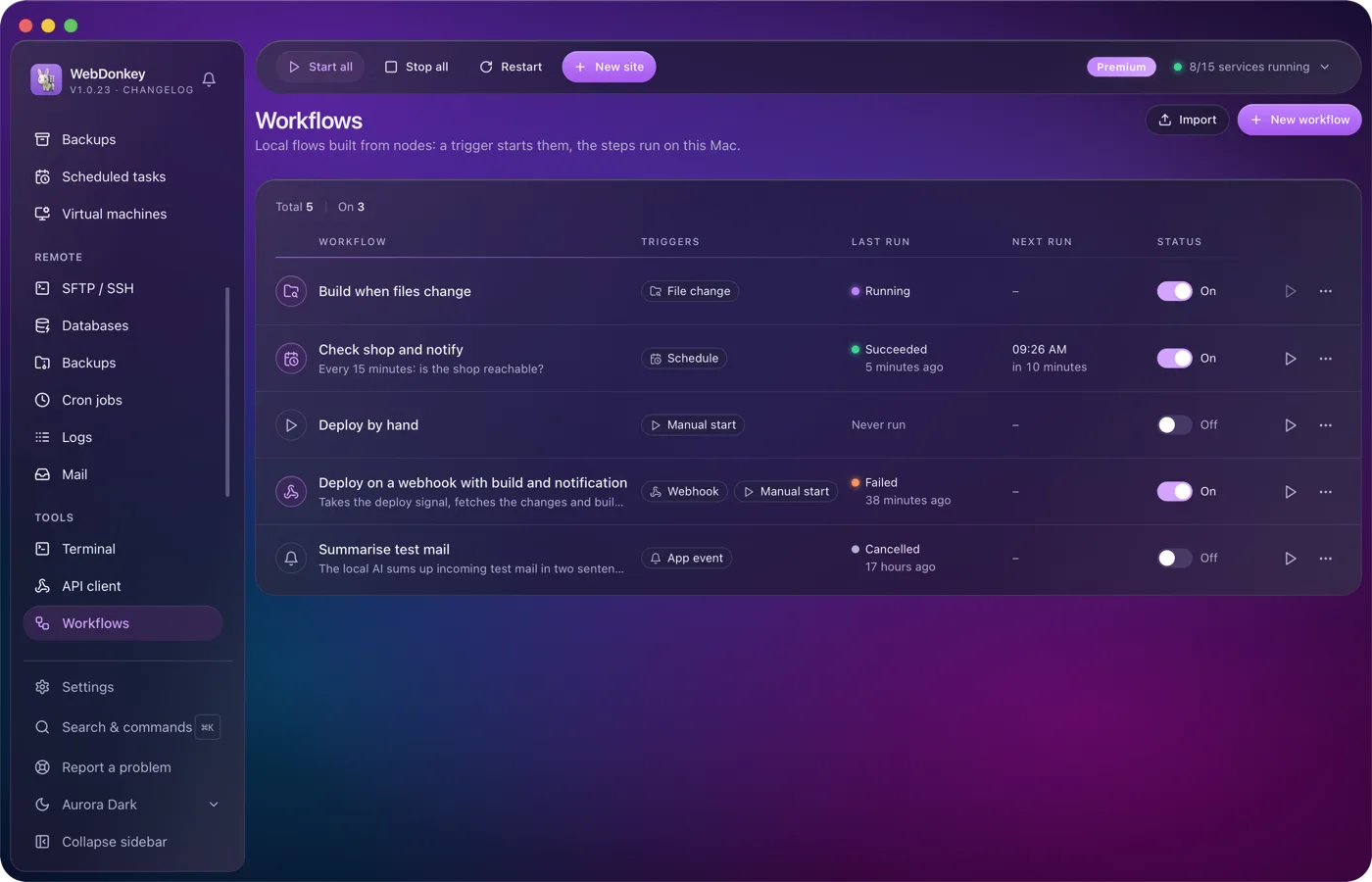
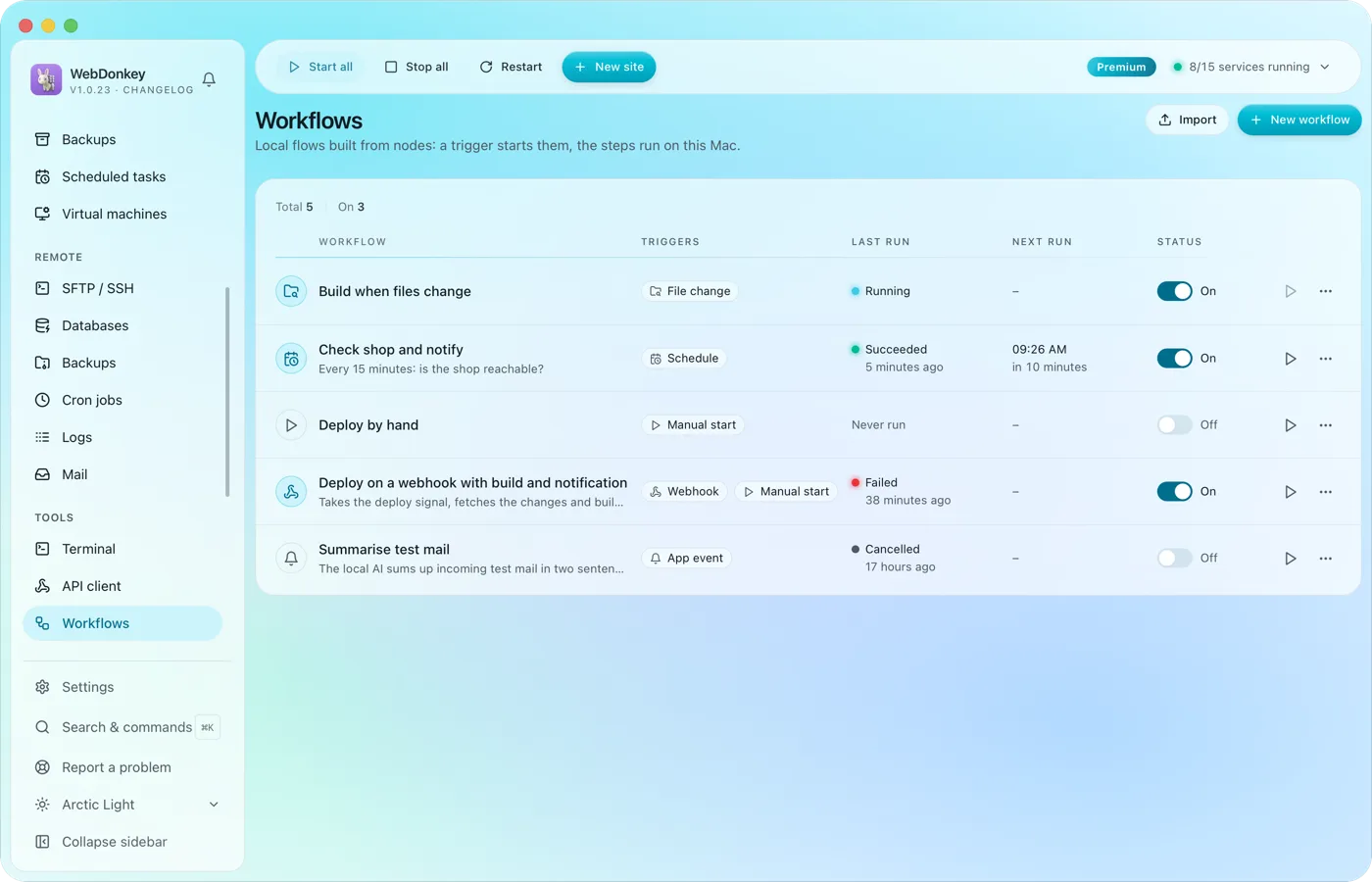 Build flows that run on their ownA trigger starts the workflow and the steps run on this Mac: by hand, on a schedule or through a webhook. You connect the nodes on a canvas; HTTP requests, shell commands, files, conditions and notifications are all there. Every run shows, step by step, what went in and what came out.
-
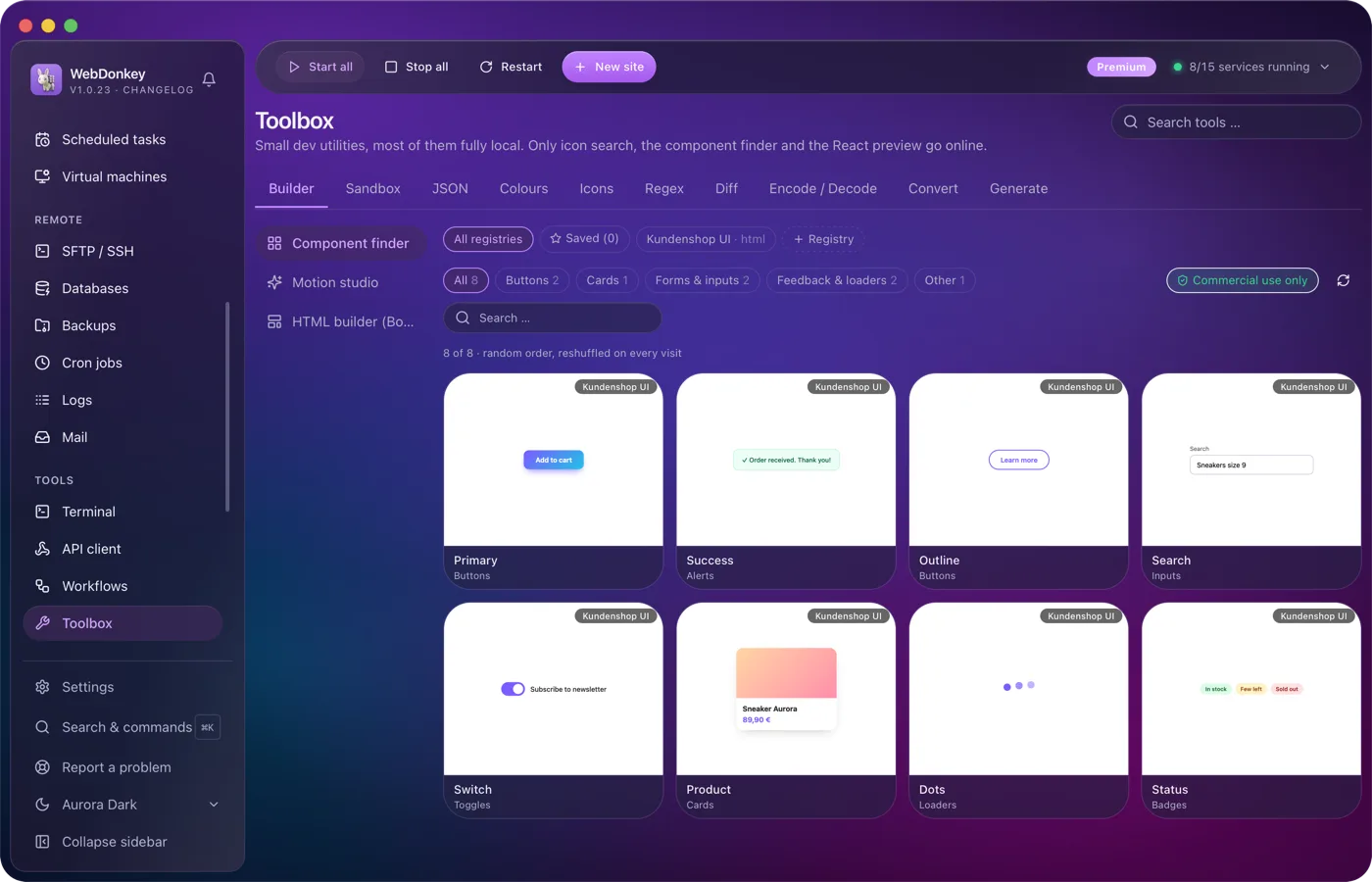
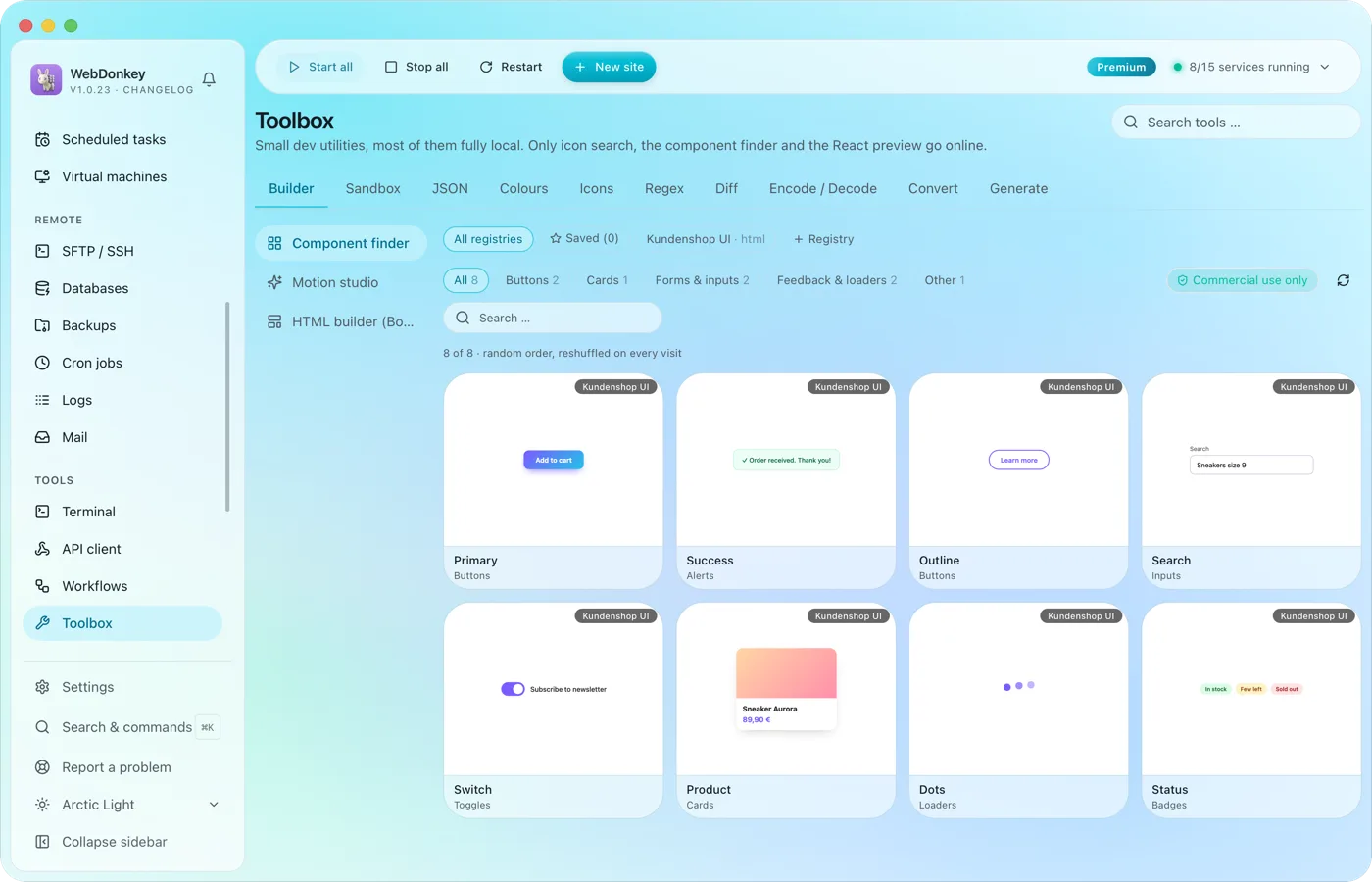 The small tools you would otherwise google24 tools in ten groups. Format JSON, test regex, generate hashes, manage colours, search icons, run code, build layouts, find components, build animations. Most of them run fully offline; only icon search, the component finder and the React preview fetch from the web when needed.
-
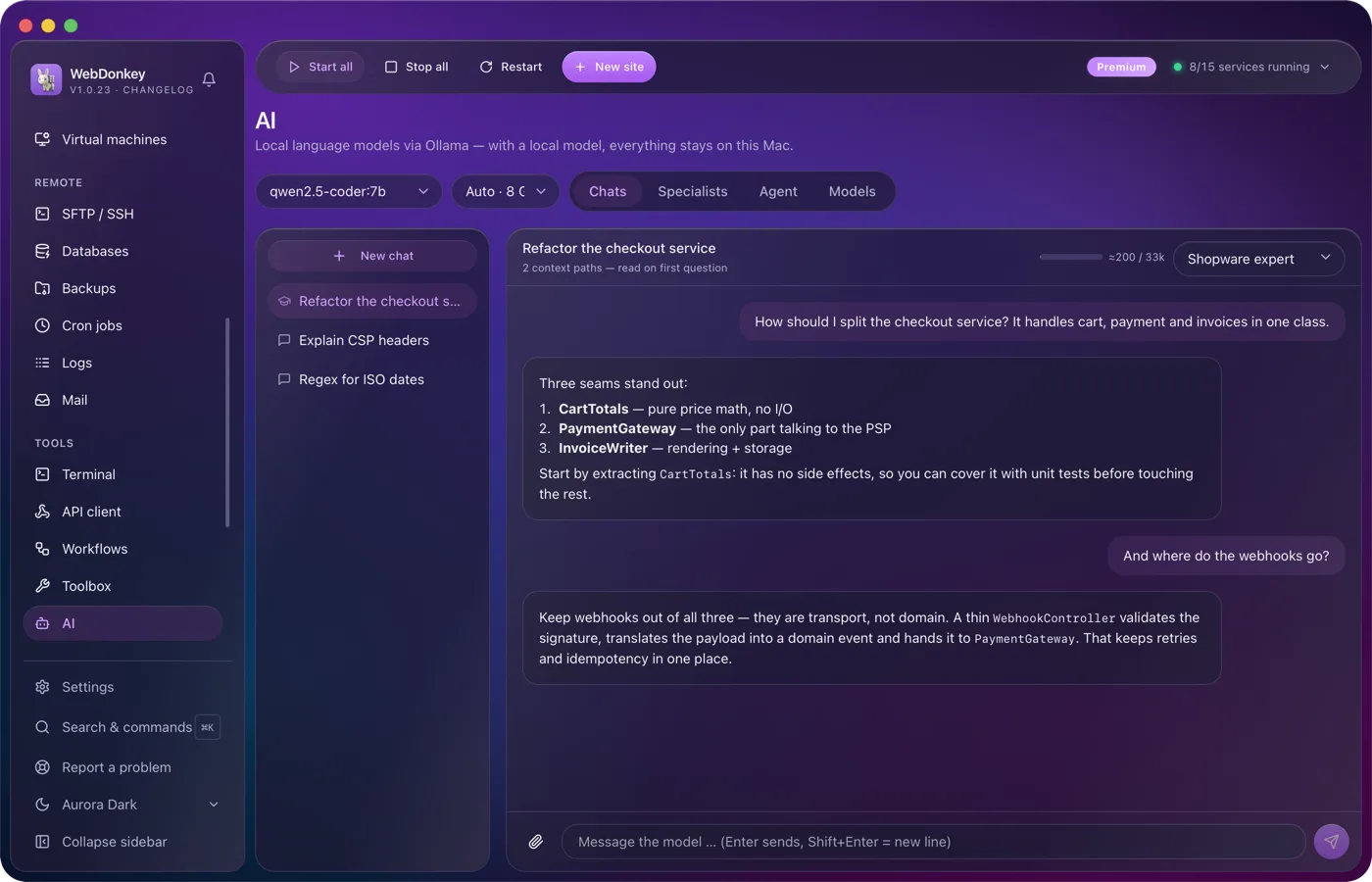
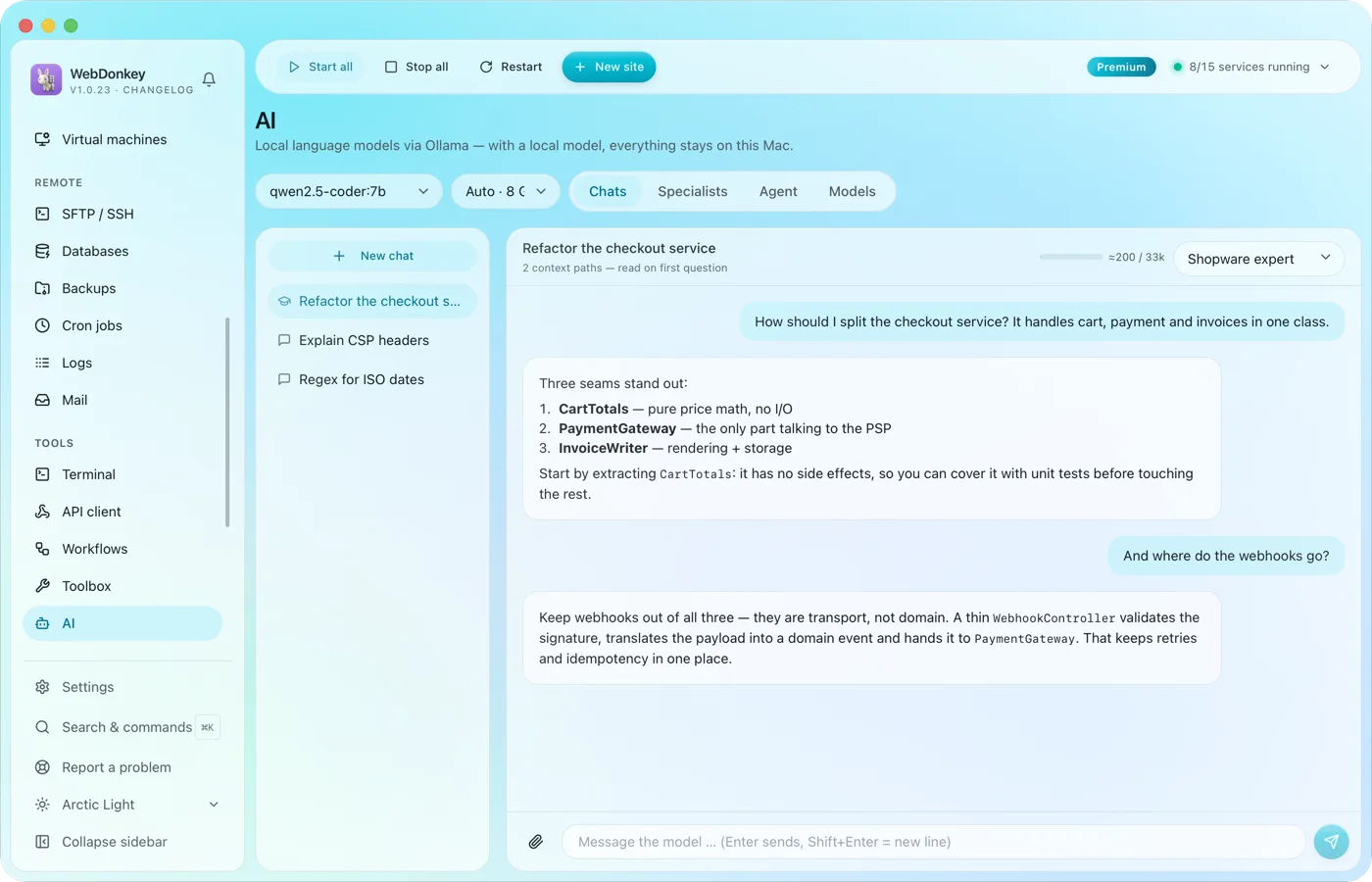 An assistant that stays on your MacLocal language models through Ollama, as a managed service. No key, no token counter, and chats with local models stay on your Mac. Attach files or folders to your question, a log for example, and the assistant reads along.
-
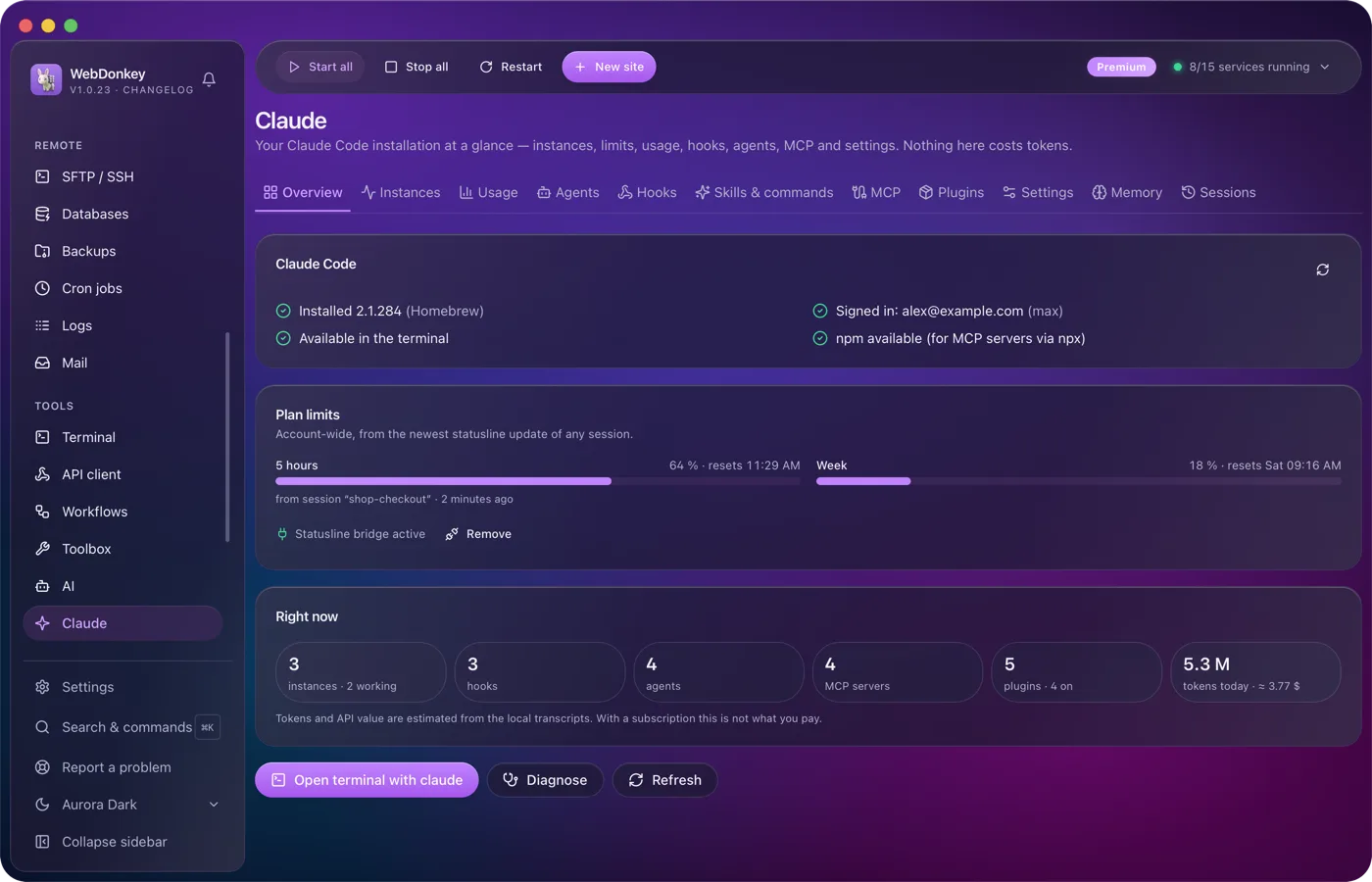
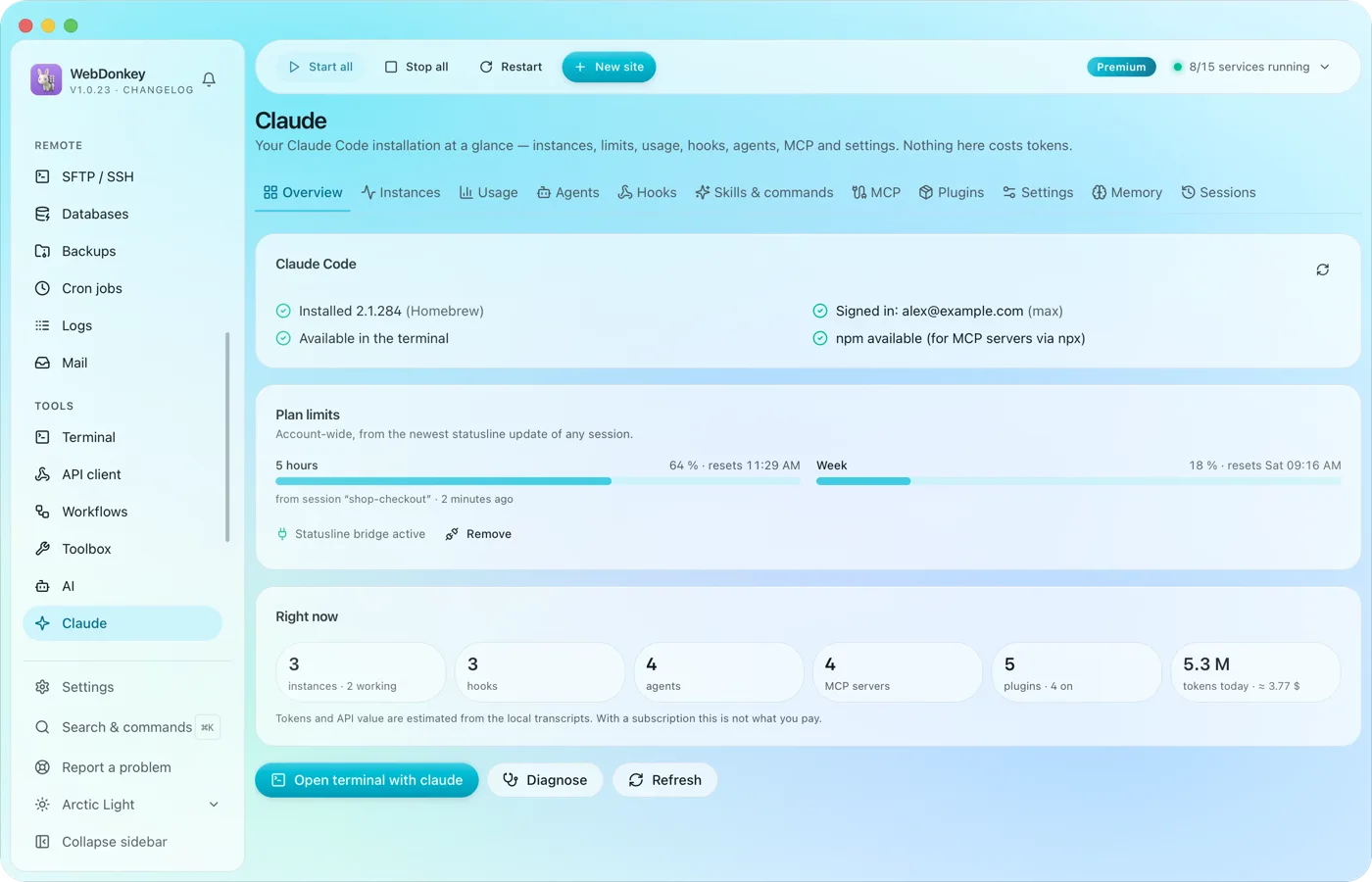 Claude Code, managed in one placeYour Claude Code installation at a glance: running instances, limits, hooks, agents, MCP servers, plugins and settings. The app reads and writes Claude Code's own files; managing them costs no tokens.
Try it on your own project.
Free costs nothing and has no time limit. macOS 11 or later, Apple silicon and Intel.
