





Claude Code, managed in one place
What is it?This page shows your Claude Code installation: running instances, limits, hooks, agents, MCP servers, plugins and settings.
Your Claude Code installation at a glance: running instances, limits, hooks, agents, MCP servers, plugins and settings. The app reads and writes Claude Code's own files; managing them costs no tokens.
Free costs nothing and has no time limit. macOS 11 or later, Apple silicon and Intel.
Without WebDonkey
Claude Code's configuration lives in many files on several levels. Which session is still running and how close you are to the limit, you only see when things get tight.
With WebDonkey
WebDonkey reads and writes Claude Code's own files. You see everything on one page, and managing it costs no tokens.
What you get out of it
- Overview without tokensLimits, sessions and configuration are visible without Claude doing any work for it.
- Usage per clientGroup a client's folders into one project and export the usage as CSV.
- Find sessions againYou search past conversations by title and prompt and resume them with one click.
In detail
Overview
Whether Claude Code is installed and signed in, which version runs, how much of the limit is used. From here you start a new session in your home folder; closing ends it, and the conversation stays so you can resume it.
Instances
Every Claude session running on your Mac. Attach, rename, view its output, end it, and force-quit one that no longer responds. Background sessions can be removed.
UsagePremium
Tokens and their value at API list prices per day, plus top projects, top sessions and the split by model. Estimated from the local transcripts; on a subscription this is not your bill, but it shows where the usage comes from.
Projects to billPremium
Group the folders that belong to a client or job, such as shop, theme and staging copy. Sessions in those folders and their agents count towards the project, so the usage shows how much falls to one client, for a month or a date range and exportable as CSV.
AgentsFree & Premium
Specialists Claude hands work to, each with its own instructions, tools and model. Create, edit, delete; the description decides when Claude uses an agent. Viewing is free, creating and changing needs Premium.
HooksFree & Premium
Commands Claude runs at fixed points: before a tool, after an edit, when it is waiting for you. The app marks the hooks that call a model every time they fire. Creating and changing needs Premium.
Skills & commands
Your skills and slash commands from every level in one list, one click away in Finder.
MCPFree & Premium
External tools Claude can use: databases, browsers, issue trackers. Checking whether servers answer and removing them works on Free, as does adding two yourself; more, editing and switching on and off come with Premium. It is the same management as on the MCP page, here for Claude Code only.
PluginsFree & Premium
The installed plugins with their status and details; switch them on and off with Premium.
SettingsFree & Premium
The effective settings for you or a project, with the files in order of precedence. Lists from every level are merged; you edit the level you pick. Editing needs Premium.
MemoryFree & Premium
The CLAUDE.md files Claude reads, for all projects and per project, plus the auto memory. Edit with a preview; saving a file that does not exist yet creates it. Viewing is free, editing needs Premium.
SessionsPremium
Every past conversation with its project and tokens. Search titles and prompts, read them back and resume with one click.
What does Free include?
On Free you see instances, limits and the whole configuration and add up to two MCP servers. Editing, usage and past sessions come with Premium.
Compare Free and PremiumGoes well with this
-
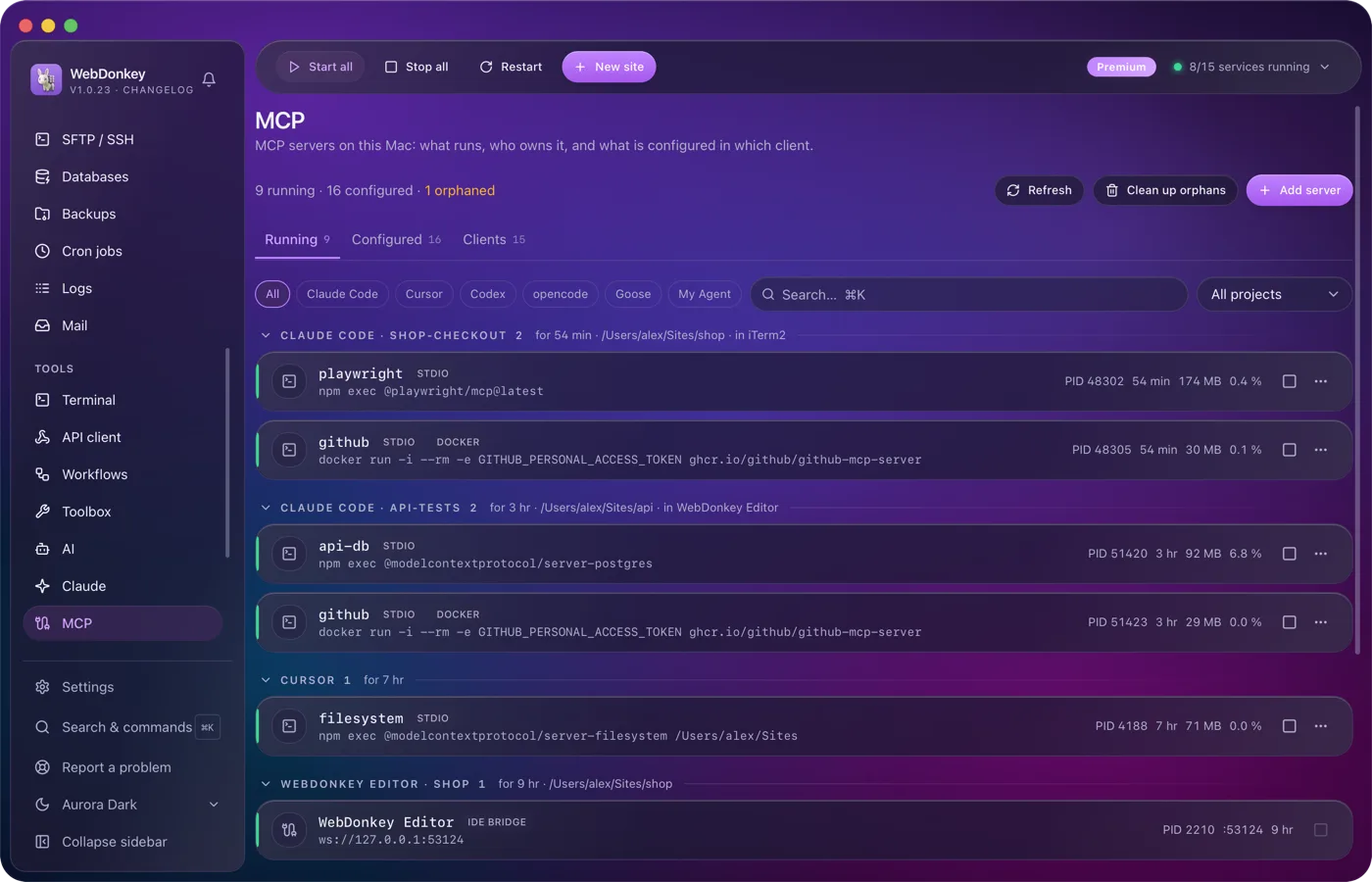
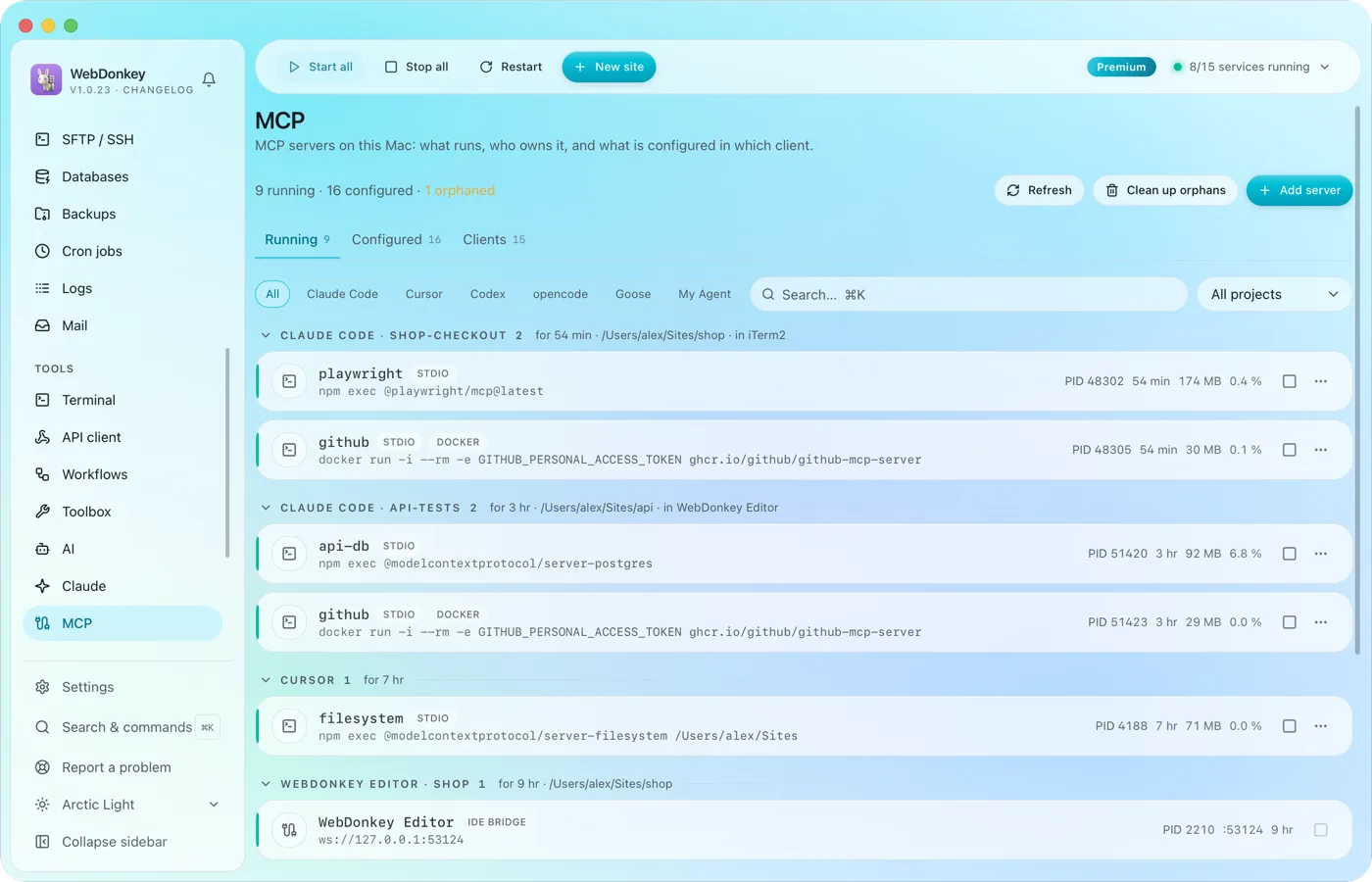 The MCP servers of every AI client in one placeWhich MCP servers run on your Mac, who owns them and what is set up in which client? The page reads the configuration of 14 clients, Claude Code, Claude Desktop, Cursor, VS Code, Codex and Zed among them, and shows it all in three tabs: Running, Configured, Clients.
-
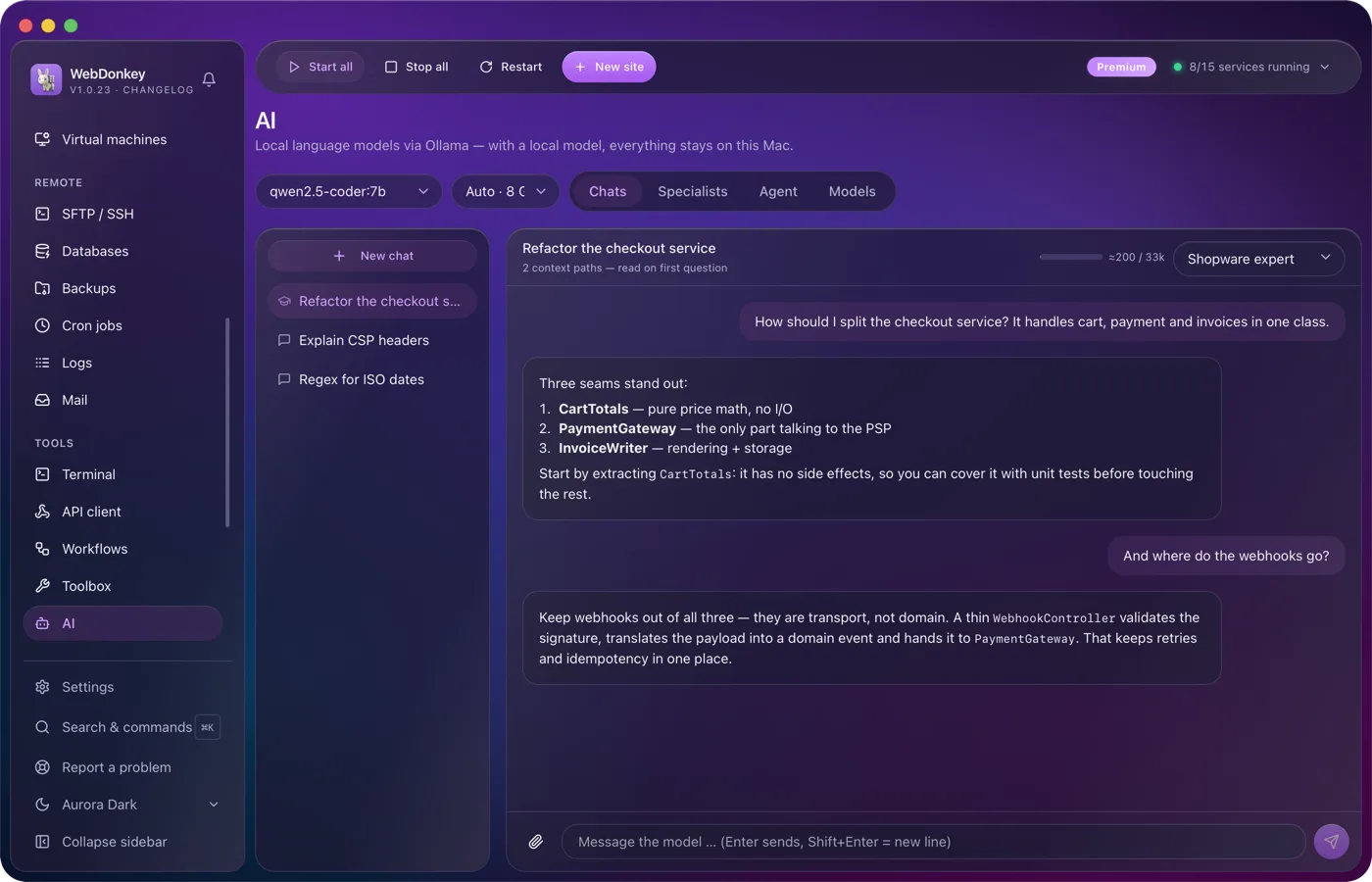
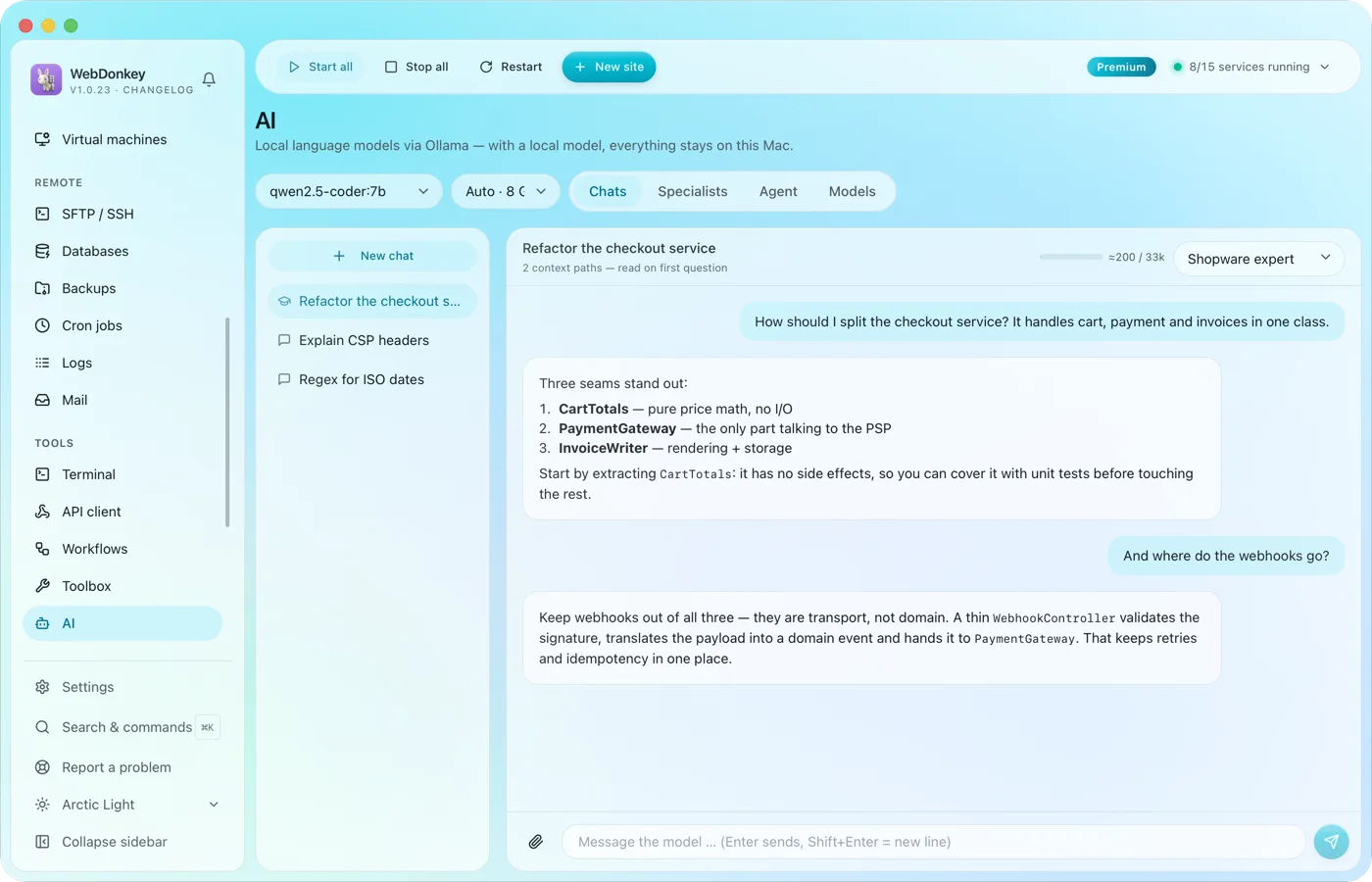 An assistant that stays on your MacLocal language models through Ollama, as a managed service. No key, no token counter, and chats with local models stay on your Mac. Attach files or folders to your question, a log for example, and the assistant reads along.
-
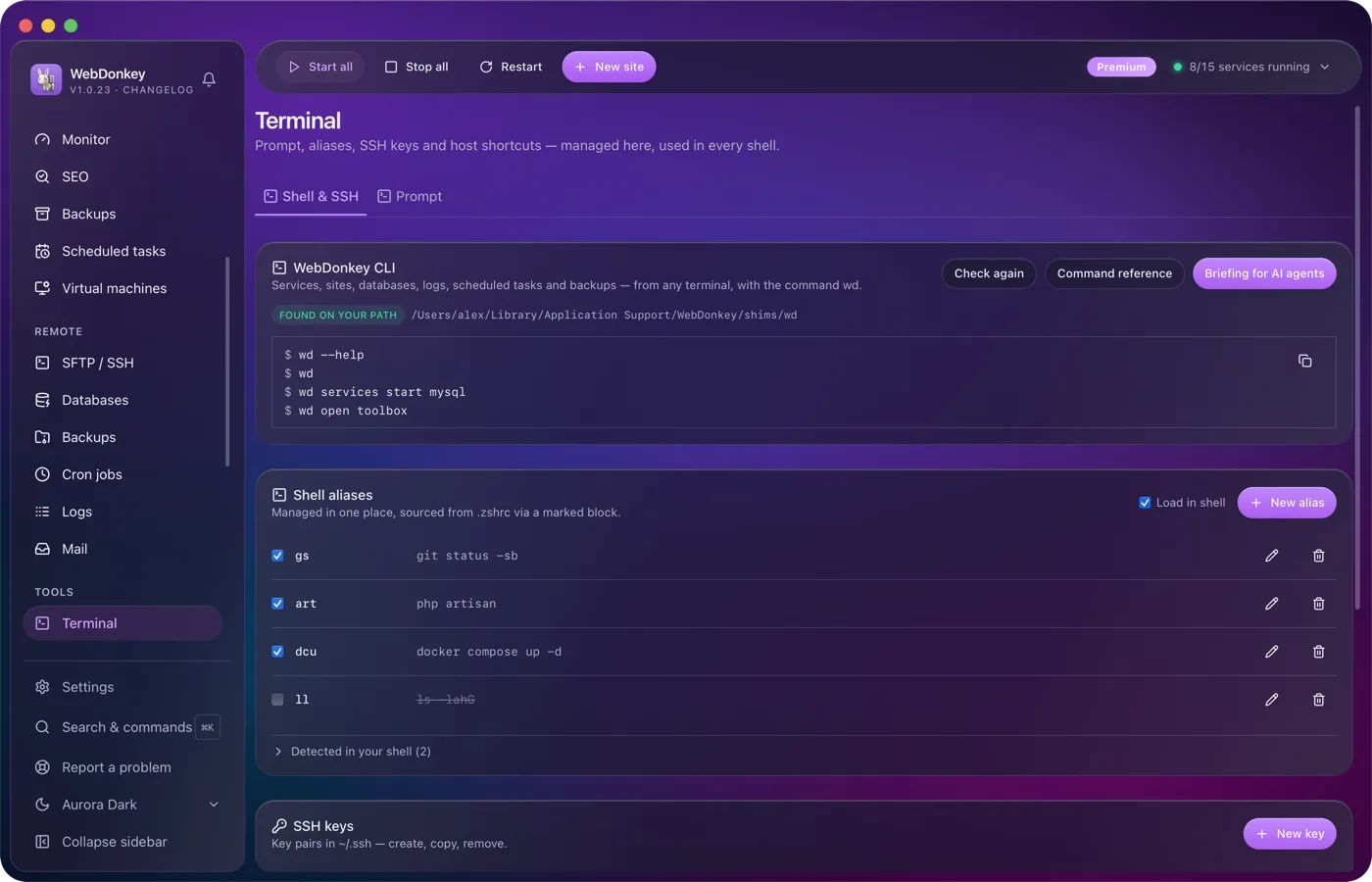
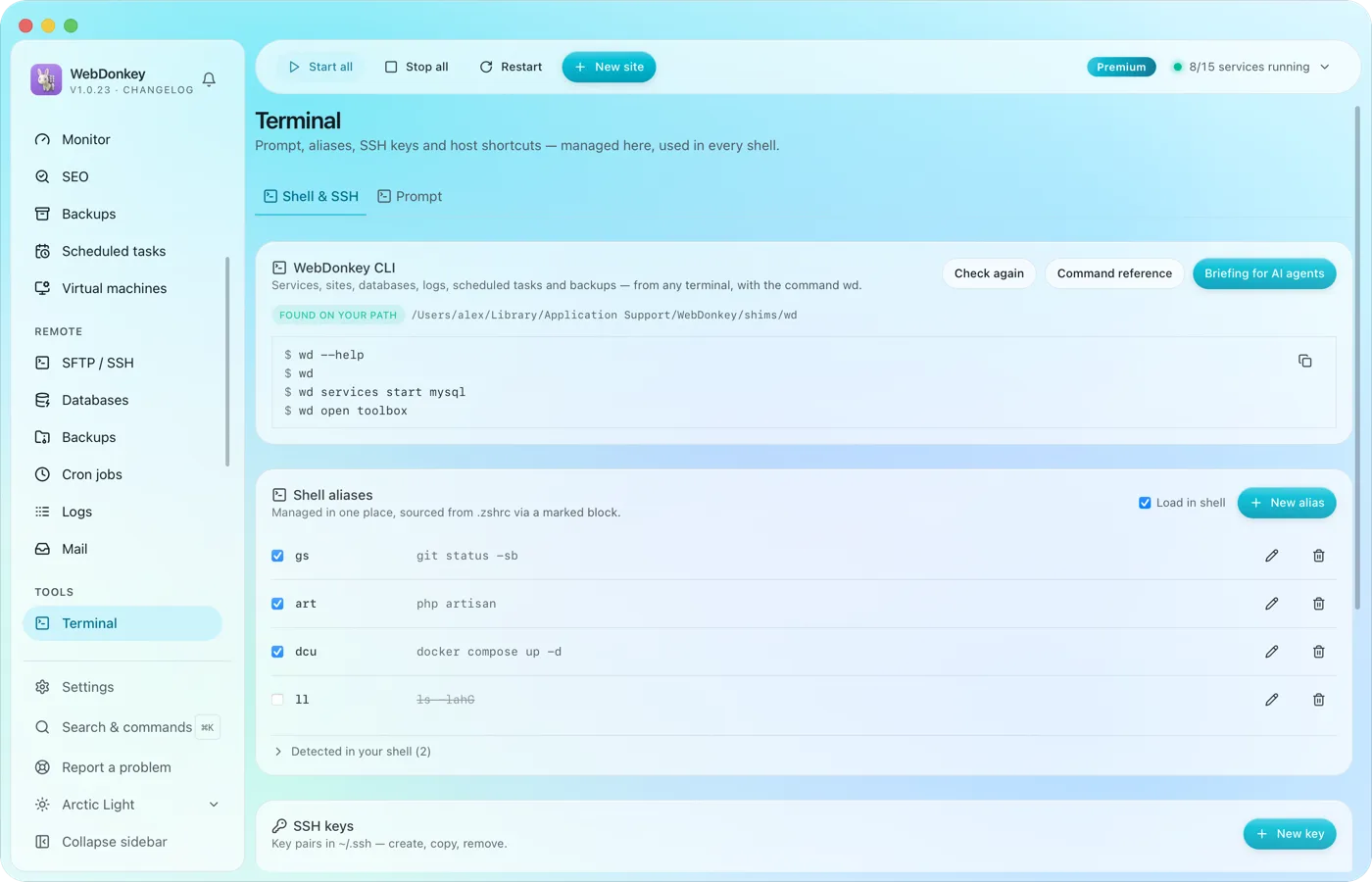 Your terminal, tidied upYour prompt, shell aliases, SSH keys, SSH hosts and known_hosts in one place. Plus the wd command, which drives WebDonkey from any terminal.
-
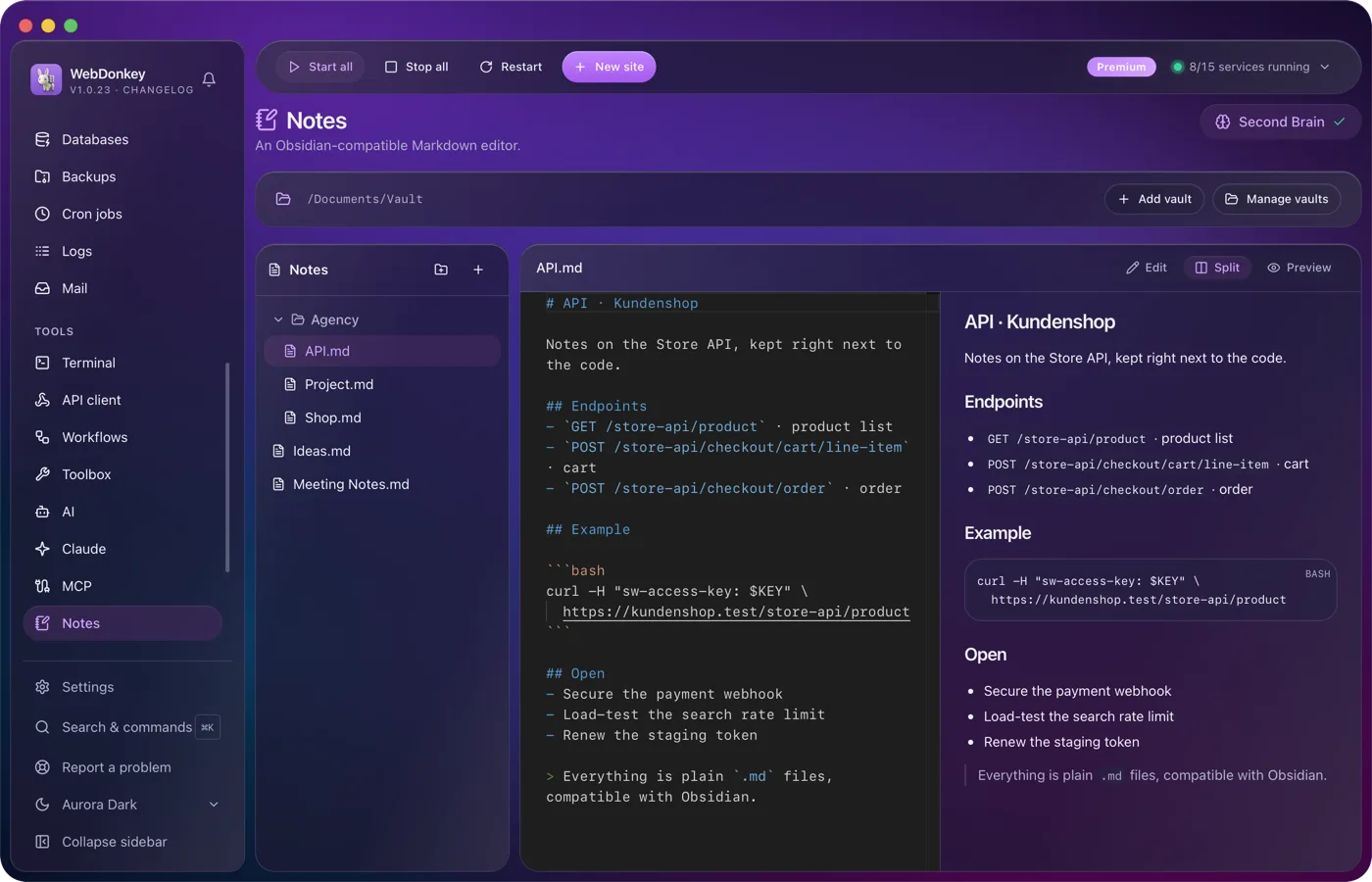
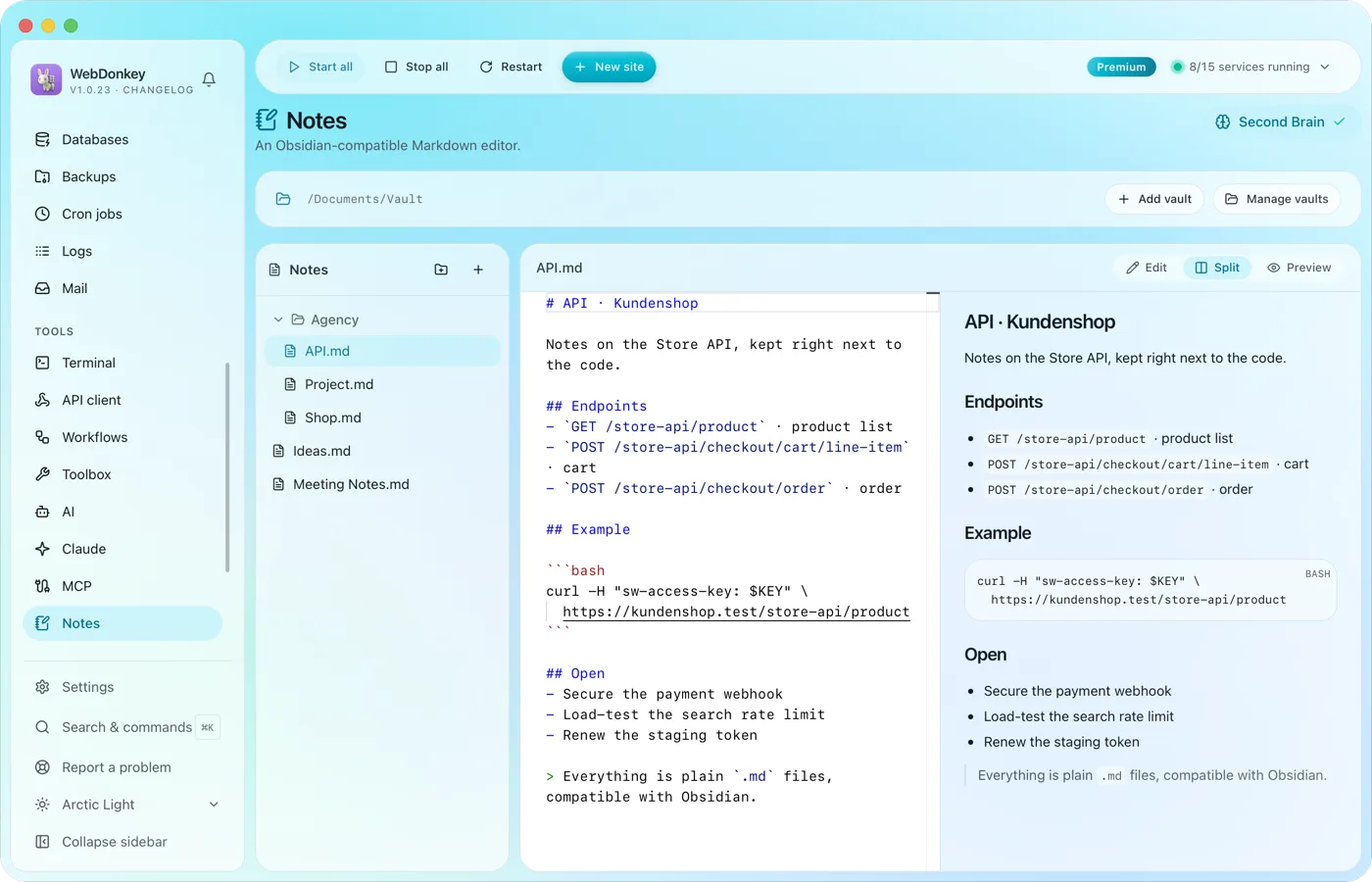 Notes that Obsidian understandsA Markdown vault with editor, preview and split view. The files sit as .md on your disk; Obsidian and any other editor read them just the same.
Try it on your own project.
Free costs nothing and has no time limit. macOS 11 or later, Apple silicon and Intel.
