





Notes that Obsidian understands
A Markdown vault with editor, preview and split view. The files sit as .md on your disk; Obsidian and any other editor read them just the same.
Free costs nothing and has no time limit. macOS 11 or later, Apple silicon and Intel.
What it takes off your plate
Project knowledge next to the work. Notes as Markdown that Obsidian reads just the same. If you like, Claude works right in your vault.
In detail
Vaults
A vault is a folder of Markdown files in Obsidian's format. You pick it yourself or let WebDonkey search the usual places, iCloud included; further vaults for work, private notes or per client you switch at the top.
Editing notes
The folder tree on the left, the editor with preview and split view on the right. You create, rename or delete notes and folders; saving is automatic.
PDFs
PDFs in the vault sit in the tree next to the notes and open right on the Notes page, with selectable text and zoom.
Second Brain
Brings Claude into your Obsidian vault: in Obsidian through the Claudian plugin, in WebDonkey through a Claude Code session in the vault folder. Set up downloads the plugin and creates a short CLAUDE.md without overwriting anything. A status list shows what the vault already has, even if Obsidian has never opened the folder; from there you start Claude in the vault or open it in Obsidian.
What does Free include?
This feature is part of Premium. On Free you see it in the app, and you can use it with a licence.
Compare Free and PremiumGoes well with this
-
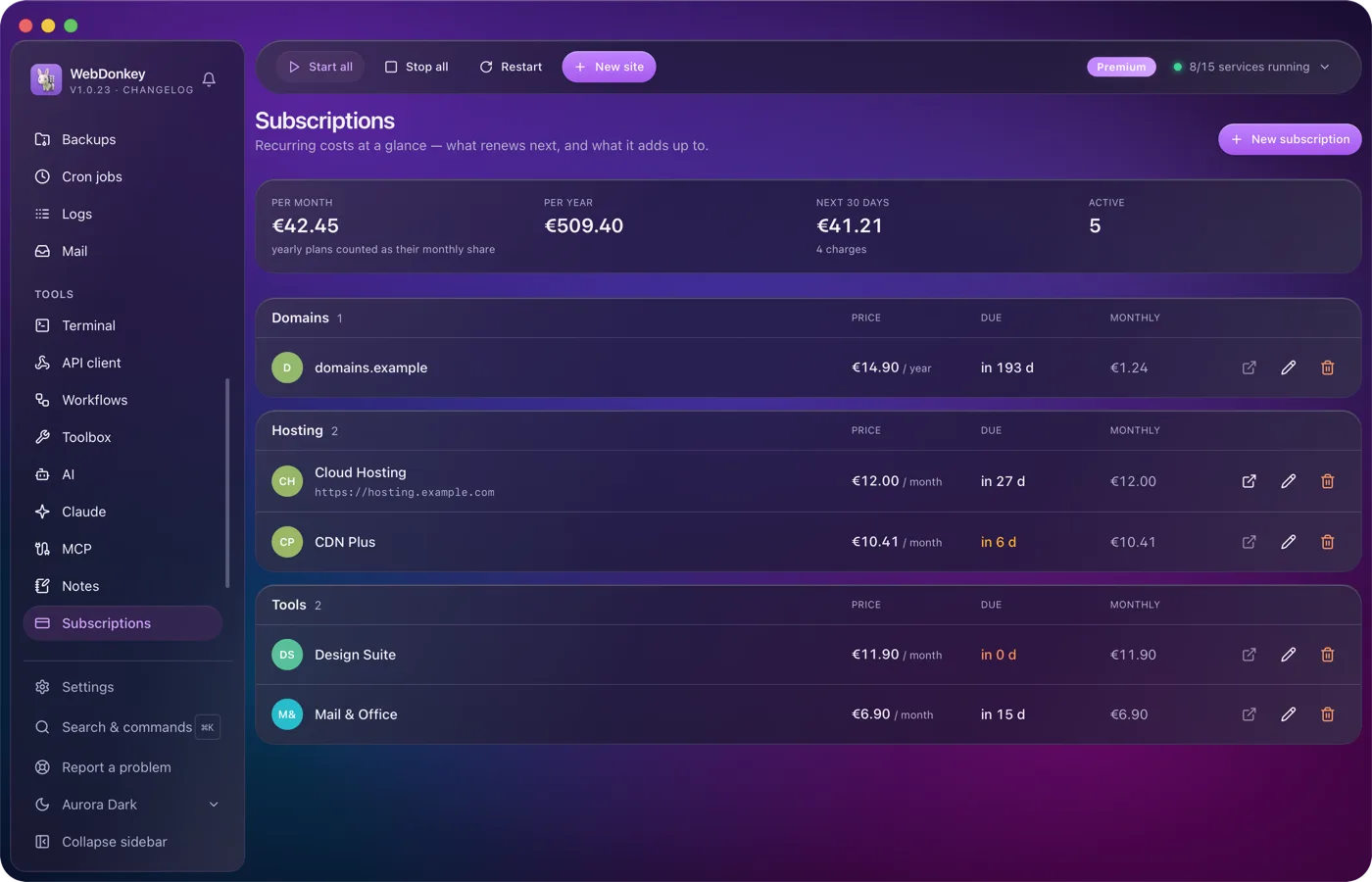
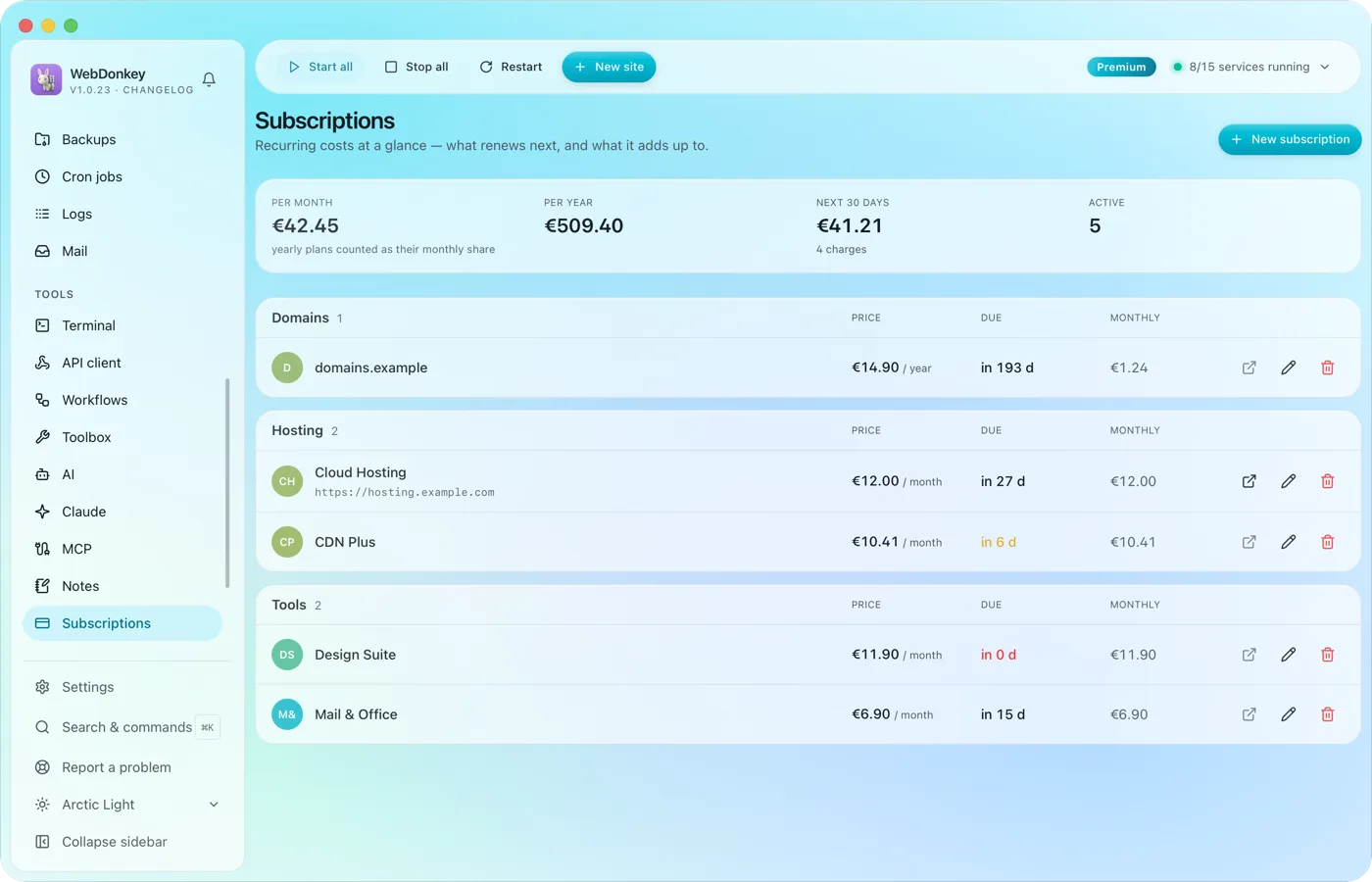 Know what your tools costHosting, domains, tools, every running cost with amount, cycle, payment method and notice period. At the top the monthly total, the yearly total and what comes due in the next 30 days.
-
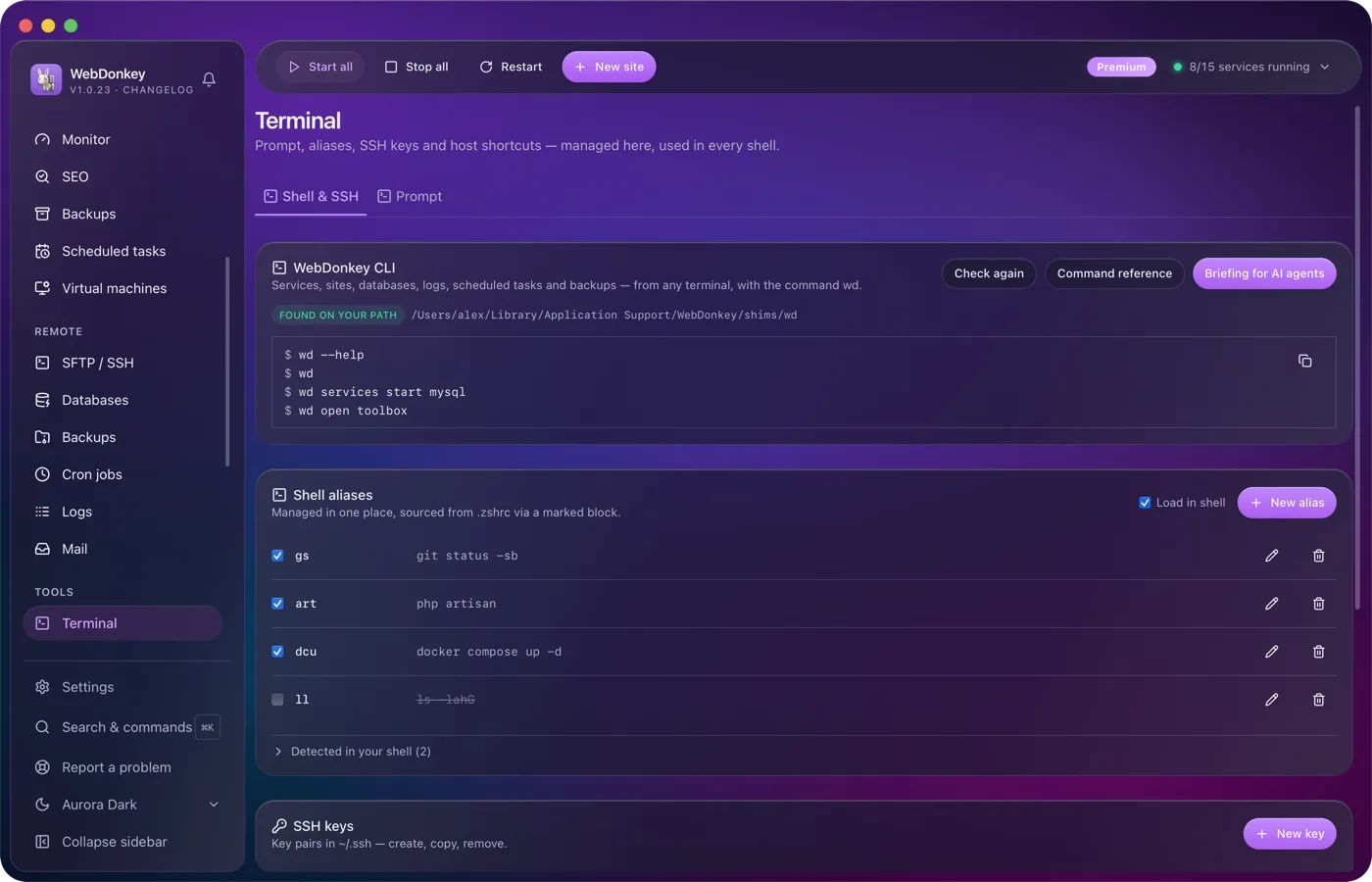
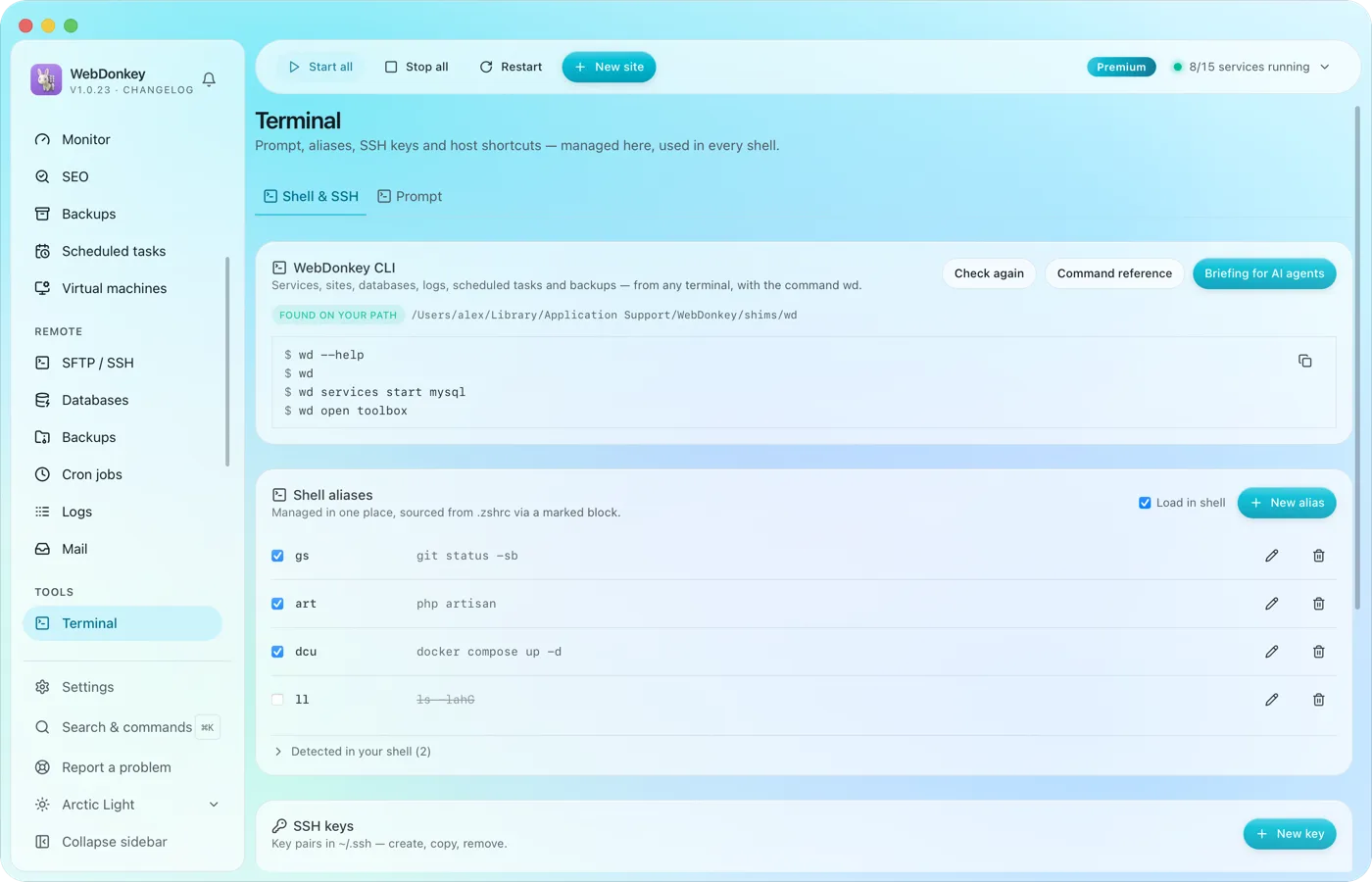 Your terminal, tidied upYour prompt, shell aliases, SSH keys, SSH hosts and known_hosts in one place. Plus the wd command, which drives WebDonkey from any terminal.
-
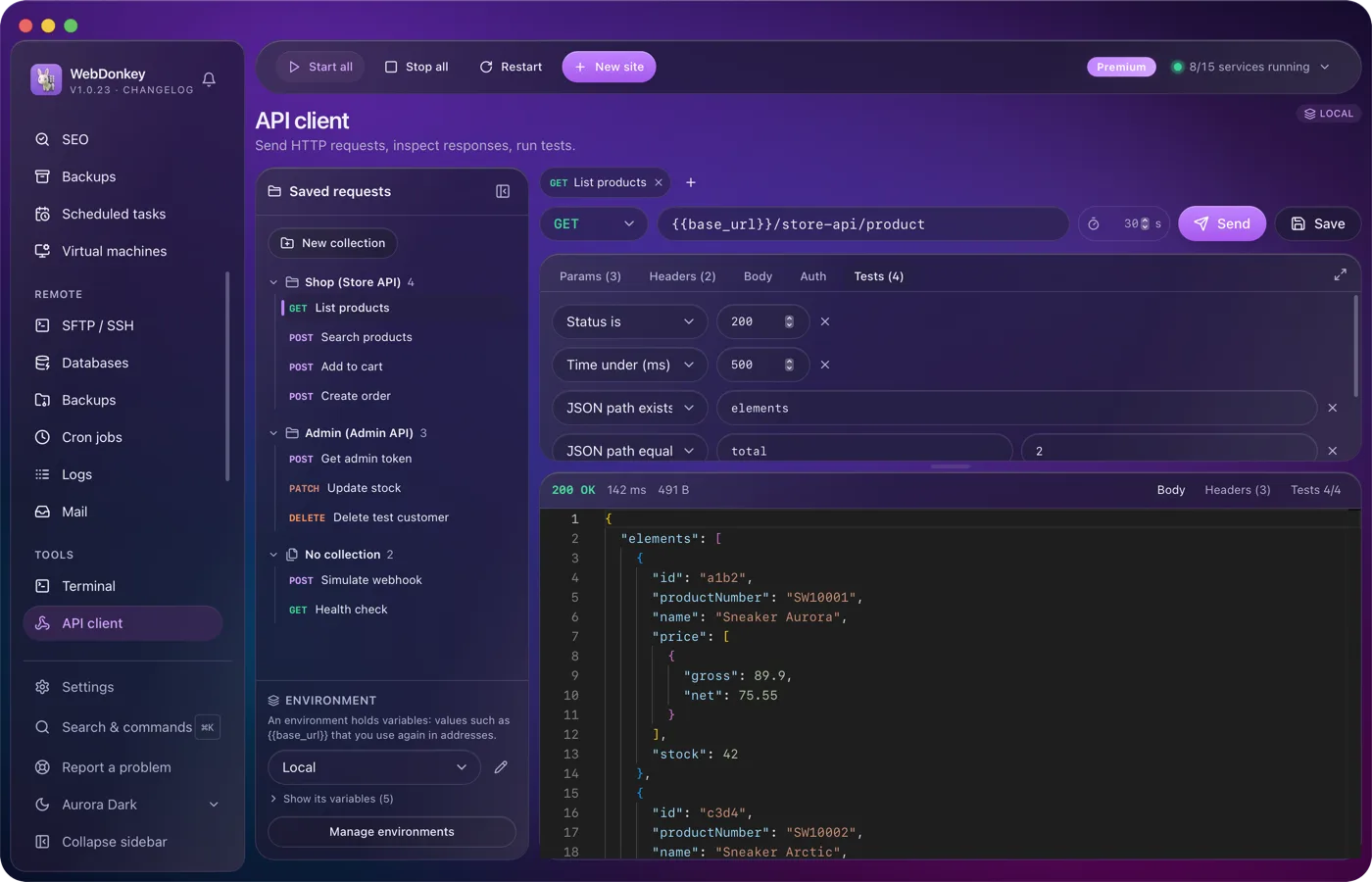
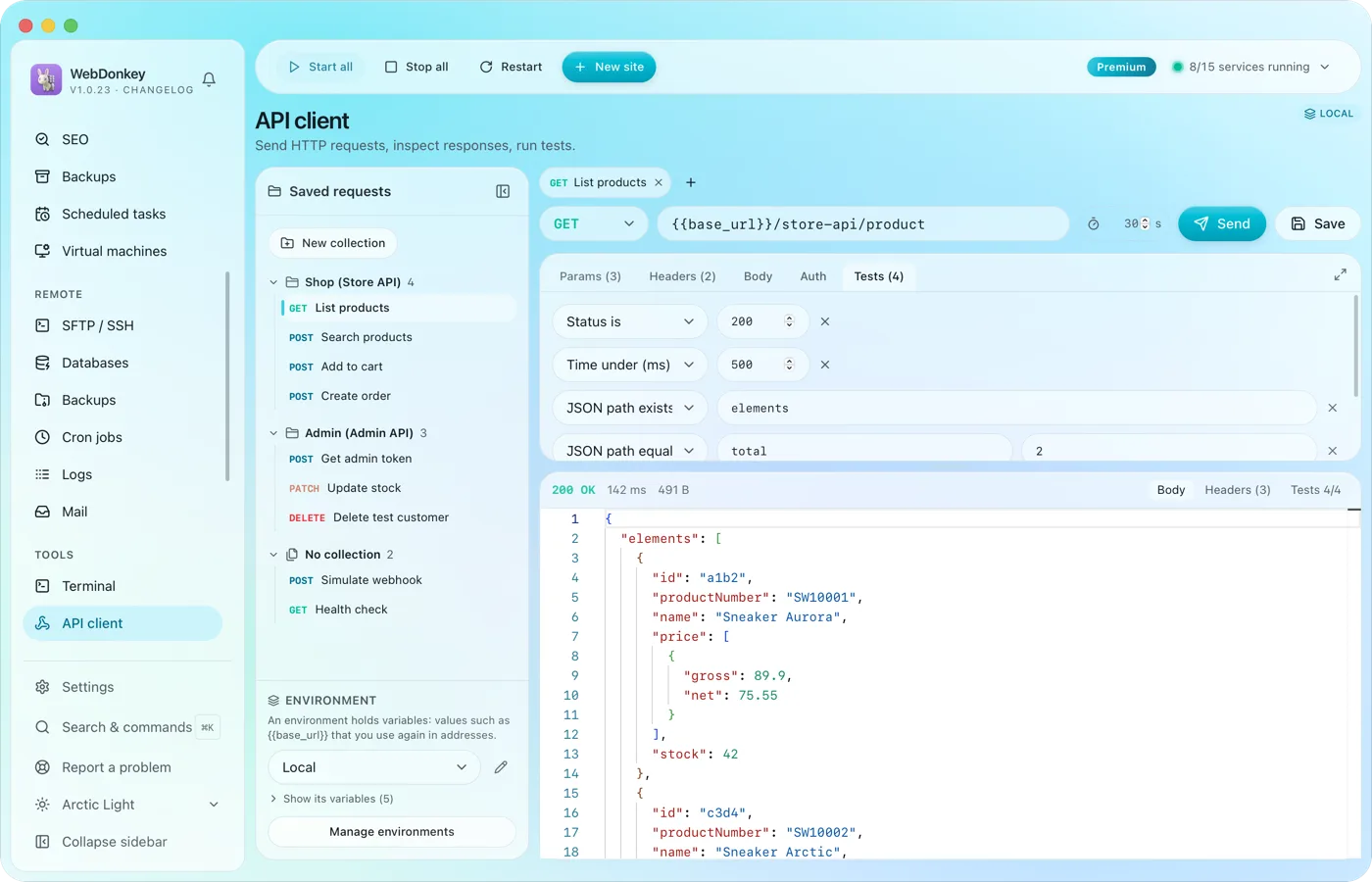 Build requests and check responsesAn API client with everything you expect from one: method, URL, params, headers, body, auth and tests. Environments with variables and saved requests, right in the app.
-
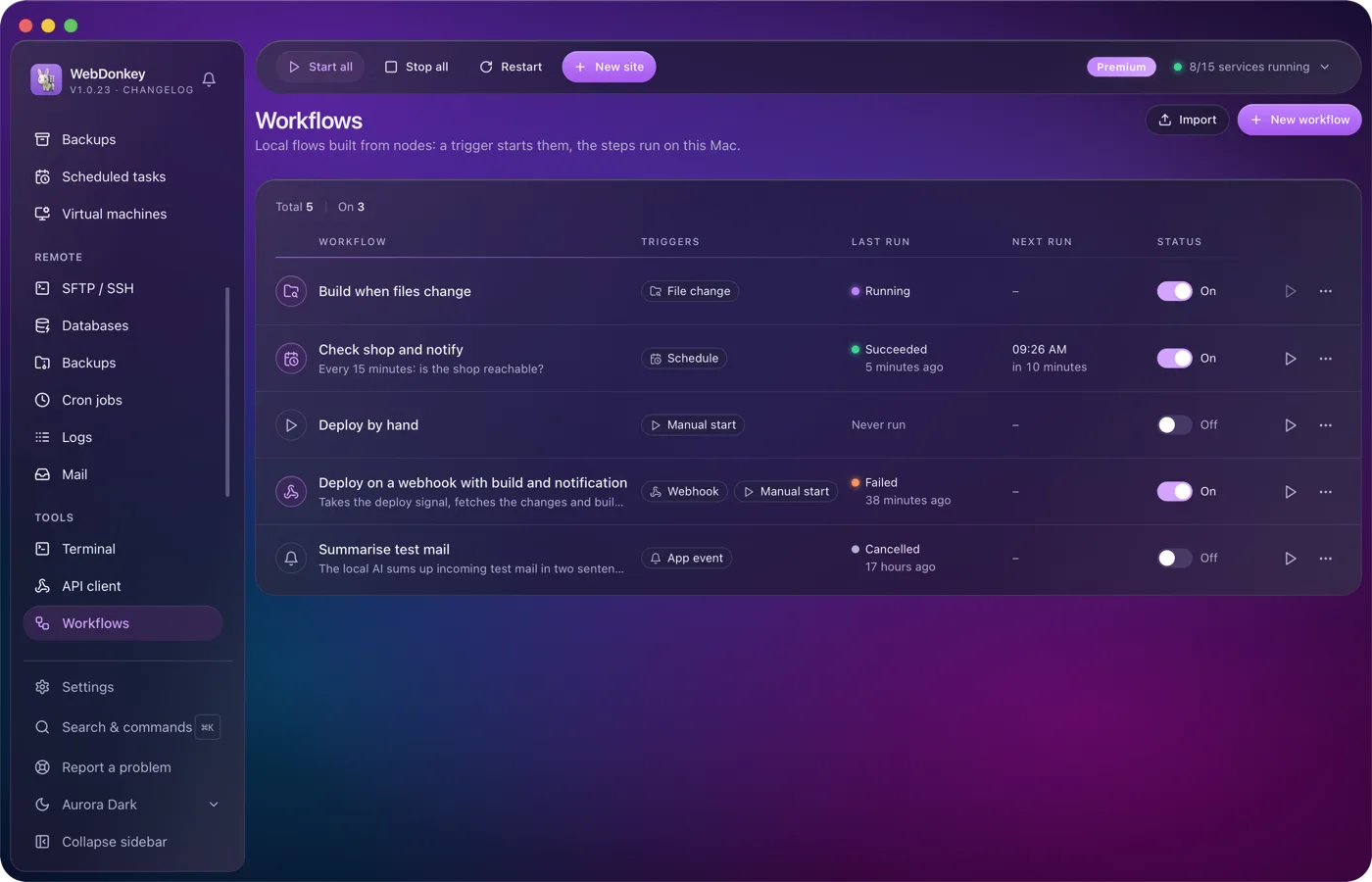
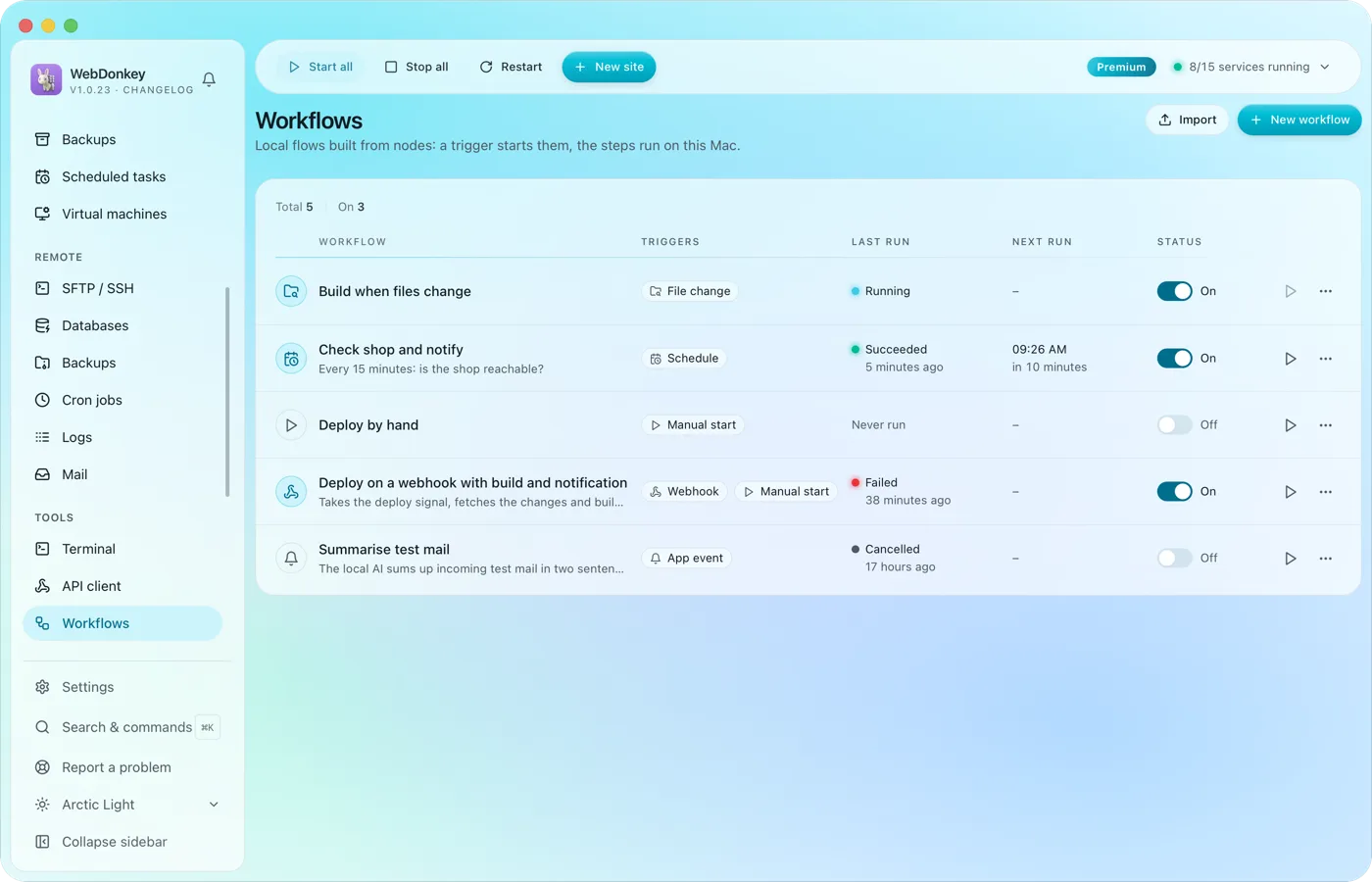 Build flows that run on their ownA trigger starts the workflow and the steps run on this Mac: by hand, on a schedule or through a webhook. You connect the nodes on a canvas; HTTP requests, shell commands, files, conditions and notifications are all there. Every run shows, step by step, what went in and what came out.
Try it on your own project.
Free costs nothing and has no time limit. macOS 11 or later, Apple silicon and Intel.
