





Know what your tools cost
Hosting, domains, tools, every running cost with amount, cycle, payment method and notice period. At the top the monthly total, the yearly total and what comes due in the next 30 days.
Free costs nothing and has no time limit. macOS 11 or later, Apple silicon and Intel.
What it takes off your plate
Keep running costs in check. Hosting, domains and tools with amount and notice period, so you cancel in time instead of paying for another year.
In detail
Overview and totalsFree & Premium
One card per currency with the amount per month and per year, the charges of the next 30 days and the number of active subscriptions. Yearly and other cycles count with their monthly share; currencies are not converted.
New subscription
Name, website, price and currency, start date, billing cycle, end date, category, notice period in days, status (active, paused, cancelled), payment method and notes. Free manages up to six subscriptions.
Billing cycle
From weekly to every two years in one click, or a rhythm of your own in days, weeks, months, quarters or years.
Due dates and cancellation
From start date and cycle WebDonkey works out the next due date and colours it by urgency. With a notice period, the row shows in good time until when you can still cancel.
What does Free include?
This feature comes in Free and in Premium. Where Free ends is set out in the details and in the comparison.
Compare Free and PremiumGoes well with this
-
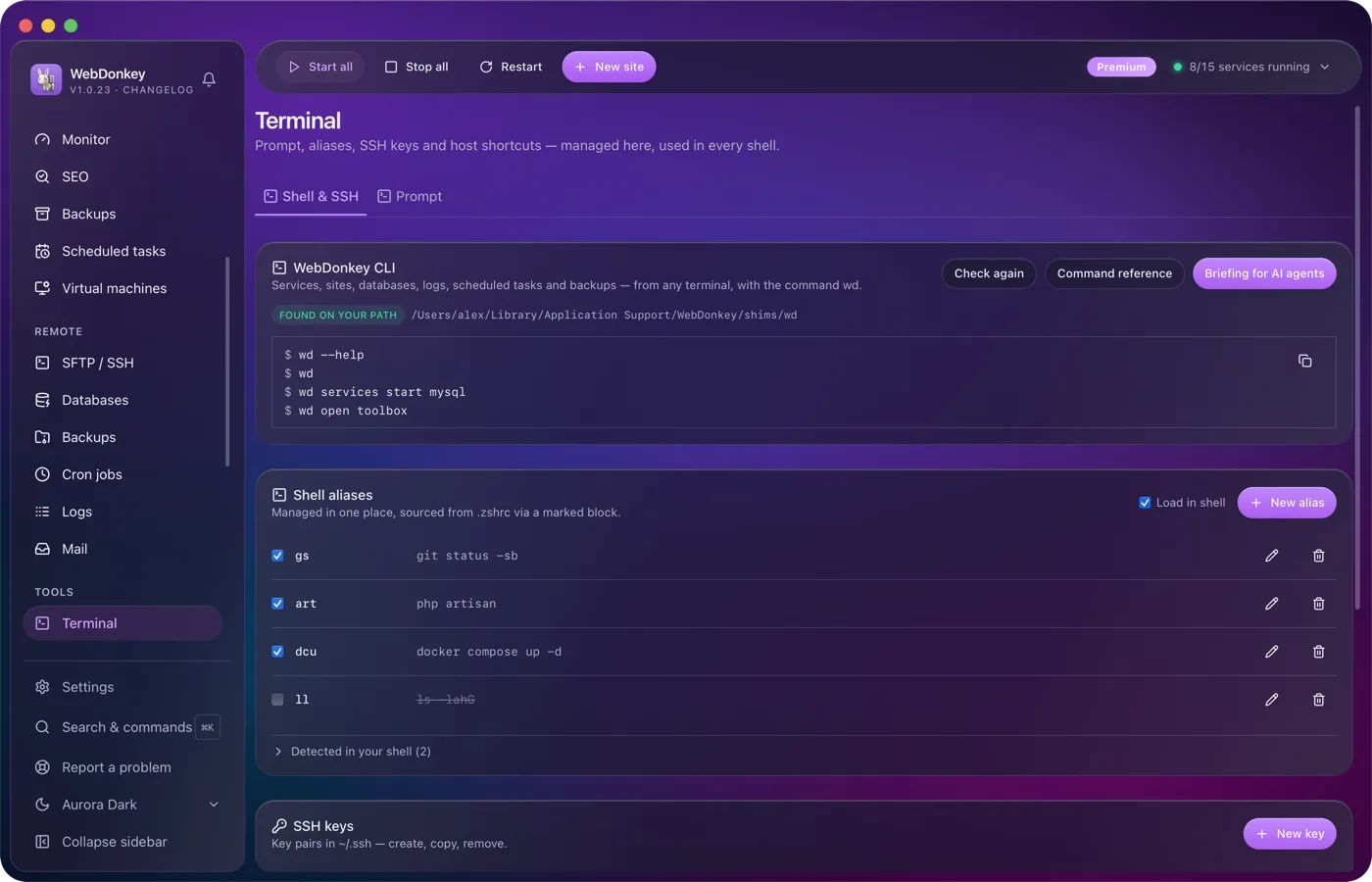
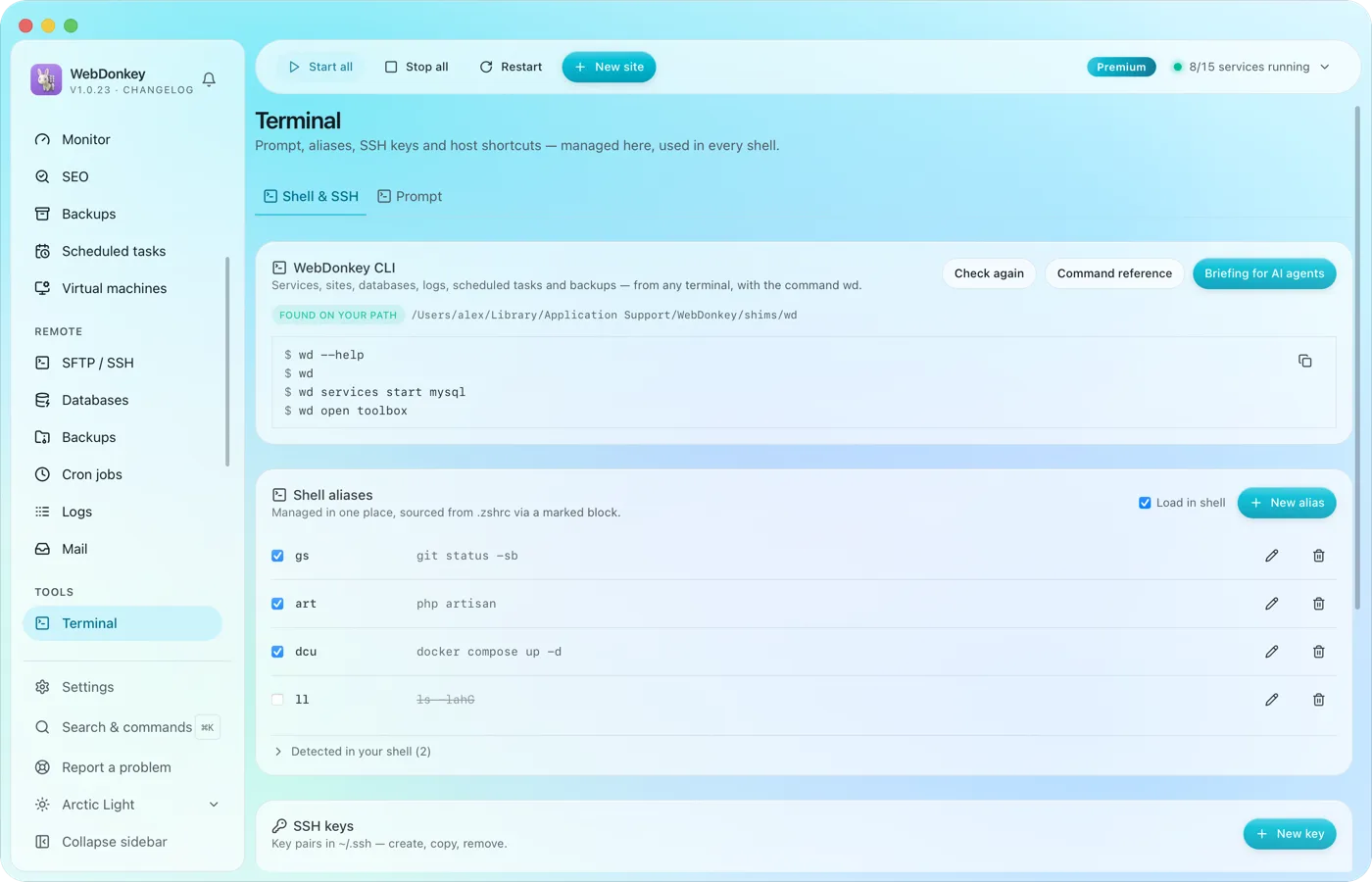 Your terminal, tidied upYour prompt, shell aliases, SSH keys, SSH hosts and known_hosts in one place. Plus the wd command, which drives WebDonkey from any terminal.
-
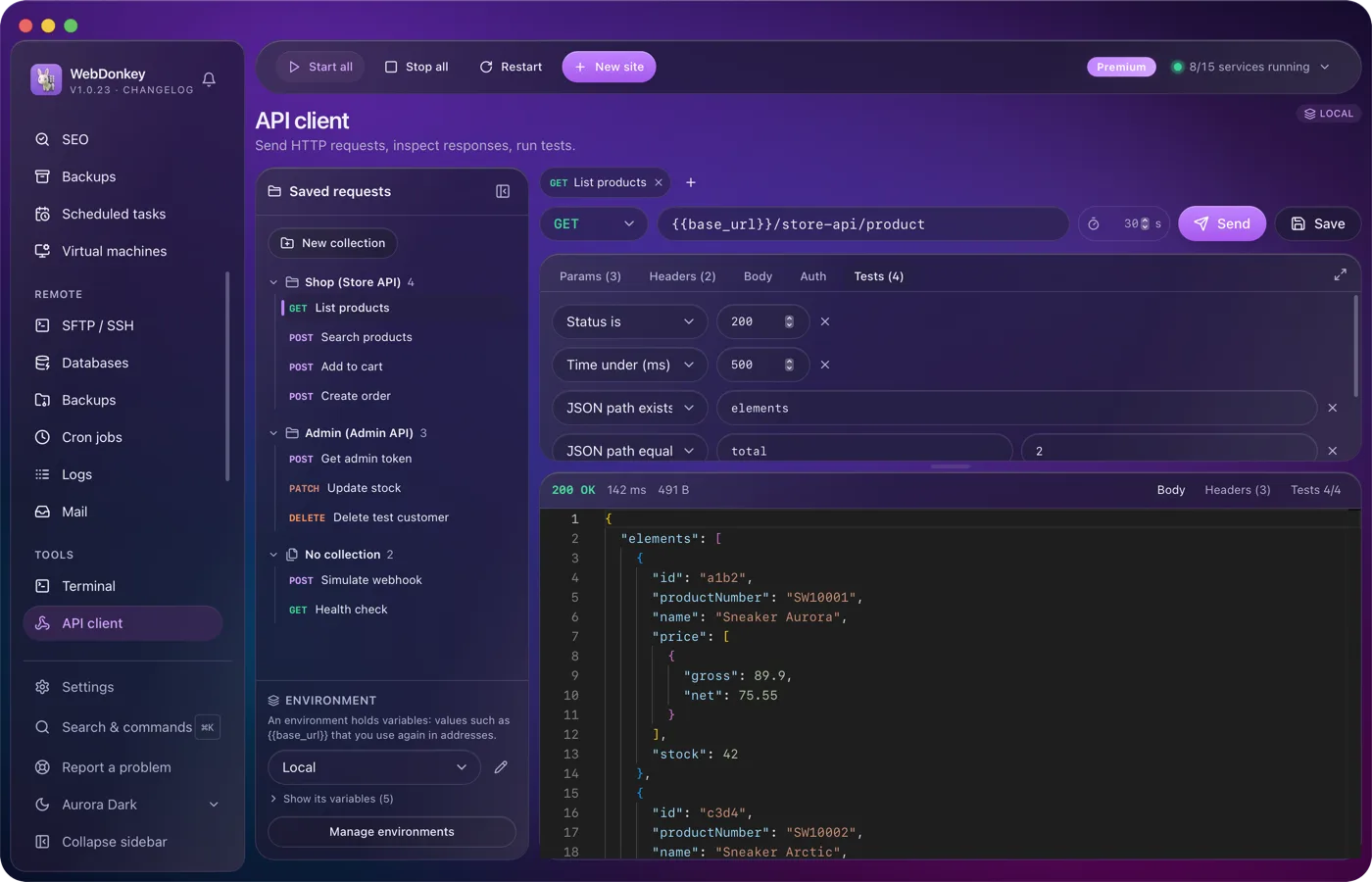
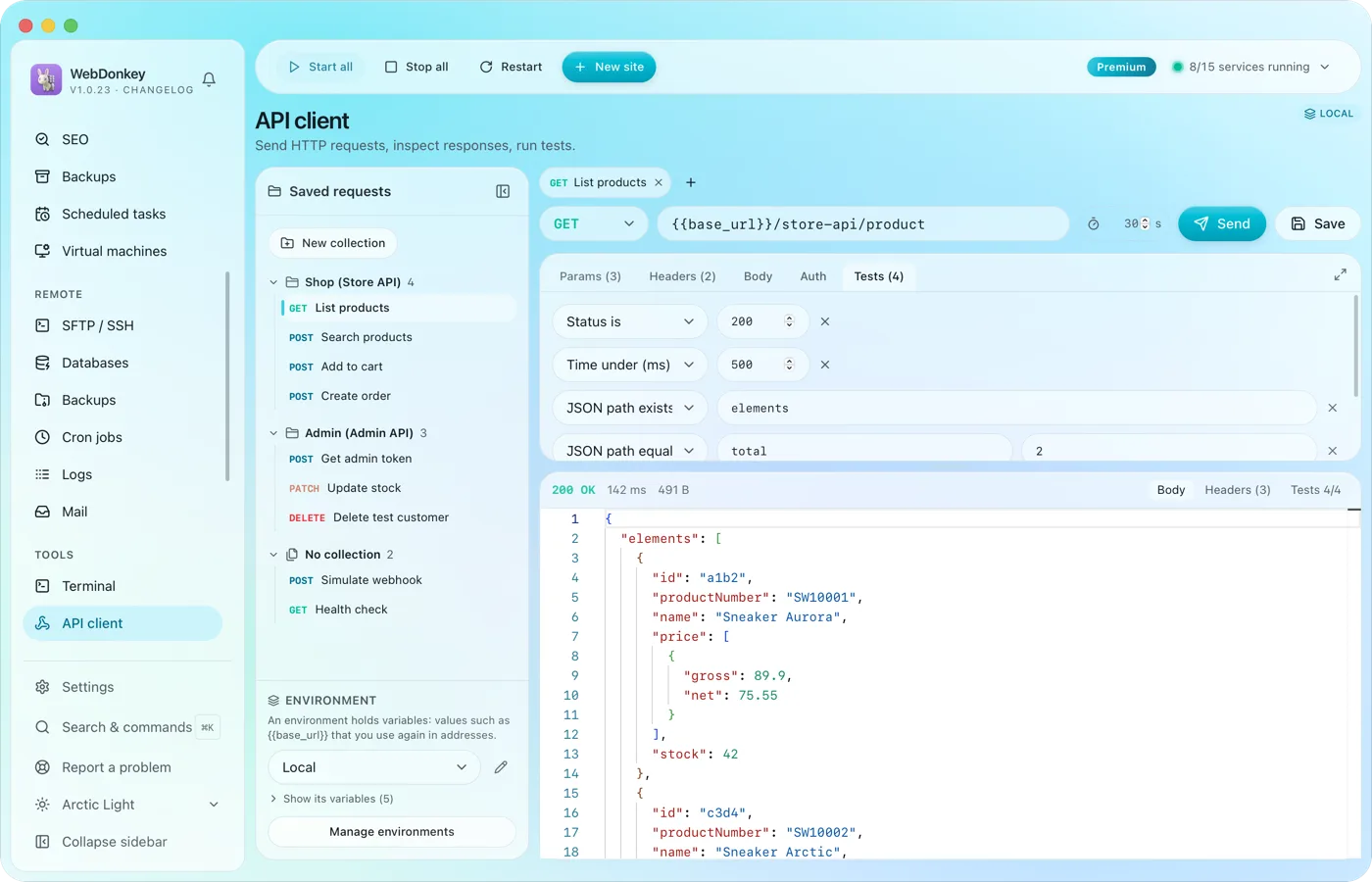 Build requests and check responsesAn API client with everything you expect from one: method, URL, params, headers, body, auth and tests. Environments with variables and saved requests, right in the app.
-
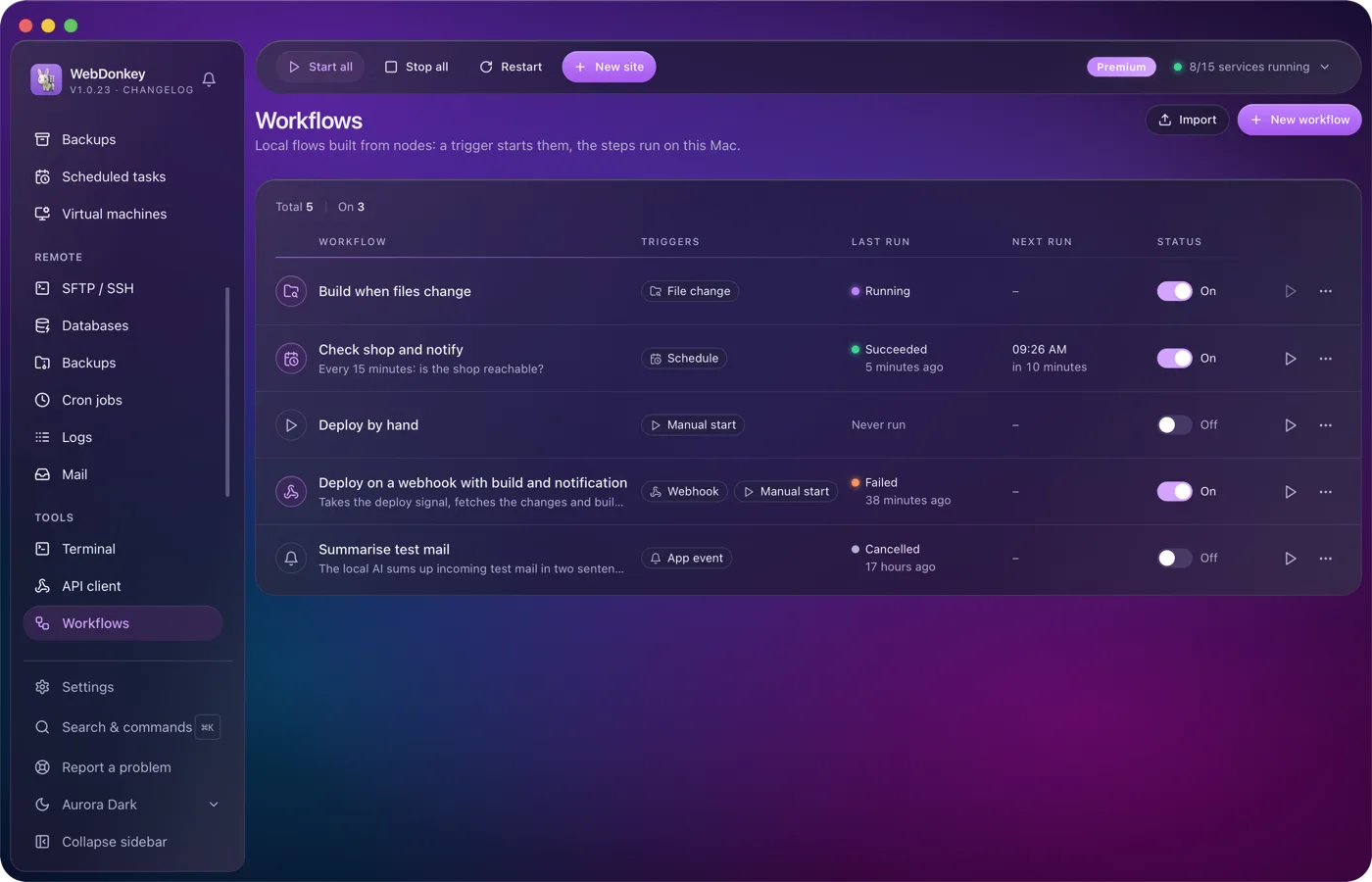
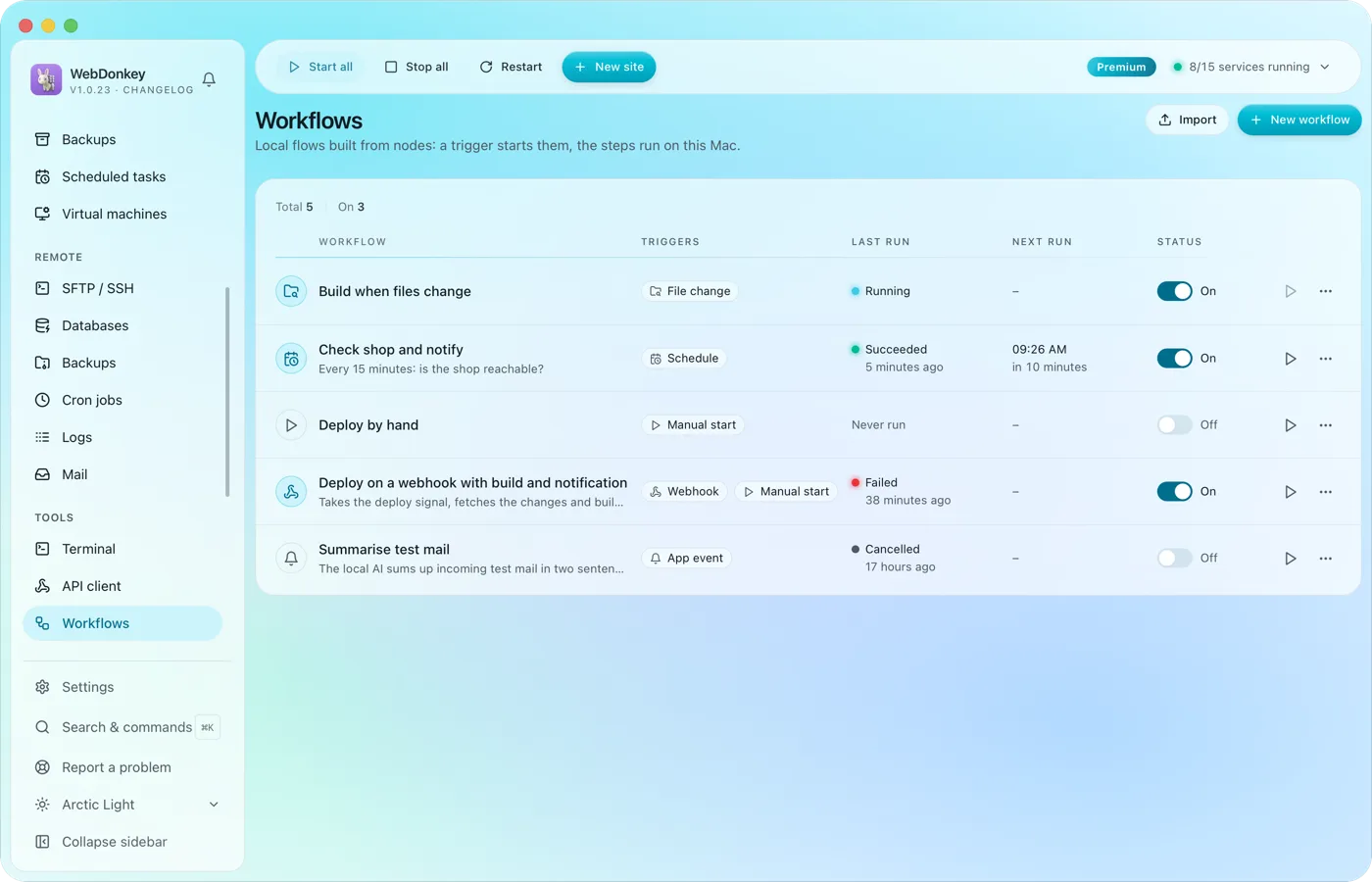 Build flows that run on their ownA trigger starts the workflow and the steps run on this Mac: by hand, on a schedule or through a webhook. You connect the nodes on a canvas; HTTP requests, shell commands, files, conditions and notifications are all there. Every run shows, step by step, what went in and what came out.
-
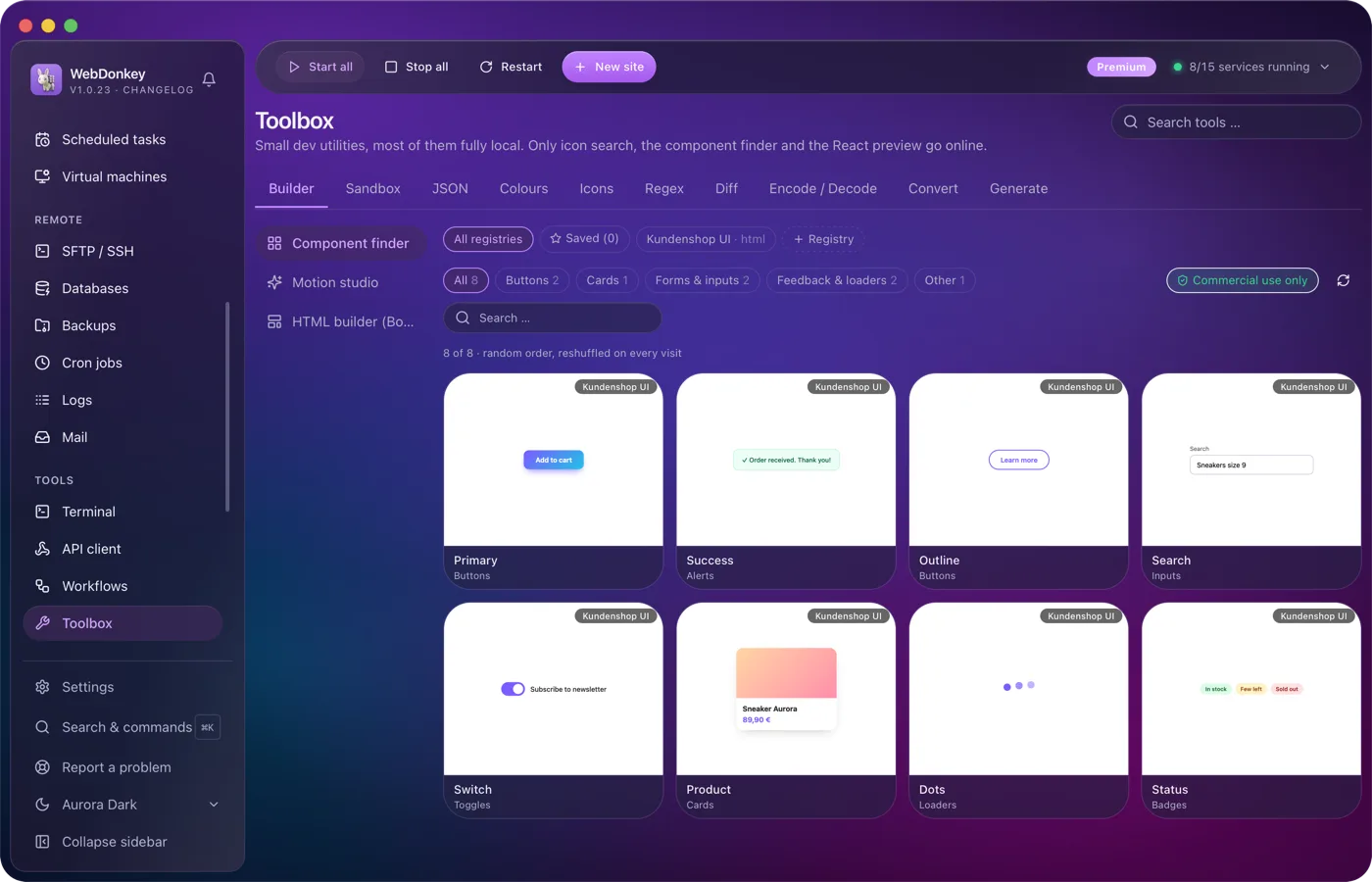
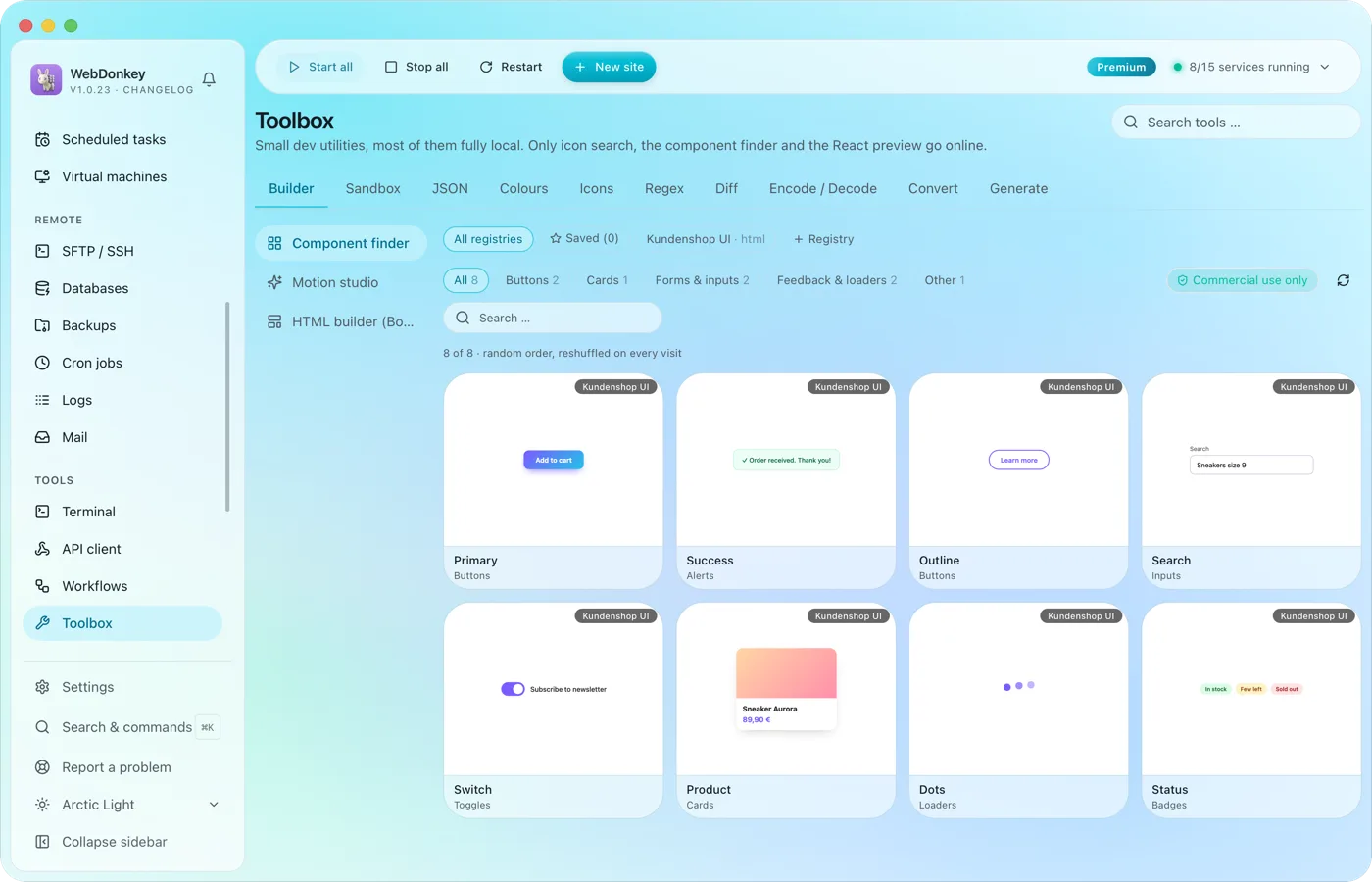 The small tools you would otherwise google24 tools in ten groups. Format JSON, test regex, generate hashes, manage colours, search icons, run code, build layouts, find components, build animations. Most of them run fully offline; only icon search, the component finder and the React preview fetch from the web when needed.
Try it on your own project.
Free costs nothing and has no time limit. macOS 11 or later, Apple silicon and Intel.
