





The small tools you would otherwise google
24 tools in ten groups. Format JSON, test regex, generate hashes, manage colours, search icons, run code, build layouts, find components, build animations. Most of them run fully offline; only icon search, the component finder and the React preview fetch from the web when needed.
Free costs nothing and has no time limit. macOS 11 or later, Apple silicon and Intel.
What it takes off your plate
Everyday developer tools. JSON, regex, hashes, timestamps, colours and icons, most of it offline.
In detail
Component finderFree & Premium
Every open UI library in one grid: Magic UI, shadcn/ui, Kibo UI and the uiverse.io collection with more than 3,000 HTML elements, filed under buttons, cards, forms, navigation, loaders, overlays, text effects and backgrounds, in random order so you also find what you were not looking for. Remember it, copy the code or save it as a file. Your own registries can be connected too. Free remembers ten components and one registry of your own; Premium lifts both limits.
Motion studioFree & Premium
An animation workbench for the everyday effects. Easing with a curve editor and a spring mode, keyframes on a timeline, scroll reveal with stagger, text effects, backgrounds, micro-interactions. Live in the preview, in slow motion if you like, and exported as CSS, WAAPI, Motion, GSAP, Vue or Tailwind, with a reduced-motion path in every dialect. Free saves five animations.
Builder
An HTML builder for Bootstrap and Tailwind. Assemble blocks by drag and drop, tweak them in the inspector, see it live, export clean HTML. For landing pages, mail templates and quick prototypes.
SandboxFree & Premium
An HTML, CSS and JS playground with live preview and console, plus runners for PHP, Node and SQL. PHP runs with your real php.ini in the version of your choice. Snippets can be saved, five on Free.
JSON
Tree view, format, minify, convert to CSV, YAML, PHP array or TypeScript type, and back from CSV and YAML. For the API response you are trying to understand right now.
ColoursFree & Premium
Create palettes, pick colours from anywhere on screen with the eyedropper, generate shades, check contrast against WCAG and export as CSS, Tailwind or JSON. Free has one palette with as many colours as you like.
IconsFree & Premium
Search more than 200,000 icons or browse by category and set. Copy SVG, JSX or a data URI or save it as a file, keep favourites, twenty on Free. The licence is shown alongside, with a ready-made credit line where attribution is required.
Regex
Matches highlighted in real time, groups as a table, replace with preview. JavaScript or PCRE rules, your choice, because PHP and the browser do not always agree.
Diff
Two texts or two files side by side, differences in colour, with inline view and line numbers. For config files, translations and anything that is different somewhere from what you expected.
Encode and decode
Base64, URL encoding, HTML entities, a JWT decoder and hashes from MD5 to bcrypt and Argon2. The JWT decoder shows header and payload readably and warns about expired tokens.
Convert
Timestamps in every direction, cases and slugs, number bases, a chmod calculator. The things you need three times a day and have to think about every time.
Generate
UUID v4 and v7, ULID and NanoID, passwords with adjustable rules, lorem ipsum in words, sentences or paragraphs. Copy, done.
What does Free include?
This feature comes in Free and in Premium. Where Free ends is set out in the details and in the comparison.
Compare Free and PremiumGoes well with this
-
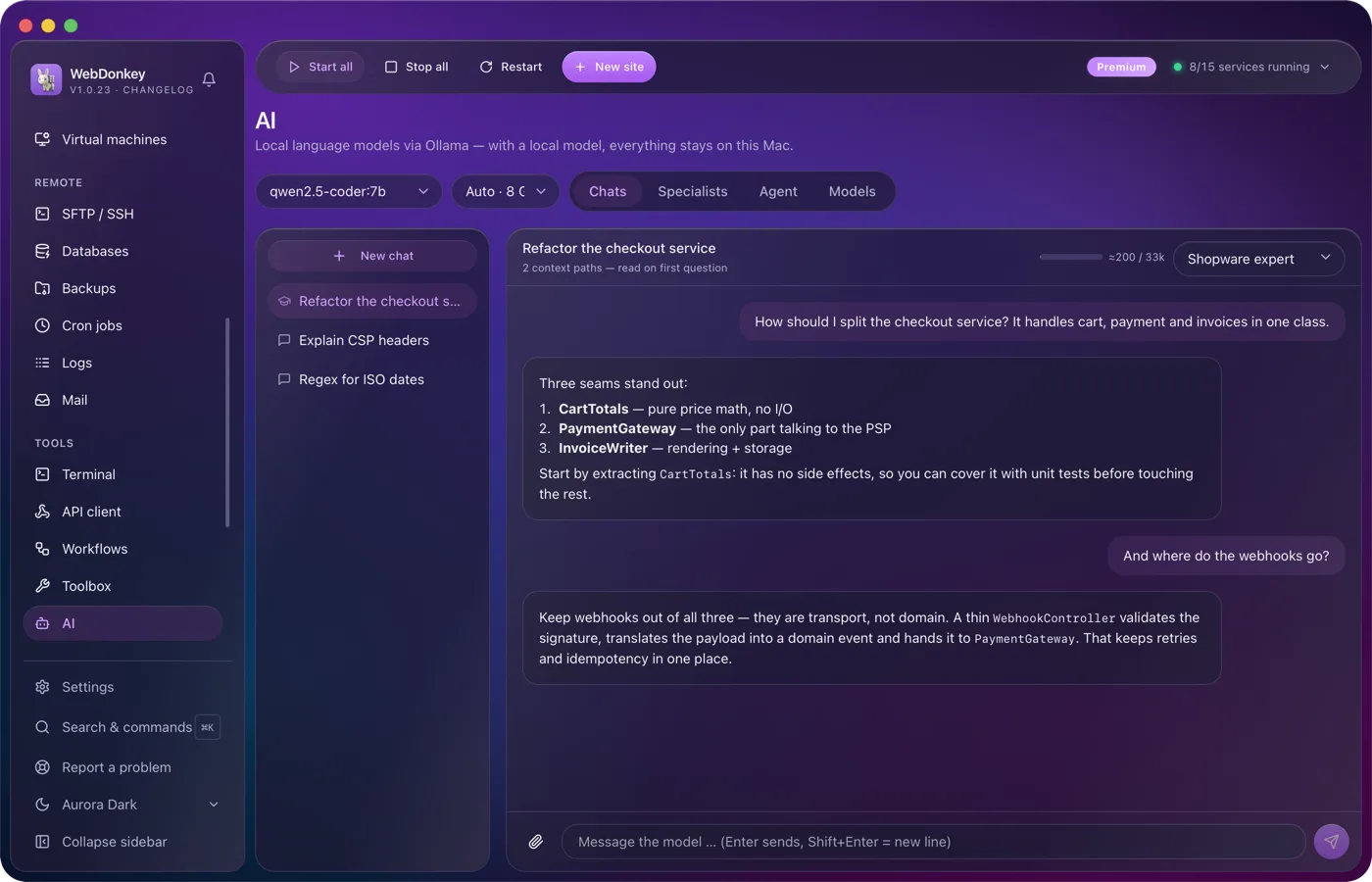
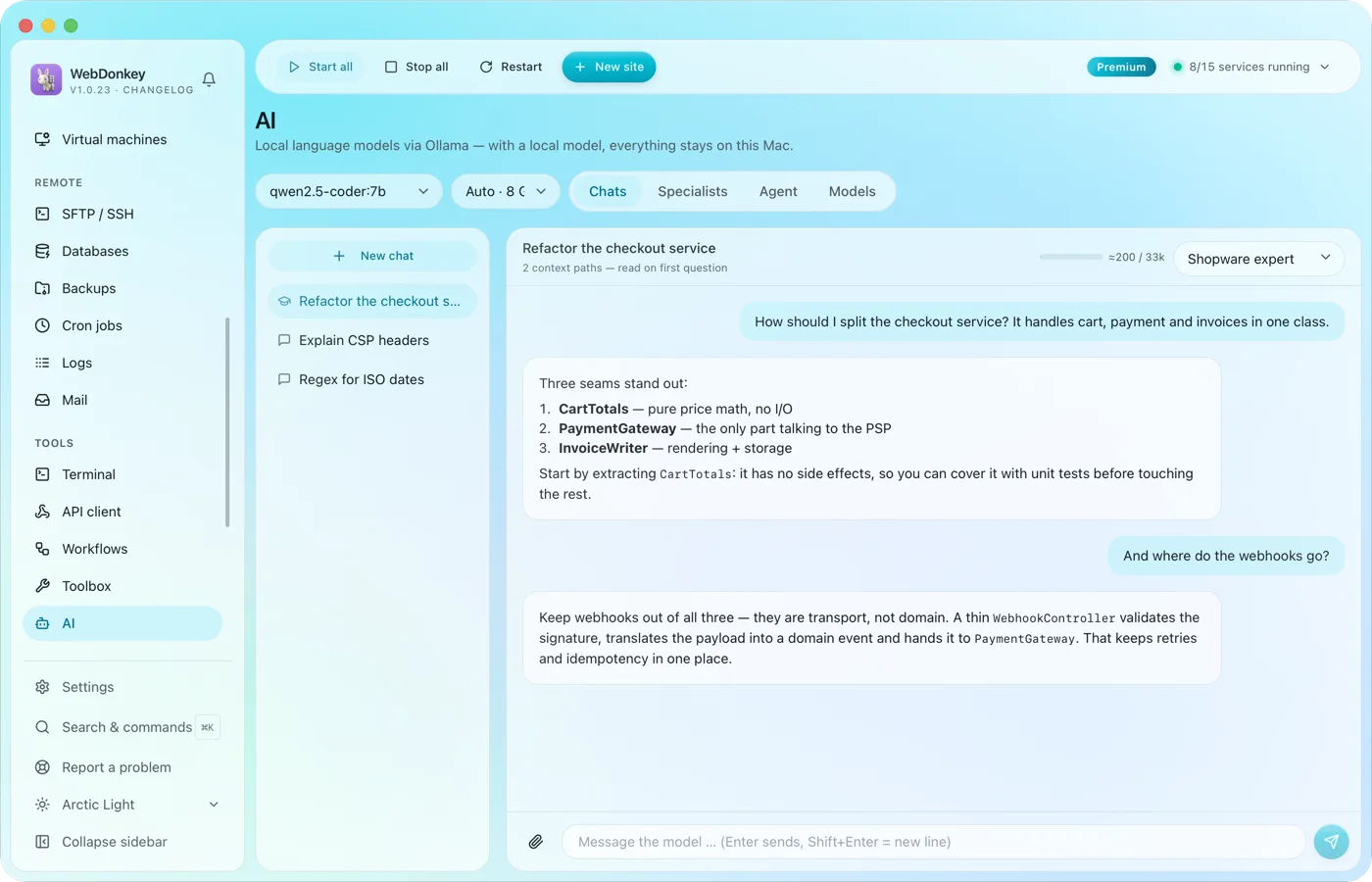 An assistant that stays on your MacLocal language models through Ollama, as a managed service. No key, no token counter, and chats with local models stay on your Mac. Attach files or folders to your question, a log for example, and the assistant reads along.
-
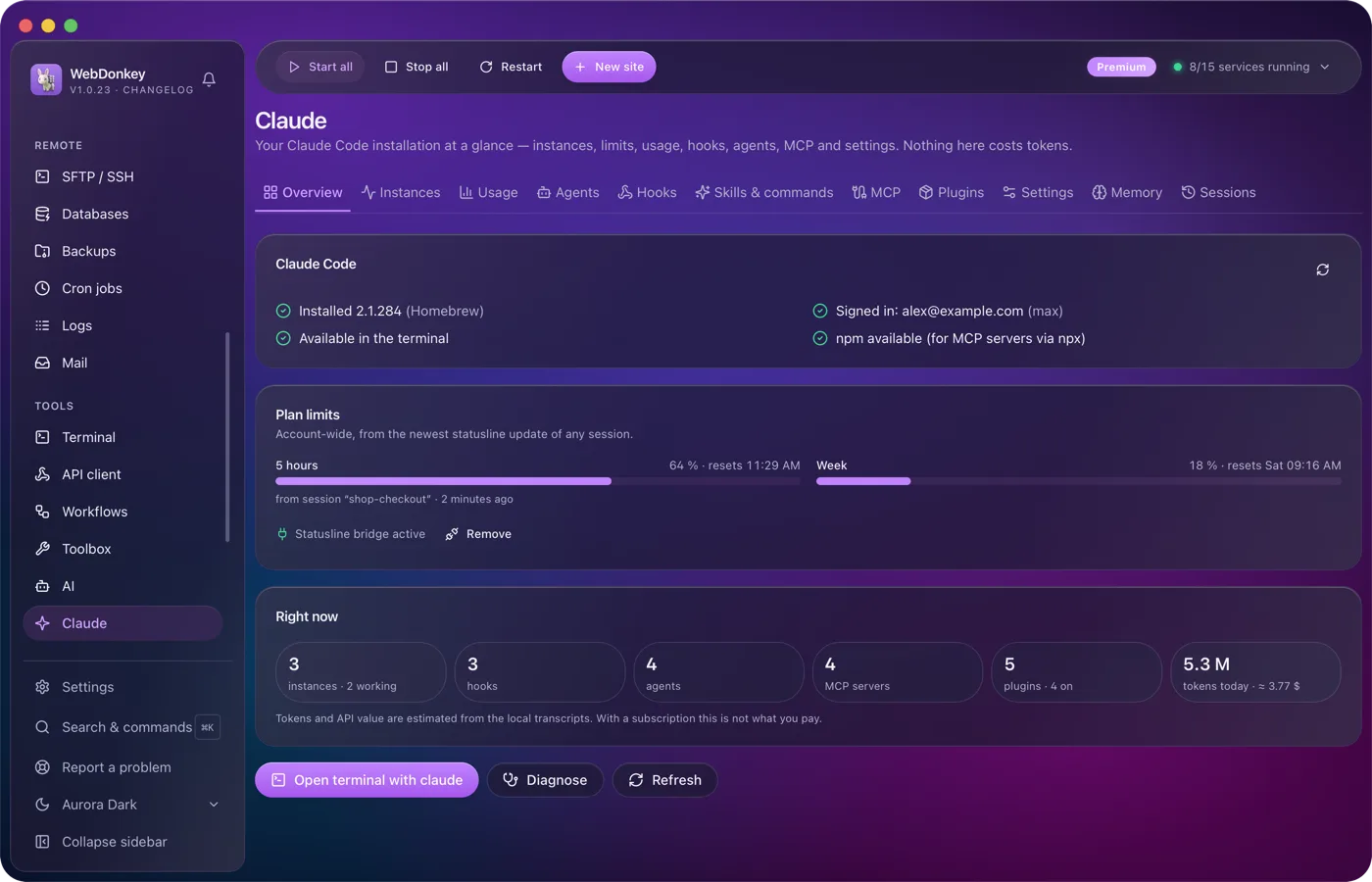
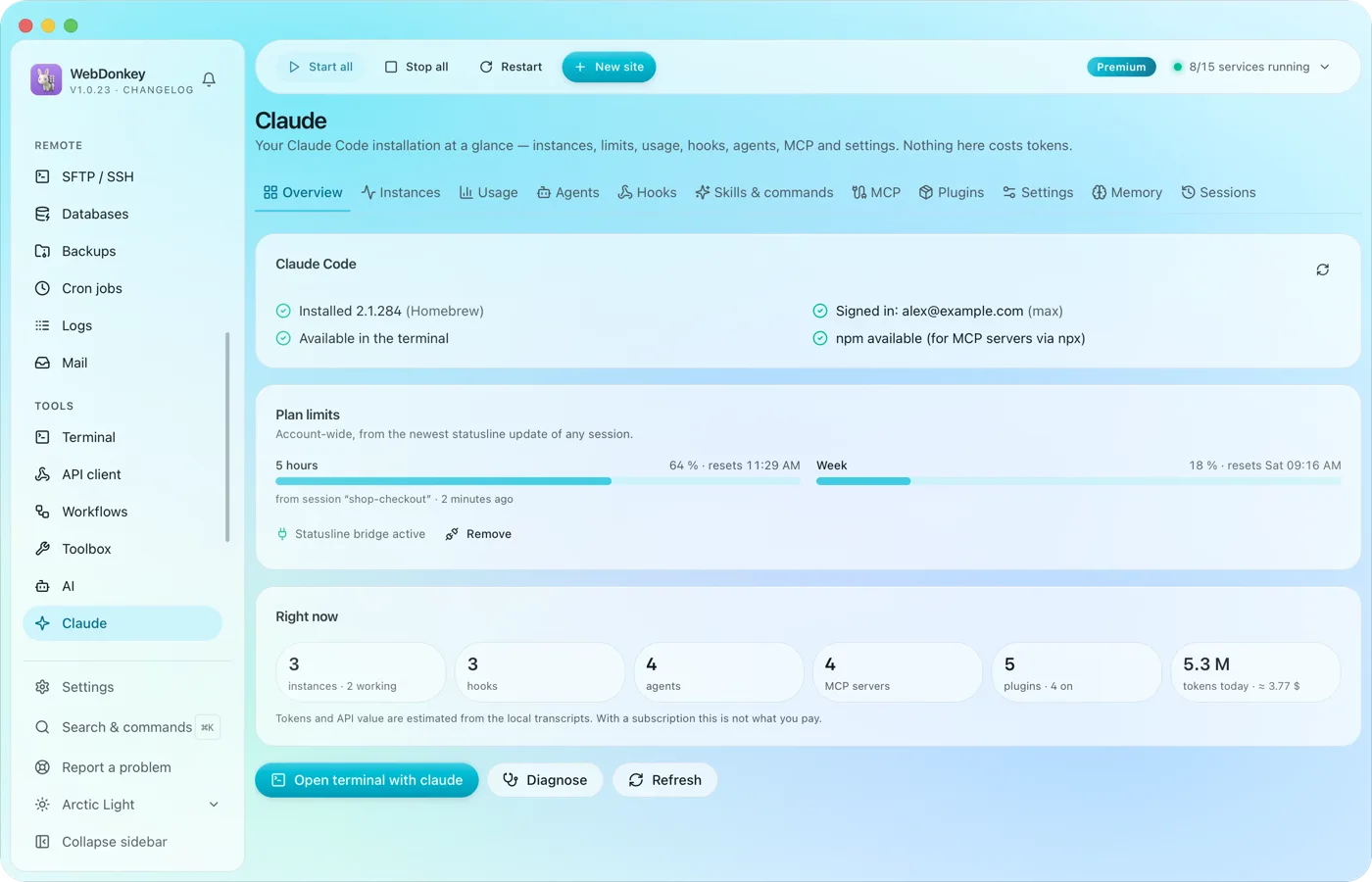 Claude Code, managed in one placeYour Claude Code installation at a glance: running instances, limits, hooks, agents, MCP servers, plugins and settings. The app reads and writes Claude Code's own files; managing them costs no tokens.
-
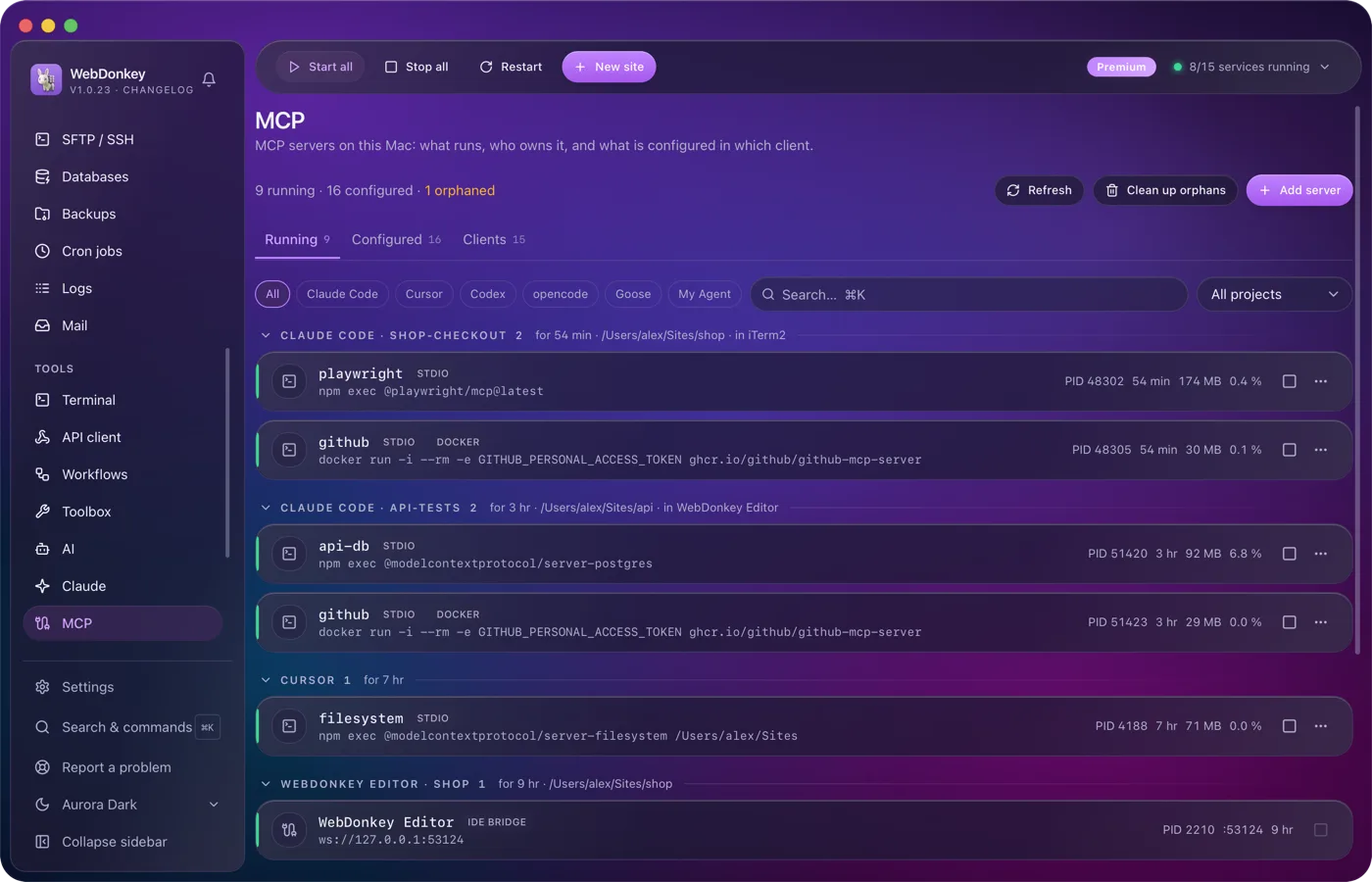
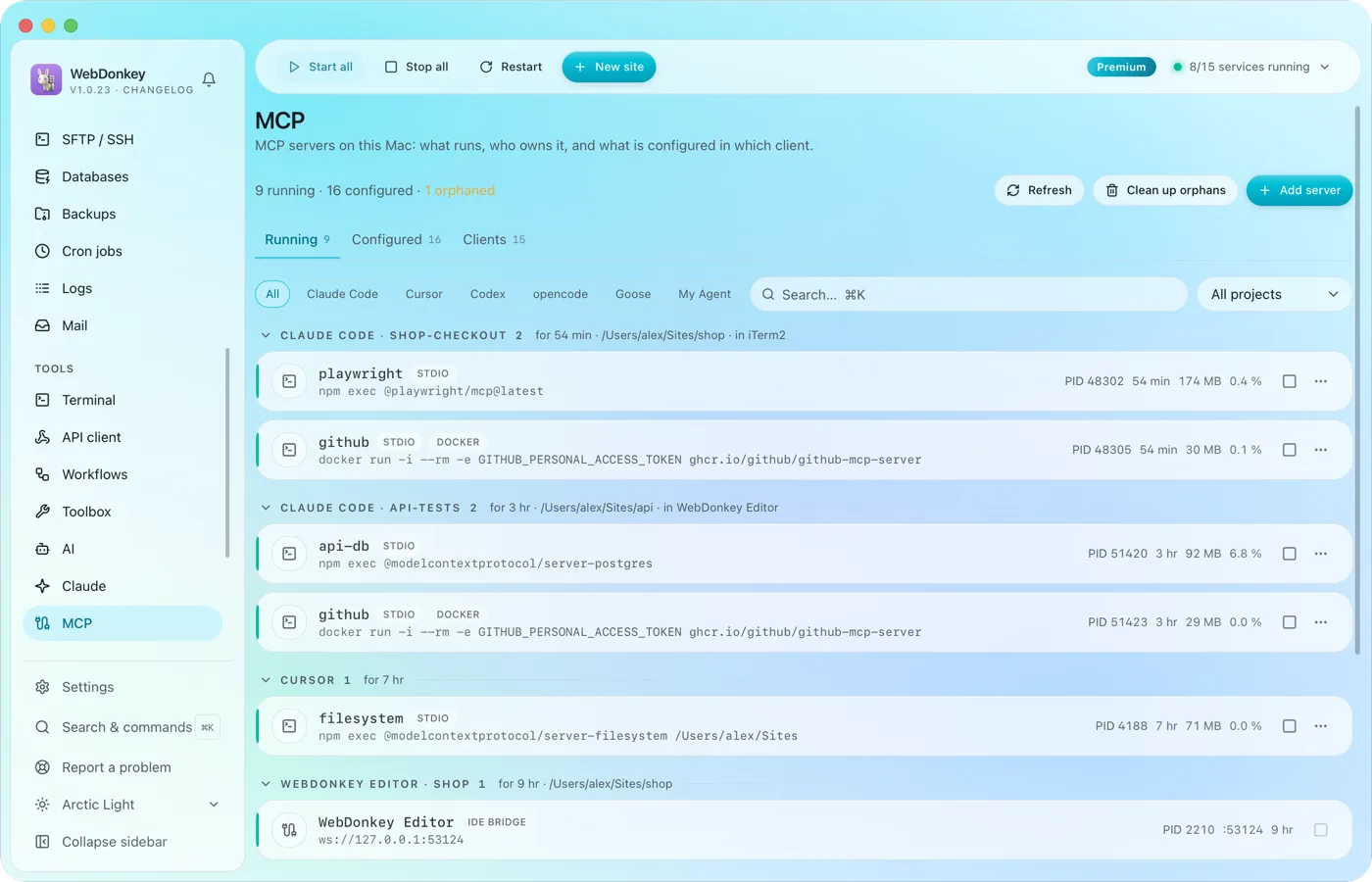 The MCP servers of every AI client in one placeWhich MCP servers run on your Mac, who owns them and what is set up in which client? The page reads the configuration of 14 clients, Claude Code, Claude Desktop, Cursor, VS Code, Codex and Zed among them, and shows it all in three tabs: Running, Configured, Clients.
-
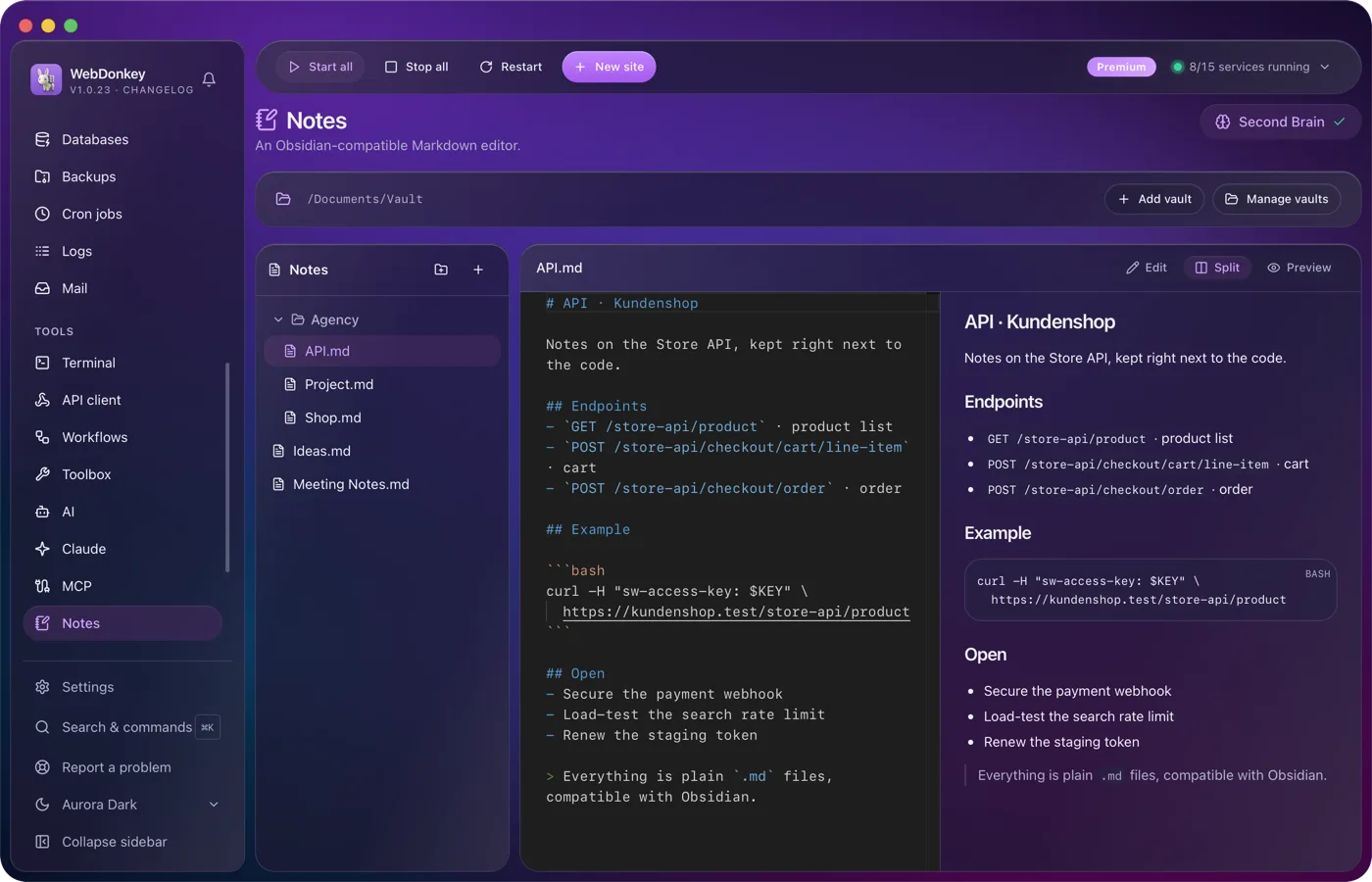
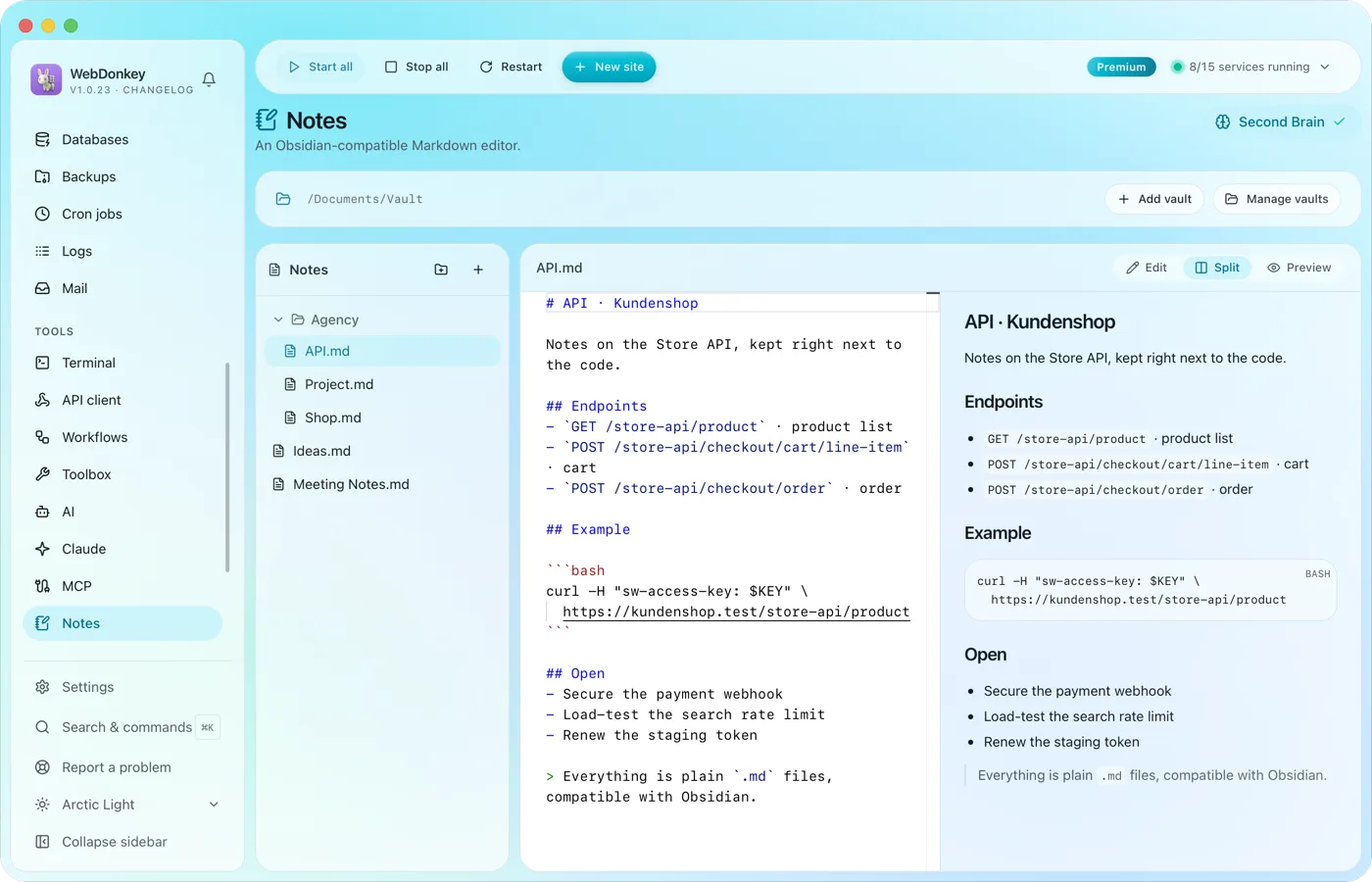 Notes that Obsidian understandsA Markdown vault with editor, preview and split view. The files sit as .md on your disk; Obsidian and any other editor read them just the same.
Try it on your own project.
Free costs nothing and has no time limit. macOS 11 or later, Apple silicon and Intel.
