





An assistant that stays on your Mac
What is it?The AI area brings language models to your Mac. They run through Ollama as a managed service, with no key and no account with a provider.
Local language models through Ollama, as a managed service. No key, no token counter, and chats with local models stay on your Mac. Attach files or folders to your question, a log for example, and the assistant reads along.
Free costs nothing and has no time limit. macOS 11 or later, Apple silicon and Intel.
Without WebDonkey
With a cloud model every question goes to the provider along with your code and costs tokens. For some projects you do not want that.
With WebDonkey
You download a model that suits your memory and chat locally. Attach a log or a folder to your question, and the assistant reads along.
What you get out of it
- Code stays on your MacWith local models nothing goes to a provider, and there is no bill per token.
- Models matched to your memoryThe catalogue rates every model against your memory and says whether it is recommended, runs or is too big for this Mac.
- You approve changesCoding agents run in the embedded terminal without auto-approve. You approve every change yourself.
In detail
Chats
Conversations with history, model choice and memory budget at the top. Attach files and folders as context; the app shows how much of it fits the context window. Chats are Free.
SpecialistsPremium
Reusable experts with instructions and fixed paths as context: the Laravel expert knows your project, the SEO reviewer knows your copy. Start a chat and the context is already there. Premium.
AgentPremium
Coding agents such as Aider or Qwen Code run in the embedded terminal against your local model. The app starts them without auto-approve flags; every change remains your decision. Premium.
Models
The catalogue rates every model against your memory: Recommended, Runs or Too big for this Mac. Download with progress, remove, set default. Free.
More models
You add any model from the Ollama library or Hugging Face by name, such as qwen3:8b. Once downloaded it appears in the list and can be chosen as the active model.
What does Free include?
Chats and models are Free. Specialists and agents are part of Premium.
Compare Free and PremiumGoes well with this
-
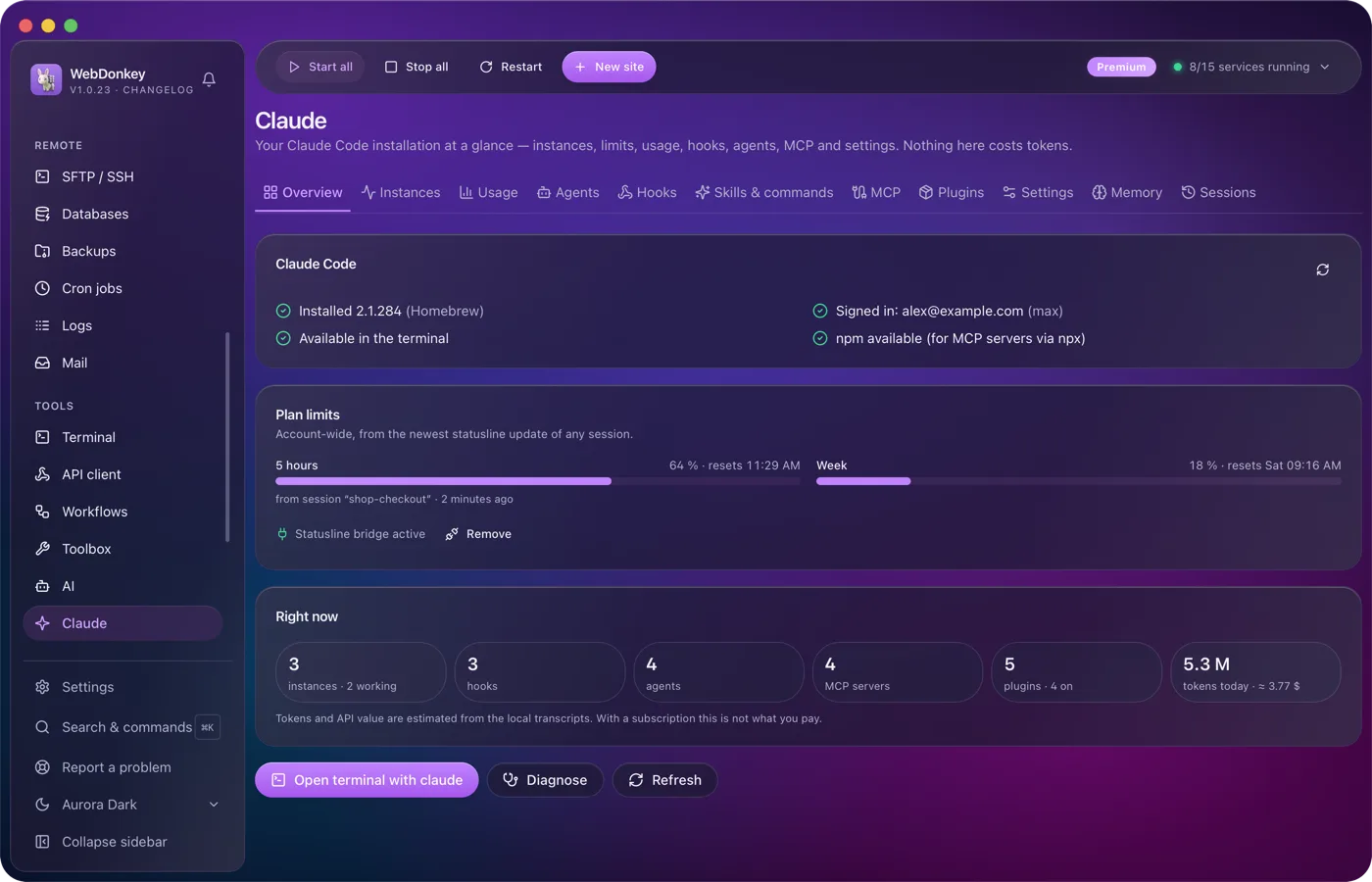
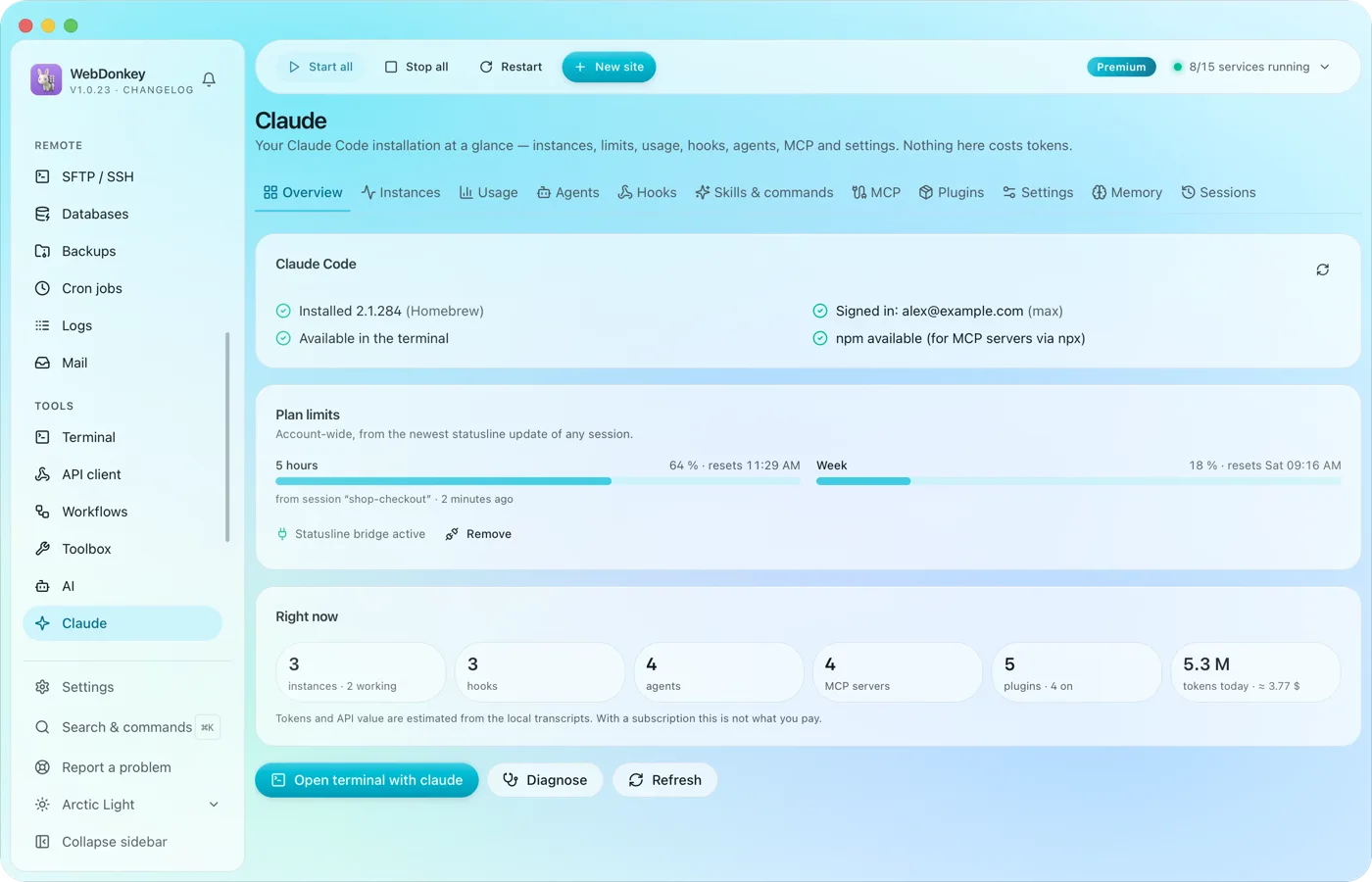 Claude Code, managed in one placeYour Claude Code installation at a glance: running instances, limits, hooks, agents, MCP servers, plugins and settings. The app reads and writes Claude Code's own files; managing them costs no tokens.
-
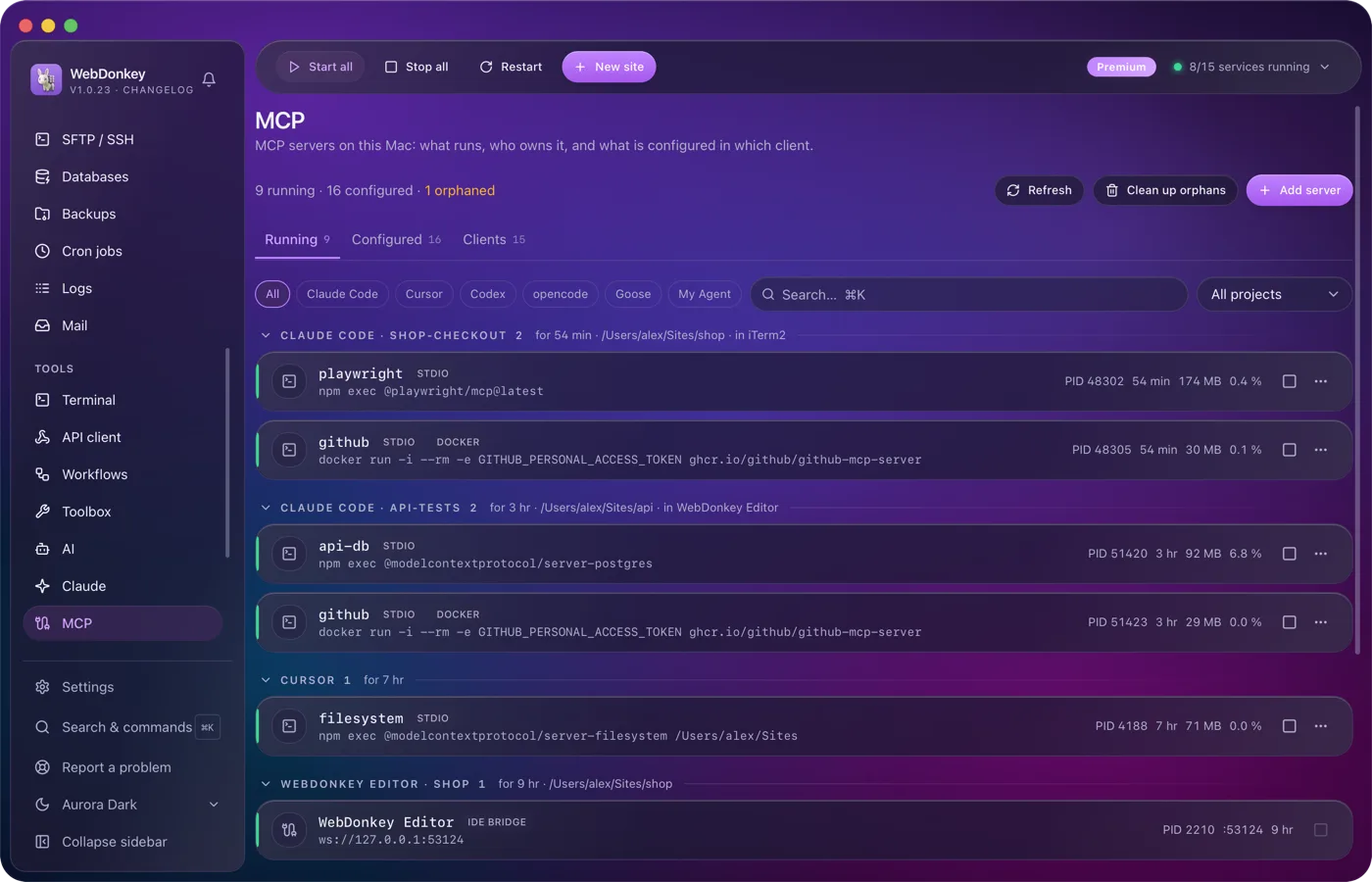
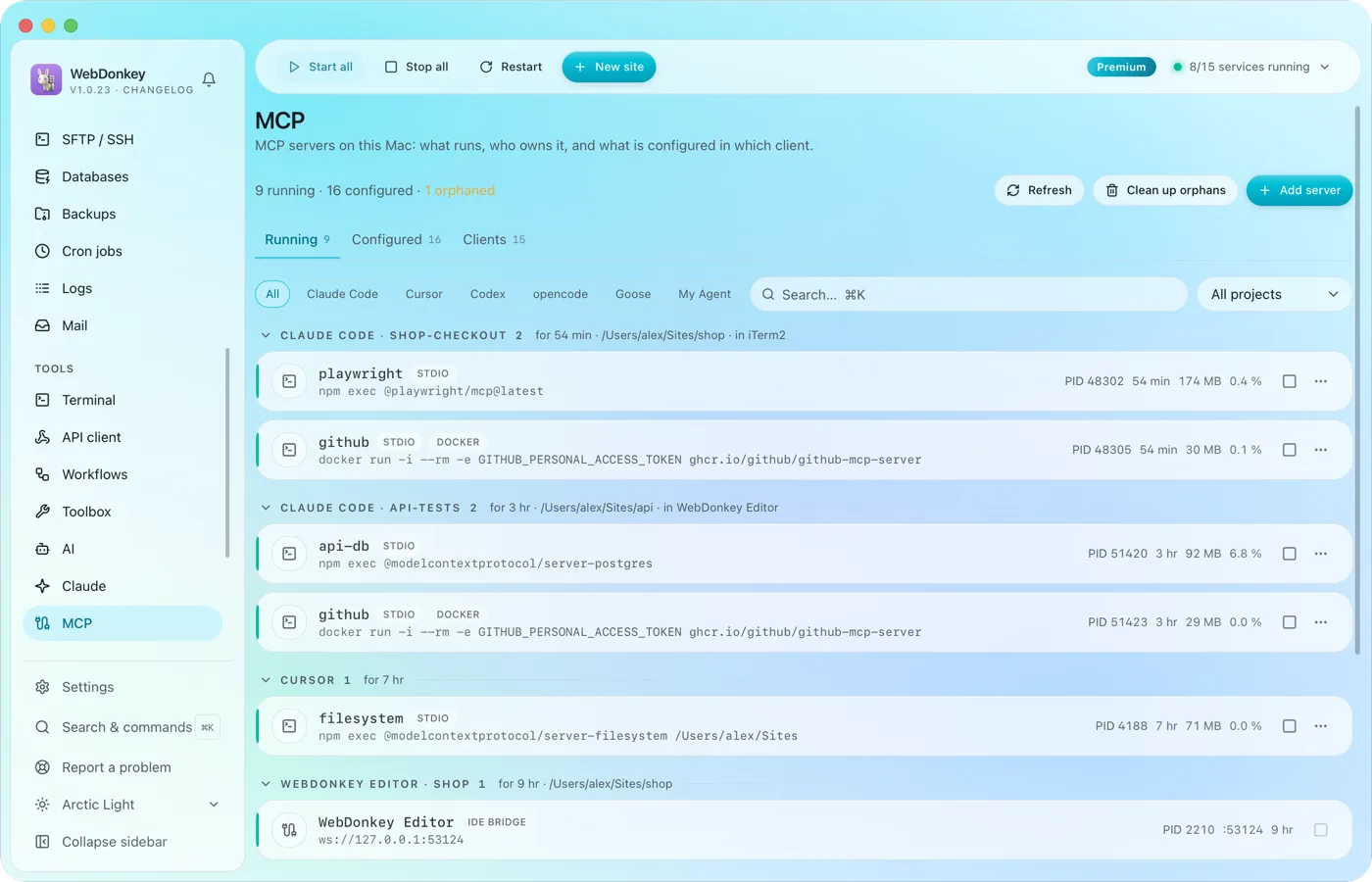 The MCP servers of every AI client in one placeWhich MCP servers run on your Mac, who owns them and what is set up in which client? The page reads the configuration of 14 clients, Claude Code, Claude Desktop, Cursor, VS Code, Codex and Zed among them, and shows it all in three tabs: Running, Configured, Clients.
-
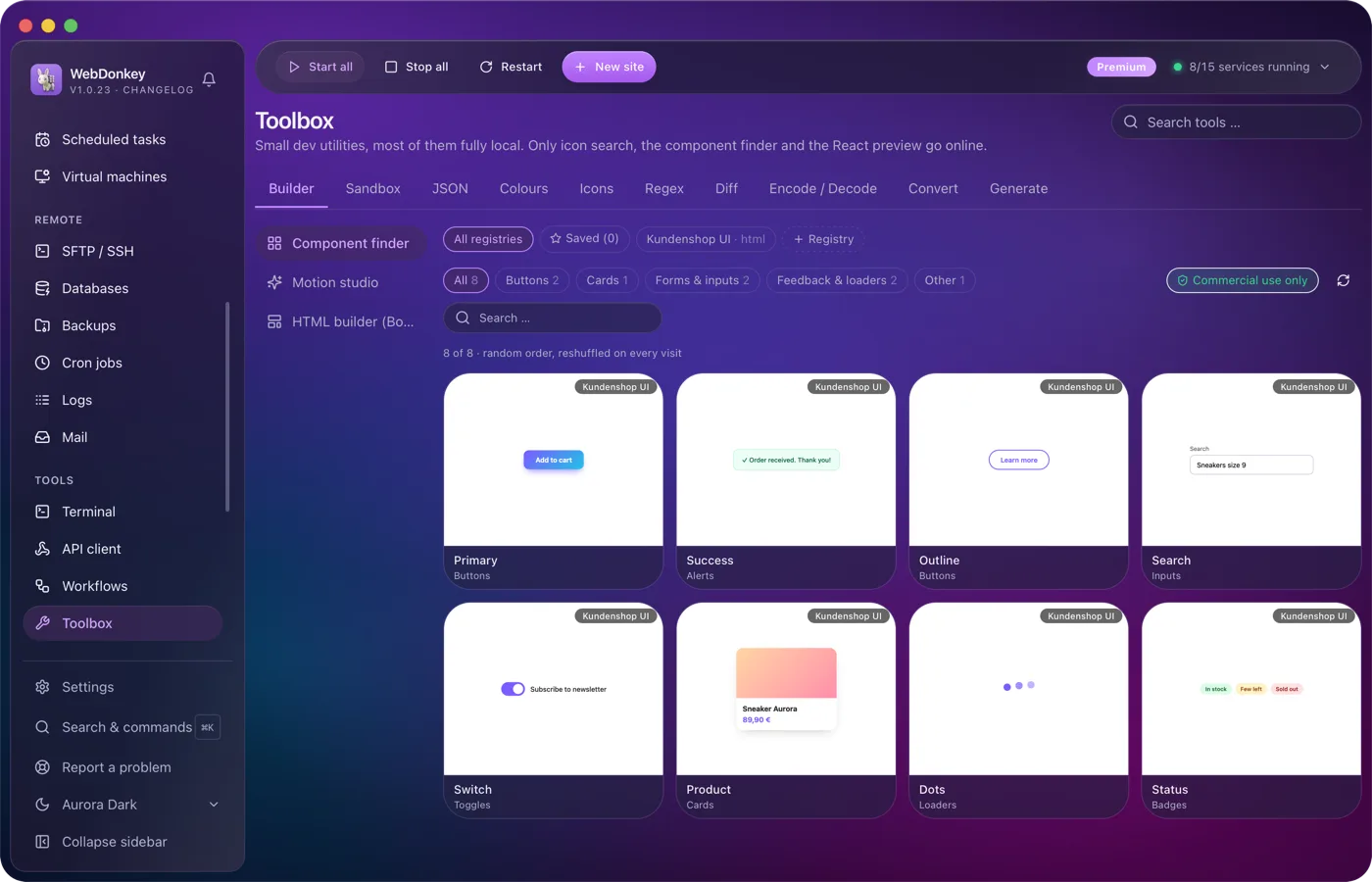
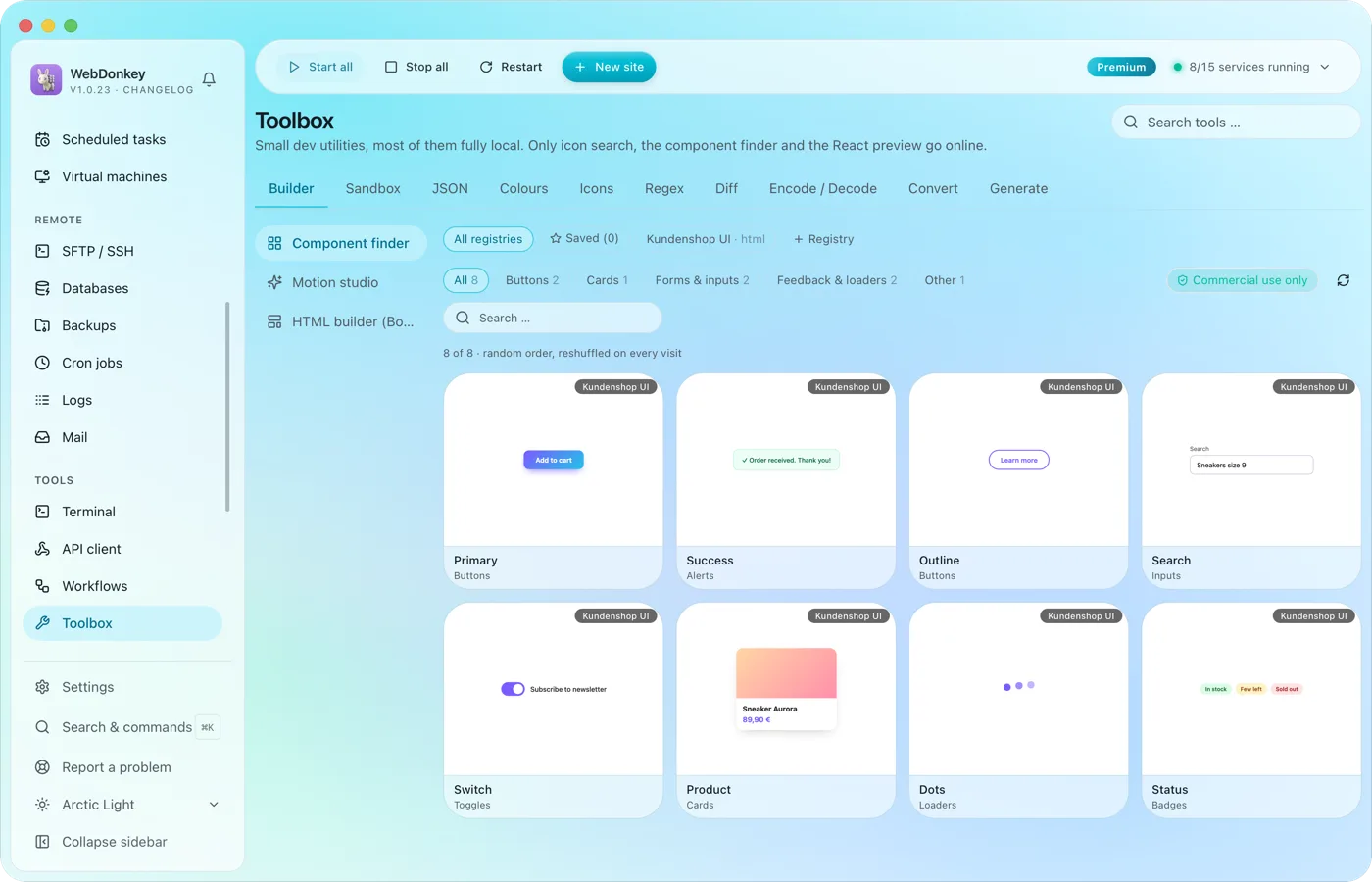 The small tools you would otherwise google24 tools in ten groups. Format JSON, test regex, generate hashes, manage colours, search icons, run code, build layouts, find components, build animations. Most of them run fully offline; only icon search, the component finder and the React preview fetch from the web when needed.
-
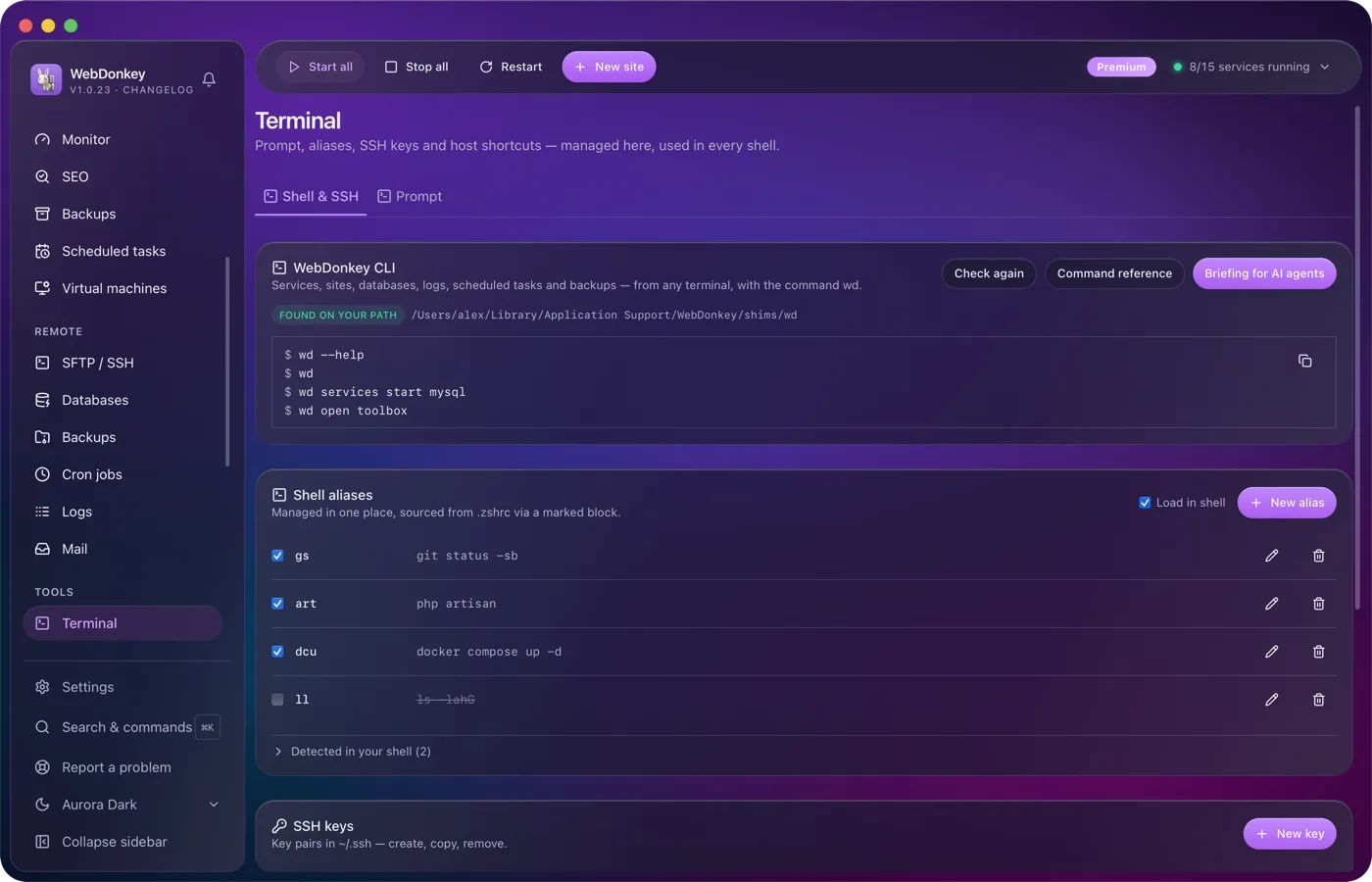
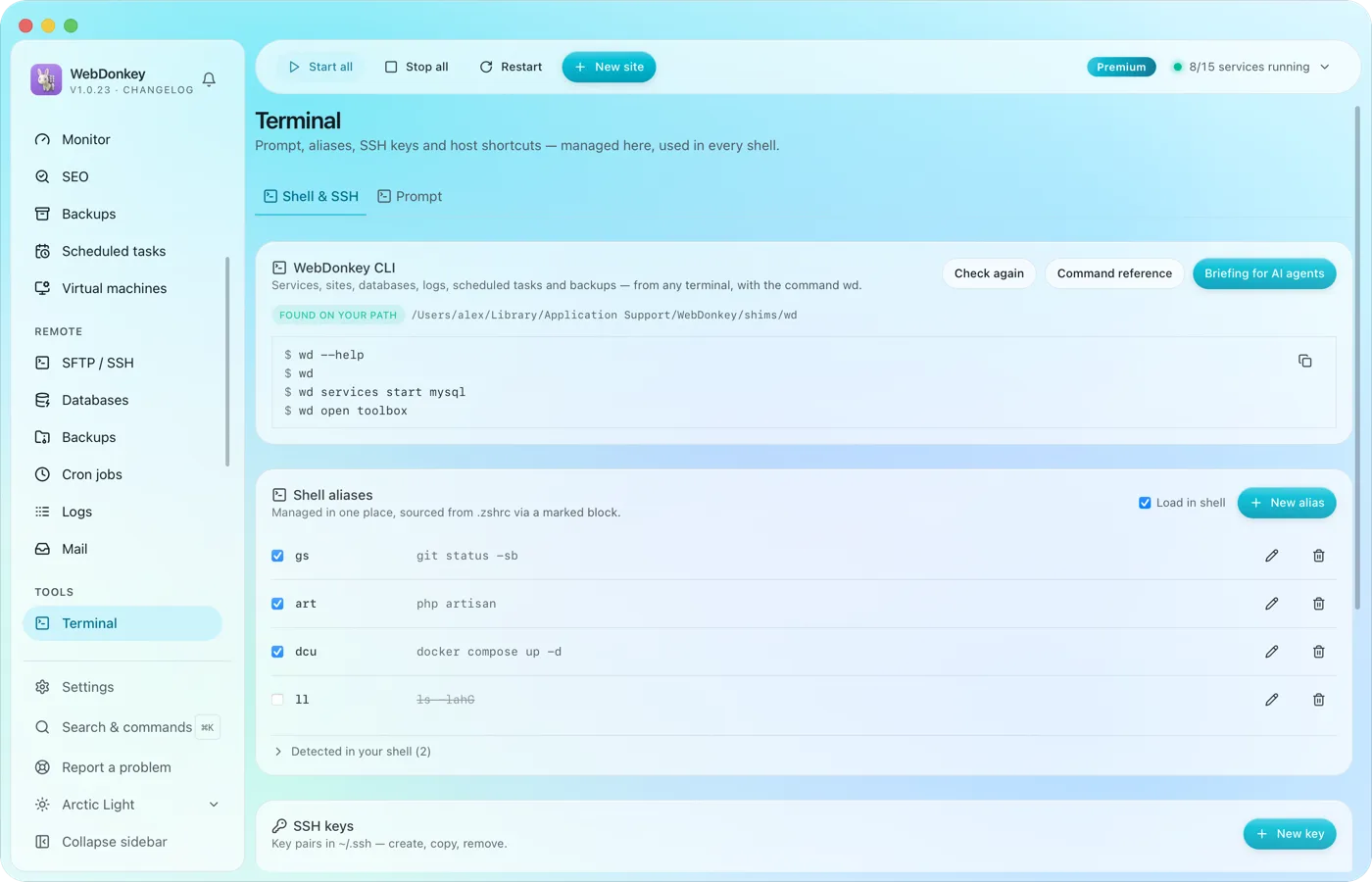 Your terminal, tidied upYour prompt, shell aliases, SSH keys, SSH hosts and known_hosts in one place. Plus the wd command, which drives WebDonkey from any terminal.
Try it on your own project.
Free costs nothing and has no time limit. macOS 11 or later, Apple silicon and Intel.
