





The MCP servers of every AI client in one place
Which MCP servers run on your Mac, who owns them and what is set up in which client? The page reads the configuration of 14 clients, Claude Code, Claude Desktop, Cursor, VS Code, Codex and Zed among them, and shows it all in three tabs: Running, Configured, Clients.
Free costs nothing and has no time limit. macOS 11 or later, Apple silicon and Intel.
What it takes off your plate
Find and stop MCP servers. Every server of every client in one view, and orphaned ones stopped.
In detail
Running
MCP servers currently running on this Mac, with client, kind, processes, CPU, memory, uptime and owner. A server starts with its client and shows here while it runs.
Configured
The MCP servers in your clients' configuration files, running or not, each with client, level and state. If a login is missing, the row says so.
Clients
Every client WebDonkey knows, the files it looked at and what came of it. This is where you learn why a server is missing from the lists.
Add serverFree & Premium
Writes an MCP server into a client's configuration: a local command or a remote server with an address, with environment variables or headers if needed. Free adds two servers, Premium any number.
CheckFree & Premium
Starts a server as a test and asks what it offers: whether it answers and how fast, its protocol and how many tools, resources and prompts it has. With Premium you see the lists themselves and its error output.
Stop and clean upFree & Premium
Stop asks a running server to quit and tells you beforehand what that means for its client. With Premium you clean up orphaned servers whose client is gone in one go and read their logs.
Log in
If a server asks for a login, Log in handles it for the client that owns it, in the browser or in the terminal. This is free.
Edit, copy, removeFree & Premium
With Premium you edit entries, switch them on and off and copy them into other clients. Removing works on Free too. Where a client or entry cannot be written, it says read only, with the reason.
What does Free include?
This feature comes in Free and in Premium. Where Free ends is set out in the details and in the comparison.
Compare Free and PremiumGoes well with this
-
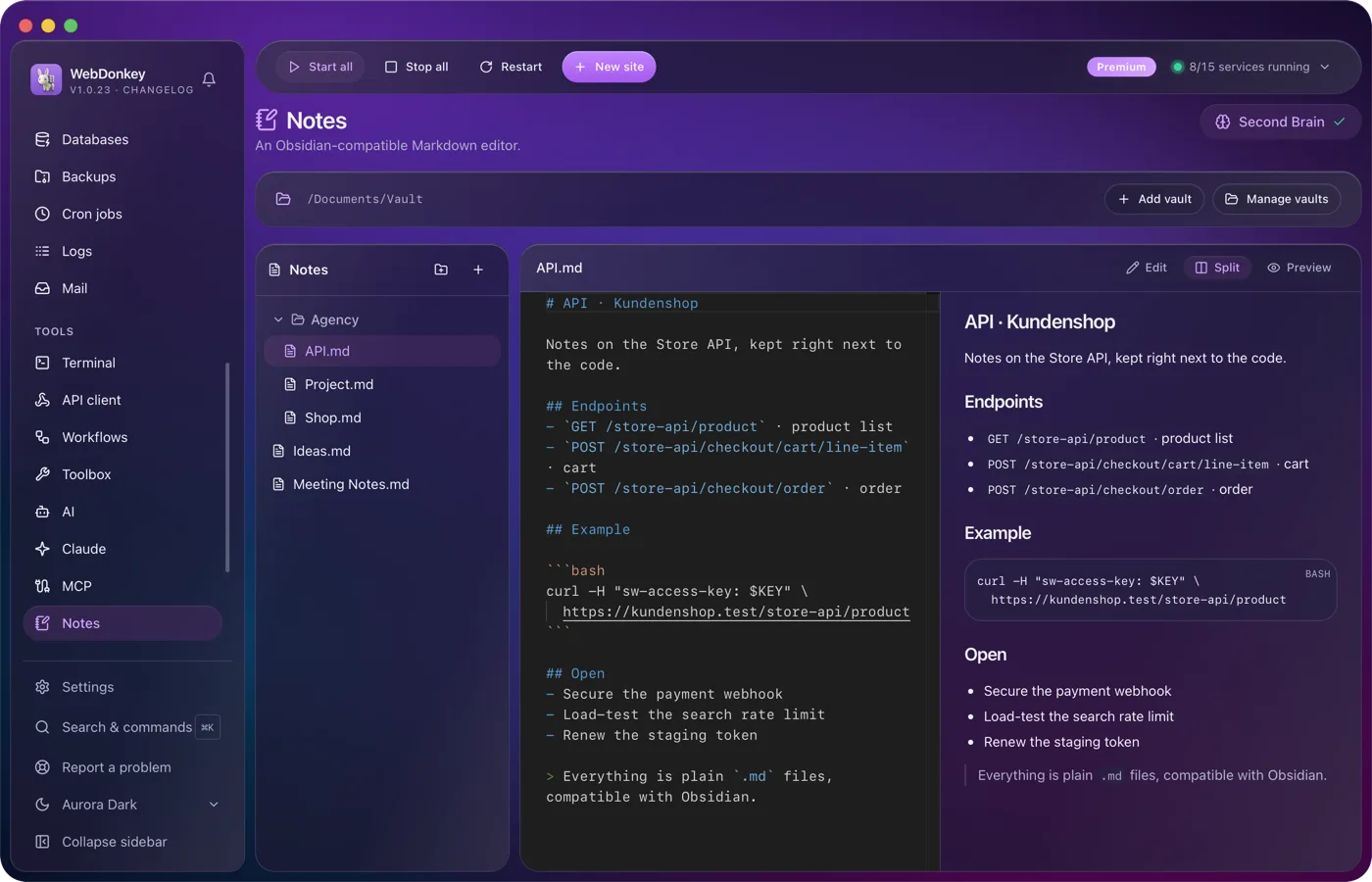
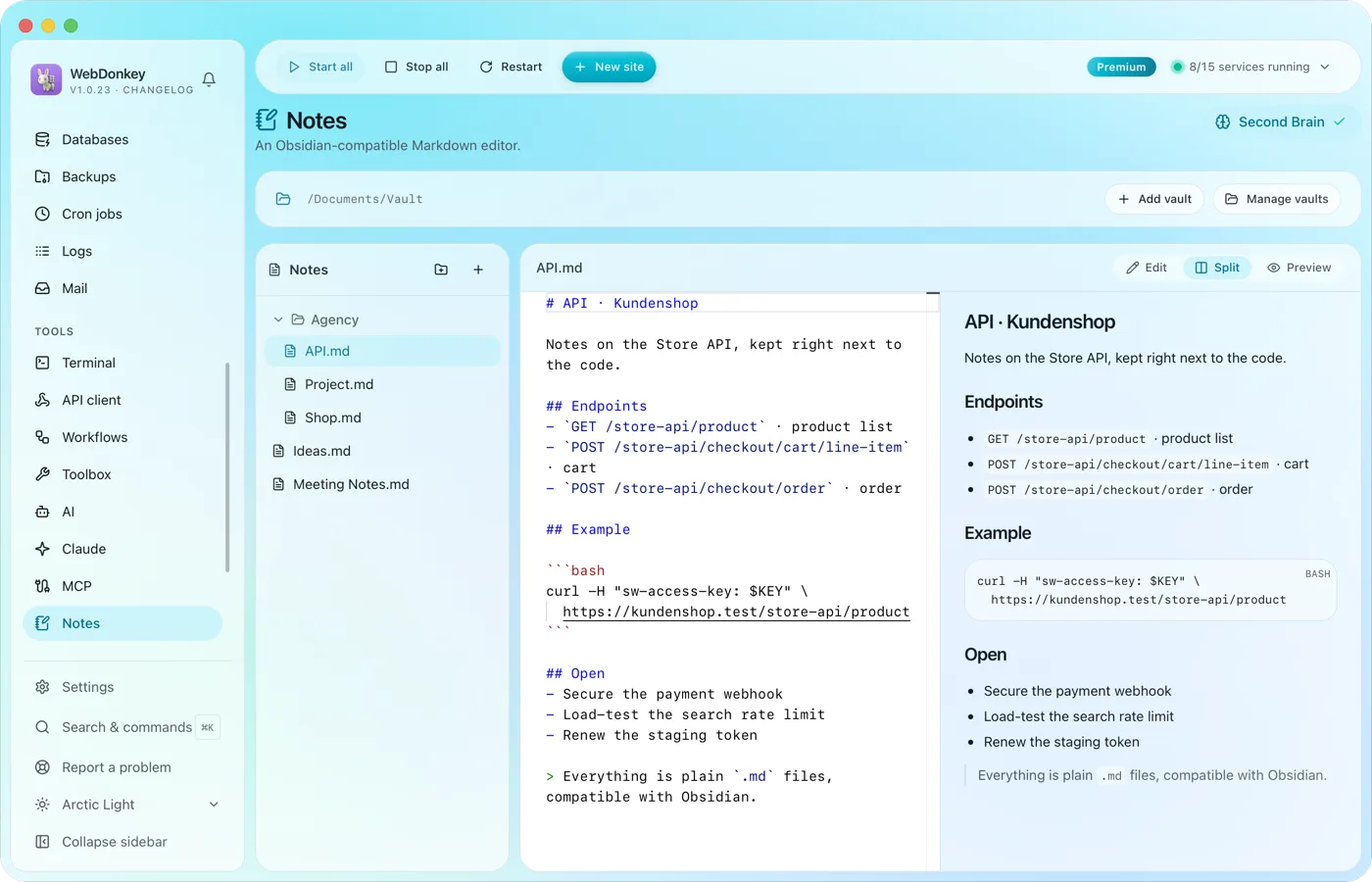 Notes that Obsidian understandsA Markdown vault with editor, preview and split view. The files sit as .md on your disk; Obsidian and any other editor read them just the same.
-
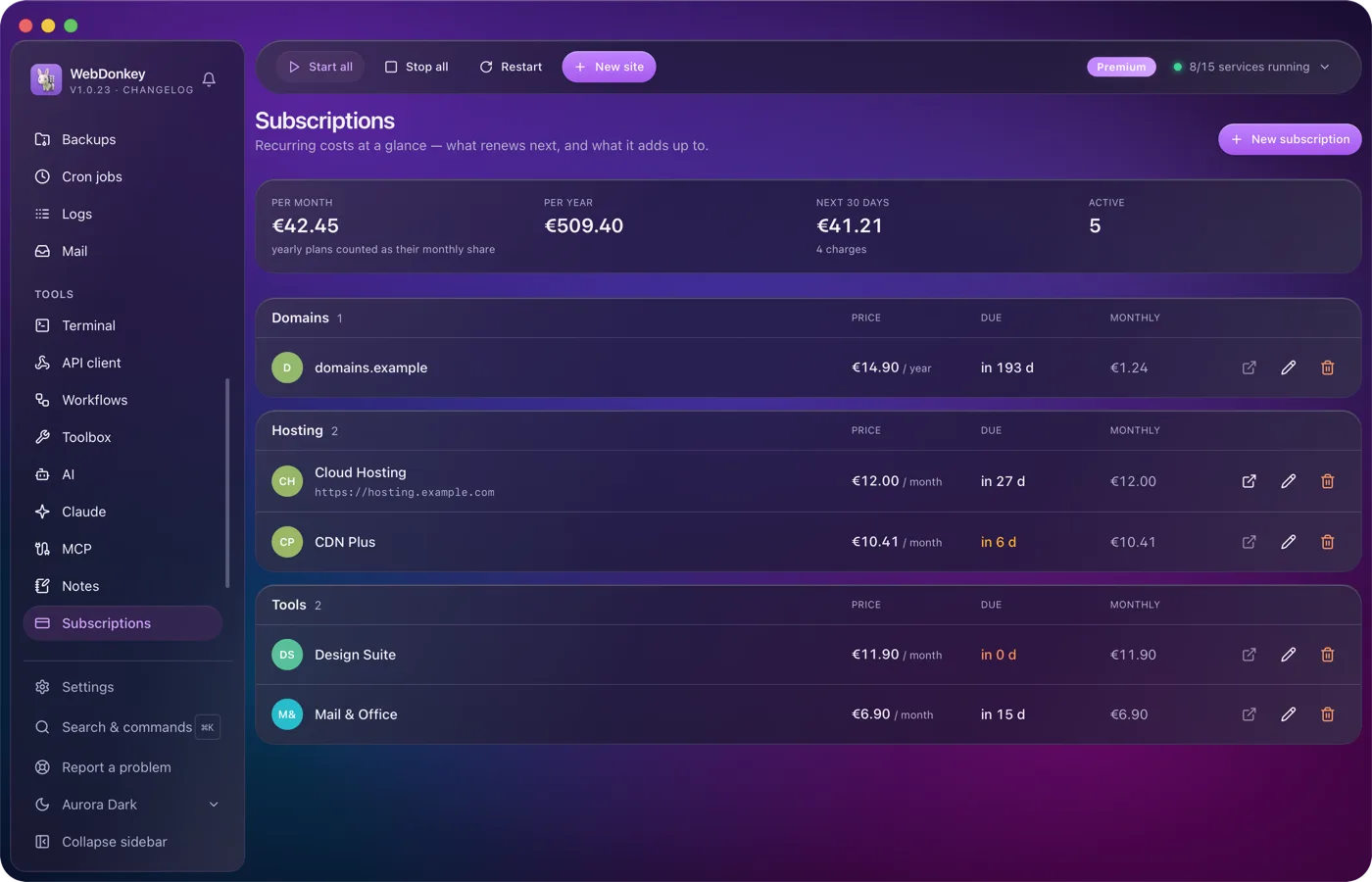
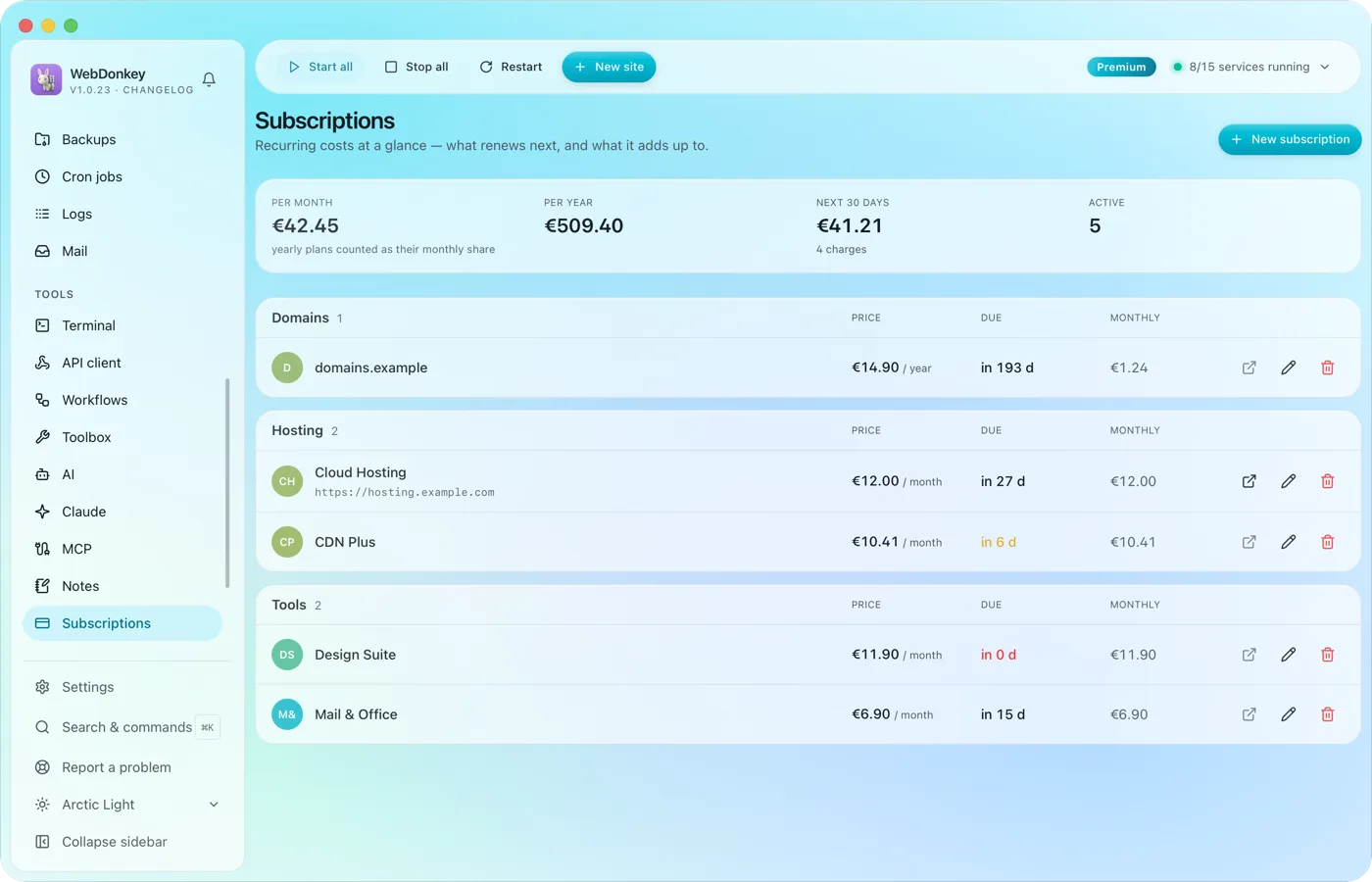 Know what your tools costHosting, domains, tools, every running cost with amount, cycle, payment method and notice period. At the top the monthly total, the yearly total and what comes due in the next 30 days.
-
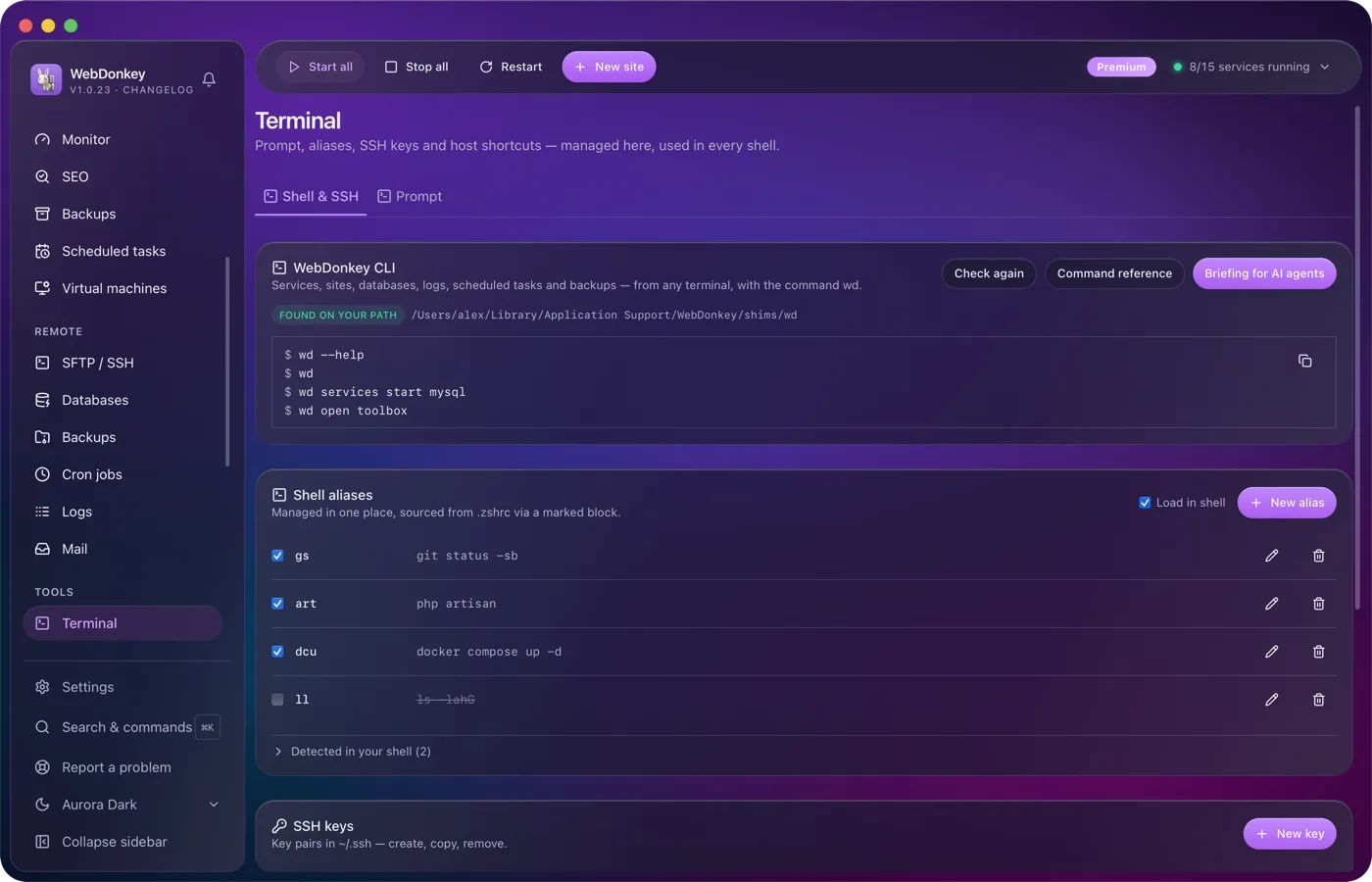
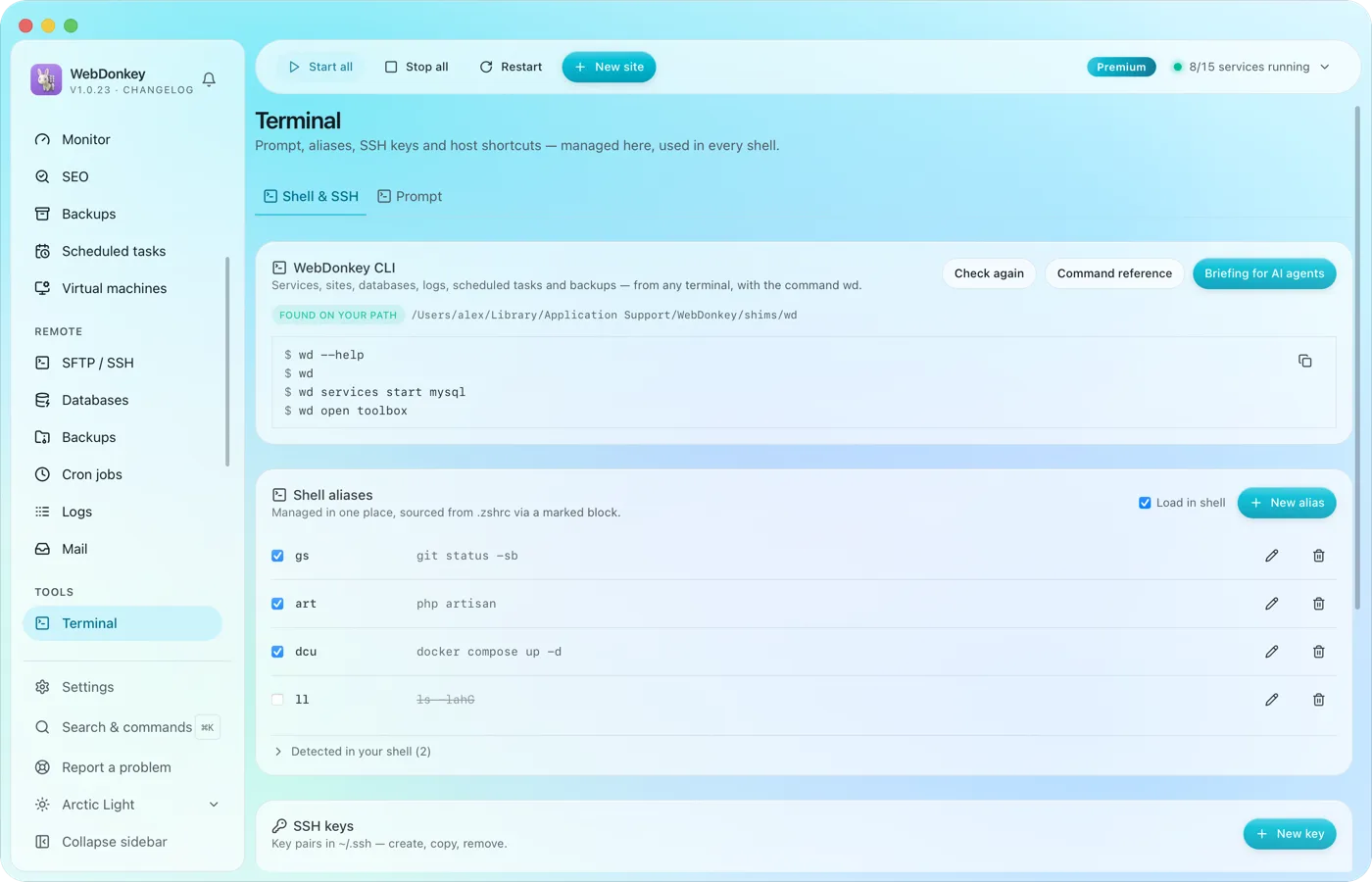 Your terminal, tidied upYour prompt, shell aliases, SSH keys, SSH hosts and known_hosts in one place. Plus the wd command, which drives WebDonkey from any terminal.
-
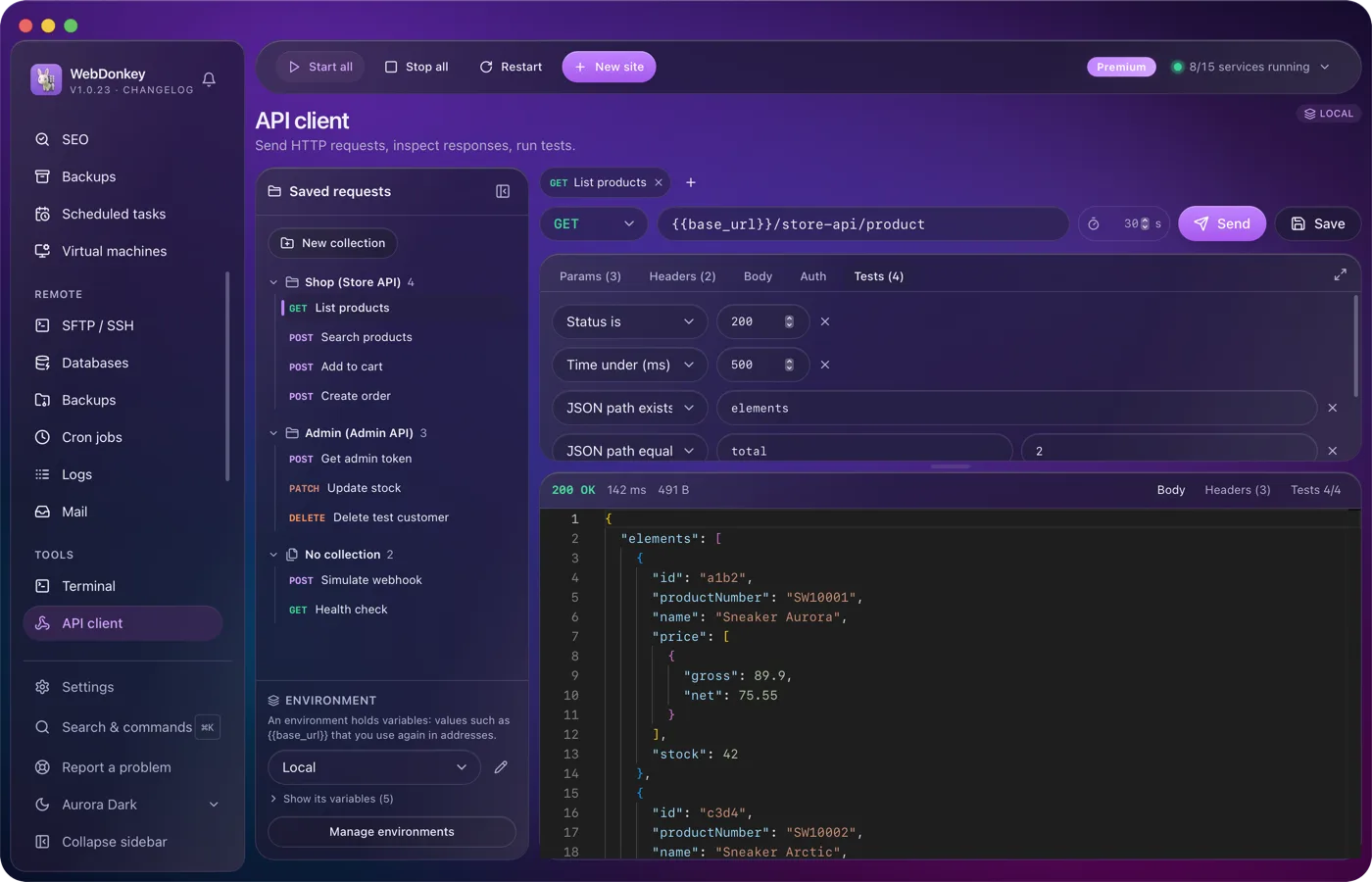
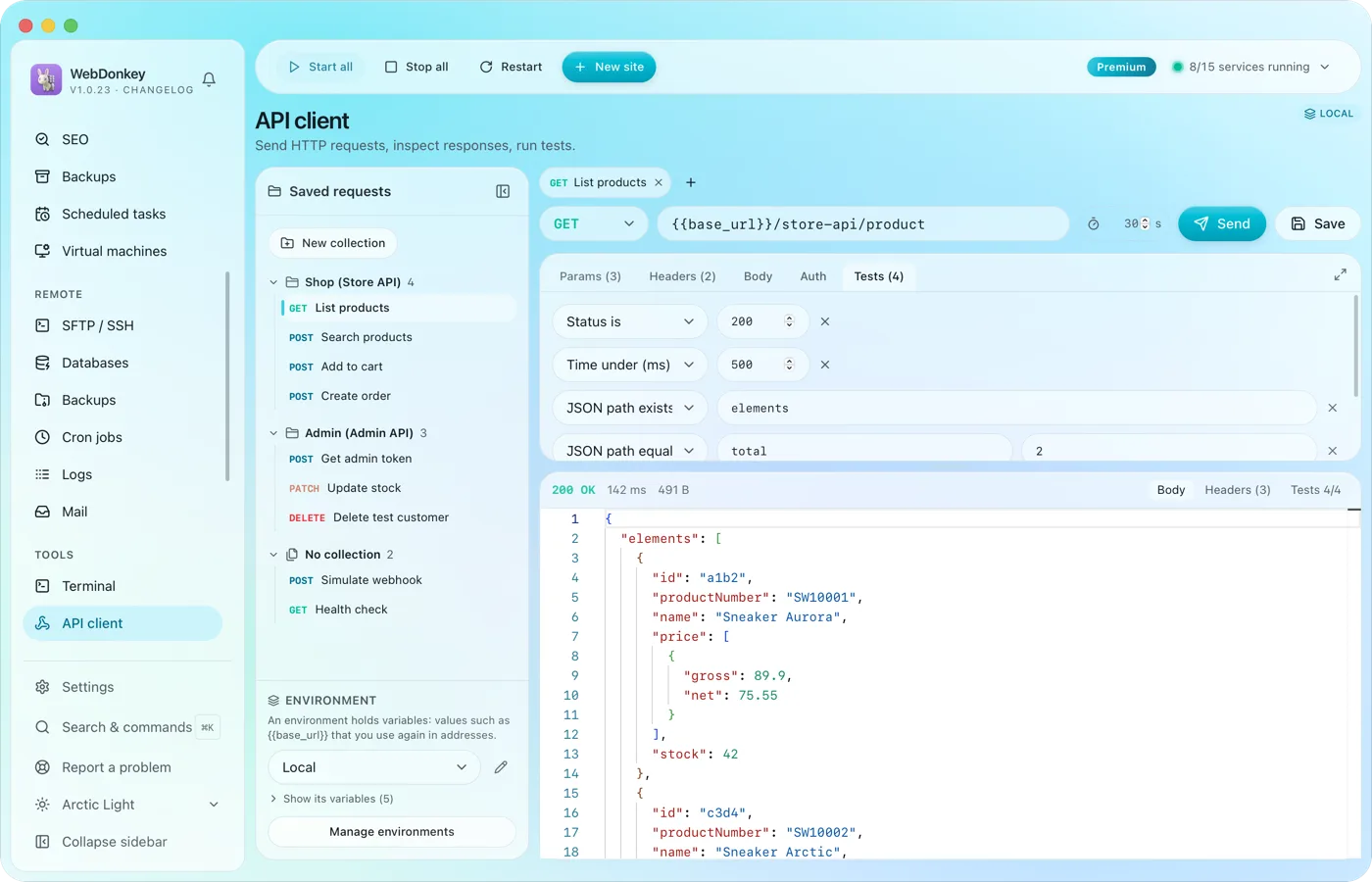 Build requests and check responsesAn API client with everything you expect from one: method, URL, params, headers, body, auth and tests. Environments with variables and saved requests, right in the app.
Try it on your own project.
Free costs nothing and has no time limit. macOS 11 or later, Apple silicon and Intel.
