





Build flows that run on their own
A trigger starts the workflow and the steps run on this Mac: by hand, on a schedule or through a webhook. You connect the nodes on a canvas; HTTP requests, shell commands, files, conditions and notifications are all there. Every run shows, step by step, what went in and what came out.
Free costs nothing and has no time limit. macOS 11 or later, Apple silicon and Intel.
What it takes off your plate
Automate routines. Workflows built from nodes, started by hand, on a schedule or by webhook. Say, check a site and report, or a nightly database dump.
In detail
List and new workflowFree & Premium
Every workflow in a table with trigger, last run, next run and an on/off switch. A new workflow starts empty or from a template, such as the nightly database dump or the deploy by webhook; a template arrives switched off. Free uses three workflows.
Editor
Place nodes on the canvas and connect them with lines, add notes, undo with ⌘Z. On means the triggers start the workflow; Run starts it right away.
NodesFree & Premium
Every node is a step, sorted into triggers, logic, data, input and output, WebDonkey and AI. A click opens its form; the fields take expressions that reach the data of the steps before. Nodes marked Premium only run with Premium.
Data and variables
Items flow between the nodes; expressions reach them, the trigger, variables and secrets. Variables belong to one workflow or to all; a secret is stored encrypted and never exported.
Settings and errors
Every node has settings of its own: retries, pause in between, time limit and what happens on an error. The run ends, carries on or takes the error output, where you can attach a notification, for example. Each workflow has its own settings too: description, time limit for a run, a message on failure and how many runs stay in the history.
RunsFree & Premium
Below the editor every run is listed step by step, with the items that went in and out, retries and duration. You cancel a run or run it again with the same trigger data. Free keeps the last 20 runs, Premium up to 200.
MemoryPremium
What a workflow keeps between runs, such as the last ID it saw; the Only new and Remember value nodes store it. You forget a single value on purpose, Reset clears everything, and the next run starts from scratch.
What does Free include?
This feature comes in Free and in Premium. Where Free ends is set out in the details and in the comparison.
Compare Free and PremiumGoes well with this
-
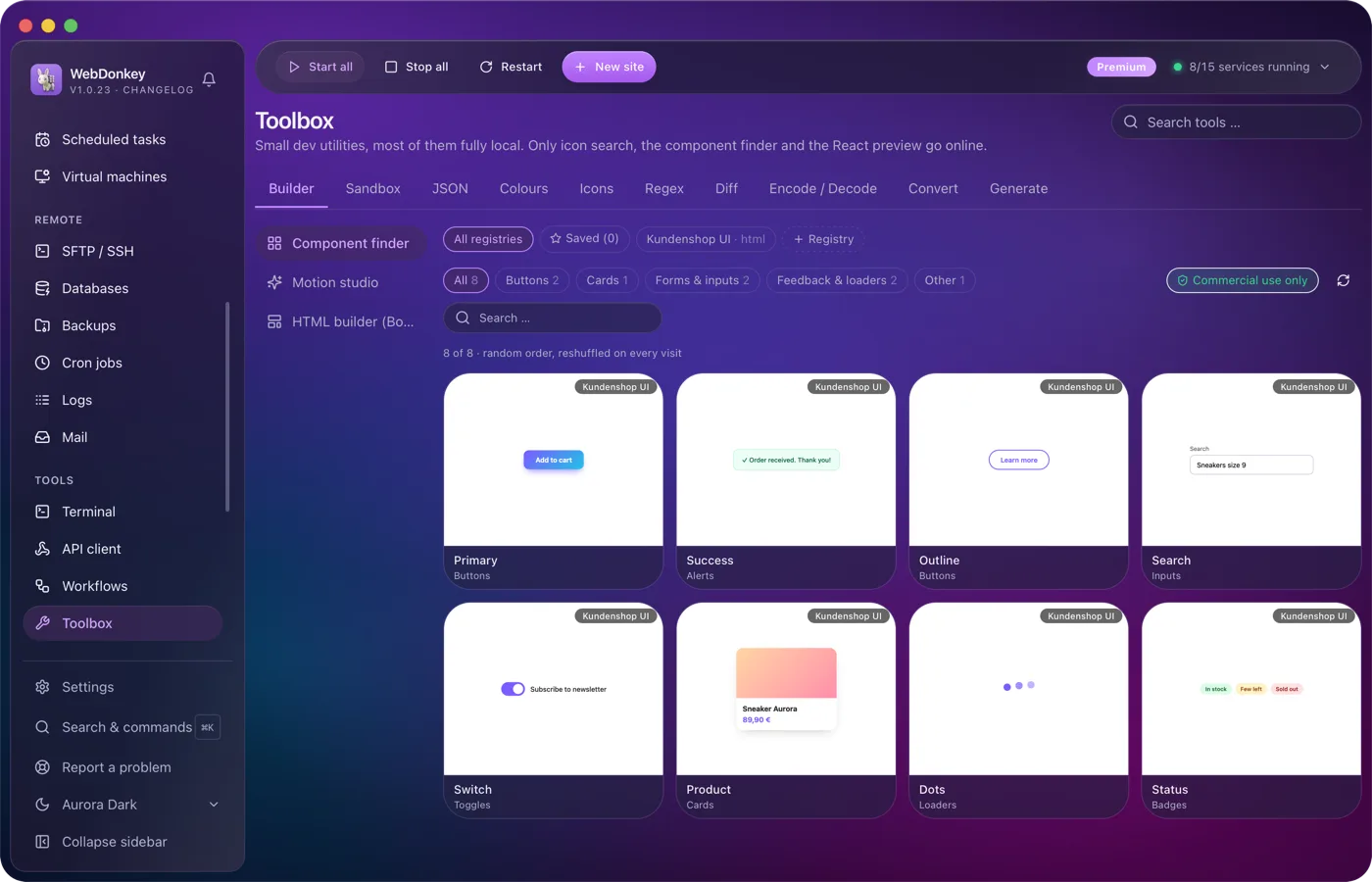
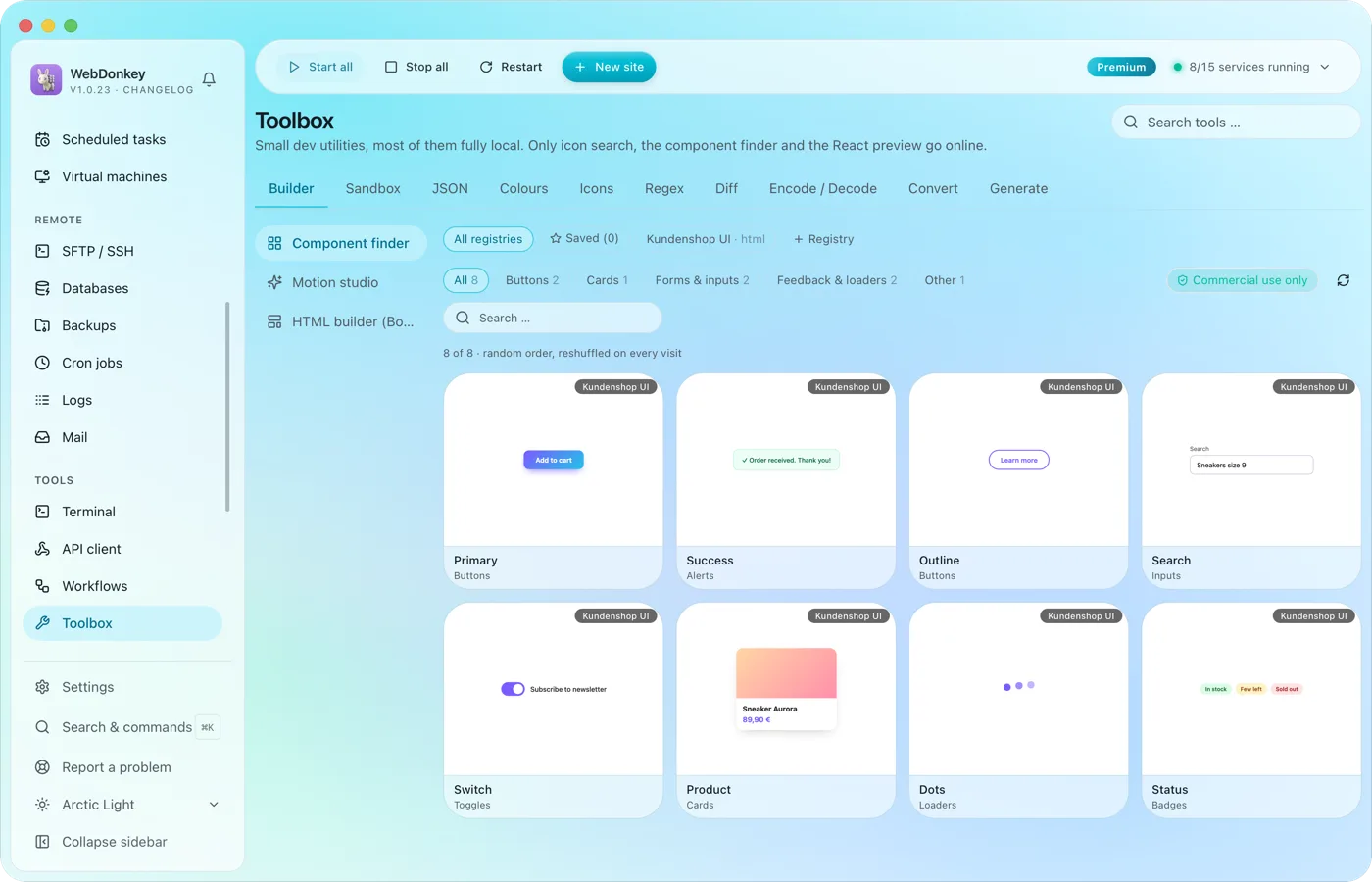 The small tools you would otherwise google24 tools in ten groups. Format JSON, test regex, generate hashes, manage colours, search icons, run code, build layouts, find components, build animations. Most of them run fully offline; only icon search, the component finder and the React preview fetch from the web when needed.
-
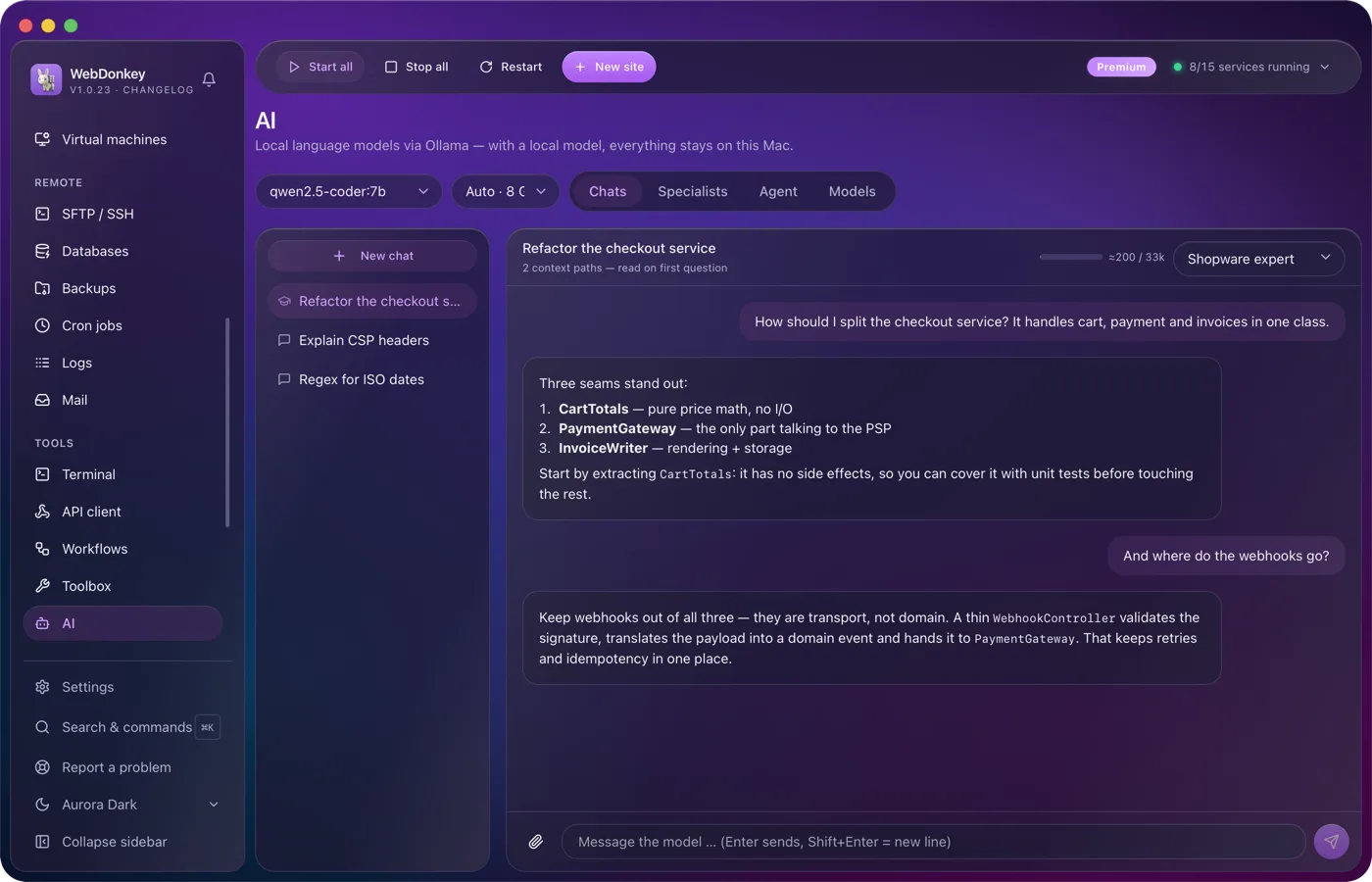
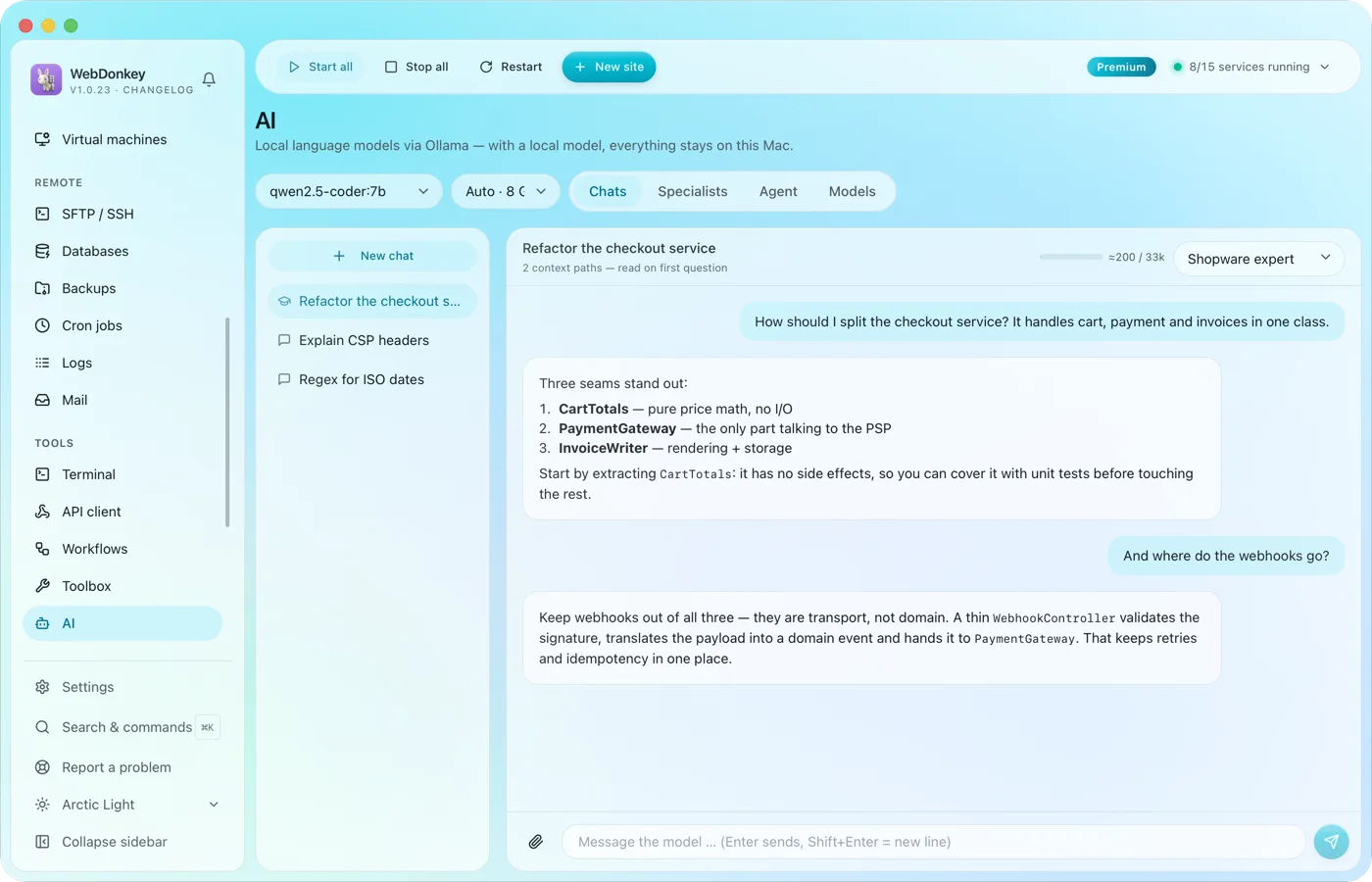 An assistant that stays on your MacLocal language models through Ollama, as a managed service. No key, no token counter, and chats with local models stay on your Mac. Attach files or folders to your question, a log for example, and the assistant reads along.
-
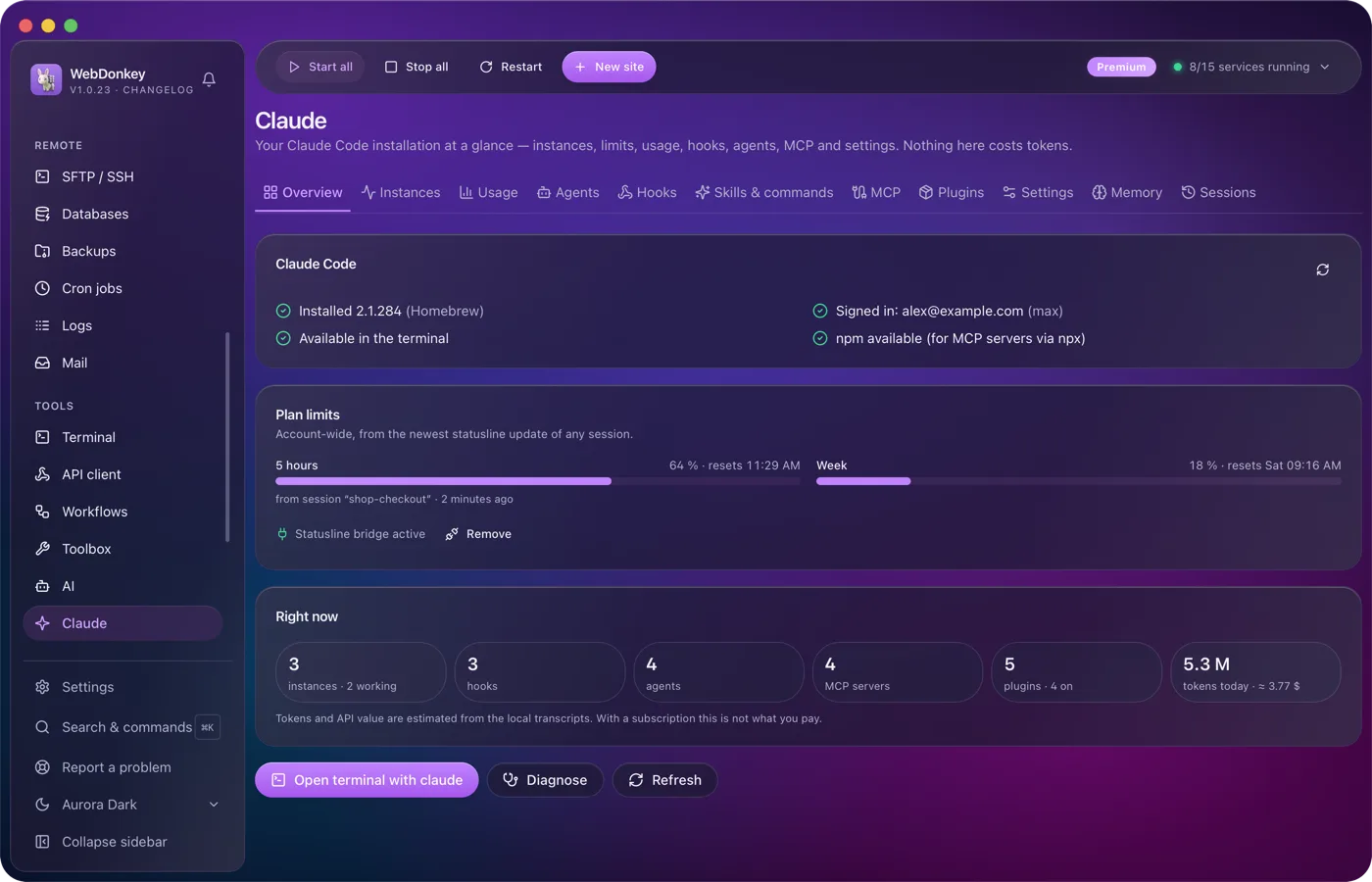
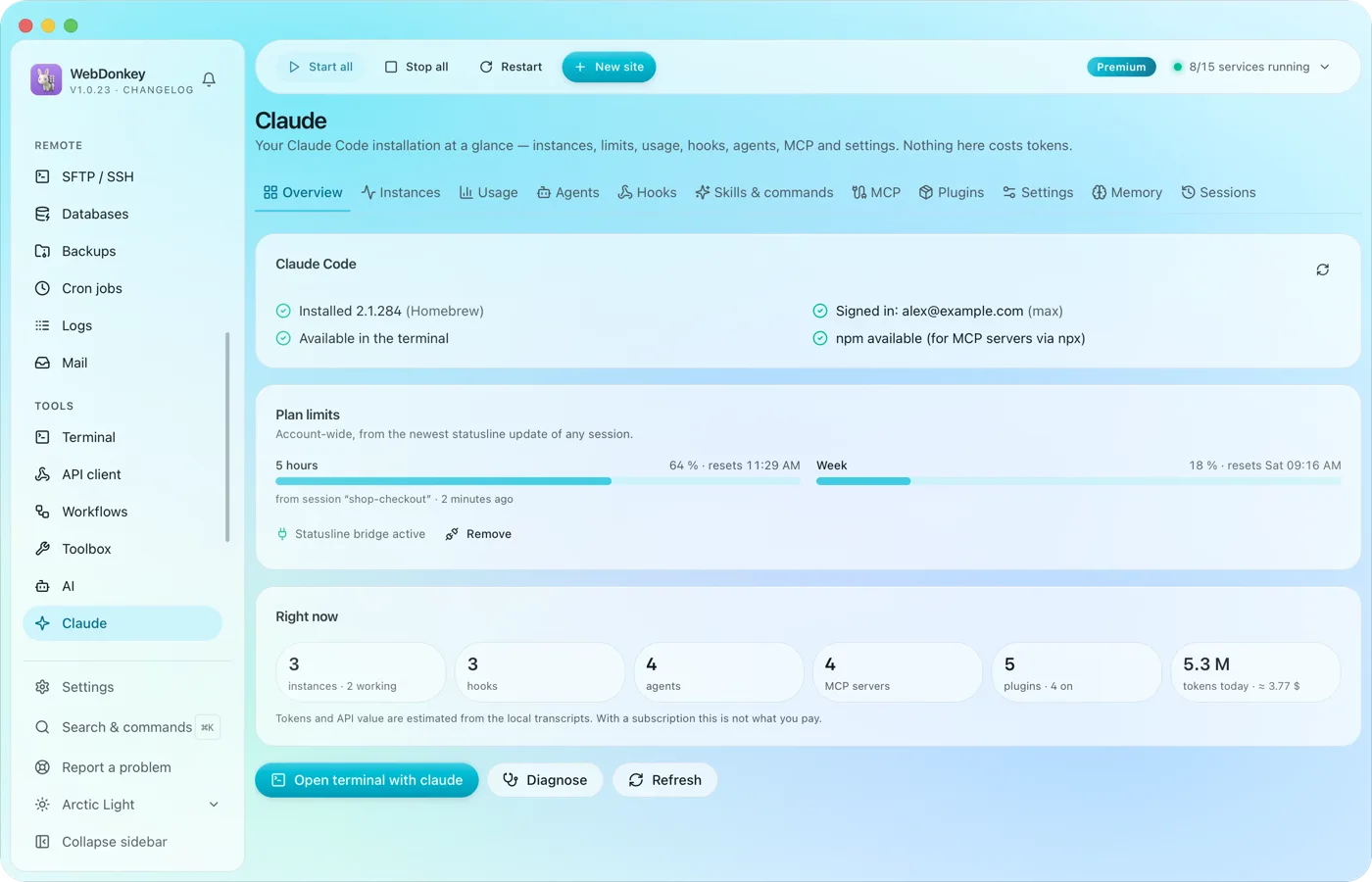 Claude Code, managed in one placeYour Claude Code installation at a glance: running instances, limits, hooks, agents, MCP servers, plugins and settings. The app reads and writes Claude Code's own files; managing them costs no tokens.
-
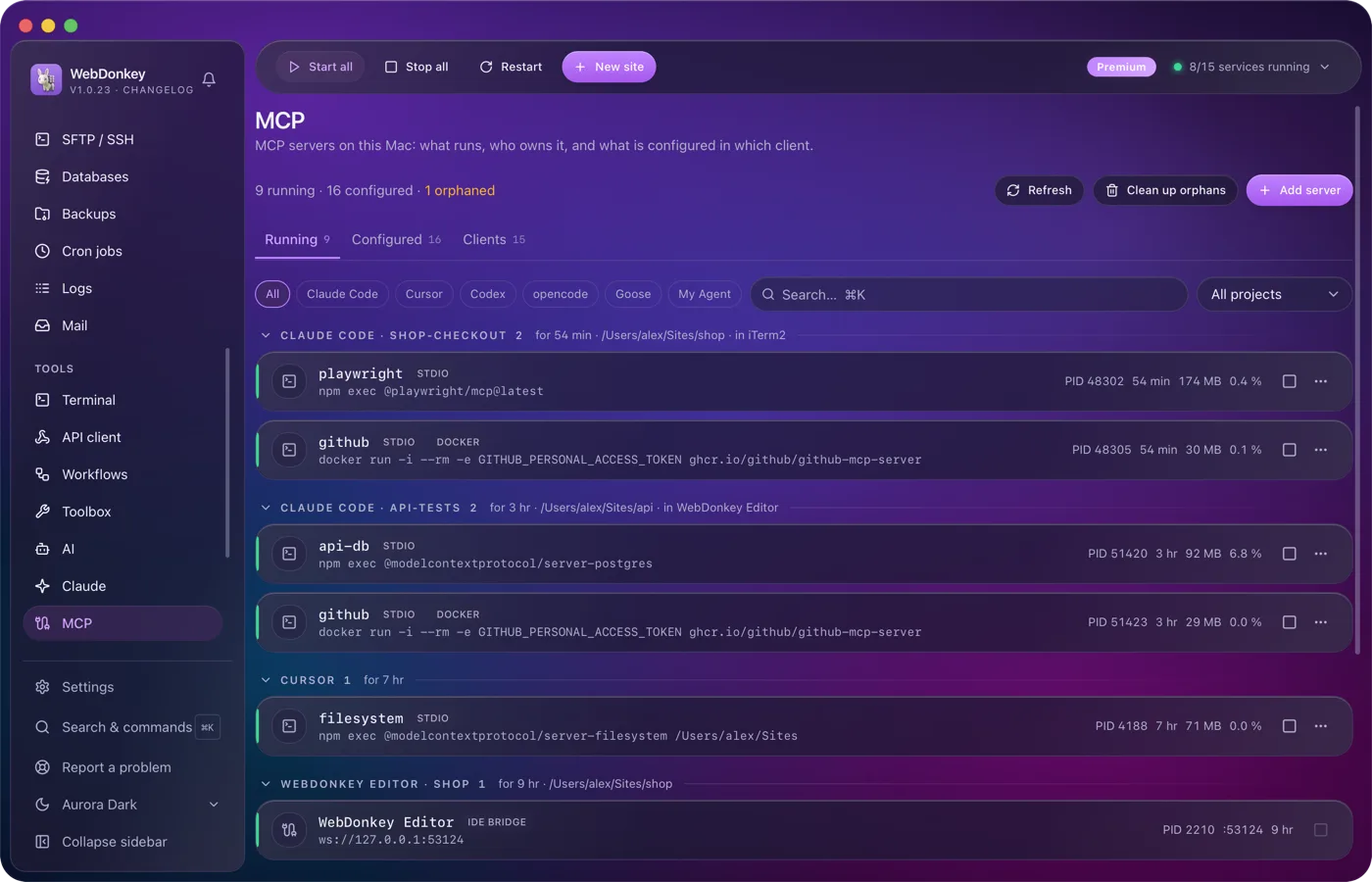
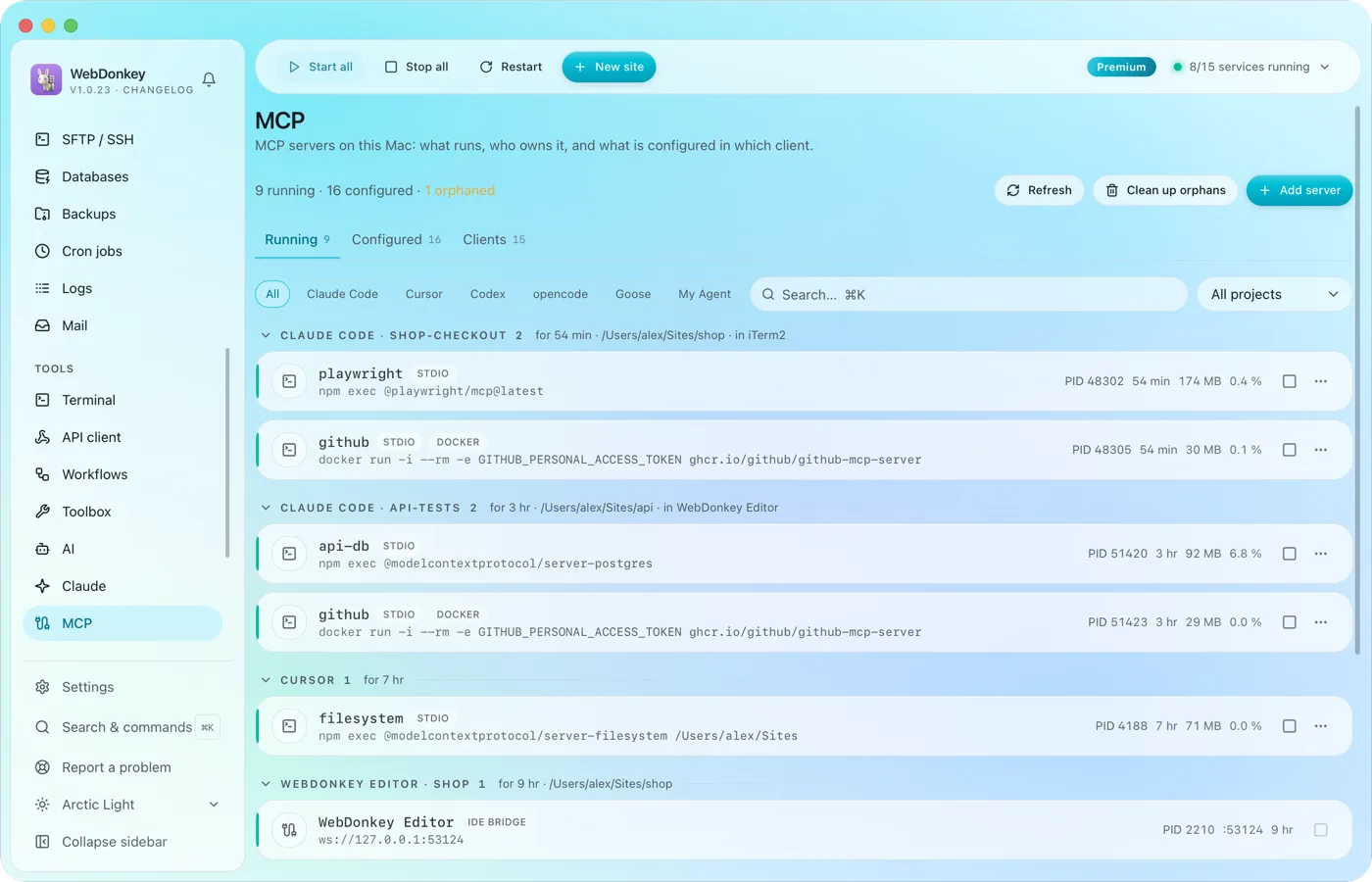 The MCP servers of every AI client in one placeWhich MCP servers run on your Mac, who owns them and what is set up in which client? The page reads the configuration of 14 clients, Claude Code, Claude Desktop, Cursor, VS Code, Codex and Zed among them, and shows it all in three tabs: Running, Configured, Clients.
Try it on your own project.
Free costs nothing and has no time limit. macOS 11 or later, Apple silicon and Intel.
