





Edit configuration without hunting for files
php.ini, web server configs, FPM pools, service configs and your system files such as .zshrc or the SSH config. All in an editor with syntax colours and presets to drop in.
Free costs nothing and has no time limit. macOS 11 or later, Apple silicon and Intel.
What it takes off your plate
Configs checked before saving. php.ini and web server configs in an editor. FPM configs are checked before saving, and the last five versions come back in one click.
In detail
Configuration filesFree & Premium
The php.ini per version, the web server configurations, FPM pools and the files of the other services. WebDonkey rewrites nginx.conf, httpd.conf and the Caddyfile on every start, so they are read-only here; your own settings go into custom.conf or custom.caddy. The global php.ini for all versions is a Premium feature; the per-version ones are freely editable on Free.
Custom configurations
With Add you put any other text file from your Mac on the list, up to 2 MB and in UTF-8. It opens in the same editor, read-only where you lack write access. Remove only takes it off the list; the file itself stays.
System files
Shell profiles, SSH and Git configuration and the files of your web tools in a group of their own. Same interface, same editor, no digging through hidden files in your home directory.
Earlier versions
Every time you save, WebDonkey keeps the previous version, the last five per file, in its own folder. You compare a version with the editor text, the earlier one on the left, yours on the right, and bring it back into the editor with one click. If another program changed the file since it was loaded, WebDonkey asks before saving and shows both versions side by side: Compare, Reload or Overwrite.
Quick-Add
On the right, a searchable list of ready-made snippets: upload size, memory limit, OPcache, Xdebug, time zone, error display. Click, and the lines land in the right place in the editor.
What does Free include?
This feature comes in Free and in Premium. Where Free ends is set out in the details and in the comparison.
Compare Free and PremiumGoes well with this
-
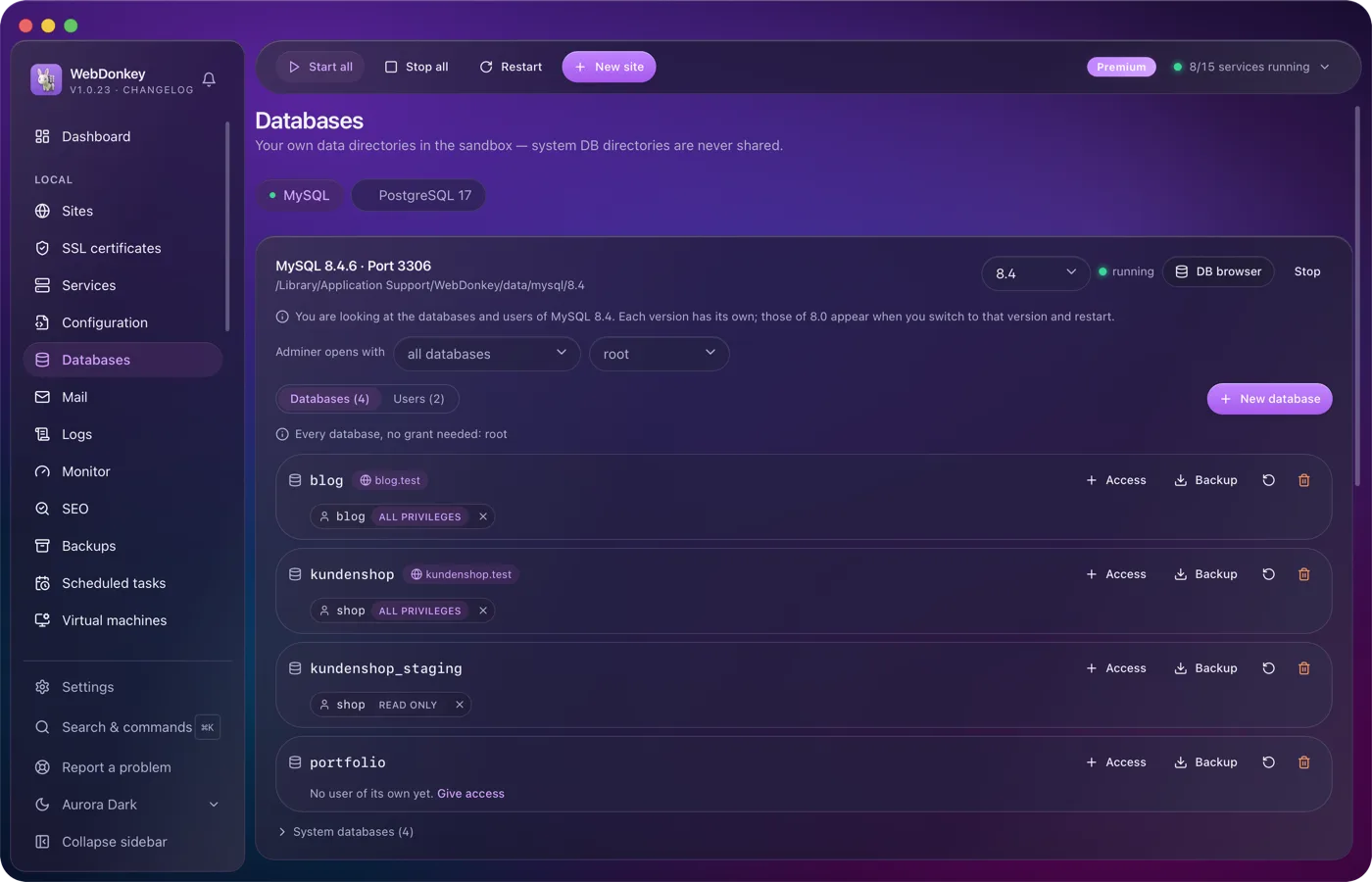
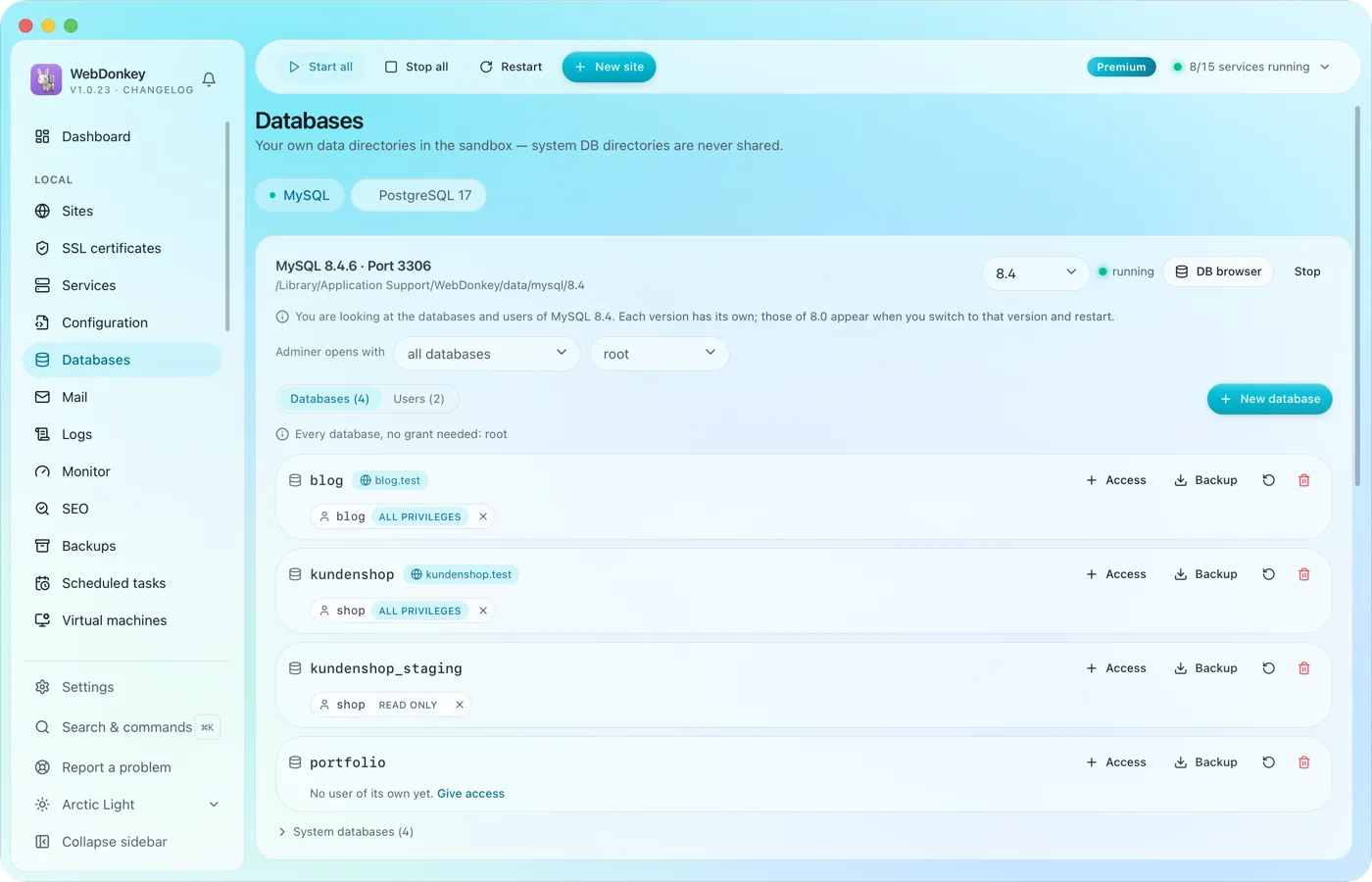 Create and browse databasesManage MySQL, MariaDB, PostgreSQL and MongoDB, create databases and users. Adminer is built in and opens right inside the app, with server and user already filled in.
-
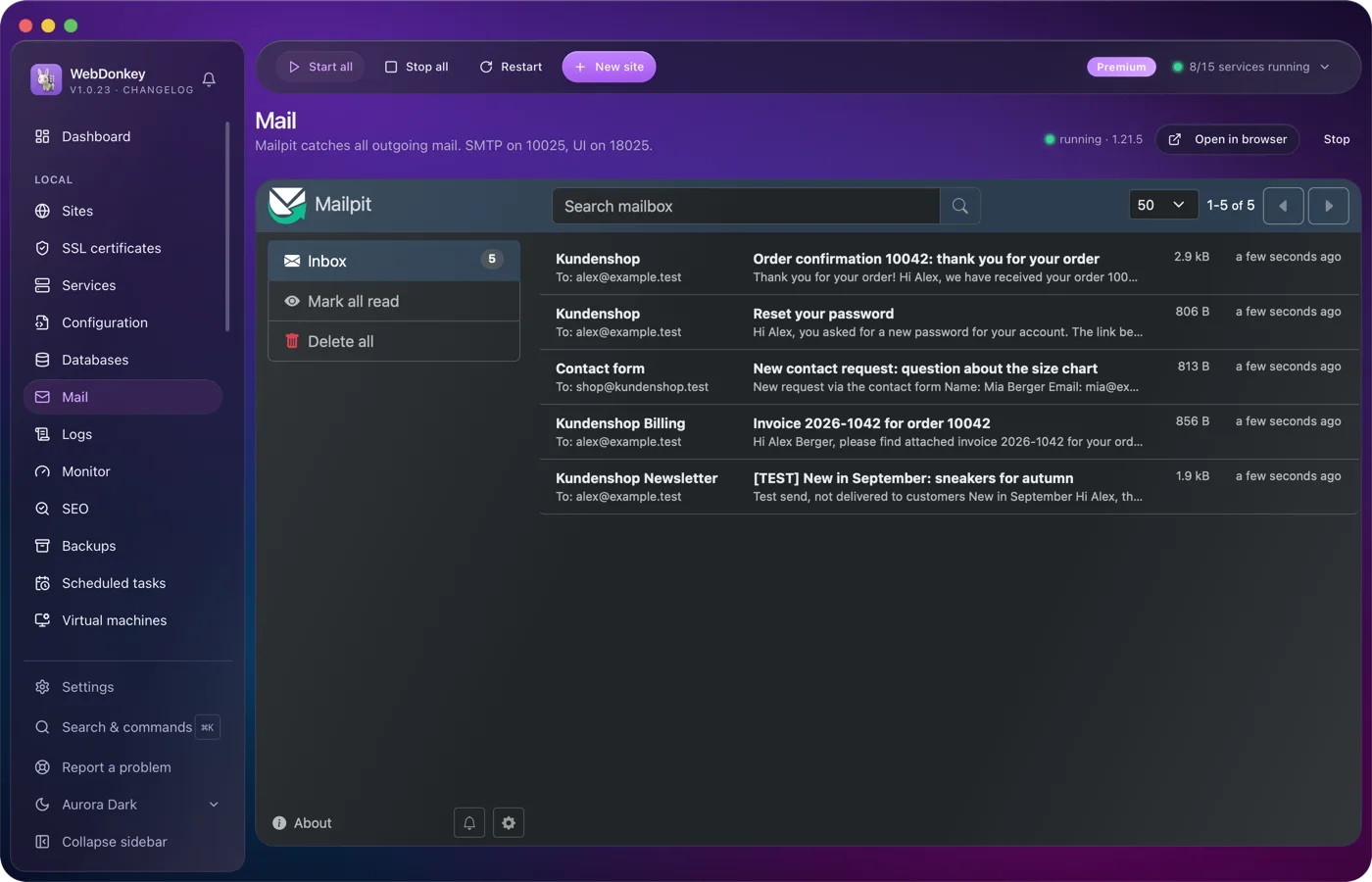
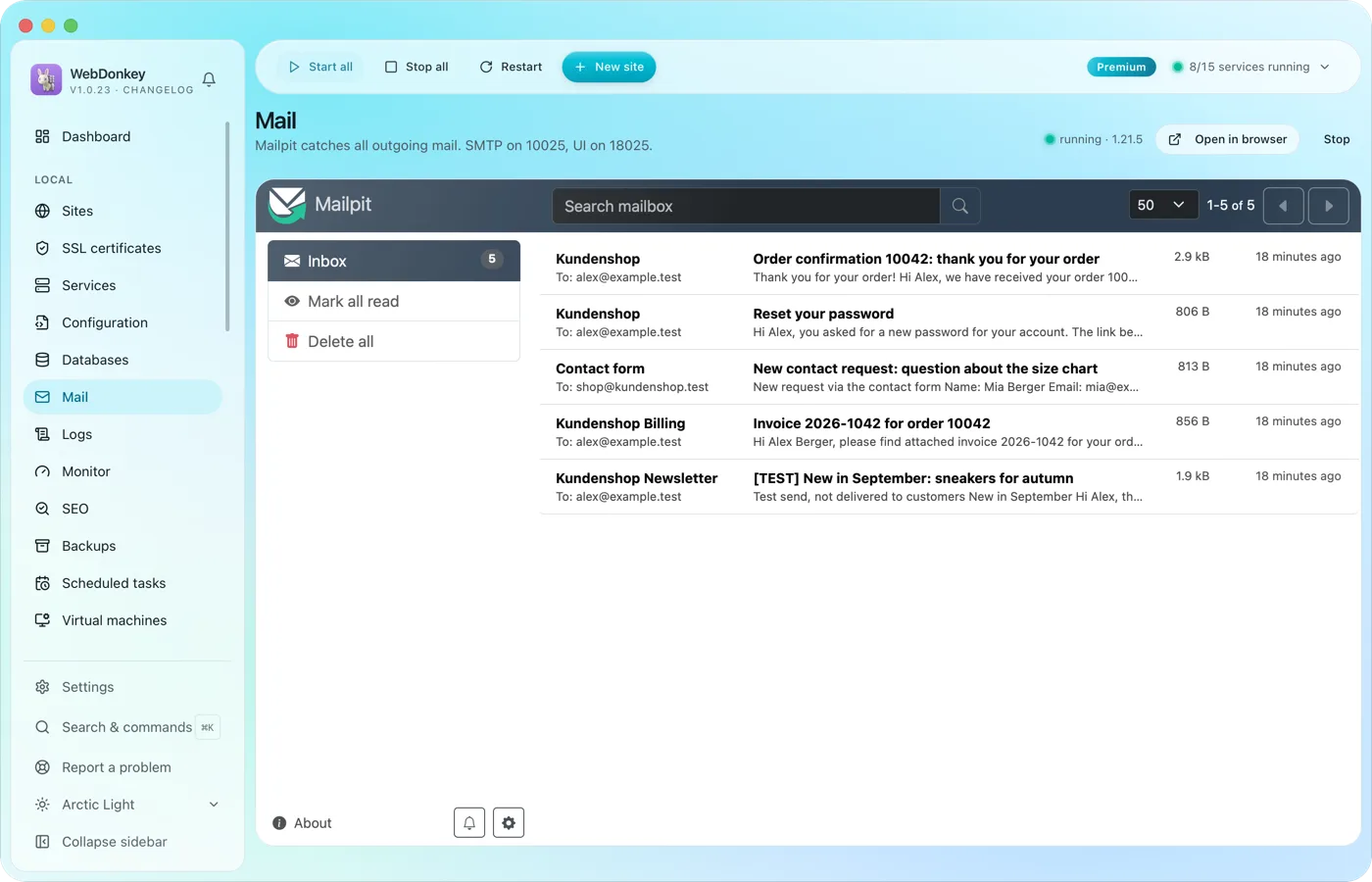 Every mail lands with you, none with the clientMailpit catches everything your projects send. Order confirmations, password links, newsletter tests: all in Mailpit's inbox, with HTML view, source and attachments. With Premium you read it right in WebDonkey, on Free you open it in the browser.
-
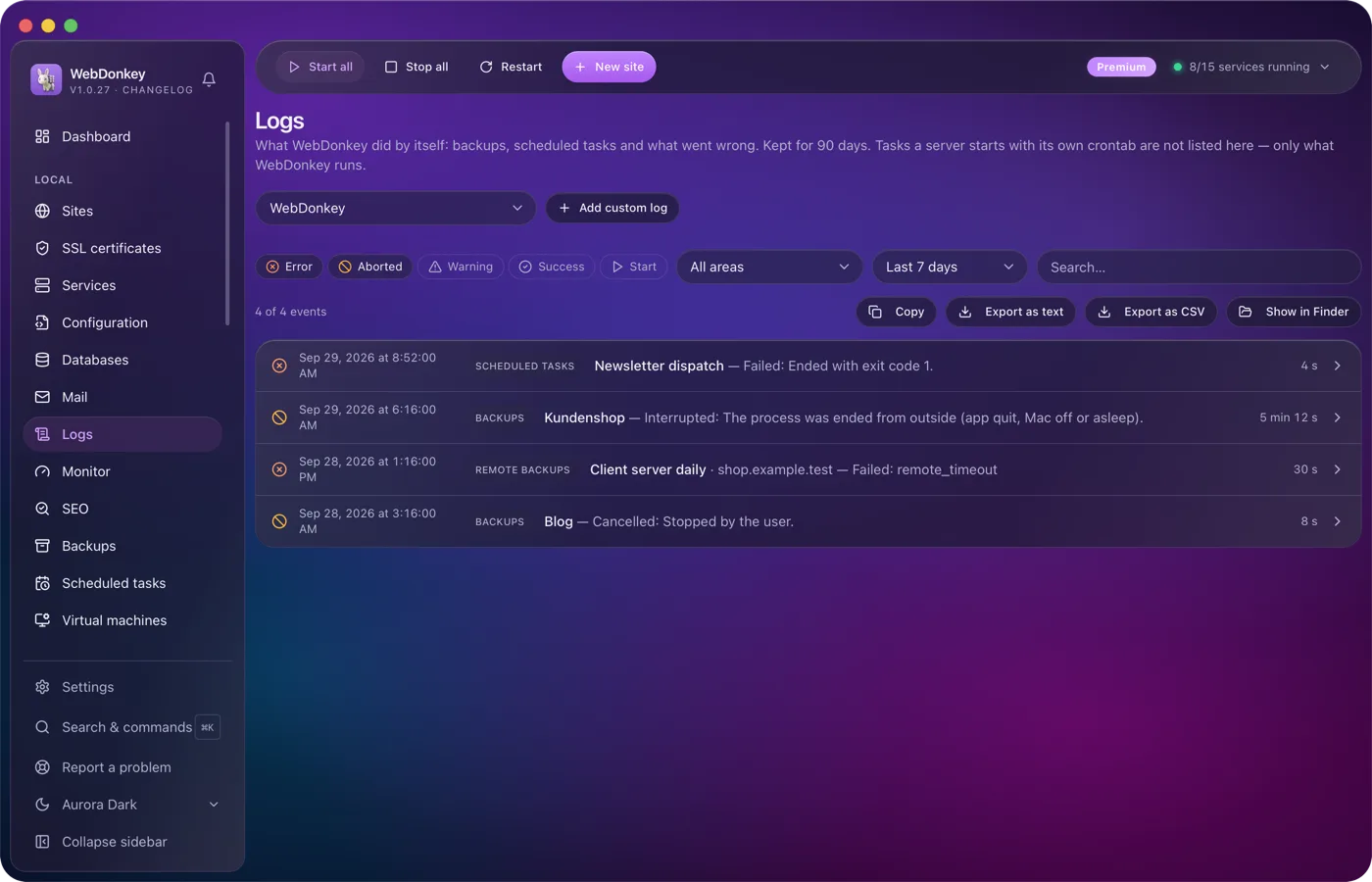
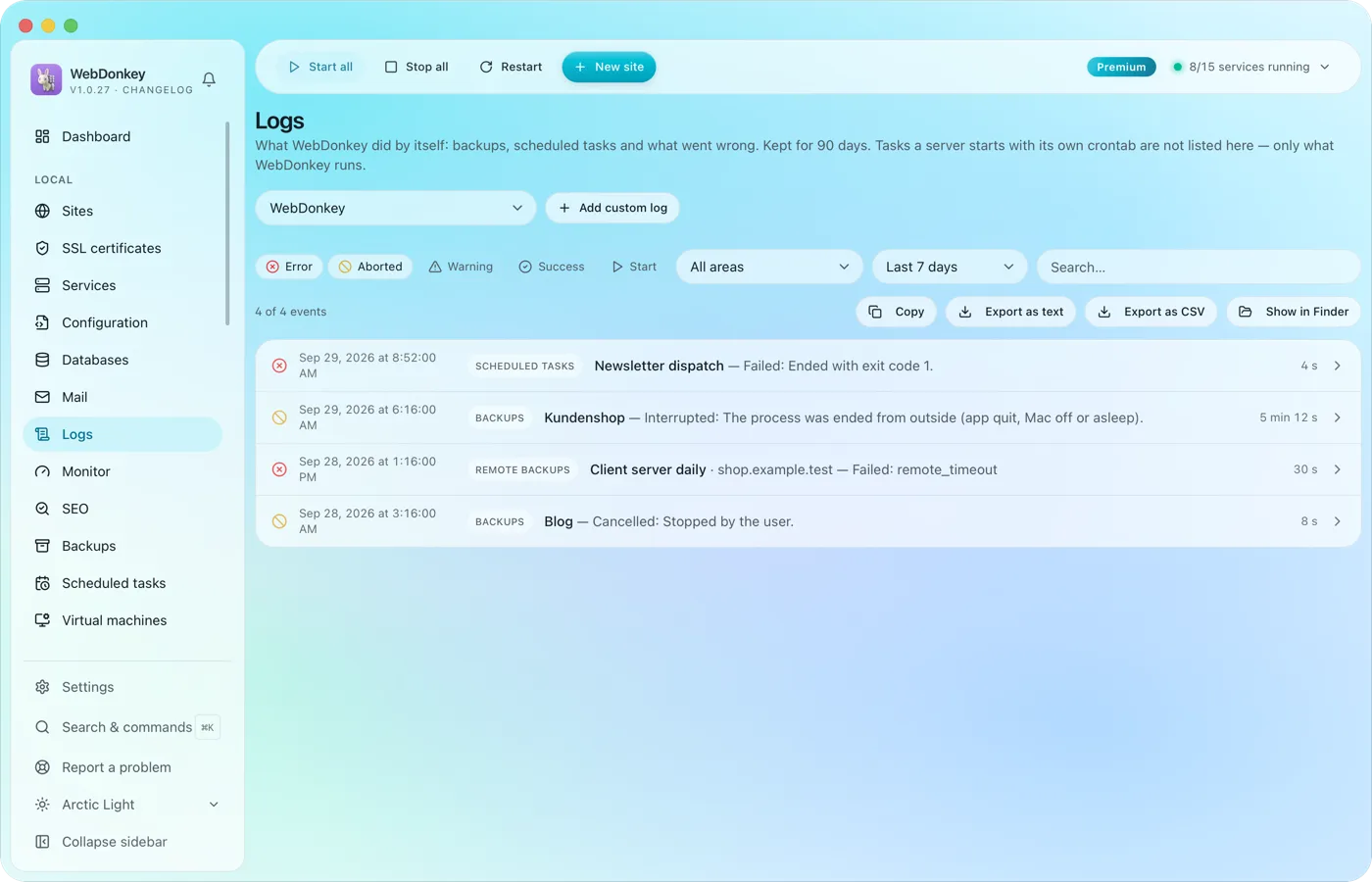 Read logs where they happenService logs from nginx, PHP-FPM, MySQL and the others, live in the app. Plus your own log files, say a project's Laravel log, registered through a file picker and followed live just the same.
-
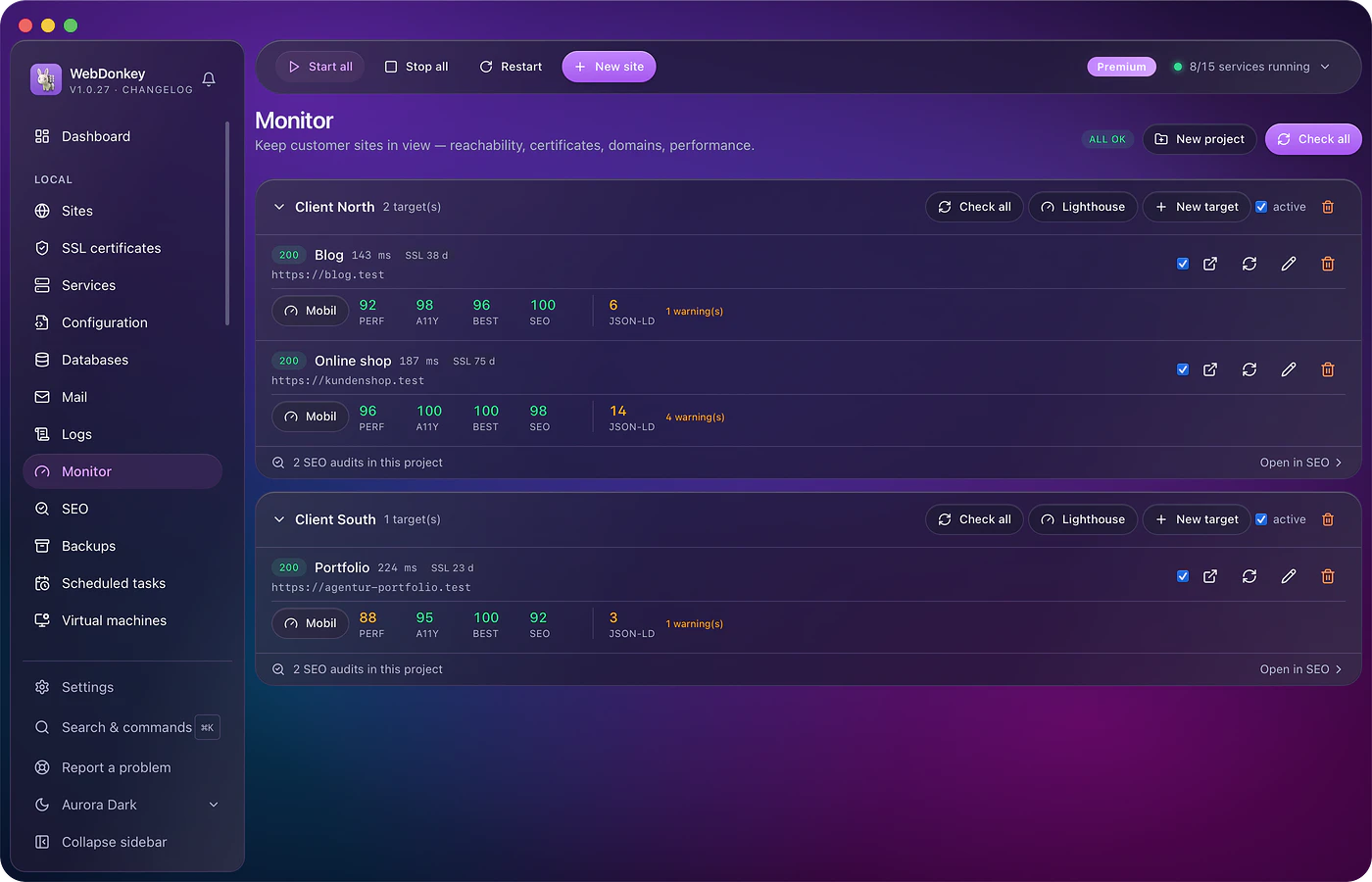
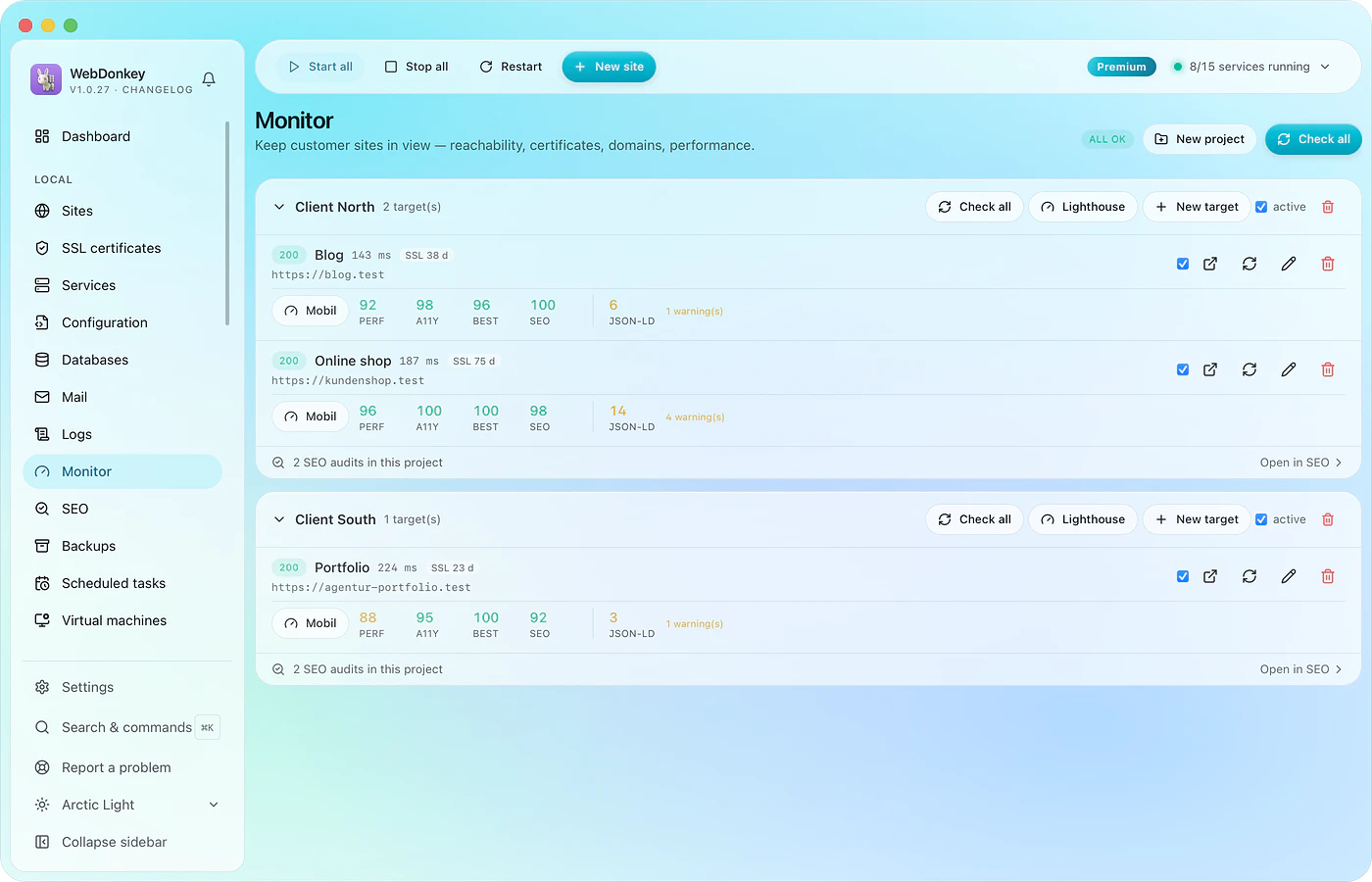 Monitor client sites and catch problems earlyUptime, SSL expiry, domain expiry, response times, structured data and Lighthouse. Everything runs on your Mac and reports in the bell and as a macOS notification.
Try it on your own project.
Free costs nothing and has no time limit. macOS 11 or later, Apple silicon and Intel.
