





HTTPS locally, without warnings
What is it?A certificate proves to the browser that an address is genuine. WebDonkey issues one itself for each of your local sites, so that https:// works without a warning on your Mac too.
WebDonkey has its own root CA and issues a certificate for every site. Trust the CA once and every .test domain is green in the browser.
Free costs nothing and has no time limit. macOS 11 or later, Apple silicon and Intel.
Without WebDonkey
You generate a certificate by hand, wire it into the web server and teach your Mac to trust it. Forget one step and the browser shows a red warning page.
With WebDonkey
WebDonkey has its own root CA. You trust it once, macOS asks for your password or Touch ID, and after that every site with SSL is green in the browser.
What you get out of it
- Set up onceYou set up trust in the root CA once. It applies to every site you create from then on.
- Time left with a traffic lightEvery card shows the time left with a traffic light: yellow from 30 days left, red once the certificate has expired.
- Orphaned certificates markedA certificate without a site is marked as orphaned. If a domain changes, WebDonkey renews by itself.
In detail
Trust the root CA
The WebDonkey root CA issues every site certificate and vouches only for .test, localhost and the domains of your sites. Click Trust now once, macOS asks for your password or Touch ID, and your browser accepts every site with SSL. If you create a site with a domain outside that list, such as client.dev, WebDonkey issues a successor CA and macOS asks once more.
Renew and inspect
Every certificate card shows domains, validity and a traffic light for the time left: yellow with 30 days or fewer to go, red once it has expired. The list separates Active from SSL off, and a certificate without a site is marked Orphaned. Renew issues a fresh certificate; if a site's domain changes, WebDonkey renews by itself.
What does Free include?
Certificates are included in Free. On Free three sites run with HTTPS at a time, with Premium all of them.
Compare Free and PremiumGoes well with this
-
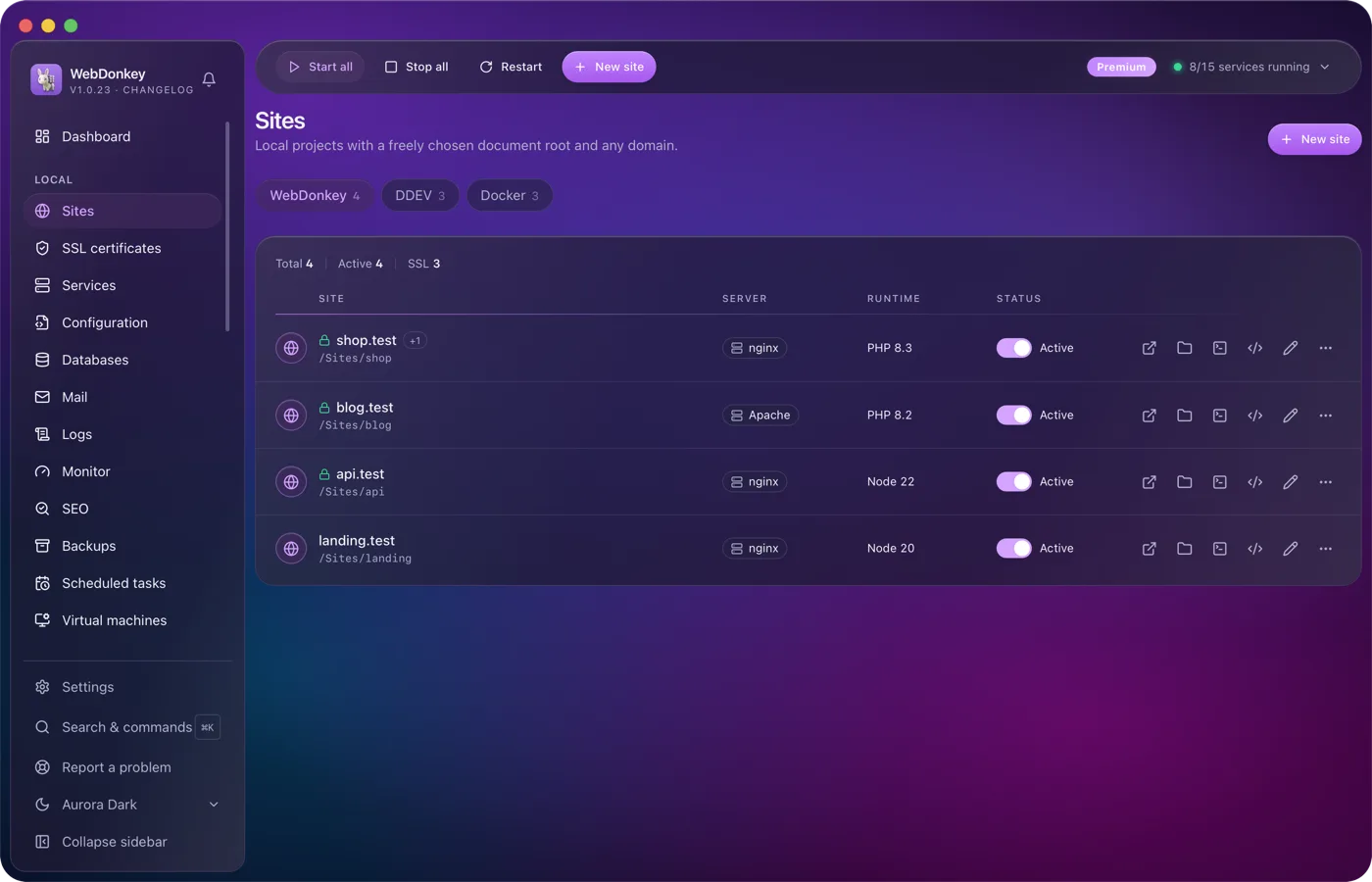
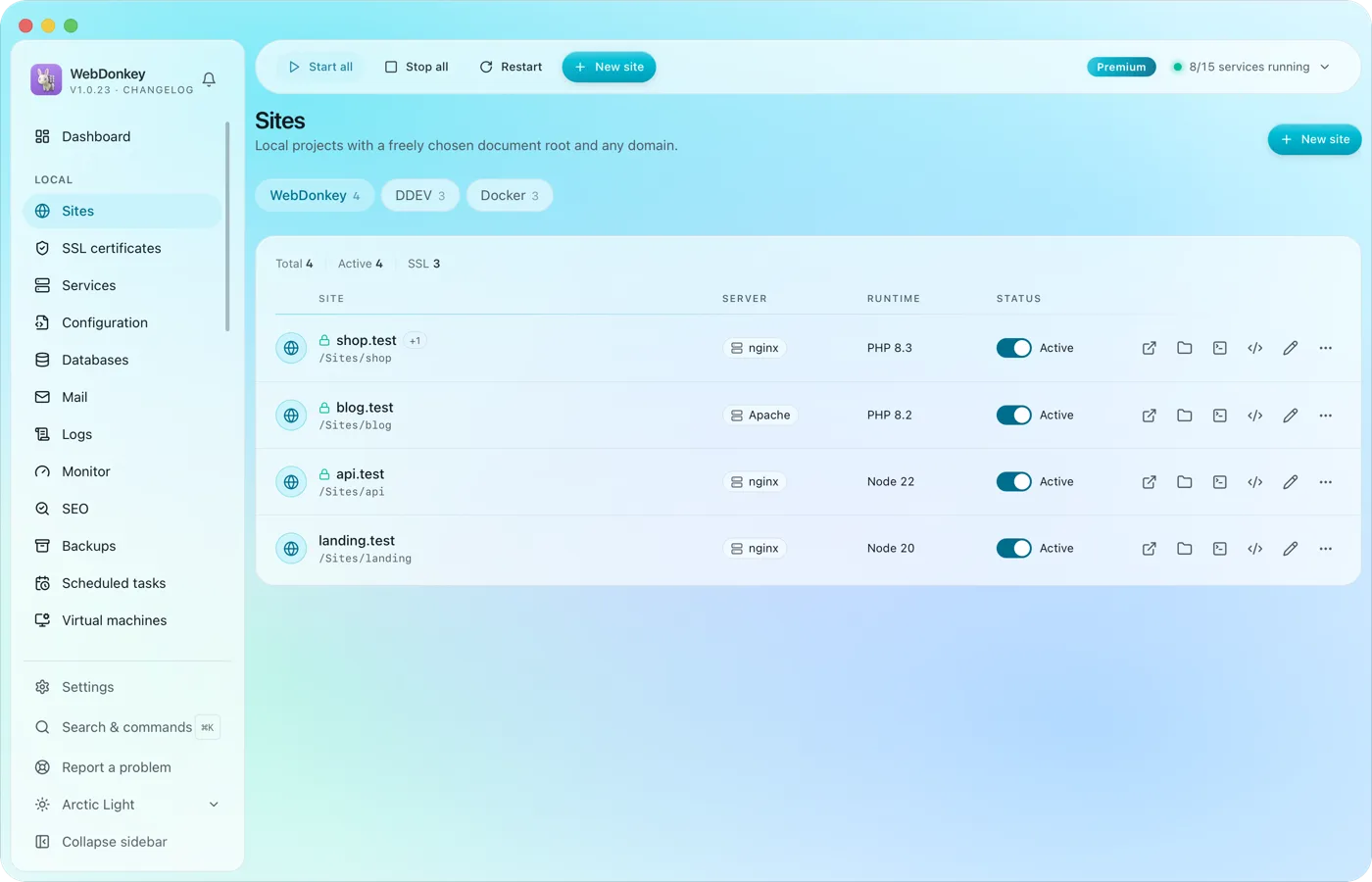 Unlimited local sites, each with its own domainPick a folder, type a domain, choose a PHP or Node version, done. HTTPS and name resolution are set up by WebDonkey itself. DDEV projects and Docker containers sit right next to them.
-
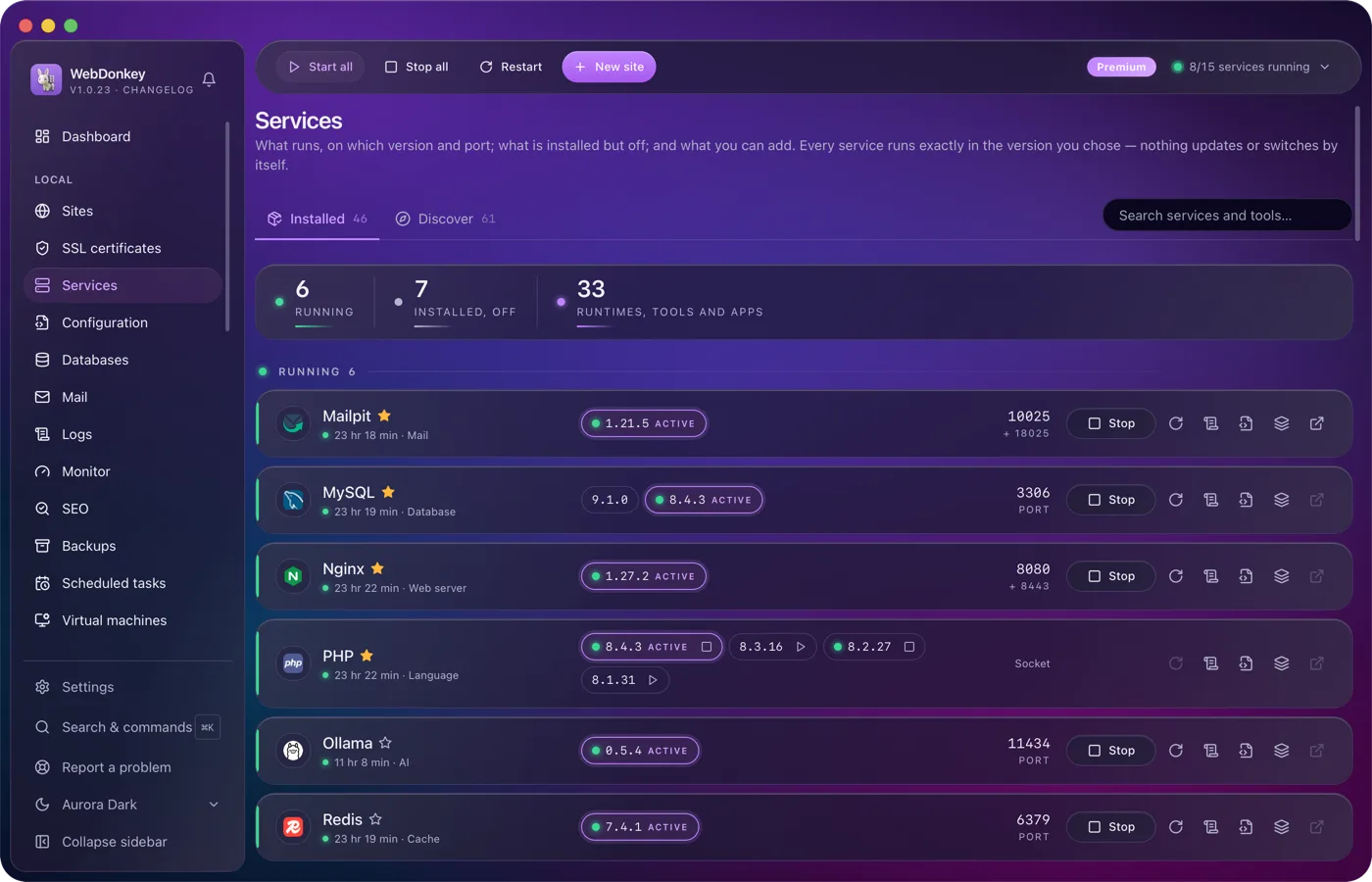
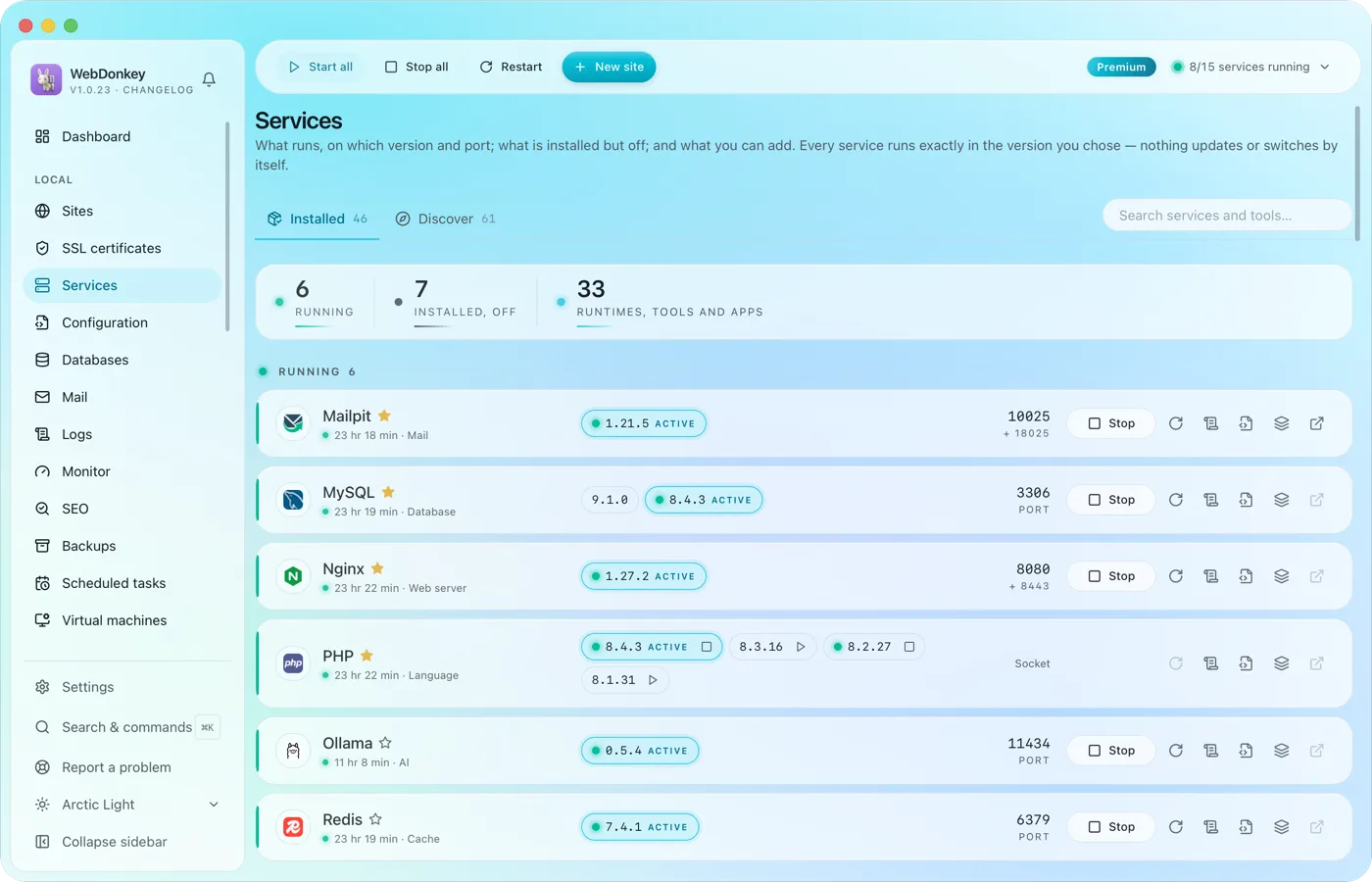 Every service in one placeWeb servers, PHP, Node, databases, cache, mail, search, queue, storage, apps and AI tools. Install, start, stop, switch versions. Services and data live in a folder of their own; for domains, ports and certificates WebDonkey sets up a few system entries with your consent. On top comes a marked block at the end of your ~/.zshrc so your terminal uses the active versions, which you can switch off in the settings.
-
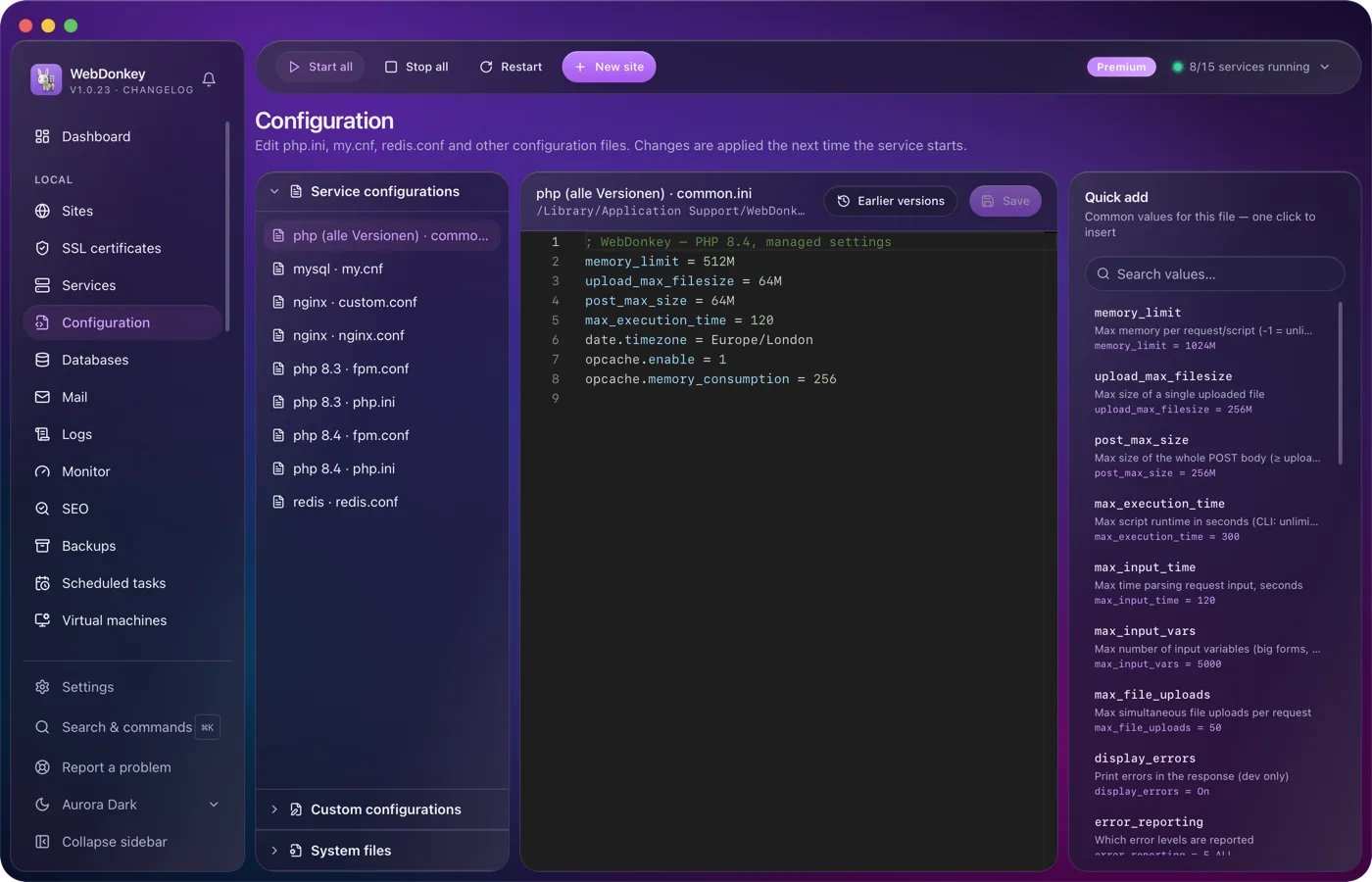
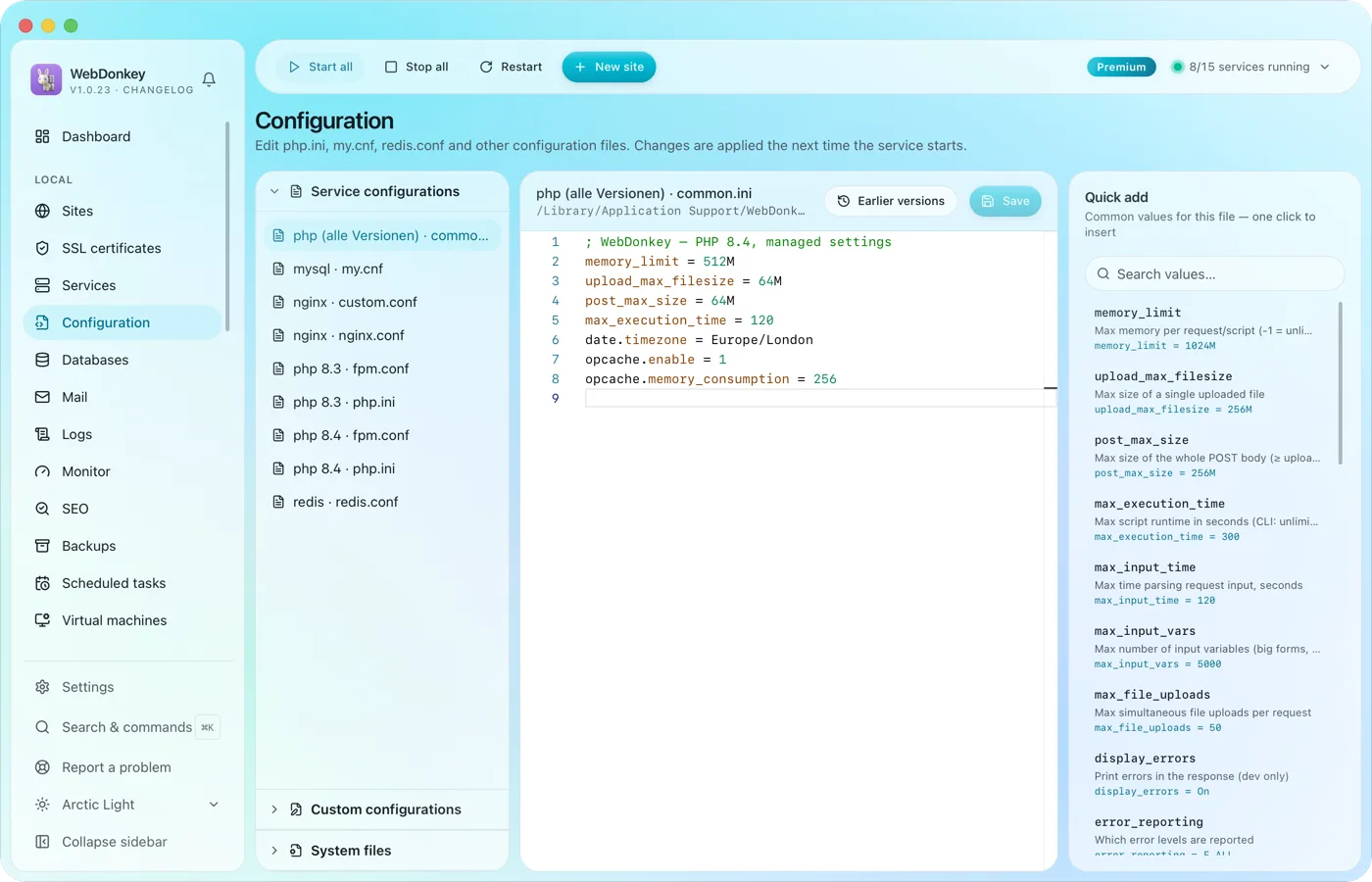 Edit configuration without hunting for filesphp.ini, web server configs, FPM pools, service configs and your system files such as .zshrc or the SSH config. All in an editor with syntax colours and presets to drop in.
-
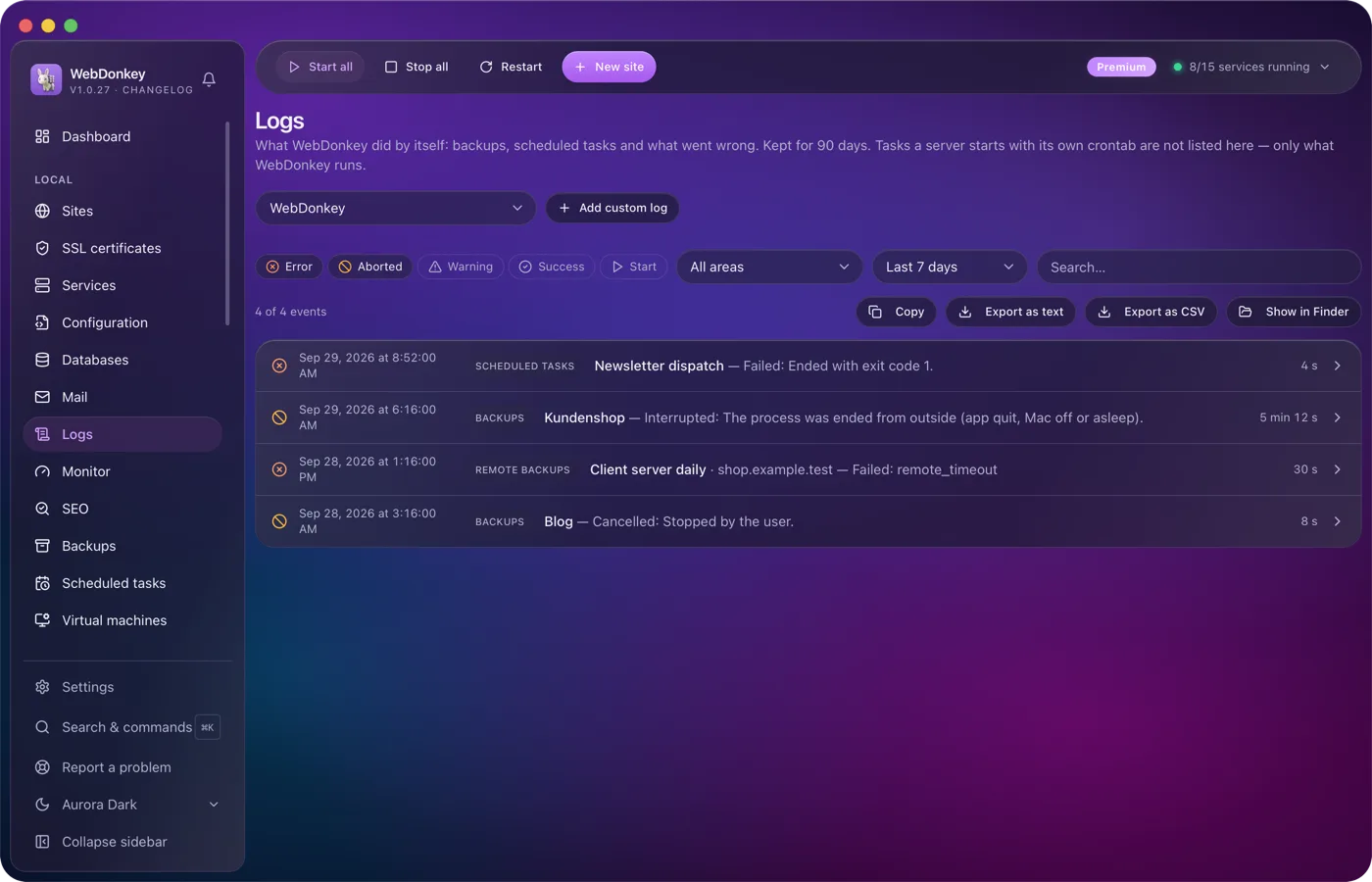
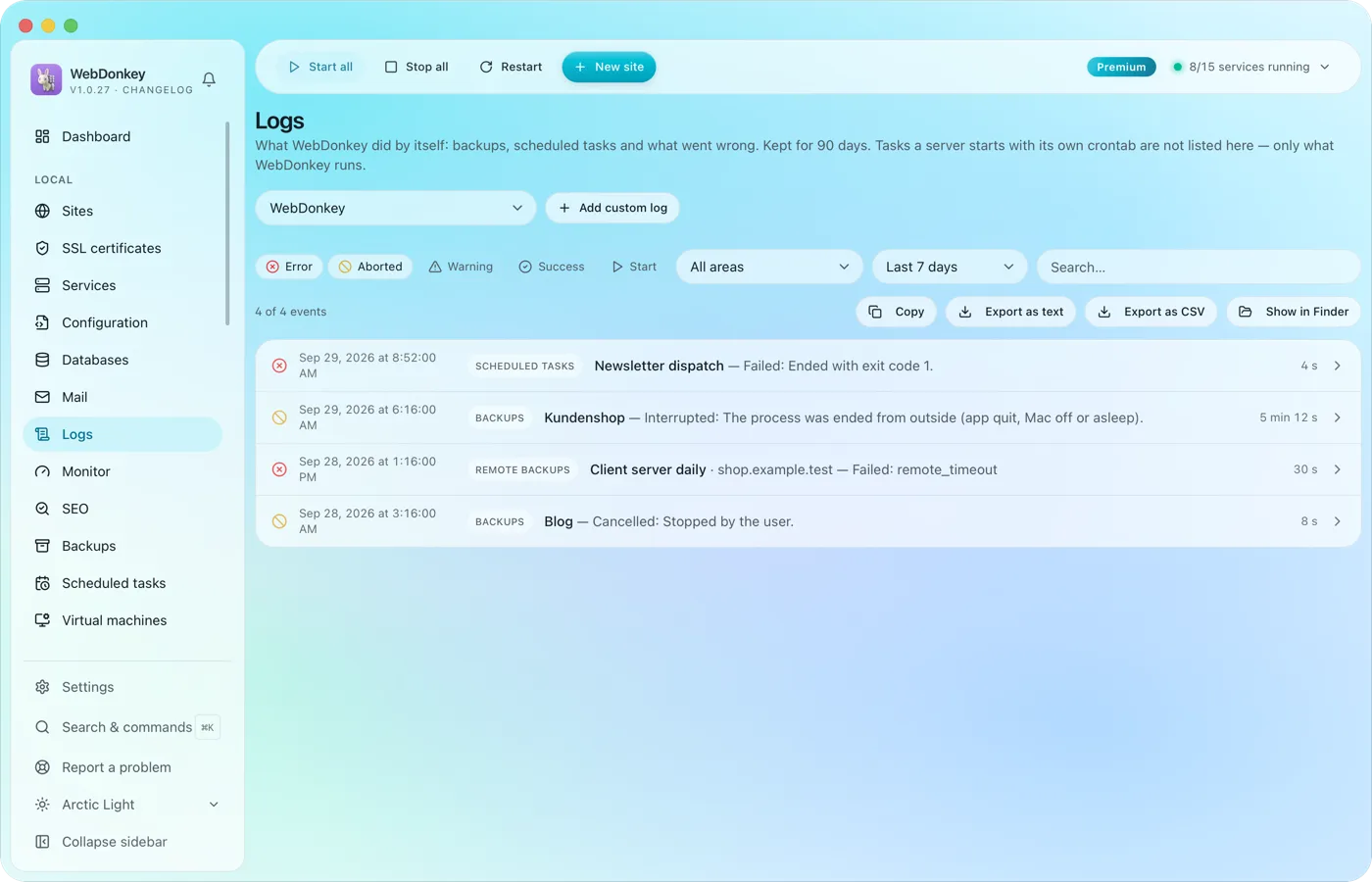 Read logs where they happenService logs from nginx, PHP-FPM, MySQL and the others, live in the app. Plus your own log files, say a project's Laravel log, registered through a file picker and followed live just the same.
Try it on your own project.
Free costs nothing and has no time limit. macOS 11 or later, Apple silicon and Intel.
