





Scheduled tasks with an interface instead of crontab
Run commands on a cron schedule, with working directory, status and last output. The Laravel scheduler, a queue worker, a nightly export. If you like, they run even when the app is closed.
Free costs nothing and has no time limit. macOS 11 or later, Apple silicon and Intel.
What it takes off your plate
Tasks that run by themselves. A scheduler, a queue worker or a nightly export on a schedule, with status and last output instead of a crontab.
In detail
New task
Name, command, working directory and schedule. The command runs through your shell, so pipes, && and environment variables work. Switched off, a task only runs on demand.
The schedule
A standard cron expression with five fields: minute, hour, day, month, weekday. Presets save you the writing, and the expression is checked before you save.
Without the app open
Normally scheduled tasks and backups run inside WebDonkey, and whatever was missed is caught up the next time you open it. If you like, WebDonkey hands the timing to macOS, and the nightly backup runs even with the app closed.
Runs and results
Each task is a card with its schedule, its last result and the captured output: OK in green, otherwise the exit code. Run now, pause and resume work right there.
What does Free include?
This feature comes in Free and in Premium. Where Free ends is set out in the details and in the comparison.
Compare Free and PremiumGoes well with this
-
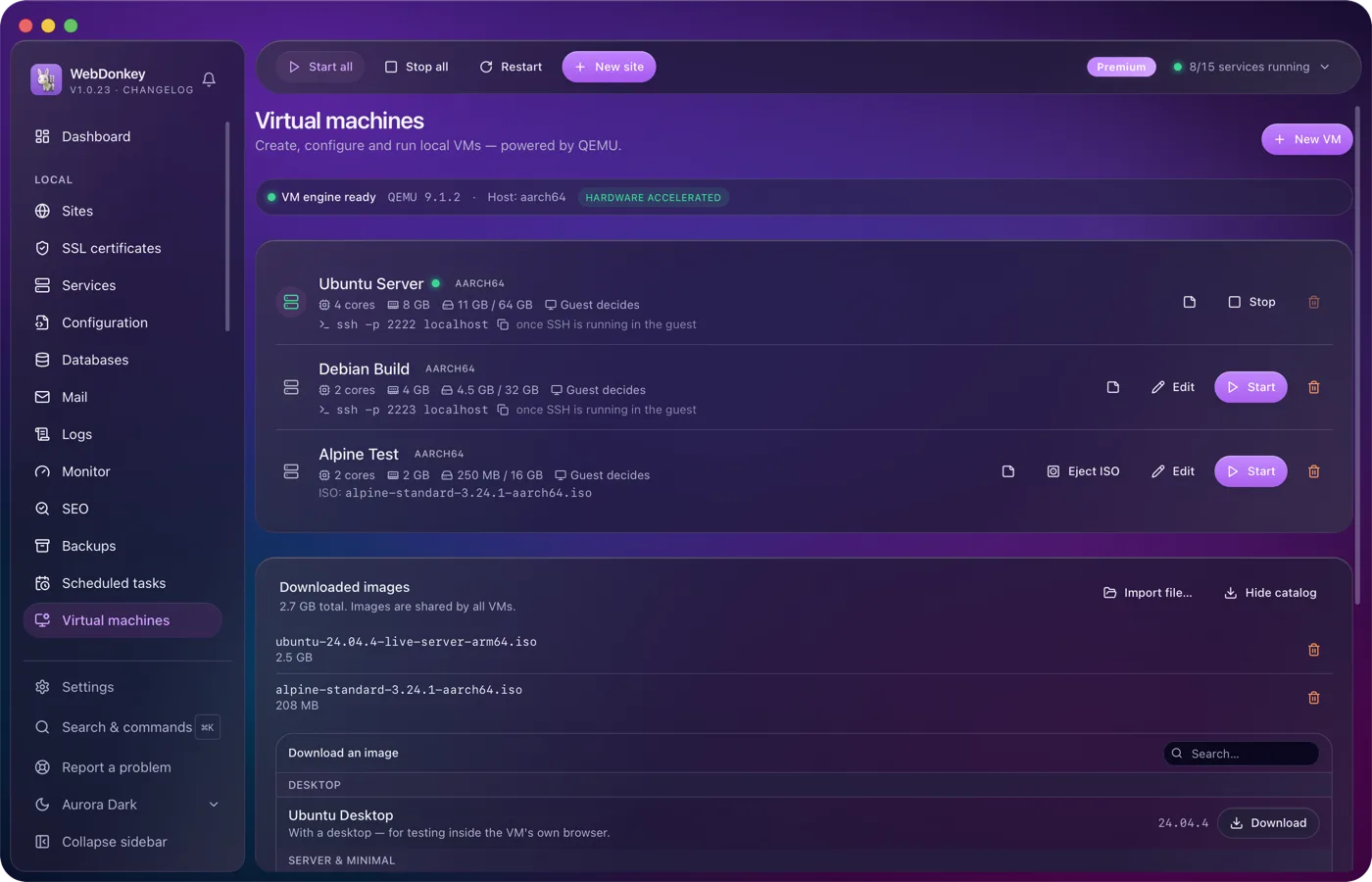
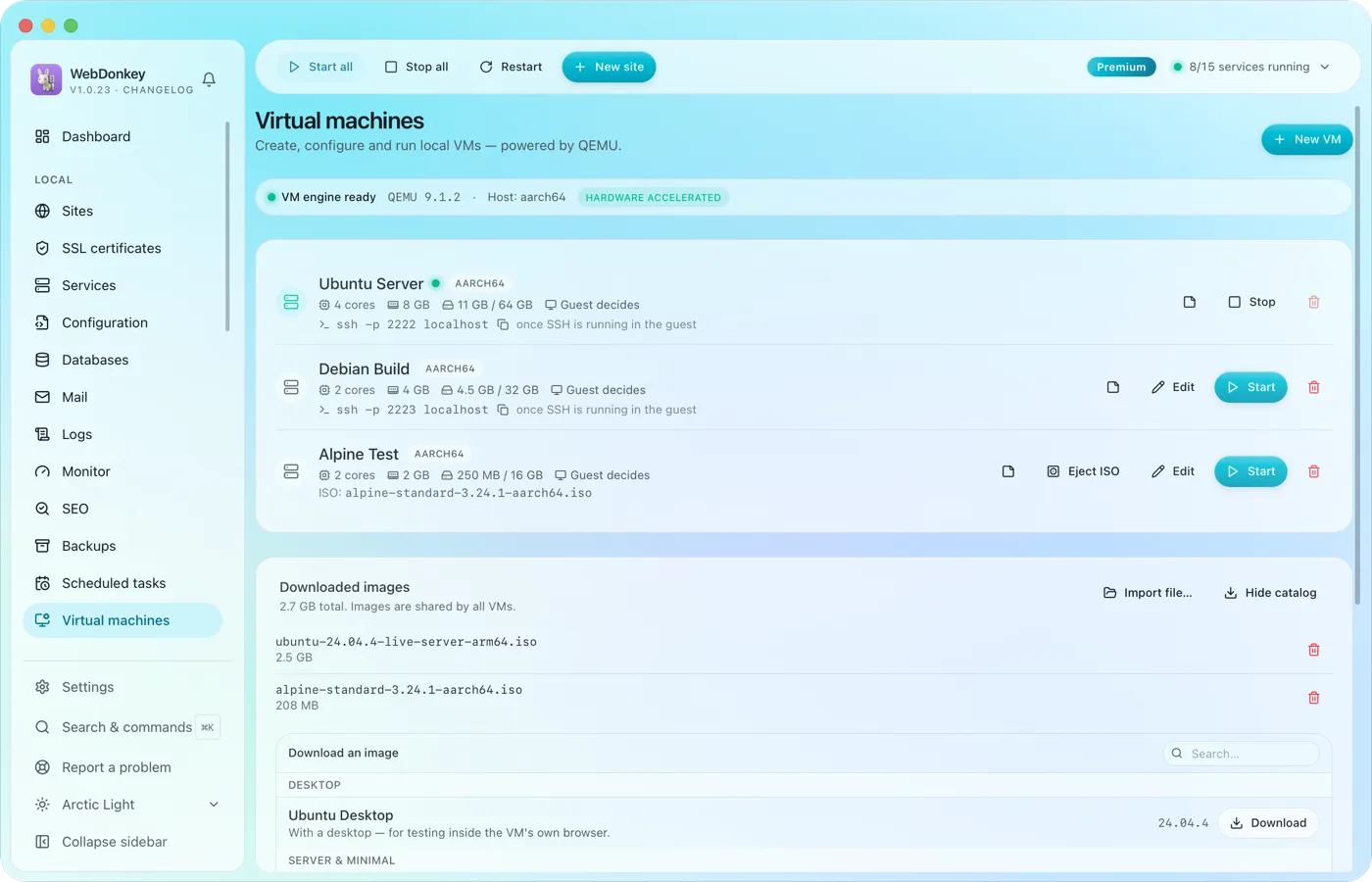 Test whole systems without a setup marathonVirtual machines with QEMU, right in the app. Load an image from the catalogue, enter RAM, cores and disk, start. Ubuntu, Debian, Alpine, Fedora and Rocky are included.
-
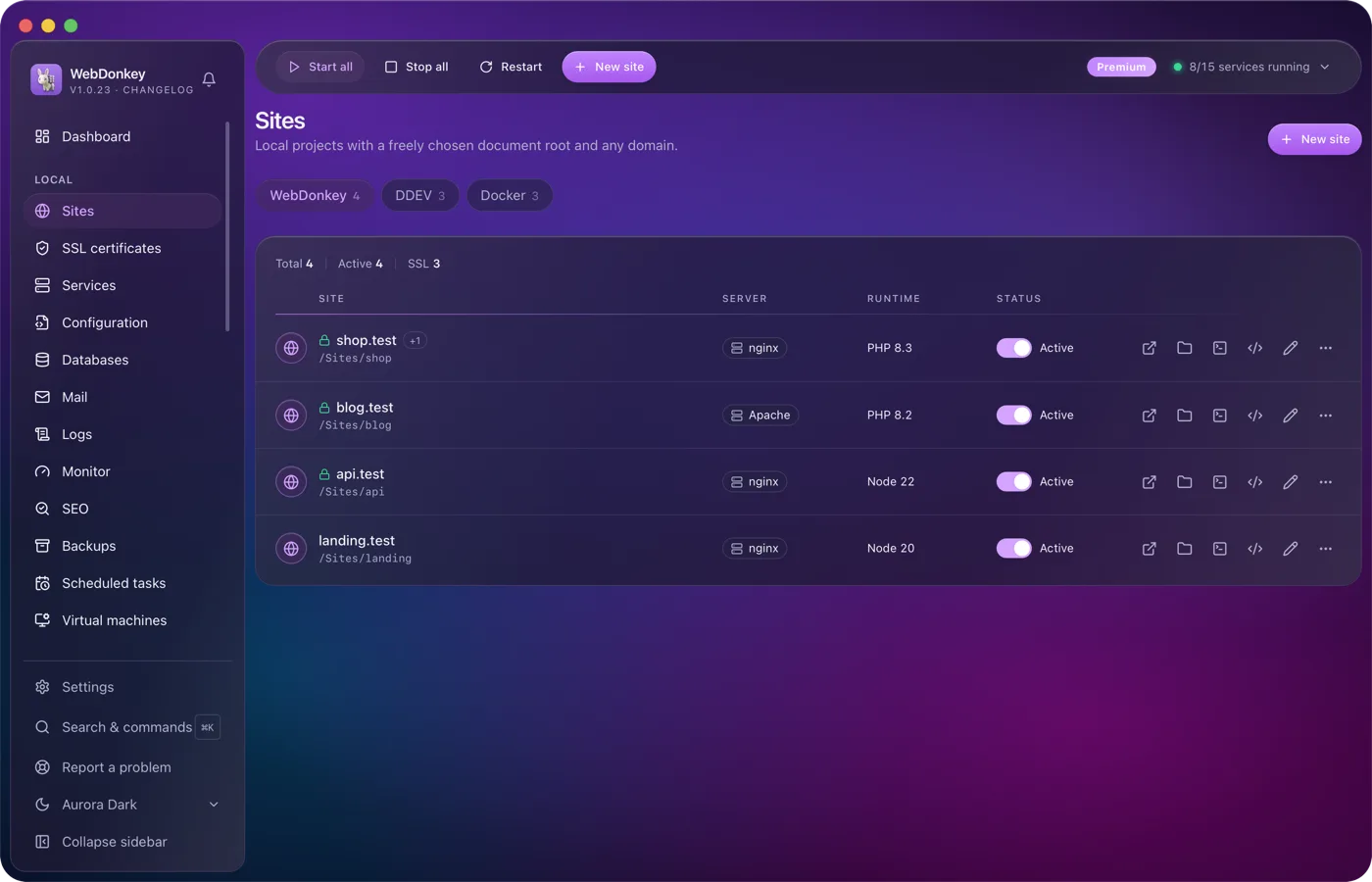
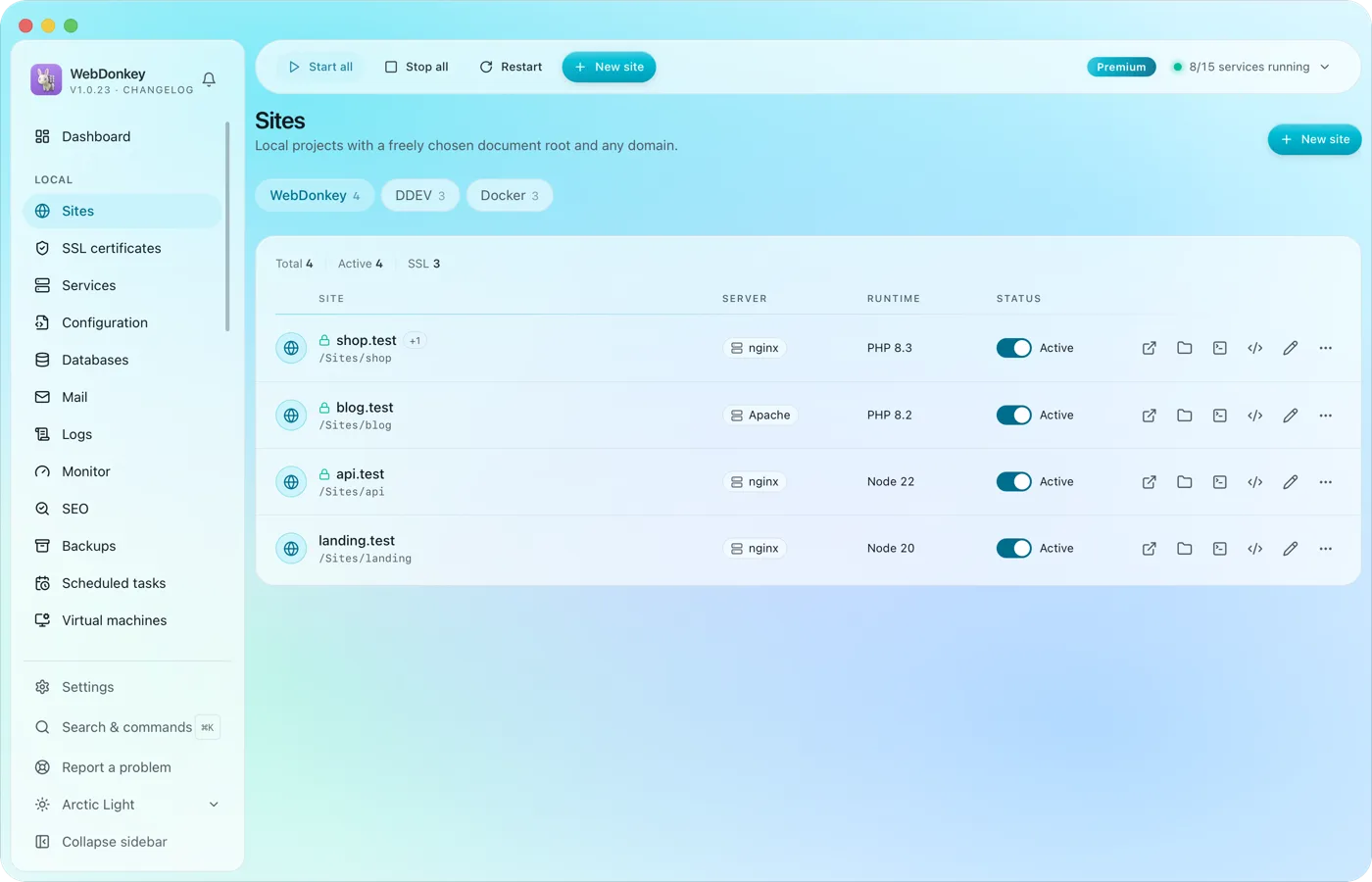 Unlimited local sites, each with its own domainPick a folder, type a domain, choose a PHP or Node version, done. HTTPS and name resolution are set up by WebDonkey itself. DDEV projects and Docker containers sit right next to them.
-
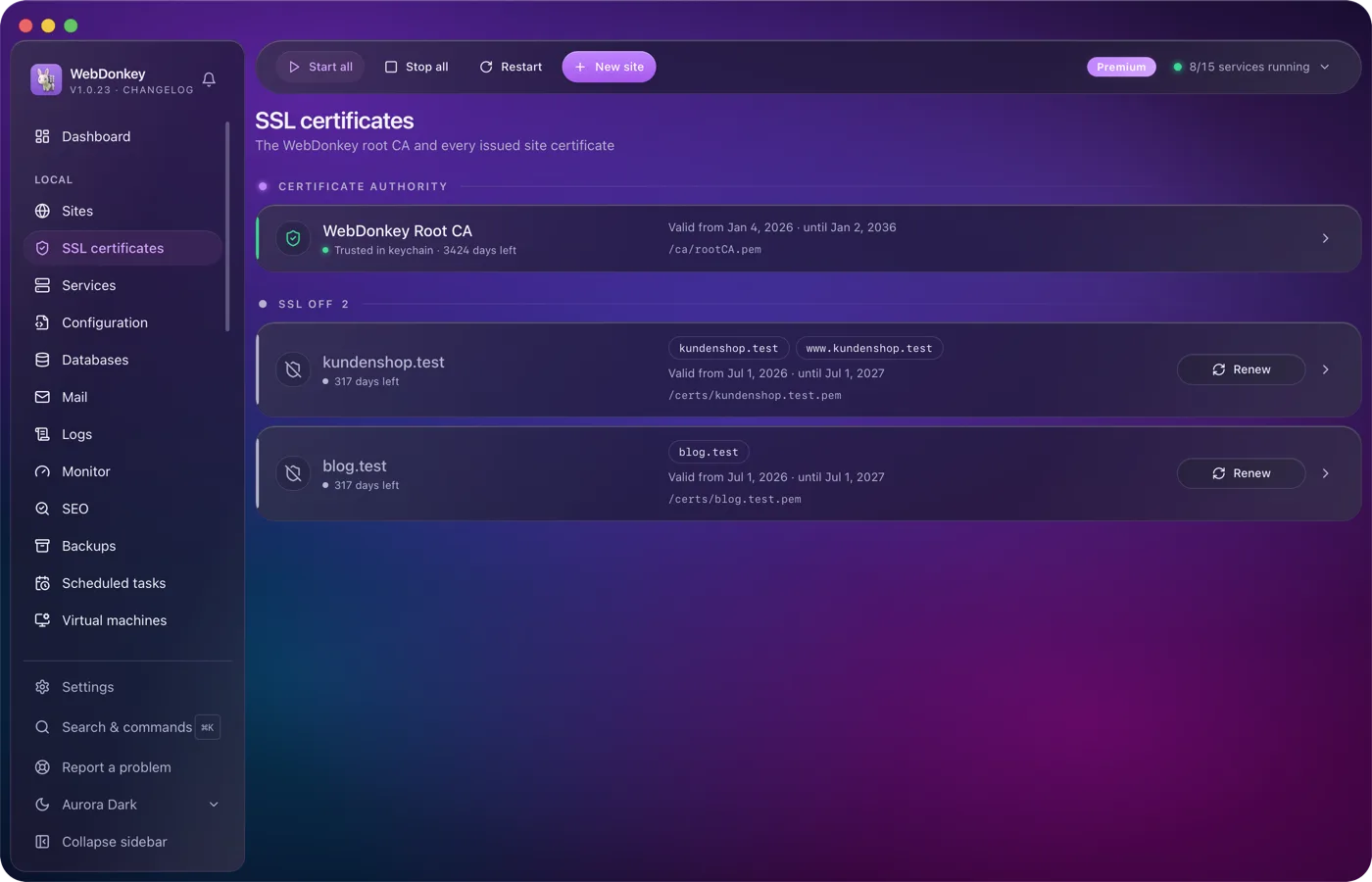
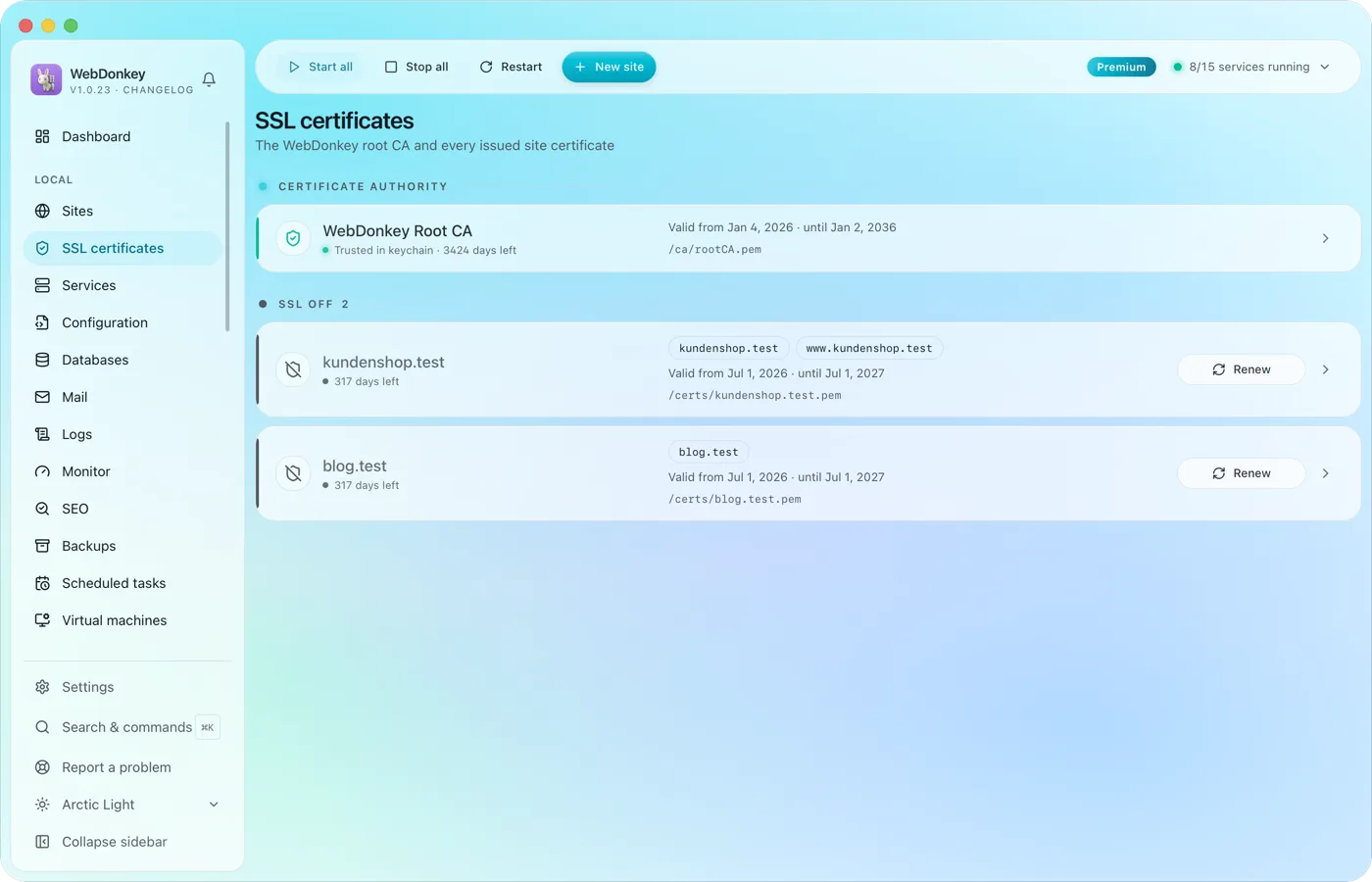 HTTPS locally, without warningsWebDonkey has its own root CA and issues a certificate for every site. Trust the CA once and every .test domain is green in the browser.
-
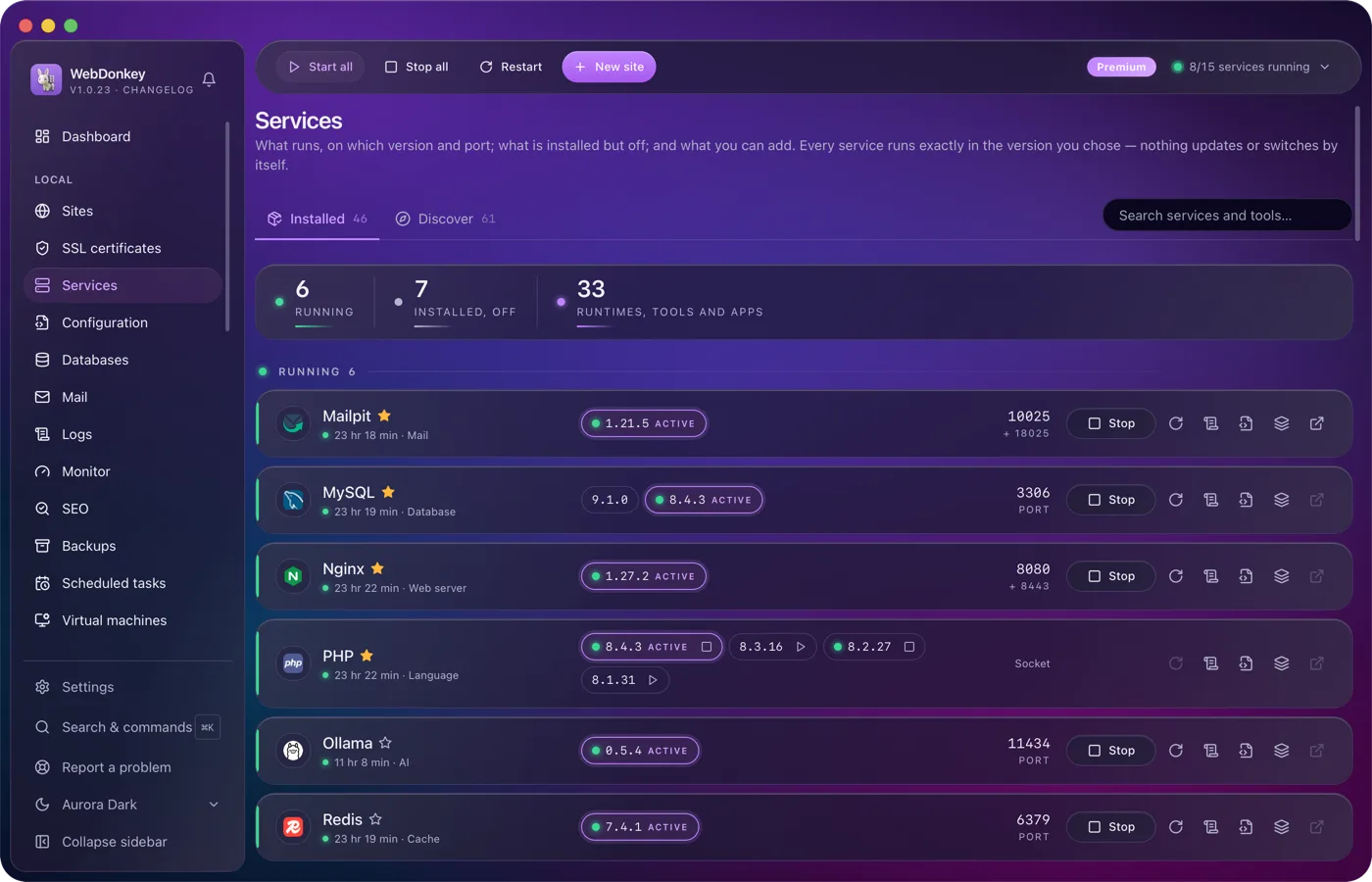
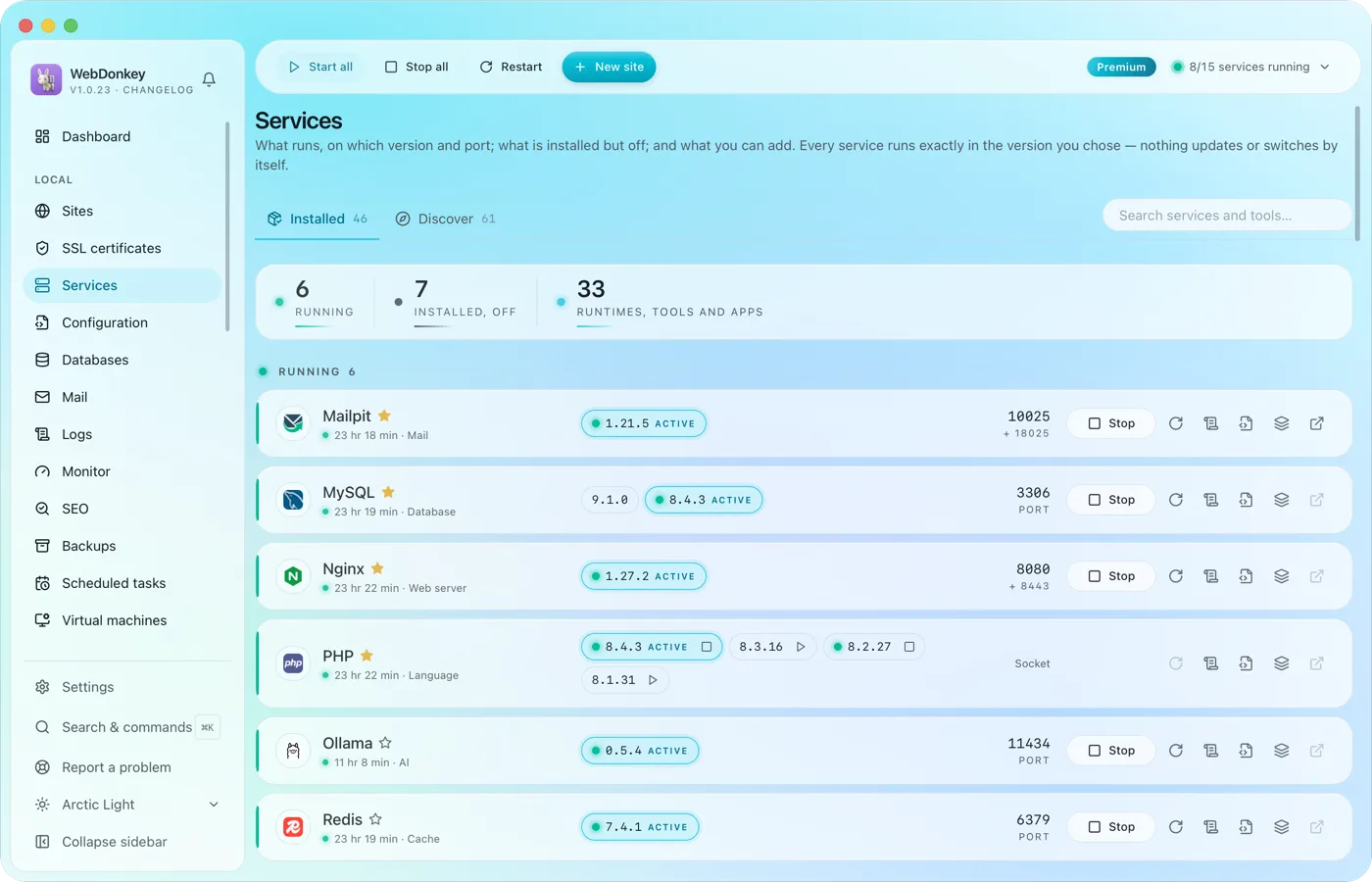 Every service in one placeWeb servers, PHP, Node, databases, cache, mail, search, queue, storage, apps and AI tools. Install, start, stop, switch versions. Services and data live in a folder of their own; for domains, ports and certificates WebDonkey sets up a few system entries with your consent. On top comes a marked block at the end of your ~/.zshrc so your terminal uses the active versions, which you can switch off in the settings.
Try it on your own project.
Free costs nothing and has no time limit. macOS 11 or later, Apple silicon and Intel.
