





A dashboard you assemble yourself
The state of your setup at a glance: running services, your sites, caught mail, subscriptions due, your backup sets. Which tiles go where is up to you, by drag and drop.
Free costs nothing and has no time limit. macOS 11 or later, Apple silicon and Intel.
What it takes off your plate
See at a glance that everything runs. Services, sites, caught mail and backups on a dashboard you arrange yourself. Many tiles also exist as macOS widgets.
In detail
Widgets
Status, services, sites, quick actions, monitor, subscriptions, scheduled tasks, DDEV & Docker, toolbox, databases, certificates, project backups, notes, mail inbox, updates, PHP version, SSH hosts, sandbox, SFTP / SSH, remote backups, remote cron jobs, remote logs, workflows, Claude, AI and virtual machines. Almost every widget has an arrow to its page, and many can be filtered: only certain sites, only problems in the monitor, only your favourite tools. Widgets of pages you hide in the sidebar go with them.
Customize mode
Click Customize, then drag the tiles to where you want them. The grid has three fixed columns so nothing reshuffles when you resize the window. Six sizes per tile, a catalogue to add from, Full board lays out a wide selection at once, and Reset brings back the default.
macOS widgets
22 tiles also come as real macOS widgets for the desktop and Notification Centre, among them service status, problems, my sites, monitor and subscriptions. Quick actions starts and stops all services and restarts the front proxy, PHP version switches the active CLI version. A tap on a widget opens the matching page in the app. The widgets only get data when WebDonkey has Full Disk Access; Settings › System shows whether it is missing.
What does Free include?
This feature is fully included in Free. No licence and no time limit.
Compare Free and PremiumGoes well with this
-
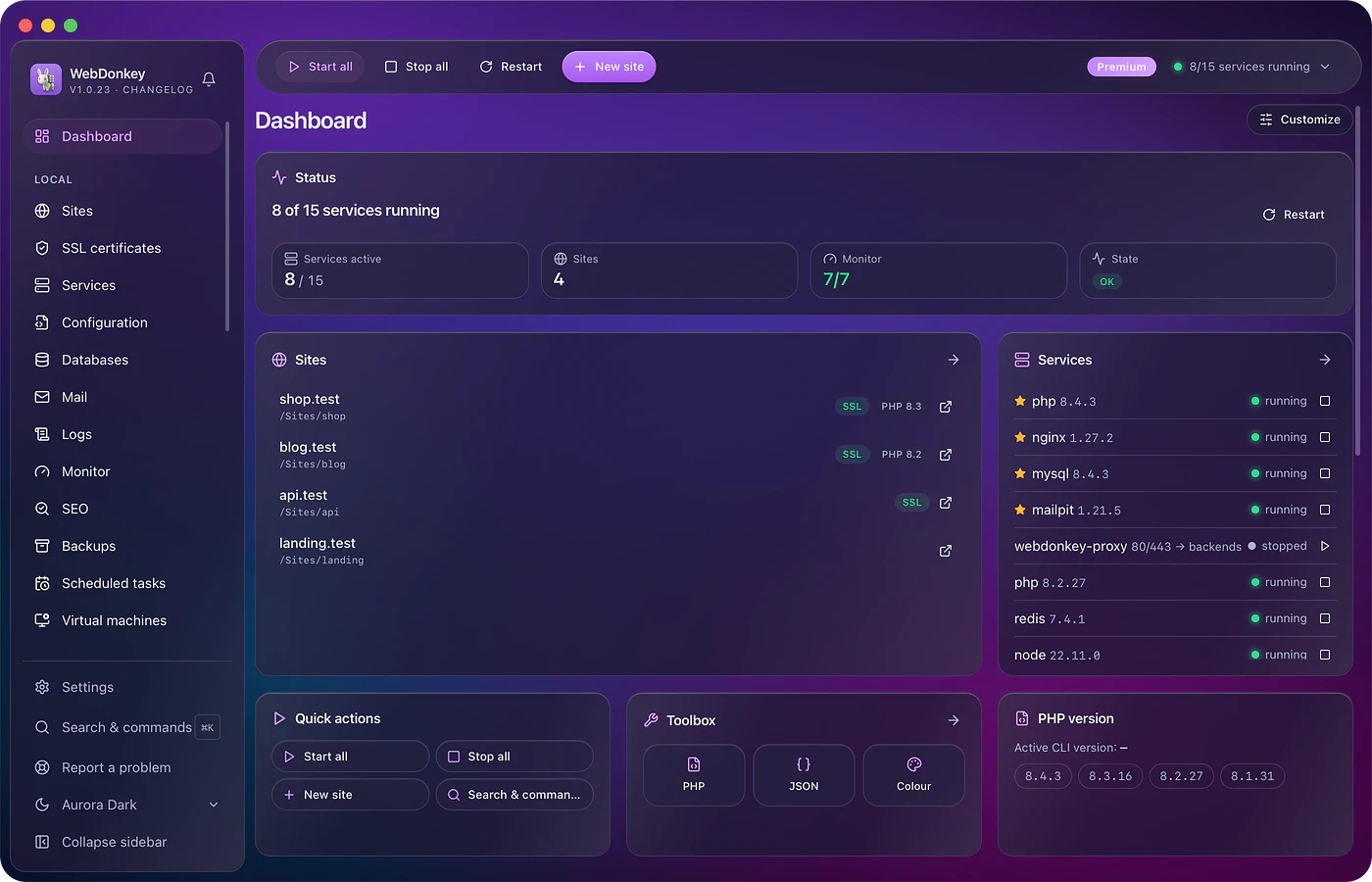
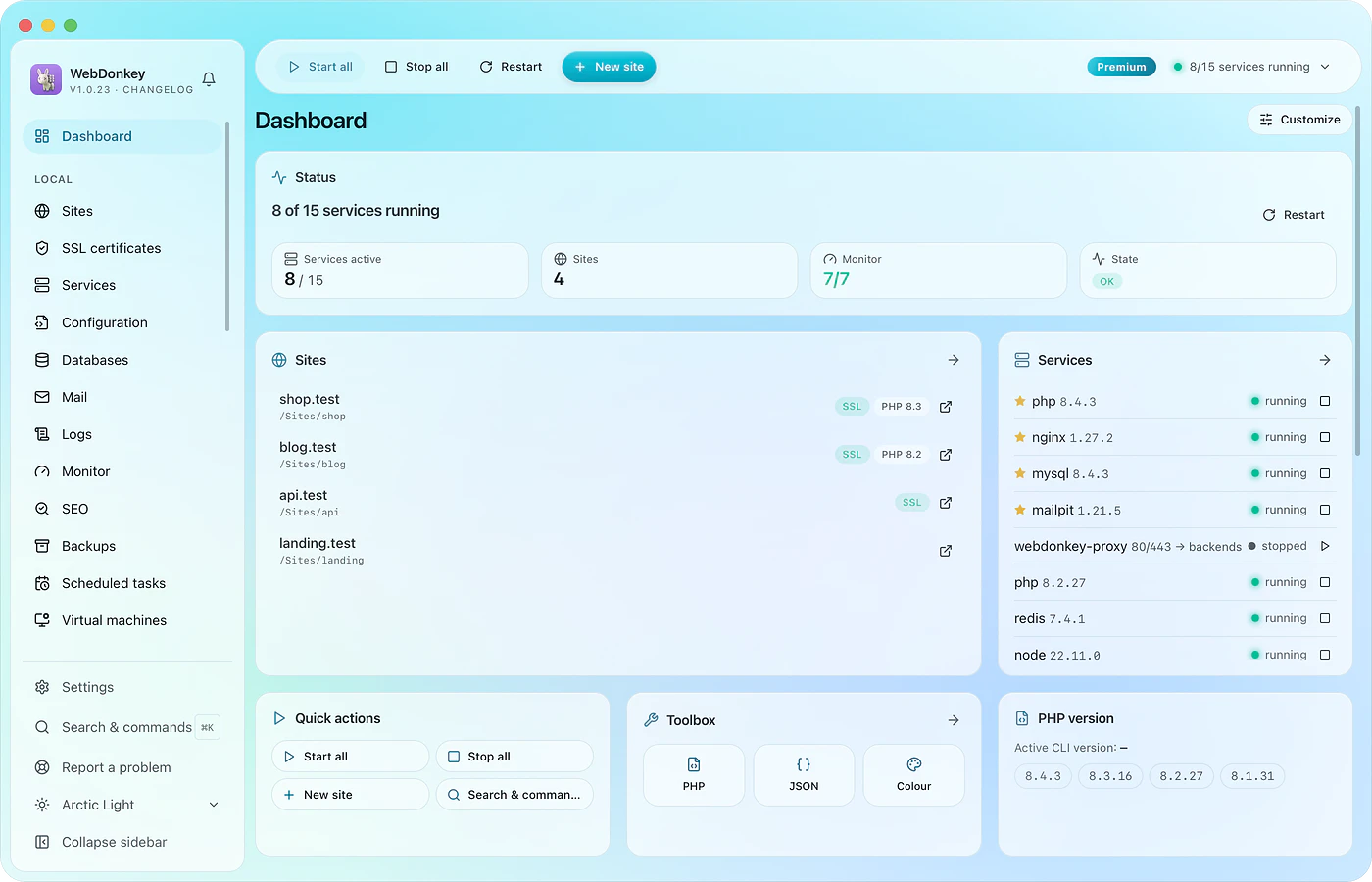 An interface that stays out of your wayThe sidebar on the left holds everything the app can do. The top bar holds what you need all the time. And ⌘K opens a search that takes you anywhere in two keystrokes.
-
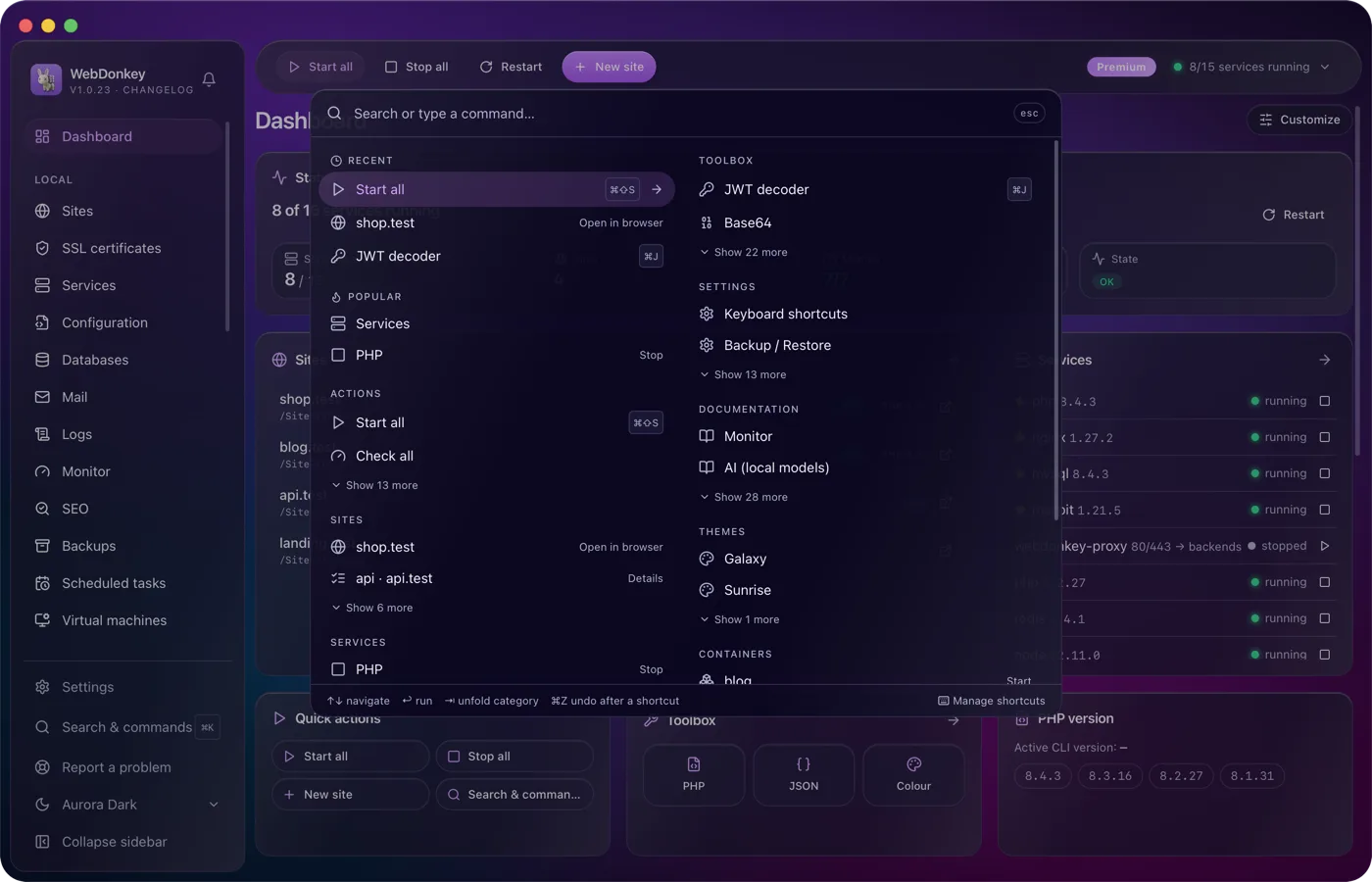
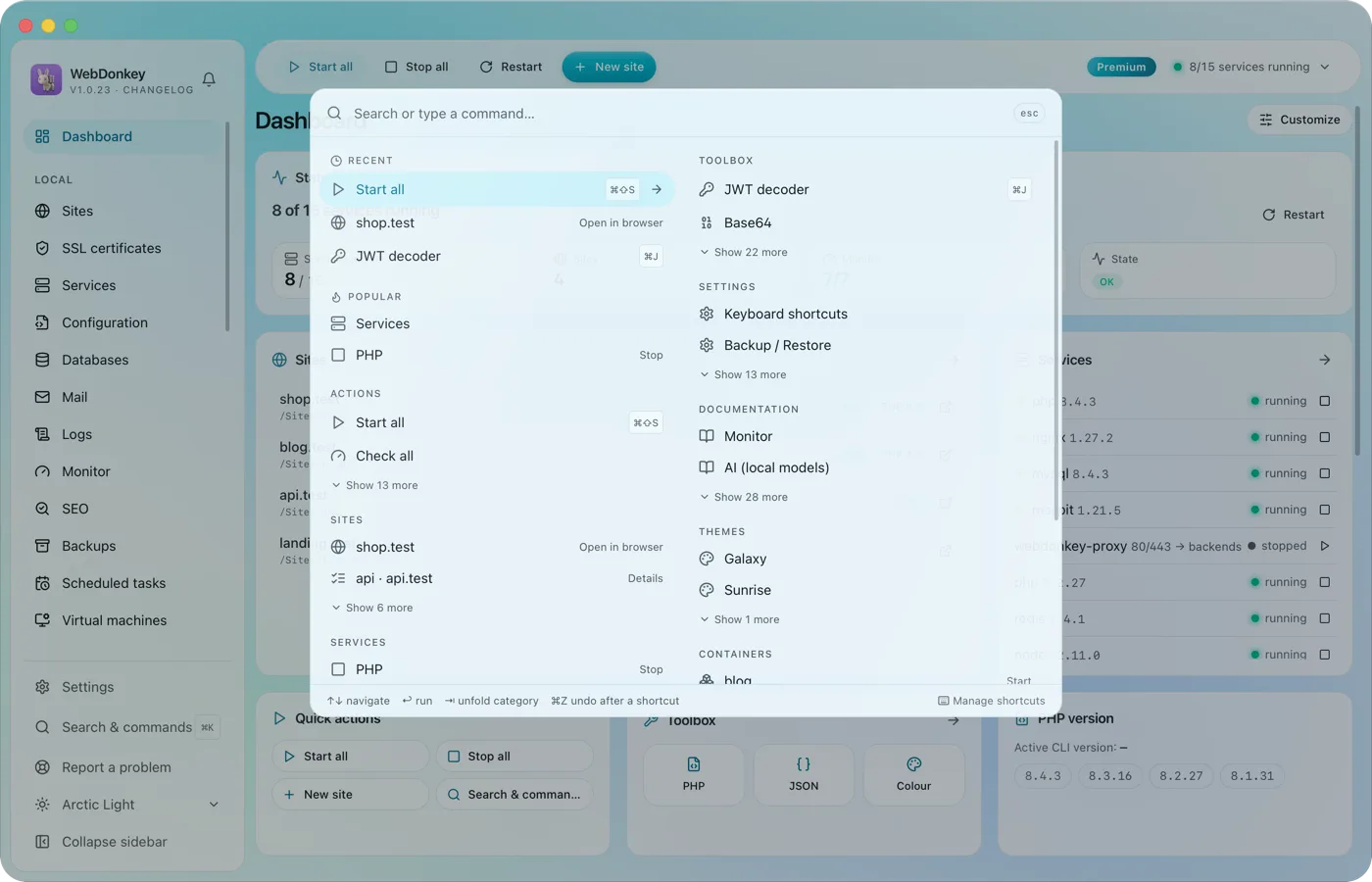 Search and shortcuts: your things, one keystroke away⌘K finds everything. Pages, sites, services, actions, tools, settings, docs, themes. The search learns what you use most, and any action can get a shortcut of its own. That is how you switch between your things without taking your hands off the keyboard.
Try it on your own project.
Free costs nothing and has no time limit. macOS 11 or later, Apple silicon and Intel.
