





Edit client servers like local files
What is it?The remote window connects to your servers over SSH and SFTP, with the same connections as WebDonkey. You open server files right in the Editor.
The remote window connects to your servers over SSH and SFTP, with the same connections as WebDonkey. You open server files directly; saving goes to a working copy and uploading happens on command, after the editor has checked whether the file changed on the server in the meantime.
Free costs nothing and has no time limit. macOS 11 or later, Apple silicon and Intel.
Without WebDonkey
Open the FTP program, download the file, edit, upload. Whether someone changed the file on the server in the meantime, you never find out.
With WebDonkey
Saving goes to a working copy and uploading happens on command, after the Editor has checked whether the file changed on the server in the meantime. Mappings map project folders to server folders: compare, upload, download or mirror.
What you get out of it
- Red means productionA red colour mark on the connection, and every tab and terminal of that server gets a red edge.
- Transfers only on commandTransfers only run on command, files are replaced atomically, and the Editor warns before large deletions. Deleting always asks.
- Terminal, Git and Claude thereA terminal over SSH in the folder you picked, Git status and pull on the server, and with Claude installed you start it in the server folder.
In detail
Connections
Name, host, port, user, sign-in by password, key file or an SSH agent such as 1Password or Secretive, start folder and colour mark, imported from ~/.ssh/config if you like. If a server's key changes, the editor asks before trusting it.
Server files
Open, create, rename, duplicate, set permissions, download, bring into the project and compare with the local version. Deleting always asks, because a server has no Trash; the home folder and / are never deleted.
Transfers
Upload with a button, with ⌥⇧⌘X or by dragging from the project tree. Every transfer shows its progress and can be cancelled; clear finished ones from the list.
Mappings & Sync
Map a folder of your project to a folder on the server, then compare, upload, download or mirror. Nothing is transferred by itself, files are replaced atomically, and the editor warns before large deletions. If you want, every ⌘S uploads right away.
Terminal, Git and Claude on the server
A terminal over SSH in the folder you picked. With git installed on the server you get status, pull, diff --stat and log there; with Claude installed you start it in the server folder.
Backups, cron jobs and logs
WebDonkey's pages for remote backups, scheduled tasks (server) and server logs run as tabs in the editor, with the same safeguards. Scheduling stays with WebDonkey; the editor itself schedules nothing.
Website maintenanceFree & Premium
WebDonkey's website maintenance runs as a tab in the editor, opened from the menu in the Remote window or the command palette, as long as WebDonkey is connected. Fetching locally needs Premium or the maintenance package; the pre-check is free for everyone. It first looks at whether the connection, PHP, the project folder, the database login and the space on server and Mac are fine, and under Advanced you set the database access yourself and test it. A fetched copy opens straight as a project in the editor. Everything else there comes with the maintenance package; scheduling stays with WebDonkey.
What does Free include?
Remote is part of Premium. Editor Premium also works with a key of its own, without WebDonkey.
Compare Free and PremiumGoes well with this
-
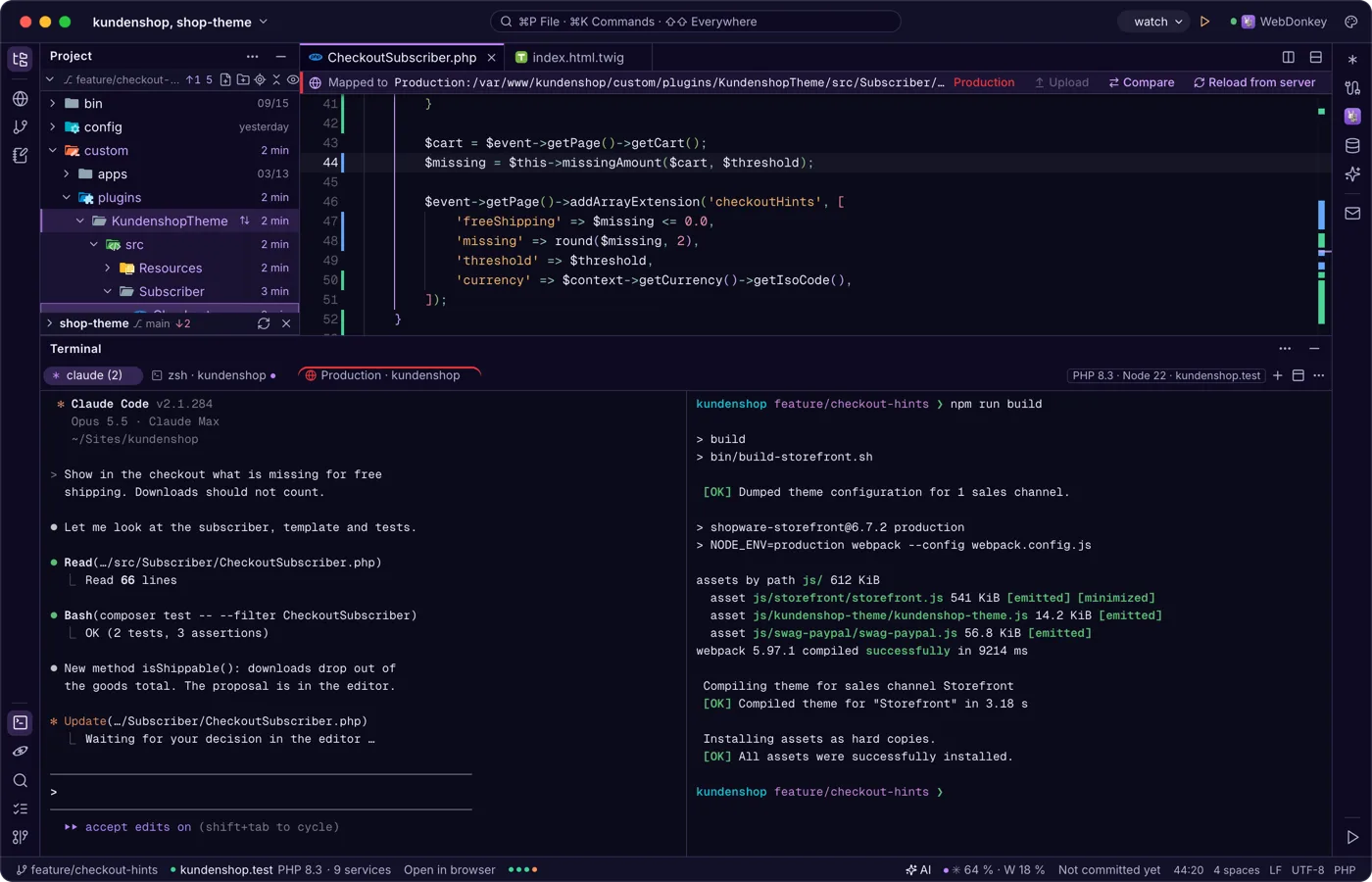
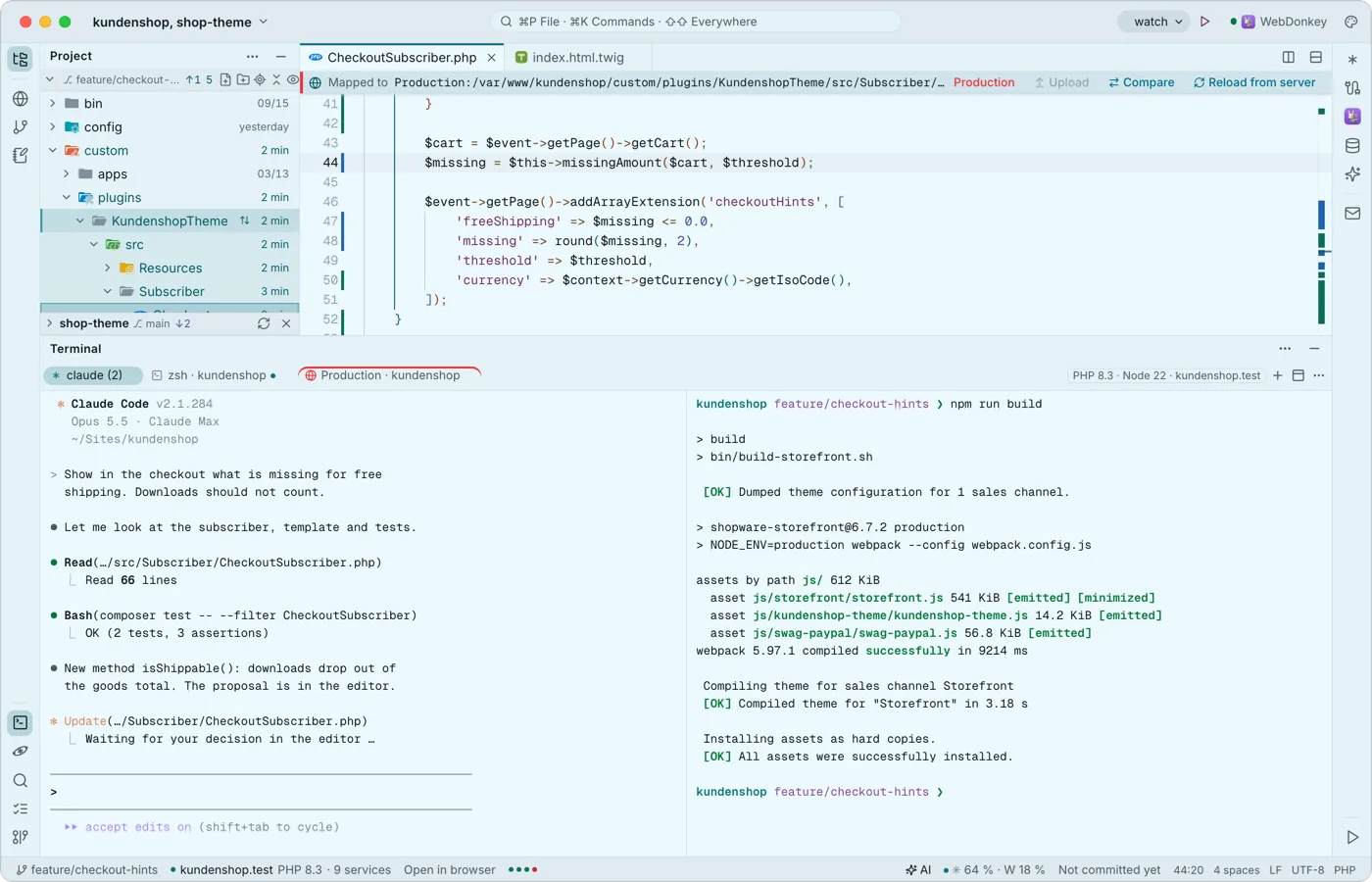 A terminal built for Claude CodeYour shells run at the bottom in tabs and splits, with Premium also over SSH on a server. Every key belongs to the program, ⇧↩ is Claude's newline, and when a program calls for you, the tab gets a dot and you a notification.
-
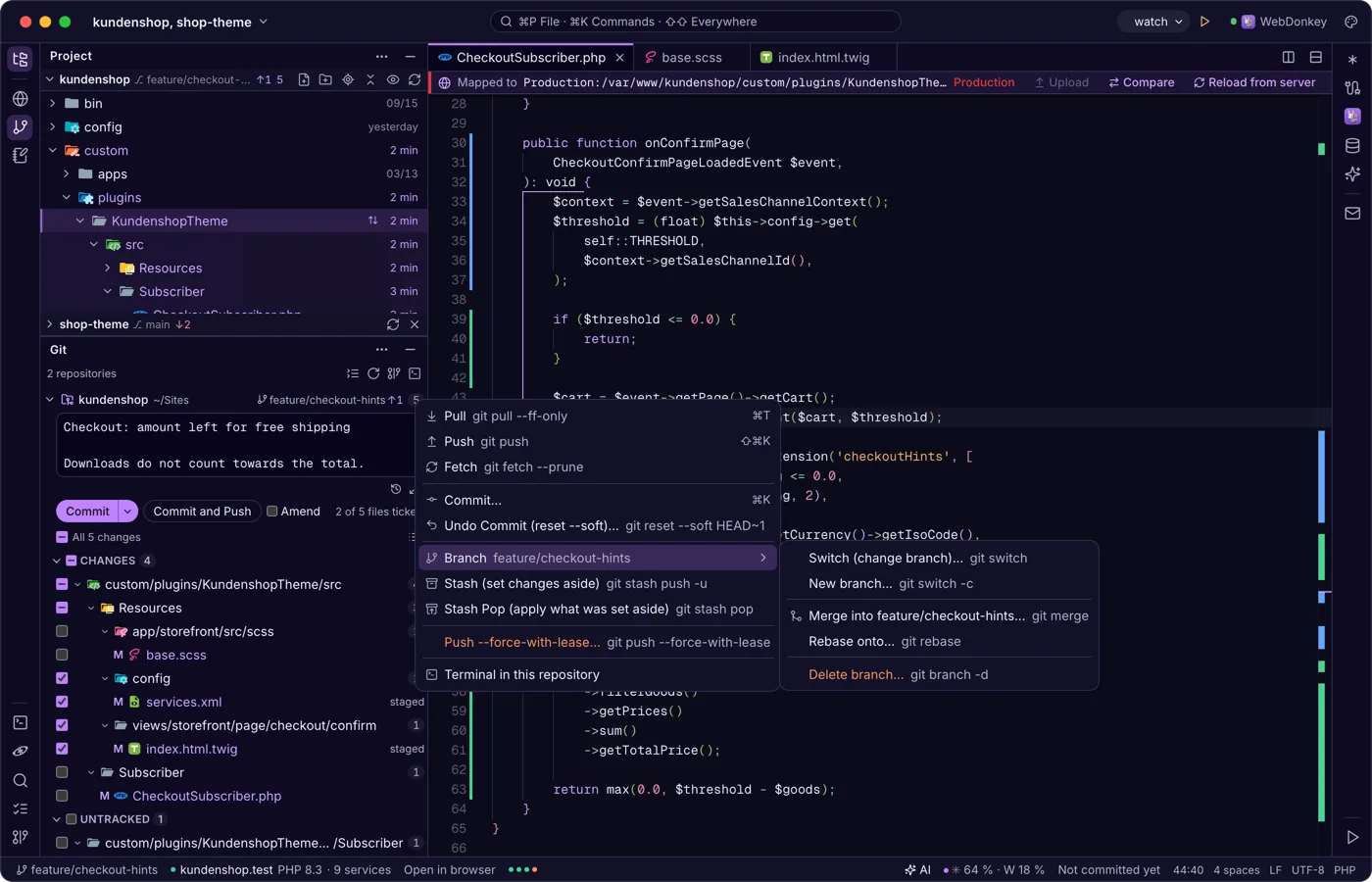
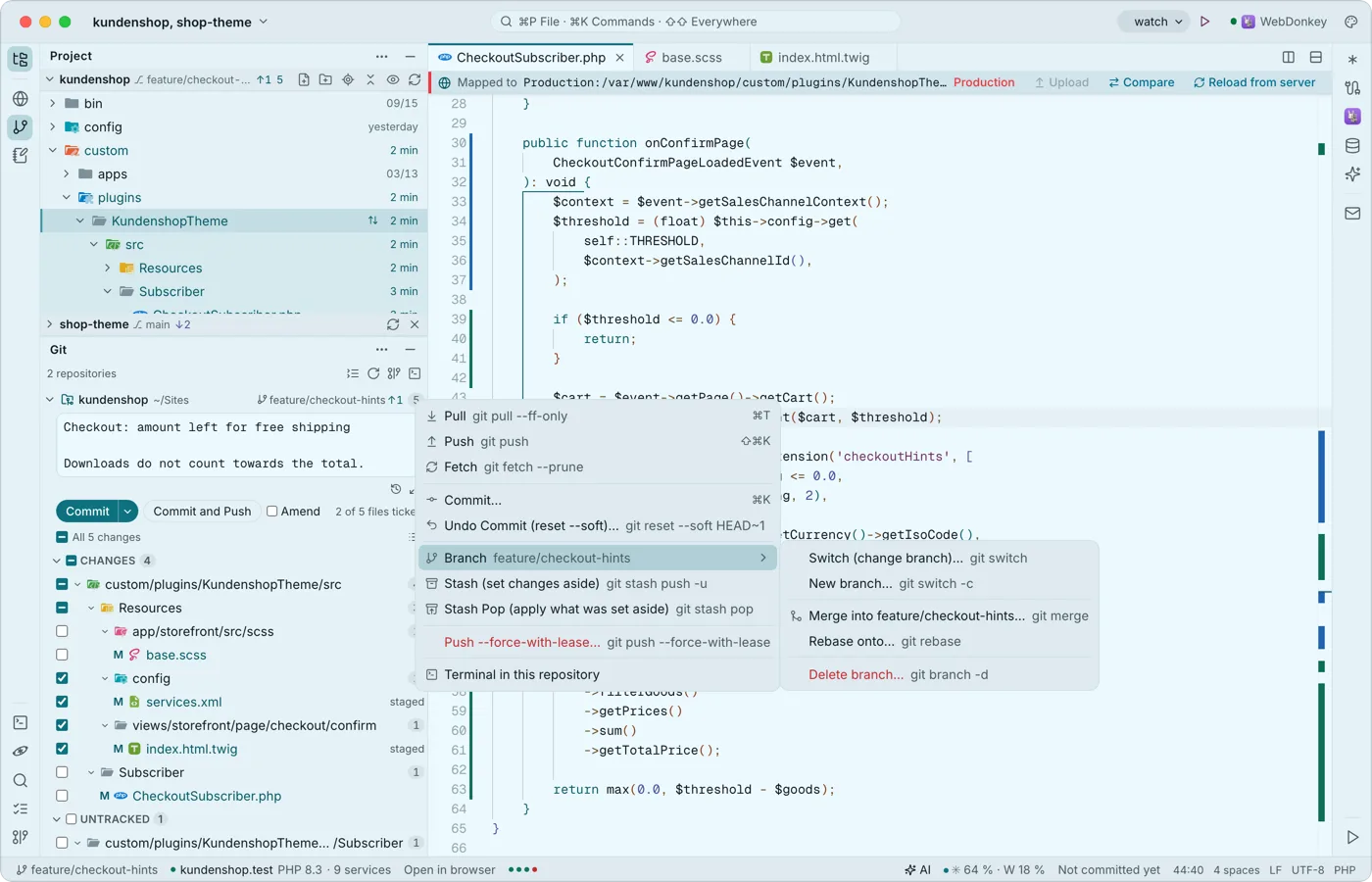 Git without leaving the editorThe Git window shows every repository of your project, each one folding on its own, with branch and status. Ticked files are the commit: ⌘↩ commits, ⇧⌘↩ commits and pushes. Every action in the repository menu is named like the git command and shows it, pull requests go through the GitHub CLI.
-
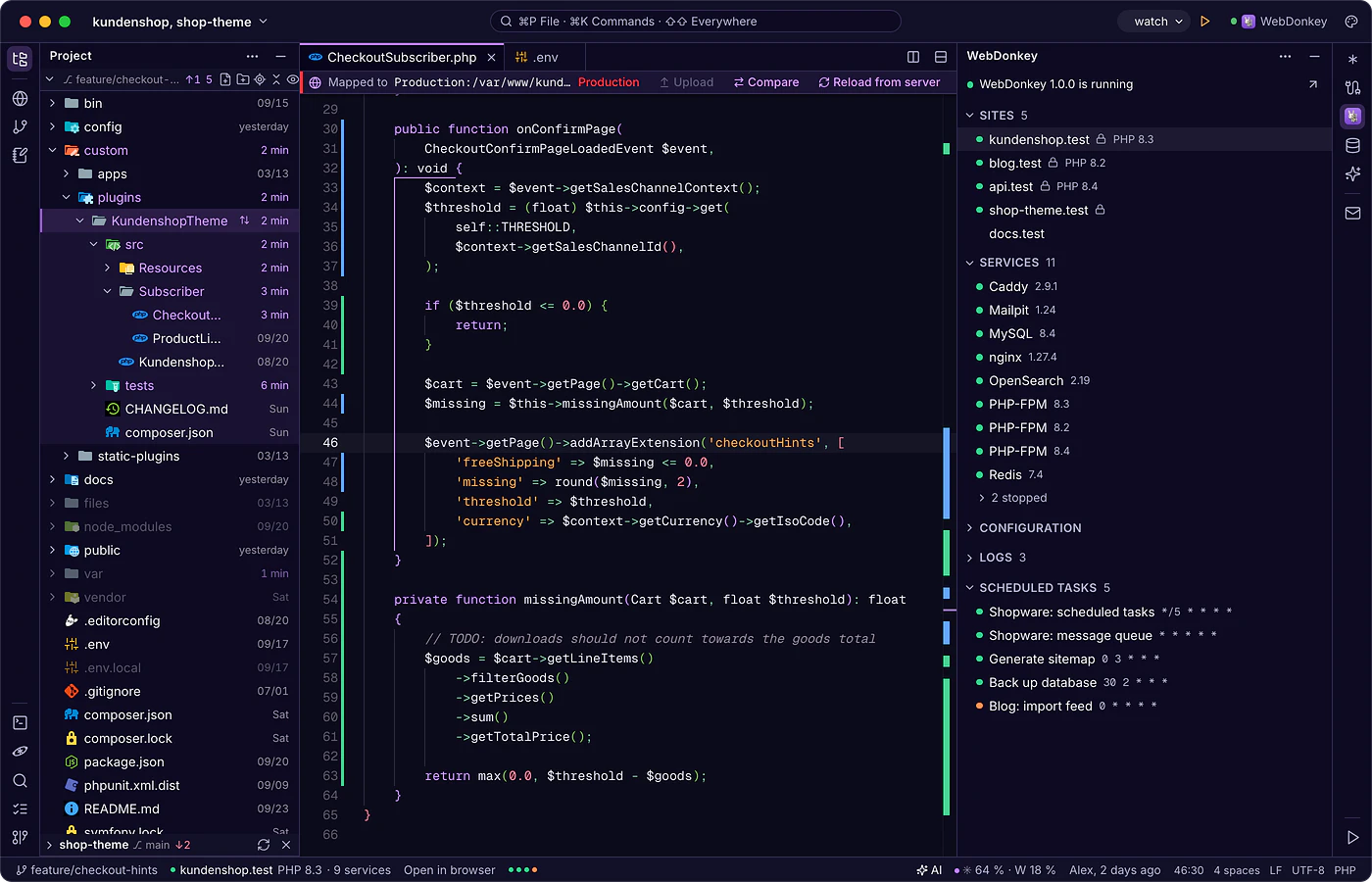
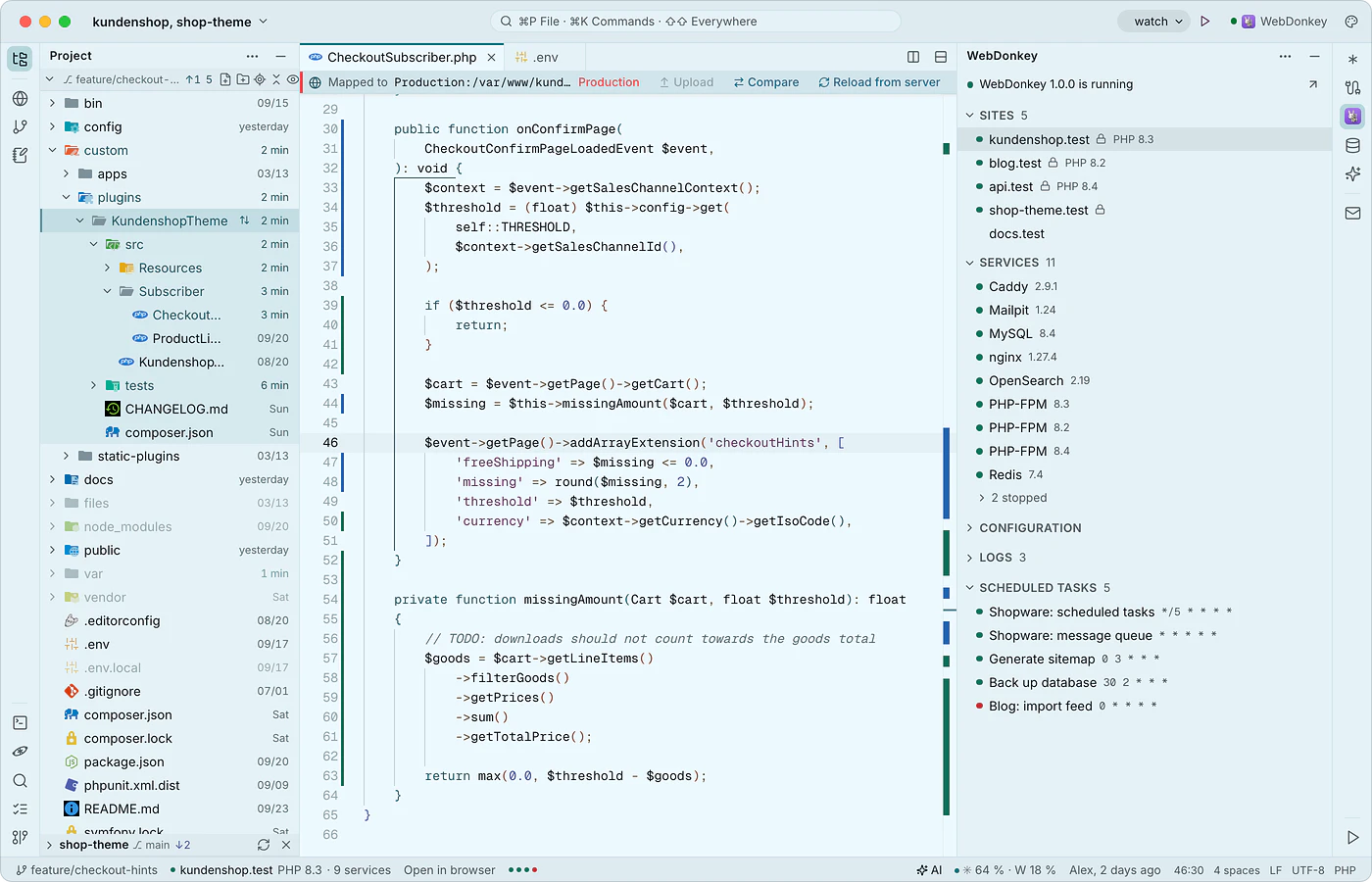 WebDonkey without switching windowsThe WebDonkey window (⌘4) shows your sites, services, logs and scheduled tasks, live while WebDonkey runs. Open sites in the browser or as a project, start and stop services from here, and their configuration opens in the editor.
-
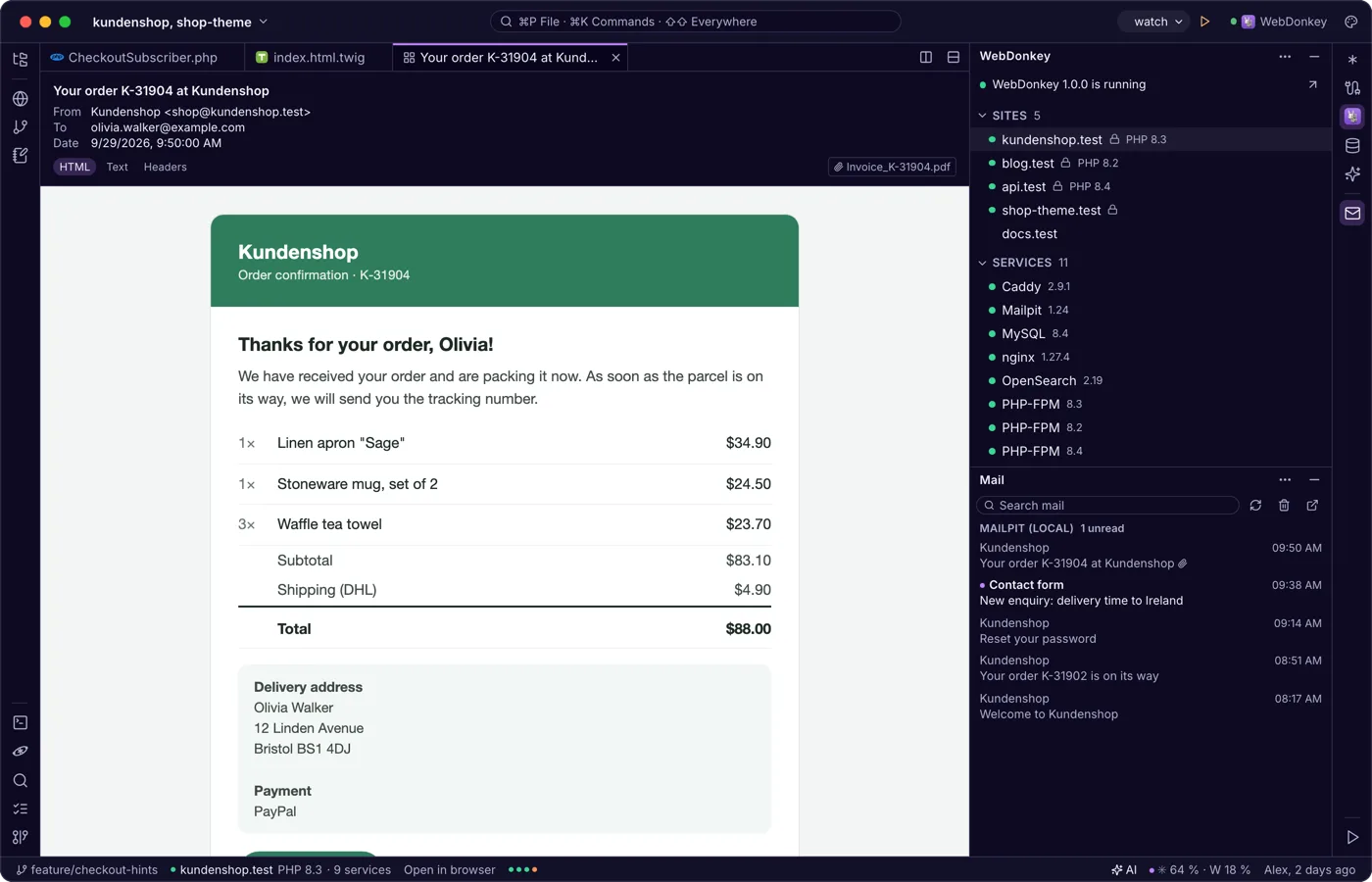
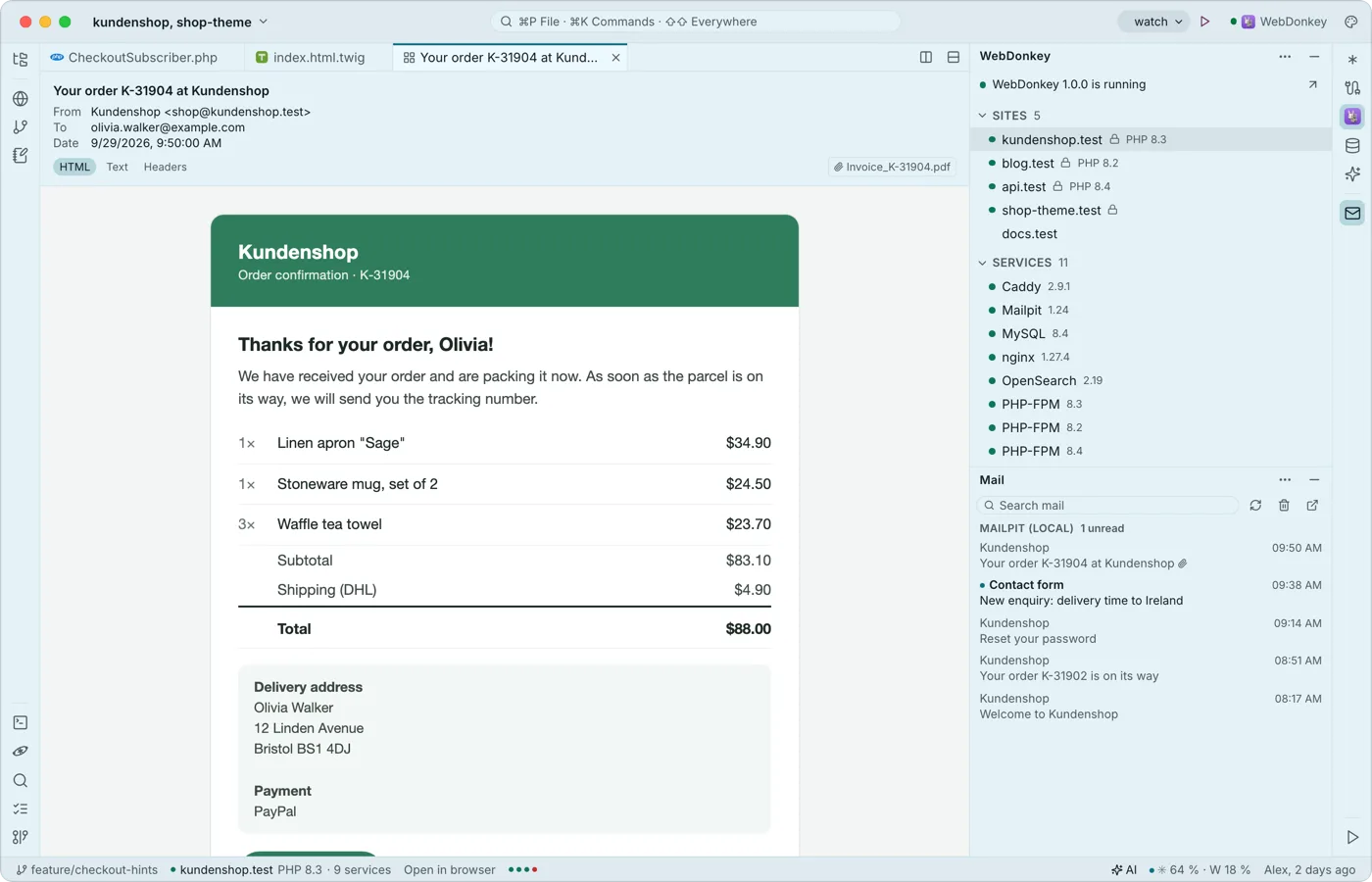 Mail from your projects, read in the editorThe mail window shows what Mailpit caught from your local sites and, with Premium, your servers' mailboxes, read only. A mail opens as a tab with HTML, text and header views; external images stay blocked.
Try it on your own project.
Free costs nothing and has no time limit. macOS 11 or later, Apple silicon and Intel.
