





Git without leaving the editor
What is it?The Git window shows every repository of your project, each one folding on its own, with branch and status. Ticked files are the commit.
The Git window shows every repository of your project, each one folding on its own, with branch and status. Ticked files are the commit: ⌘↩ commits, ⇧⌘↩ commits and pushes. Every action in the repository menu is named like the git command and shows it, pull requests go through the GitHub CLI.
Free costs nothing and has no time limit. macOS 11 or later, Apple silicon and Intel.
Without WebDonkey
Git in the terminal or in a program of its own, and what a button there really runs, you only find out afterwards.
With WebDonkey
⌘↩ commits, ⇧⌘↩ commits and pushes. Every action in the repository menu is named like the Git command and shows it. Anything risky asks first and says what will happen.
What you get out of it
- Changes in the codeNew, changed and deleted lines are marked in the gutter. A click shows the version from the last commit right in the text.
- Git GraphA tool window of its own with the commits of all branches, their lanes and labels.
- Pull requests through the GitHub CLICreate a pull request, list open ones and check them out. The Editor never sees a password or token.
In detail
The Git window
Conflicts, changes and untracked files as a list or a tree, with compare with HEAD, stage, unstage and restore for every file. In the repository menu switch, new branch, merge, rebase, stash and undo commit; anything risky asks first and says what will happen. Worktrees of one repository can be grouped.
Commit, push and pull
Tick files, type a message, ⌘↩ commits, ⇧⌘↩ commits and pushes. Amend is among the other ways to commit. If a push is rejected, “Pull, then Push” does both; overwriting only goes through --force-with-lease with a confirmation.
In the code
New, changed and deleted lines are marked in the gutter. A click shows the version from the last commit right in the text, with “Restore these lines”. Compare with HEAD opens the whole file beside it, and the status bar can show who last changed the line.
Git Graph
A tool window of its own with the commits of all branches, their lanes and labels. A click on a commit names author, date, parents and changed files, the branch history view shows one branch on its own. The graph is view only.
GitHub
With the GitHub CLI signed in: create a pull request, list open pull requests and check them out, open this branch's pull request. Open the repository in the browser. The editor never sees a password or token.
Goes well with this
-
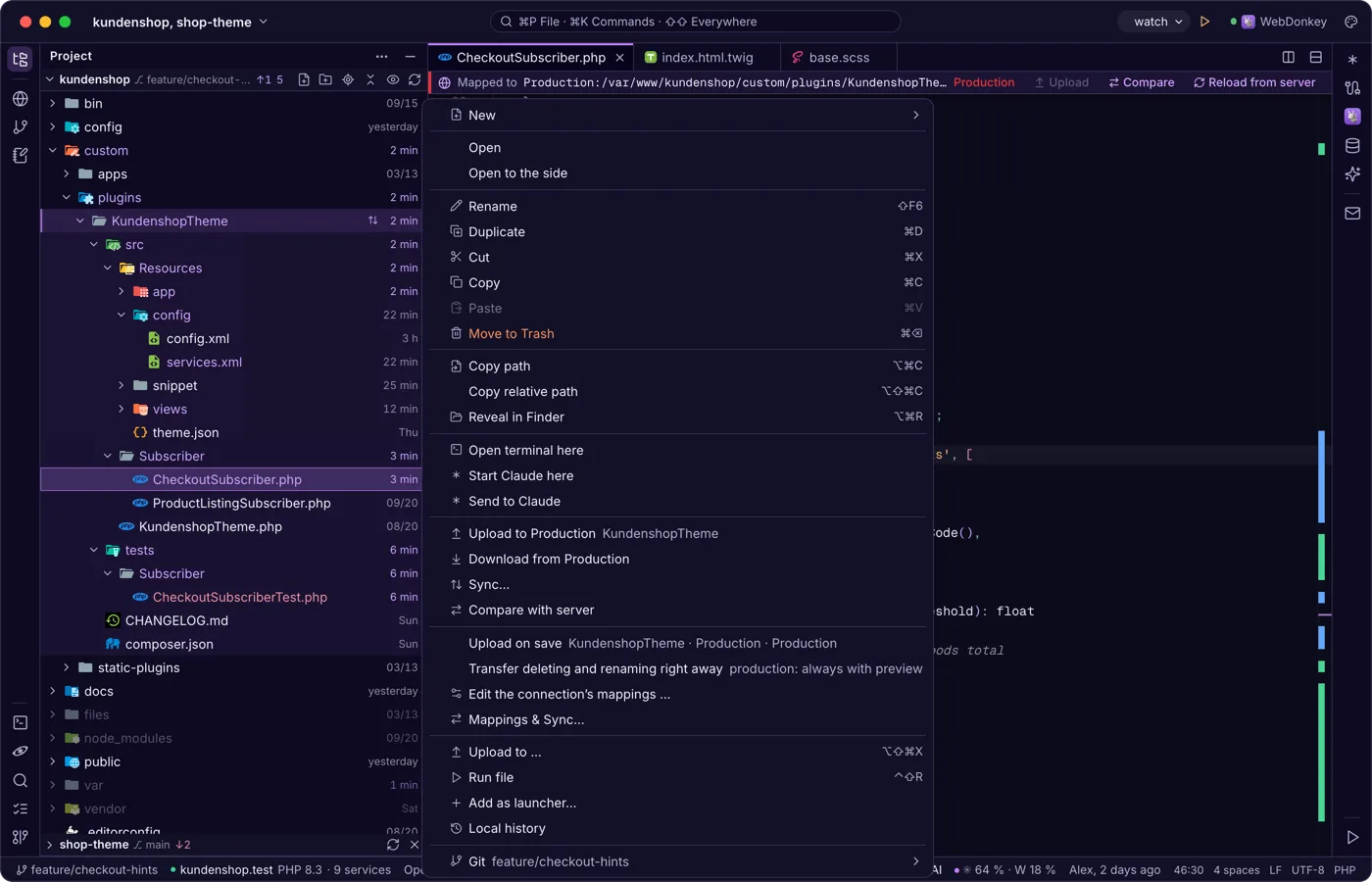
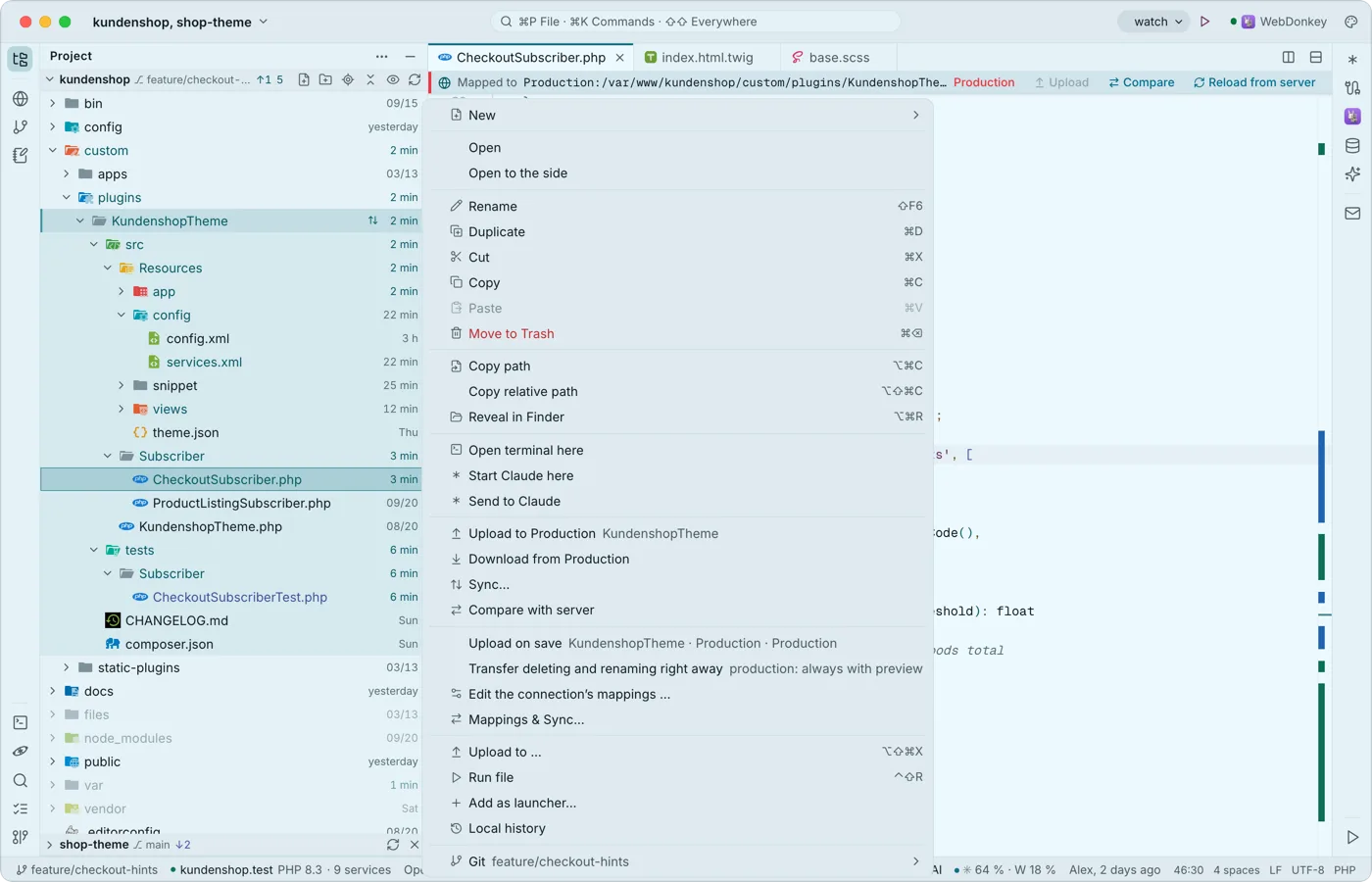 Your project, with everything that belongs to itThe project tree shows Git colours, the change time of every file if you like, and branch and status on every repository. You create files, rename, move by dragging and start a terminal or Claude right in the right folder.
-
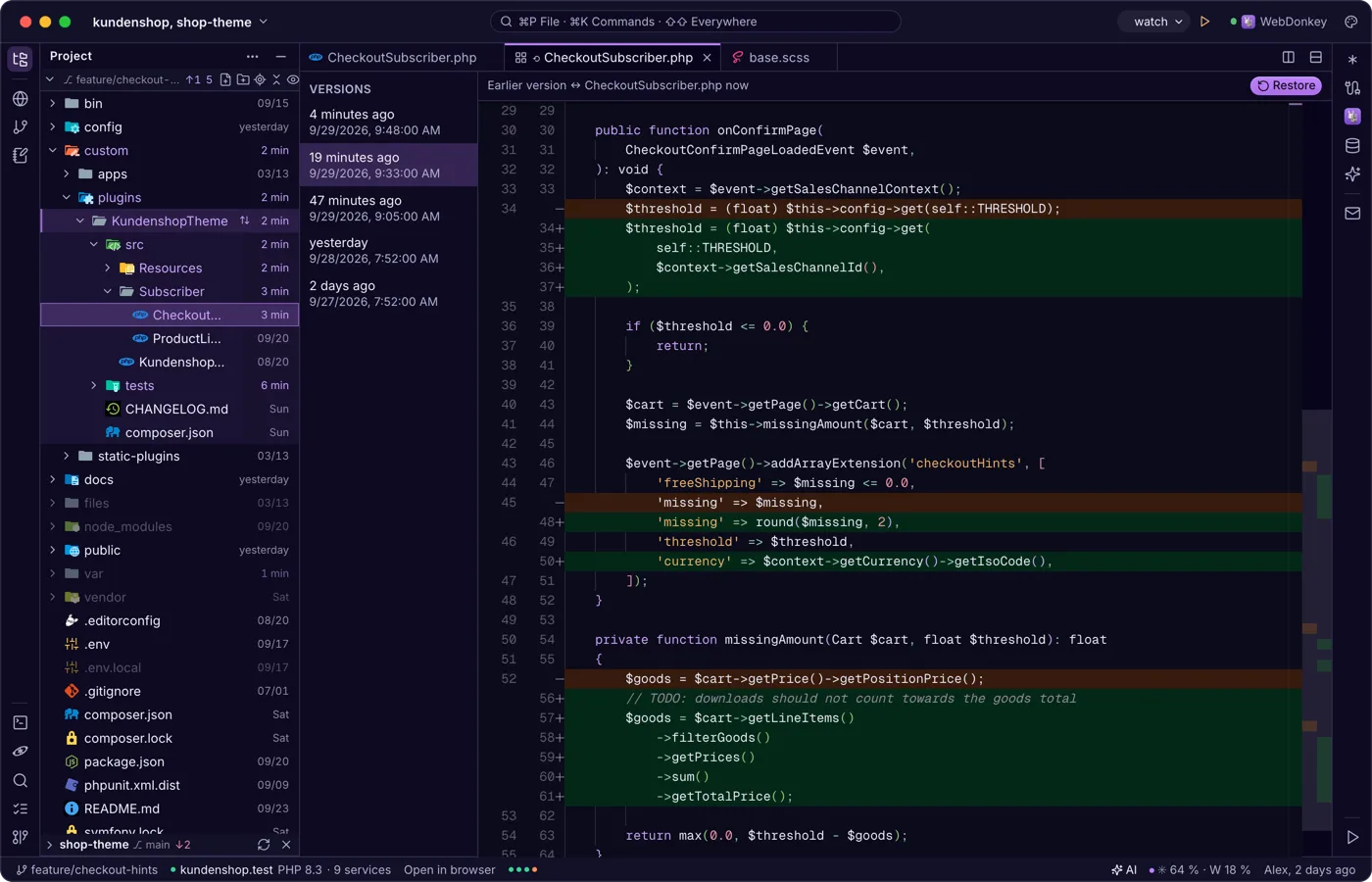
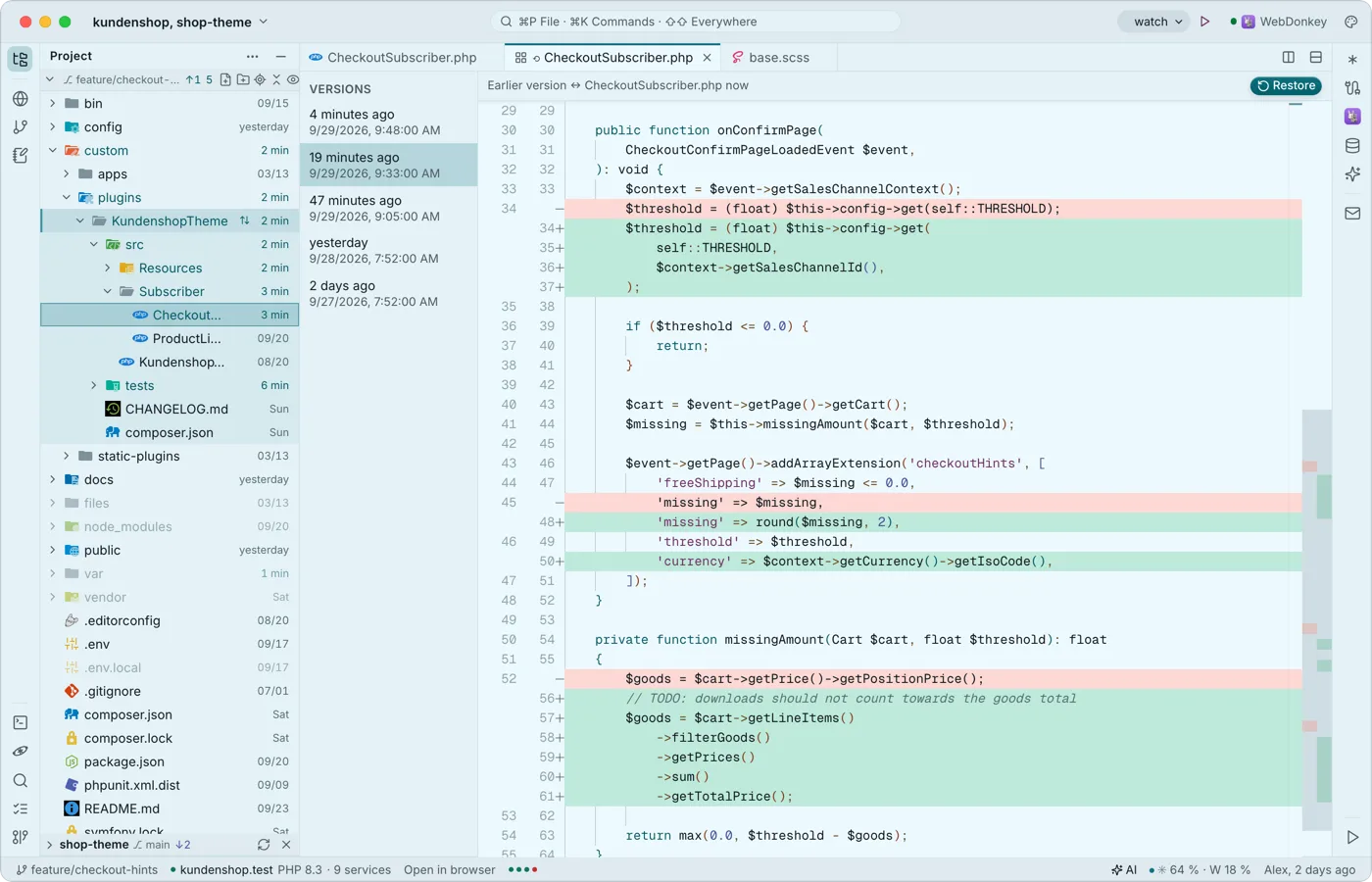 Saving that breaks nothingThe editor saves local files by itself, a second after you type and when the window loses focus. If another program changed the file, it asks instead of silently overwriting, and with every save it keeps the previous version in the local history.
-
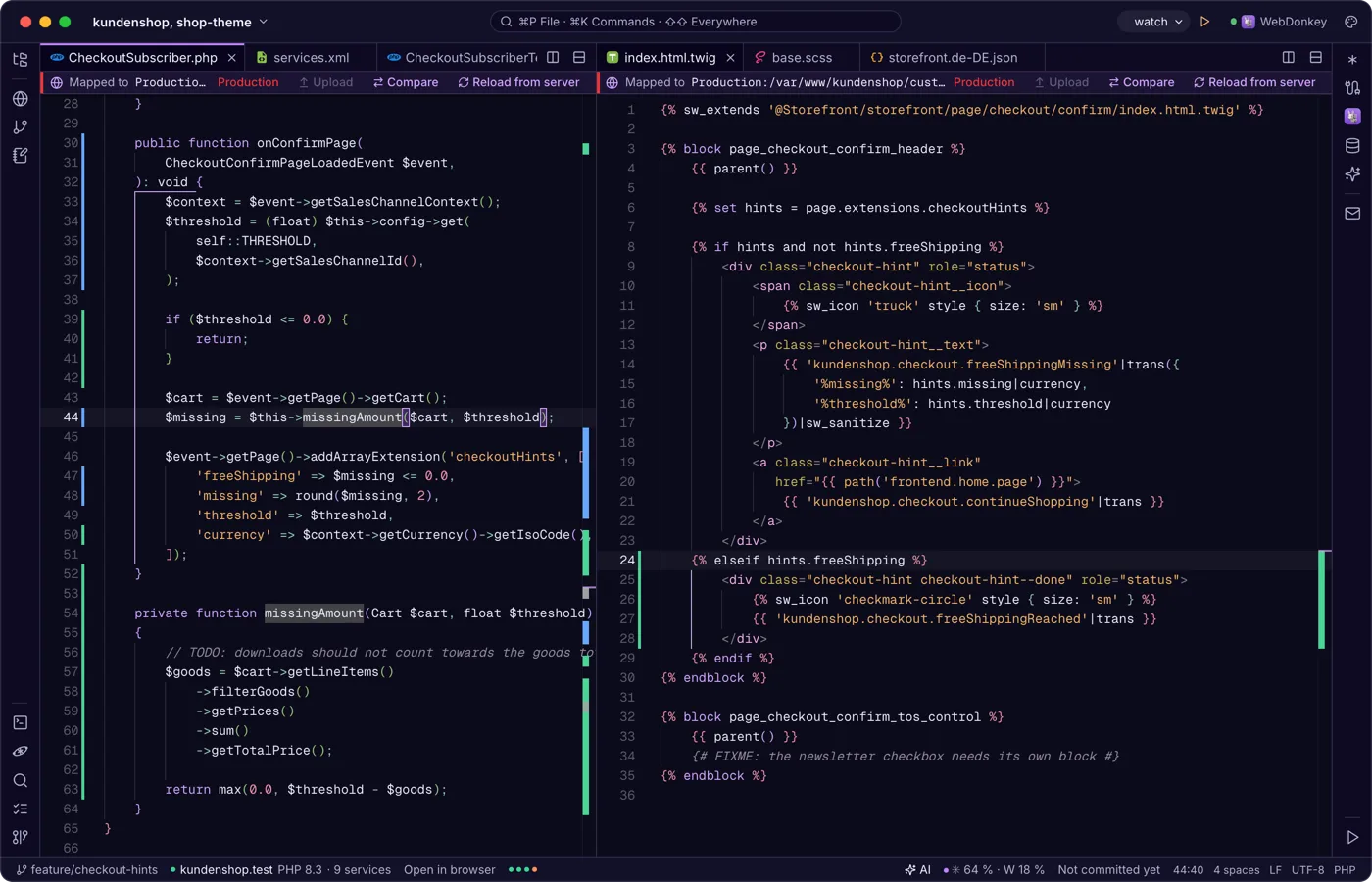
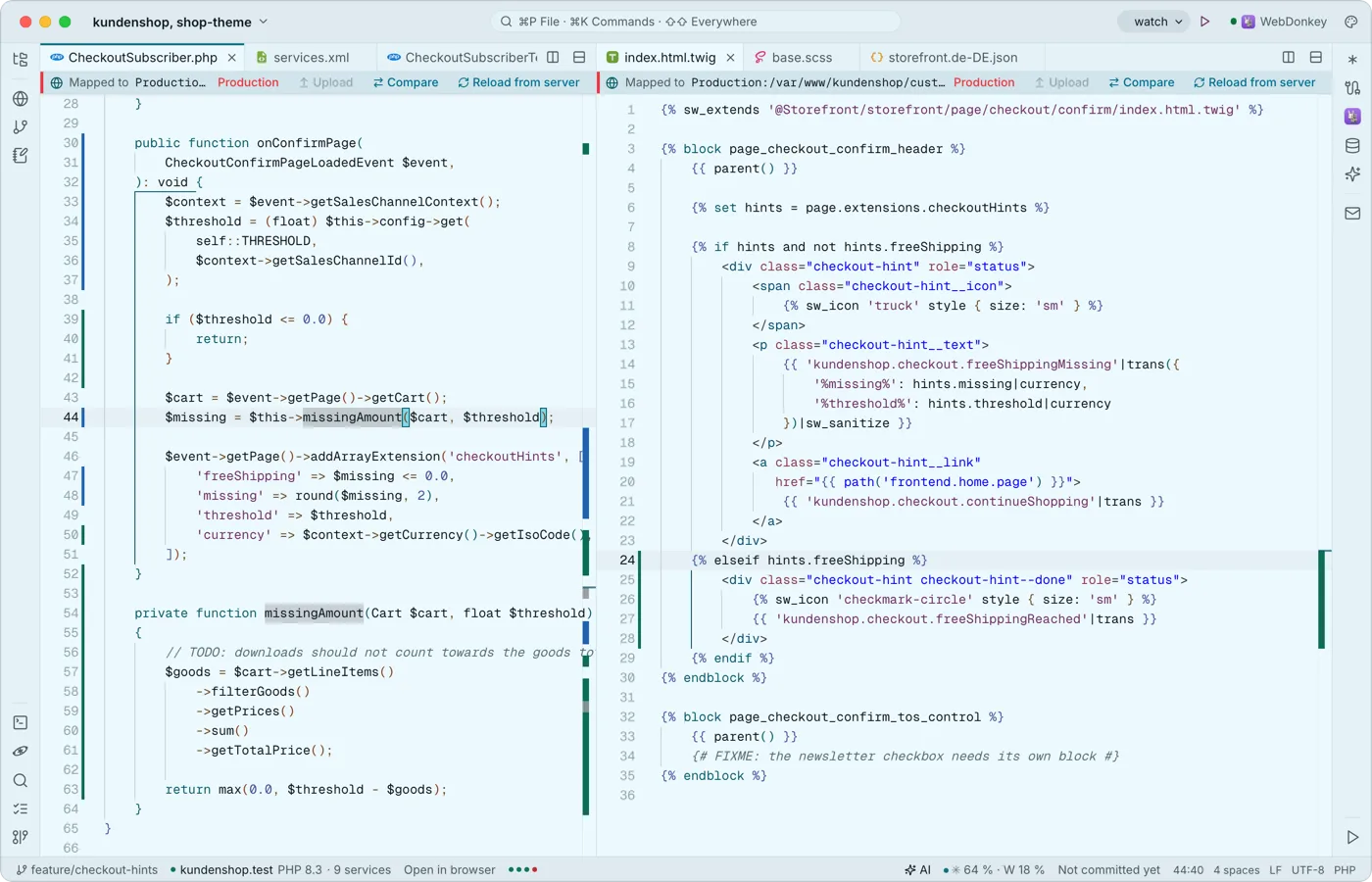 Tabs, splits and an editor that knows codeMonaco, the engine of VS Code, works in the middle, built in and offline: multiple cursors, code folding, syntax colours for many languages, snippets with placeholders and Emmet. Split the area as often as you like.
-
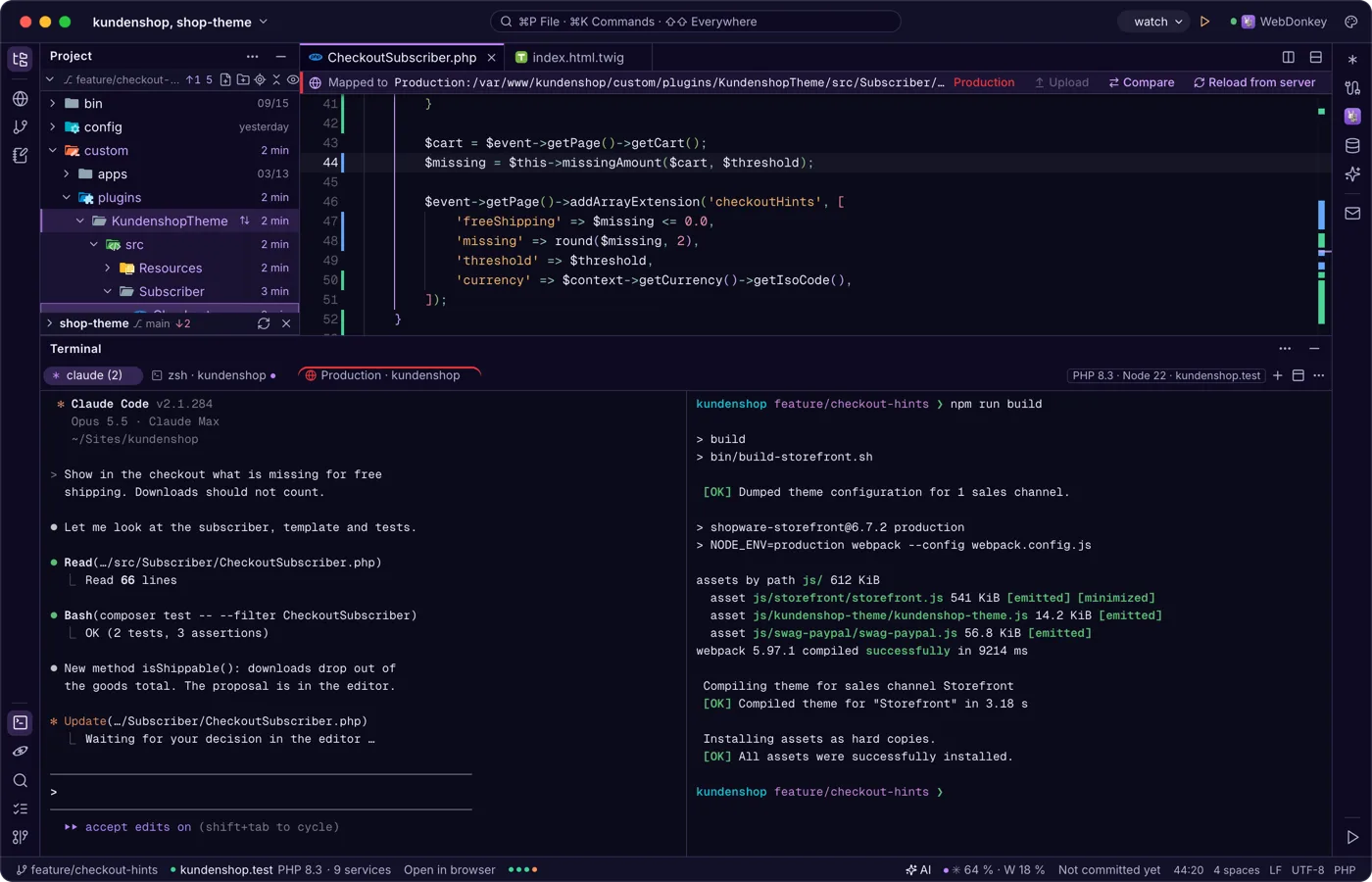
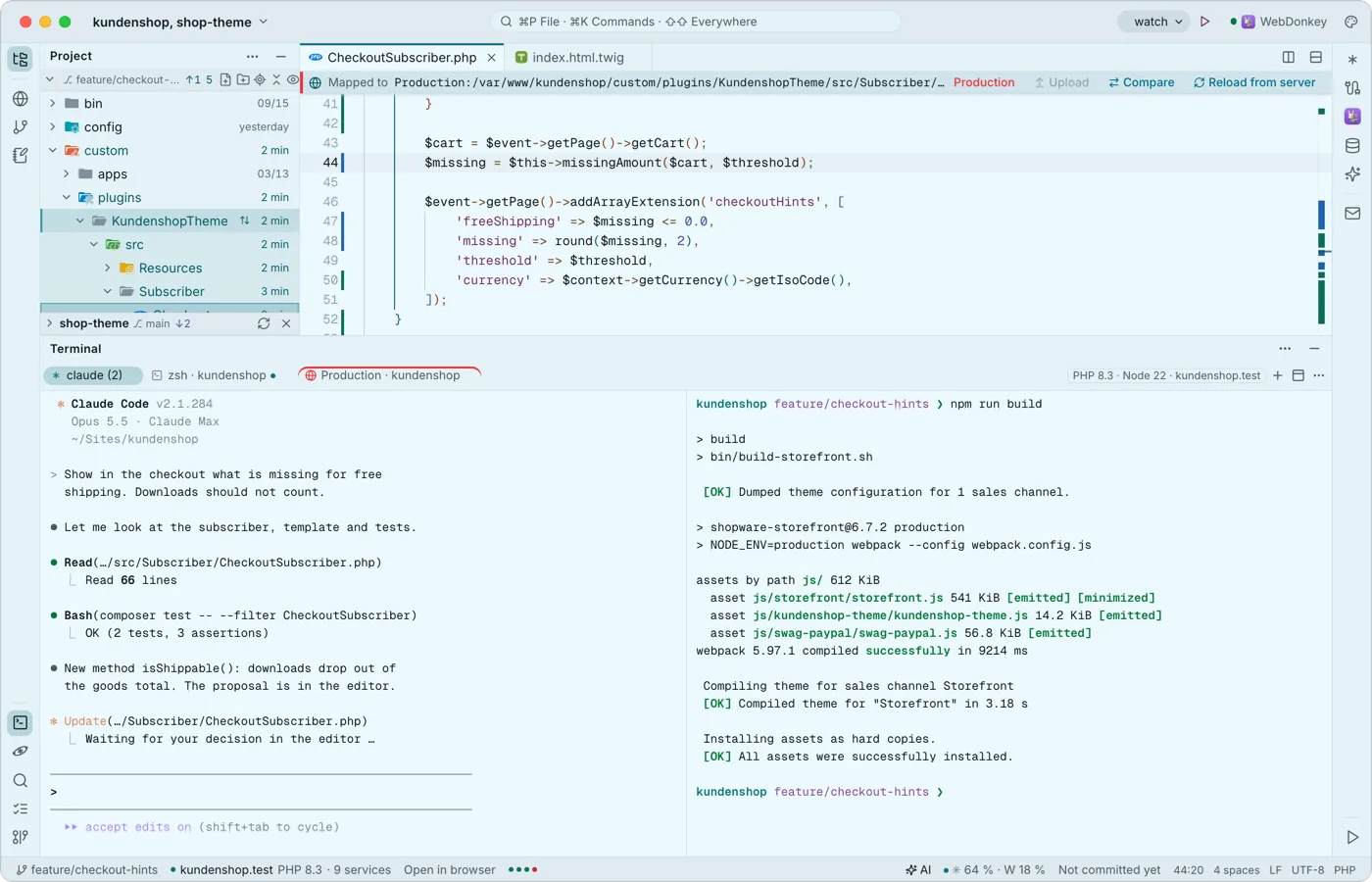 A terminal built for Claude CodeYour shells run at the bottom in tabs and splits, with Premium also over SSH on a server. Every key belongs to the program, ⇧↩ is Claude's newline, and when a program calls for you, the tab gets a dot and you a notification.
Try it on your own project.
Free costs nothing and has no time limit. macOS 11 or later, Apple silicon and Intel.
