





Saving that breaks nothing
The editor saves local files by itself, a second after you type and when the window loses focus. If another program changed the file, it asks instead of silently overwriting, and with every save it keeps the previous version in the local history.
Free costs nothing and has no time limit. macOS 11 or later, Apple silicon and Intel.
In detail
Saving automatically
On by default for local files: one second after the last keystroke and when you leave the window. Files on a server only go to the working copy, uploading happens on command. When you quit, the editor only asks about what is still unsaved by then.
Changed on disk
When Git, a build or another program changes an open file, it reloads quietly as long as you have not changed anything. Otherwise you choose: compare, reload or keep yours. If you save anyway, the editor asks first.
On save
Remove trailing spaces, not in Markdown, end the file with a newline and format with ⌘S: JSON, CSS, HTML, JavaScript and TypeScript, never on autosave. All of it is one step that ⌘Z takes back. ⌥⌘S saves all files.
Local history
With every save the editor keeps the previous version, at most one every five minutes, up to 40 per file, for 30 days, Git or no Git. Each one can be compared and restored, images and documents up to a size you set.
What does Free include?
This feature is fully included in Free. No licence and no time limit.
Compare Free and PremiumGoes well with this
-
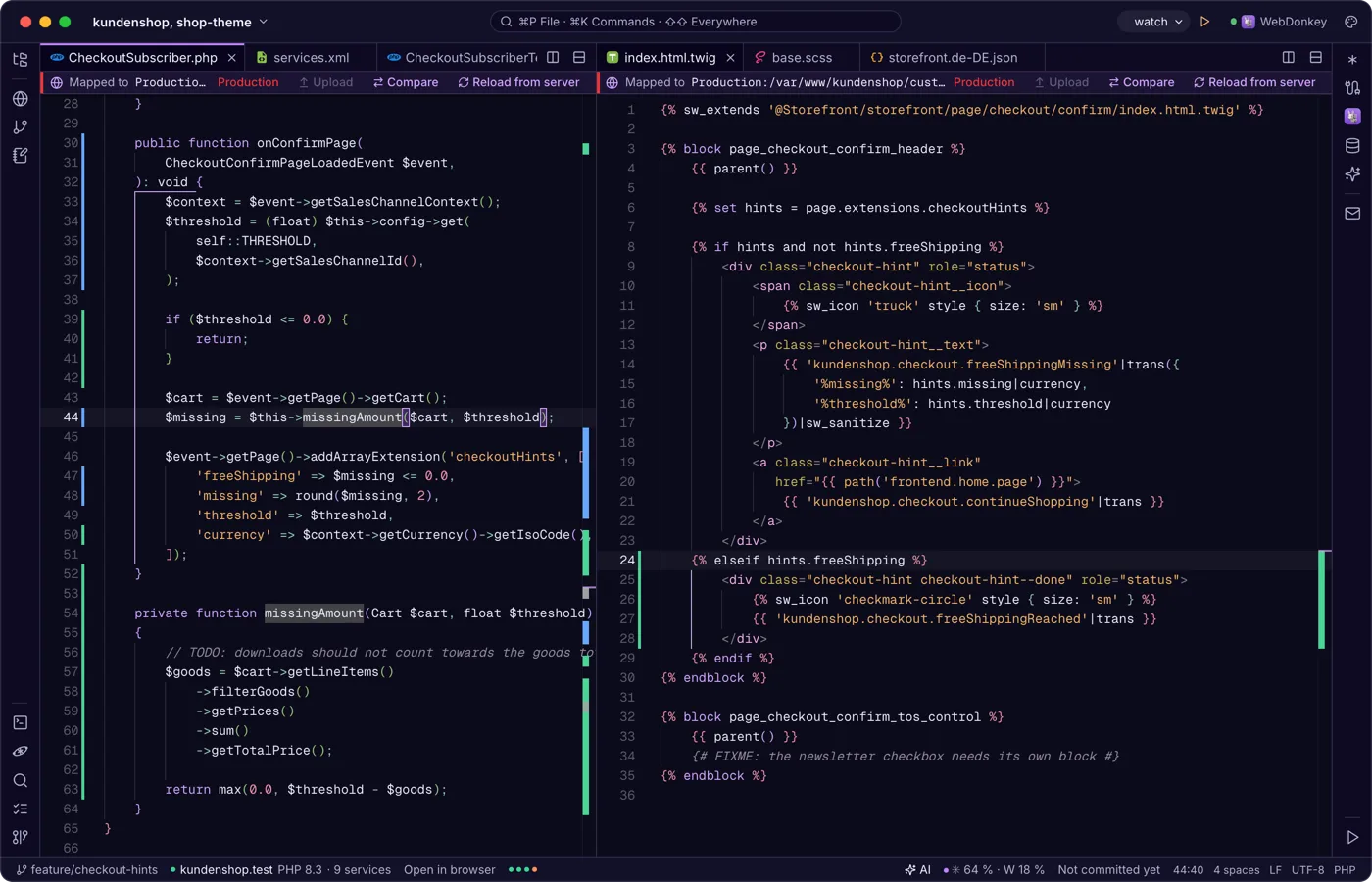
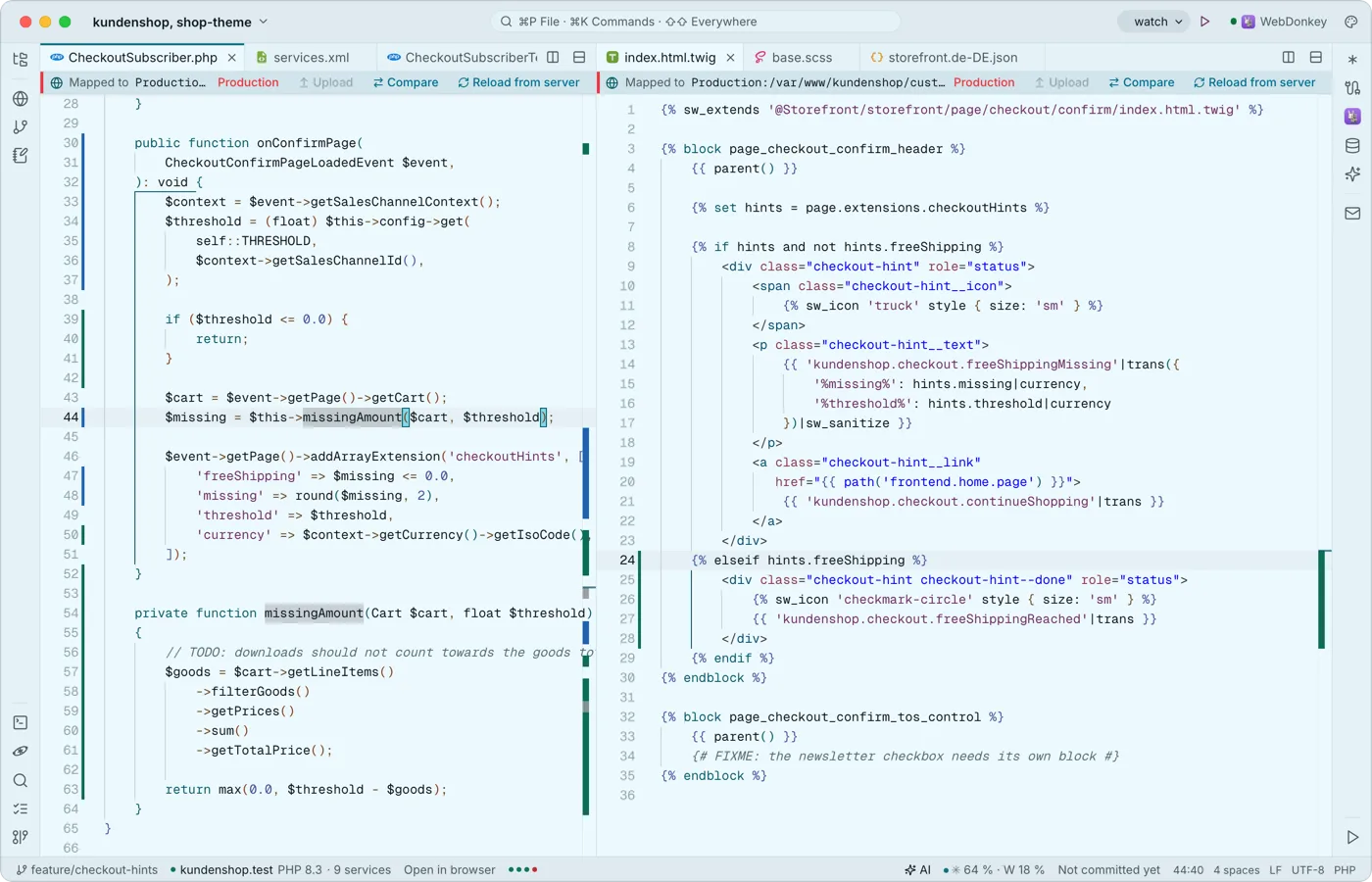 Tabs, splits and an editor that knows codeMonaco, the engine of VS Code, works in the middle, built in and offline: multiple cursors, code folding, syntax colours for many languages, snippets with placeholders and Emmet. Split the area as often as you like.
-
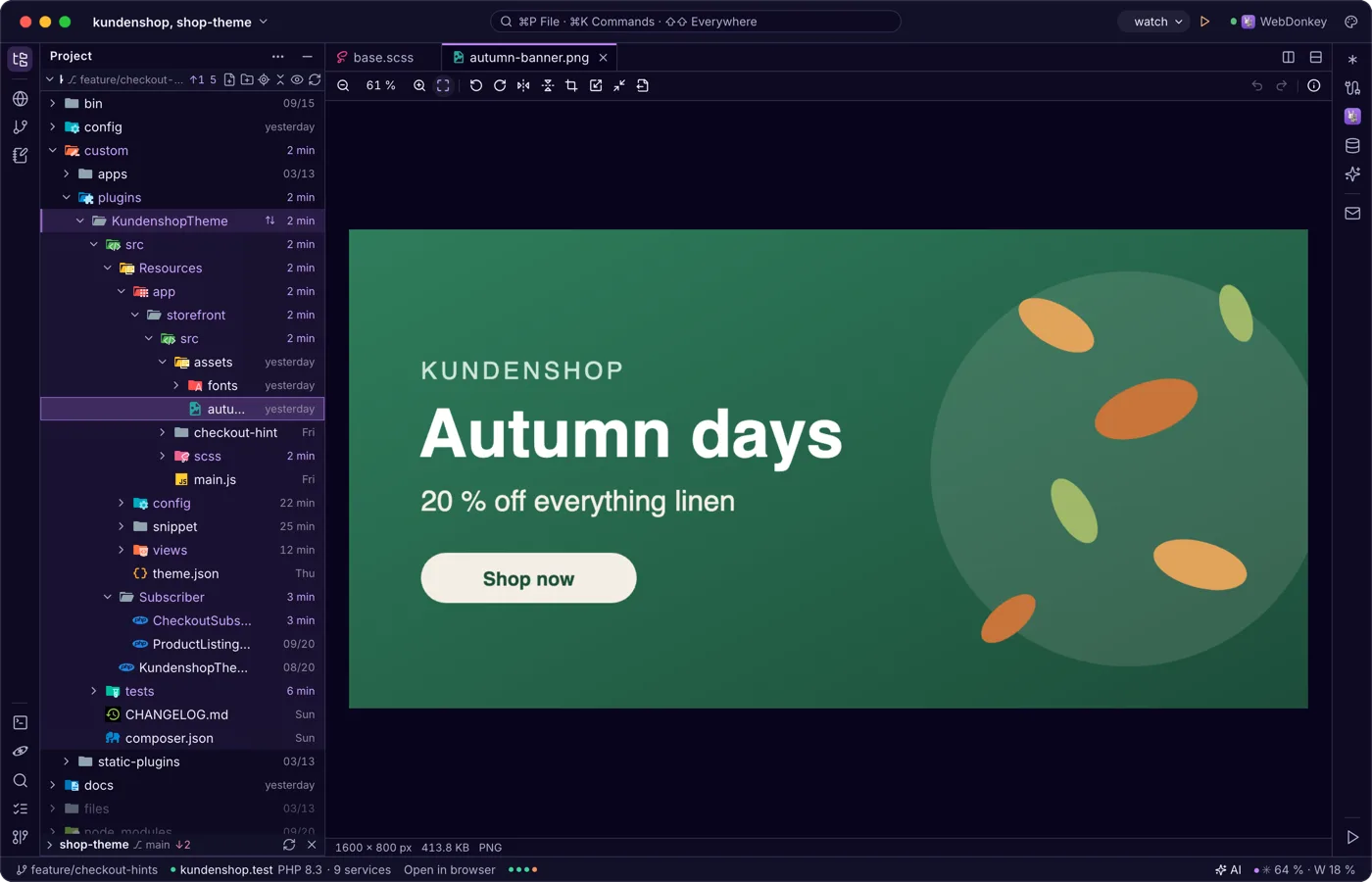
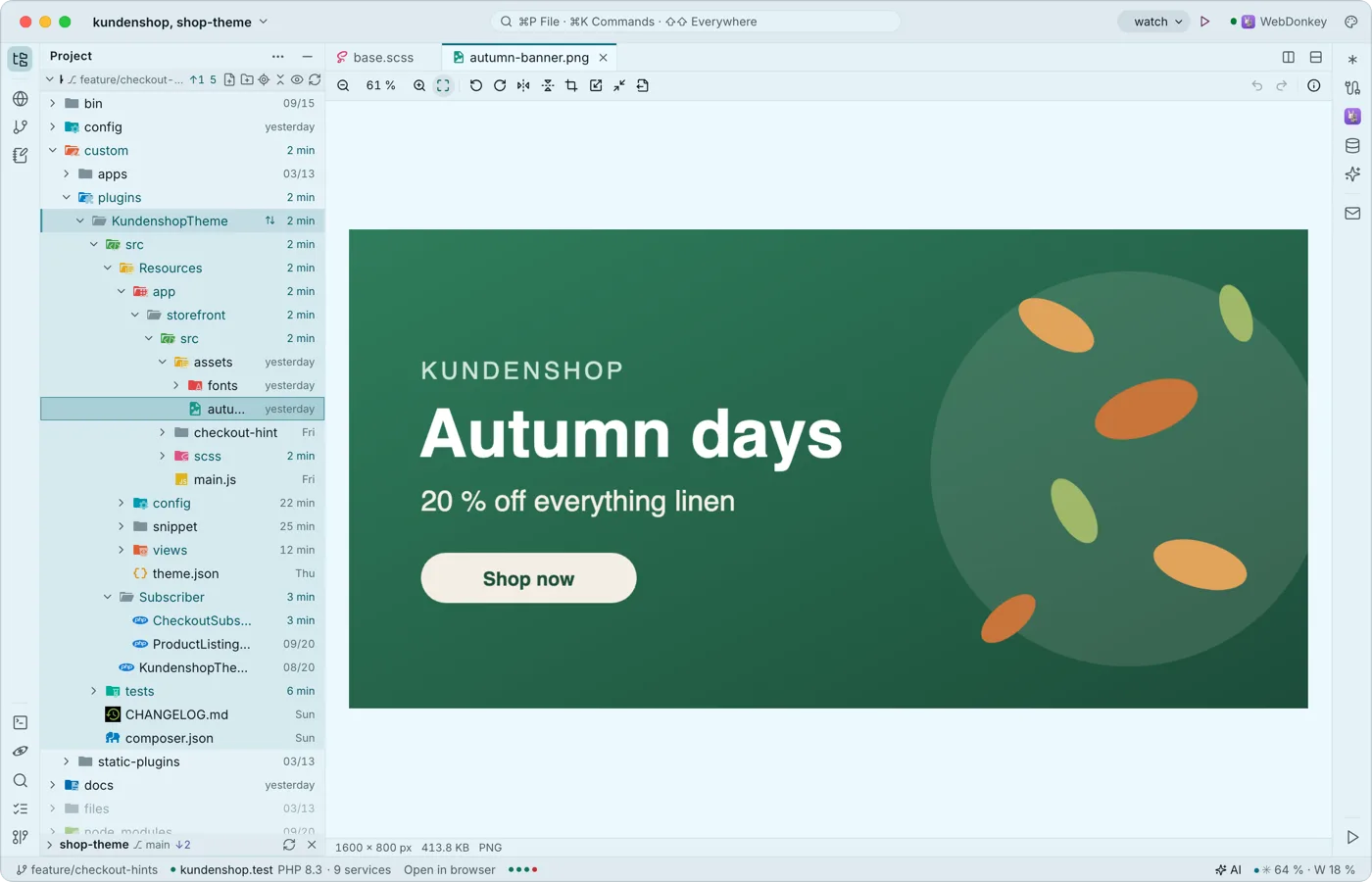 Images, PDF and Office right in the editorWhatever is not text opens in a matching viewer instead of a “binary file” notice: images, PDF, Word, Excel, CSV, archives, certificates, mails, audio, video and more. Viewing, editing, saving and exporting are free, Word and Excel included.
Try it on your own project.
Free costs nothing and has no time limit. macOS 11 or later, Apple silicon and Intel.
