





Images, PDF and Office right in the editor
What is it?Whatever is not text opens in a matching viewer: images, PDF, Word, Excel, CSV, archives, certificates, mails, audio and video.
Whatever is not text opens in a matching viewer instead of a “binary file” notice: images, PDF, Word, Excel, CSV, archives, certificates, mails, audio, video and more. Viewing, editing, saving and exporting are free, Word and Excel included.
Free costs nothing and has no time limit. macOS 11 or later, Apple silicon and Intel.
Without WebDonkey
A double-click on an image in the project, and the editor says “binary file”. For cropping it's off to a graphics program, for the PDF to yet another.
With WebDonkey
Zoom, rotate, crop, compress and convert images, every step undoable with ⌘Z. Rotate, delete and reorder PDF pages and add notes. Word and Excel open with styles, tables, formulas and tracked changes.
What you get out of it
- Images and PDF on Free tooViewing, exporting and editing as a copy are free.
- View or codeFormats with a viewer and code, such as CSV, switch between table and text.
- History for images tooThe local history keeps images and documents too, up to a size you set.
In detail
Images
PNG, JPG, GIF, WebP, AVIF, HEIC, TIFF, BMP and ICO: zoom, rotate, flip, crop, resize, compress and convert, every step undoable with ⌘Z. Info shows dimensions, colour space and camera data, comparing with Git HEAD puts the last version beside it. From 800 % a grid shows every pixel.
Pages, outline and form fields in the sidebar, search with ⌘F, zoom and print. Rotate, delete and reorder pages, append pages from another PDF or save pages as a new PDF, highlight text, add notes and place a signature as an image. Encrypted or damaged PDFs are never overwritten.
Word
Documents with styles, fonts, lists, tables, images, headers and footers, comments and tracked changes. Whatever cannot be written back safely opens view-only. Editing, saving and exporting as PDF are free; .doc, .rtf and .odt can be read and saved as .docx.
Excel
Sheets, formulas with a formula bar, cell formats, borders, colours, merged and frozen cells, find and replace. Charts, pivot tables, images and macros are kept unchanged when saving, macros never run. Saving and exporting as CSV or PDF are free; “Edit a copy” tries changes without saving.
CSV, archives, mails, certificates
CSV and TSV as a table with delimiter, encoding and header row; sorting and filtering change only the view at first. ZIP, TAR, GZ and 7z show their contents, .eml files headers, text and attachments, certificates subject, issuer, validity and chain.
Large logs, hex, audio, video, SQLite
Text over 20 MB opens page by page with filter and follow, any other binary as hex with a jump to an offset. A player plays audio and video, SQLite files show their header facts, fonts a sample. Keynote, Pages, Numbers and PowerPoint are shown by macOS through Quick Look.
What does Free include?
Viewing, exporting and saving Word and Excel files are Free.
Compare Free and PremiumGoes well with this
-
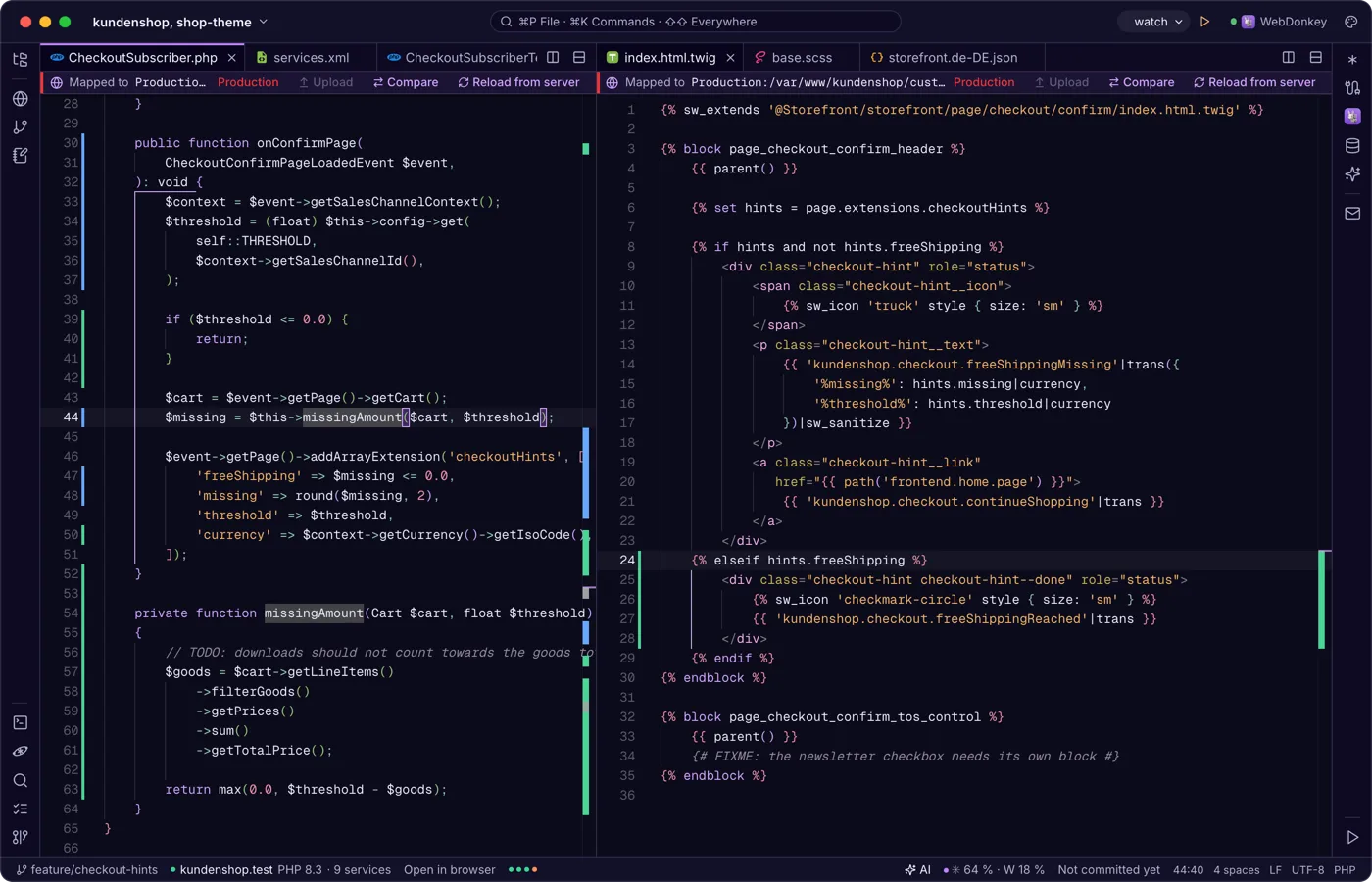
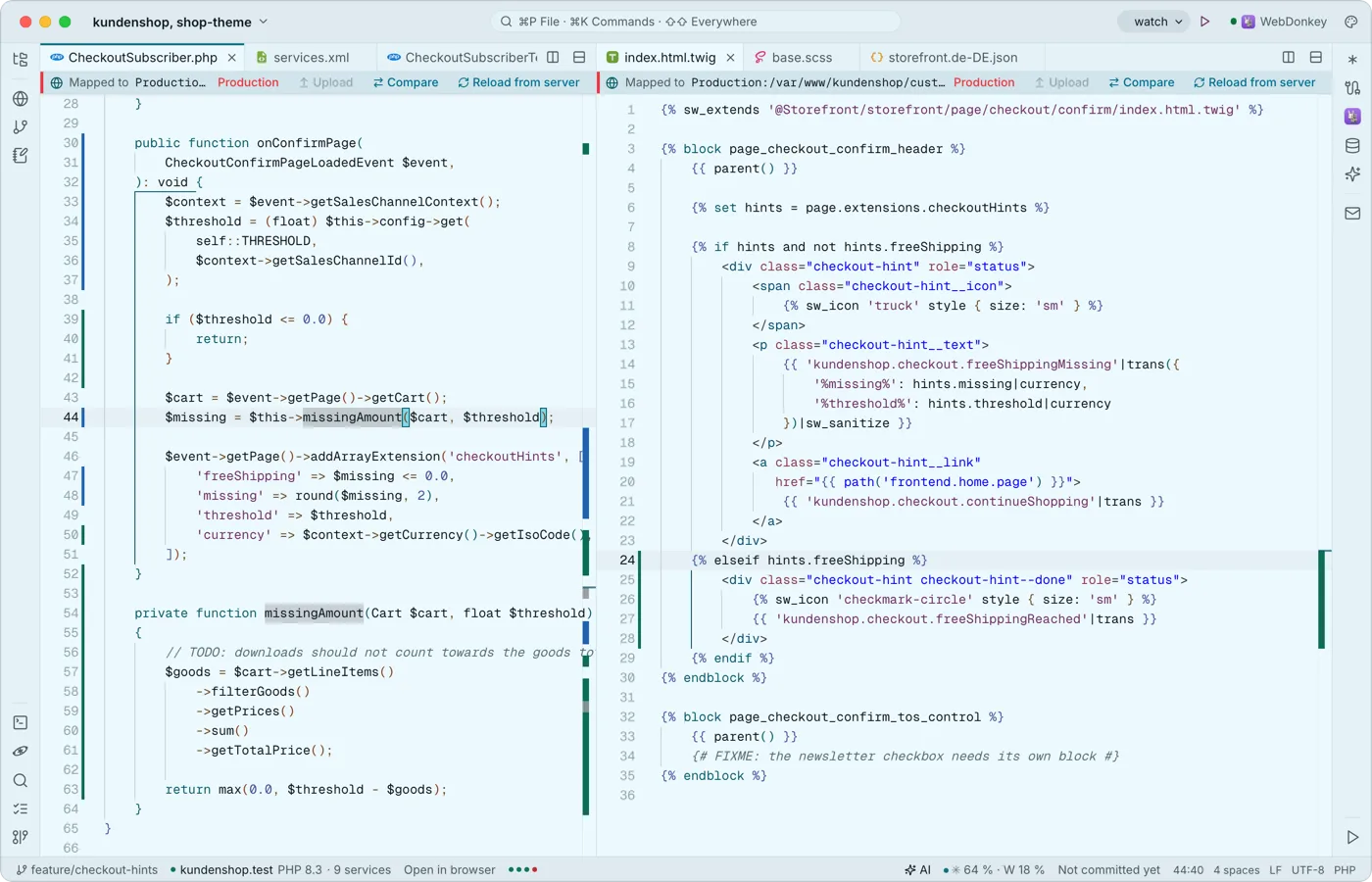 Tabs, splits and an editor that knows codeMonaco, the engine of VS Code, works in the middle, built in and offline: multiple cursors, code folding, syntax colours for many languages, snippets with placeholders and Emmet. Split the area as often as you like.
-
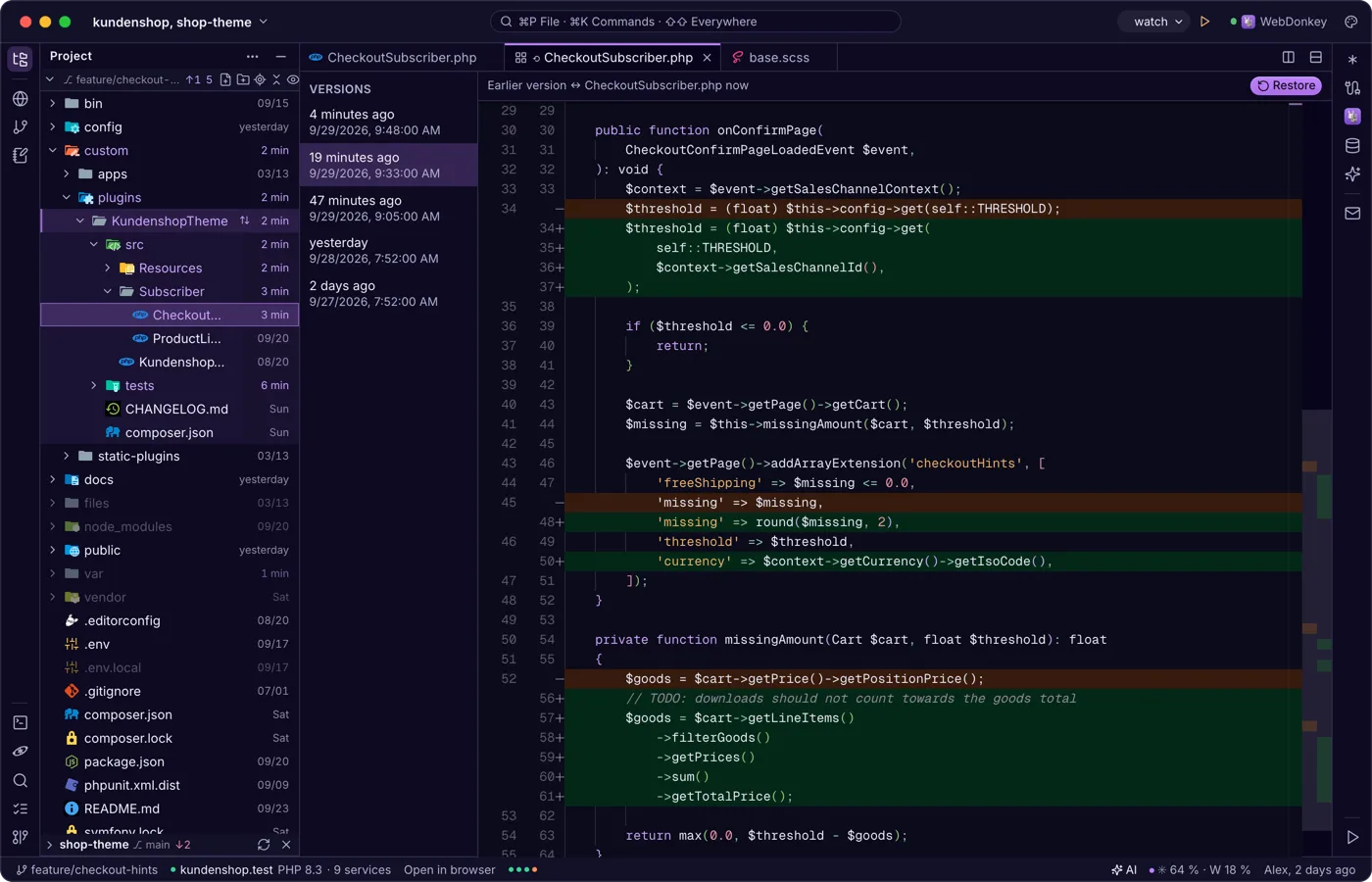
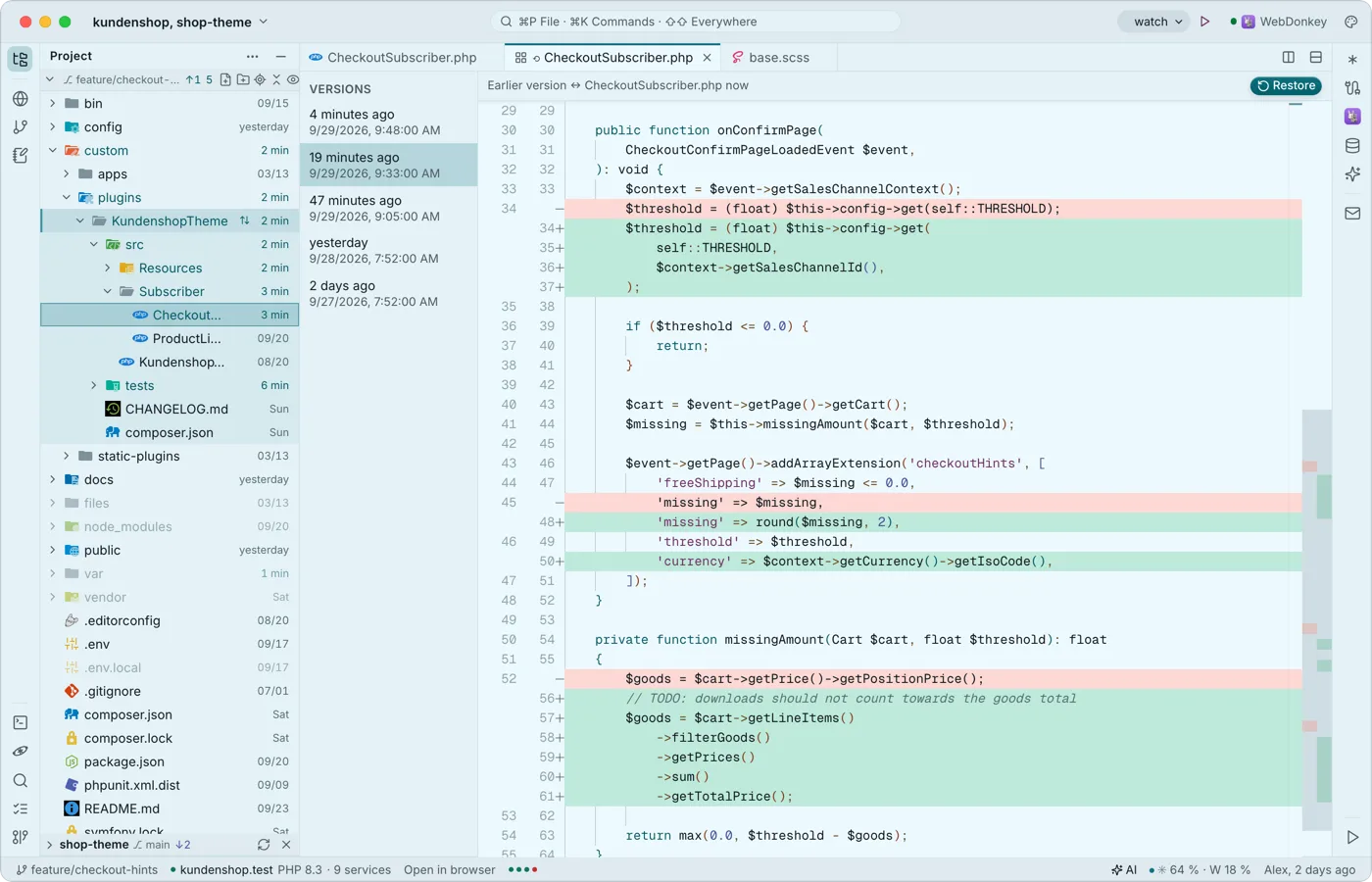 Saving that breaks nothingThe editor saves local files by itself, a second after you type and when the window loses focus. If another program changed the file, it asks instead of silently overwriting, and with every save it keeps the previous version in the local history.
-
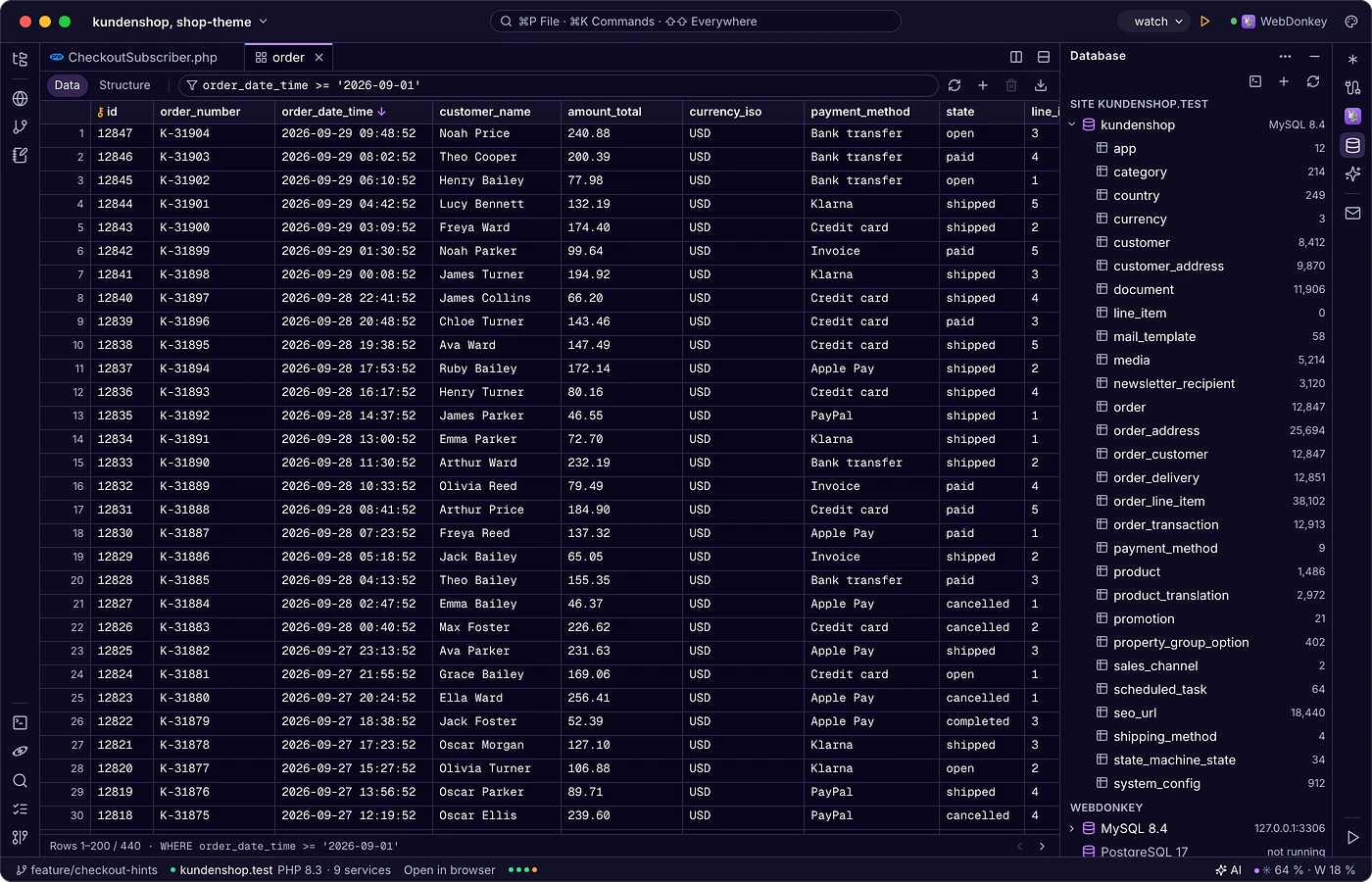
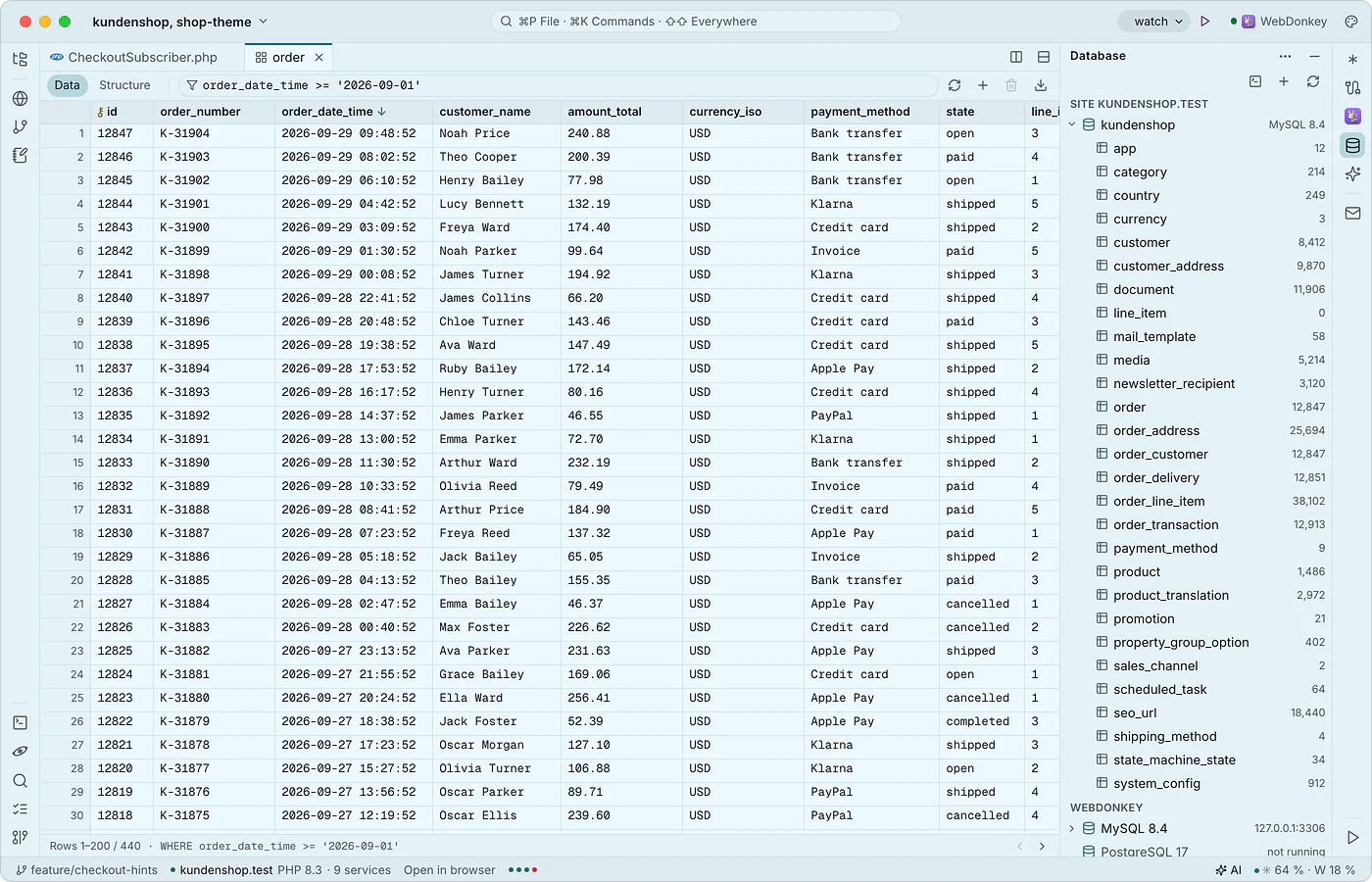 Databases in the editorThe database window (⌘5) shows the MySQL, MariaDB and PostgreSQL servers from WebDonkey with the current site's database on top and, with Premium, the databases on your servers. Tables open as a tab with data and structure, plus an SQL console. Local databases are free.
-
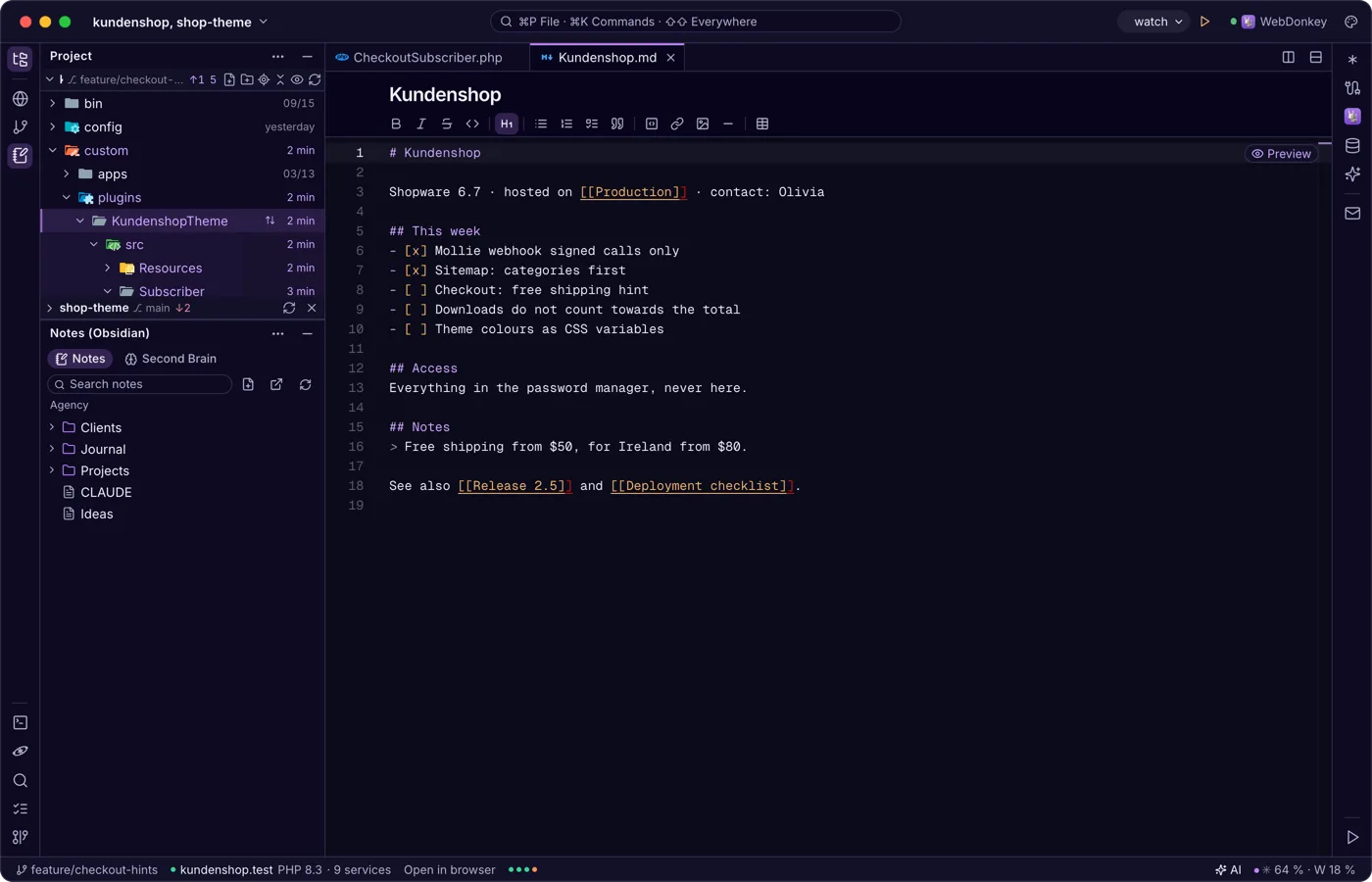
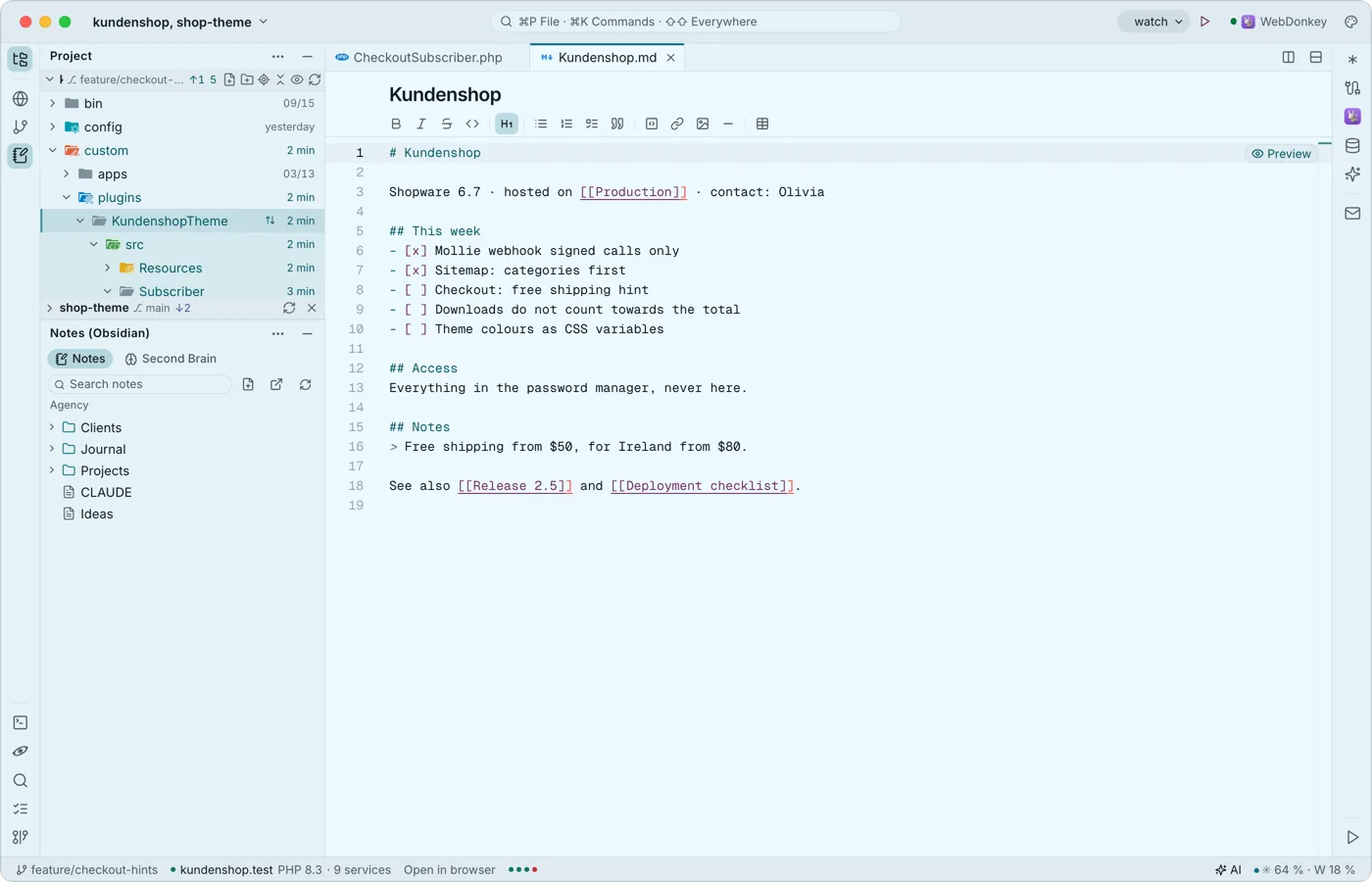 Notes from Obsidian next to the codeThe notes window shows the Obsidian vault WebDonkey uses on its Notes page as a tree next to your code. A note opens as a normal tab, with the Markdown toolbar and links between notes.
Try it on your own project.
Free costs nothing and has no time limit. macOS 11 or later, Apple silicon and Intel.
