





Databases in the editor
What is it?The database window (⌘5) shows the MySQL, MariaDB and PostgreSQL servers from WebDonkey, with the current site's database on top.
The database window (⌘5) shows the MySQL, MariaDB and PostgreSQL servers from WebDonkey with the current site's database on top and, with Premium, the databases on your servers. Tables open as a tab with data and structure, plus an SQL console. Local databases are free.
Free costs nothing and has no time limit. macOS 11 or later, Apple silicon and Intel.
Without WebDonkey
For a look at a table you start a database program, look for the connection and type the password once more.
With WebDonkey
Tables open as a tab with data and structure, plus an SQL console with history. You edit rows right in the table, and writing SQL asks first.
What you get out of it
- Structure editor with SQL previewThe structure editor changes columns and indexes and creates tables. Every change shows the exact SQL first.
- Export to eight formatsCSV, CSV for Excel, TSV, JSON, SQL INSERT, Markdown, HTML and XML, as a file or to the clipboard.
- Warned on live dataOn a production connection the Editor warns that you are changing live data.
In detail
Data
Load page by page, sort by column, filter with WHERE, change cells directly. Add rows with a value, the default or an SQL expression, delete with a confirmation. On a production connection the editor warns that you are changing live data.
Structure
Columns, indexes, foreign keys and DDL of a table. The structure editor changes columns and indexes and creates tables without you writing SQL; every change shows the exact SQL first and runs only after you confirm.
SQL console
⌘↩ runs the statement under the cursor, ⇧⌘↩ everything. With history, results up to 1,000 rows, writing statements ask first.
Export
Tables and results as CSV, CSV for Excel, TSV, JSON, SQL INSERT, Markdown, HTML or XML, as a file or to the clipboard.
What does Free include?
Local databases are Free. The databases on your servers come with WebDonkey Premium. Needs the mysql or psql command-line client.
Compare Free and PremiumGoes well with this
-
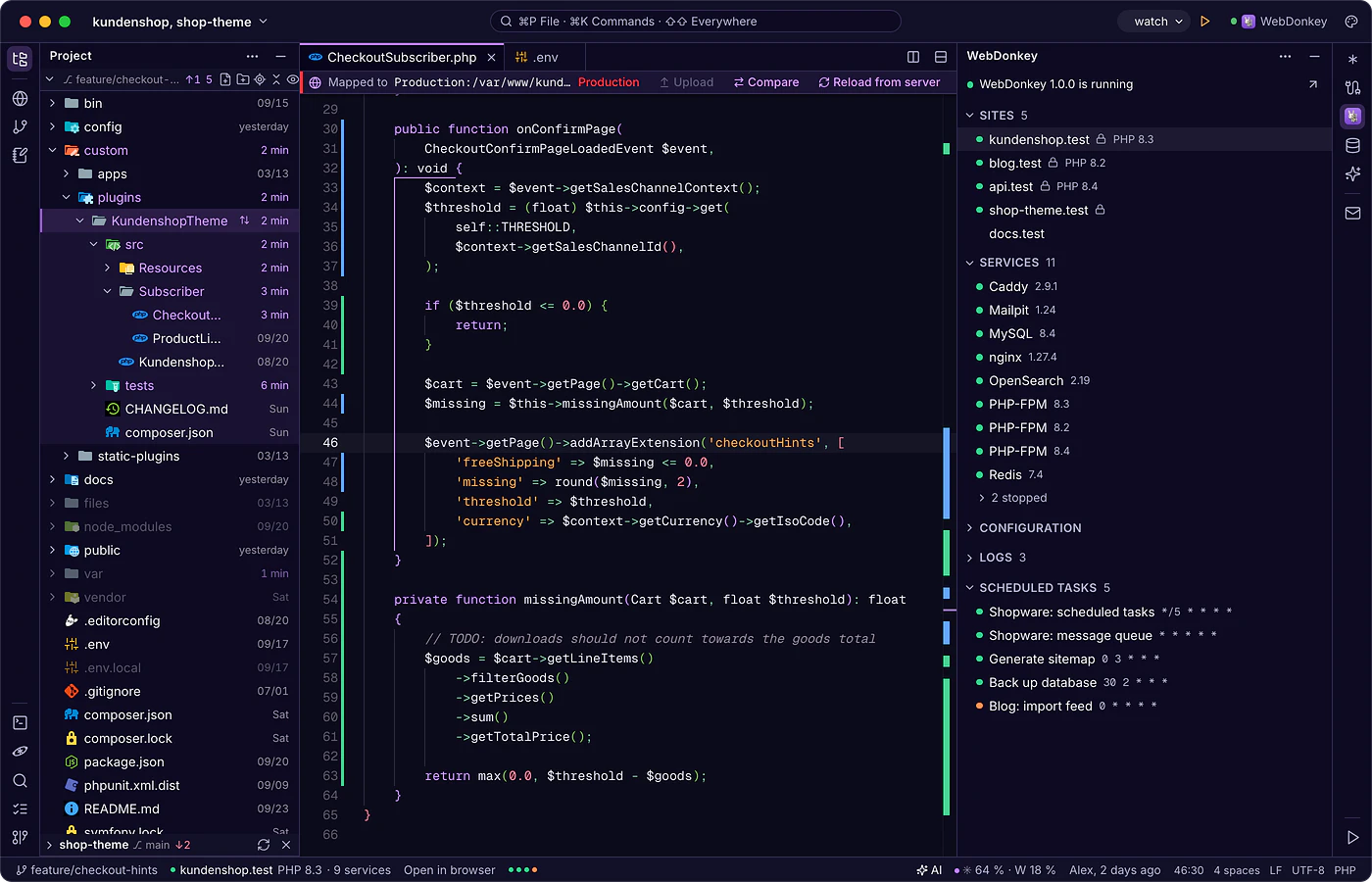
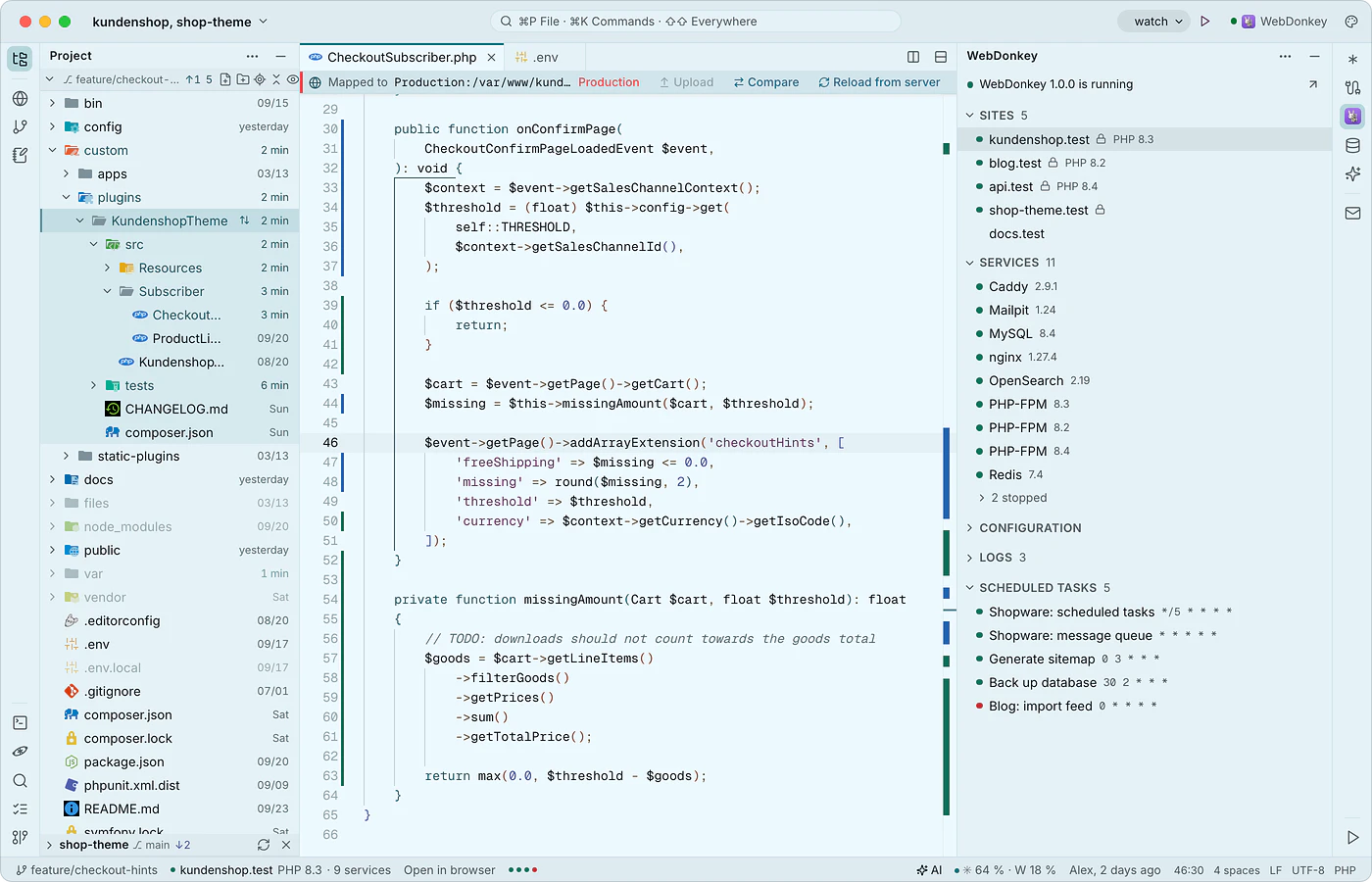 WebDonkey without switching windowsThe WebDonkey window (⌘4) shows your sites, services, logs and scheduled tasks, live while WebDonkey runs. Open sites in the browser or as a project, start and stop services from here, and their configuration opens in the editor.
-
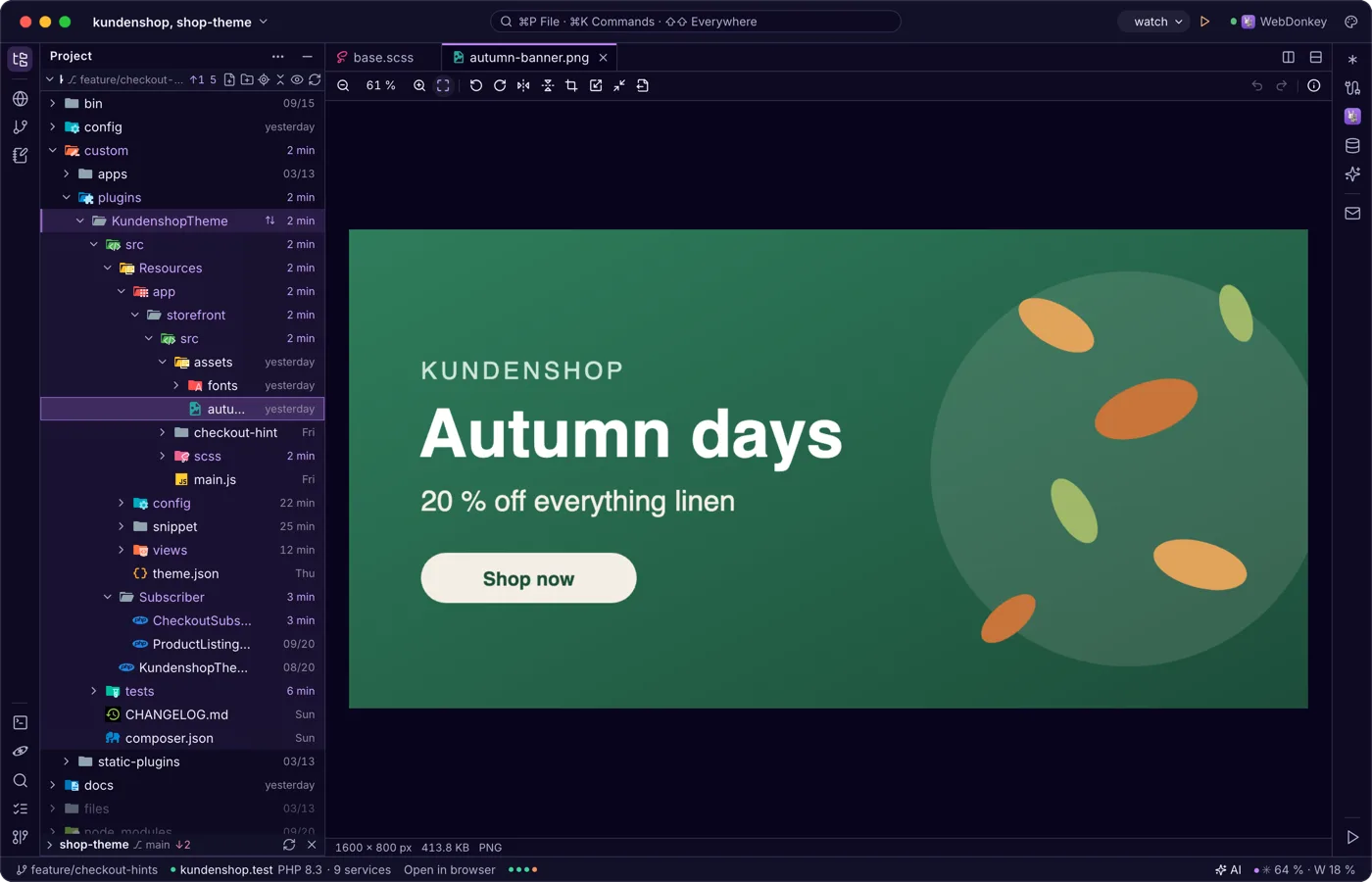
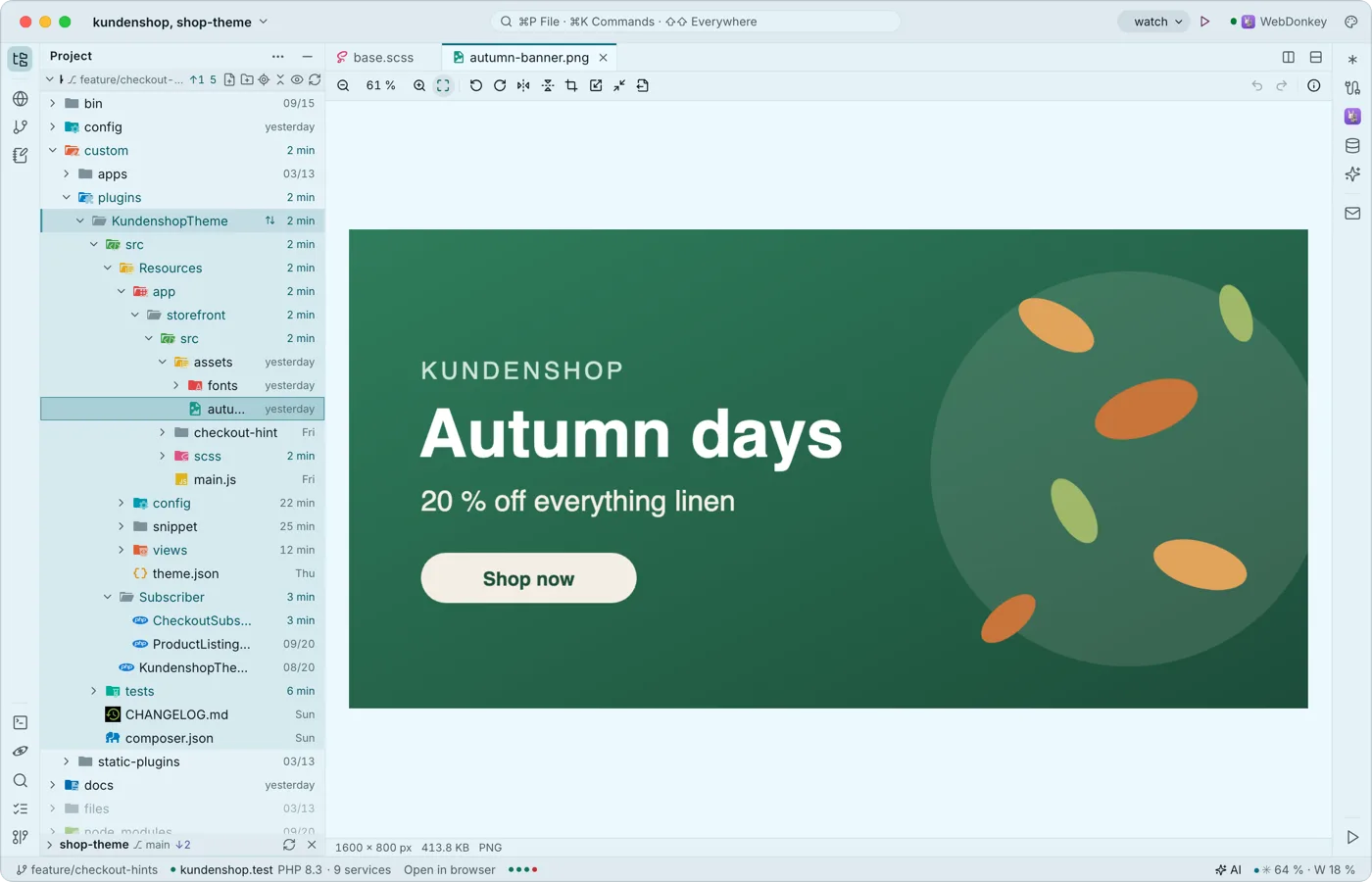 Images, PDF and Office right in the editorWhatever is not text opens in a matching viewer instead of a “binary file” notice: images, PDF, Word, Excel, CSV, archives, certificates, mails, audio, video and more. Viewing, editing, saving and exporting are free, Word and Excel included.
-
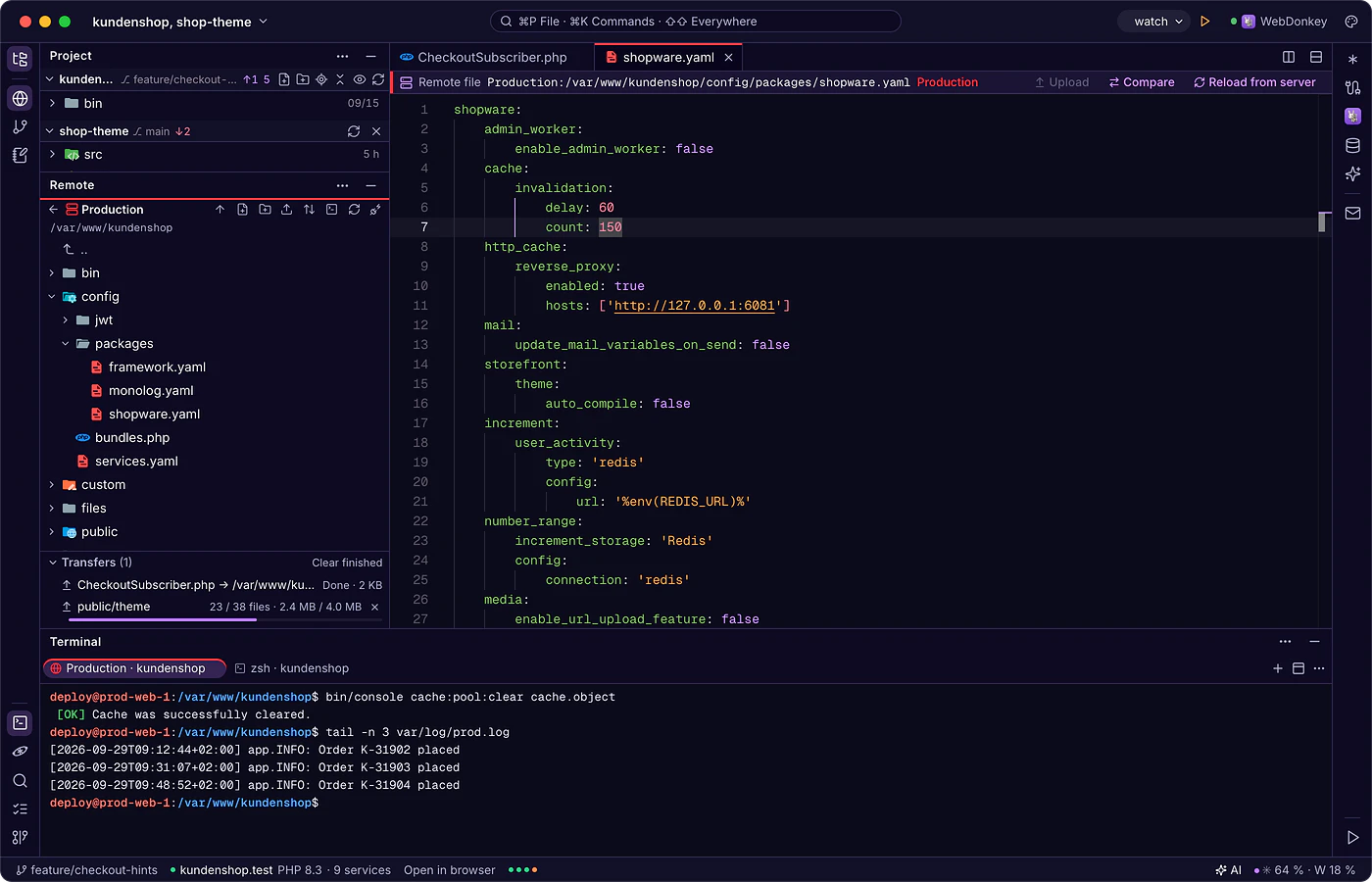
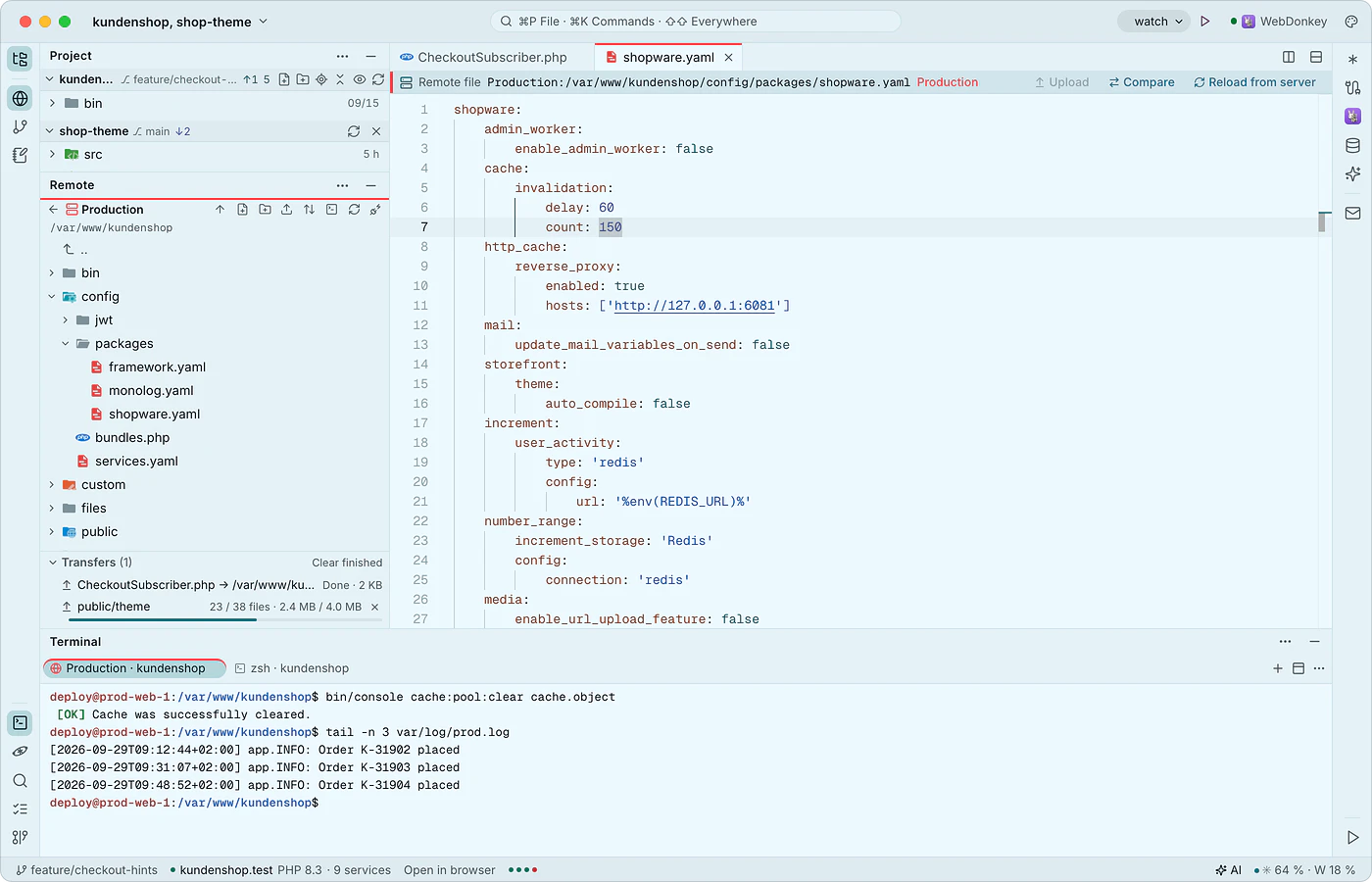 Edit client servers like local filesThe remote window connects to your servers over SSH and SFTP, with the same connections as WebDonkey. You open server files directly; saving goes to a working copy and uploading happens on command, after the editor has checked whether the file changed on the server in the meantime.
-
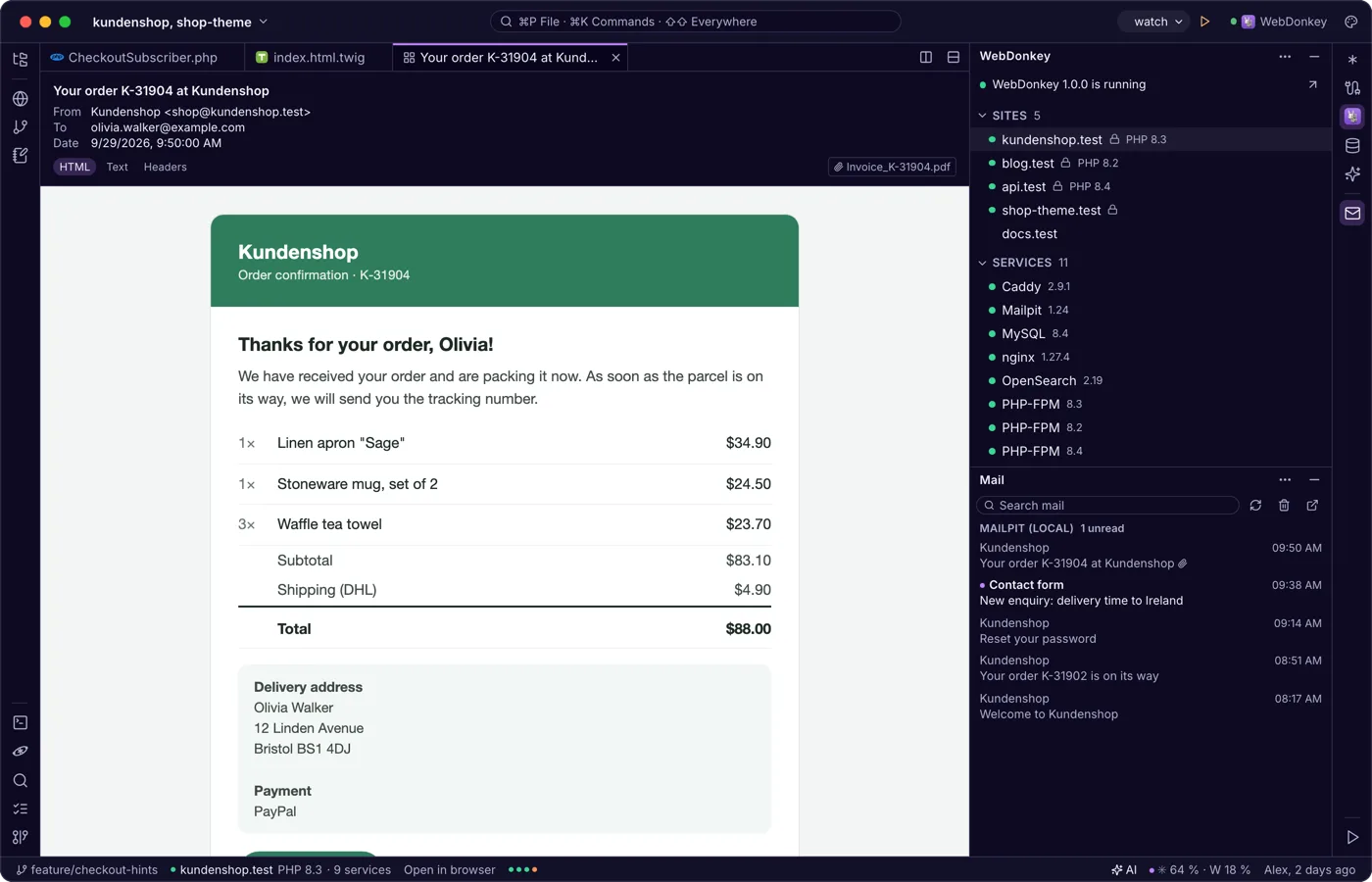
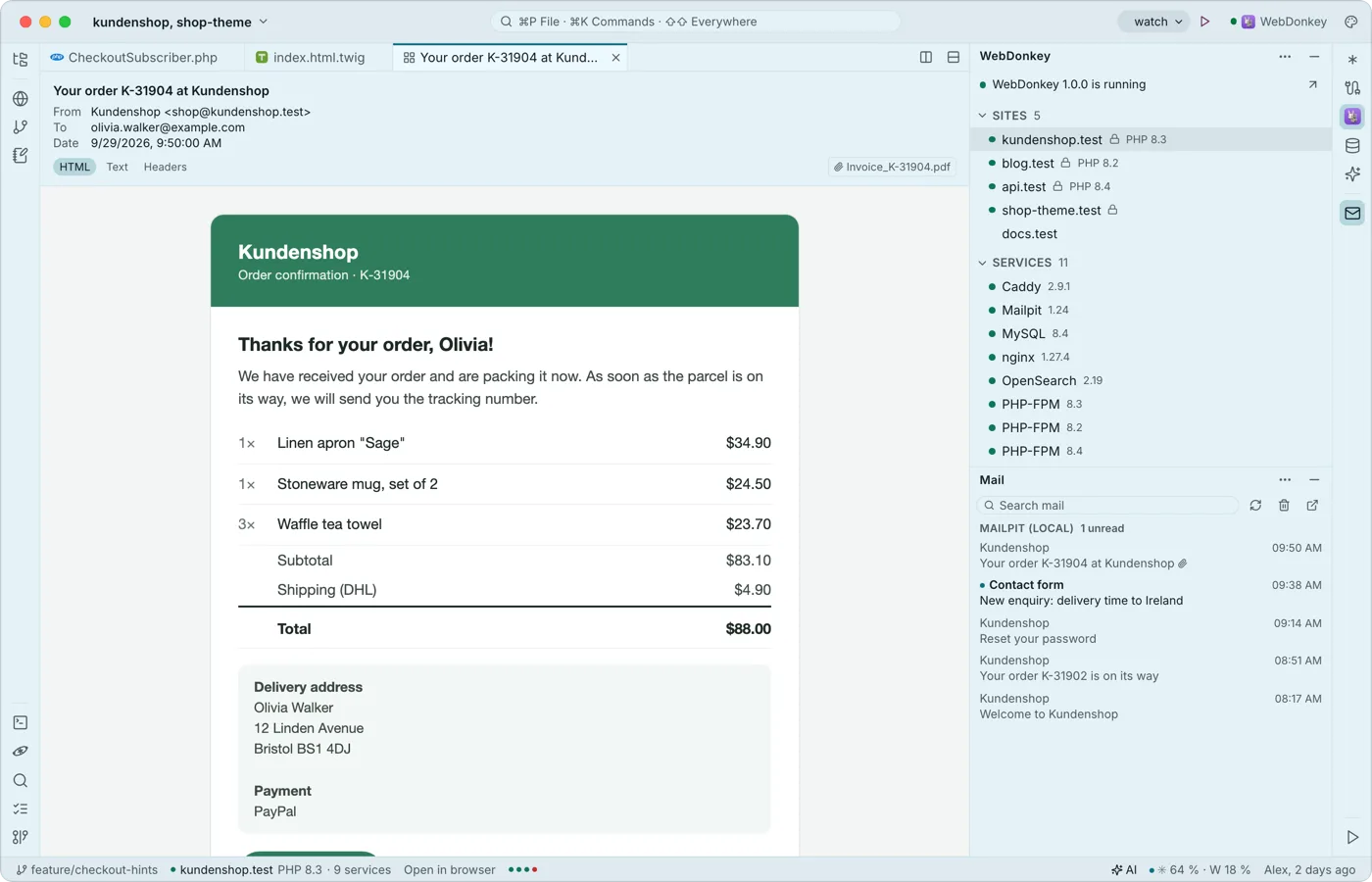 Mail from your projects, read in the editorThe mail window shows what Mailpit caught from your local sites and, with Premium, your servers' mailboxes, read only. A mail opens as a tab with HTML, text and header views; external images stay blocked.
Try it on your own project.
Free costs nothing and has no time limit. macOS 11 or later, Apple silicon and Intel.
