





Notes from Obsidian next to the code
The notes window shows the Obsidian vault WebDonkey uses on its Notes page as a tree next to your code. A note opens as a normal tab, with the Markdown toolbar and links between notes.
Free costs nothing and has no time limit. macOS 11 or later, Apple silicon and Intel.
In detail
Vault and notes
The tree shows the vault's folders and Markdown files, the search filters by name. Reading and writing go through WebDonkey and stay inside the vault; [[Name]] in the text jumps to the note of that name.
Second Brain
Claude works in your vault: in Obsidian through the Claudian plugin, a third-party plugin, and here in the editor. A list shows what is still missing, Set up adds it without overwriting anything, and Start Claude in the vault opens the session.
What does Free include?
This feature is part of Premium. On Free you see it in the app, and you can use it with a licence.
Compare Free and PremiumGoes well with this
-
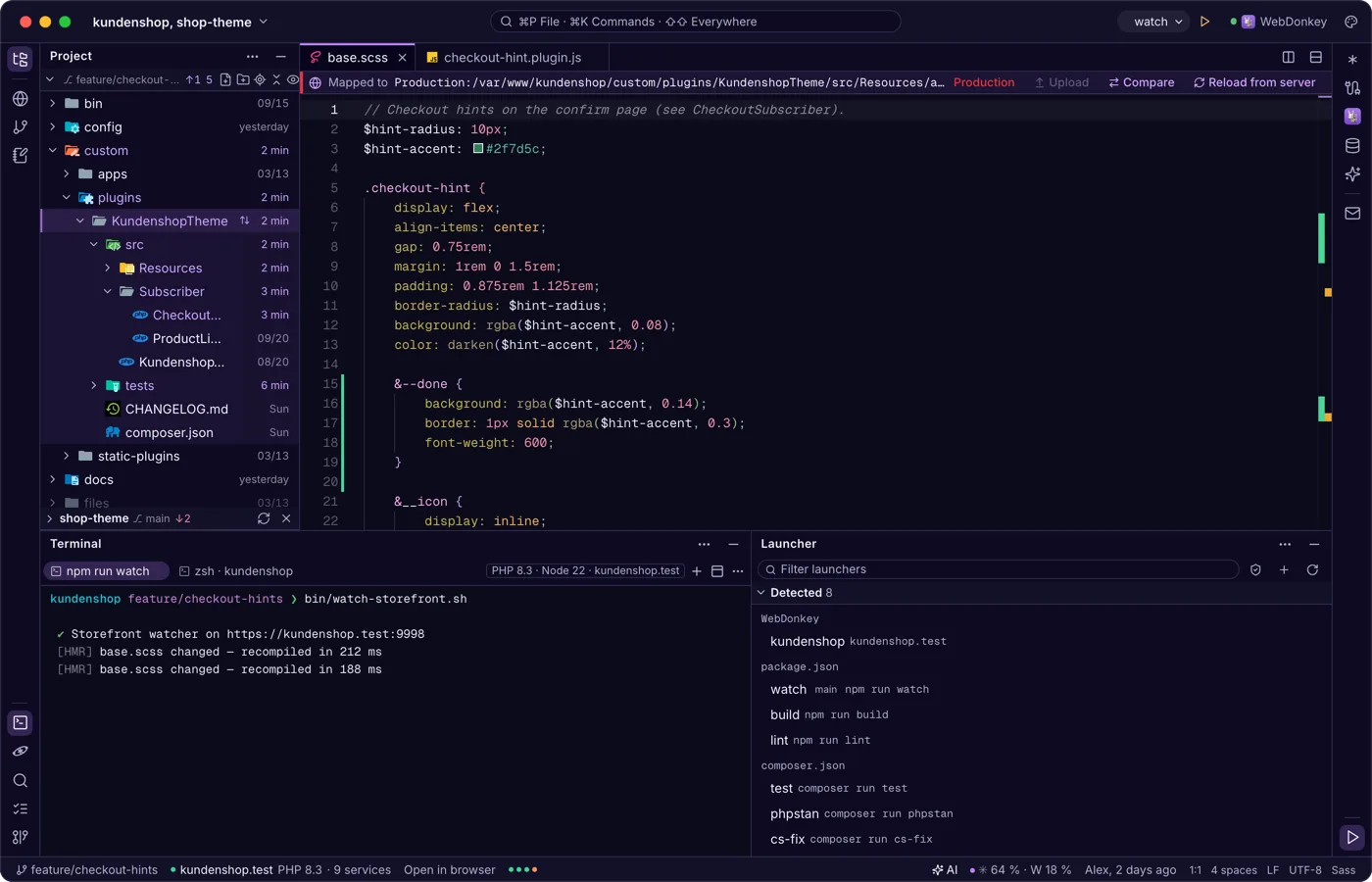
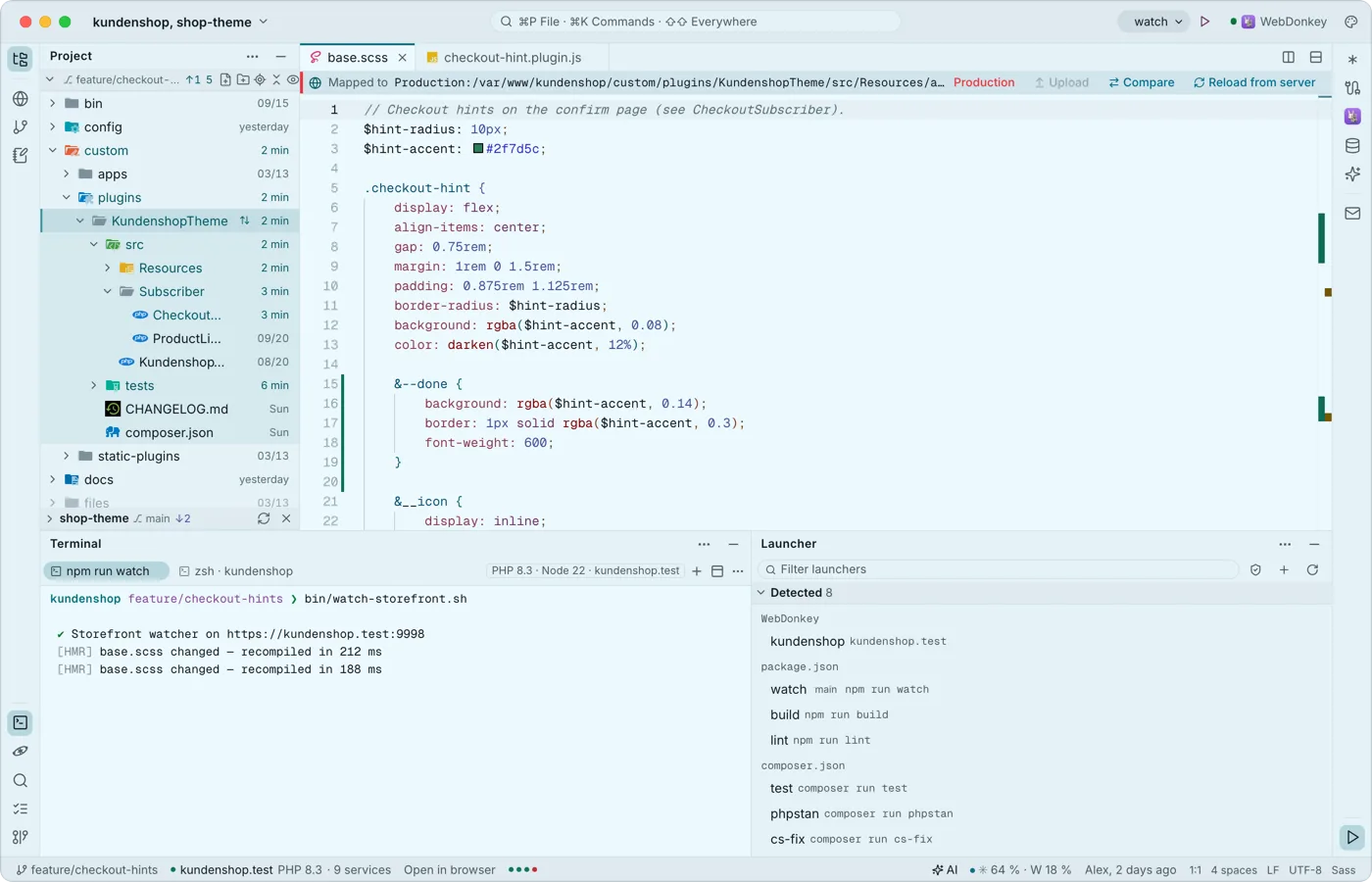 Run what your project can runThe launcher finds dev servers, scripts, console commands and tests in package.json, composer.json, Makefile and many more files. The chosen launcher sits in the title bar with ▶, the launcher window lists them all. Nothing runs by itself.
-
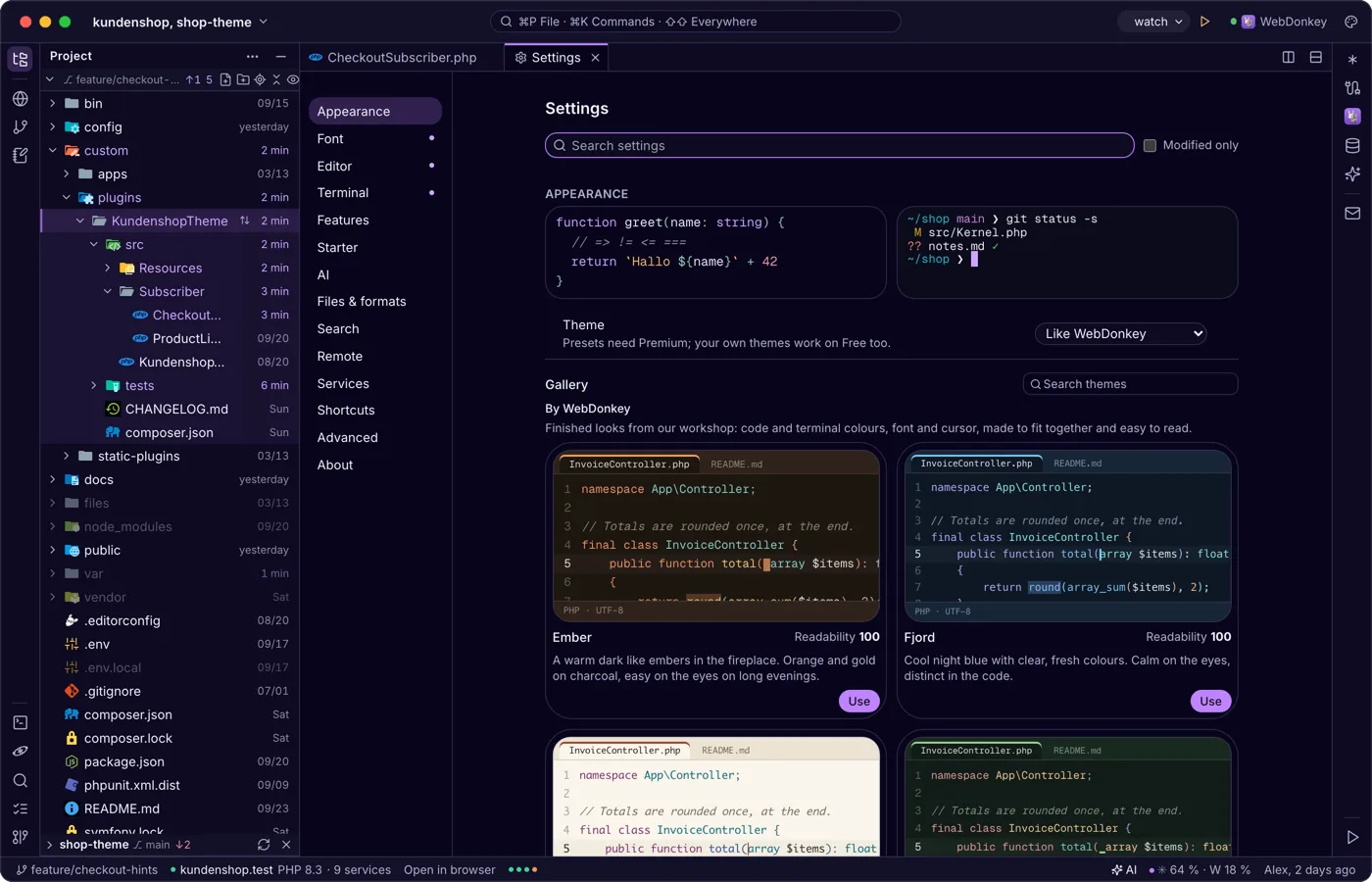
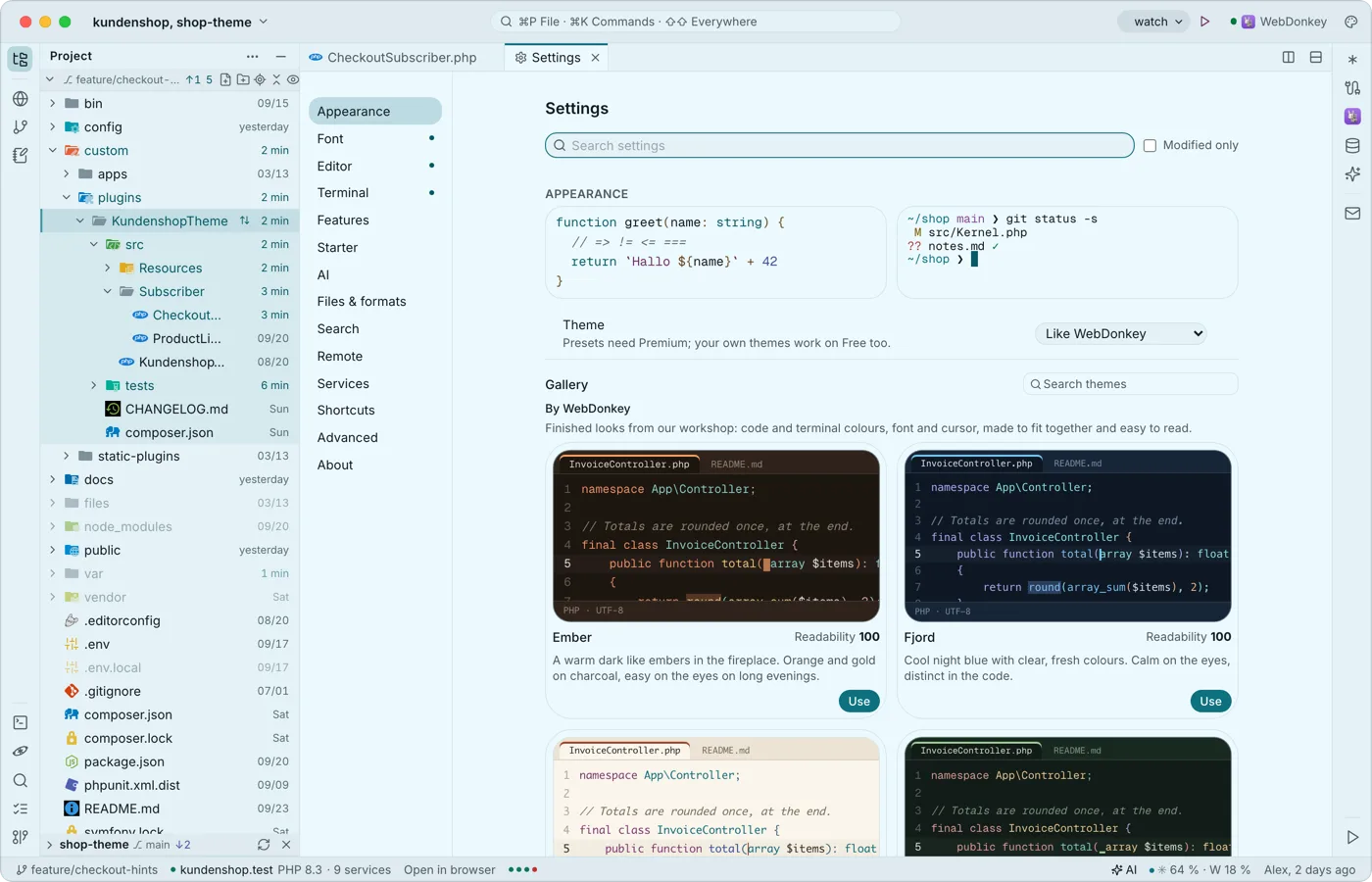 Settings, as a tab with search⌘, opens the settings as a tab, the sections on the left, the search on top: appearance, font, editor, terminal, features, launchers, AI, files & formats, search, remote, services, shortcuts, advanced and about. Everything applies at once and stays on your Mac.
-
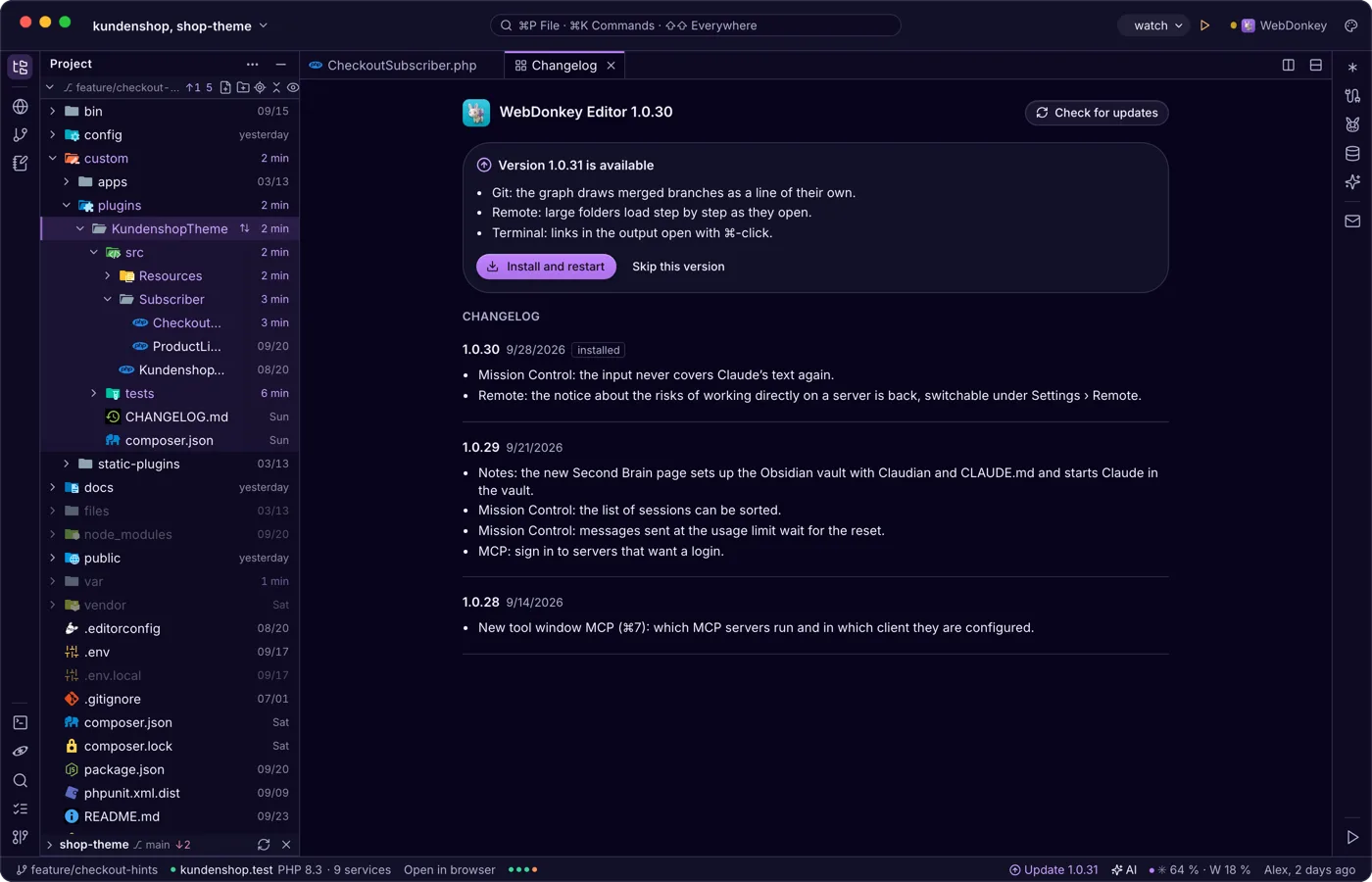
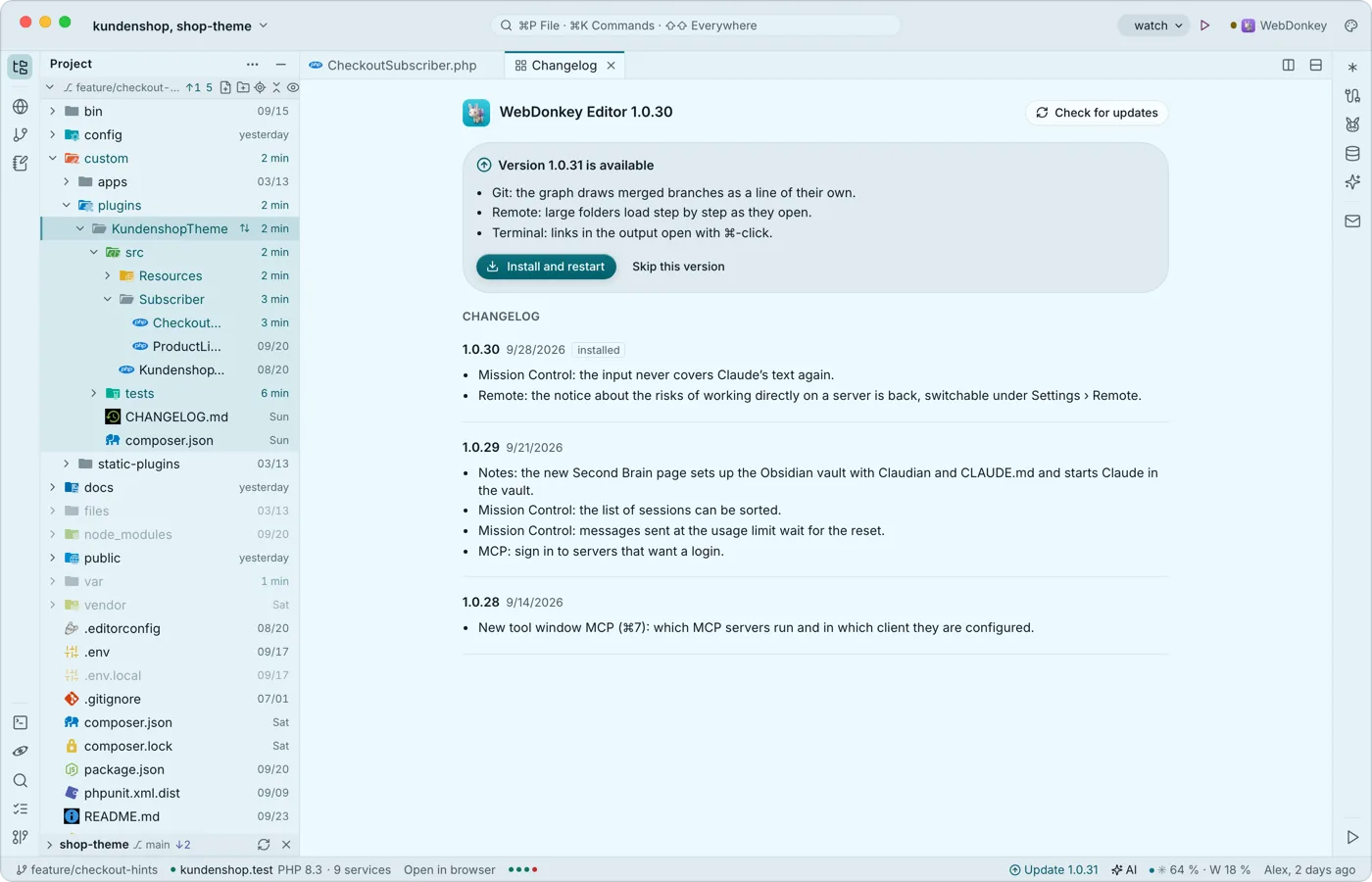 Updates when you are readyThe editor looks for new versions itself, shortly after start and regularly after that. Nothing is ever installed by itself, because the restart ends every running terminal, a Claude session included.
-
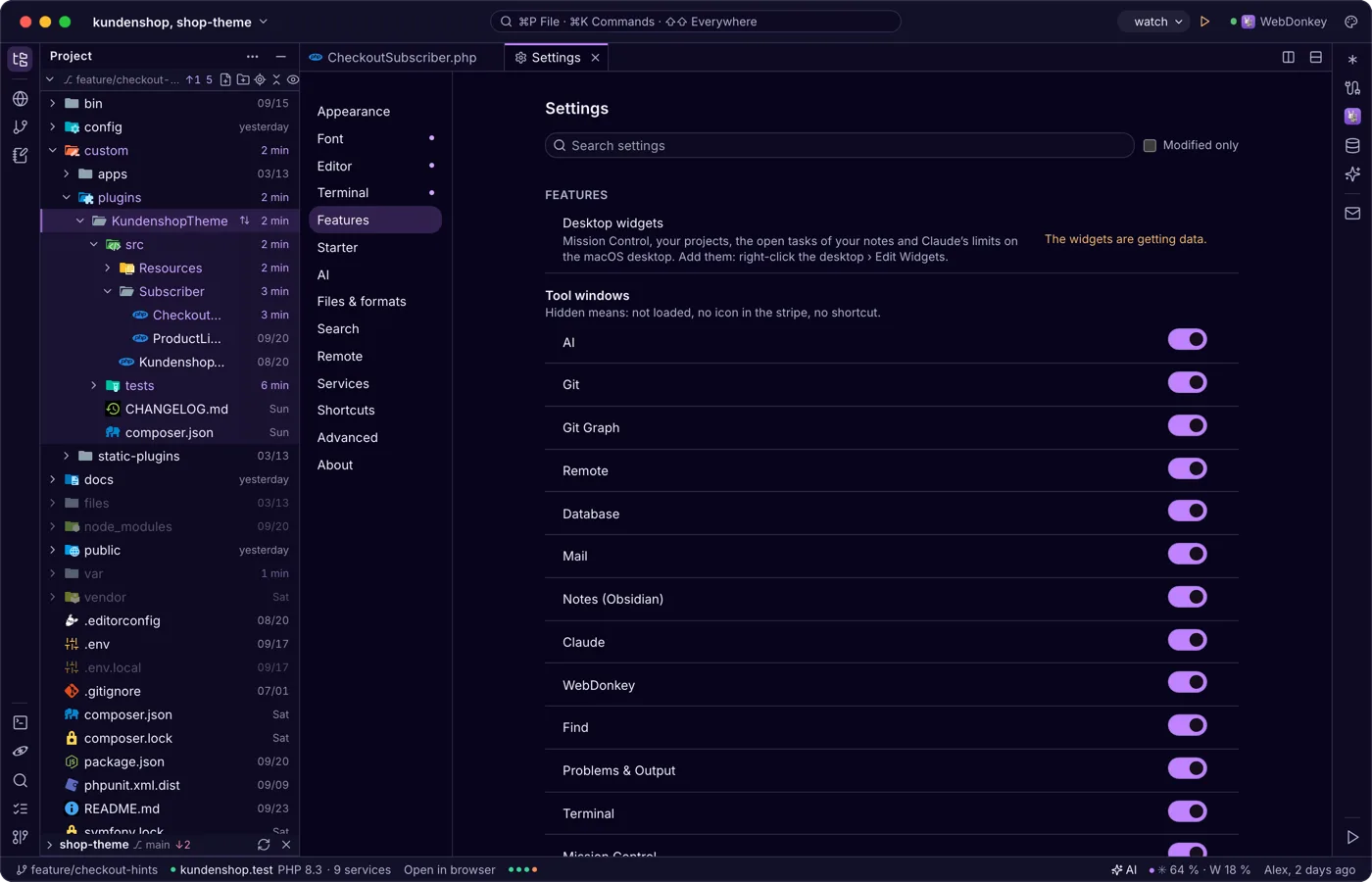
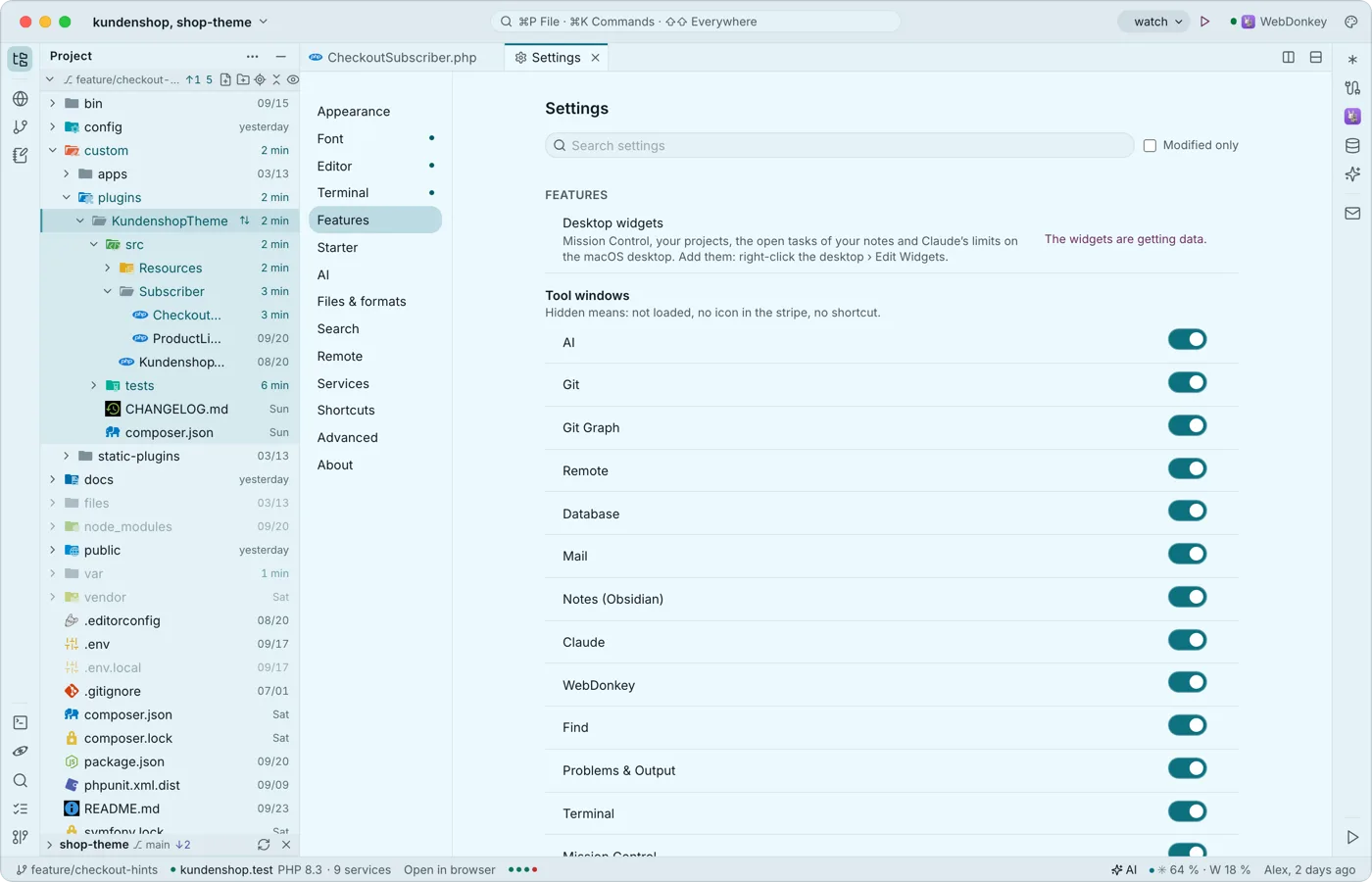 Widgets for the desktopThe editor comes with widgets for the macOS desktop: Mission Control, your projects, the open tasks of your notes and Claude's limits, even while the editor runs in the background. A tap opens the editor at the right place.
Try it on your own project.
Free costs nothing and has no time limit. macOS 11 or later, Apple silicon and Intel.
