





Settings, as a tab with search
⌘, opens the settings as a tab, the sections on the left, the search on top: appearance, font, editor, terminal, features, launchers, AI, files & formats, search, remote, services, shortcuts, advanced and about. Everything applies at once and stays on your Mac.
Free costs nothing and has no time limit. macOS 11 or later, Apple silicon and Intel.
In detail
AppearanceFree & Premium
The theme follows WebDonkey or is set to Aurora, Arctic or System, with Premium also switchable from the theme menu in the title bar. Ready-made presets and the gallery for using and sharing looks are Premium, your own themes work on Free. Plus language, interface font size, density, motion, contrast and file icons.
Font
Separately for editor and terminal: a typeface from your Mac's monospace fonts, size, line height, letter spacing, weight and ligatures. Geist Mono comes bundled.
Editor
Line numbers, minimap, word wrap, ruler, whitespace, bracket pairs, sticky scroll, folding and cursor; tab width and indentation from the file; Emmet; autosave and what happens on save; the ⌘-click rules with your own aliases.
Terminal
Connect Claude Code, shell, cursor, scrollback, bell, ⌥ as Meta, copy on select, what ⌘K does in the terminal, rendering with WebGL or DOM and whether the terminal fills the editor area while no tab is open.
Features
Every tool window except the project tree can be hidden, AI, launchers and services too. Hidden means: not loaded, no icon, no shortcut. This is also where the status bar entries live, what happens at start and when the window closes, the desktop widgets and Git.
Launchers
Whether the editor detects launchers and from which sources: package.json, frameworks, composer.json, the Symfony, Shopware and Laravel consoles, Makefile and friends, Python, containers, toolchains, VS Code tasks and IntelliJ run configurations and the WebDonkey site. Plus the ▶ in the project tree and the question before the first start in a project.
AIFree & Premium
Where Start Claude, ⌘⎋ and resume lead: automatic, the editor terminal or, with Premium, Mission Control. Plus your own server URL for local AI, the memory budget, file patterns that never go out as context, and the suggestions while typing.
Files & formats
How much room images and documents get in the local history, the pixel grid when zoomed in and the default quality for JPEG and HEIC.
Search
Default excludes, .gitignore, hidden files, symlinks and encoding, limits for file size and hits, live search, grouping, the question before replacing and the search history.
RemotePremium
A preview before every upload and download, mapped folders marked in the trees, the remote notices and, for searching on a server: what is left out, from which load the editor asks and where it stops.
Services
The WebDonkey shims in editor terminals, so php, node and composer use the site's version, the version badge in the terminal, the service dots in the status bar and checking service configs on save.
Shortcuts
Every shortcut of the editor in one list, searchable by command or key. Double assignments are marked; often that is on purpose, because a shortcut only works where it is needed.
Advanced
Export settings saves everything that differs from the default as a JSON file; importing it moves your setup to a second Mac. Reset everything asks first, projects, terminals and themes stay.
About
Version, changelog, the licence list of the open source components used, and whether WebDonkey is connected, with its version and licence.
Legal
Imprint, terms, privacy, accessibility and security open as a tab in the editor, from About or the Help menu. Each page names the binding version on shop.webdonkey.io.
What does Free include?
This feature comes in Free and in Premium. Where Free ends is set out in the details and in the comparison.
Compare Free and PremiumGoes well with this
-
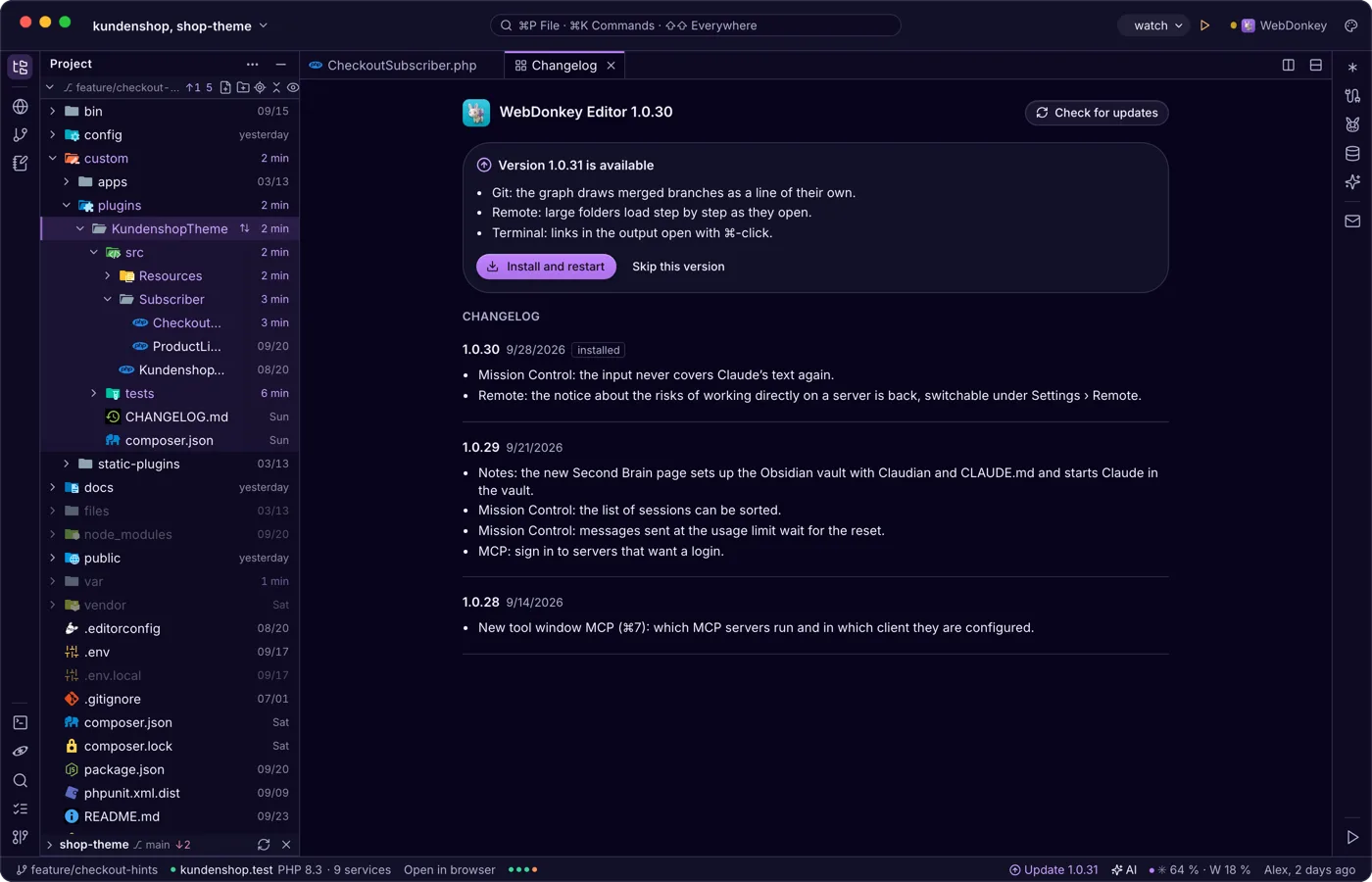
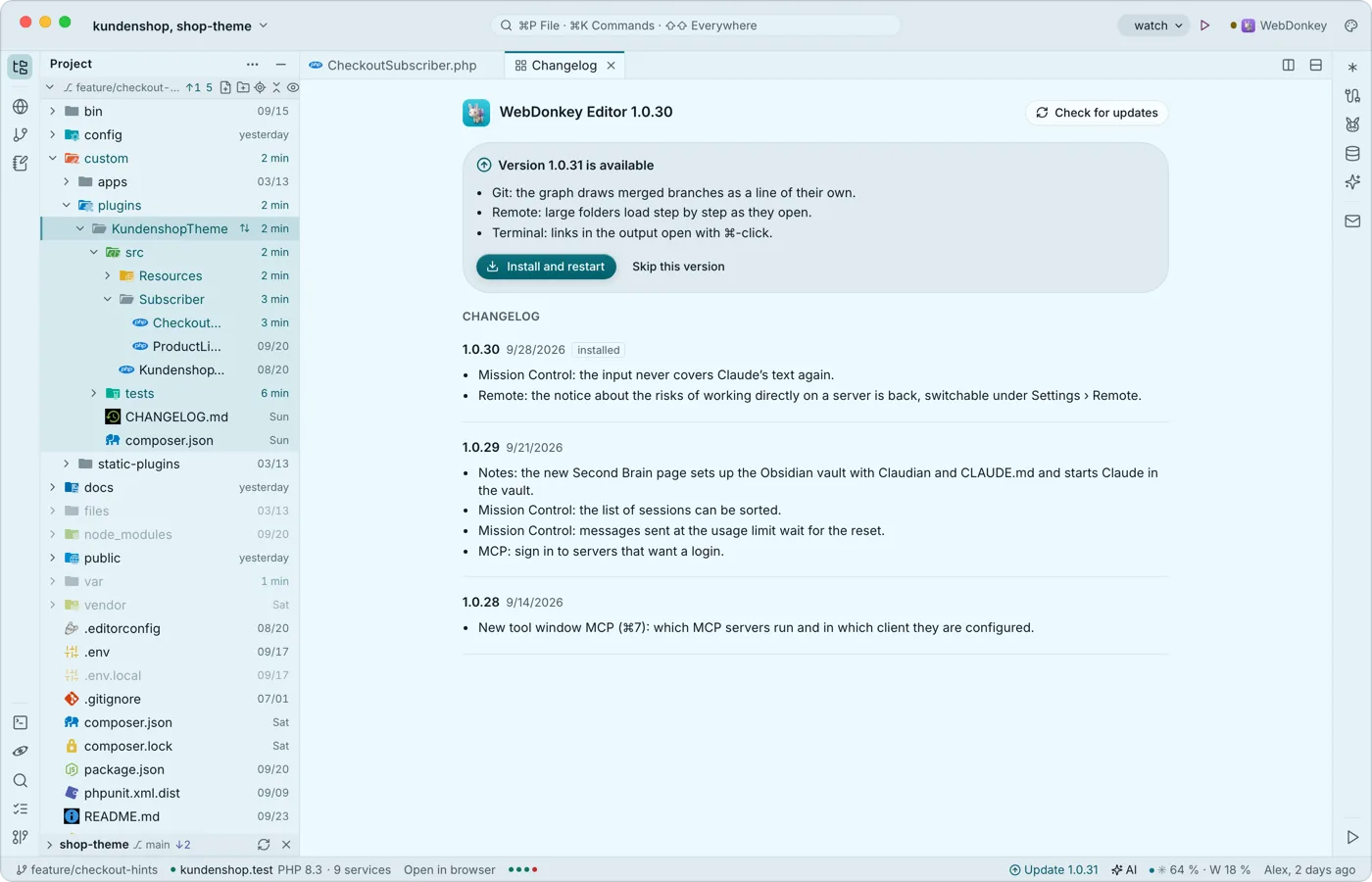 Updates when you are readyThe editor looks for new versions itself, shortly after start and regularly after that. Nothing is ever installed by itself, because the restart ends every running terminal, a Claude session included.
-
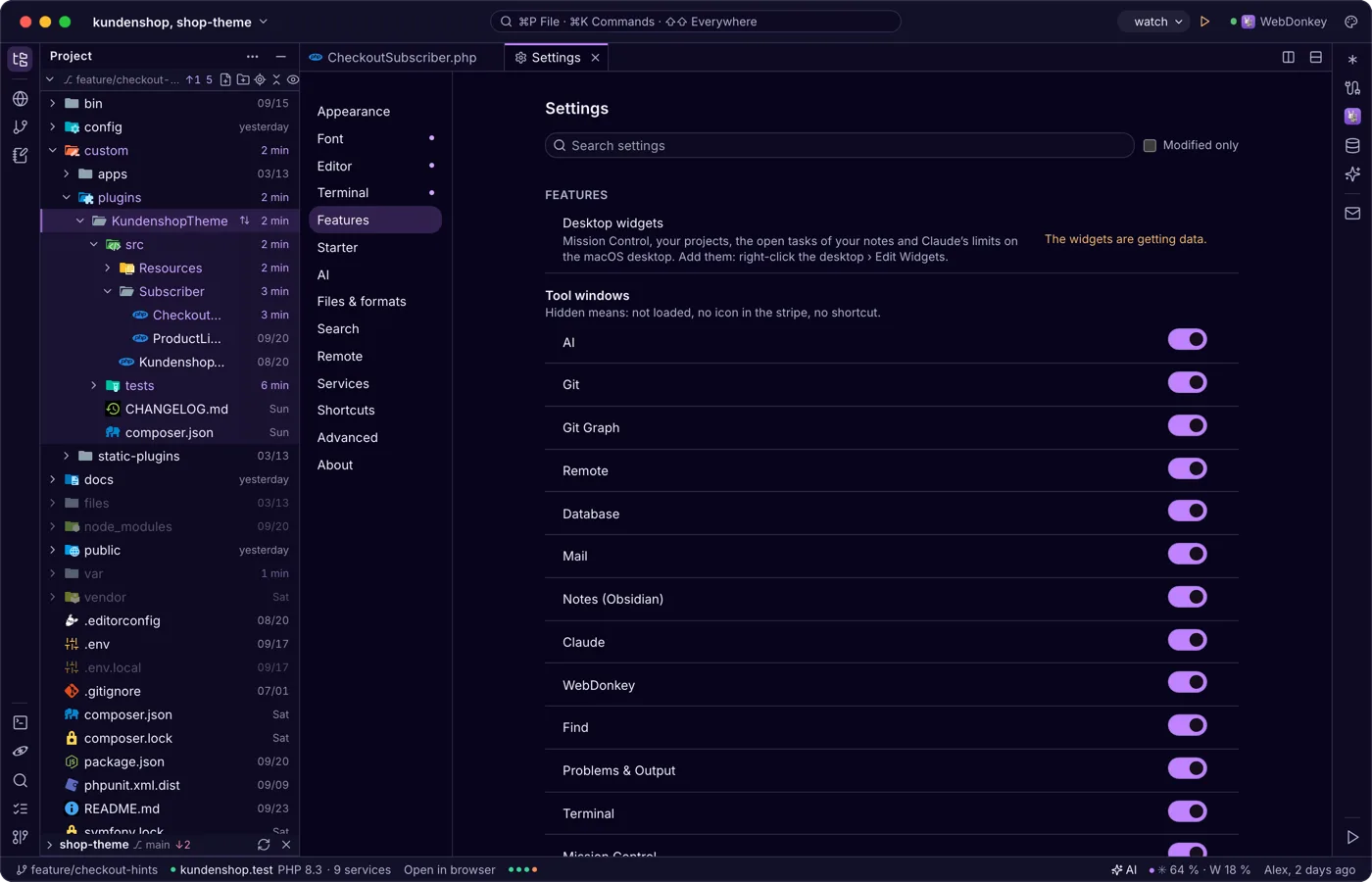
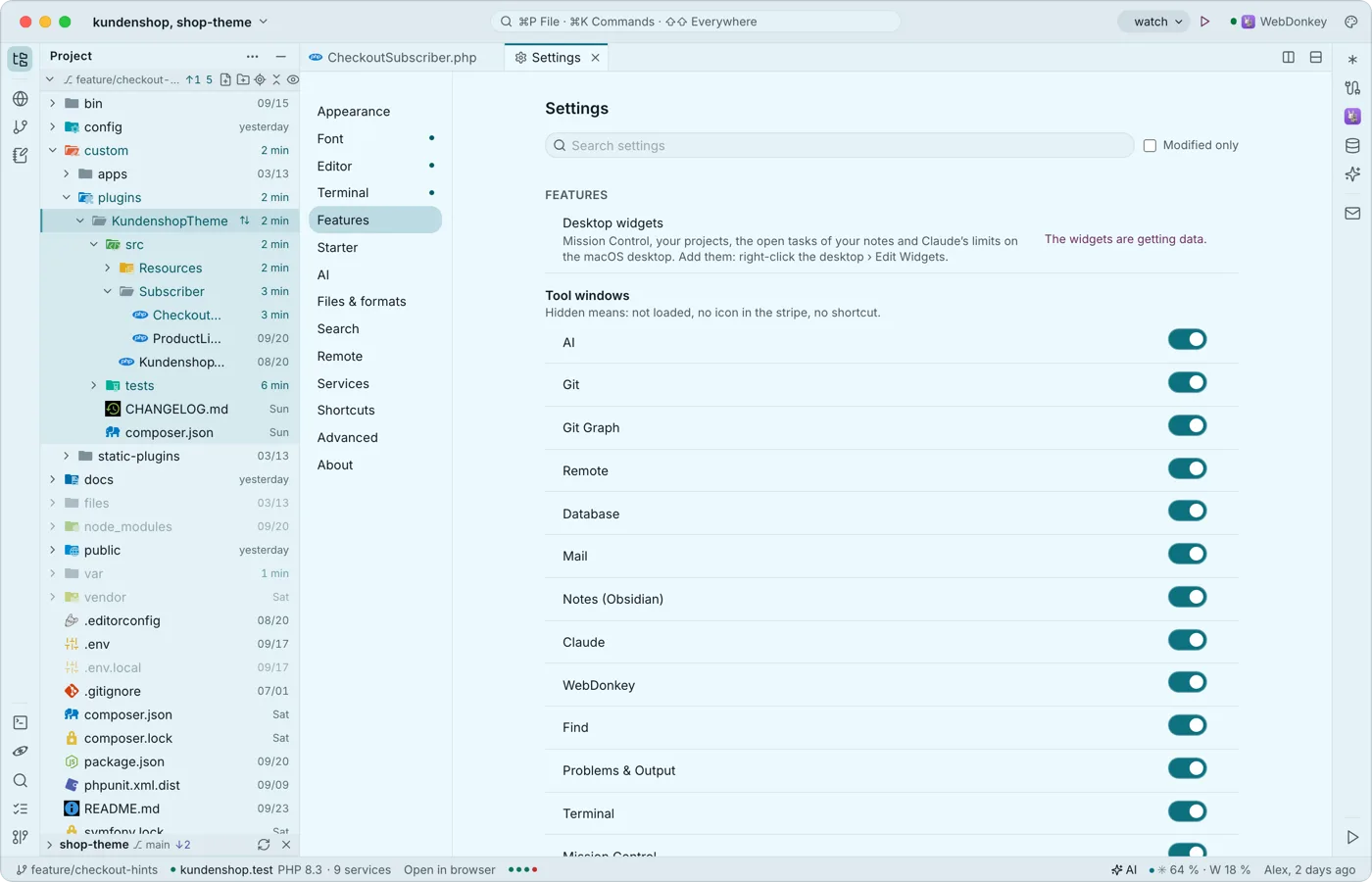 Widgets for the desktopThe editor comes with widgets for the macOS desktop: Mission Control, your projects, the open tasks of your notes and Claude's limits, even while the editor runs in the background. A tap opens the editor at the right place.
-
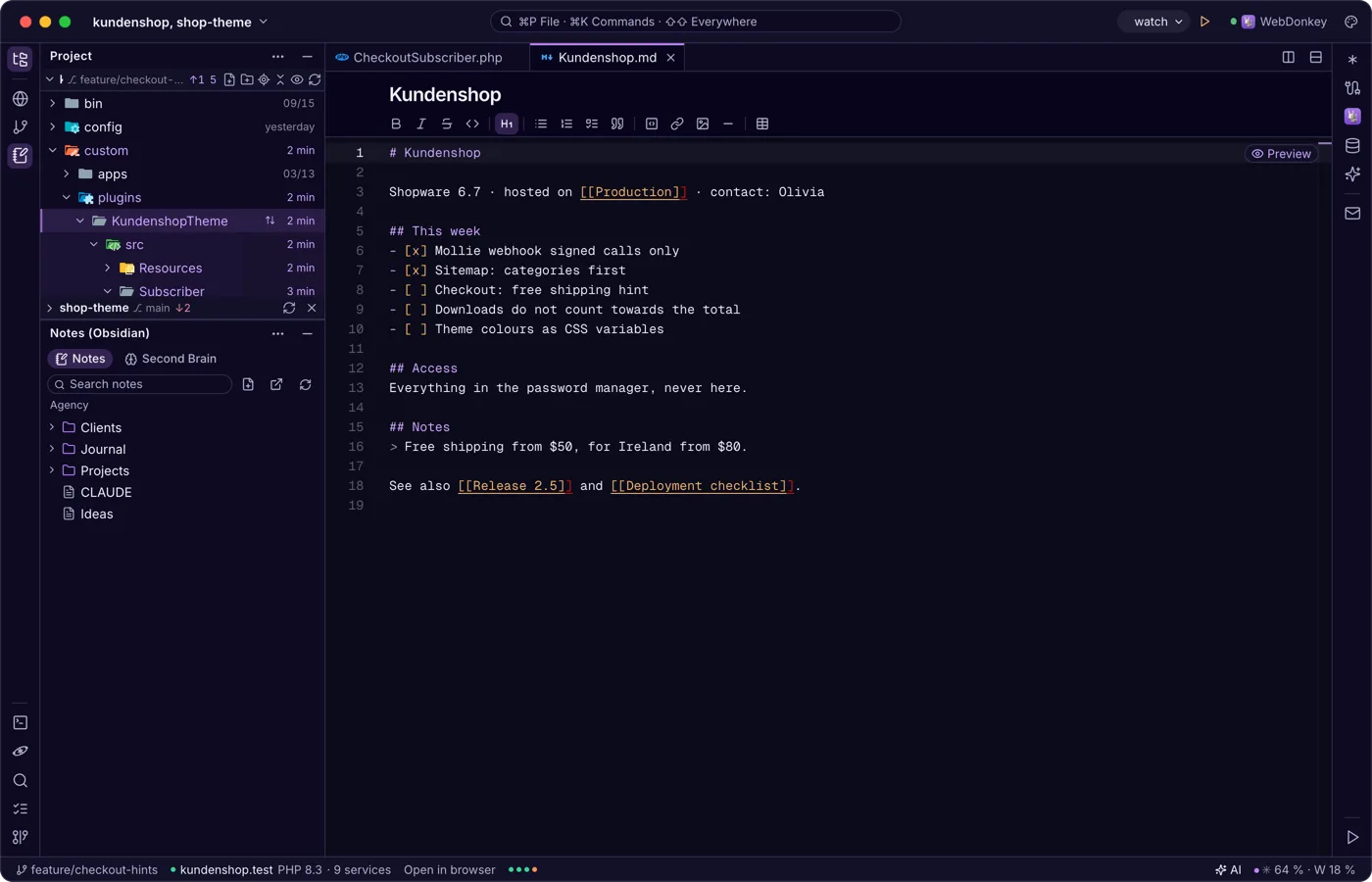
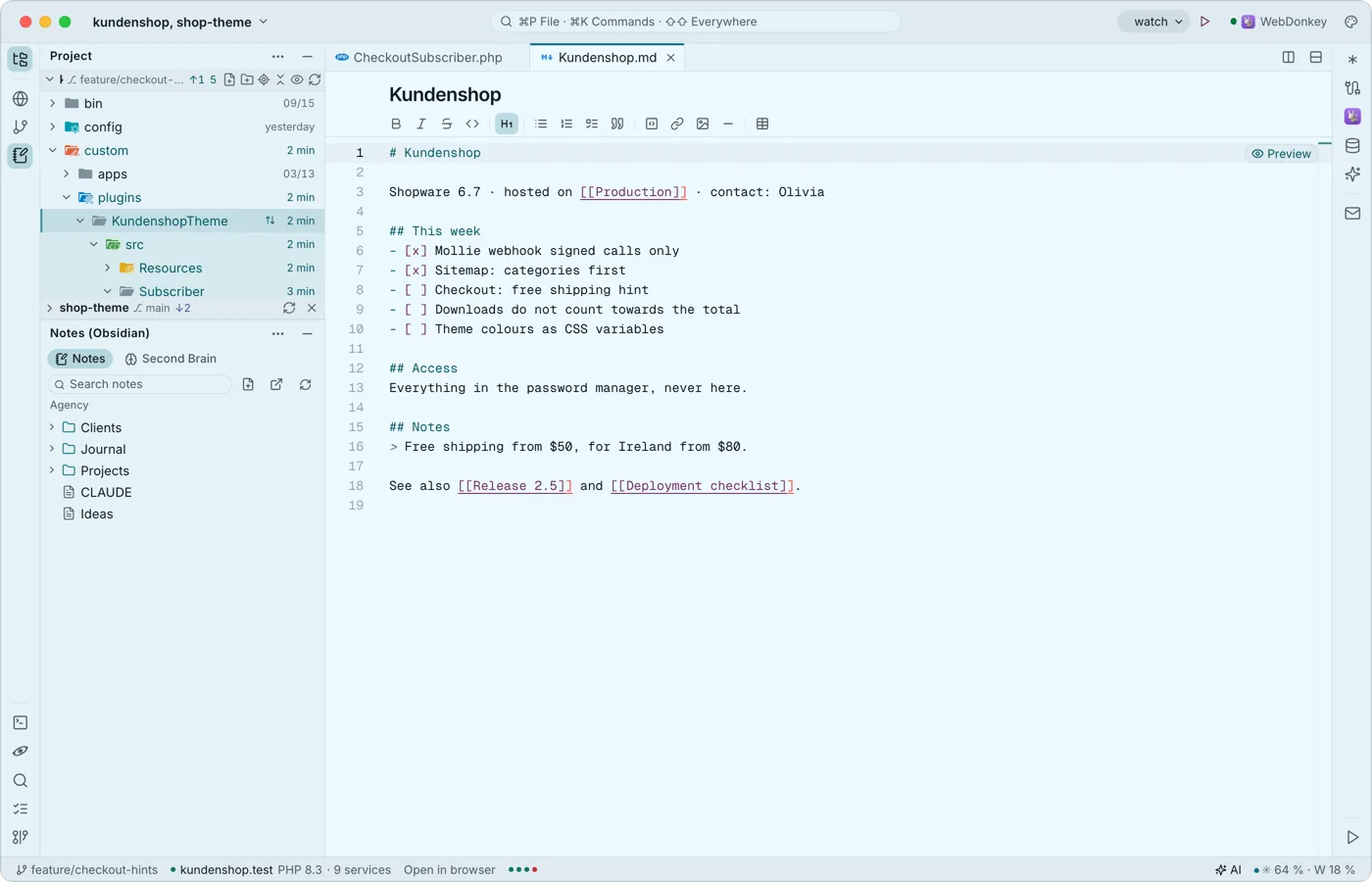 Notes from Obsidian next to the codeThe notes window shows the Obsidian vault WebDonkey uses on its Notes page as a tree next to your code. A note opens as a normal tab, with the Markdown toolbar and links between notes.
-
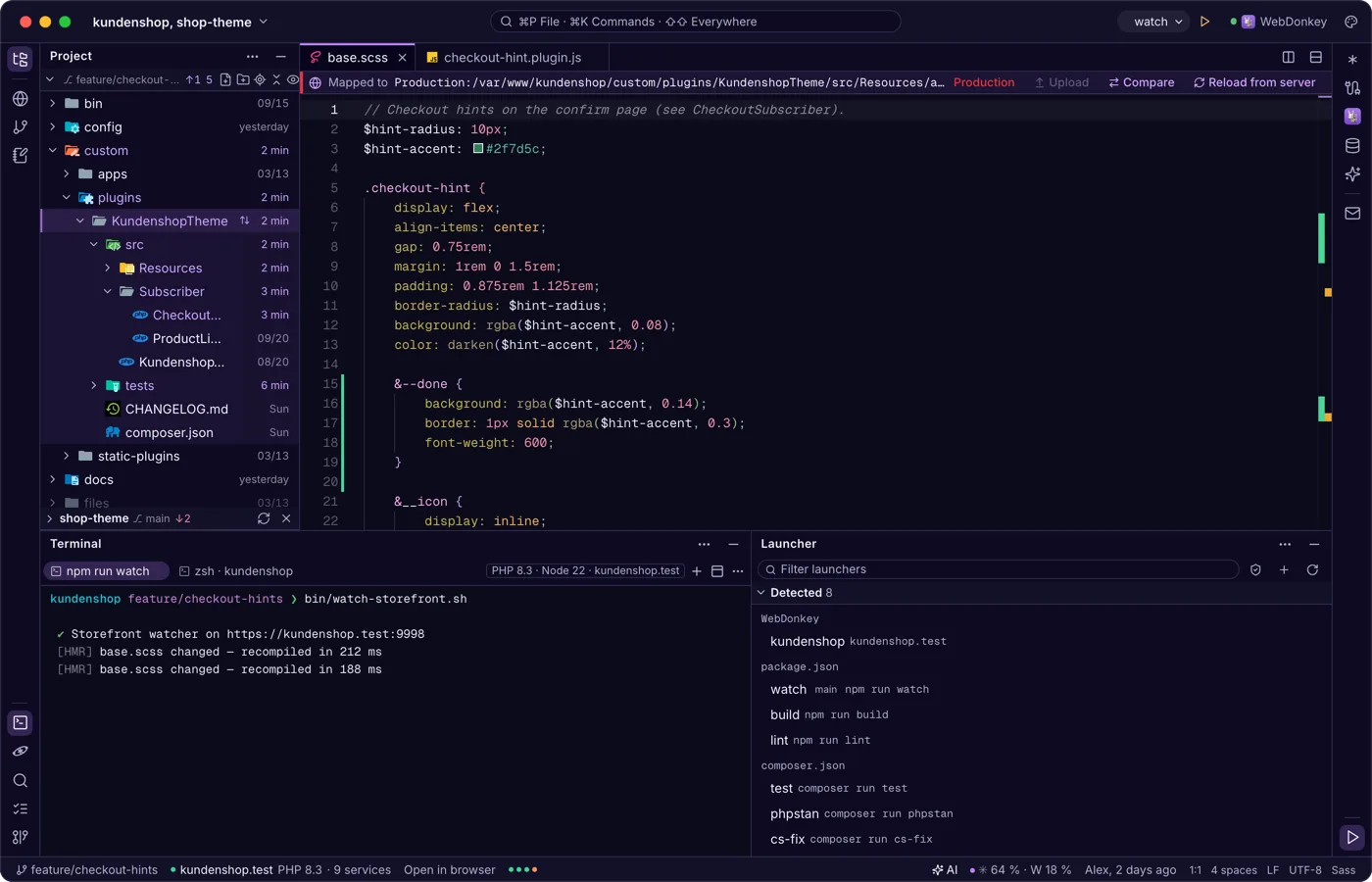
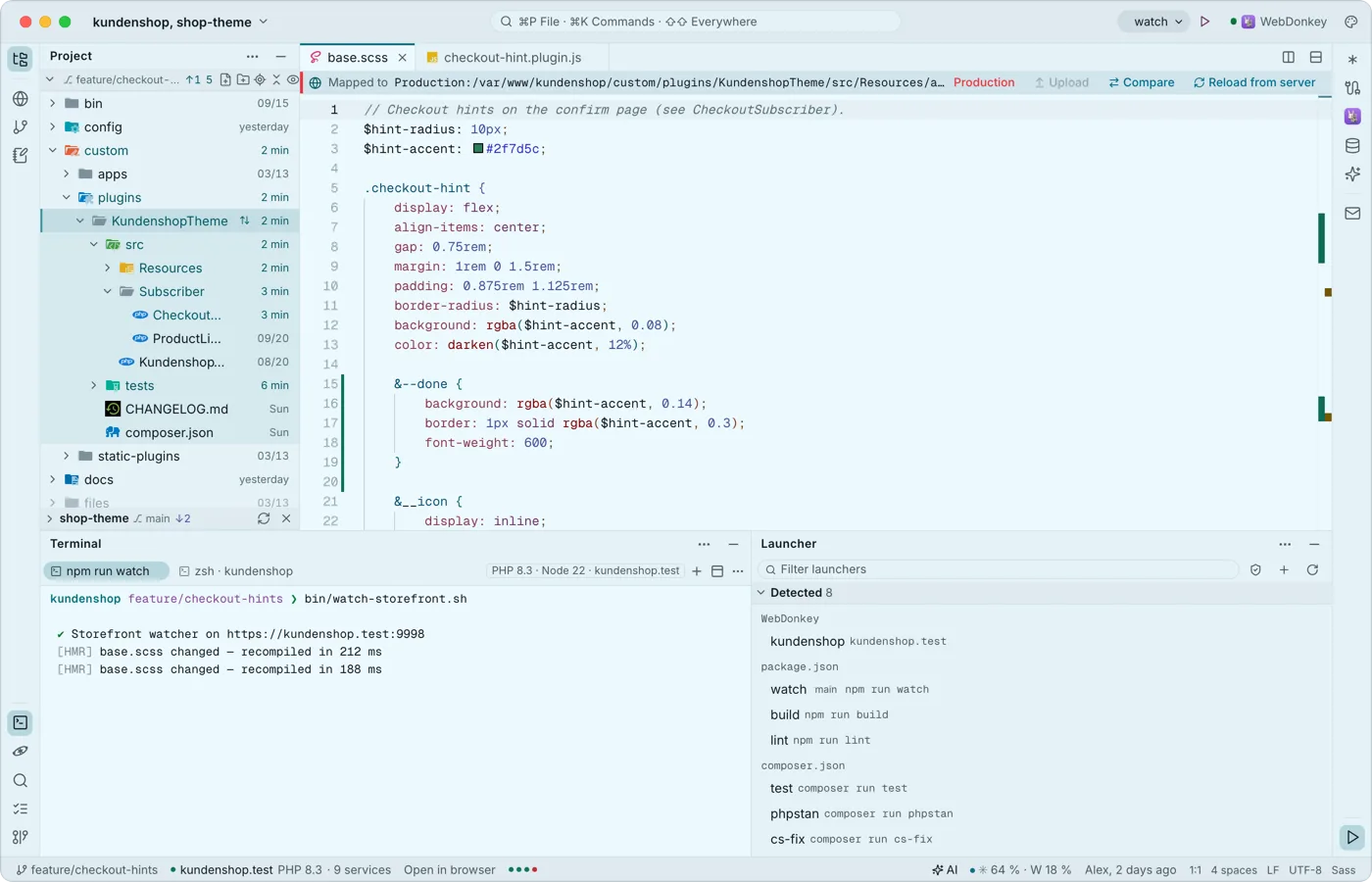 Run what your project can runThe launcher finds dev servers, scripts, console commands and tests in package.json, composer.json, Makefile and many more files. The chosen launcher sits in the title bar with ▶, the launcher window lists them all. Nothing runs by itself.
Try it on your own project.
Free costs nothing and has no time limit. macOS 11 or later, Apple silicon and Intel.
