





Run what your project can run
The launcher finds dev servers, scripts, console commands and tests in package.json, composer.json, Makefile and many more files. The chosen launcher sits in the title bar with ▶, the launcher window lists them all. Nothing runs by itself.
Free costs nothing and has no time limit. macOS 11 or later, Apple silicon and Intel.
In detail
Detected launchers
package.json with npm, pnpm, yarn or bun, frameworks like Vite, Next, Nuxt or Astro with their dev URL, composer.json, the Symfony, Shopware and Laravel consoles, Makefile, Python, Docker Compose, DDEV, Cargo, Go and more, plus VS Code tasks, IntelliJ run configurations and the services of the WebDonkey site. Every source can be switched off.
Own launchers
Whatever the editor does not detect, you add yourself: name, command, arguments, working folder, environment variables or a .env file and a launcher that should run first. Own launchers apply to this project only.
Trust
A project's scripts can do anything on your Mac that you can. So before the first start the editor shows the exact command and asks whether you trust the project; you can take that back at any time.
Shortcuts and bar
The start bar in the title bar shows the chosen launcher with its status, run, restart and stop, the main launcher on top of its menu. ⌃R runs the last launcher, ⌃⇧R the current file, and a ▶ in the project tree runs executable files and folders with launchers.
What does Free include?
This feature is fully included in Free. No licence and no time limit.
Compare Free and PremiumGoes well with this
-
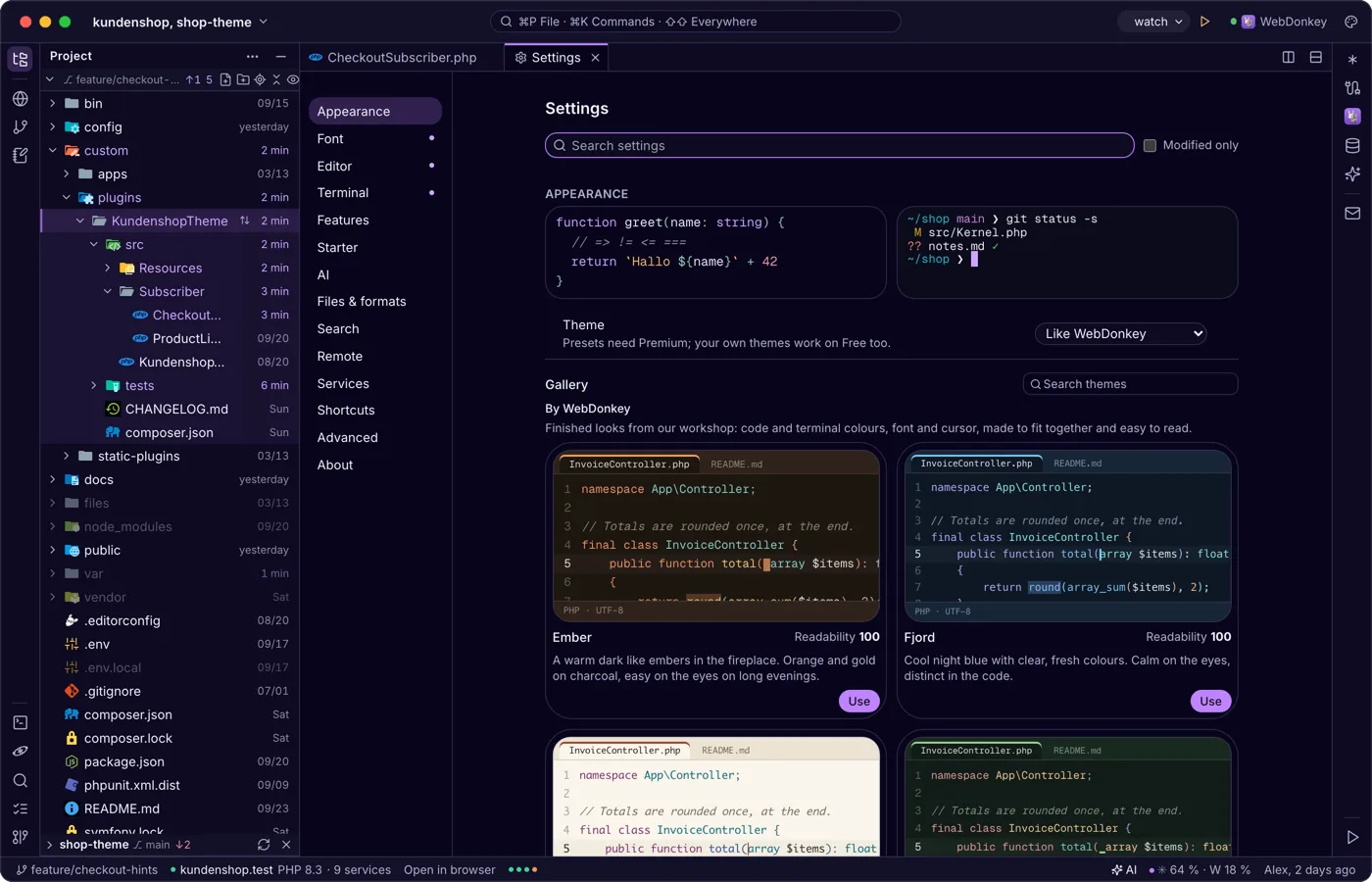
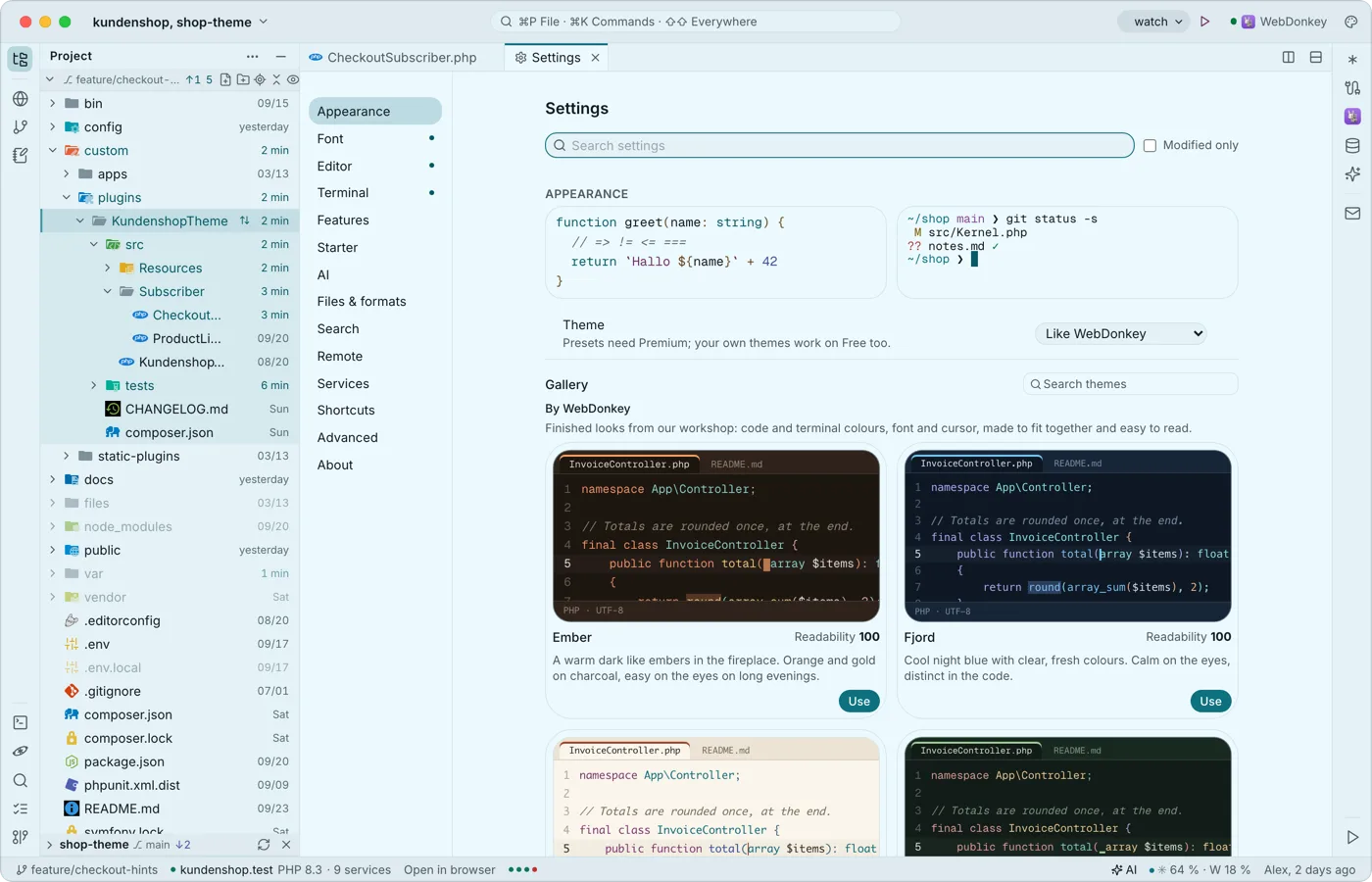 Settings, as a tab with search⌘, opens the settings as a tab, the sections on the left, the search on top: appearance, font, editor, terminal, features, launchers, AI, files & formats, search, remote, services, shortcuts, advanced and about. Everything applies at once and stays on your Mac.
-
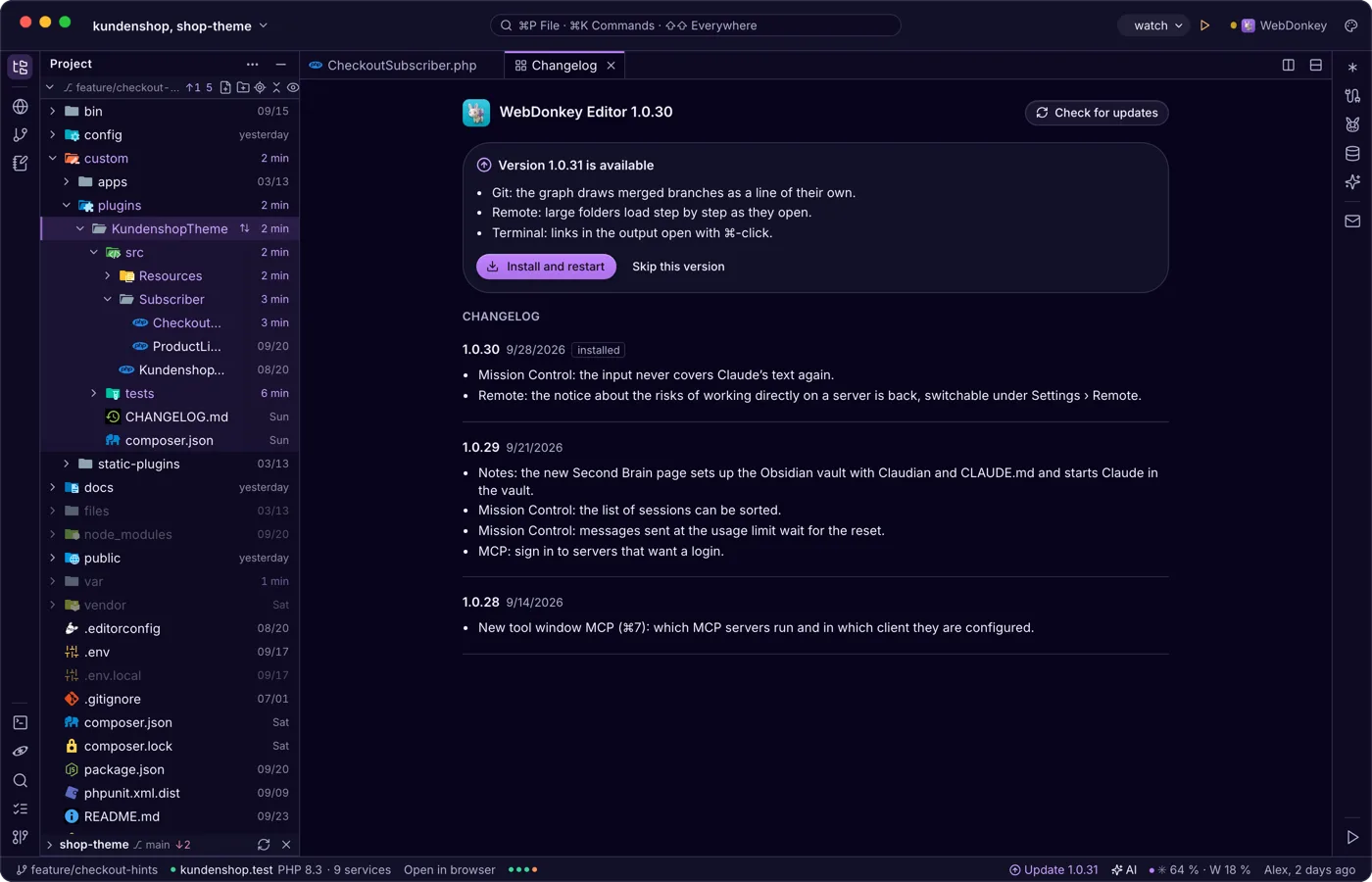
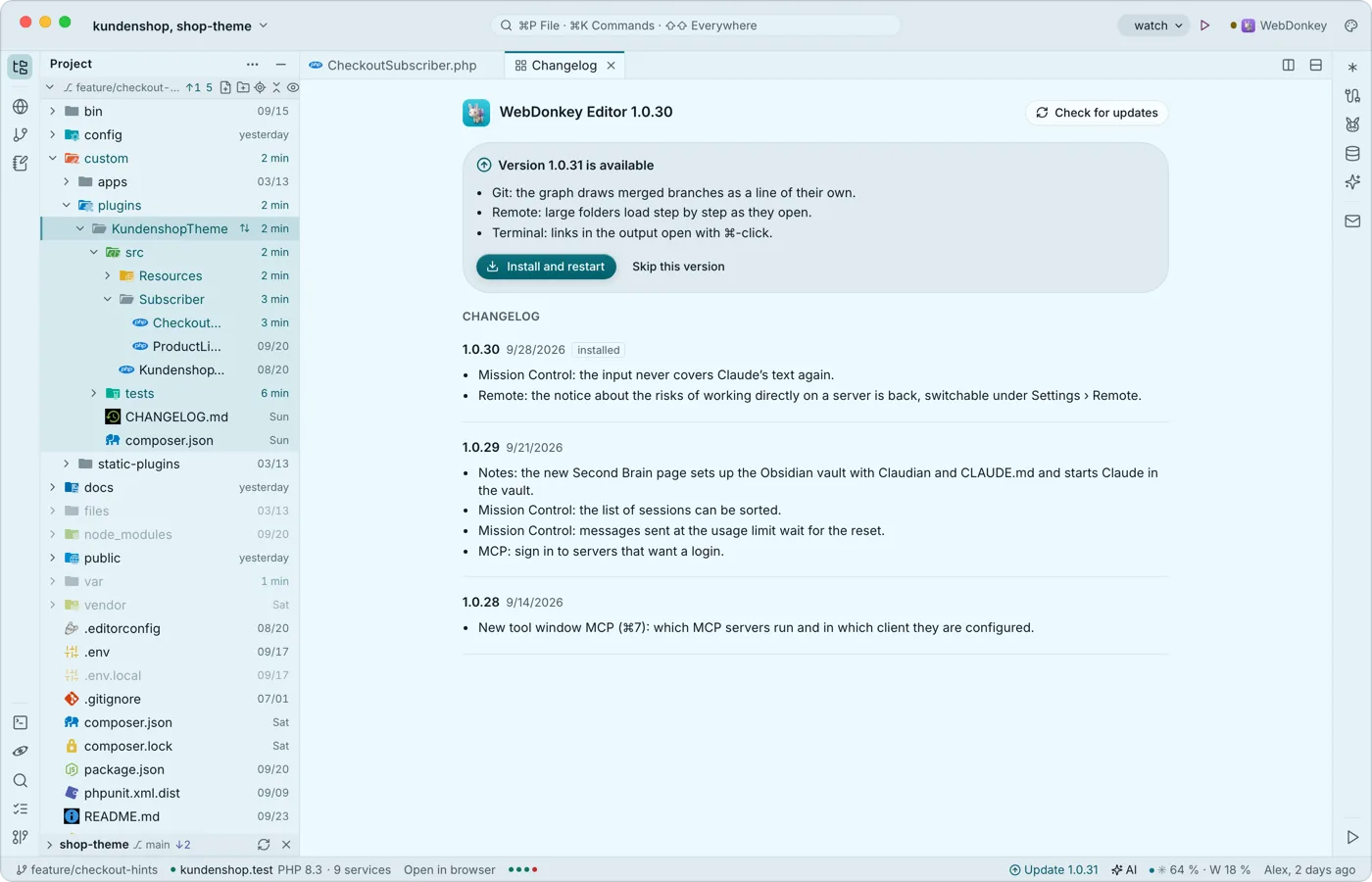 Updates when you are readyThe editor looks for new versions itself, shortly after start and regularly after that. Nothing is ever installed by itself, because the restart ends every running terminal, a Claude session included.
-
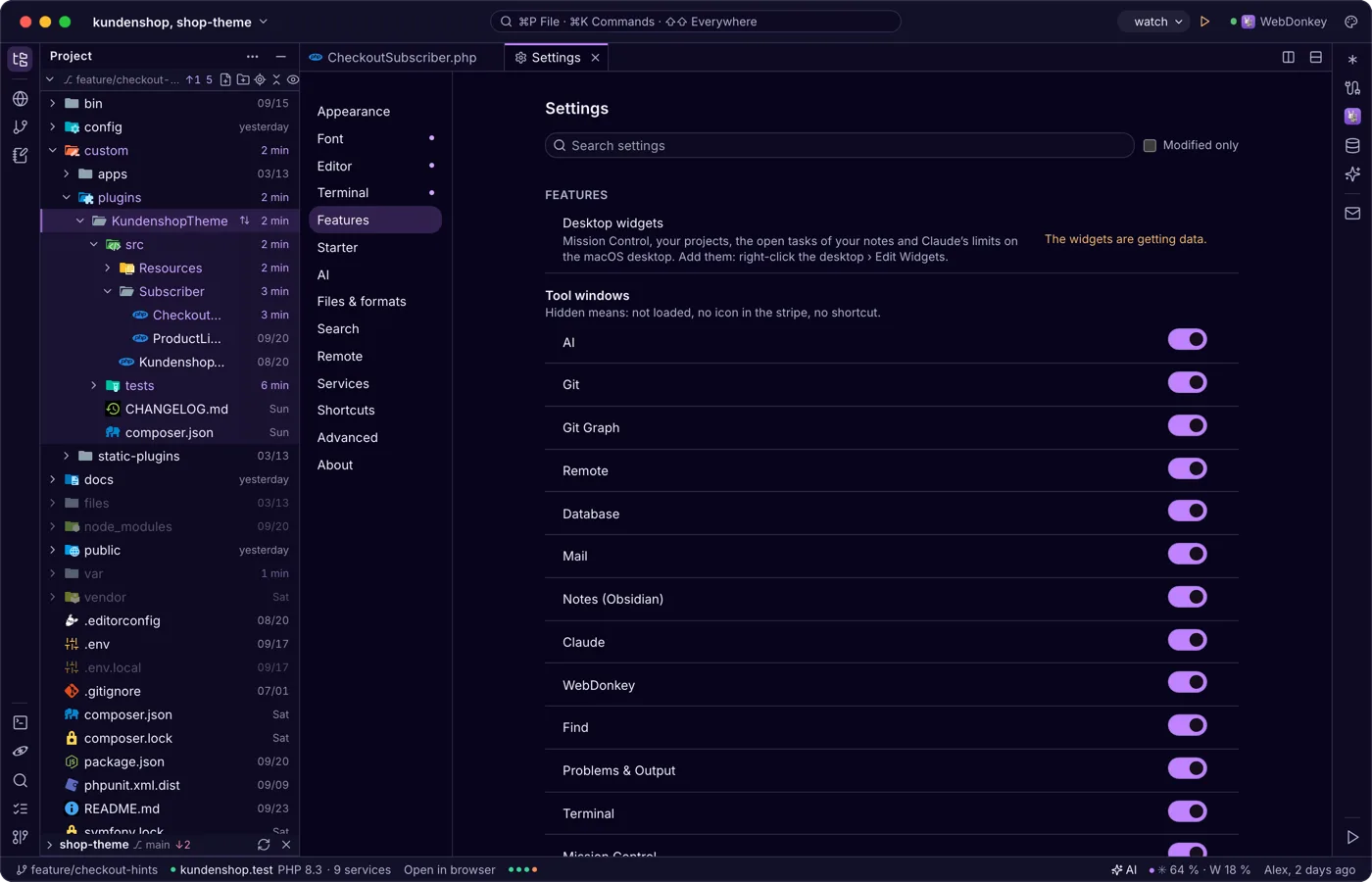
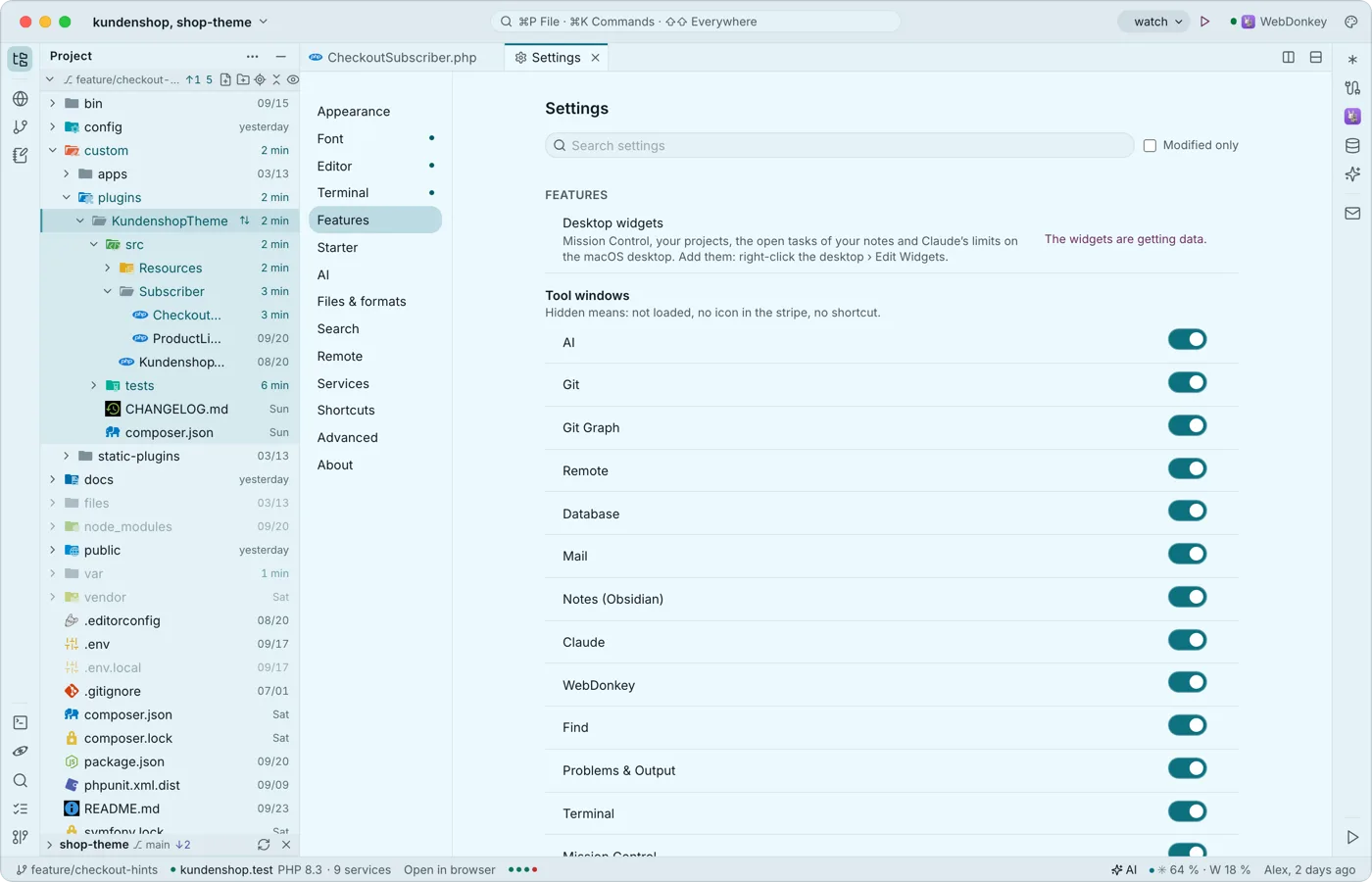 Widgets for the desktopThe editor comes with widgets for the macOS desktop: Mission Control, your projects, the open tasks of your notes and Claude's limits, even while the editor runs in the background. A tap opens the editor at the right place.
-
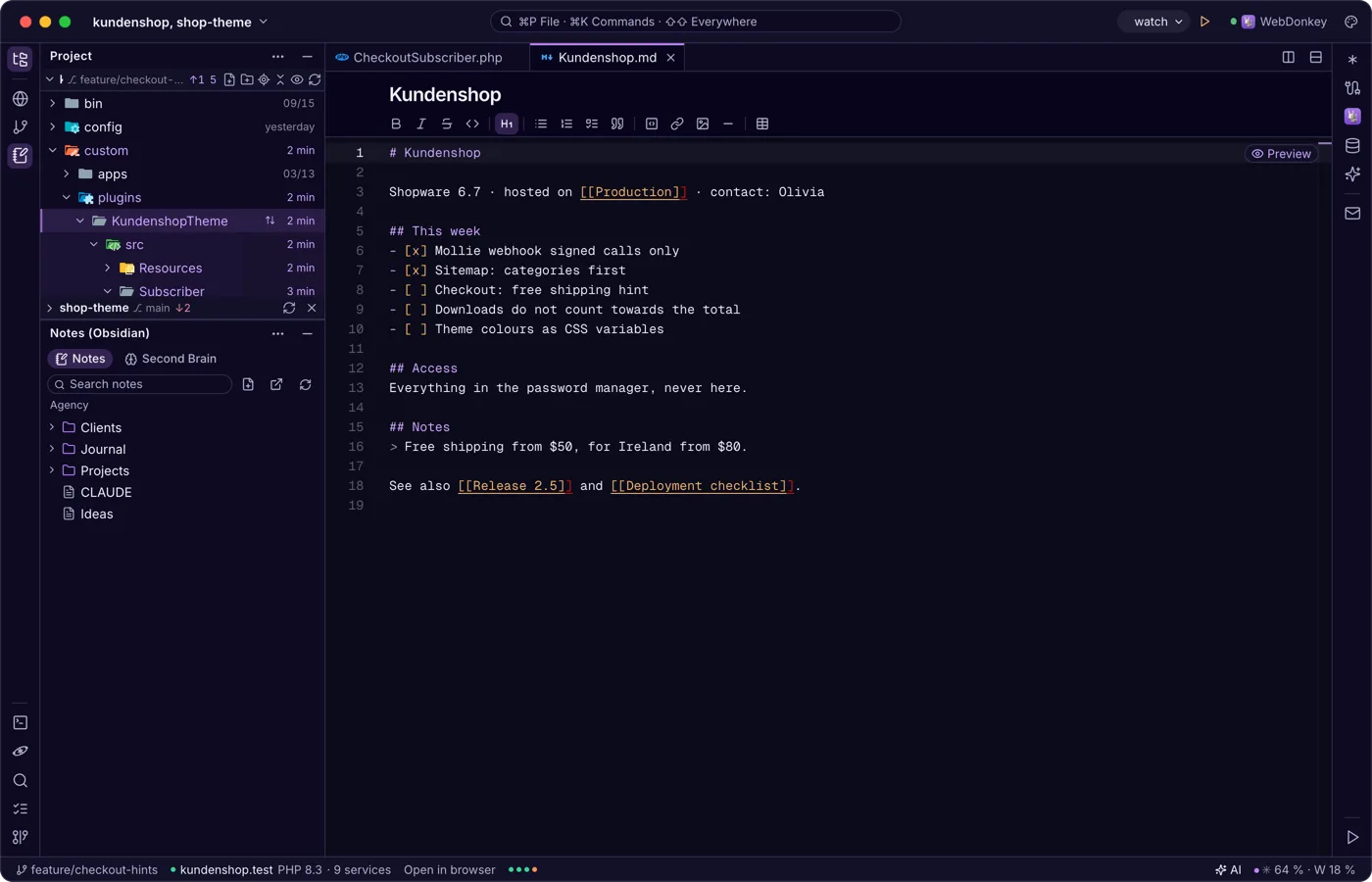
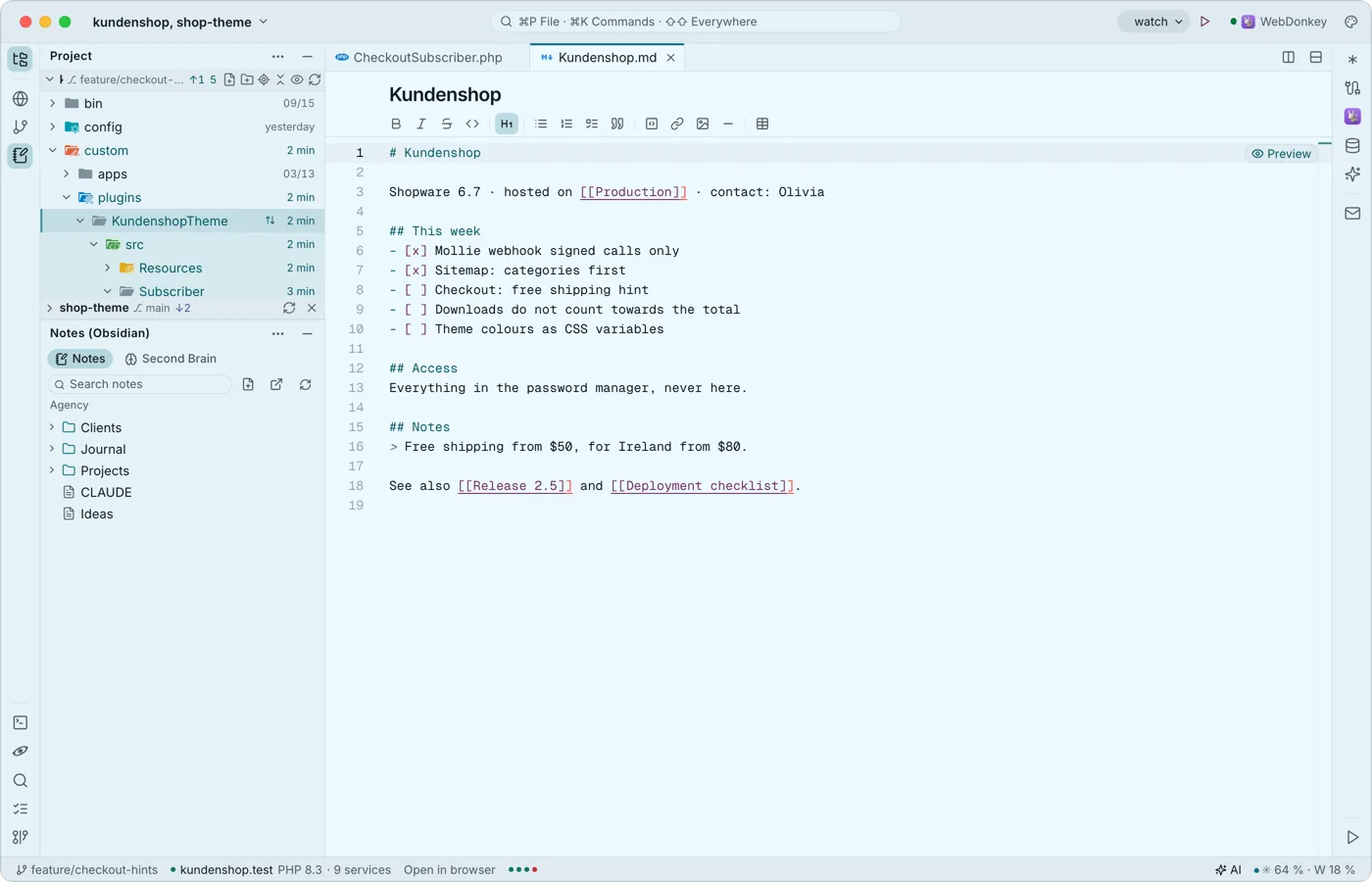 Notes from Obsidian next to the codeThe notes window shows the Obsidian vault WebDonkey uses on its Notes page as a tree next to your code. A note opens as a normal tab, with the Markdown toolbar and links between notes.
Try it on your own project.
Free costs nothing and has no time limit. macOS 11 or later, Apple silicon and Intel.
