





Tabs, splits and an editor that knows code
What is it?Monaco, the engine of VS Code, works in the middle, built in and offline. Files sit in tabs, and the area splits as often as you like.
Monaco, the engine of VS Code, works in the middle, built in and offline: multiple cursors, code folding, syntax colours for many languages, snippets with placeholders and Emmet. Split the area as often as you like.
Free costs nothing and has no time limit. macOS 11 or later, Apple silicon and Intel.
Without WebDonkey
An editor that doesn't know Twig or Shopware snippets, and a switch to the next program to preview a Markdown file.
With WebDonkey
Multiple cursors, code folding, syntax colours for many languages, snippets with placeholders and Emmet. ⌘-click jumps to templates, classes, imports, snippet and config keys. ⇧⌘V shows Markdown as a page, JSON as a tree and SVG as an image.
What you get out of it
- Split as often as you likeDrag a tab to an edge and the area splits there. The same file in two areas is the same document.
- Snippets for ShopwareTwig snippets for sw_extends, sw_block and trans, Emmet in HTML, PHP, Twig and the stylesheets.
- Tabs for more than filesA tab can be a file, but also a terminal, a diff, the settings, a database table or a mail. ⇧⌘T brings back one of the last 30 closed.
In detail
Tabs
A tab can be a file, but also a terminal, a tool window, a diff, the local history, the settings, a database table or a mail. ⇧⌘T brings back one of the last 30 closed, ⇧⌘[ and ⇧⌘] switch. There are deliberately no preview tabs: open is open.
Splits
Drag a tab to an edge and the area splits there, as often as you like. ⌘\ splits to the right, “Split editor down” downwards. The same file in two areas is the same document: a change shows in both at once.
Monaco and ⌘-click
Bundled, so offline, with multiple cursors, folding, sticky scroll, coloured bracket pairs, minimap and word wrap if you want them. ⌘-click jumps to templates, classes, imports, snippet and config keys, ⌥⌘-click opens the target in a split. A .editorconfig in the project always applies.
Snippets and Emmet
Snippets with placeholders for JavaScript, TypeScript, PHP, HTML, CSS, SCSS, Less, Markdown and Twig, including sw_extends, sw_block and trans for Shopware; ⇥ jumps from placeholder to placeholder. Emmet in HTML, PHP, Twig and the stylesheets: div.card>h2+p*2 and ⇥.
Preview and Markdown
⇧⌘V shows Markdown as a page, JSON as a tree and SVG as an image, next to the code and live as you type. Above Markdown files and notes sits a toolbar for bold, headings, lists, checkboxes, quotes, code, links, images and tables. HTML files open in the browser.
Goes well with this
-
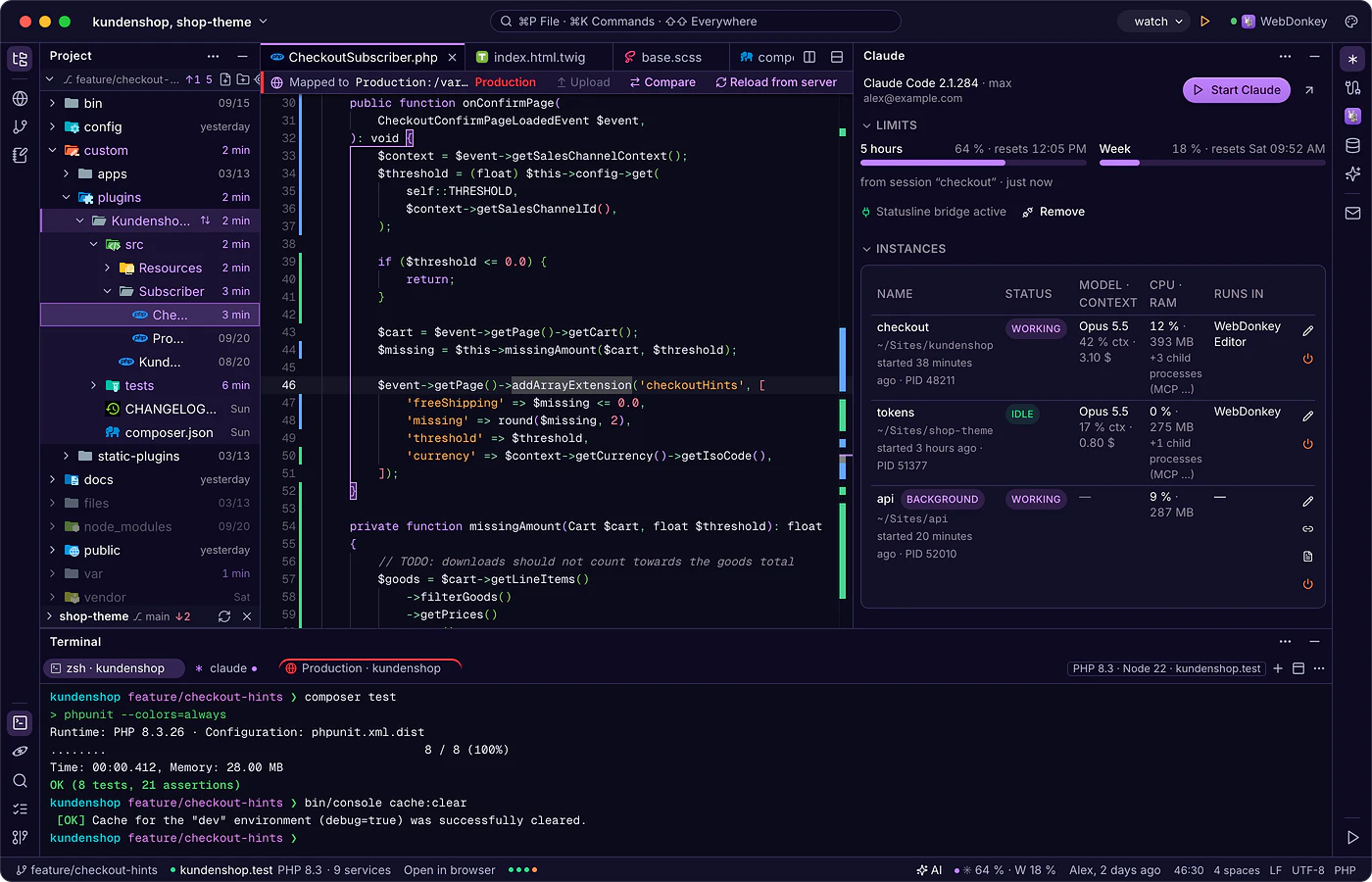
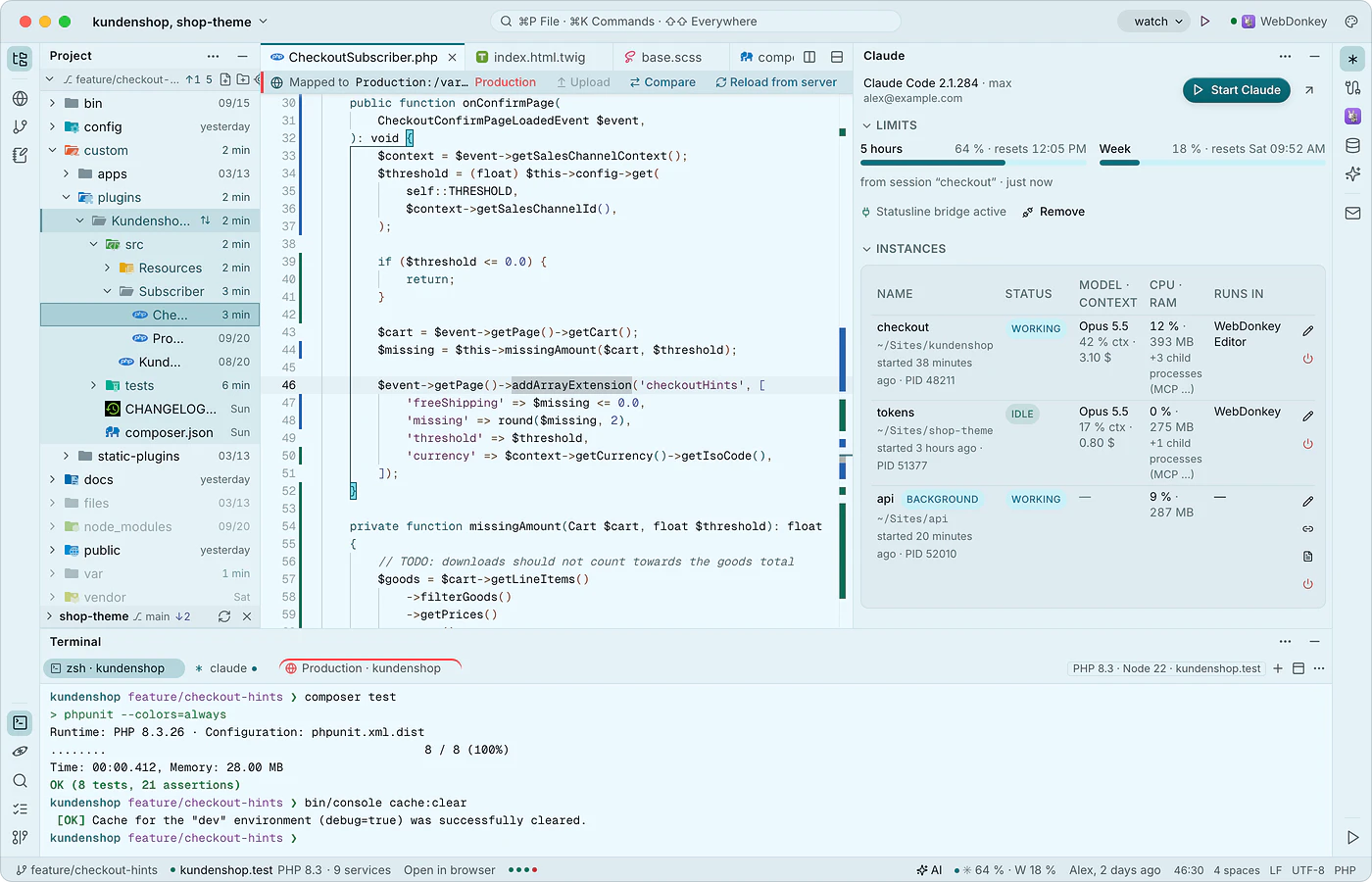 Every tool where you need itStripes on the left, right and bottom hold the tool windows: project, remote, Git and notes, terminal, find, problems and launcher, Claude, MCP, WebDonkey, database, mail and AI. Each one can be docked, opened as a tab in the code area or pulled into a macOS window of its own.
-
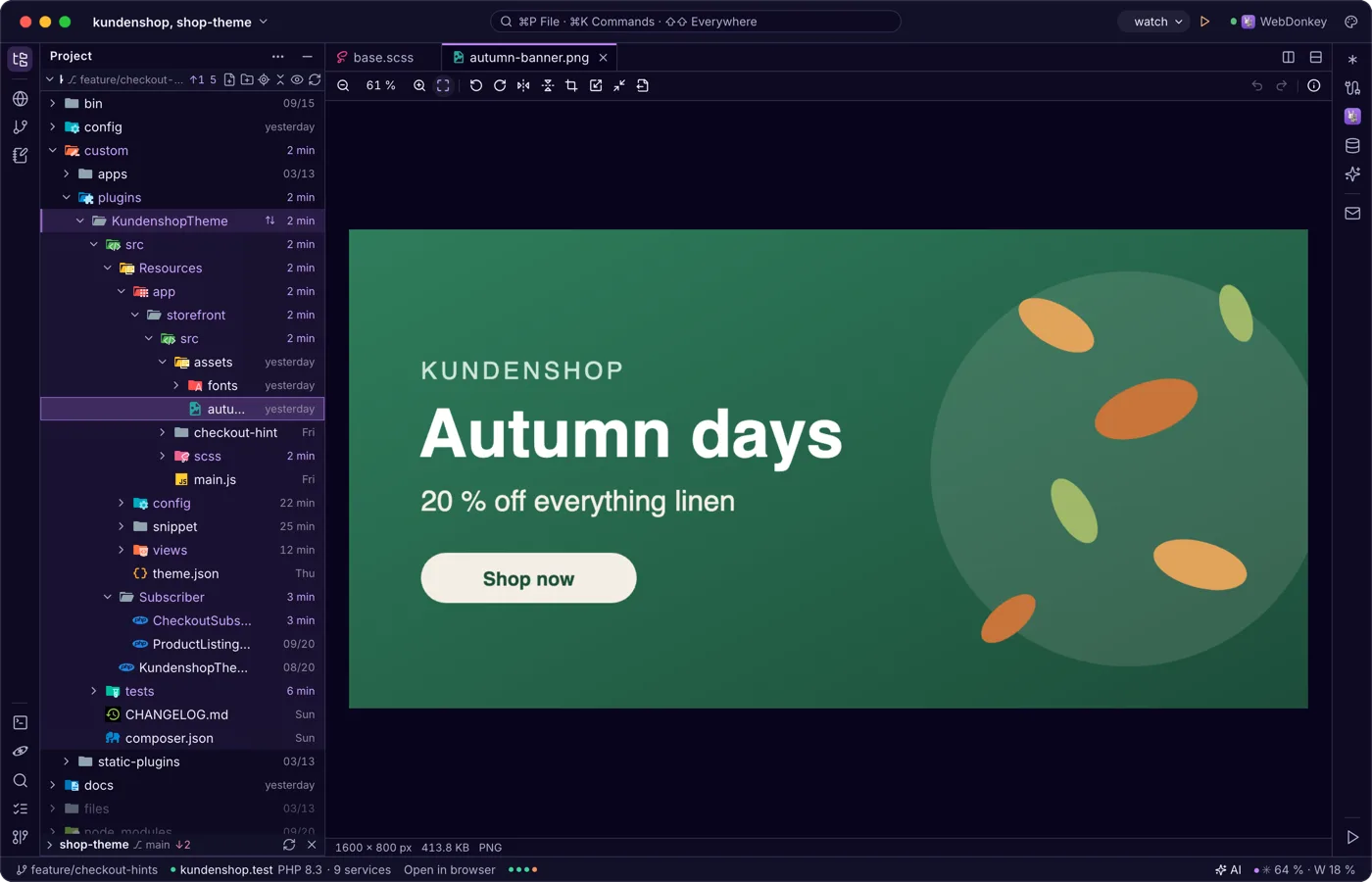
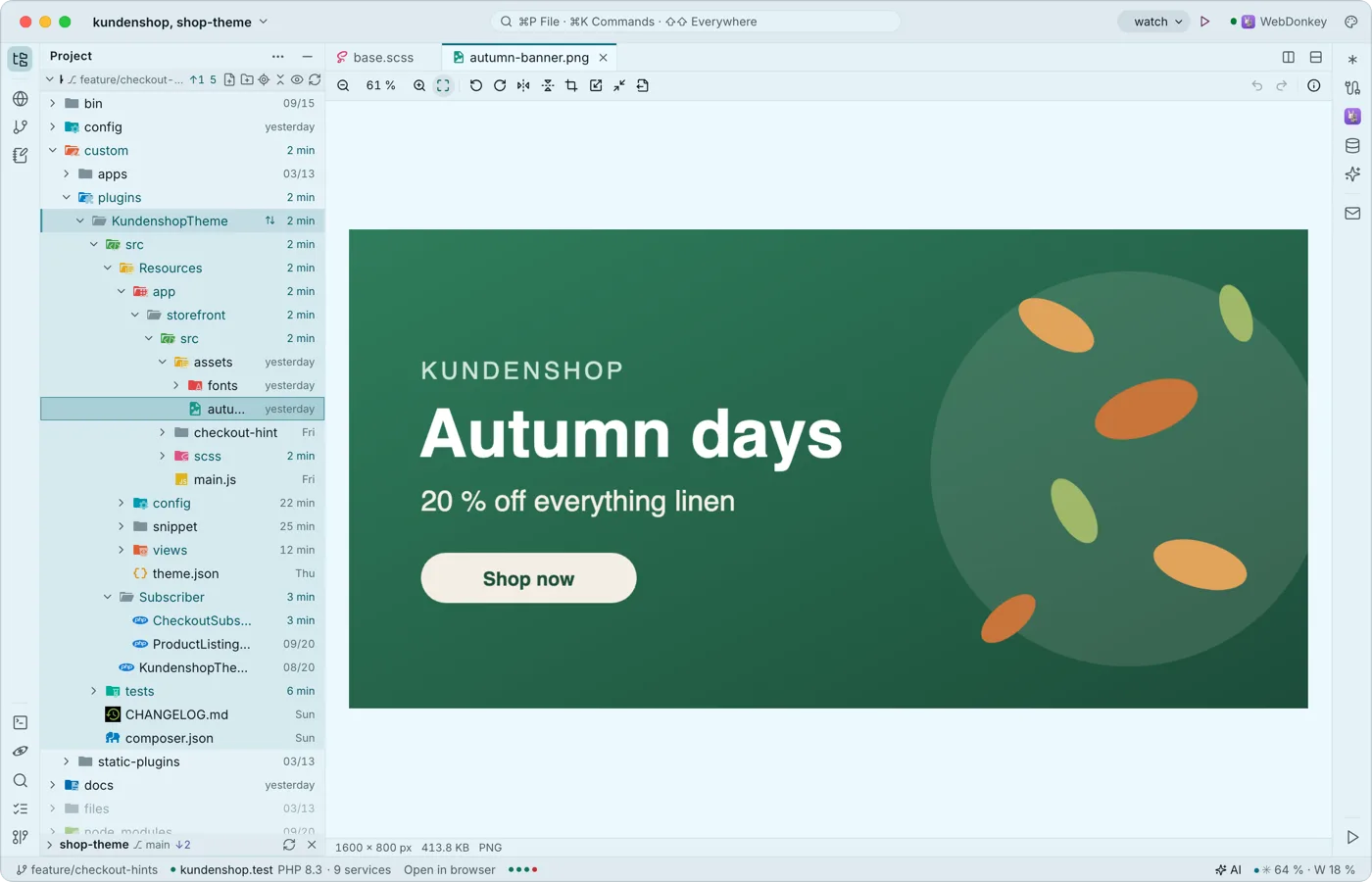 Images, PDF and Office right in the editorWhatever is not text opens in a matching viewer instead of a “binary file” notice: images, PDF, Word, Excel, CSV, archives, certificates, mails, audio, video and more. Viewing, editing, saving and exporting are free, Word and Excel included.
-
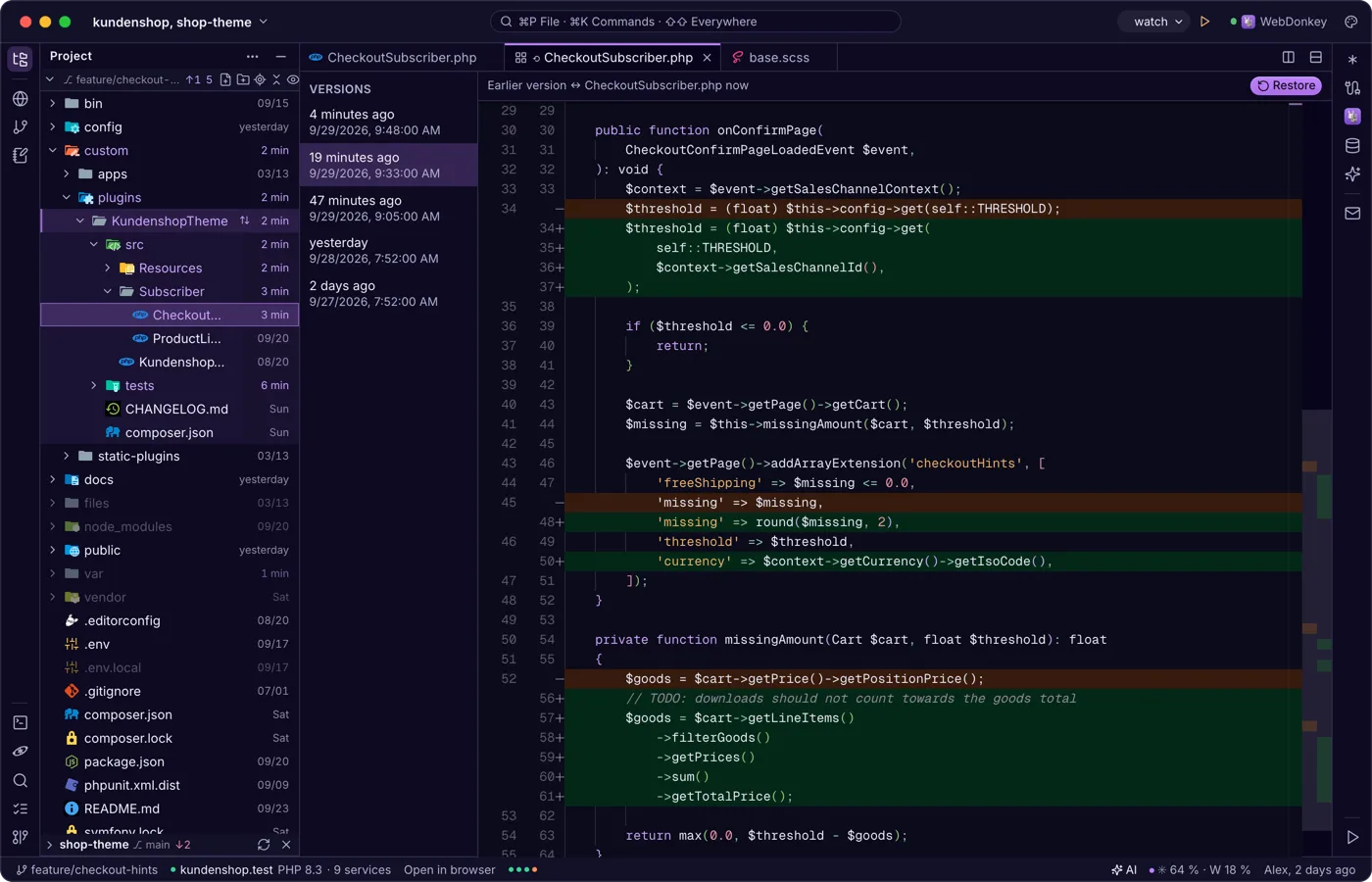
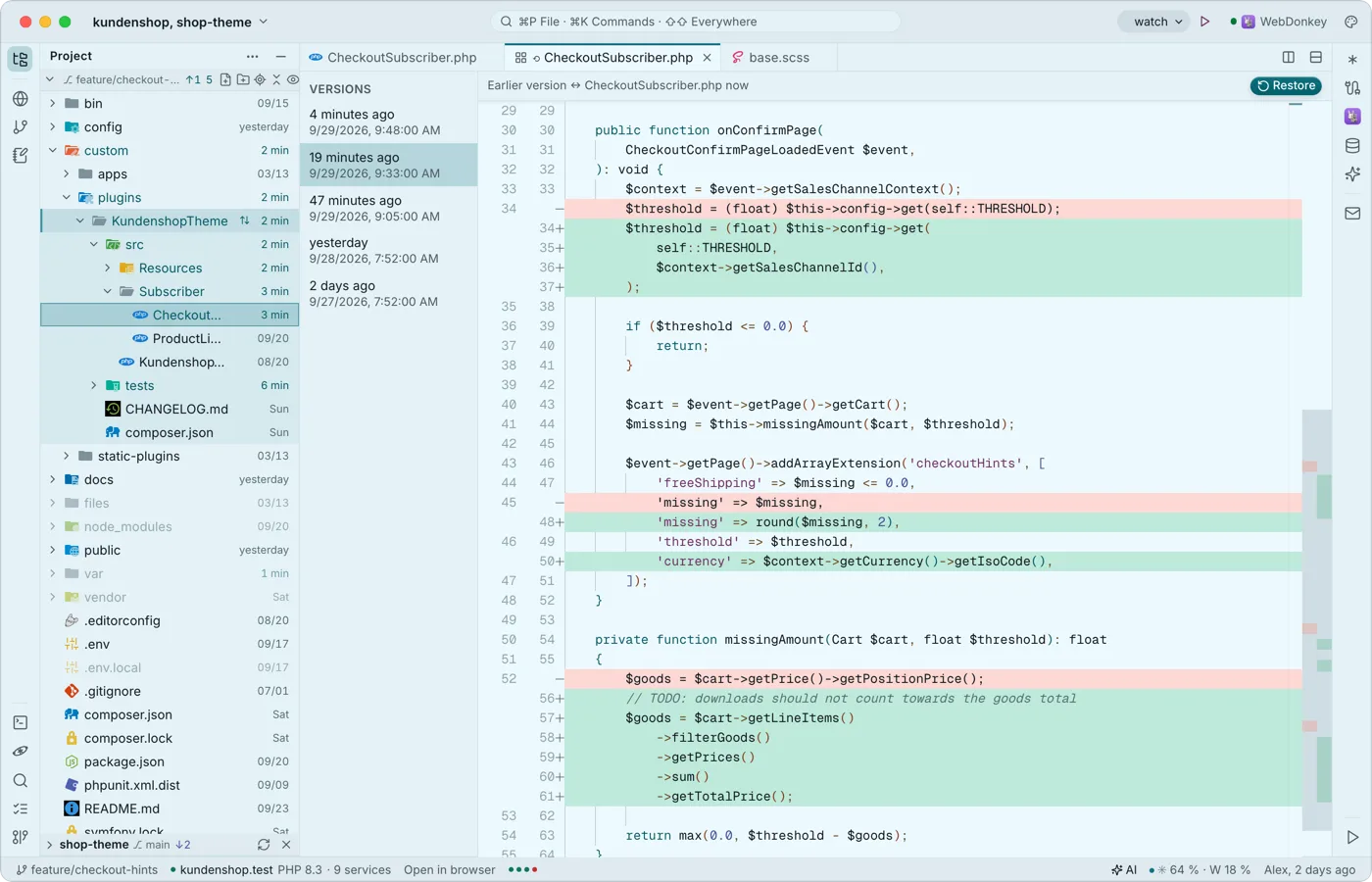 Saving that breaks nothingThe editor saves local files by itself, a second after you type and when the window loses focus. If another program changed the file, it asks instead of silently overwriting, and with every save it keeps the previous version in the local history.
-
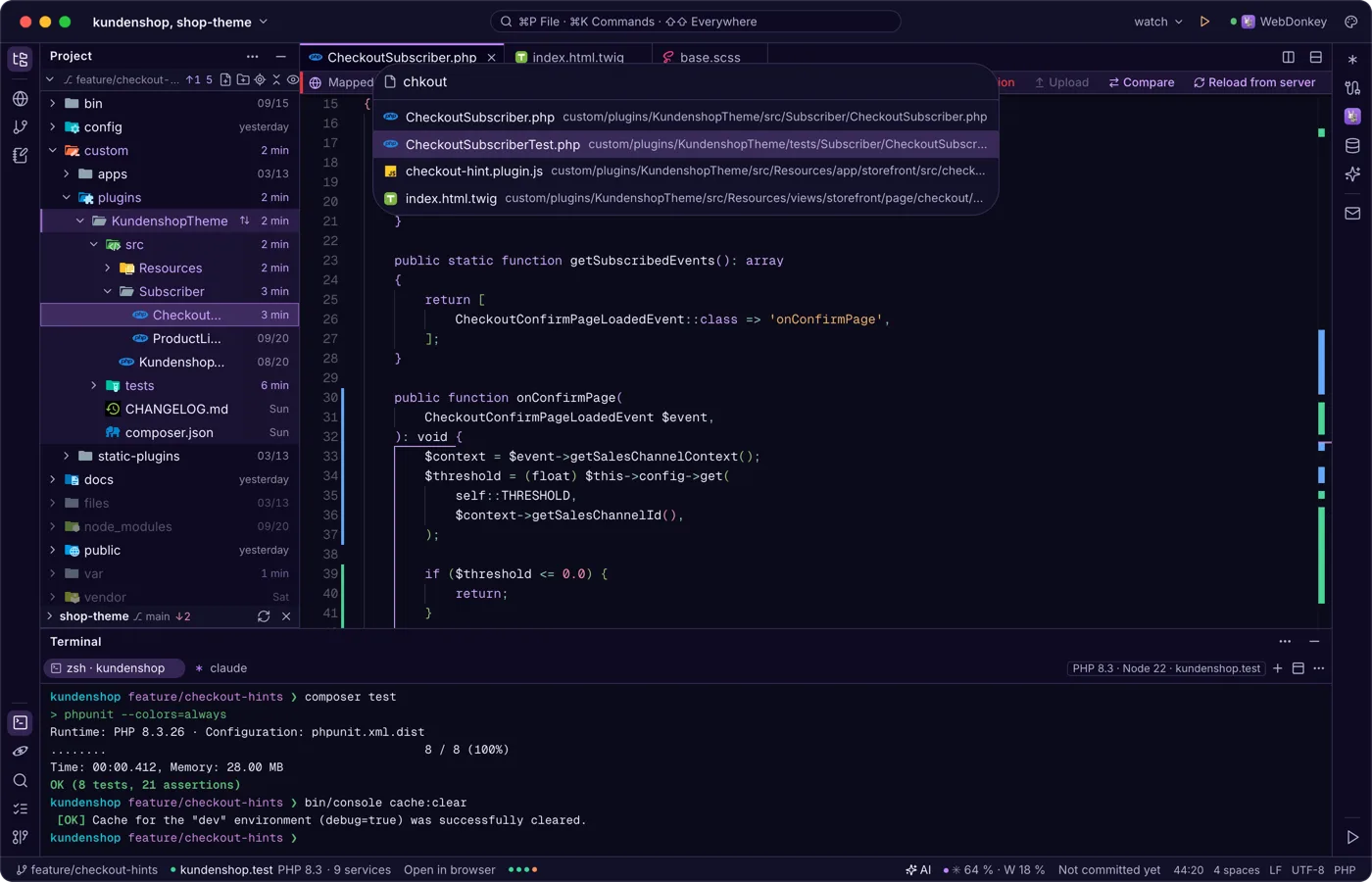
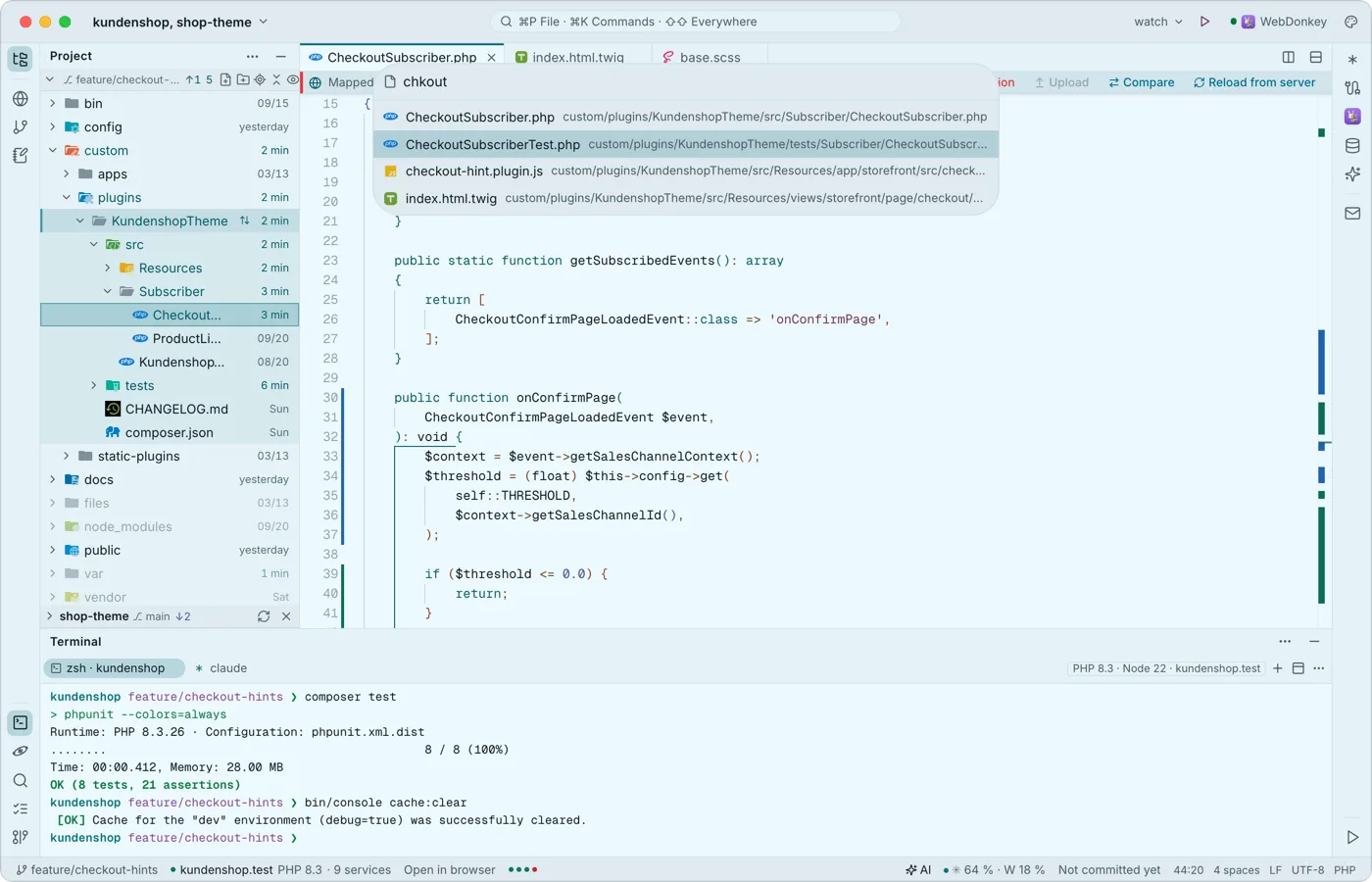 Anywhere by keyboard⌘P finds any file, ⌘K any command, ⌘E the files you opened last. Pressing ⇧ twice searches everywhere: files and text, tools, sites, launchers, commands, settings, Git branches, tables, servers, notes, AI chats and service configs.
Try it on your own project.
Free costs nothing and has no time limit. macOS 11 or later, Apple silicon and Intel.
