





Your project, with everything that belongs to it
The project tree shows Git colours, the change time of every file if you like, and branch and status on every repository. You create files, rename, move by dragging and start a terminal or Claude right in the right folder.
Free costs nothing and has no time limit. macOS 11 or later, Apple silicon and Intel.
In detail
The tree
Files show their Git status, repositories their branch and the commits ahead and behind, and if you like every file and folder shows when something last changed. ⌘O opens a folder in a new window, in this one or attached; an attached folder gets a bar of its own, detaching deletes nothing.
New file
⌘N offers an empty file, a folder and file types in groups that fit the folder: web, scripts, programming languages, data and configuration, documents, with “recently used” and search. Empty Word and Excel files can be created this way too.
Right-click
New, open, open to the side, rename (⇧F6), duplicate (⌘D), cut, copy, paste, move to Trash (⌘⌫), copy paths, reveal in Finder, open a terminal or start Claude here, send to Claude, local history, launchers and the Git menu.
Dragging
Move within the tree, copy with ⌥, drop in from Finder, into the code area to open, onto a terminal (the paths land in the prompt), onto Claude to attach, onto a server folder to upload and out of the editor into Finder.
Multi-select
⌘-click and ⇧-click select several entries, the keyboard does too. Cut, copy, Trash, moving, copying paths, sending to Claude and the Git menu then apply to all of them. A server's tree works the same way.
Cloning a repository
From an address, from GitHub through the GitHub CLI or from your local repositories, at a branch, tag or commit. For a local repository you choose between a worktree and a copy. A target that already exists and is not empty is never overwritten.
What does Free include?
This feature is fully included in Free. No licence and no time limit.
Compare Free and PremiumGoes well with this
-
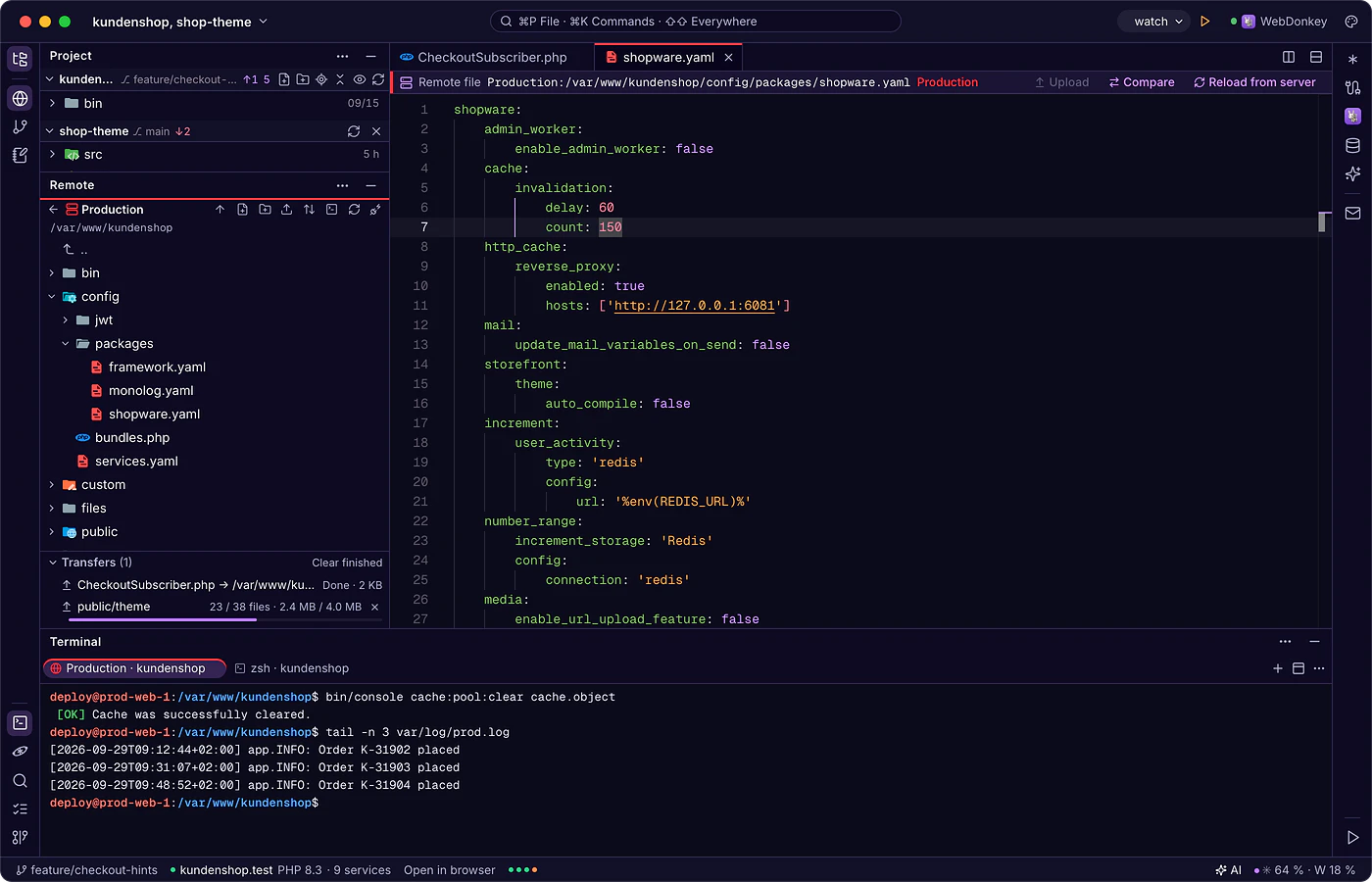
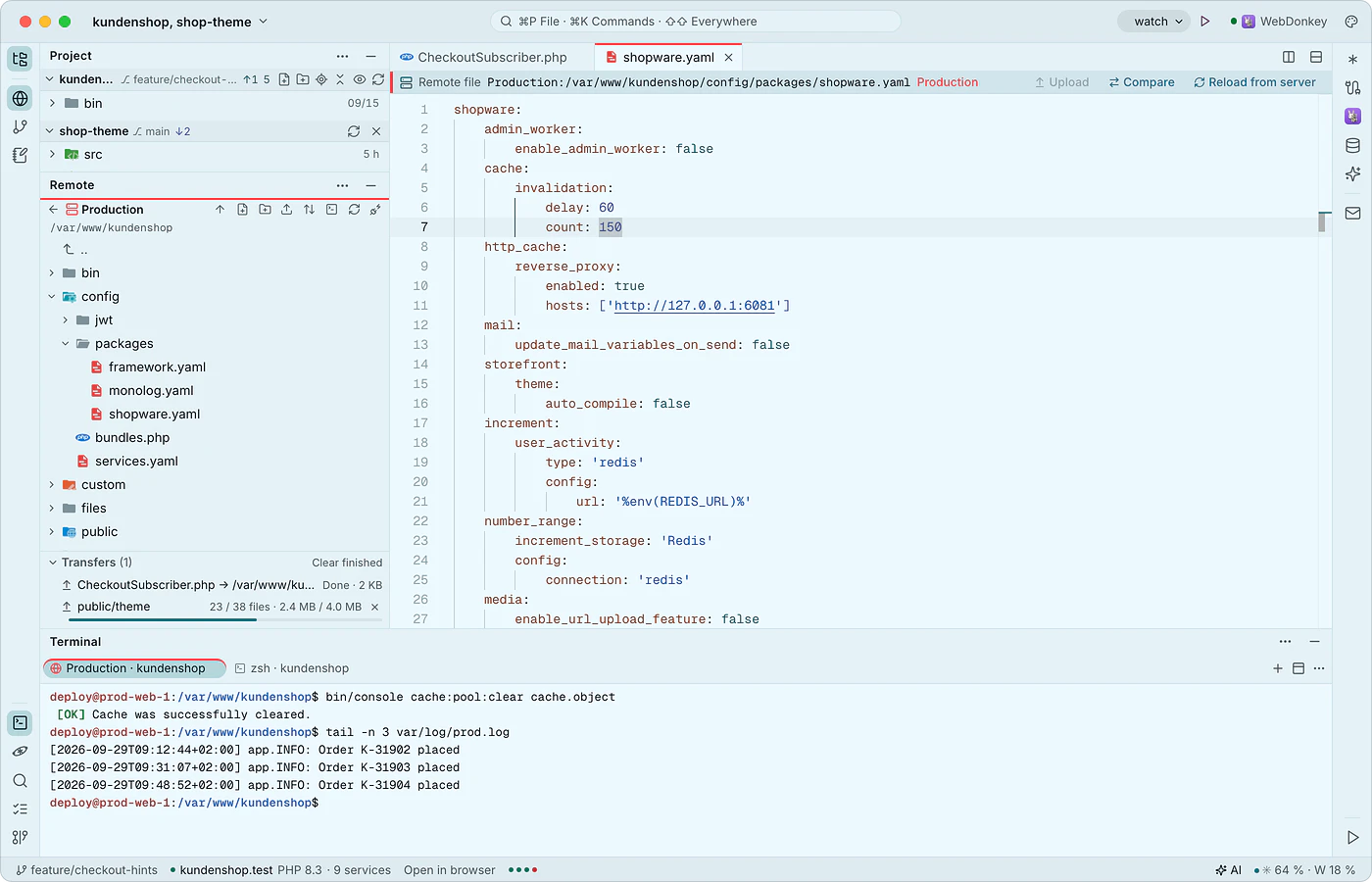 Edit client servers like local filesThe remote window connects to your servers over SSH and SFTP, with the same connections as WebDonkey. You open server files directly; saving goes to a working copy and uploading happens on command, after the editor has checked whether the file changed on the server in the meantime.
-
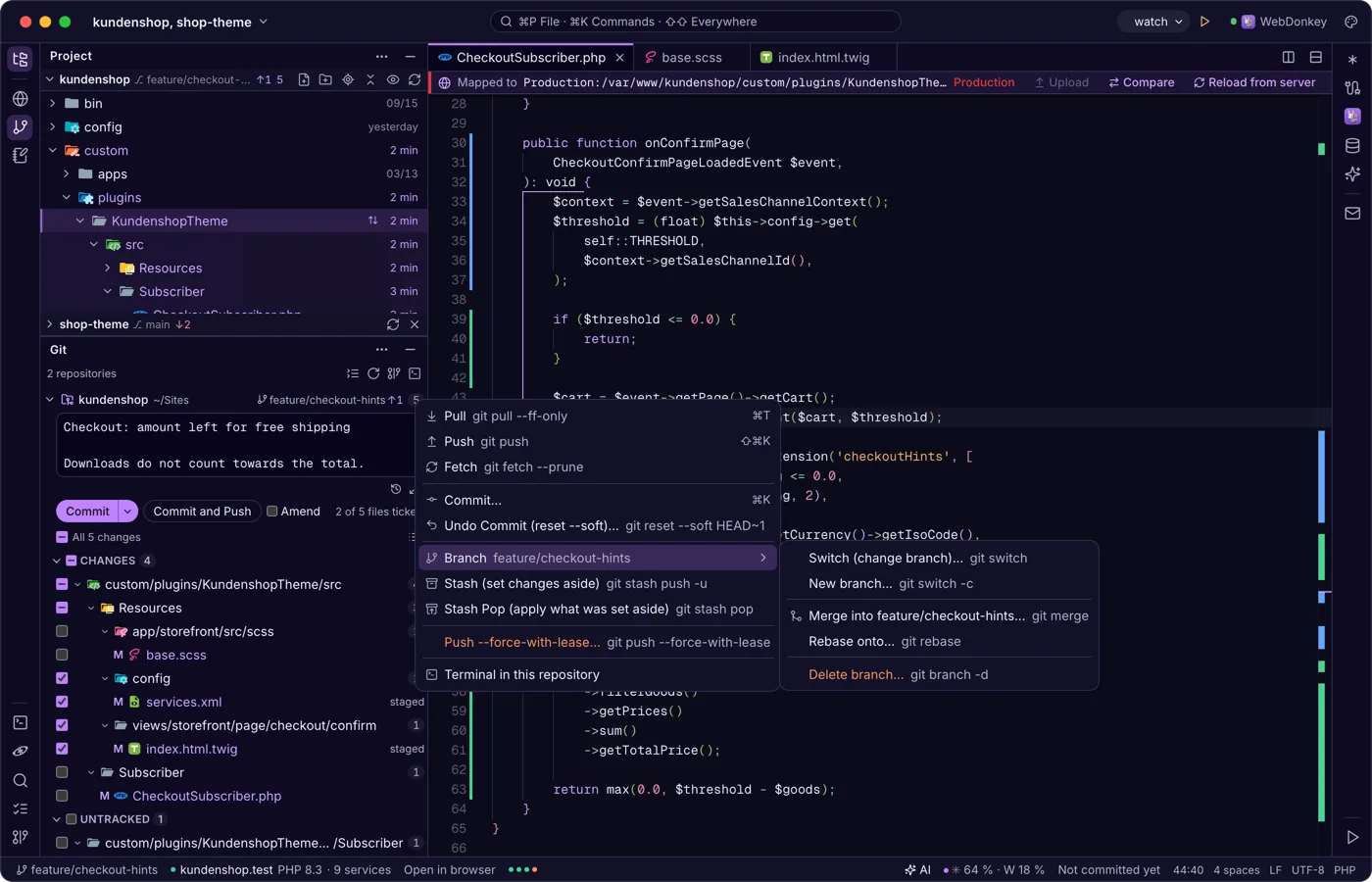
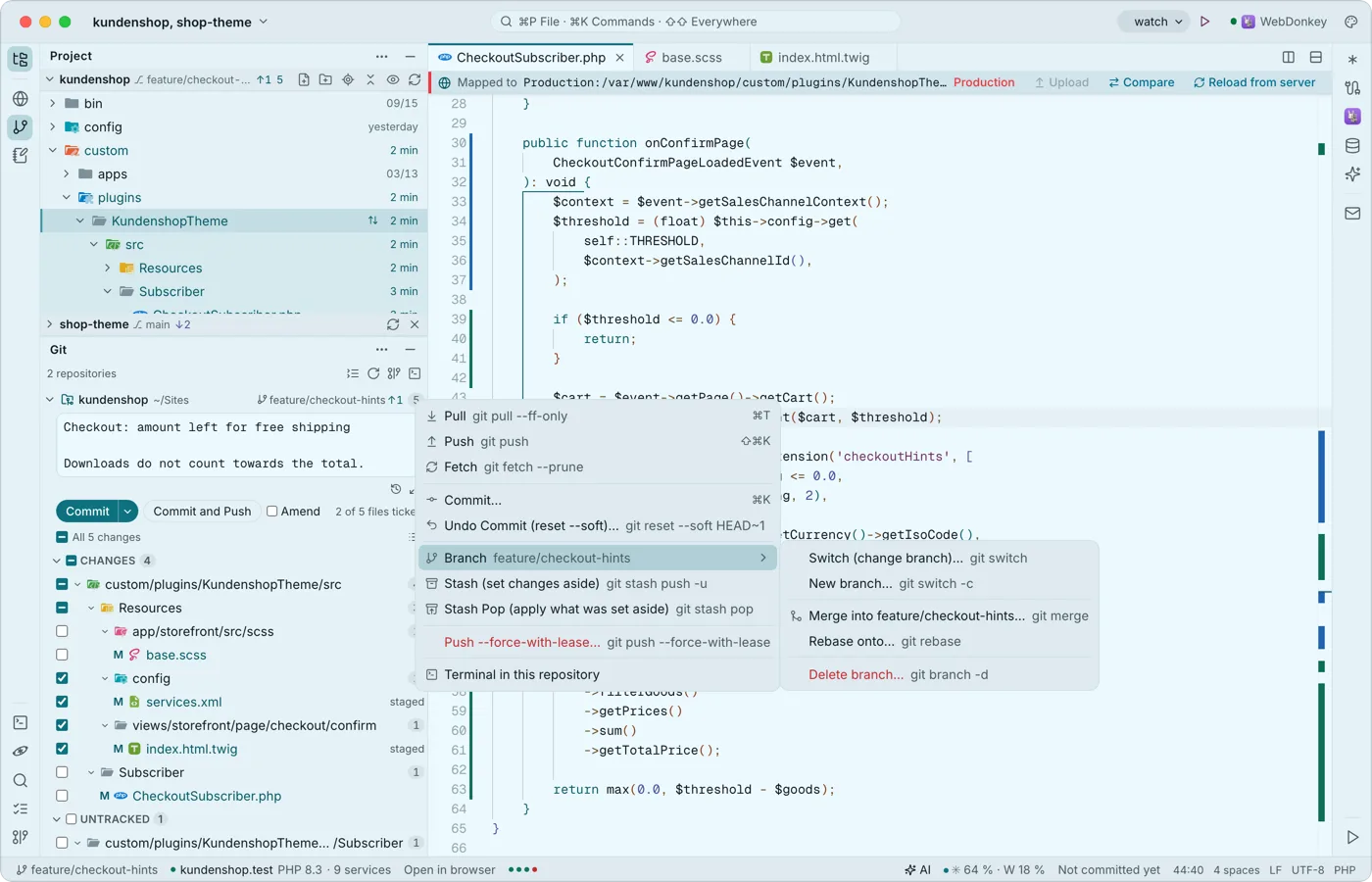 Git without leaving the editorThe Git window shows every repository of your project, each one folding on its own, with branch and status. Ticked files are the commit: ⌘↩ commits, ⇧⌘↩ commits and pushes. Every action in the repository menu is named like the git command and shows it, pull requests go through the GitHub CLI.
Try it on your own project.
Free costs nothing and has no time limit. macOS 11 or later, Apple silicon and Intel.
