





A terminal built for Claude Code
What is it?Your shells run at the bottom in tabs and splits. The terminal is built for Claude Code: every key belongs to the program.
Your shells run at the bottom in tabs and splits, with Premium also over SSH on a server. Every key belongs to the program, ⇧↩ is Claude's newline, and when a program calls for you, the tab gets a dot and you a notification.
Free costs nothing and has no time limit. macOS 11 or later, Apple silicon and Intel.
Without WebDonkey
Claude runs in a terminal program, the code in another. Shortcuts don't get through, and whether Claude is waiting for you, you only see once you look.
With WebDonkey
⇧↩ is Claude's newline, Ctrl keys go to the program, and when a program calls for you, the tab gets a dot and you a notification from macOS. Paths like datei.php:12:5 and web addresses in the output are links.
What you get out of it
- The right versionWith WebDonkey, php, node and composer use the site's version inside its project folder.
- Keeps runningAs a tab in the code area or in a window of its own, the session keeps running, even when you close the project.
- On the serverWith Premium, a shell right on one of your servers, over the same connection as the remote window, with a red edge for production.
In detail
Tabs and splits
⌘T new, ⌘D split right, ⇧⌘D split down, ⌘W close, with a question if something still runs. Rename tabs with a double-click and move them as a tab into the code area; the programs keep running, even when you close the project.
Keyboard
Ctrl keys go to the program, ⌥ is Meta automatically, always or never. ⇧↩ sends Claude's newline, ⌘← and ⌘→ jump to the start and end of the line, ⌘⌫ deletes to the start of the line. Whether ⌘K clears the terminal or opens the command palette is up to you.
Links and search
Paths like file.php:12:5, web addresses and OSC 8 links are clickable; in an SSH terminal a path opens the file on the server. ⌘F searches the scrollback, and you set how many lines it keeps.
Notifications
When a program rings (bell, OSC 9, OSC 777), the tab gets a dot, and with the editor in the background macOS says: “Claude is waiting for you”.
SSHPremium
A shell right on one of your servers, over the same connection as the remote window. The tab carries the connection's name, with a red edge for production.
What does Free include?
The terminal is Free. SSH terminals on your servers come with WebDonkey Premium.
Compare Free and PremiumGoes well with this
-
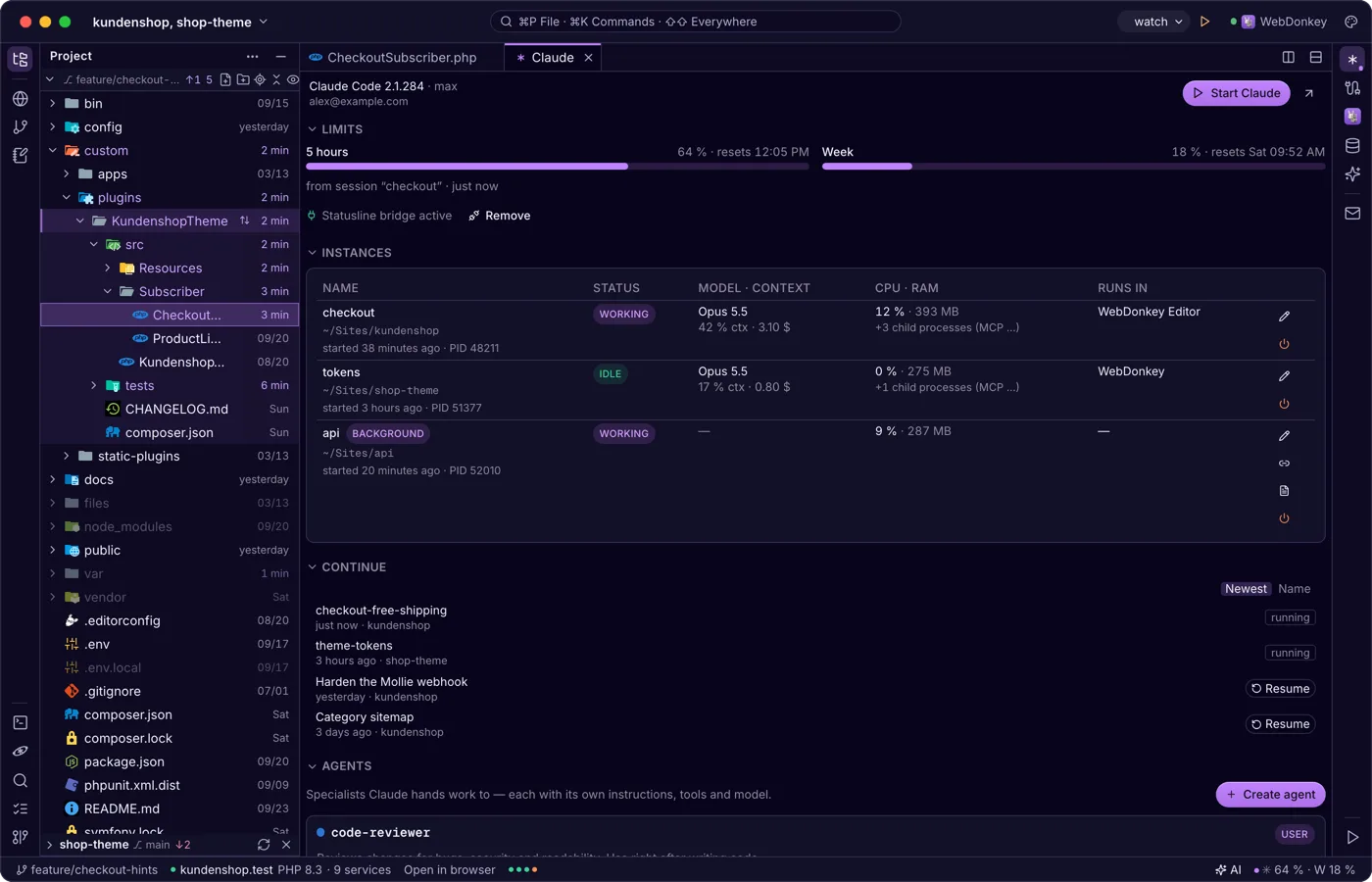
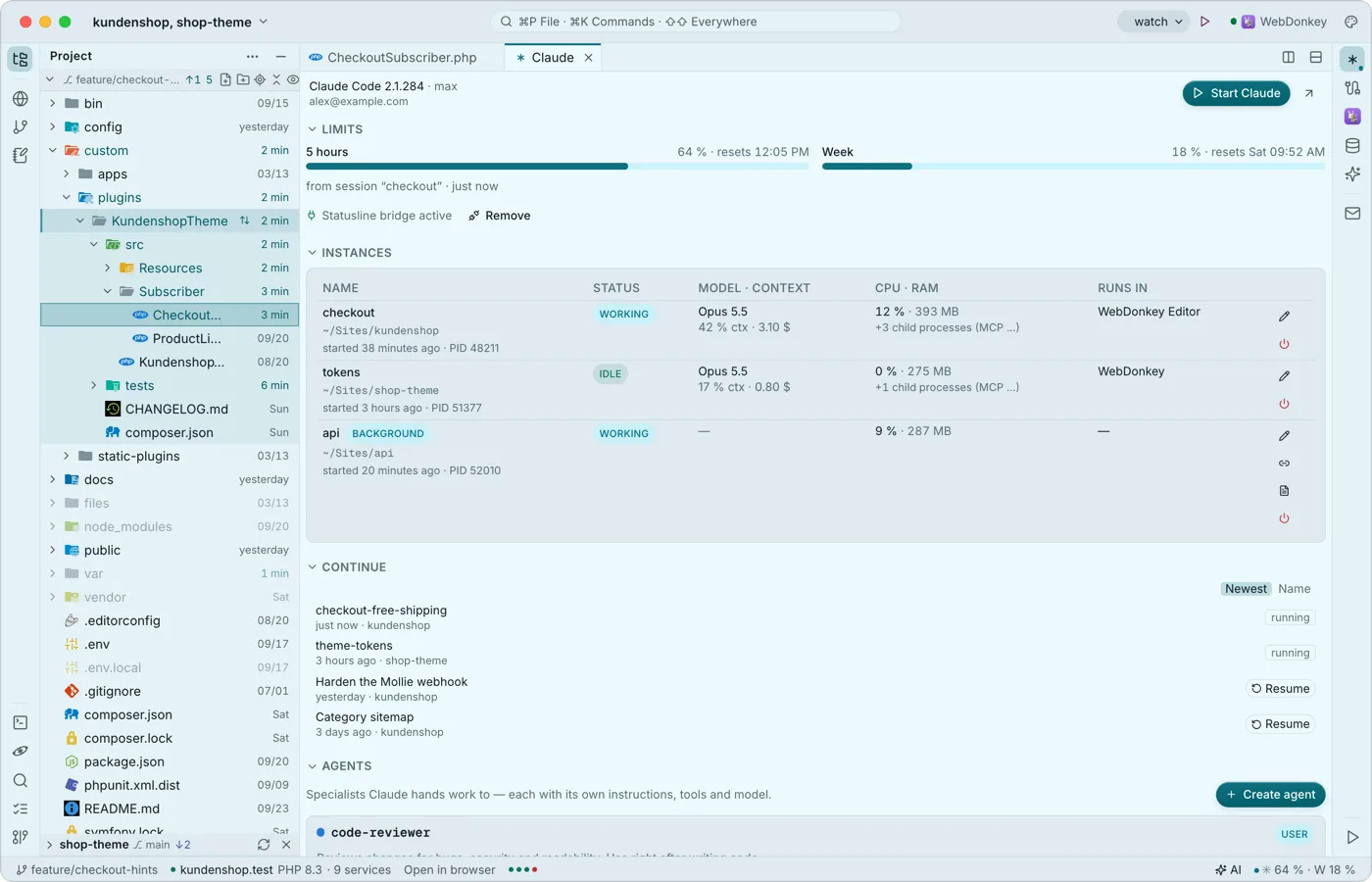 Claude Code, right next to the codeThe Claude window shows sign-in, limits, running instances, the last conversations to resume, agents, hooks and sessions. Start claude in the editor's terminal and it connects to the editor as it would to a big IDE: proposals arrive as a diff tab to accept or reject. None of it costs tokens.
-
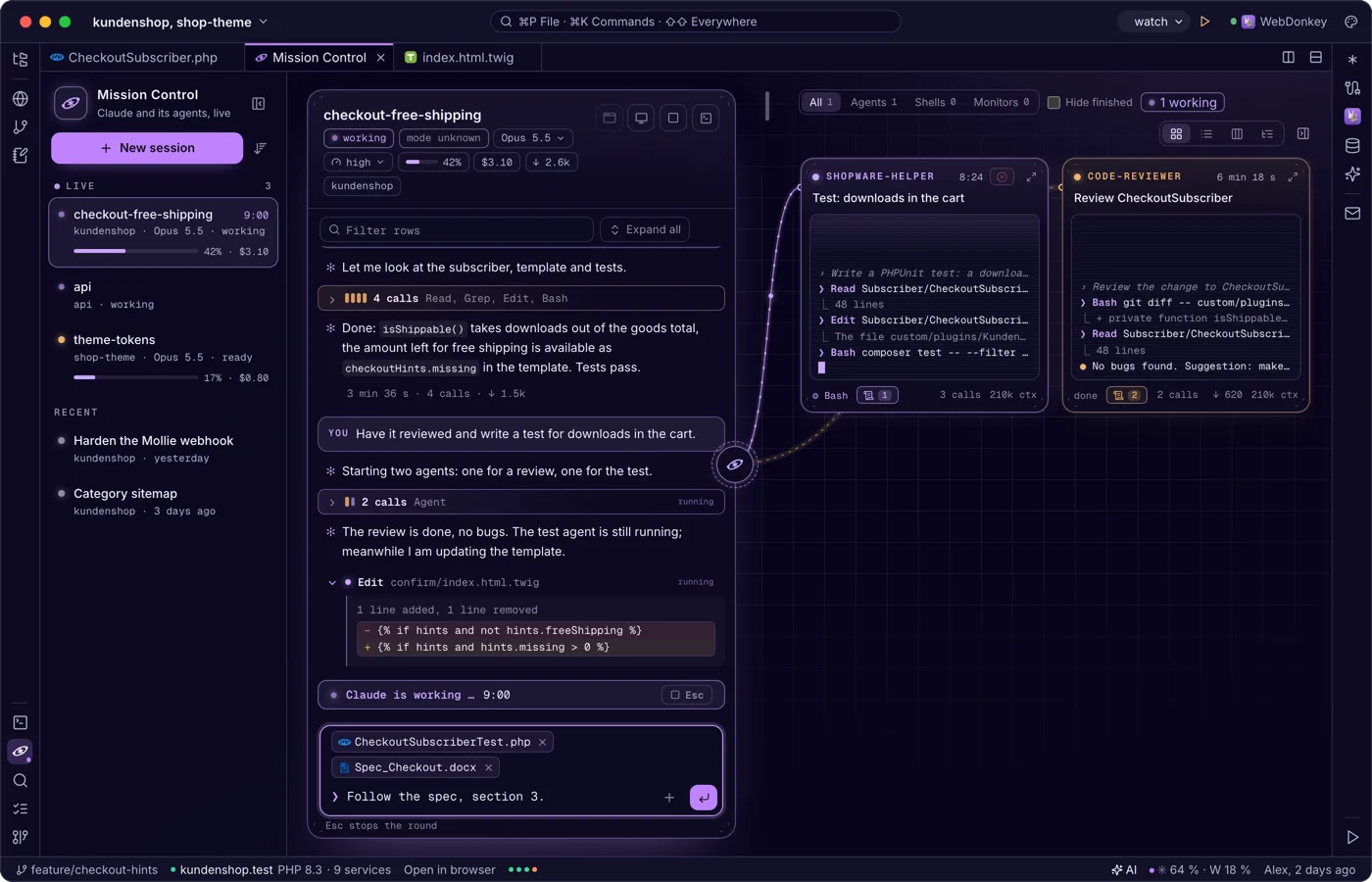
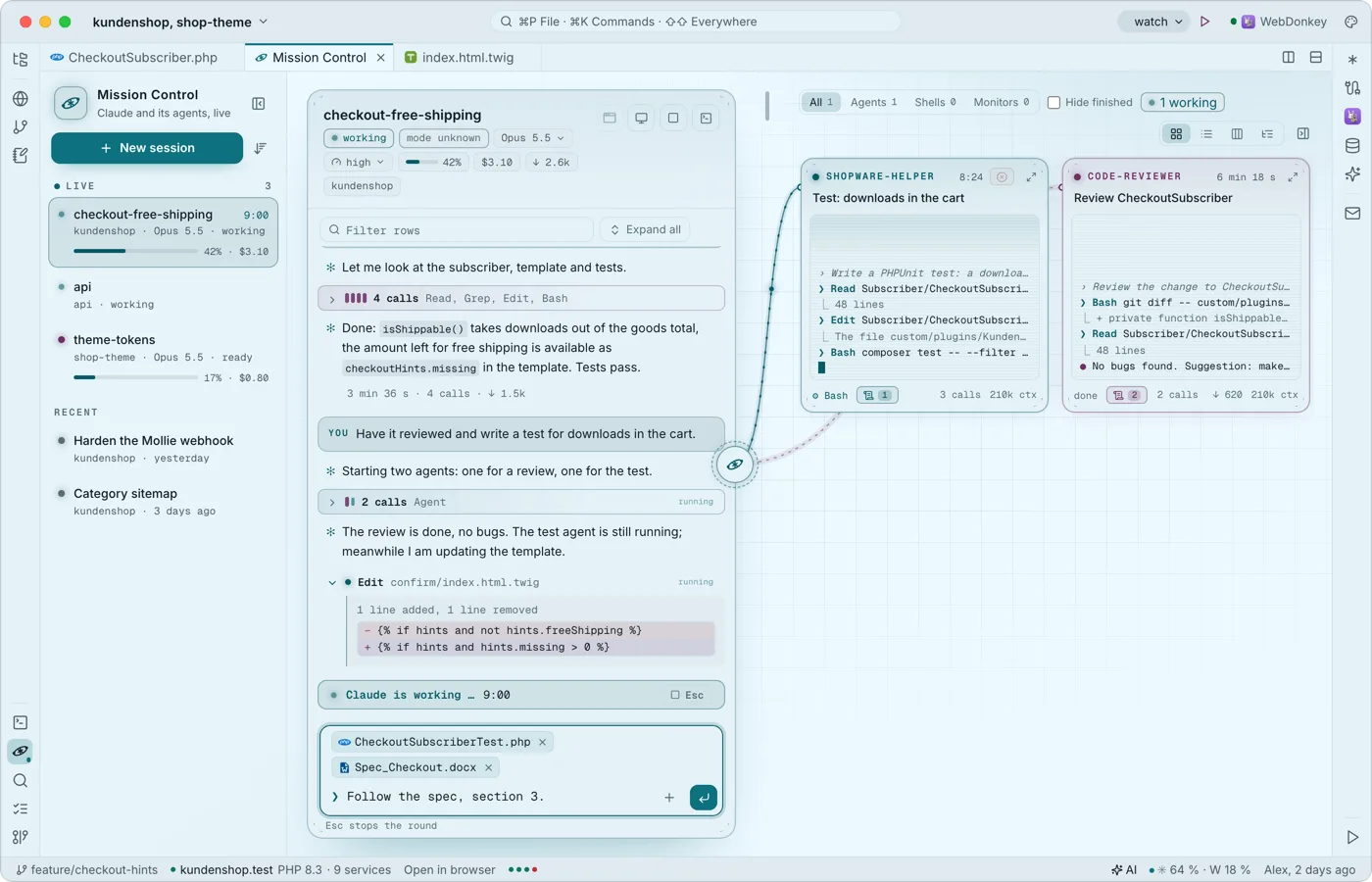 Claude and its agents, liveMission Control shows your project's Claude conversations: the list on the left, the chosen one as a stream in the middle, its agents around it as small live terminals. It reads Claude Code's own transcripts and spends no tokens; Free shows two conversations live at a time, Premium all of them; Claude keeps running in the editor terminal, and what you type here goes there.
-
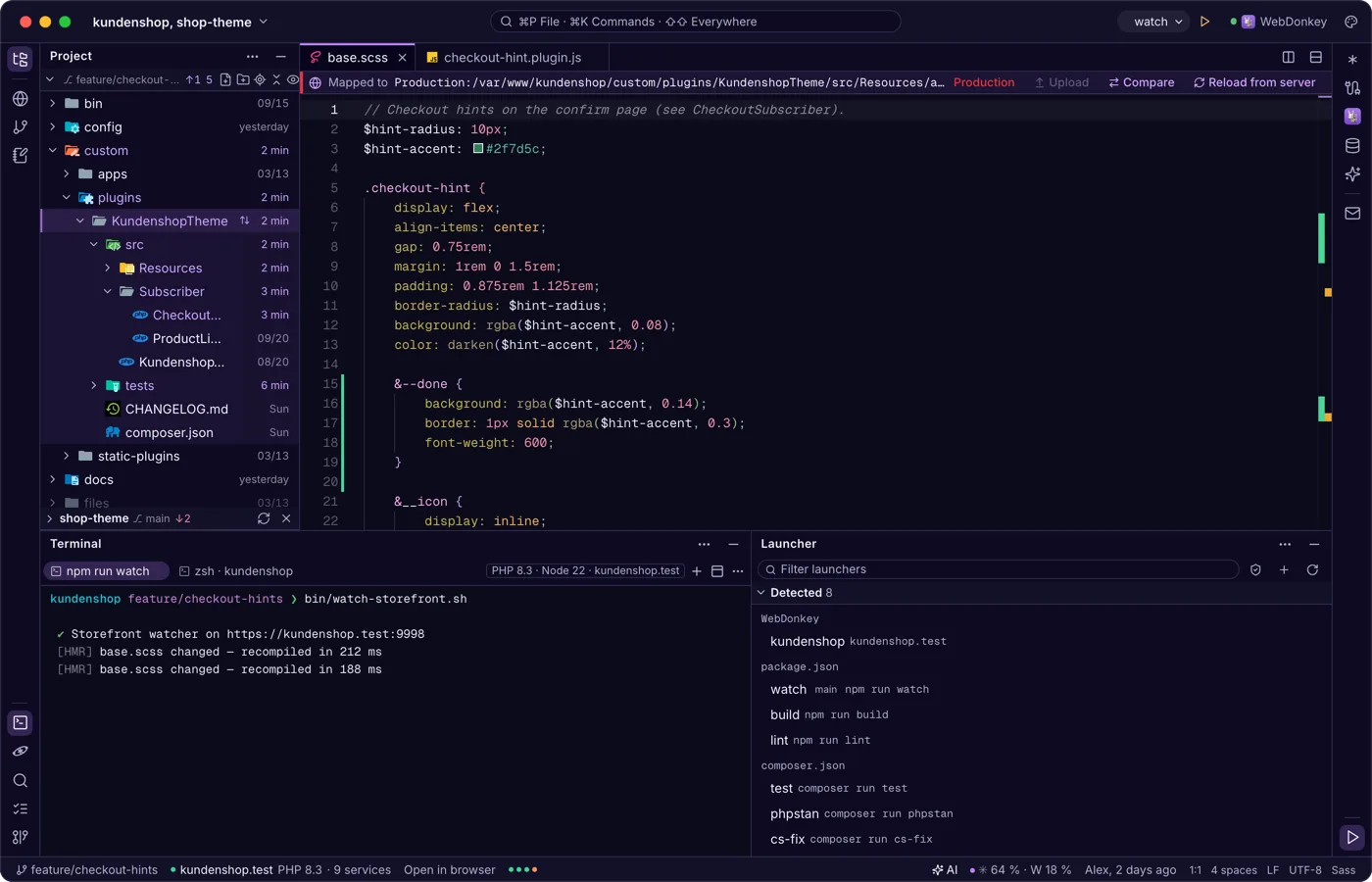
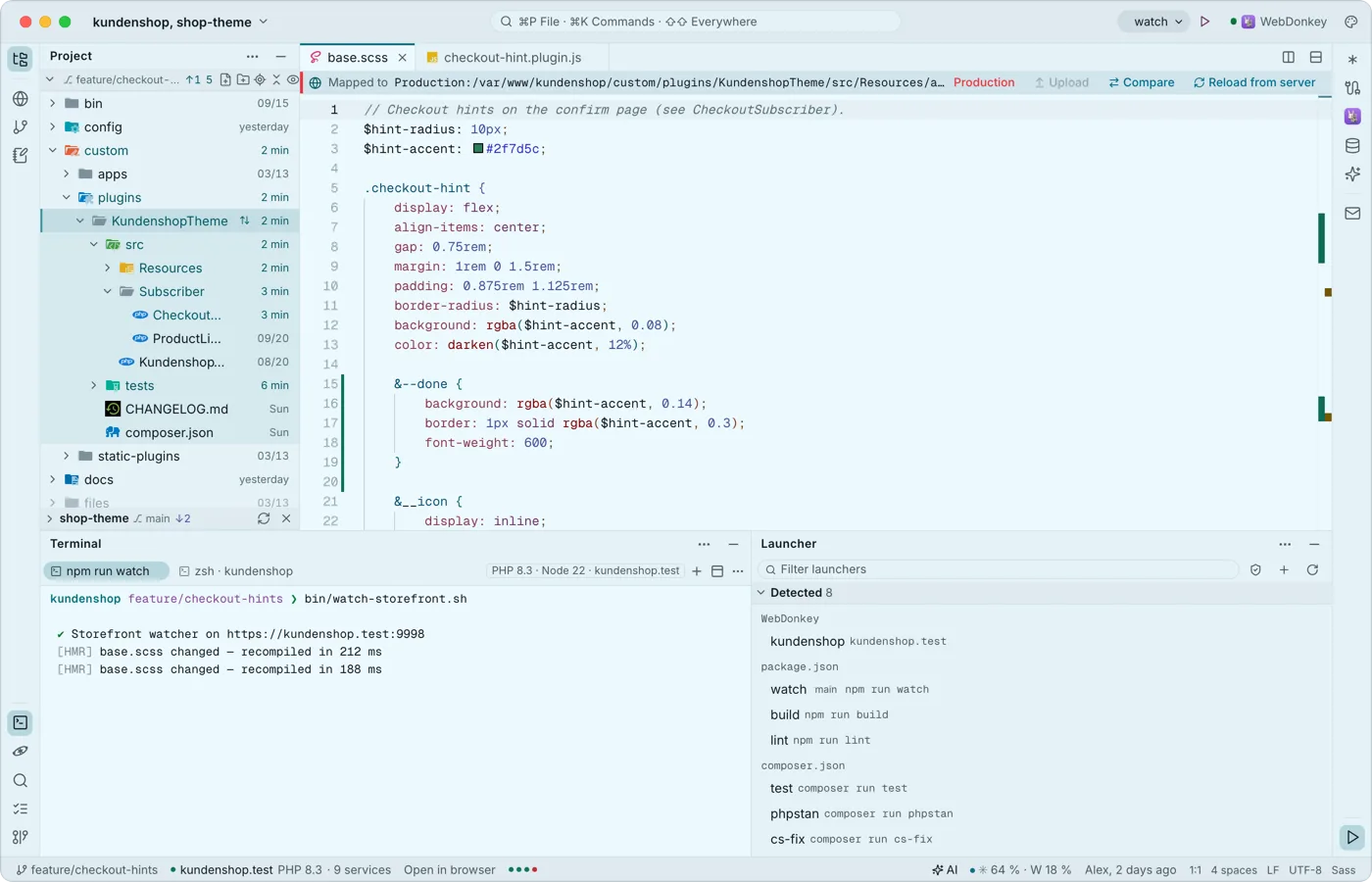 Run what your project can runThe launcher finds dev servers, scripts, console commands and tests in package.json, composer.json, Makefile and many more files. The chosen launcher sits in the title bar with ▶, the launcher window lists them all. Nothing runs by itself.
-
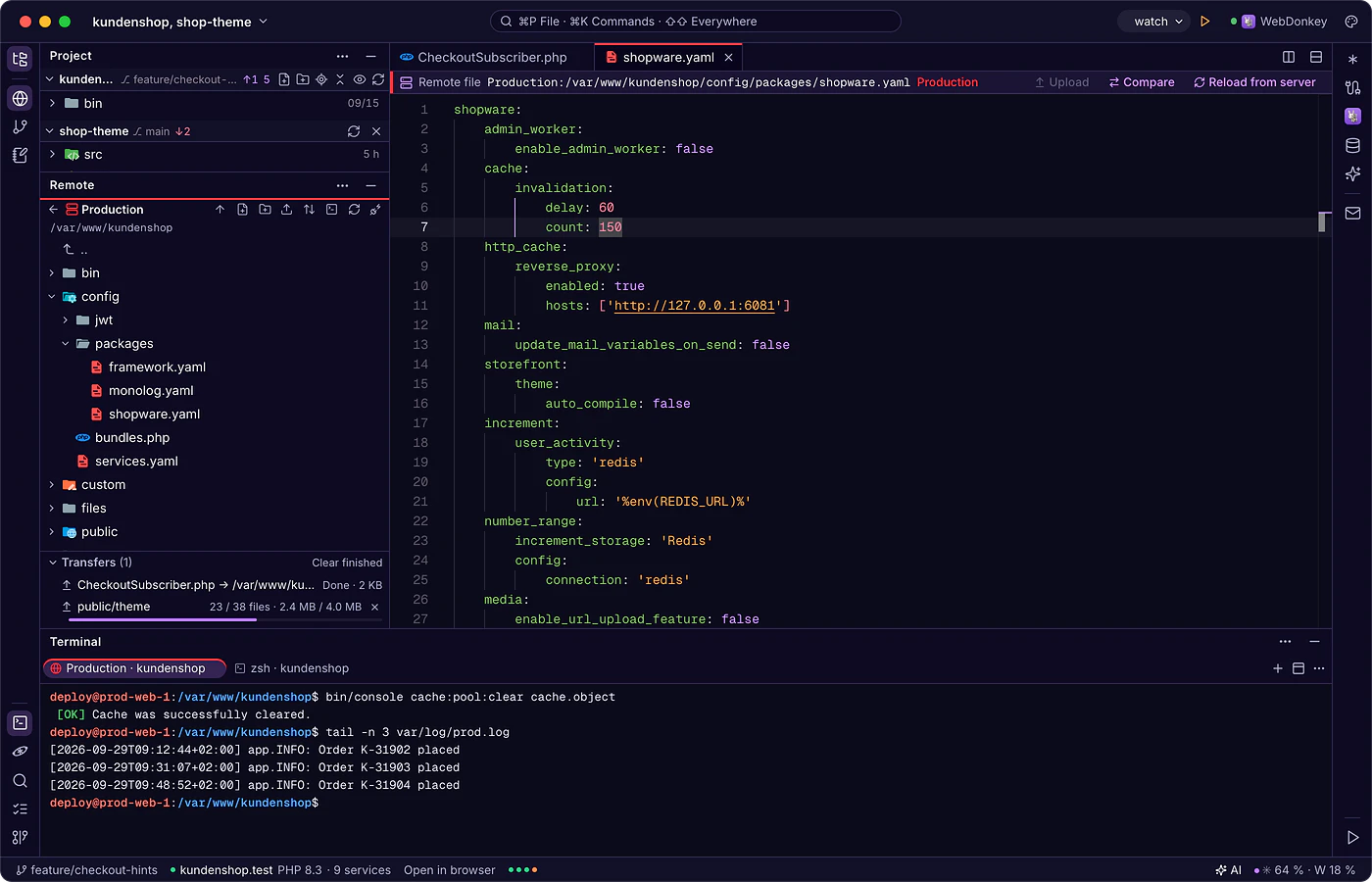
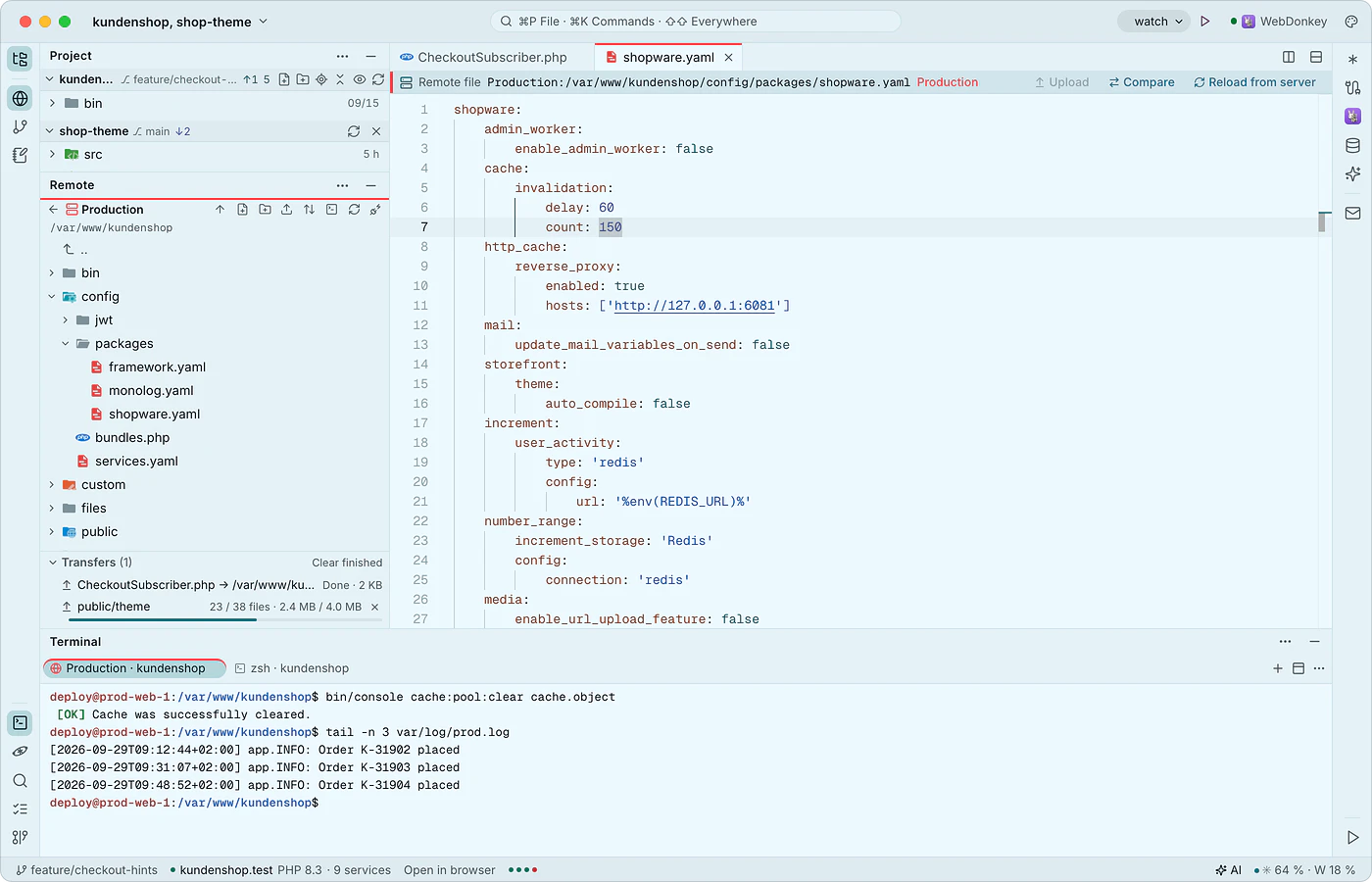 Edit client servers like local filesThe remote window connects to your servers over SSH and SFTP, with the same connections as WebDonkey. You open server files directly; saving goes to a working copy and uploading happens on command, after the editor has checked whether the file changed on the server in the meantime.
Try it on your own project.
Free costs nothing and has no time limit. macOS 11 or later, Apple silicon and Intel.
