





Claude and its agents, live
What is it?Mission Control shows your project's Claude conversations: the list on the left, the chosen one as a stream in the middle, its agents around it as small live terminals.
Mission Control shows your project's Claude conversations: the list on the left, the chosen one as a stream in the middle, its agents around it as small live terminals. It reads Claude Code's own transcripts and spends no tokens; Free shows two conversations live at a time, Premium all of them; Claude keeps running in the editor terminal, and what you type here goes there.
Free costs nothing and has no time limit. macOS 11 or later, Apple silicon and Intel.
Without WebDonkey
Claude starts agents, and you only see their summary. What one is doing right now, whether one is stuck and who is waiting for an answer, you do not see.
With WebDonkey
Mission Control reads Claude Code's own transcripts and spends no tokens. Claude keeps running in the Editor terminal, and what you type here goes there. You answer questions and permission requests as cards.
What you get out of it
- Who is waiting for youThe columns view sorts by working, waiting for you, done and error.
- Agents liveEvery agent as a small window with title, status, the last lines, calls and how full the context is. Cancel after a confirmation.
- Switch without a restartChips next to the input switch the running session's permission mode, model and effort.
In detail
Sessions
On the left the live sessions and the recent ones, with status and number of agents. New session starts Claude in the background in the project folder, without a terminal opening. Rename, sort, end and resume, here or in the terminal.
Conversation
Your messages, Claude's answers, what Claude is reading, writing or running, and changes as a small diff. Enter sends your message to the session's terminal; while Claude is still working, it waits. Esc stops the round, Tab takes Claude's suggestion for the next message.
Agents
When Claude starts agents, they appear as small windows around the conversation: title, status, what they are doing, the last lines, calls and how full the context is. Cancel a running agent after a confirmation.
Views
Tiles, list, columns or tree. Columns sorts by working, waiting for you, done and error and is the quickest way to see who is waiting for you.
Background work
Next to agents Mission Control shows the shells, monitors, wakeups and workflows Claude runs in the background, with status, exit code and output. Filters and “Hide finished” keep the overview small.
Questions
Questions, permission requests for a tool and whether Claude may work in a folder appear as cards. You answer there and the editor types the answer into the terminal, but only when it clearly recognises what Claude is showing. If auto mode blocked an action, a card shows the action, the reason and a narrow rule; Allow and continue adds it for this project or all projects, and Claude carries on.
Terminal view
Claude's screen live in Mission Control, with your keys going straight to Claude. For tabs, menus and anything Mission Control does not recognise as a card.
Mode, model, effort
Chips next to the input switch the running session's permission mode, model and effort, without a restart. Plus, per session, Claude in Chrome and whether the conversation gets the open file and your selection from the editor.
Sign-in
If Claude Code is signed out or the login has expired, Mission Control walks you through signing in in the browser, code from the sign-in page included. No need to go to the terminal.
What does Free include?
In Free, Mission Control shows two conversations at the same time, with Premium all of them. With Premium, Start Claude and ⌘⎋ open Mission Control right away.
Compare Free and PremiumGoes well with this
-
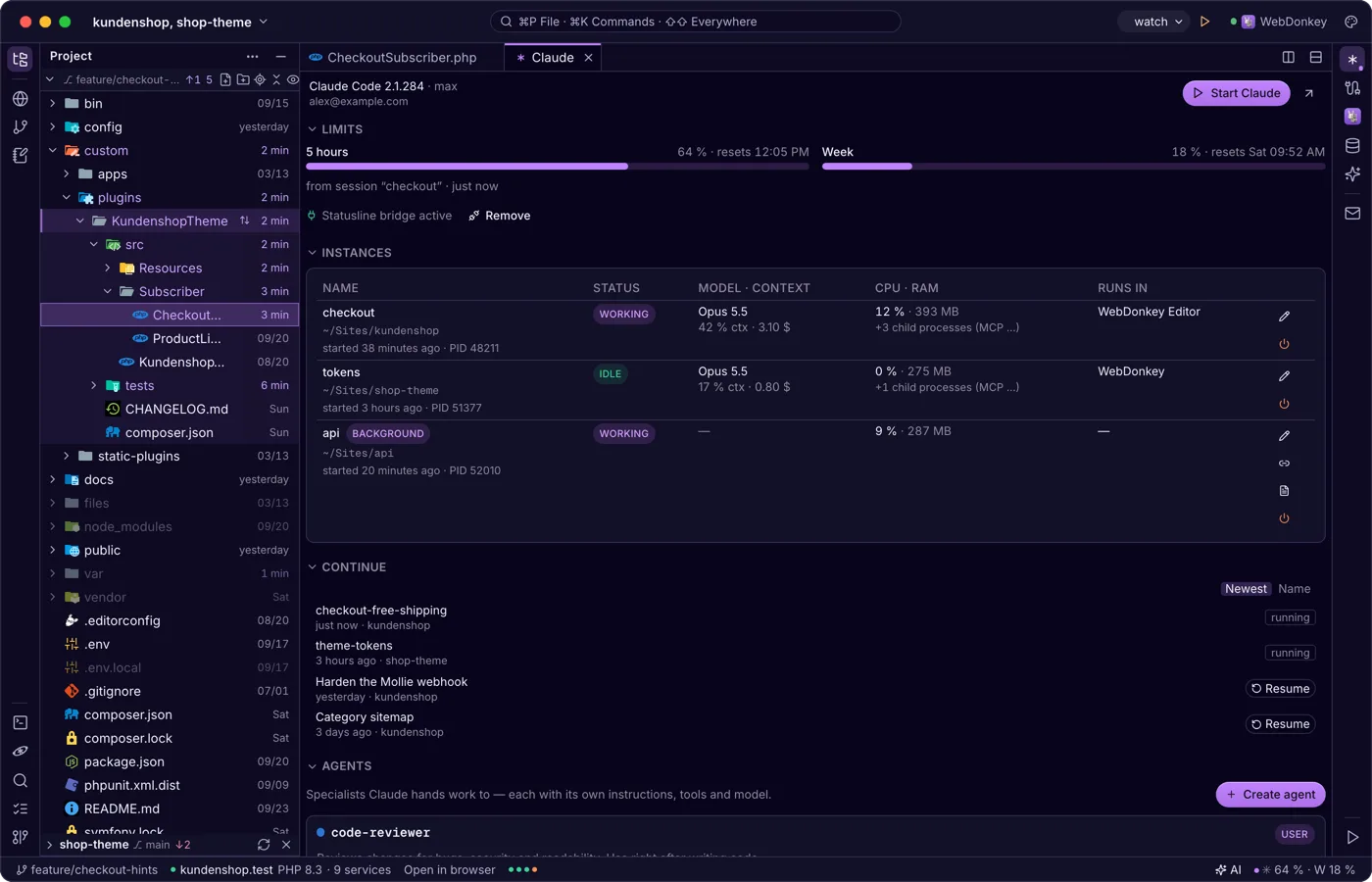
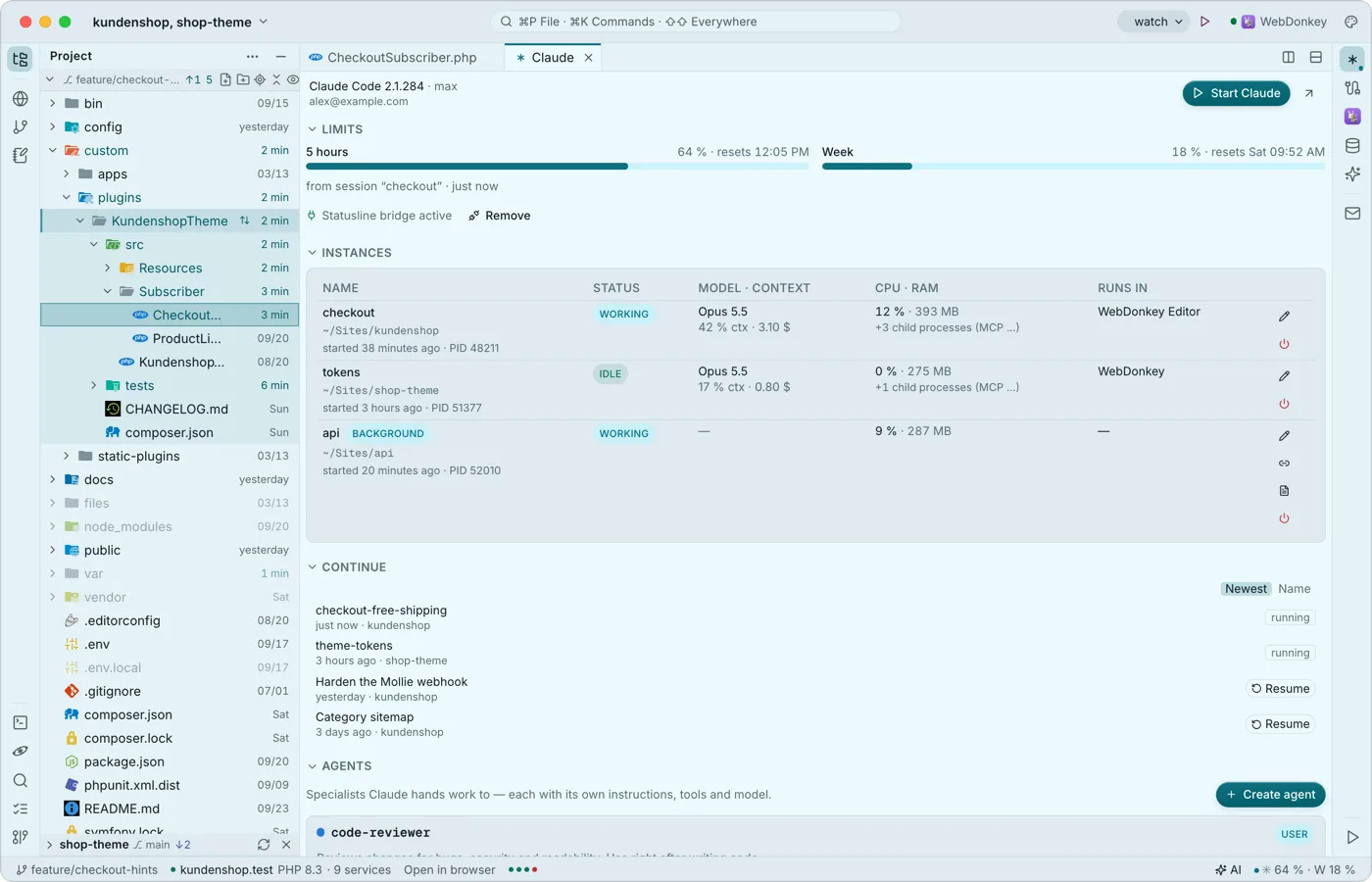 Claude Code, right next to the codeThe Claude window shows sign-in, limits, running instances, the last conversations to resume, agents, hooks and sessions. Start claude in the editor's terminal and it connects to the editor as it would to a big IDE: proposals arrive as a diff tab to accept or reject. None of it costs tokens.
-
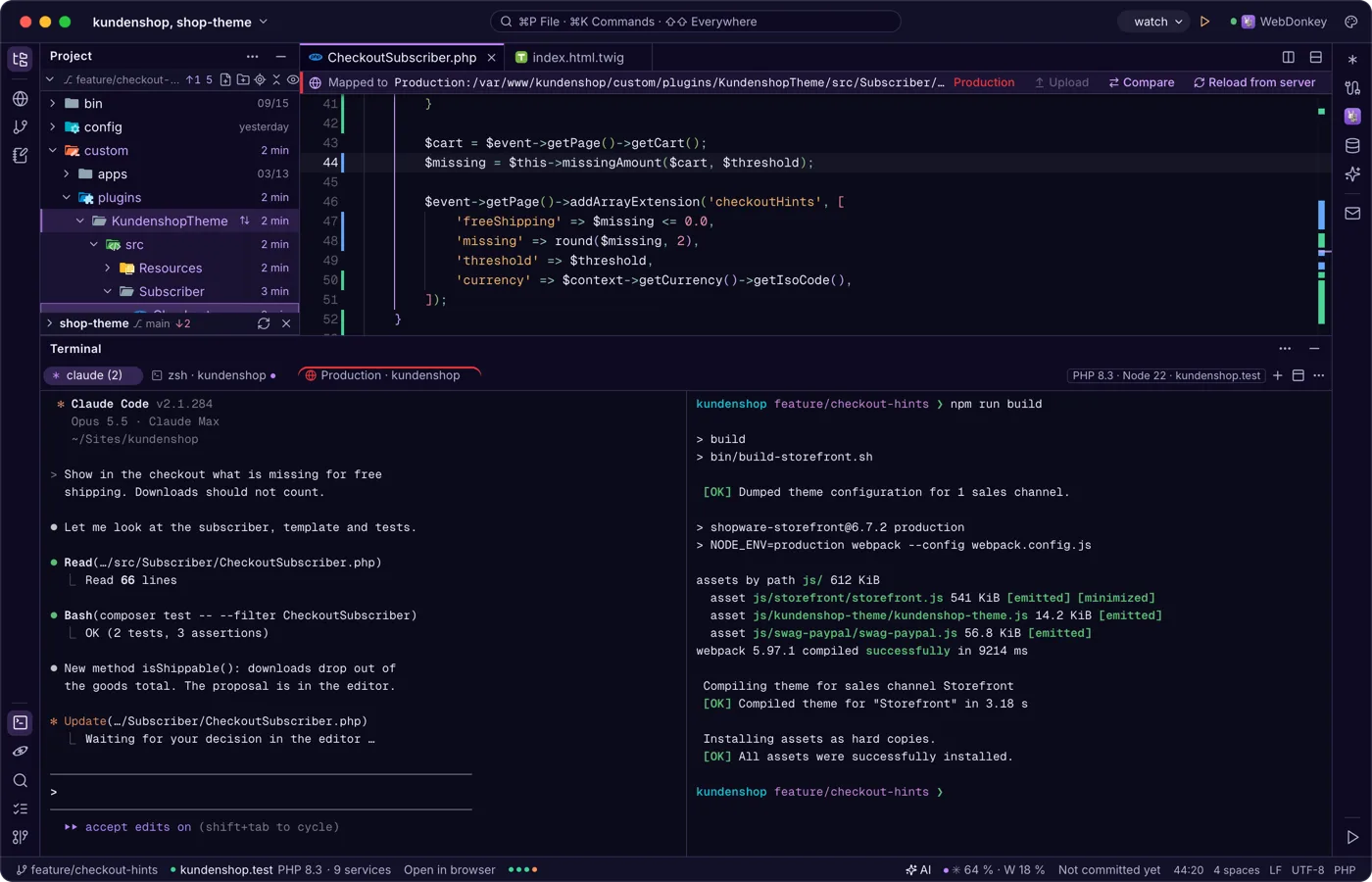
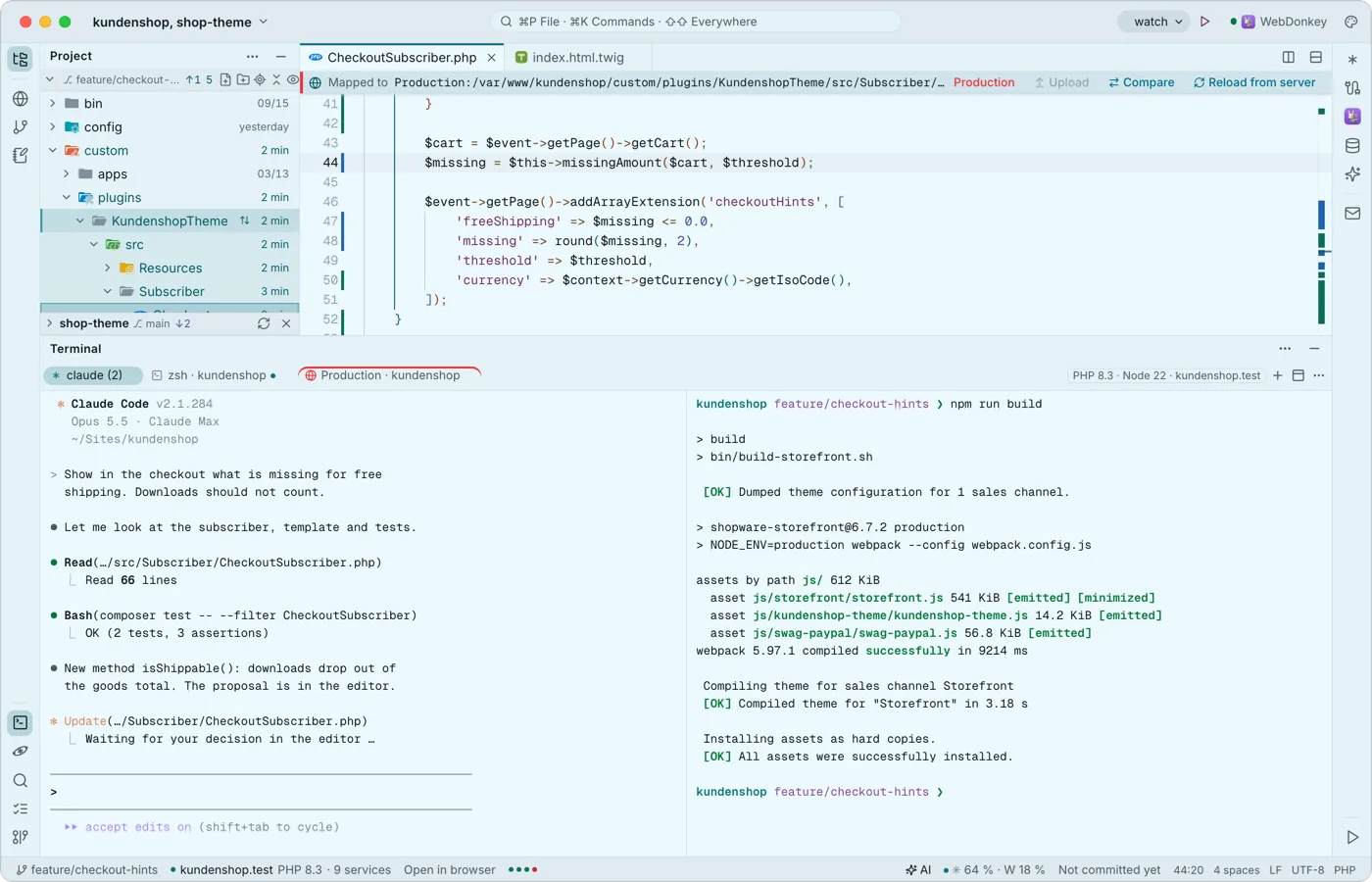 A terminal built for Claude CodeYour shells run at the bottom in tabs and splits, with Premium also over SSH on a server. Every key belongs to the program, ⇧↩ is Claude's newline, and when a program calls for you, the tab gets a dot and you a notification.
-
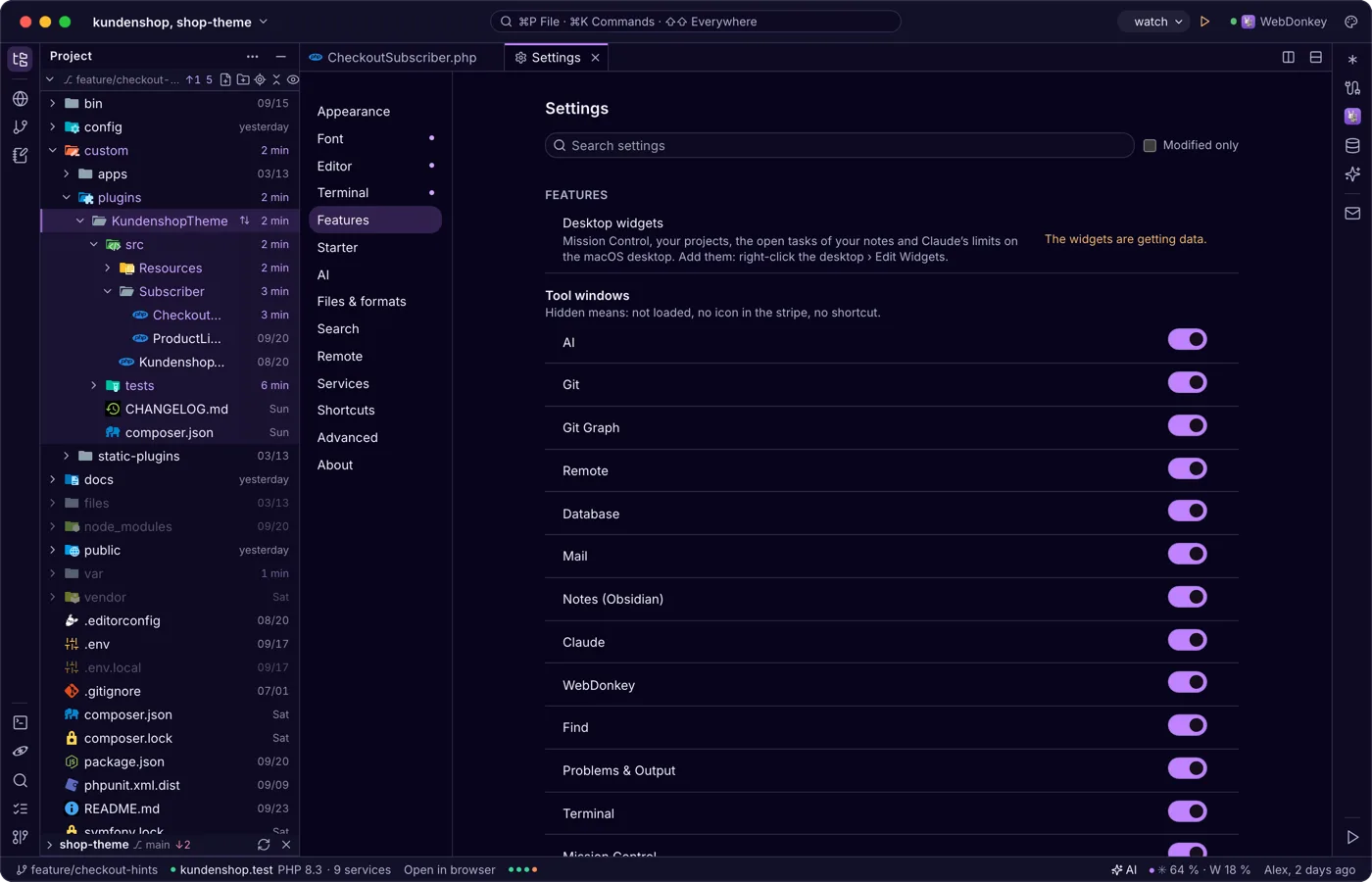
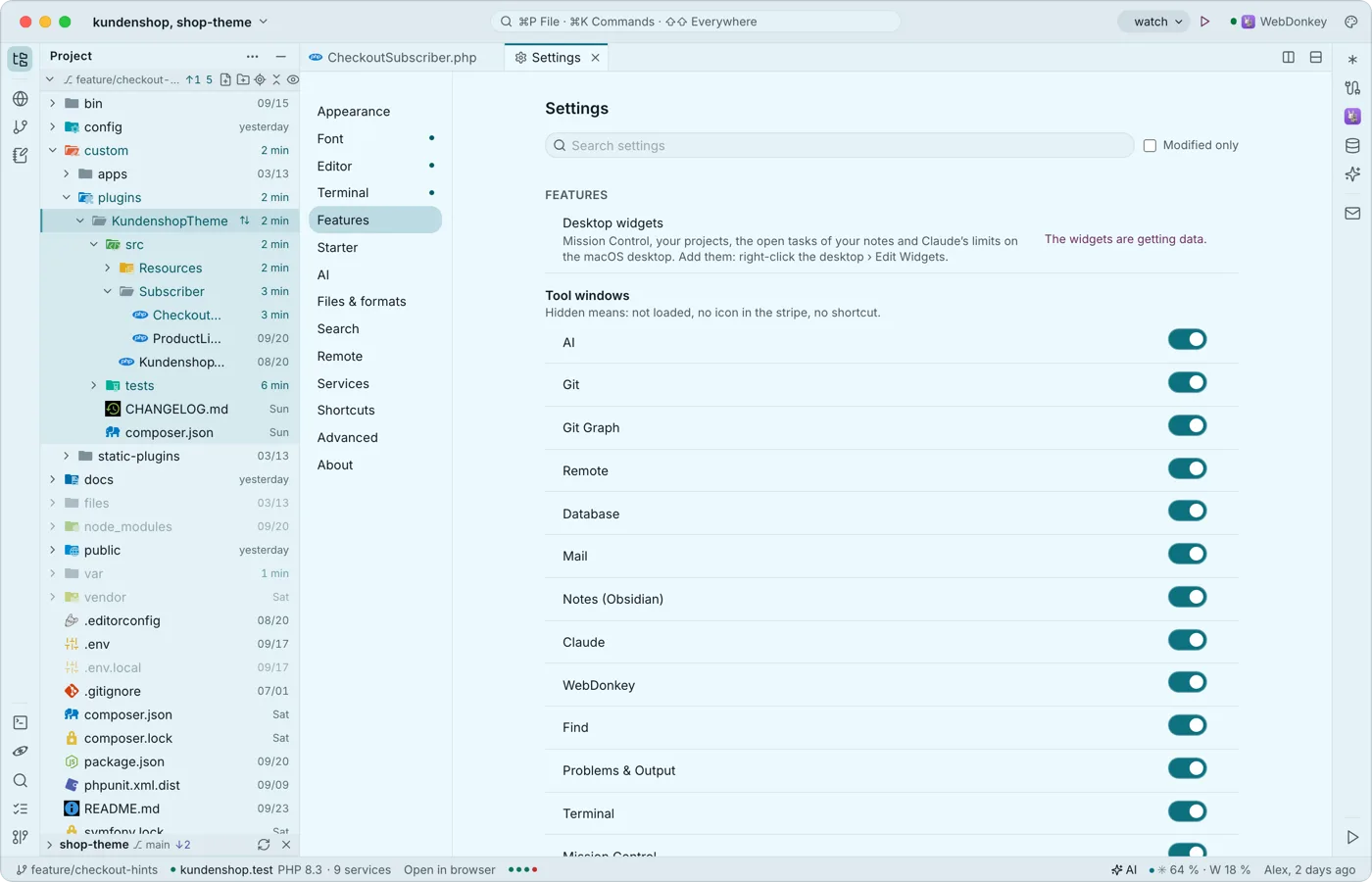 Widgets for the desktopThe editor comes with widgets for the macOS desktop: Mission Control, your projects, the open tasks of your notes and Claude's limits, even while the editor runs in the background. A tap opens the editor at the right place.
-
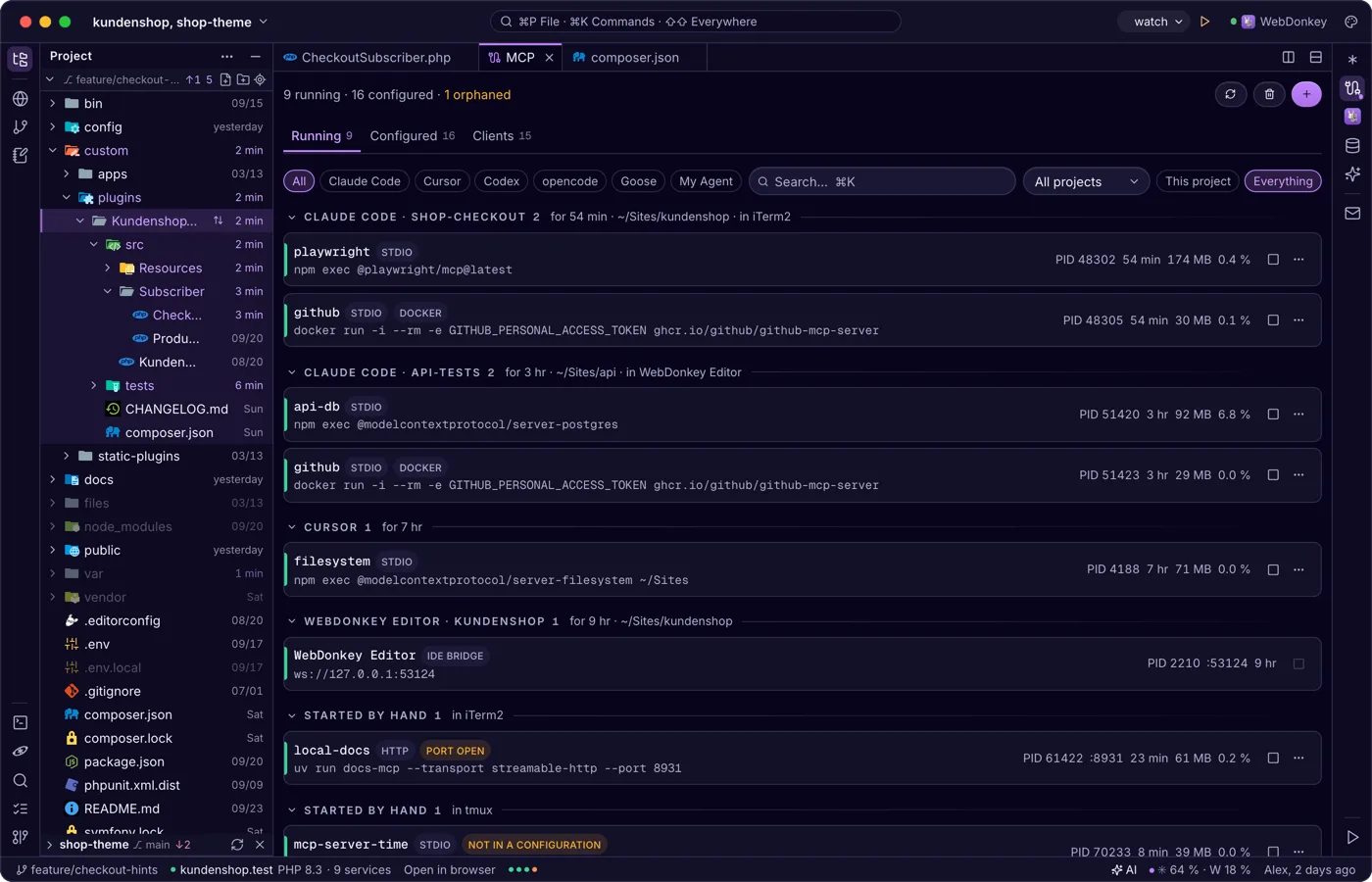
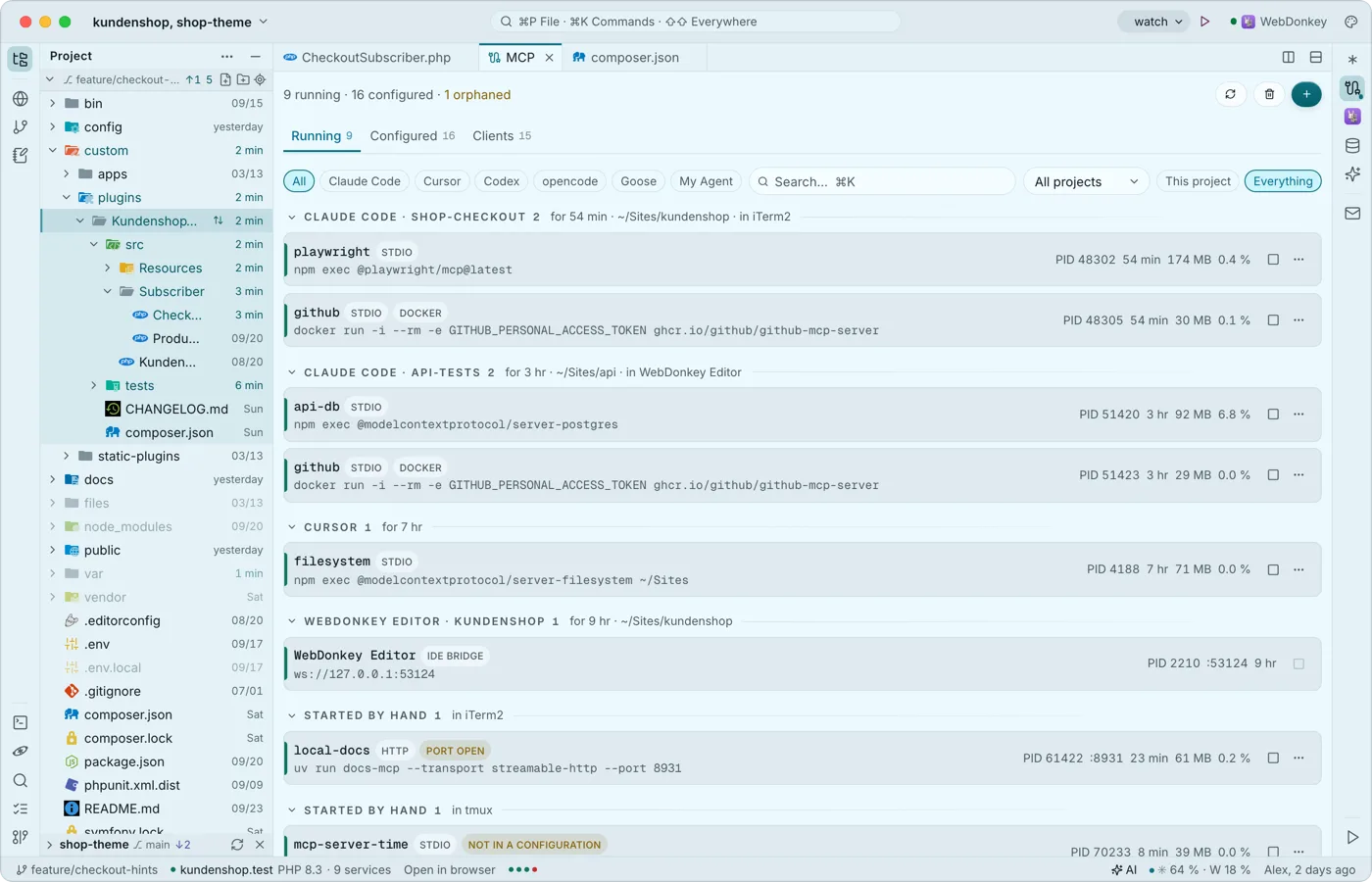 The MCP servers on your Mac at a glanceThe MCP window (⌘7) shows the MCP servers on your Mac: what is running, who owns it and what is configured in which client, be it Claude Code, Cursor or others. It is the same view as WebDonkey's MCP page and works without WebDonkey too.
Try it on your own project.
Free costs nothing and has no time limit. macOS 11 or later, Apple silicon and Intel.
