





The MCP servers on your Mac at a glance
The MCP window (⌘7) shows the MCP servers on your Mac: what is running, who owns it and what is configured in which client, be it Claude Code, Cursor or others. It is the same view as WebDonkey's MCP page and works without WebDonkey too.
Free costs nothing and has no time limit. macOS 11 or later, Apple silicon and Intel.
In detail
Running
Every running server with kind, owner, processes and uptime, plus labels such as duplicate, port open or orphaned. Stop asks first and says what the client loses; Check starts the server a second time and asks whether it answers.
ConfiguredFree & Premium
What your clients' files say, even when nothing runs, with state and scope. Add a server through a form or from a copied mcpServers block, saved with a backup copy. Editing, turning on and off and copying to other clients are Premium.
Clients
Which MCP clients the window found and from which file it reads their servers, each with a note on when the client picks up changes. If one is missing, add it as a custom client with Premium.
What does Free include?
This feature comes in Free and in Premium. Where Free ends is set out in the details and in the comparison.
Compare Free and PremiumGoes well with this
-
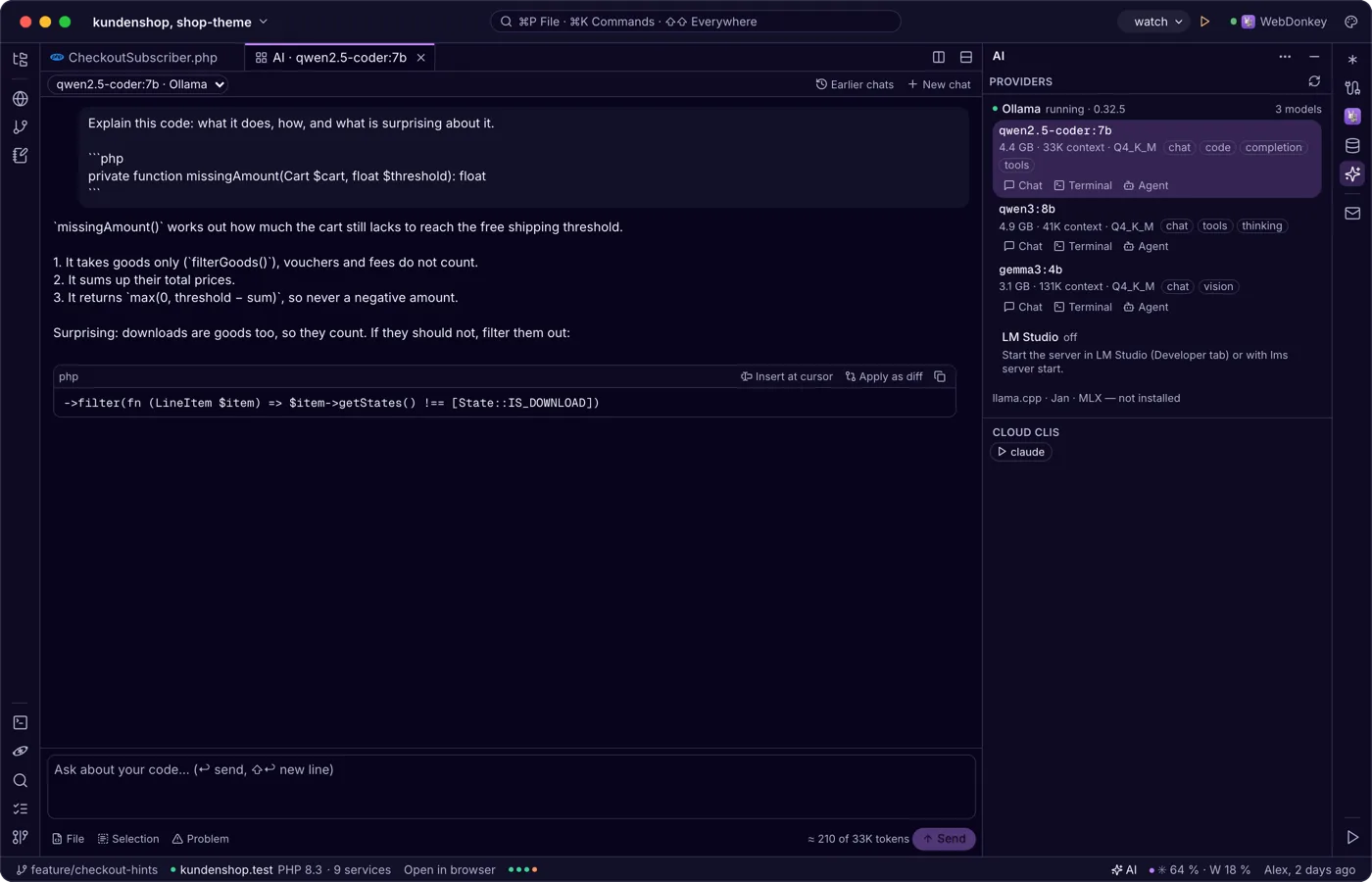
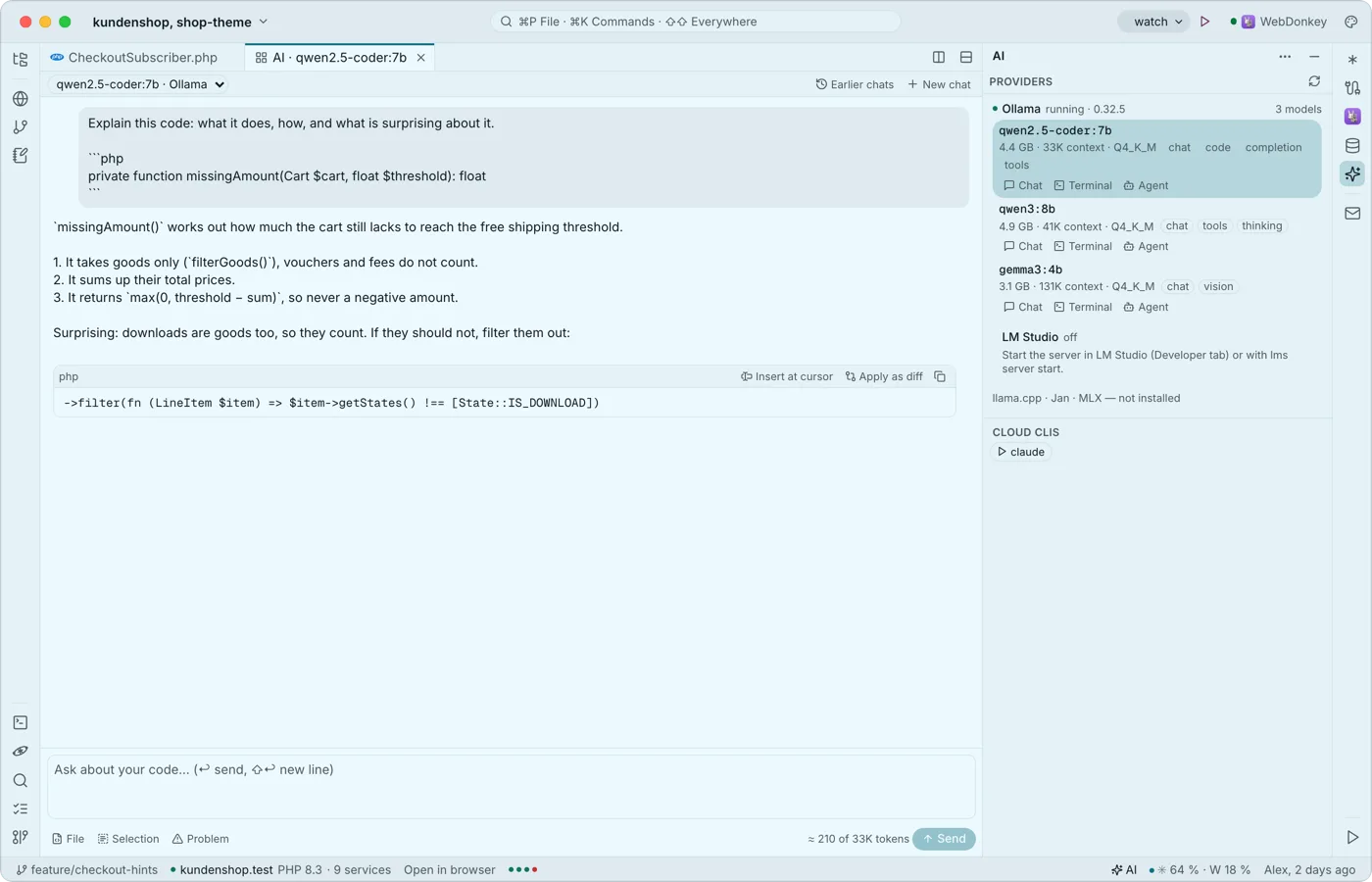 Local AI in the editorThe AI window (⇧⌘I) brings local language models into the editor: Ollama, LM Studio, llama.cpp, Jan and MLX. Chat about your code as a tab, actions in the context menu and, with Premium, grey suggestions as you type. The window, chat and actions are free.
-
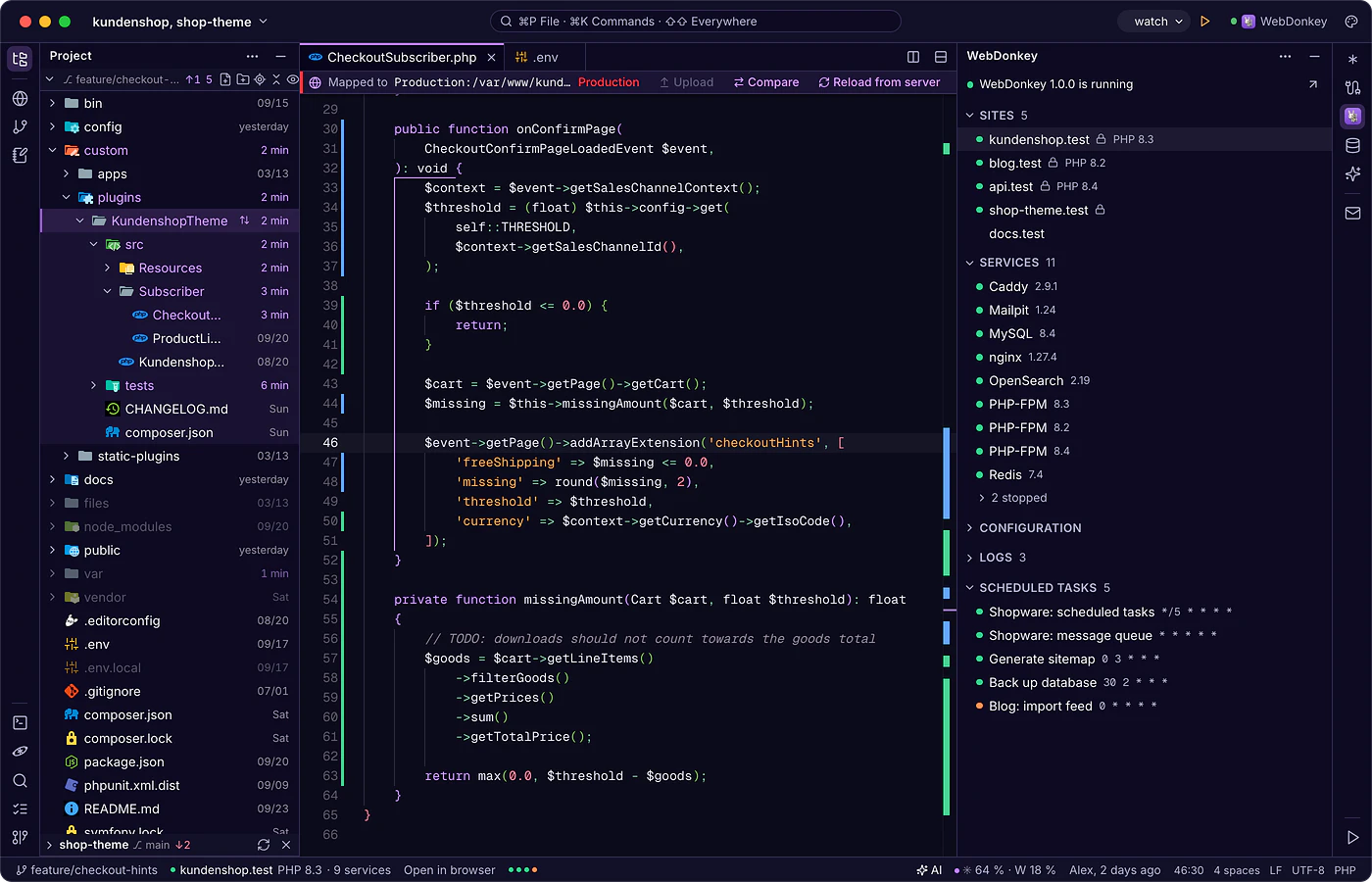
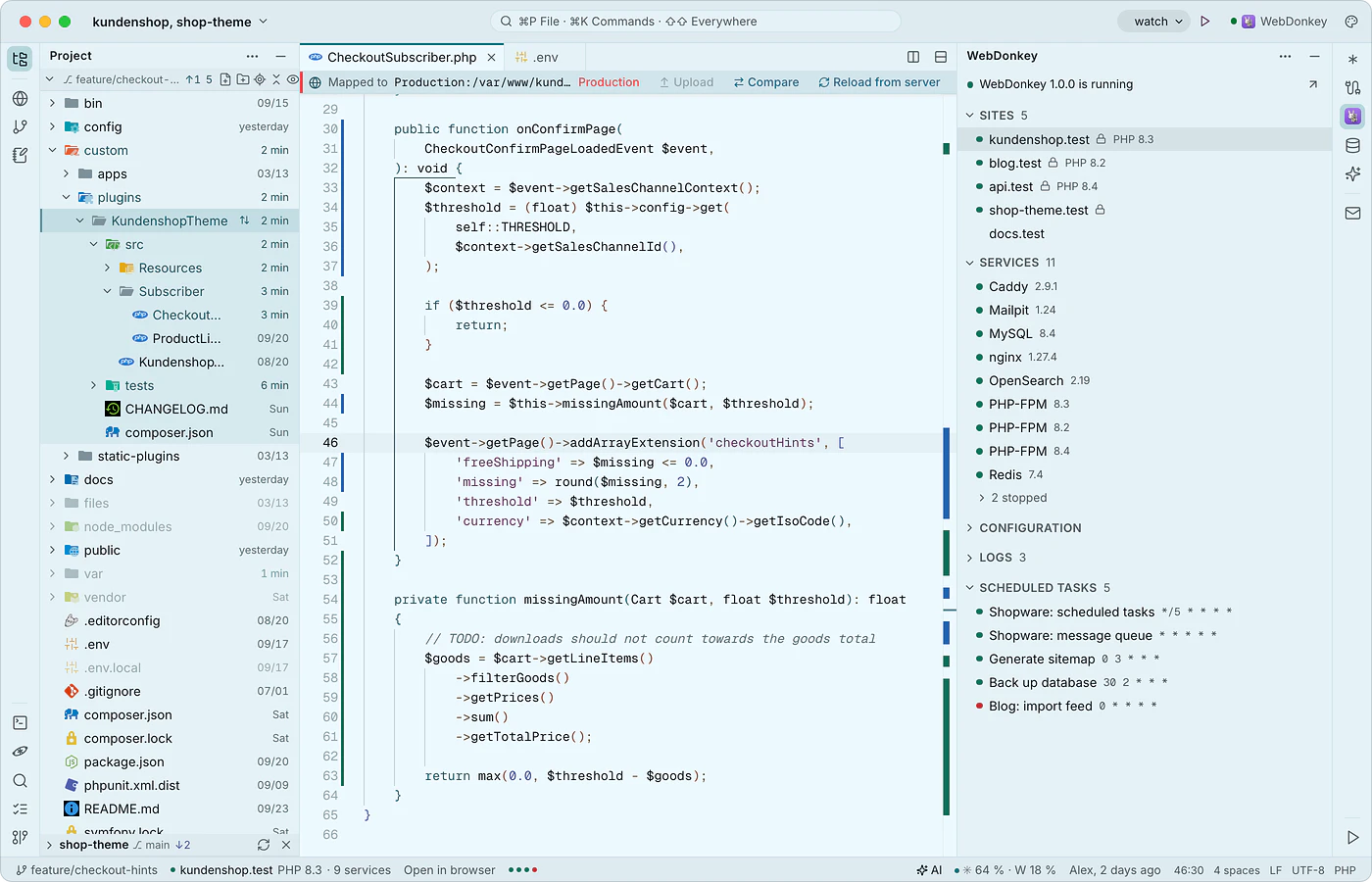 WebDonkey without switching windowsThe WebDonkey window (⌘4) shows your sites, services, logs and scheduled tasks, live while WebDonkey runs. Open sites in the browser or as a project, start and stop services from here, and their configuration opens in the editor.
-
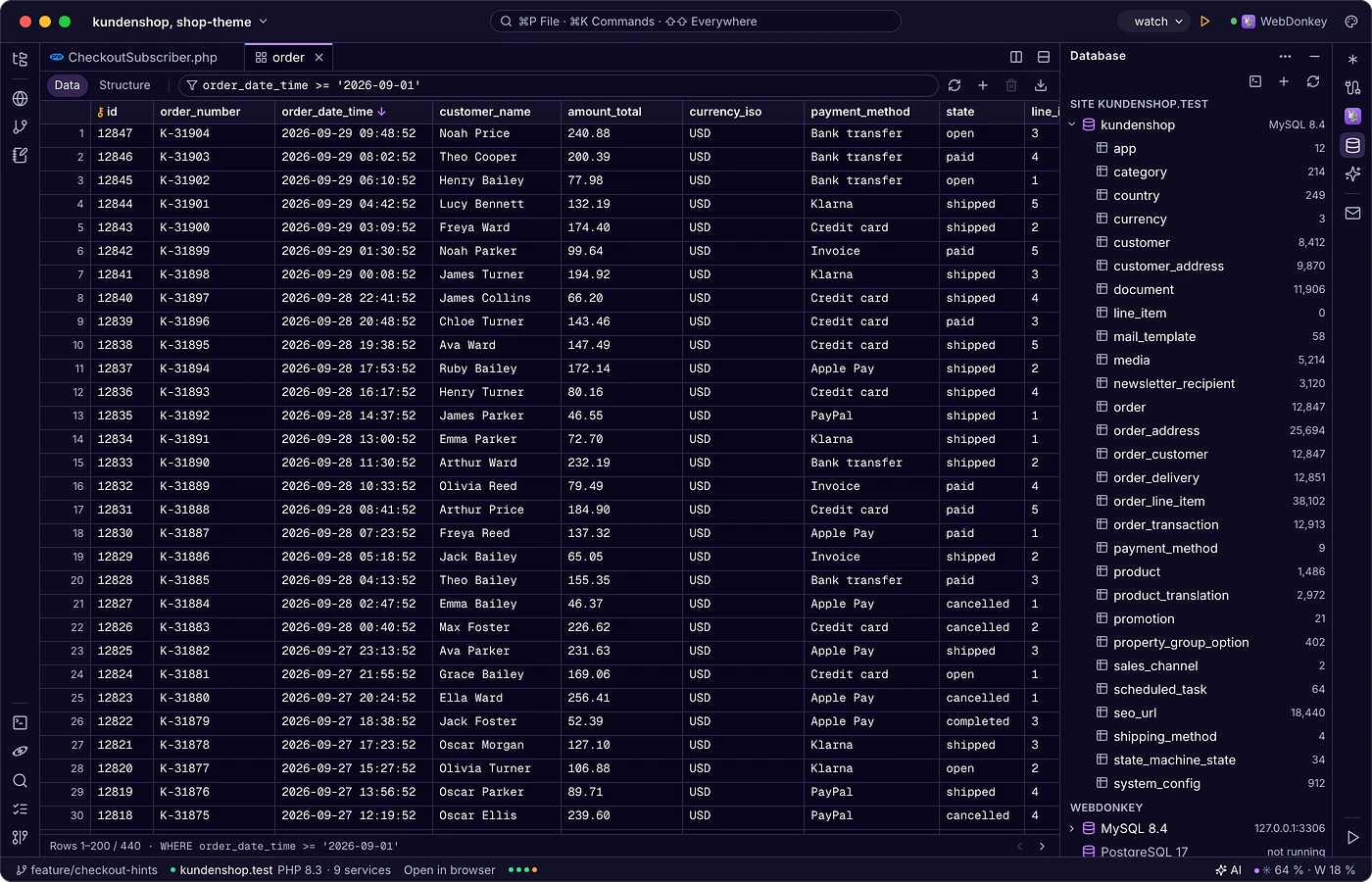
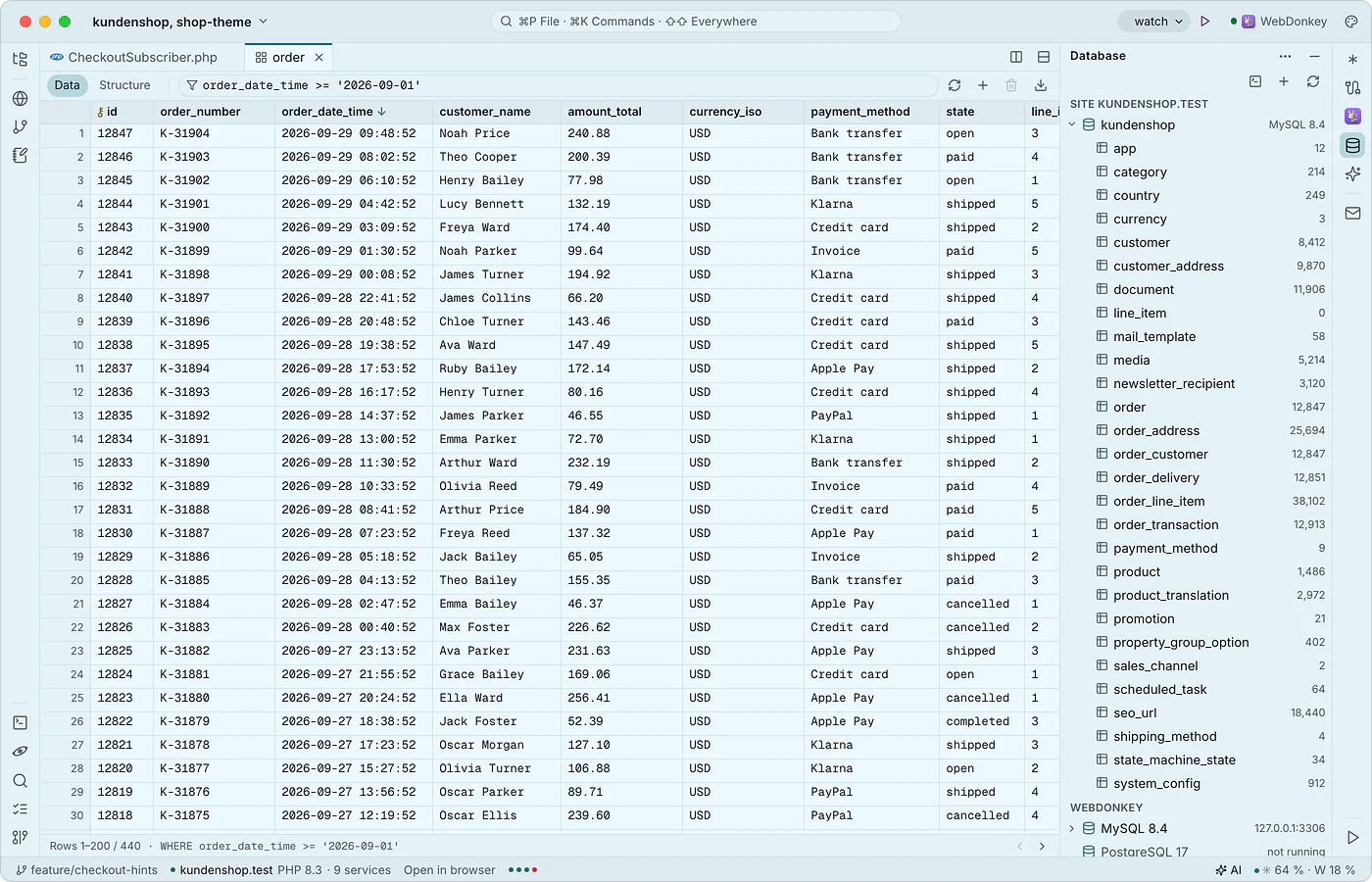 Databases in the editorThe database window (⌘5) shows the MySQL, MariaDB and PostgreSQL servers from WebDonkey with the current site's database on top and, with Premium, the databases on your servers. Tables open as a tab with data and structure, plus an SQL console. Local databases are free.
-
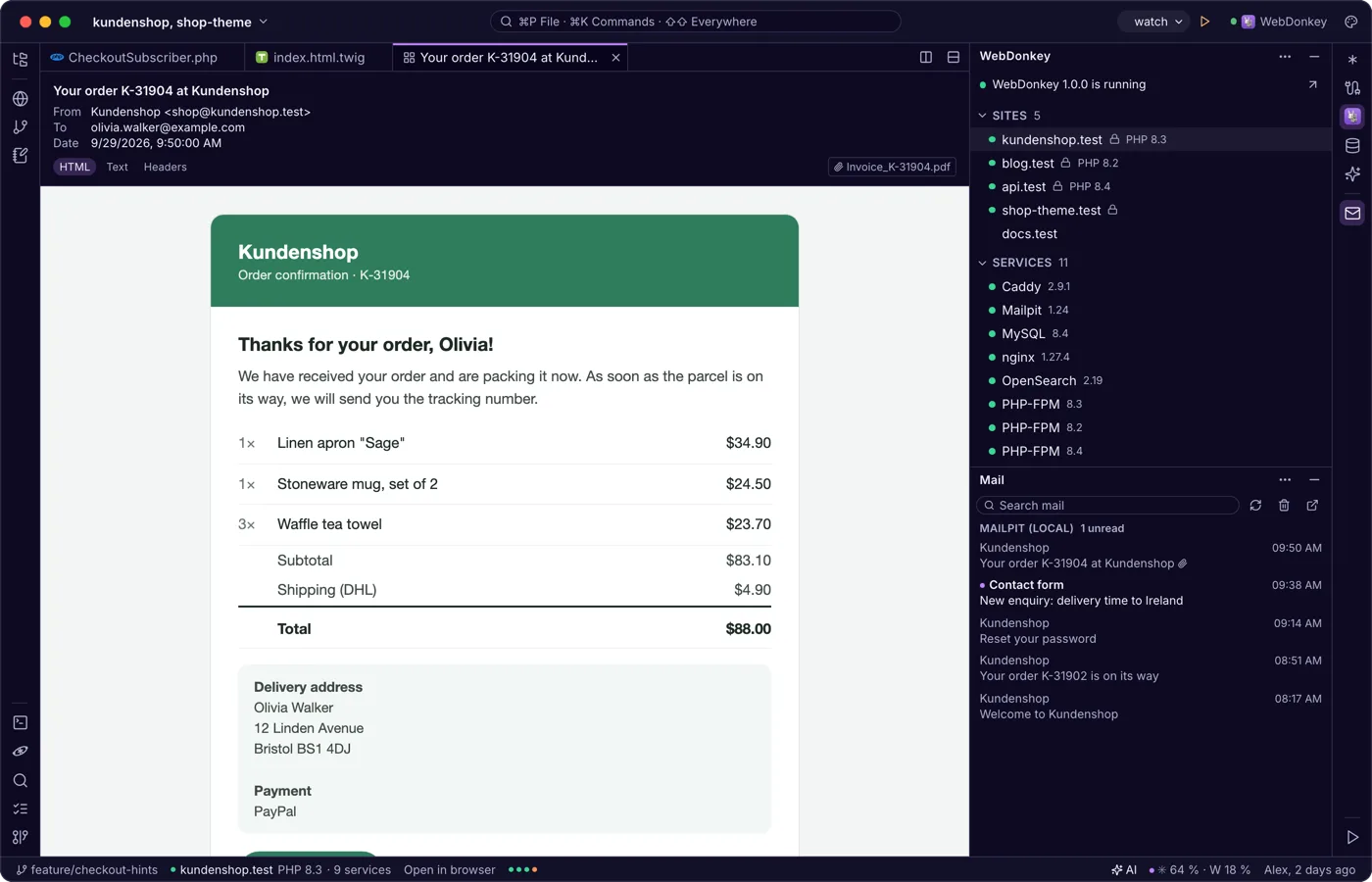
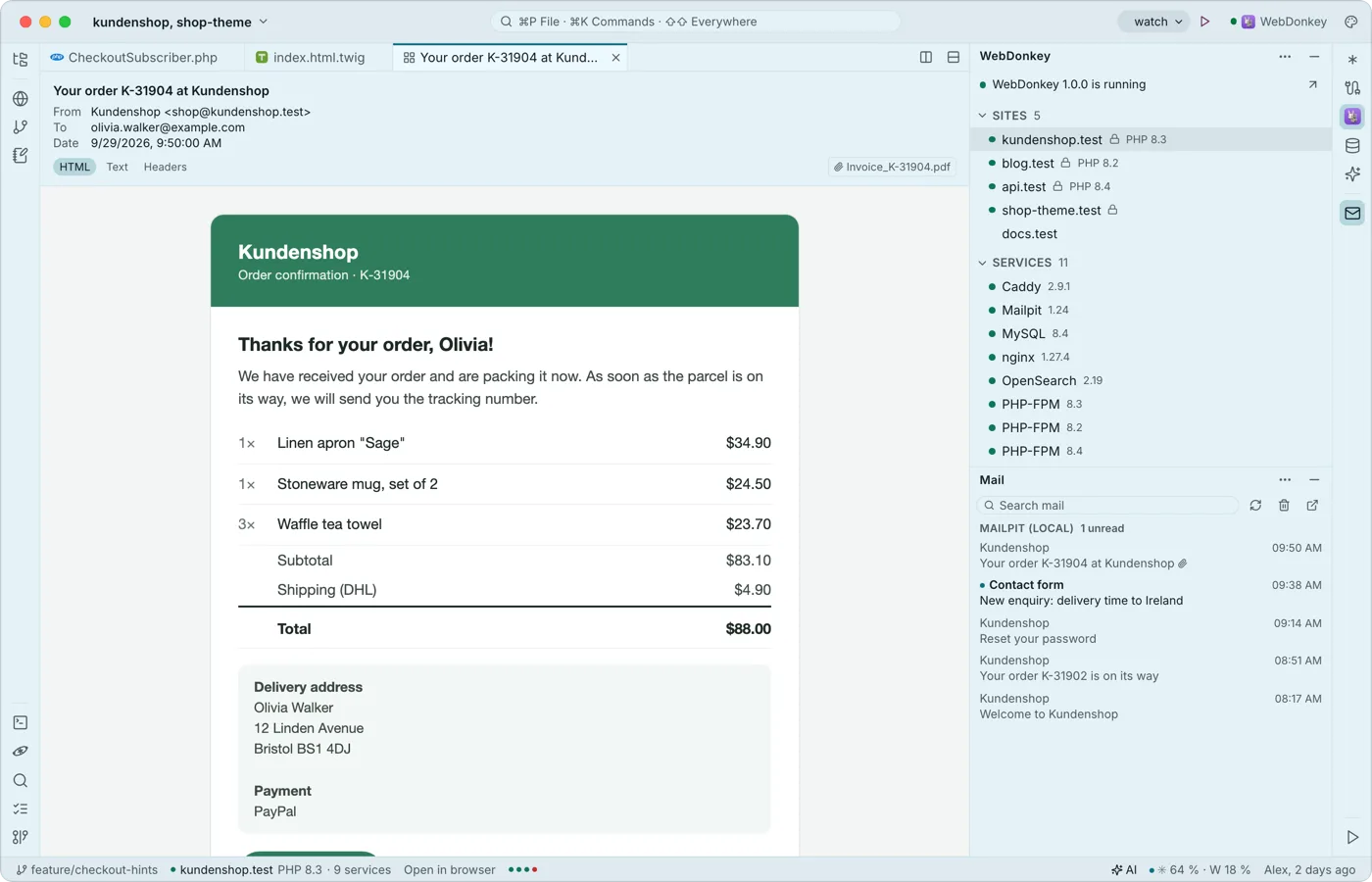 Mail from your projects, read in the editorThe mail window shows what Mailpit caught from your local sites and, with Premium, your servers' mailboxes, read only. A mail opens as a tab with HTML, text and header views; external images stay blocked.
Try it on your own project.
Free costs nothing and has no time limit. macOS 11 or later, Apple silicon and Intel.
