





Local AI in the editor
The AI window (⇧⌘I) brings local language models into the editor: Ollama, LM Studio, llama.cpp, Jan and MLX. Chat about your code as a tab, actions in the context menu and, with Premium, grey suggestions as you type. The window, chat and actions are free.
Free costs nothing and has no time limit. macOS 11 or later, Apple silicon and Intel.
In detail
Providers and modelsFree & Premium
Every provider with state and version, every model with size, context length and what it can do. A click picks the model; next to it chat, the model in the terminal and, with Premium, an agent CLI set up for the local model.
Chat
Questions about your code with a file, a selection or a problem as context; a line estimates beforehand how full the context window gets. Insert code from the answer at the cursor or apply it as a diff. With WebDonkey your chats are kept.
AI in the editor
Right-click a selection: explain, write a comment or rewrite. Comment and rewrite show the change as an AI proposal in the code, and you accept or discard it.
Suggestions while typingPremium
A local model shows grey text after the cursor: Tab takes it, ⌘→ word by word, Esc drops it. A click on AI in the status bar turns the suggestions off, for one project only if you like; on a low battery they pause.
What does Free include?
This feature comes in Free and in Premium. Where Free ends is set out in the details and in the comparison.
Compare Free and PremiumGoes well with this
-
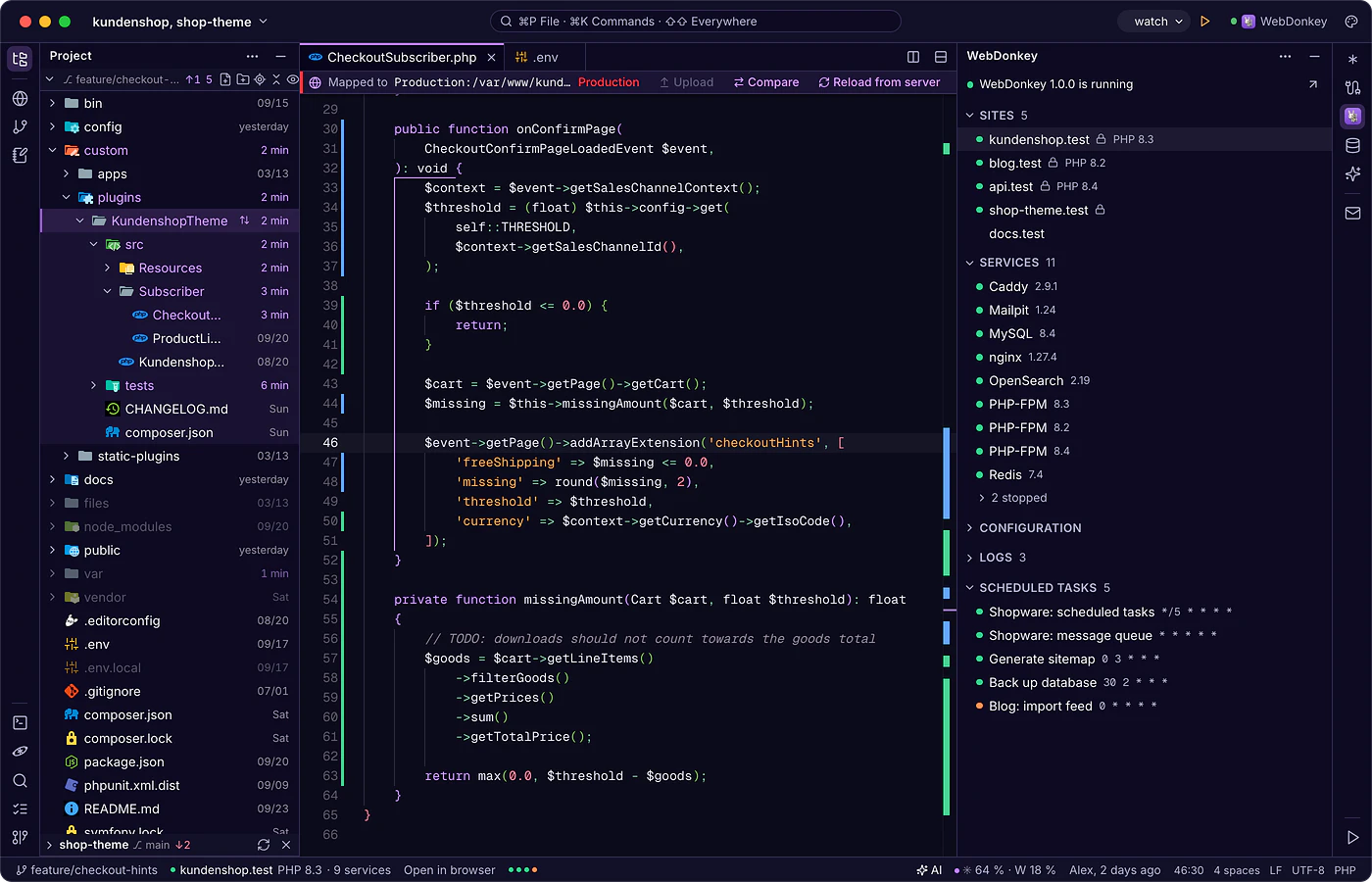
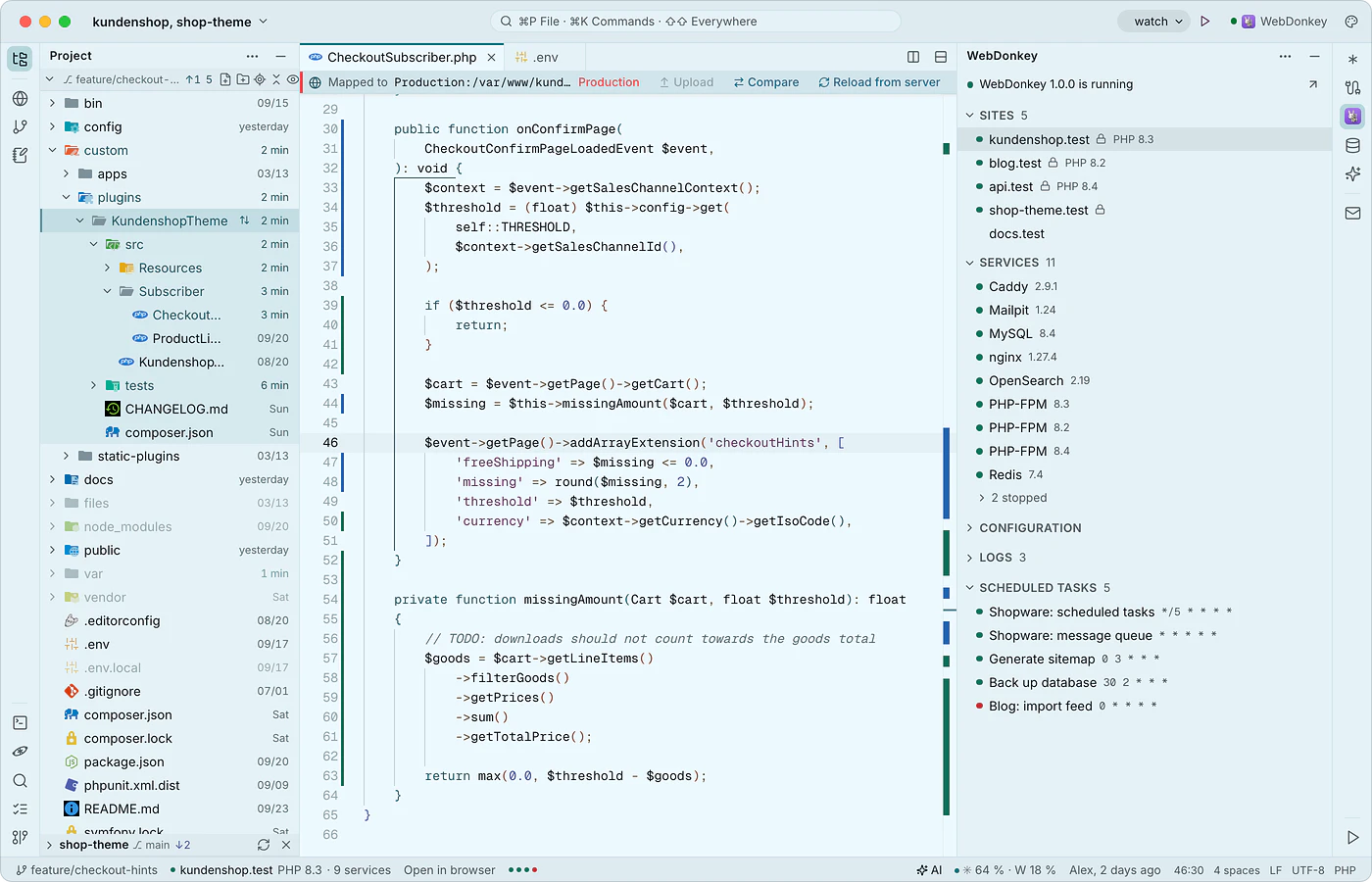 WebDonkey without switching windowsThe WebDonkey window (⌘4) shows your sites, services, logs and scheduled tasks, live while WebDonkey runs. Open sites in the browser or as a project, start and stop services from here, and their configuration opens in the editor.
-
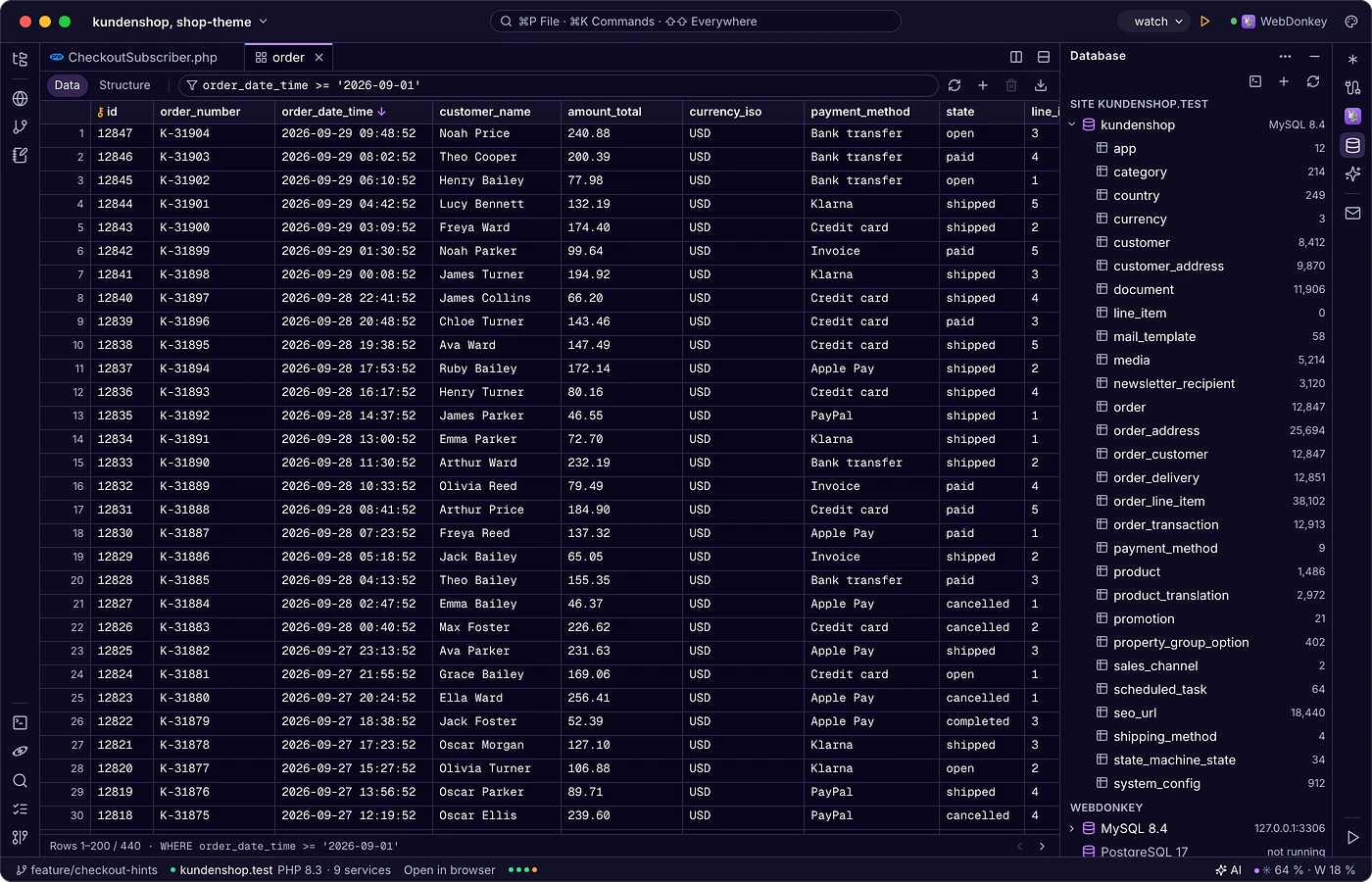
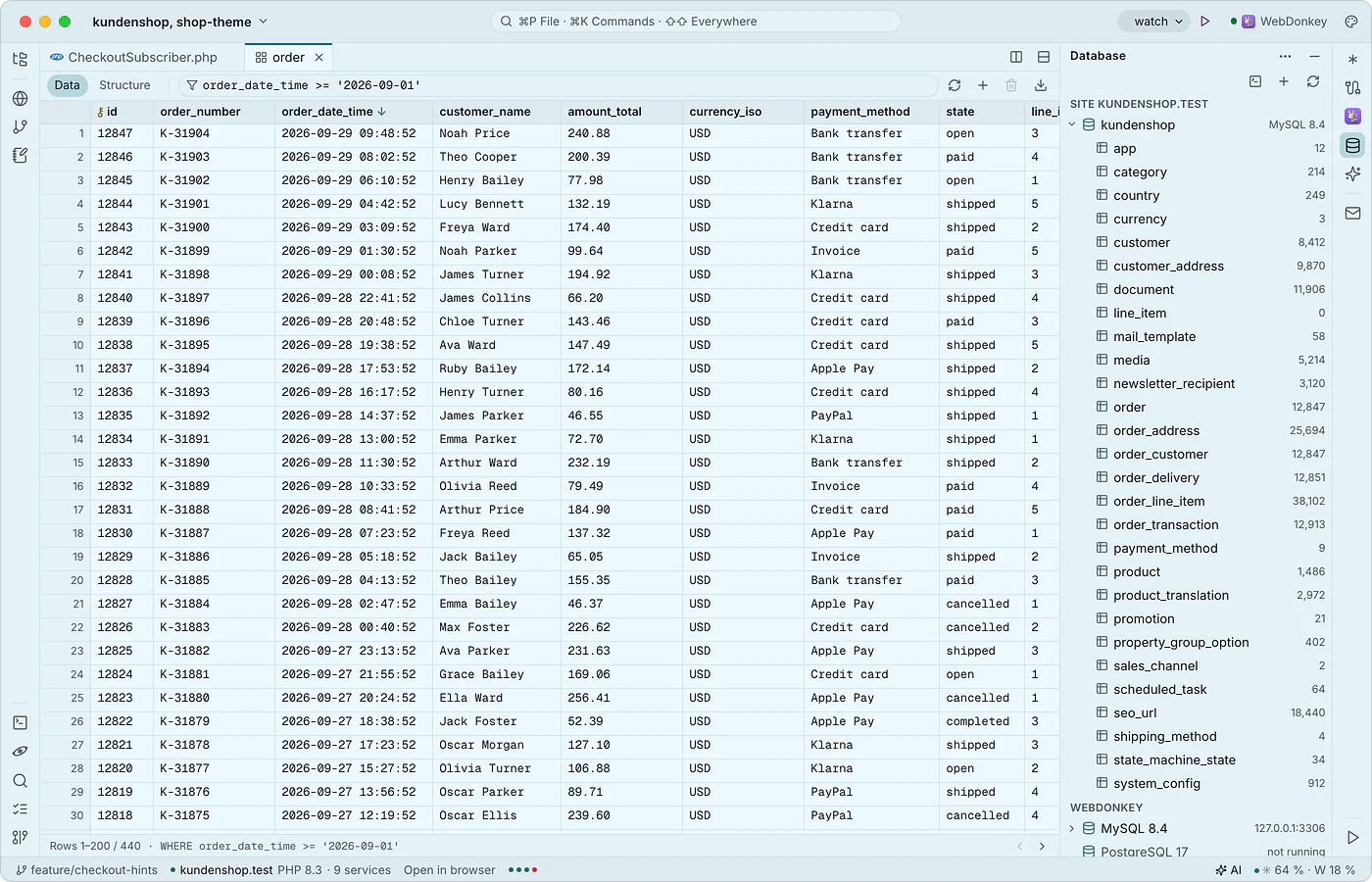 Databases in the editorThe database window (⌘5) shows the MySQL, MariaDB and PostgreSQL servers from WebDonkey with the current site's database on top and, with Premium, the databases on your servers. Tables open as a tab with data and structure, plus an SQL console. Local databases are free.
-
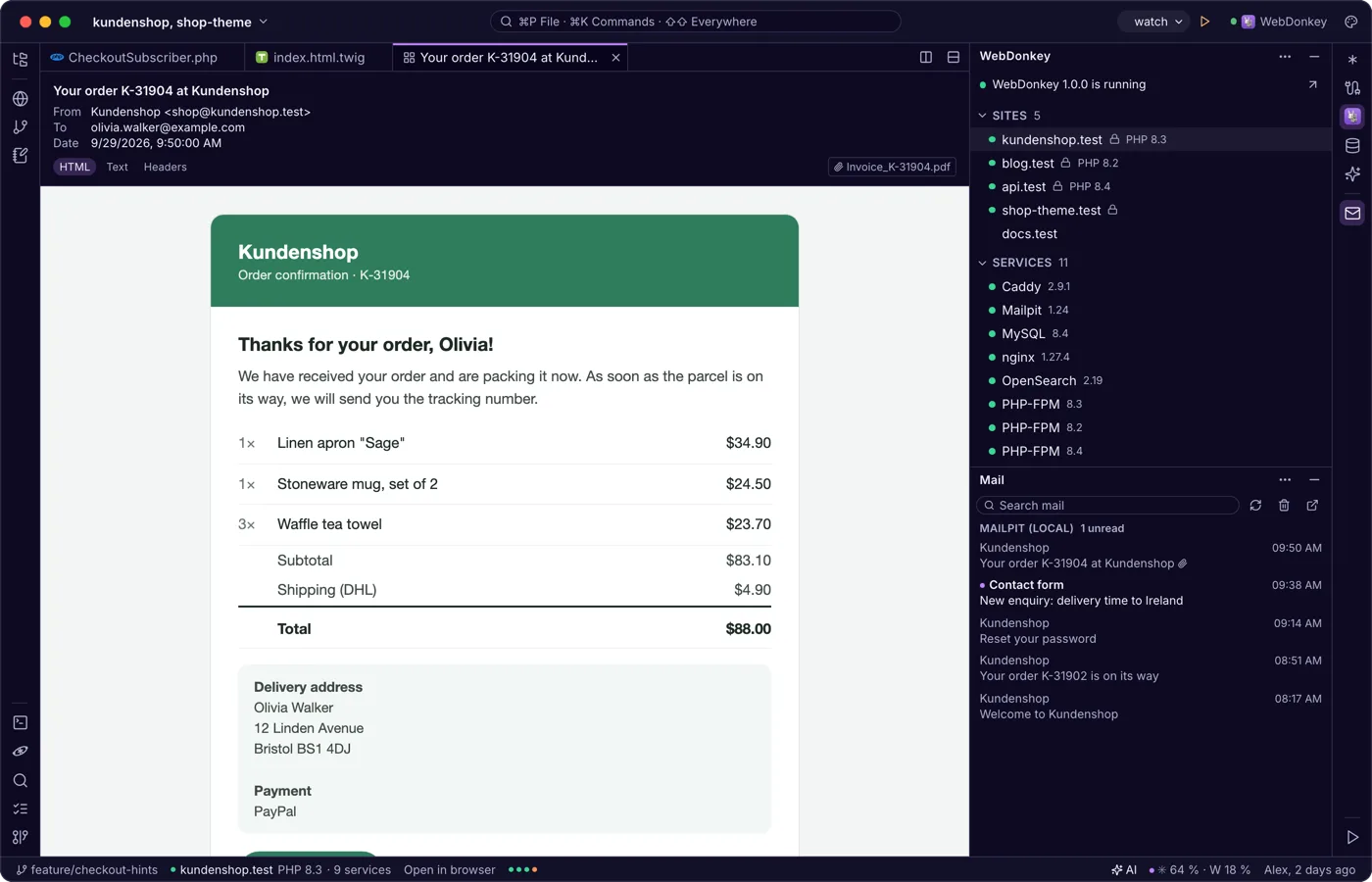
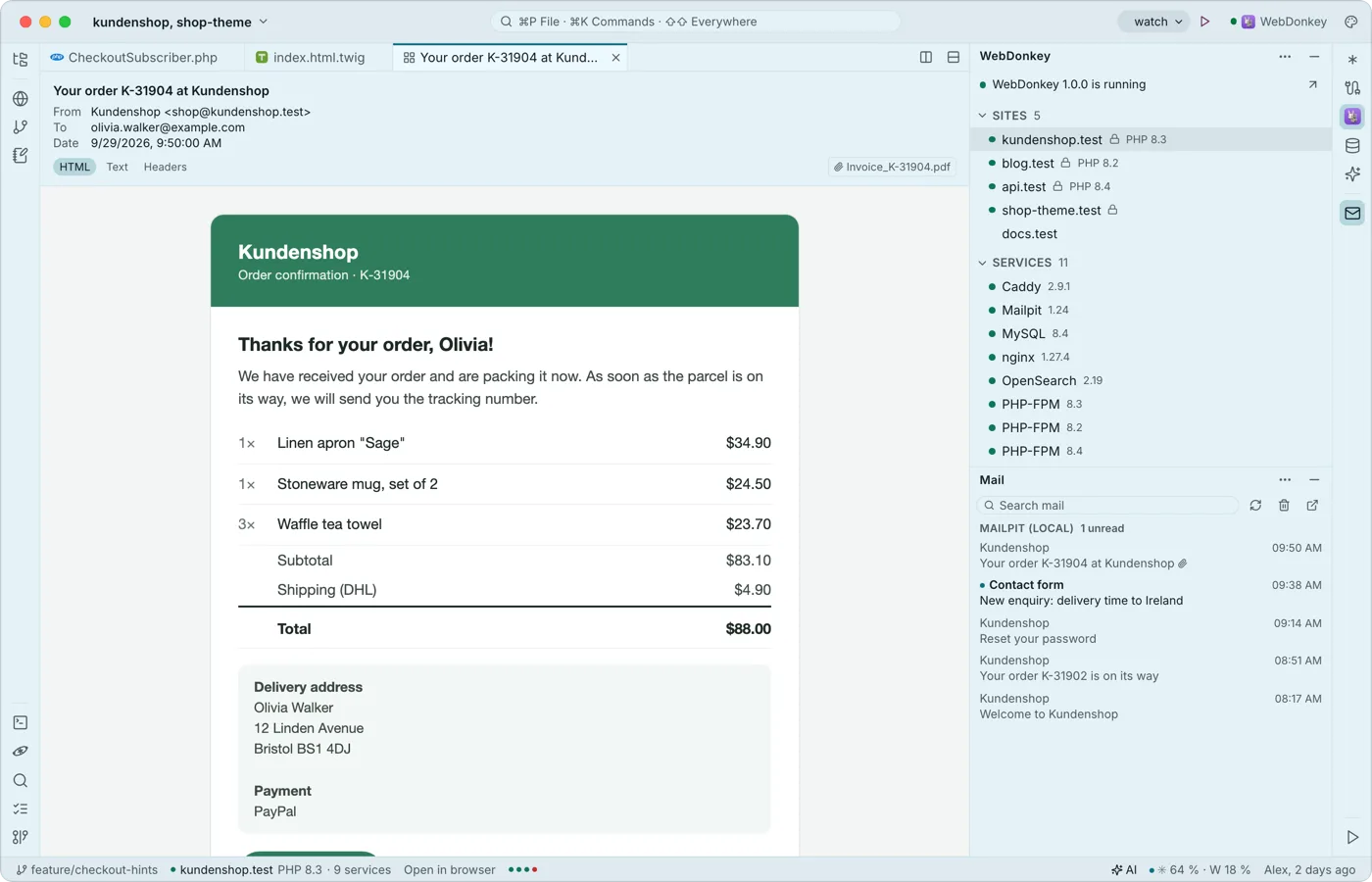 Mail from your projects, read in the editorThe mail window shows what Mailpit caught from your local sites and, with Premium, your servers' mailboxes, read only. A mail opens as a tab with HTML, text and header views; external images stay blocked.
-
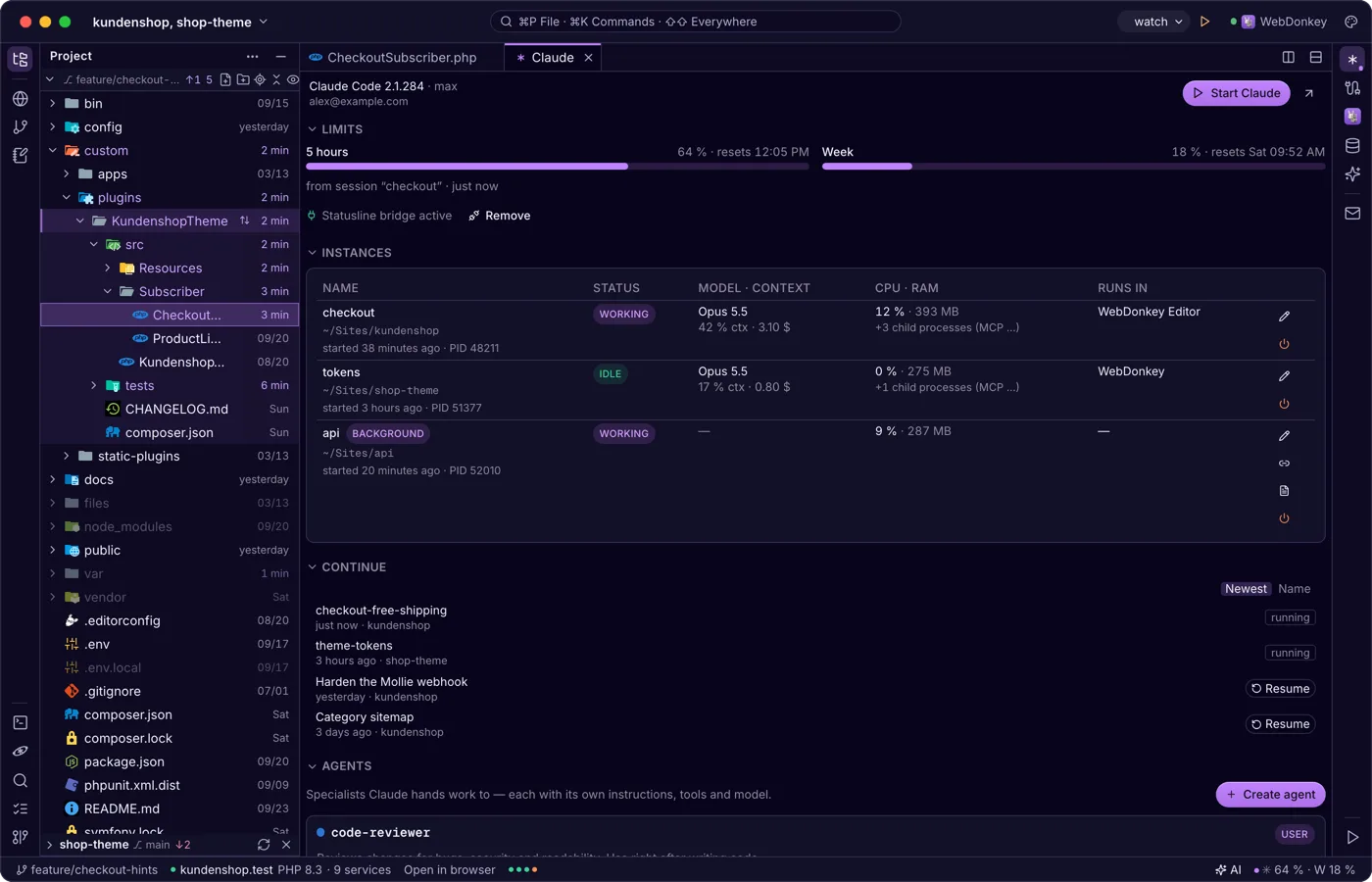
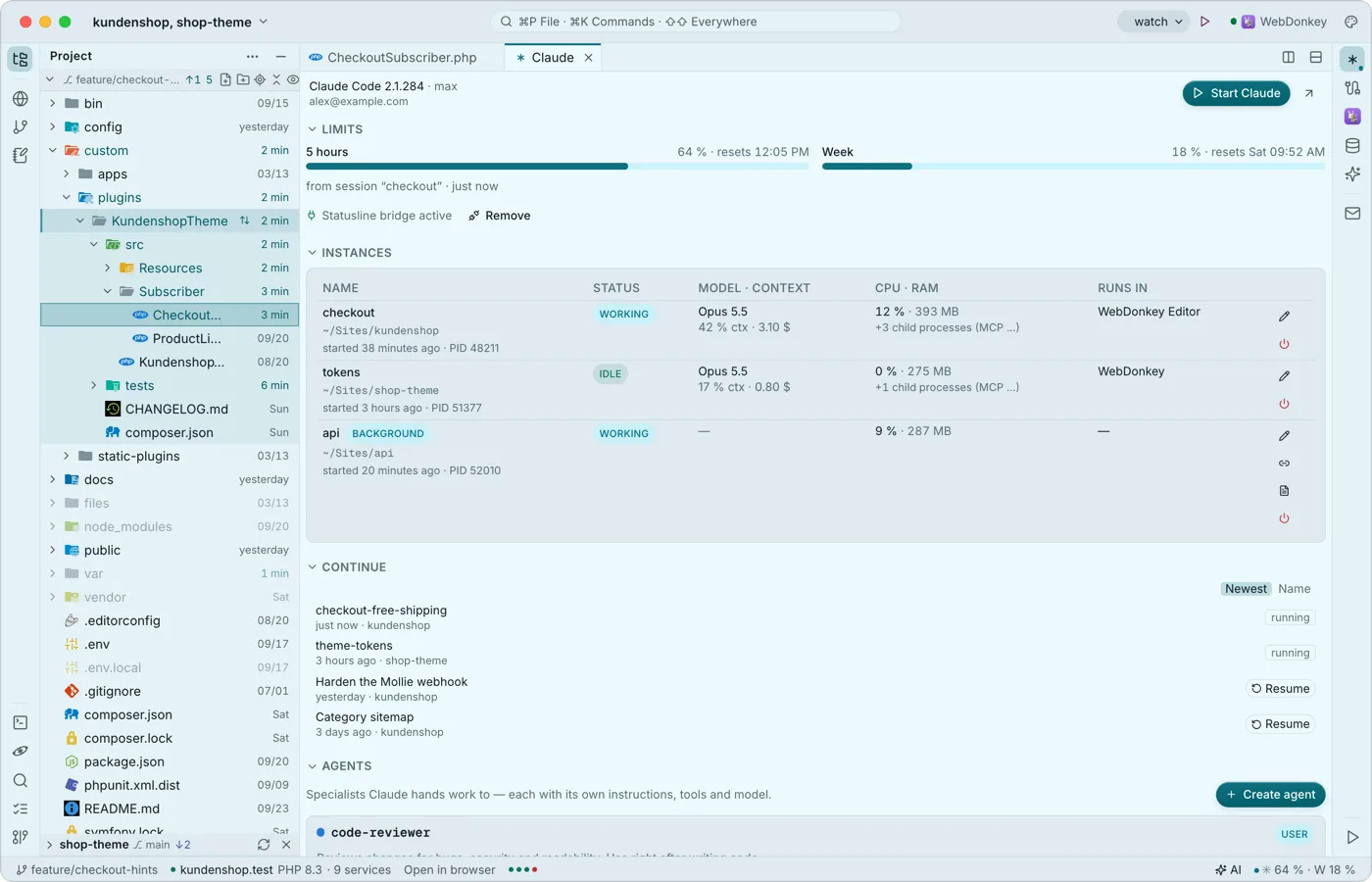 Claude Code, right next to the codeThe Claude window shows sign-in, limits, running instances, the last conversations to resume, agents, hooks and sessions. Start claude in the editor's terminal and it connects to the editor as it would to a big IDE: proposals arrive as a diff tab to accept or reject. None of it costs tokens.
Try it on your own project.
Free costs nothing and has no time limit. macOS 11 or later, Apple silicon and Intel.
