





Claude Code, right next to the code
What is it?The Claude window shows your Claude Code installation: sign-in, limits, running instances, the last conversations to resume, agents, hooks and sessions.
The Claude window shows sign-in, limits, running instances, the last conversations to resume, agents, hooks and sessions. Start claude in the editor's terminal and it connects to the editor as it would to a big IDE: proposals arrive as a diff tab to accept or reject. None of it costs tokens.
Free costs nothing and has no time limit. macOS 11 or later, Apple silicon and Intel.
Without WebDonkey
Whether you're close to the limit, which session is still running and what Claude proposes sits somewhere in the terminal, many lines further up.
With WebDonkey
Start claude in the Editor's terminal and it connects to the Editor as it would to a big IDE: proposals arrive as a diff tab to accept or reject, and Claude sees the open file and your selection. None of it costs tokens.
What you get out of it
- Proposals as a diffEvery proposed change opens as a tab with accept (⌘↩) and reject. You can edit the right side first.
- Send a selectionSend selected lines to Claude with ⌥⌘K. Nothing is sent: you keep typing and press Enter yourself.
- Limits in viewStart Claude with ⌘⎋, the limits sit in the status bar at the bottom.
In detail
The Claude window
Version, plan and sign-in, below them limits, instances, resume, agents, hooks and sessions, every section folding. If Claude Code is not signed in yet, a button opens the terminal for it; without WebDonkey the window starts claude in the terminal or installs it with Homebrew.
Proposals as a diff
claude in an editor terminal finds the editor by itself. Proposed edits open as a tab “Claude proposes:” with accept (⌘↩) and reject, and you can edit the right side first. Claude sees the open file, your selection and the problems in the code.
Send a selection
Send selected lines to Claude with ⌥⌘K, or use “Send to Claude” in the project tree. Claude's prompt then holds the file with its lines and nothing is sent: you keep typing and press Enter yourself. With several sessions running, the editor asks which one.
With PremiumPremium
Start Claude, ⌘⎋ and Resume can open Mission Control right away. Plus the searchable list of all earlier sessions, creating and editing agents and hooks, and agent CLIs for local models. Viewing agents and hooks stay free, and Mission Control shows two conversations live at a time in Free, all of them with Premium.
What does Free include?
Viewing, starting and proposals as a diff are Free. Editing agents and hooks, the session list and Claude straight into Mission Control come with Premium.
Compare Free and PremiumGoes well with this
-
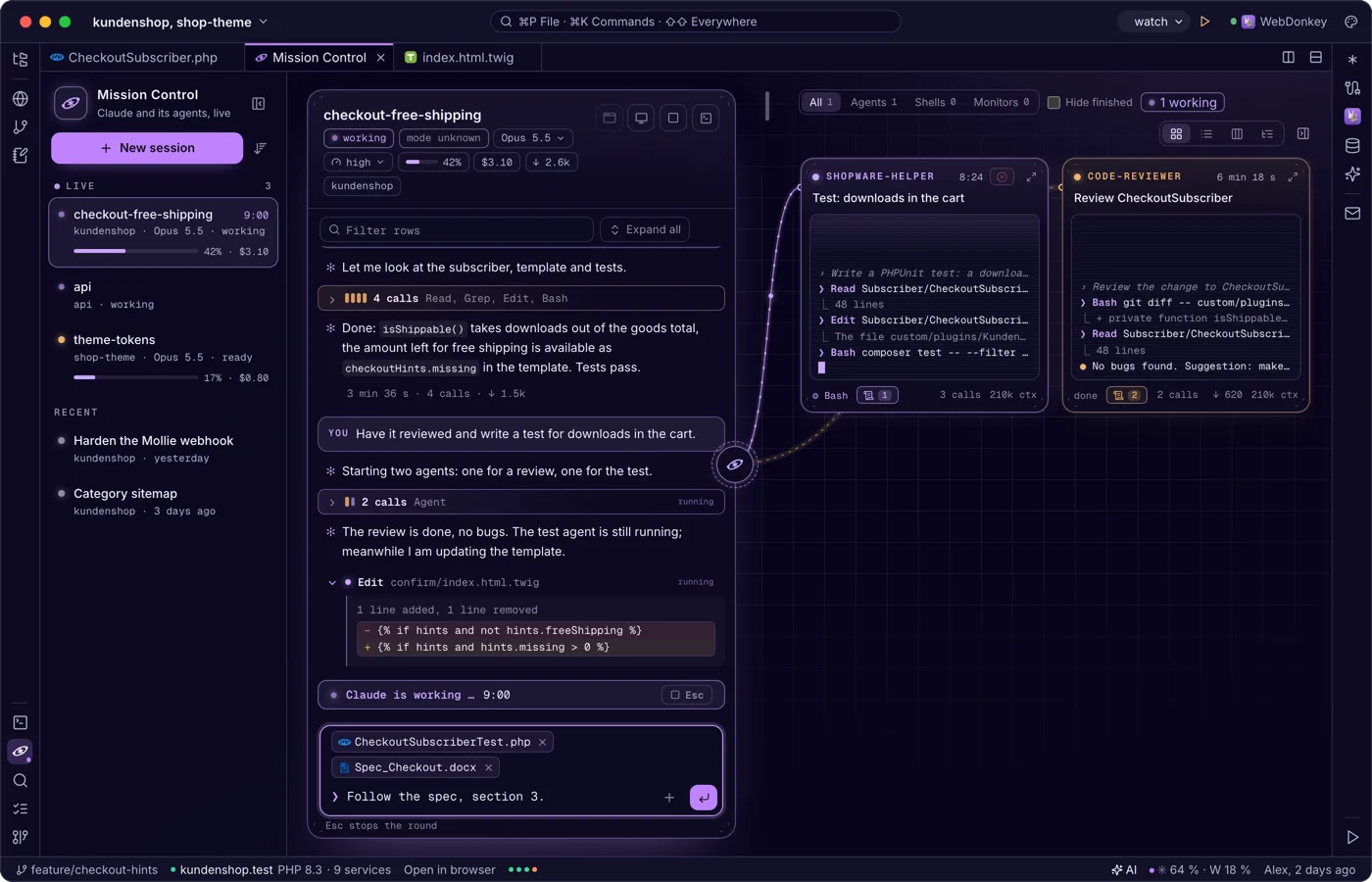
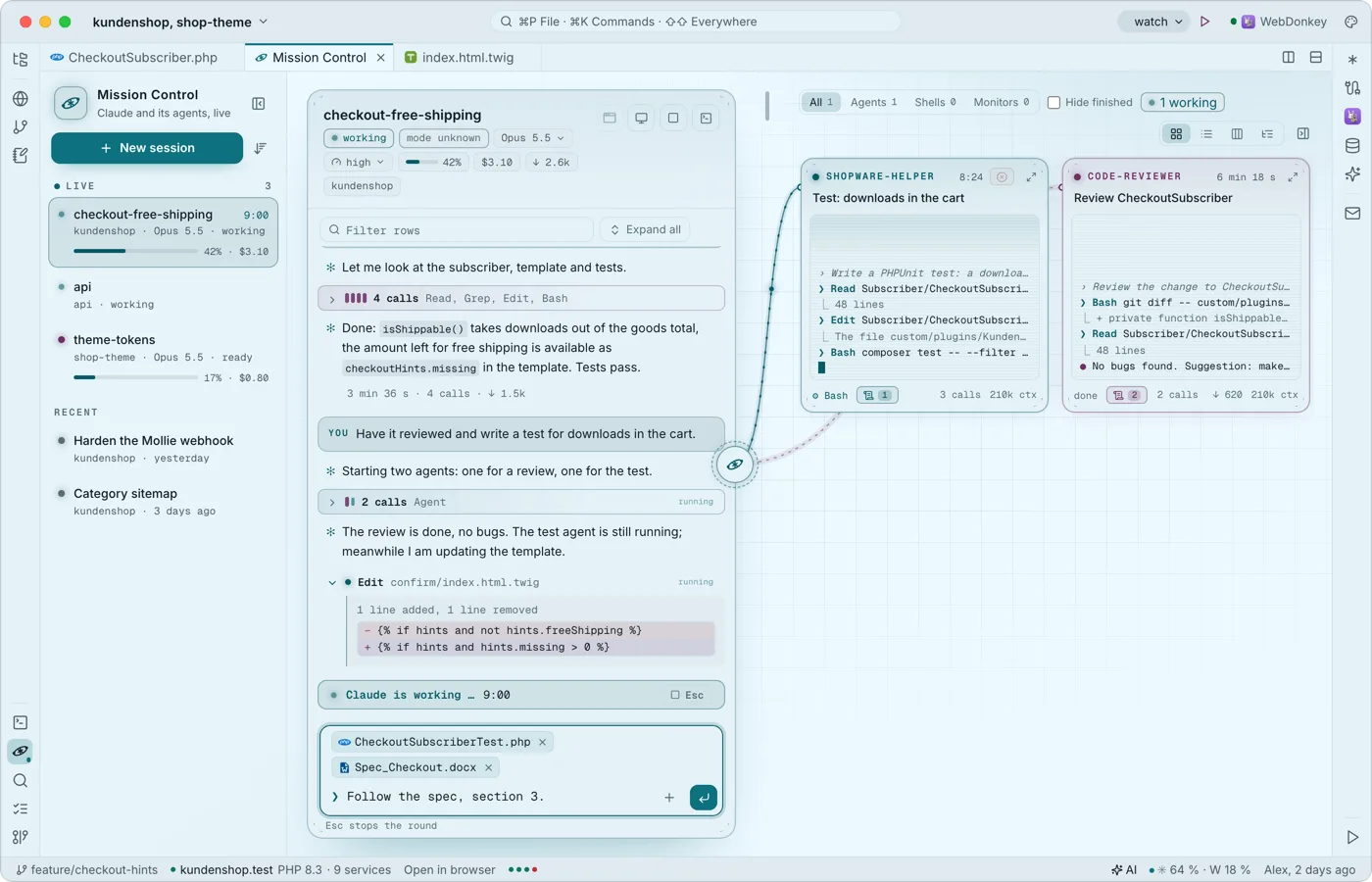 Claude and its agents, liveMission Control shows your project's Claude conversations: the list on the left, the chosen one as a stream in the middle, its agents around it as small live terminals. It reads Claude Code's own transcripts and spends no tokens; Free shows two conversations live at a time, Premium all of them; Claude keeps running in the editor terminal, and what you type here goes there.
-
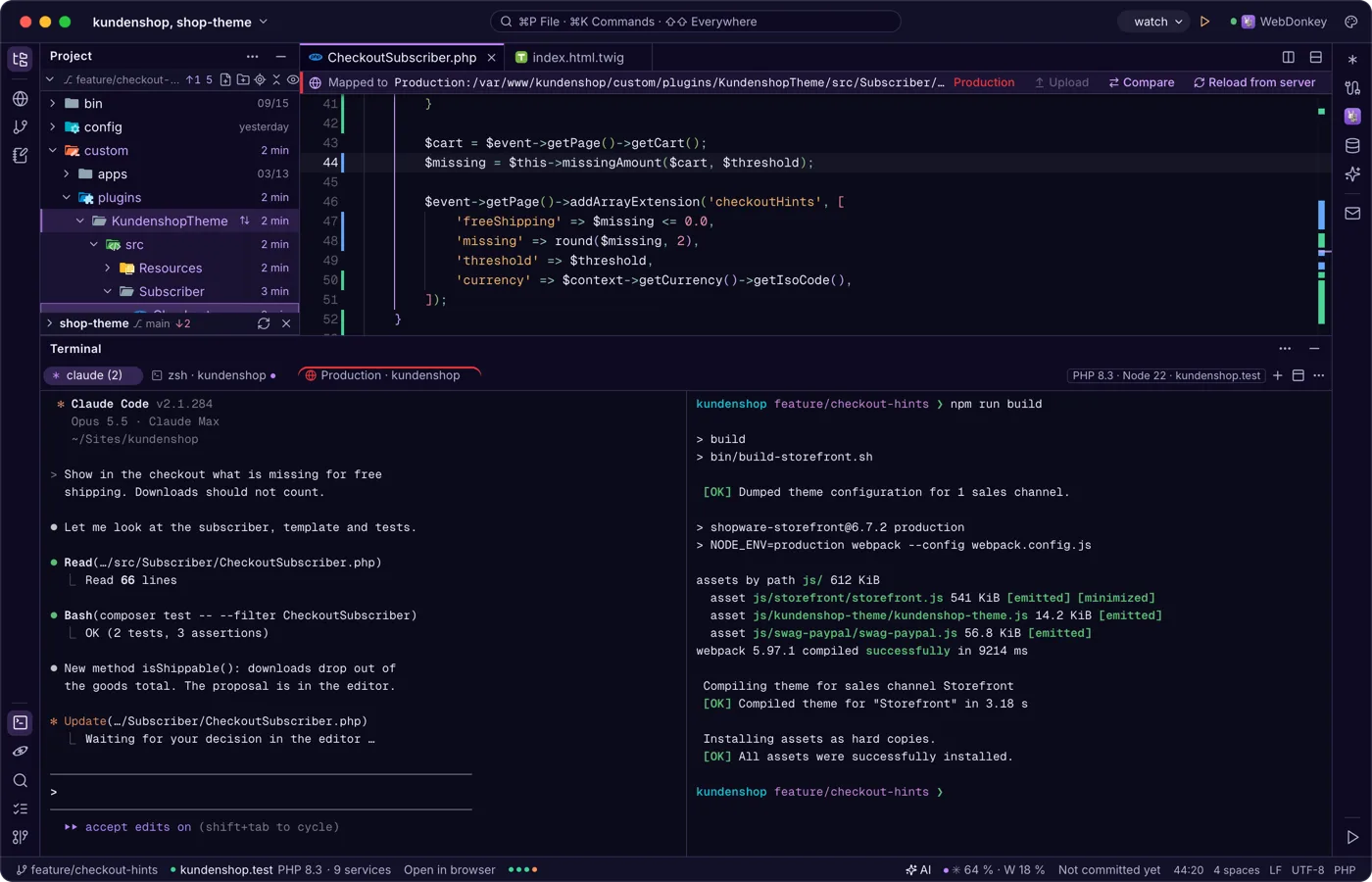
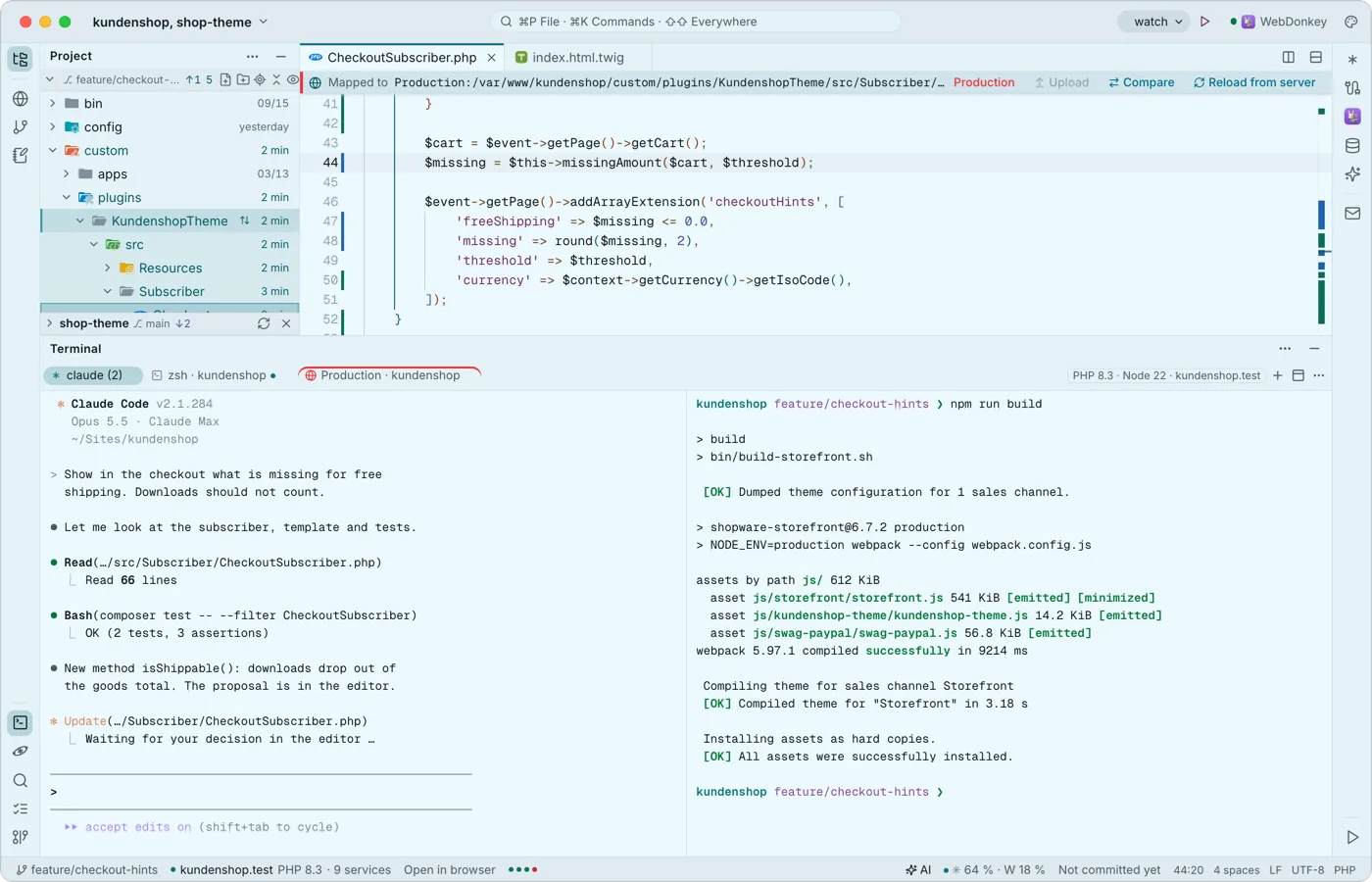 A terminal built for Claude CodeYour shells run at the bottom in tabs and splits, with Premium also over SSH on a server. Every key belongs to the program, ⇧↩ is Claude's newline, and when a program calls for you, the tab gets a dot and you a notification.
-
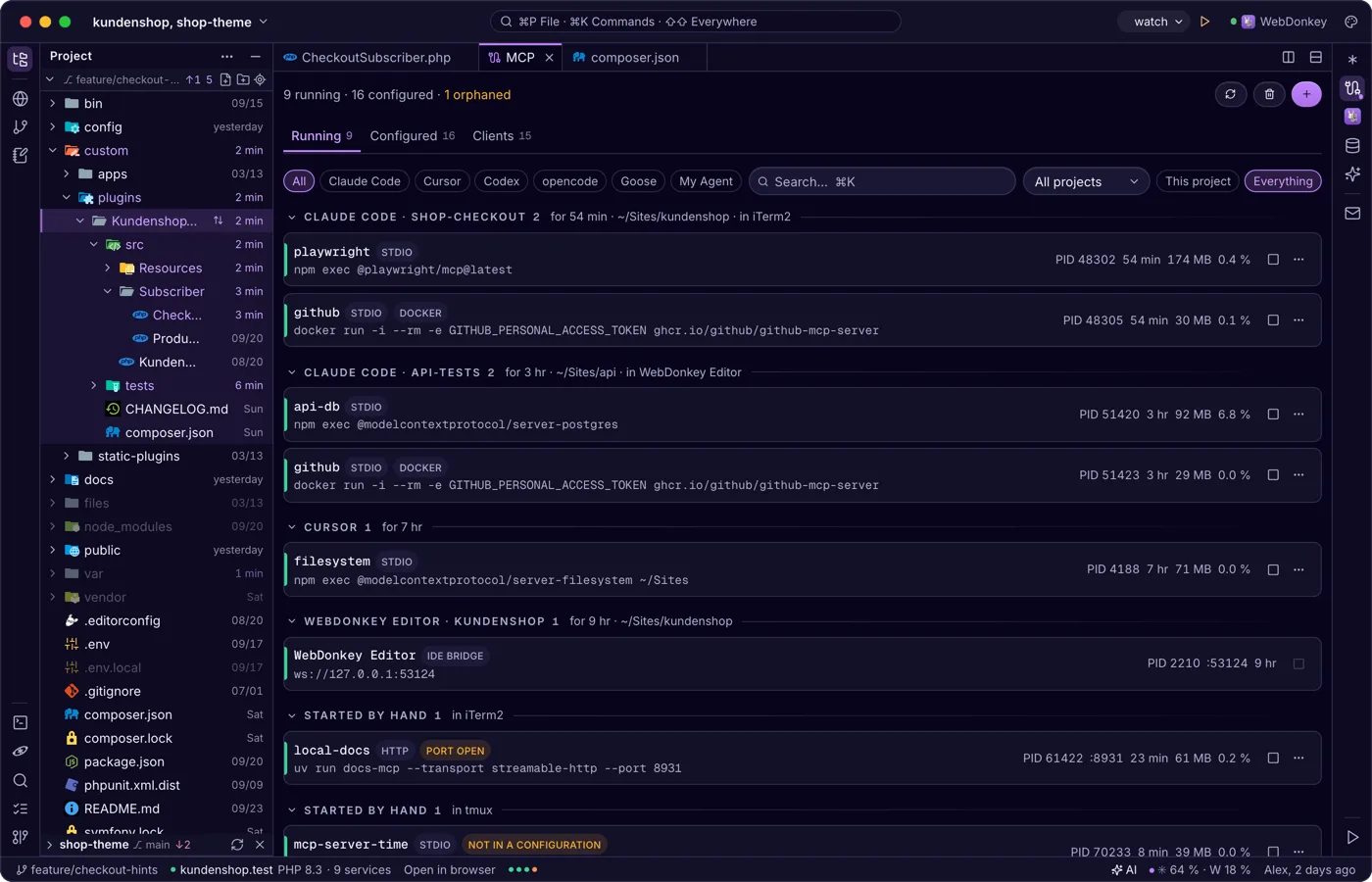
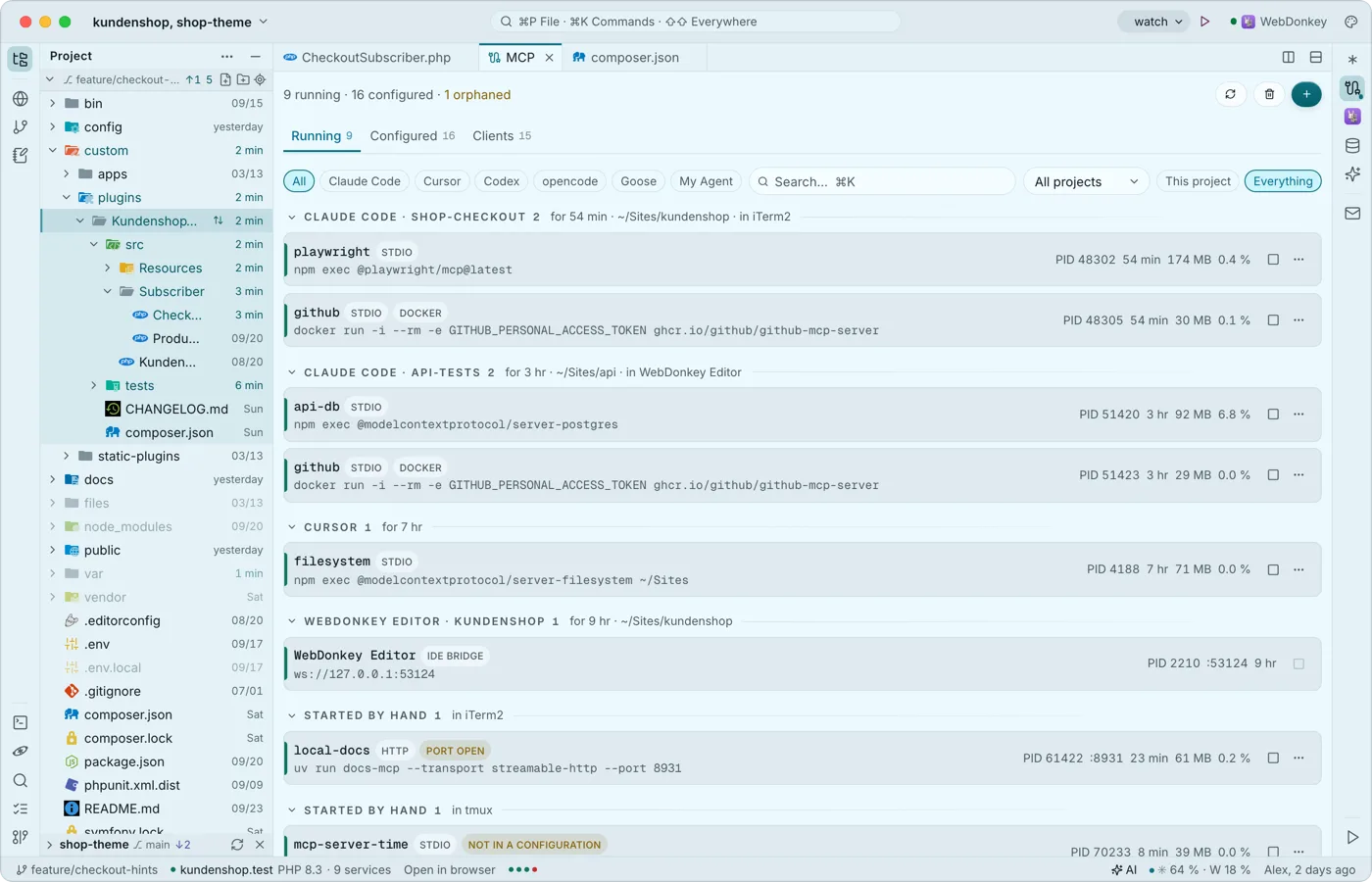 The MCP servers on your Mac at a glanceThe MCP window (⌘7) shows the MCP servers on your Mac: what is running, who owns it and what is configured in which client, be it Claude Code, Cursor or others. It is the same view as WebDonkey's MCP page and works without WebDonkey too.
-
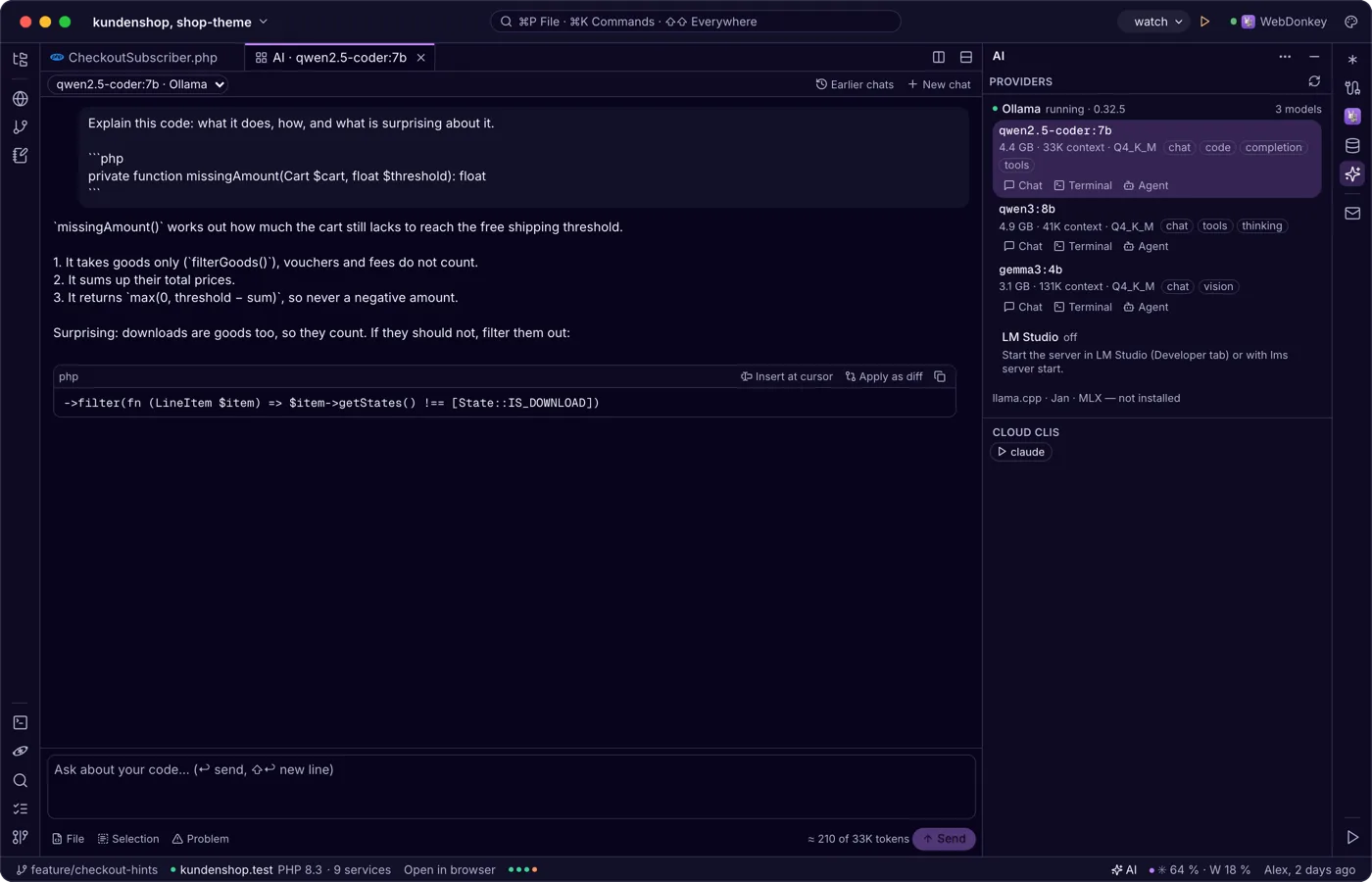
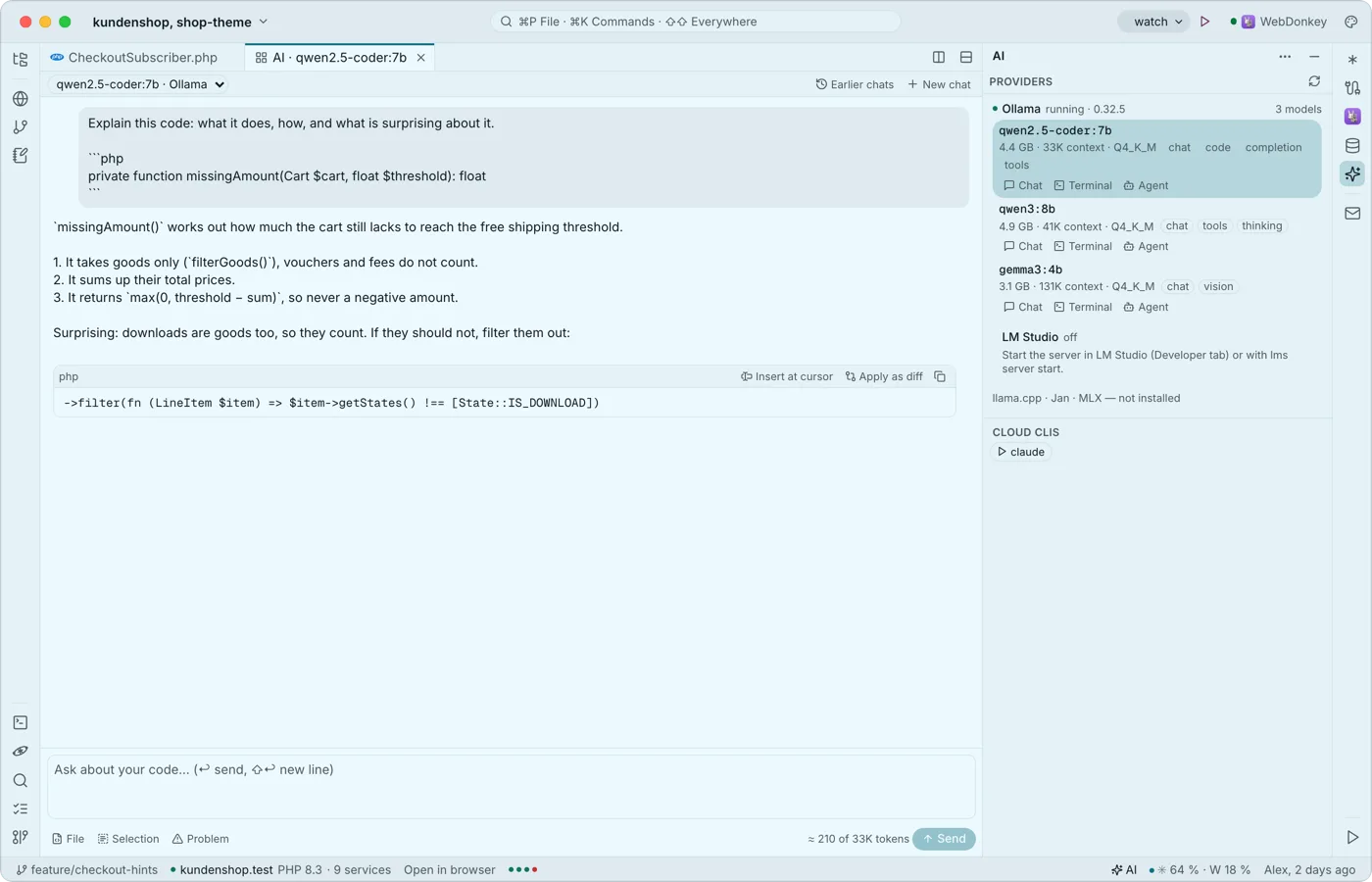 Local AI in the editorThe AI window (⇧⌘I) brings local language models into the editor: Ollama, LM Studio, llama.cpp, Jan and MLX. Chat about your code as a tab, actions in the context menu and, with Premium, grey suggestions as you type. The window, chat and actions are free.
Try it on your own project.
Free costs nothing and has no time limit. macOS 11 or later, Apple silicon and Intel.
