





Search the whole project
⇧⌘F searches as you type, ⇧⌘R replaces. Match case, whole words, regular expressions, multiline or fuzzy, plus filters such as ext:php or -path:vendor and a file mask. Hits are grouped by folder and file, with a preview on the right.
Free costs nothing and has no time limit. macOS 11 or later, Apple silicon and Intel.
In detail
Where to search
Project, attached folders, open files, current folder, files Git sees as changed or staged, a folder on the Mac or a server. Save scopes of your own with a name and pattern, only the storefront templates, say.
Replace
Tick the places and replace; “Preserve case” turns foo, Foo and FOO into bar, Bar and BAR. From a number of files on the editor asks first, every old state goes to the local history, and Undo brings it all back.
On a serverPremium
A folder on a connected server as the scope. Before searching the editor checks the server's load and asks when it is high; the search starts only with Enter, and there is no replace there.
What does Free include?
This feature comes in Free and in Premium. Where Free ends is set out in the details and in the comparison.
Compare Free and PremiumGoes well with this
-
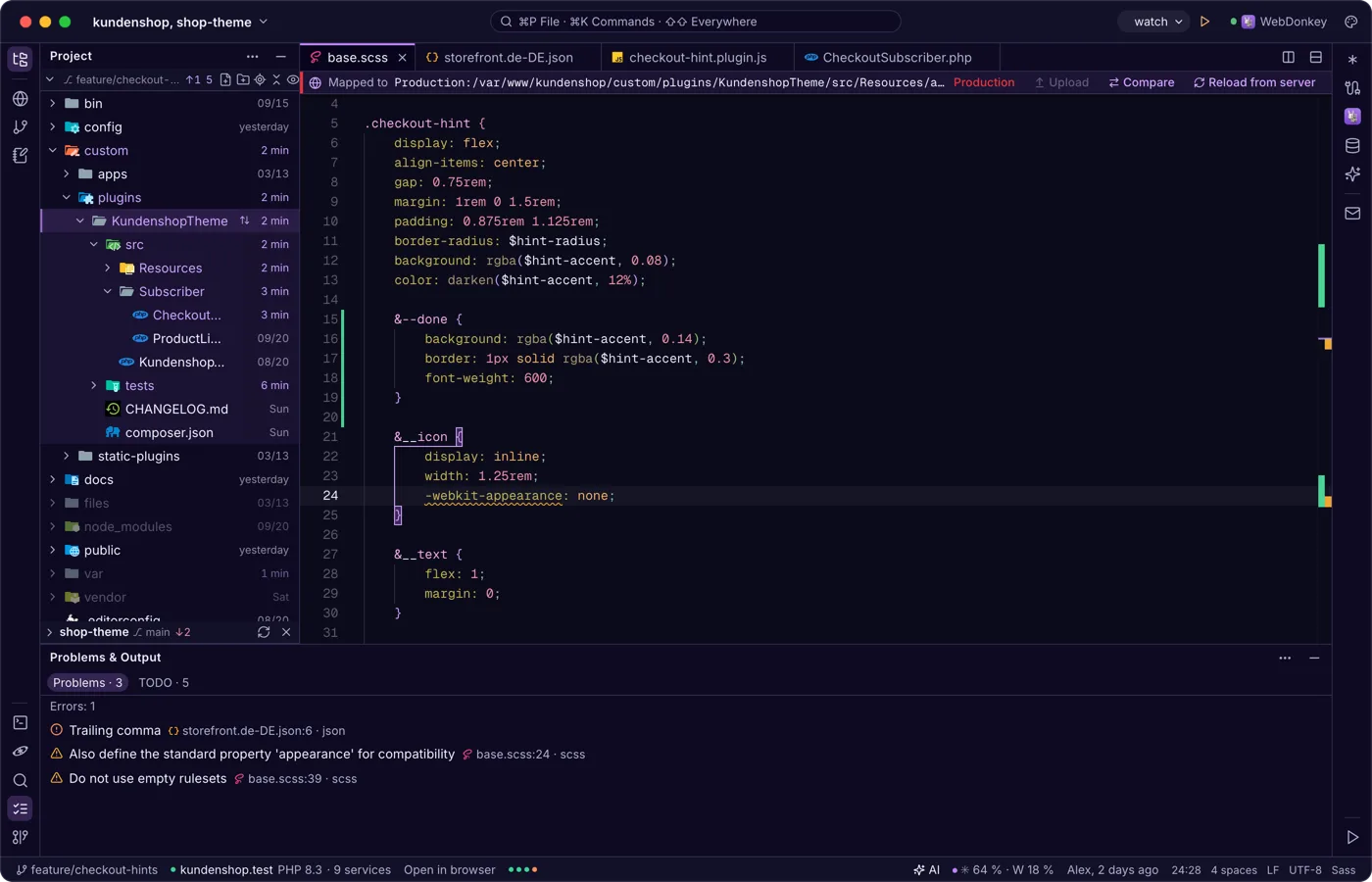
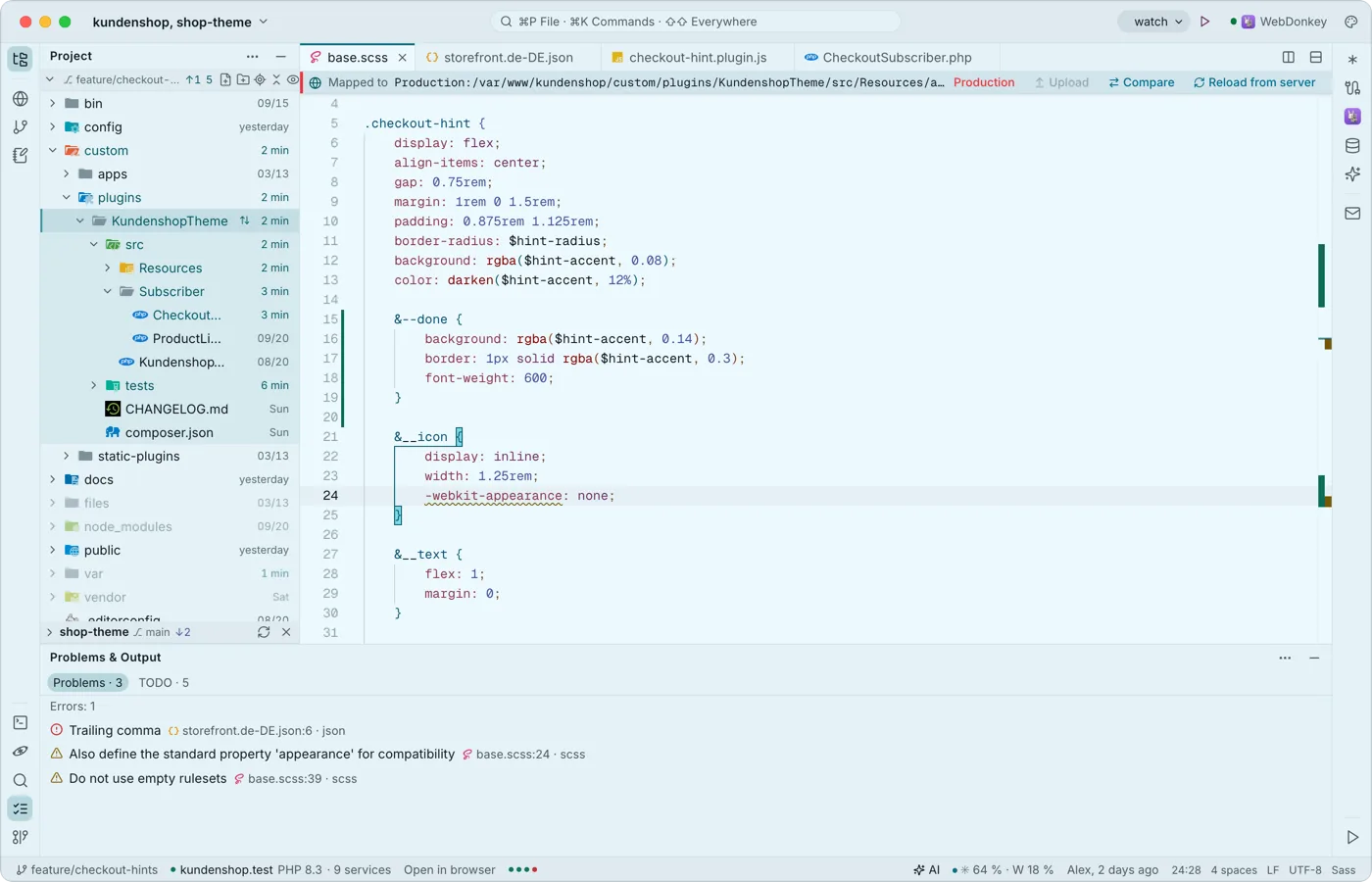 Problems and TODOs at a glanceThe Problems & Output window collects the warnings and errors of the open files and lists every TODO, FIXME, XXX and HACK in the project on a second tab.
-
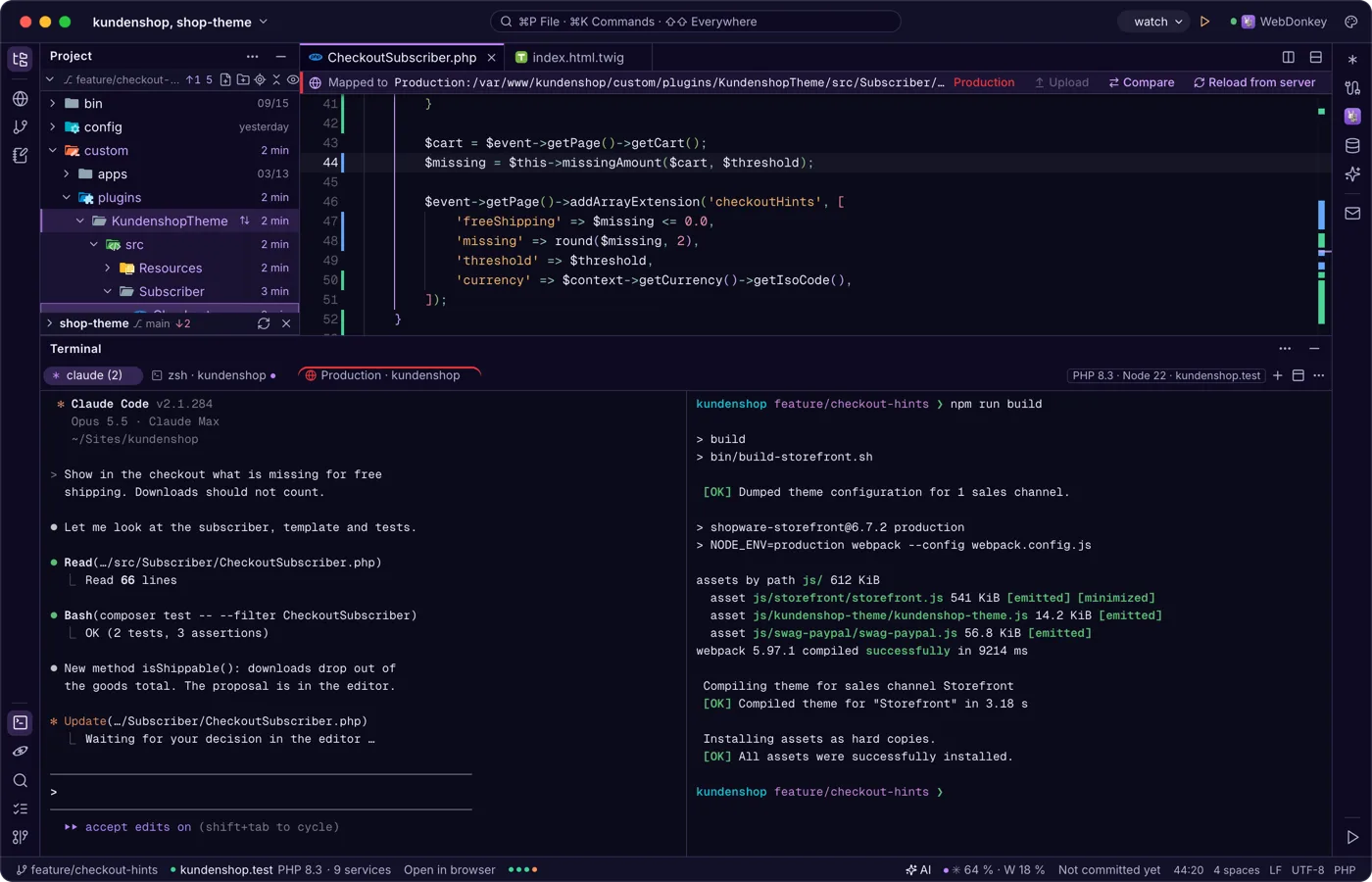
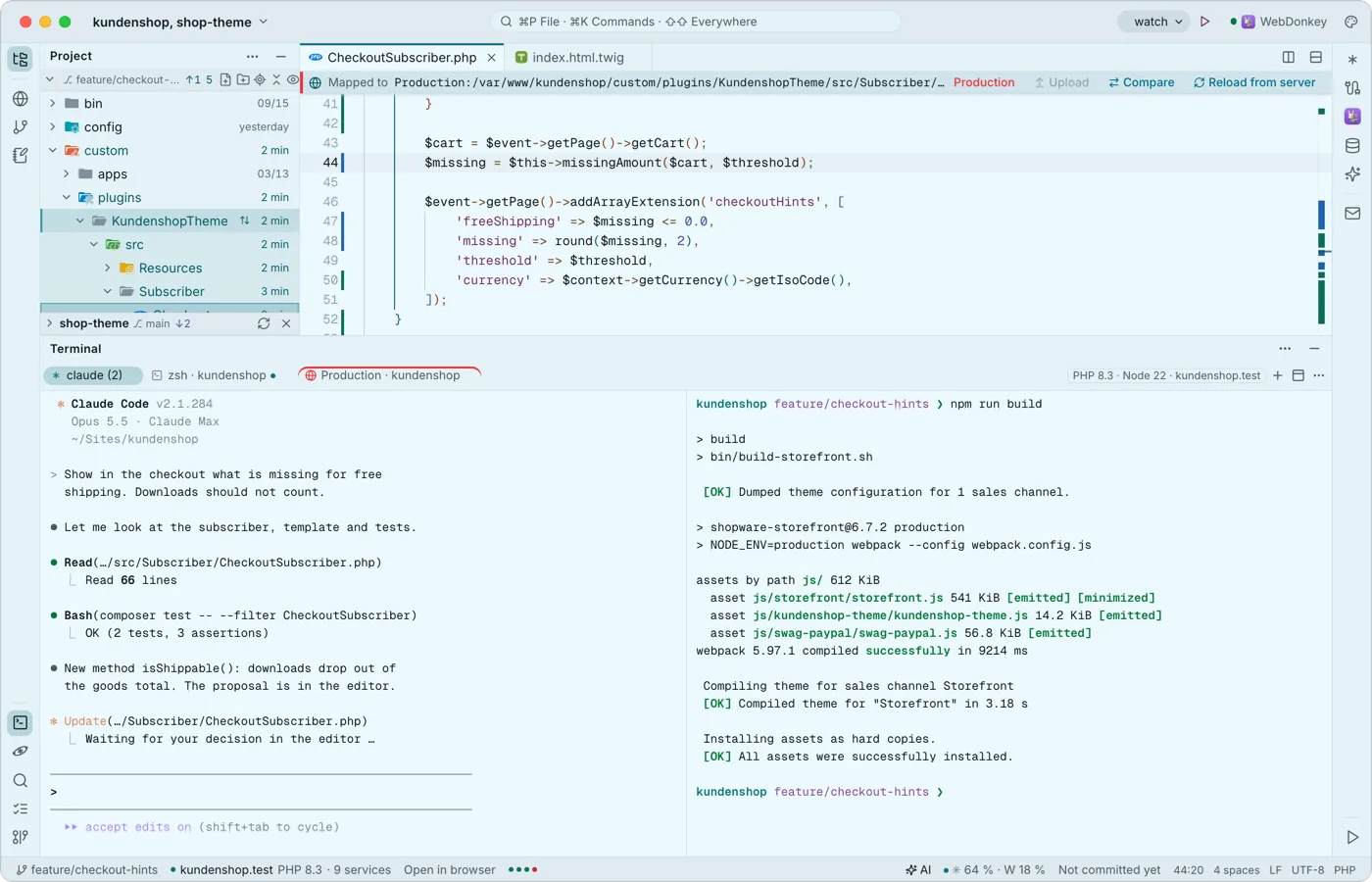 A terminal built for Claude CodeYour shells run at the bottom in tabs and splits, with Premium also over SSH on a server. Every key belongs to the program, ⇧↩ is Claude's newline, and when a program calls for you, the tab gets a dot and you a notification.
Try it on your own project.
Free costs nothing and has no time limit. macOS 11 or later, Apple silicon and Intel.
