





What Pages must not invent
What is it?The Facts tab collects the details your website needs: domain, host, the business's name and address, contact details and register entry.
The Facts tab collects the details your website needs: domain, host, the business's name and address, contact details and register entry. Whatever the AI learns in the chat it enters itself, and you can edit every field yourself too.
Free costs nothing and has no time limit. macOS 11 or later, Apple silicon and Intel.
Without WebDonkey
The legal notice and privacy policy get written last from a template, and nobody checks whether required details such as the register court are missing.
With WebDonkey
Whatever the AI learns in the chat it enters itself, and you can edit every field yourself too. Whatever the AI needs but doesn't know becomes a question under Missing. The legal notice and privacy policy are created from these facts.
What you get out of it
- Open items at the topAs long as something sits under Missing, Pages won't publish. The preview keeps working anyway.
- Required details checkedPages checks that the legal notice is complete, such as who represents the business, a second fast way to get in touch and, for a GmbH, UG or e. V., the register court and number.
- Legal pages confirmedThe legal notice and privacy policy are templates: read them, have them checked if needed, then tick the box. Without confirmation nothing goes online.
In detail
Open facts
Whatever the AI needs but doesn't know becomes a question under Still missing, and it asks you in the chat. Once the detail is there, the question disappears. The preview keeps working; publishing only works once nothing is open.
Domain and host
Pages needs the domain for the fixed addresses of the pages and as the target when publishing. The host's name and address belong in the privacy policy, and Use profihost GmbH fills both fields with that provider's details.
Business
Name, legal form, representation, address, phone, email, VAT ID and register entry. Pages checks that the required details are complete, such as who represents the business, a second fast way to get in touch besides email and, for a GmbH, UG or e. V., the register court and number.
Confirm the legal pages
Once you have read the legal notice and privacy policy and the details are correct, tick the box. Without this confirmation Pages won't publish. If you change business details later, read both pages again.
Goes well with this
-
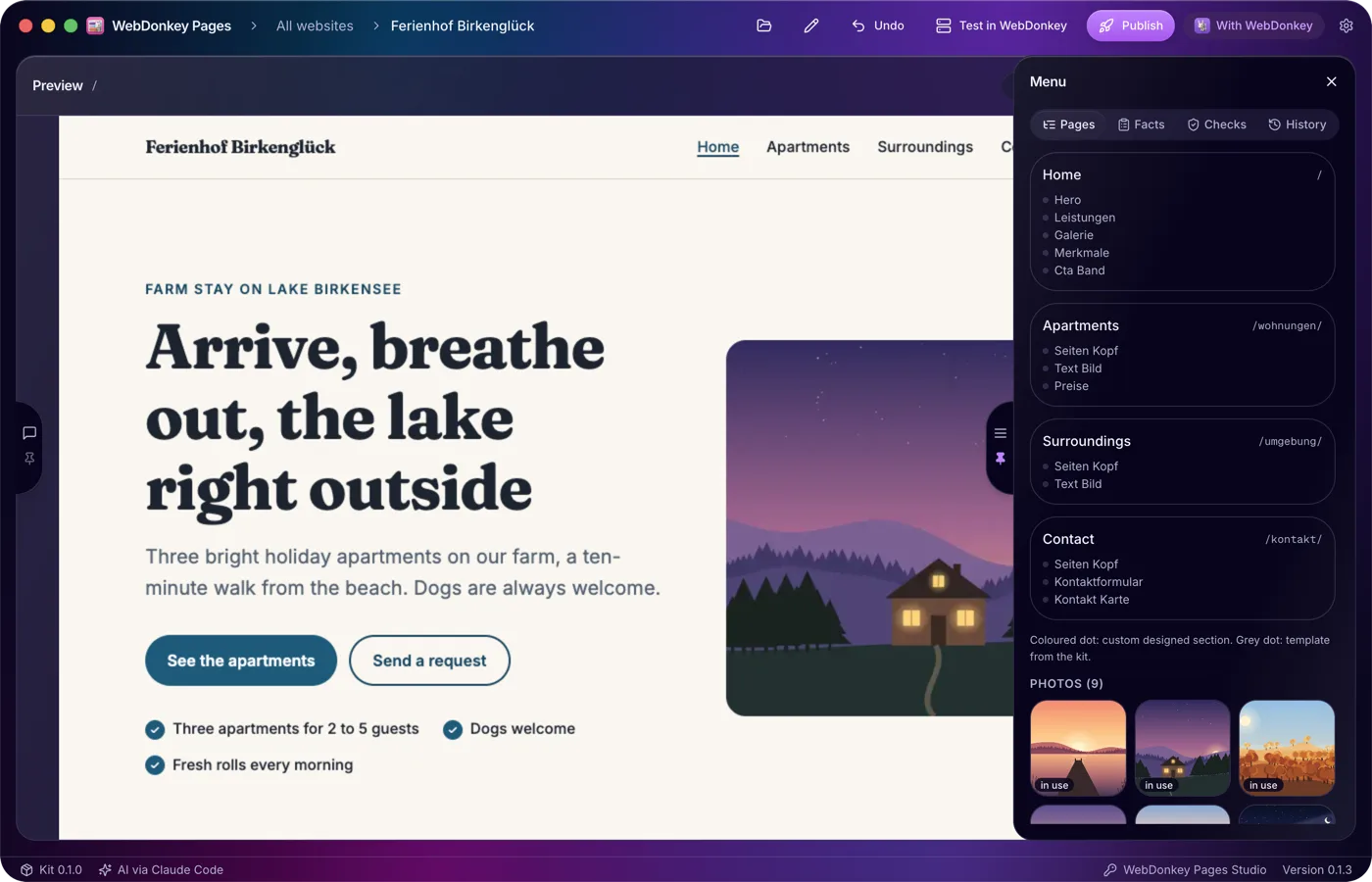
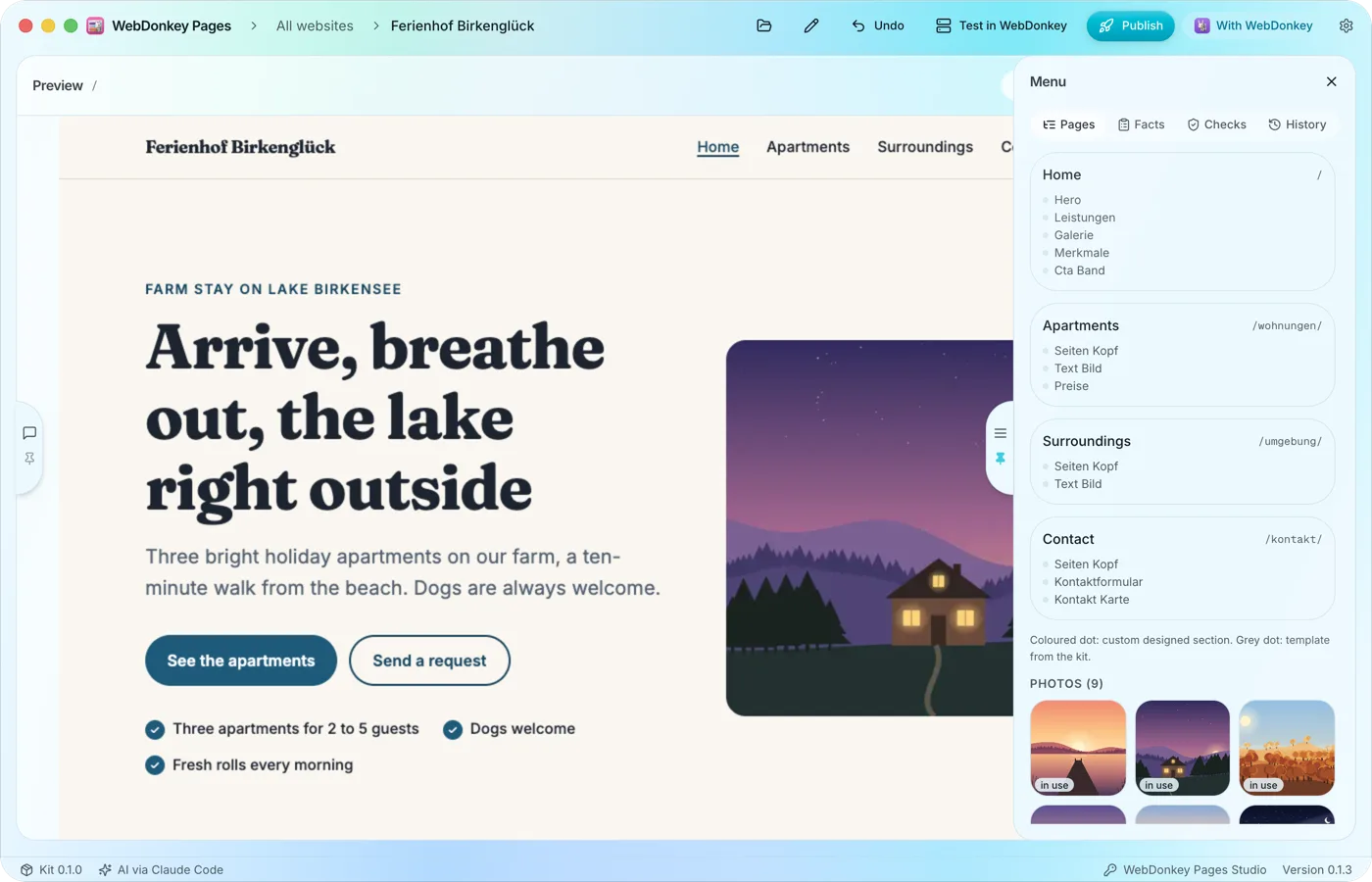 Pages and sections at a glanceThe Pages tab shows every page with its address and, below it, its sections in the order they appear on the page. You change the structure in the chat, and a click on a page shows it in the preview.
-
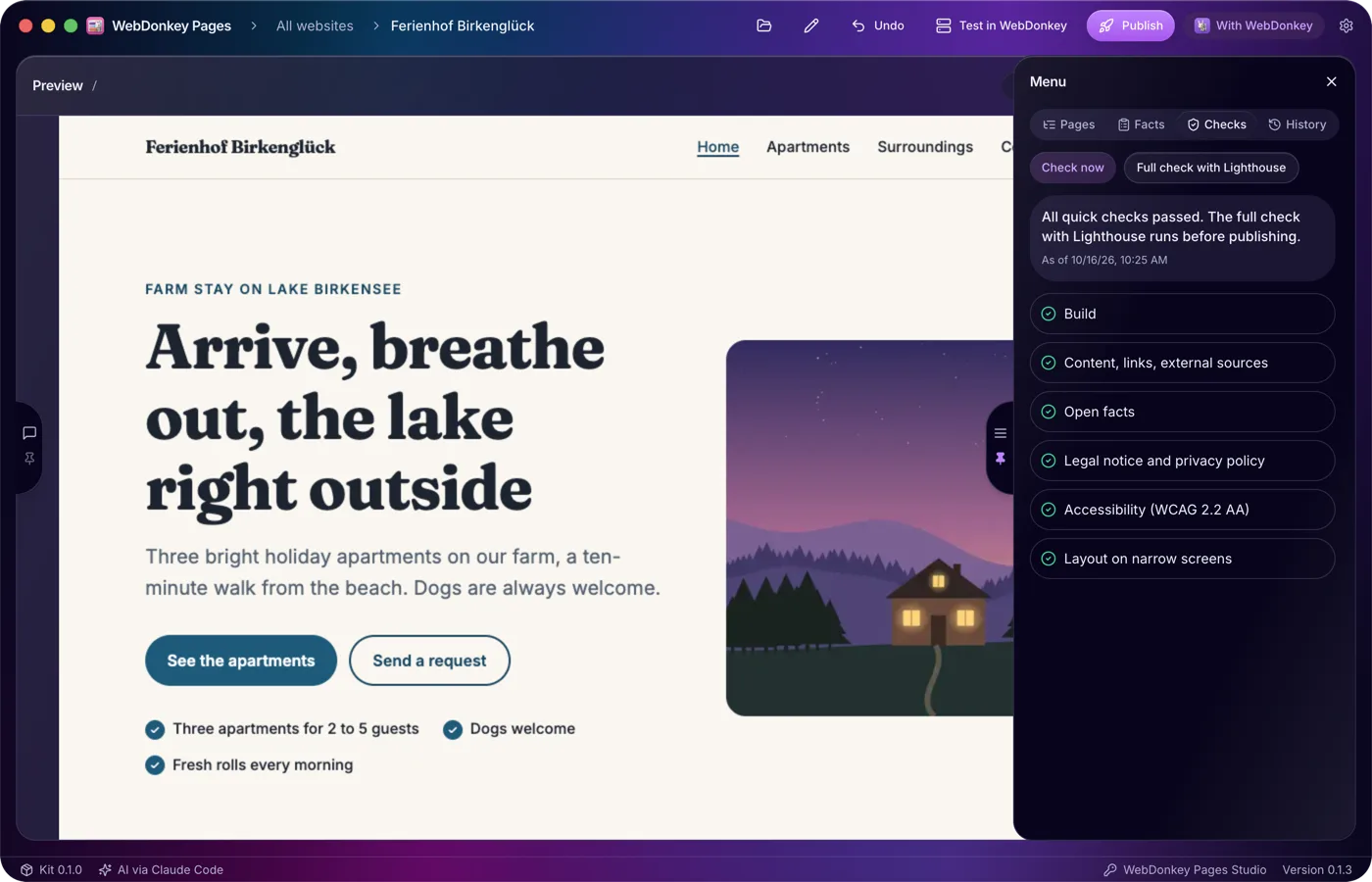
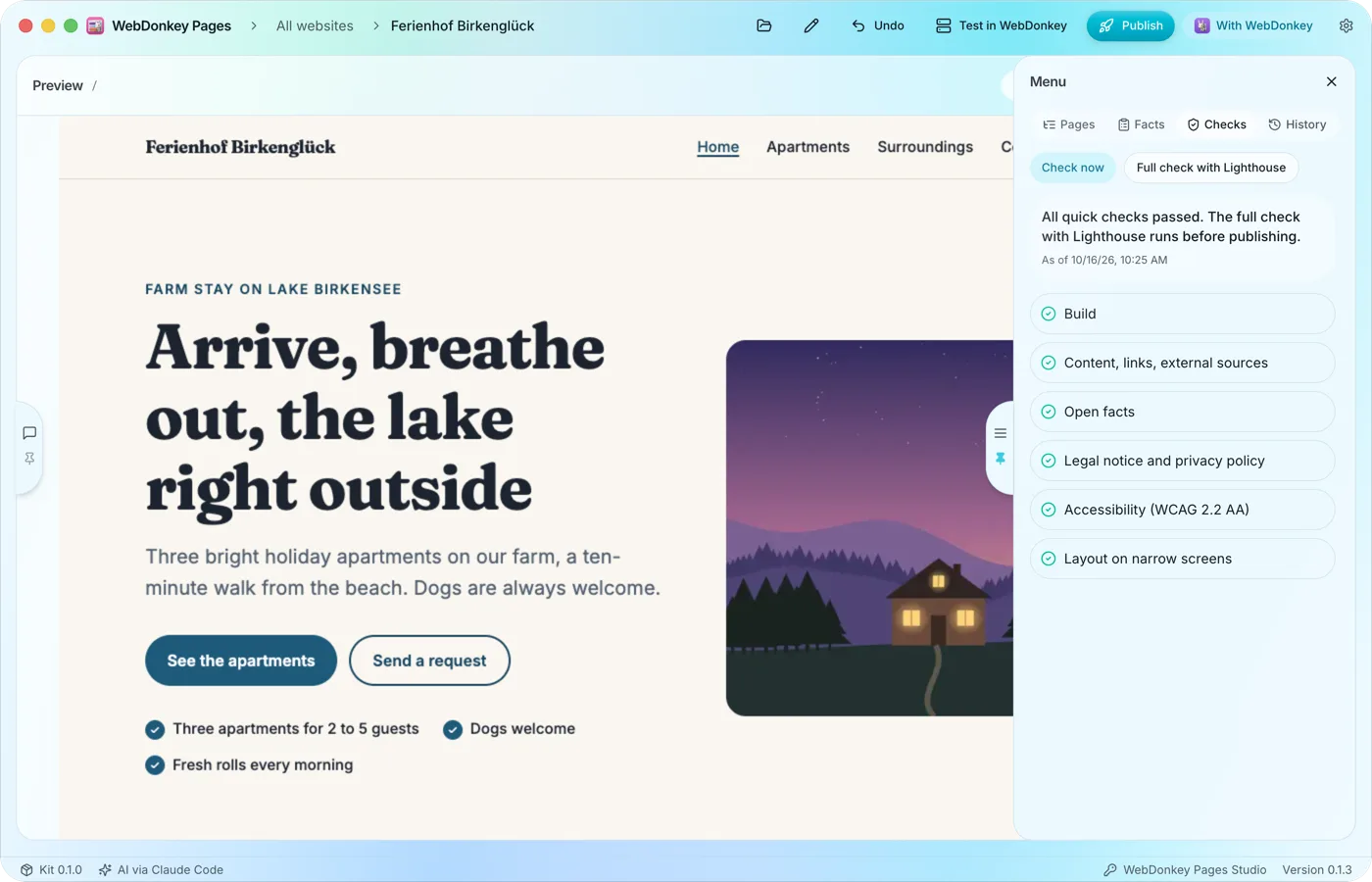 Checked after every changePages checks the website by itself: build, content and links, external sources, the details required for the legal notice and privacy policy, accessibility and the layout on narrow screens. Before publishing, the full check with Lighthouse is added.
-
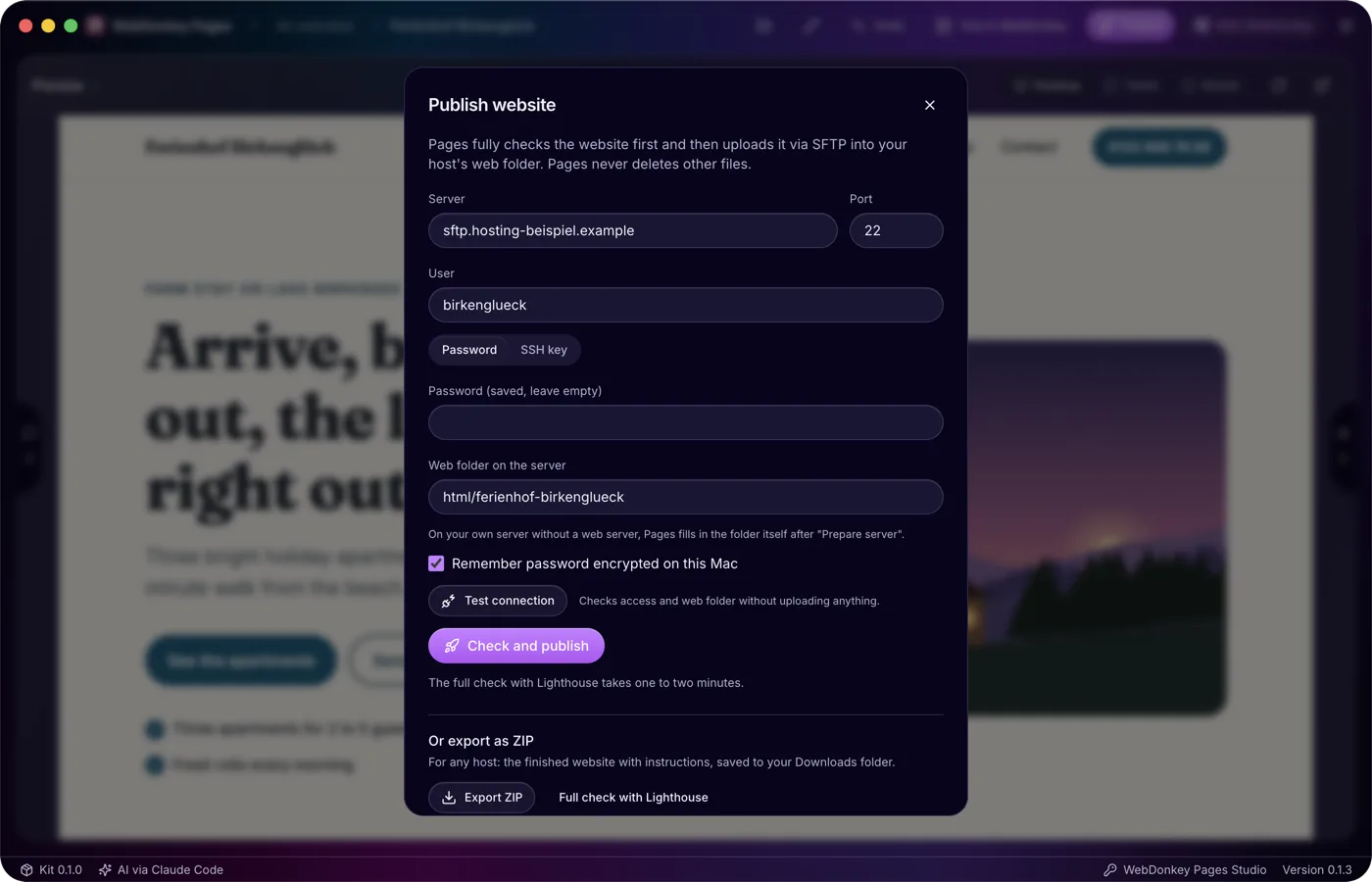
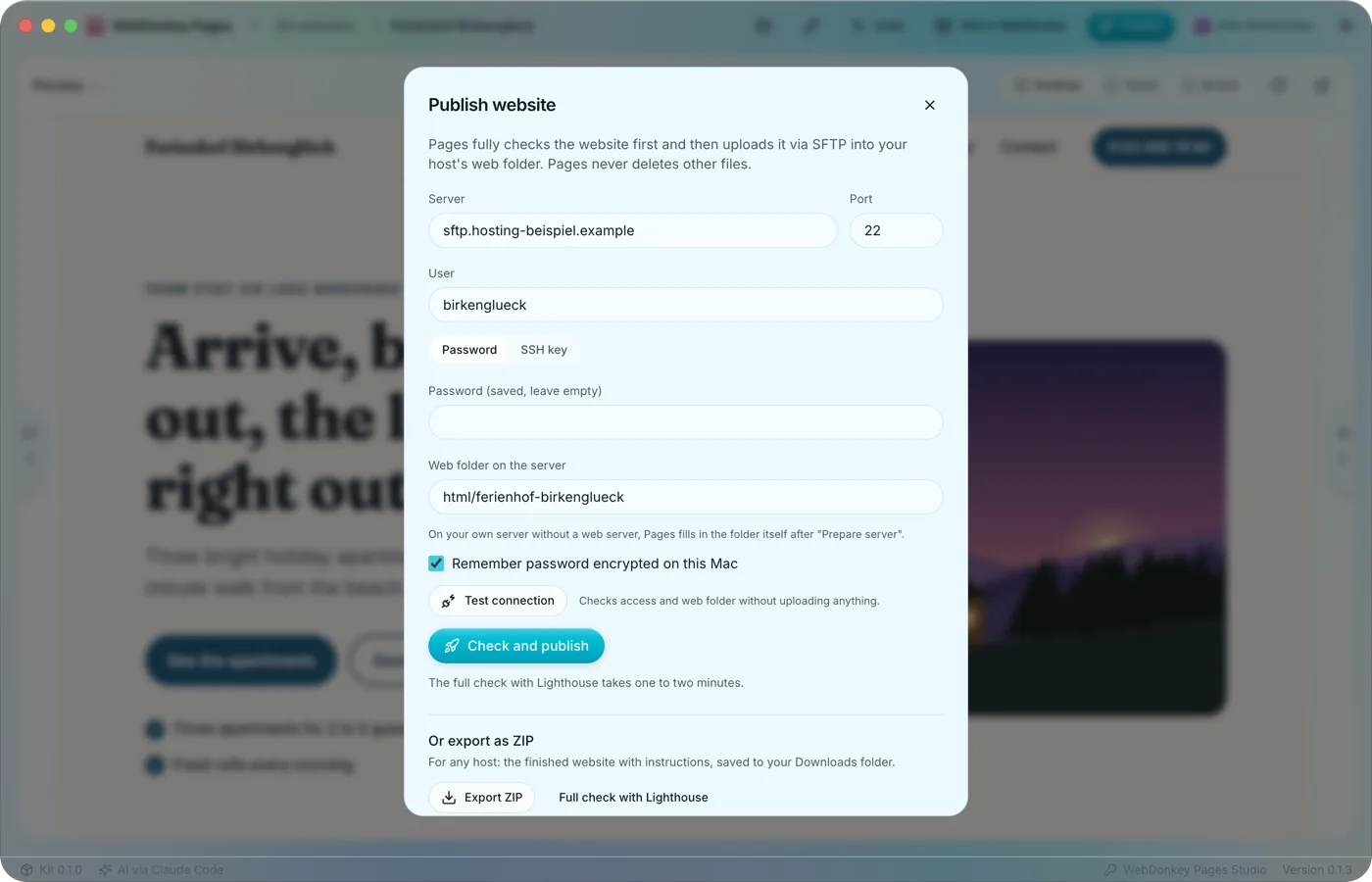 Only what passes every check goes onlineThe Publish website window brings the ways out together: straight to your server via SFTP, as a ZIP for any host and as a backup of the whole website. Only a version that passed the full check goes online, Lighthouse included.
-
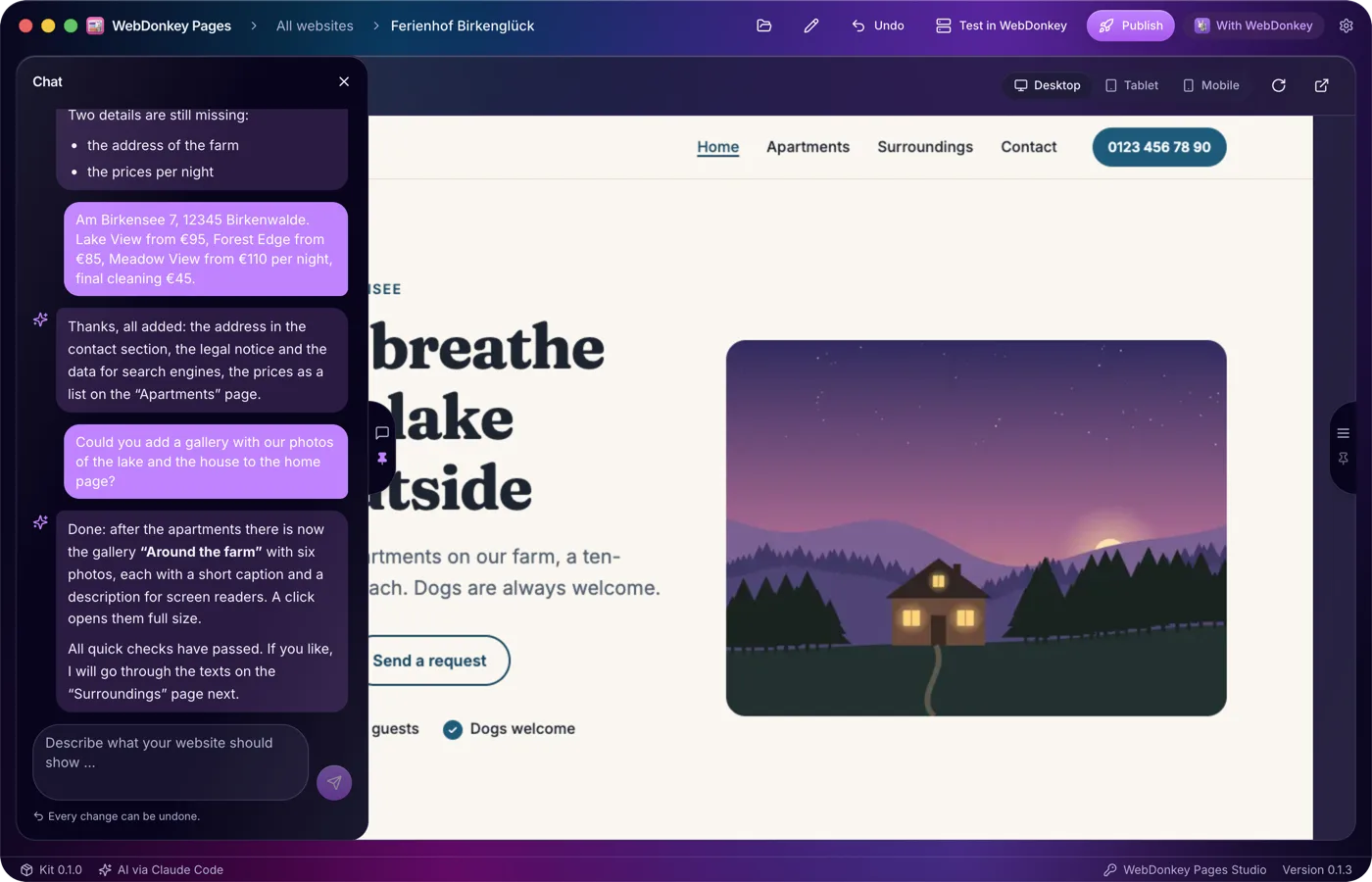
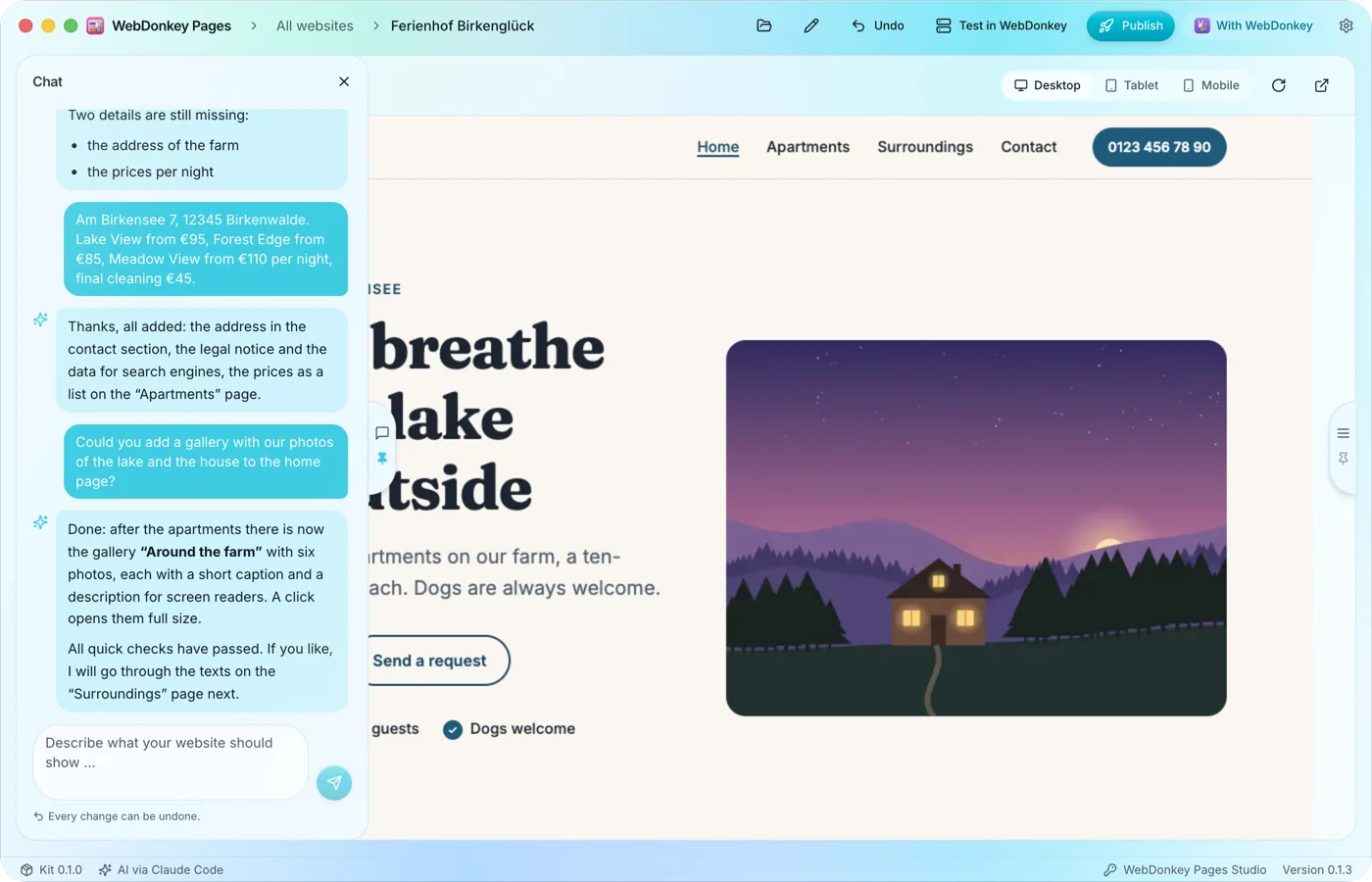 Just say what the website should showIn the chat you describe in your own words what you offer, for whom and where. The AI turns that into pages, copy and a design of its own, has the result checked and tells you briefly what it changed and what it still needs to know.
Try it on your own project.
Free costs nothing and has no time limit. macOS 11 or later, Apple silicon and Intel.
