





Pages and sections at a glance
The Pages tab shows every page with its address and, below it, its sections in the order they appear on the page. You change the structure in the chat, and a click on a page shows it in the preview.
Free costs nothing and has no time limit. macOS 11 or later, Apple silicon and Intel.
In detail
Pages
Every page is a card with its name in the website's menu and its address. You add, rename or take pages out of the menu in the chat. Pages checks the title and description for search engines too, and that no link leads nowhere. From your facts Pages also builds structured data following Schema.org and an llms.txt for AI search systems, plus robots.txt, a 404 page of its own and, once the domain is entered, a sitemap.
Sections
A coloured dot marks a section designed just for your website, such as a small calculator or an interactive overview; a grey dot marks a tested template from the kit, from the big entrance through services and process steps to the contact form. The AI only uses key figures, prices and testimonials with facts you have confirmed.
Legal notice and privacy
Both pages are created from your facts, and the links sit in the footer of every page. While details are missing they show visible placeholders, and Pages only publishes once everything is complete. They are templates: read them, have them checked if needed, then confirm them.
What does Free include?
This feature is fully included in Free. No licence and no time limit.
Compare Free and PremiumGoes well with this
-
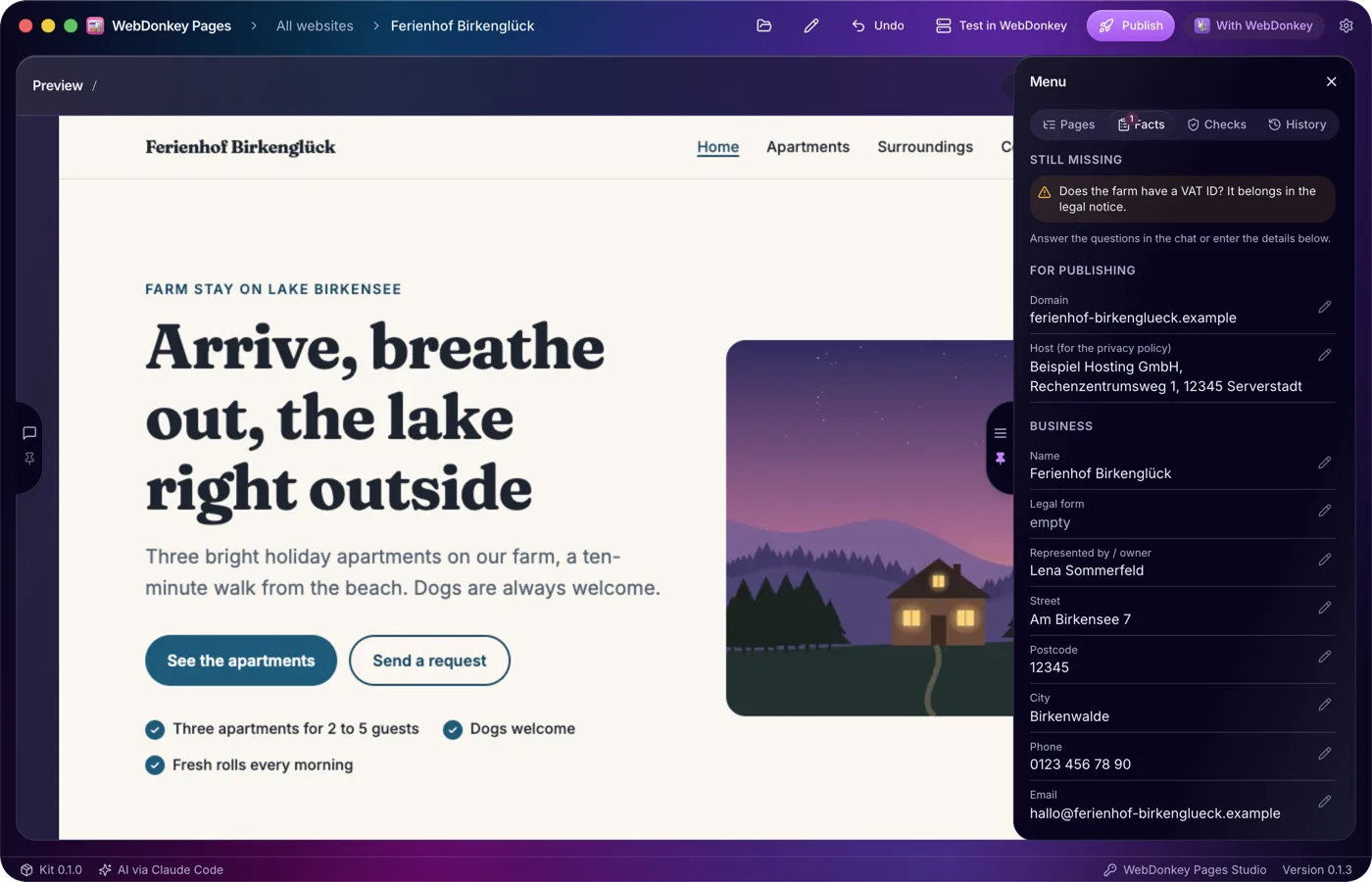
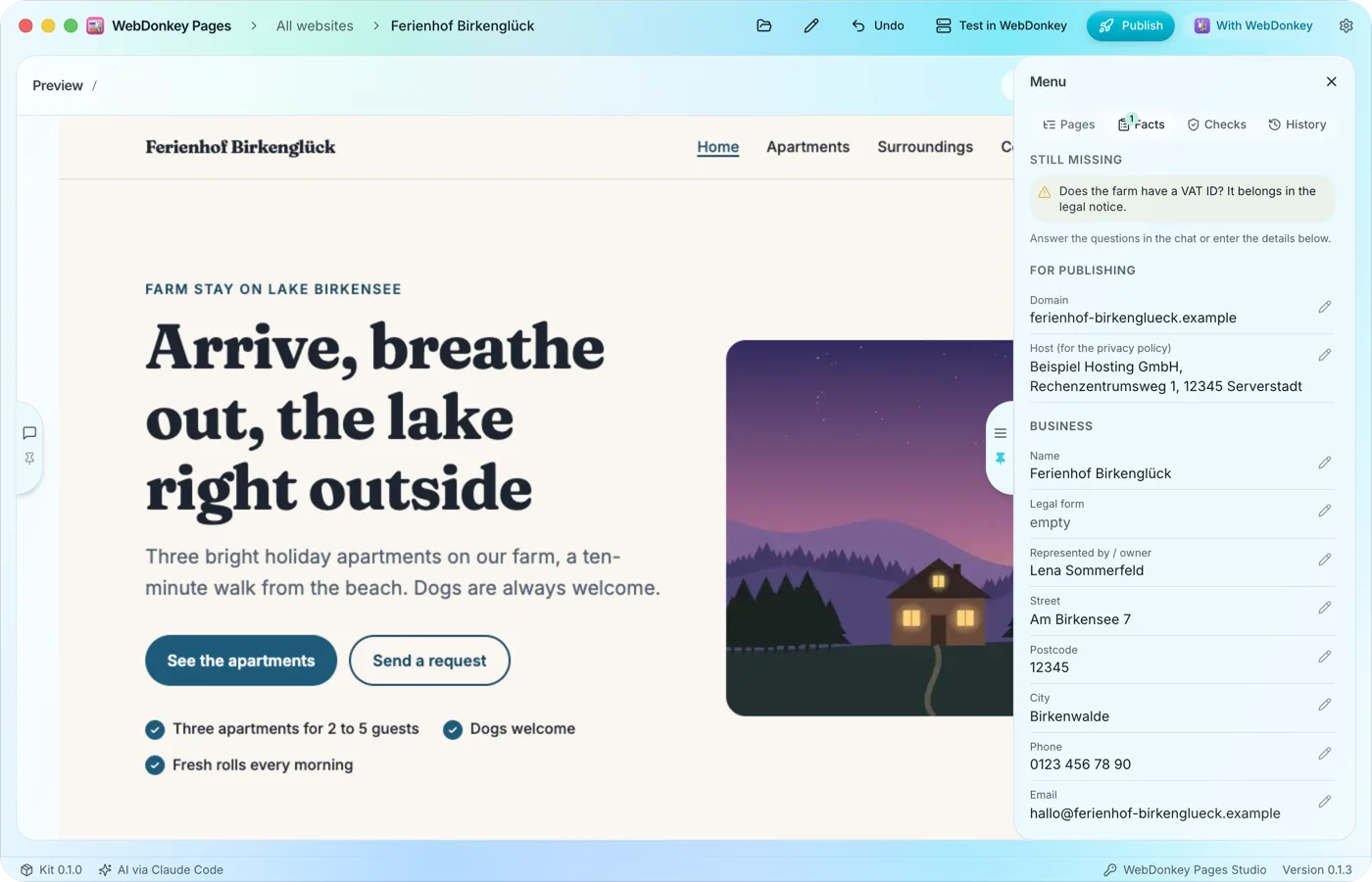 What Pages must not inventThe Facts tab collects the details your website needs: domain, host, the business's name and address, contact details and register entry. Whatever the AI learns in the chat it enters itself, and you can edit every field yourself too.
-
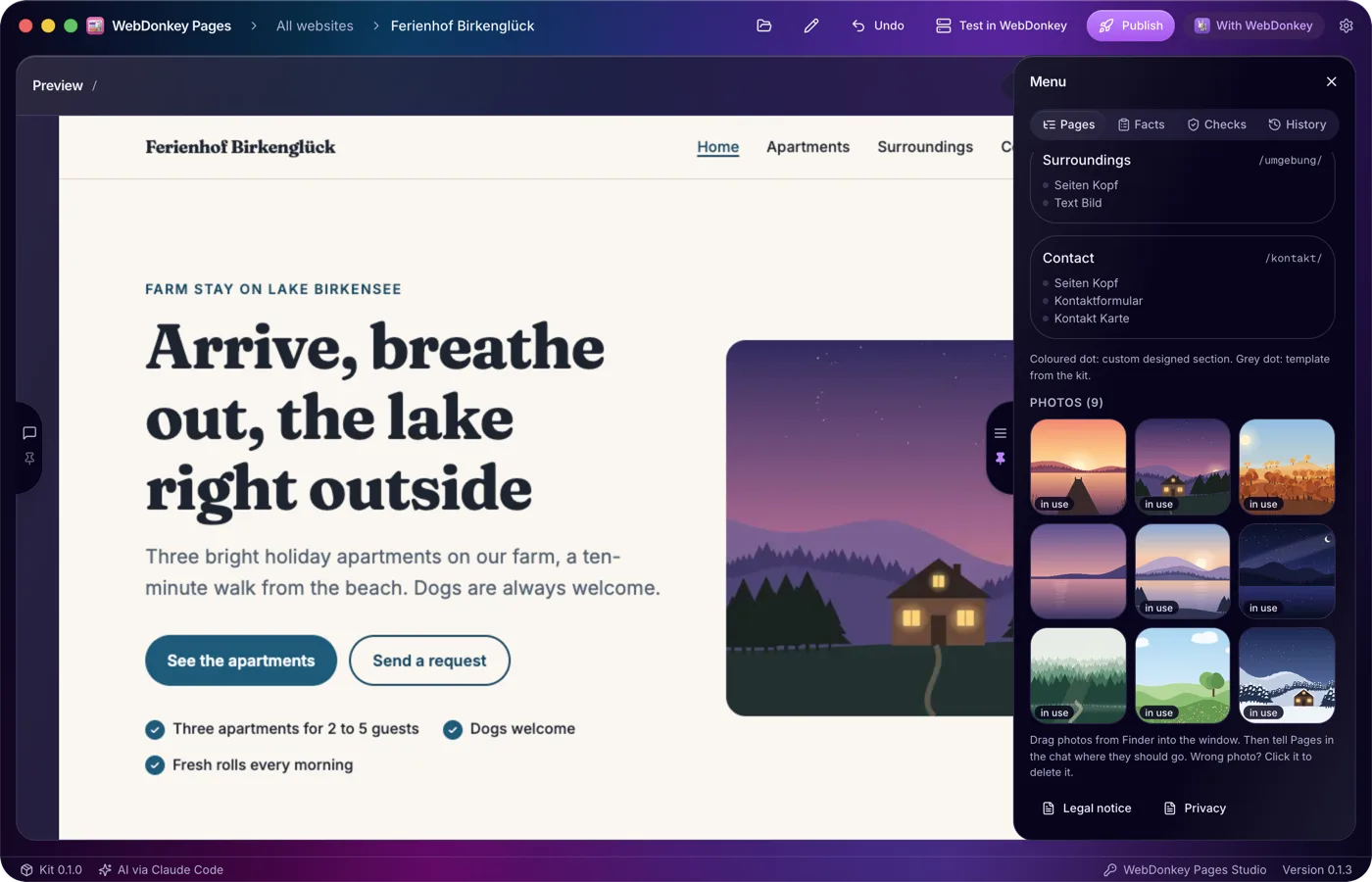
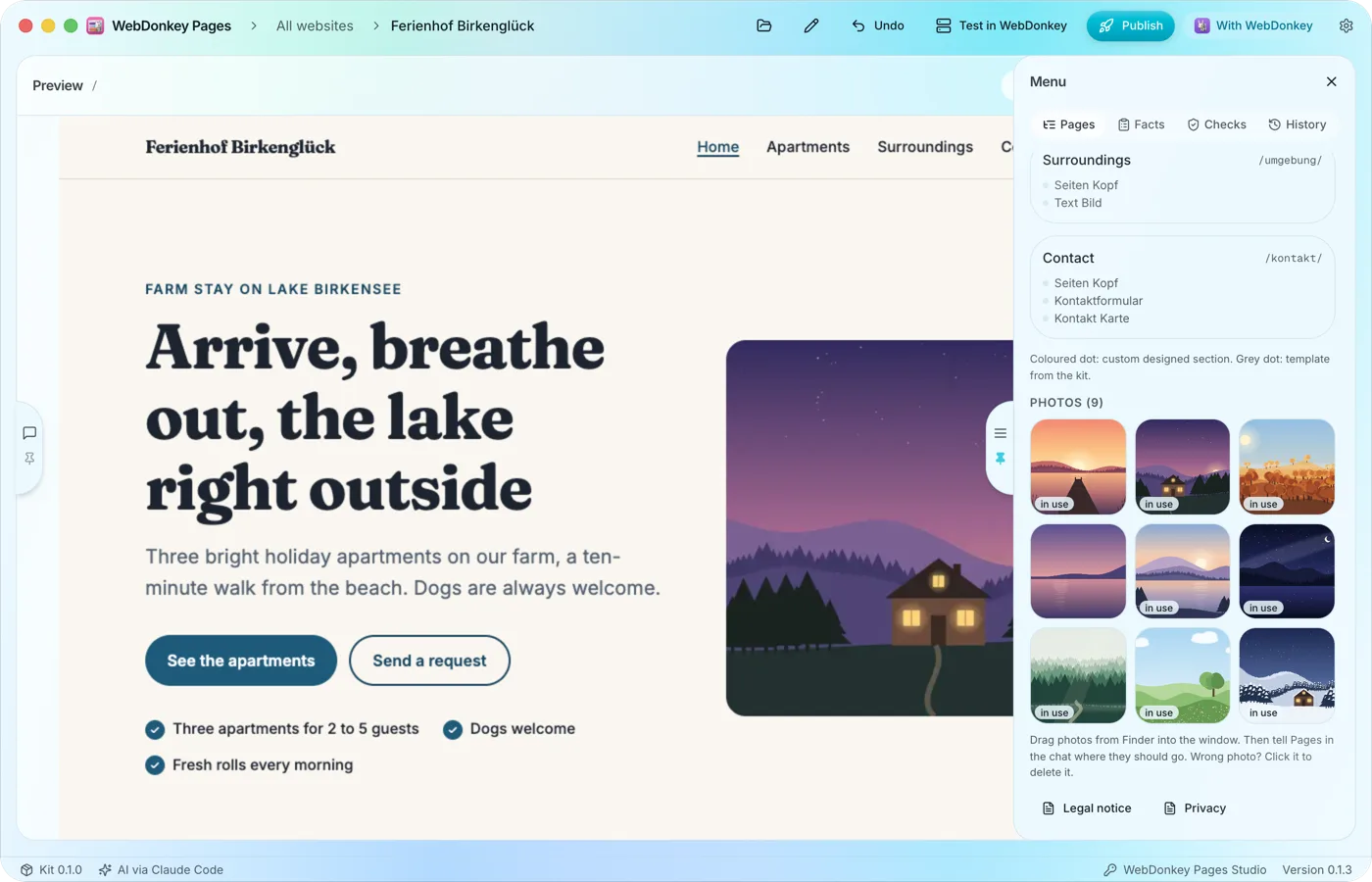 Your own photos, drag and dropDrag photos from Finder into the window and tell the AI in the chat where they should go. All photos of a website are listed in the Pages tab. Without photos Pages designs the website with type, colour and shapes and asks you for some.
-
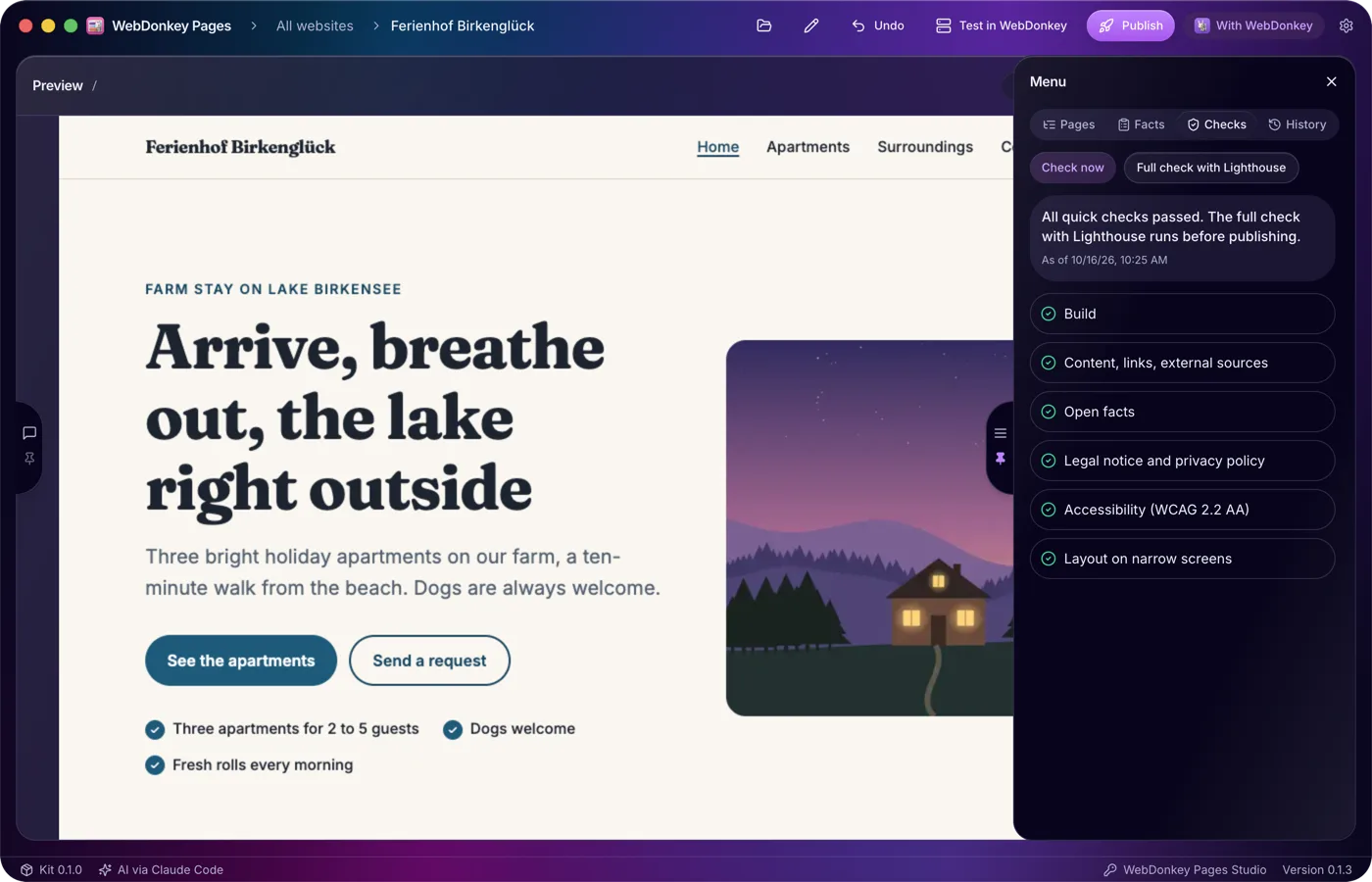
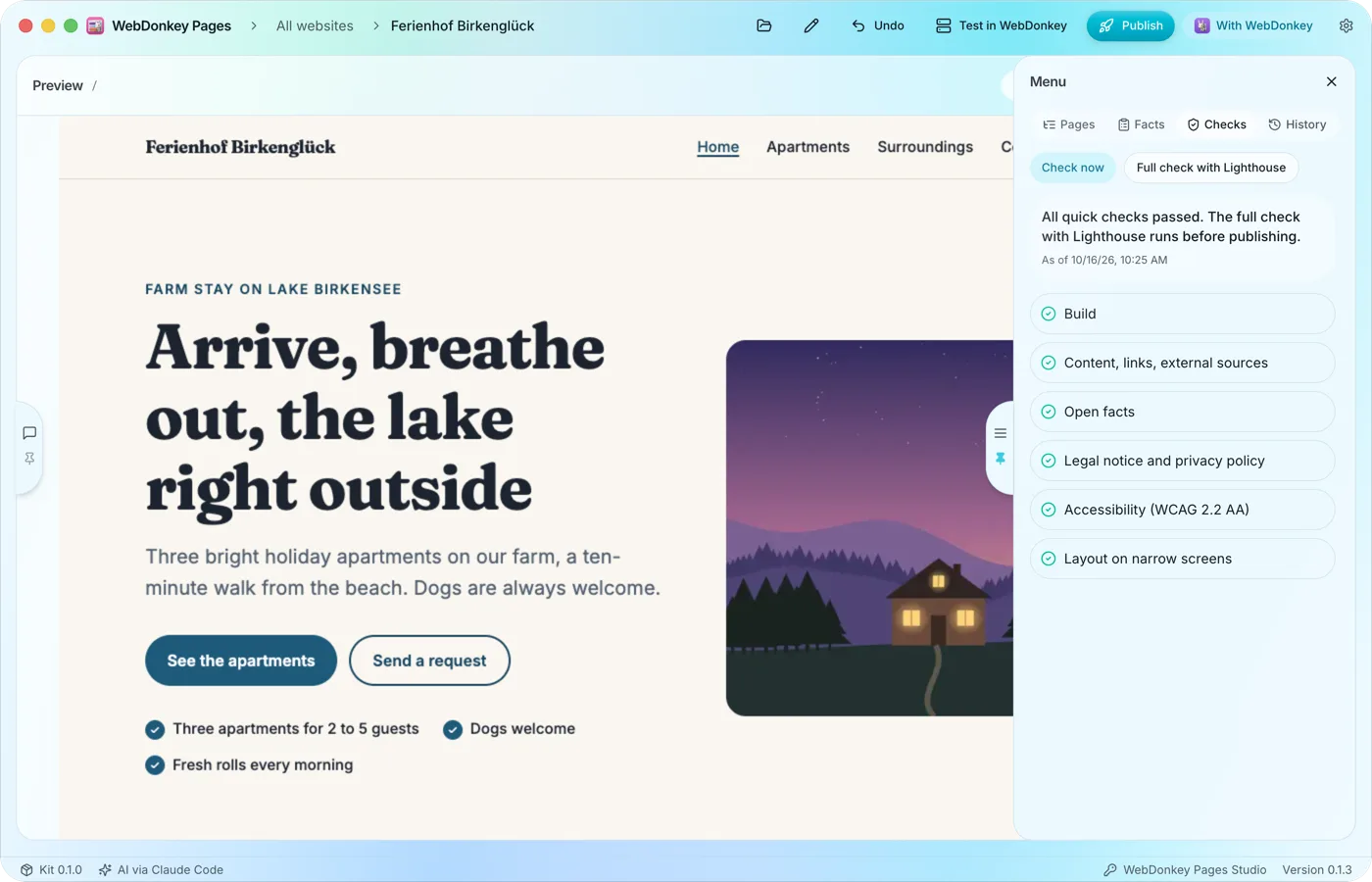 Checked after every changePages checks the website by itself: build, content and links, external sources, the details required for the legal notice and privacy policy, accessibility and the layout on narrow screens. Before publishing, the full check with Lighthouse is added.
-
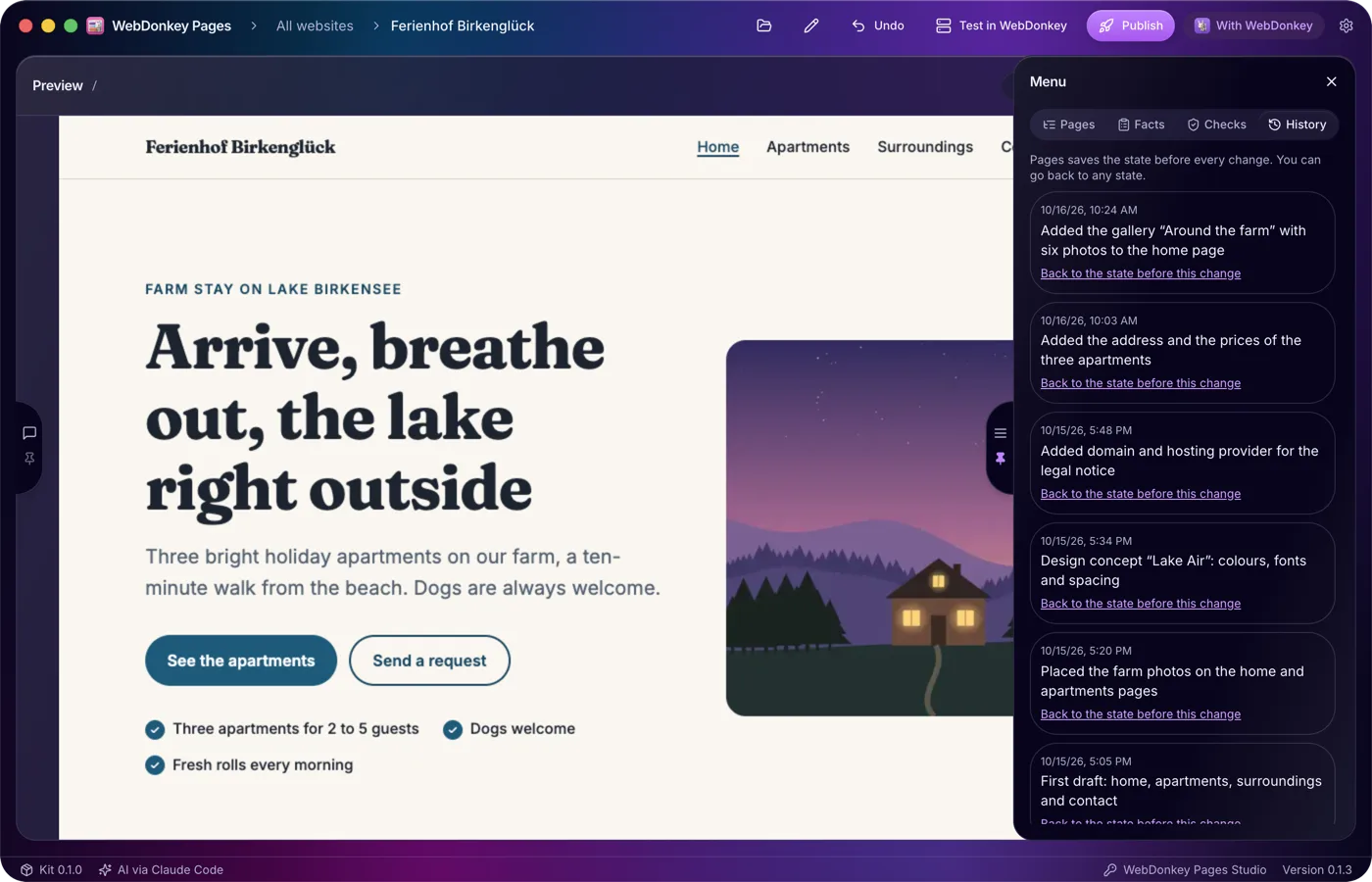
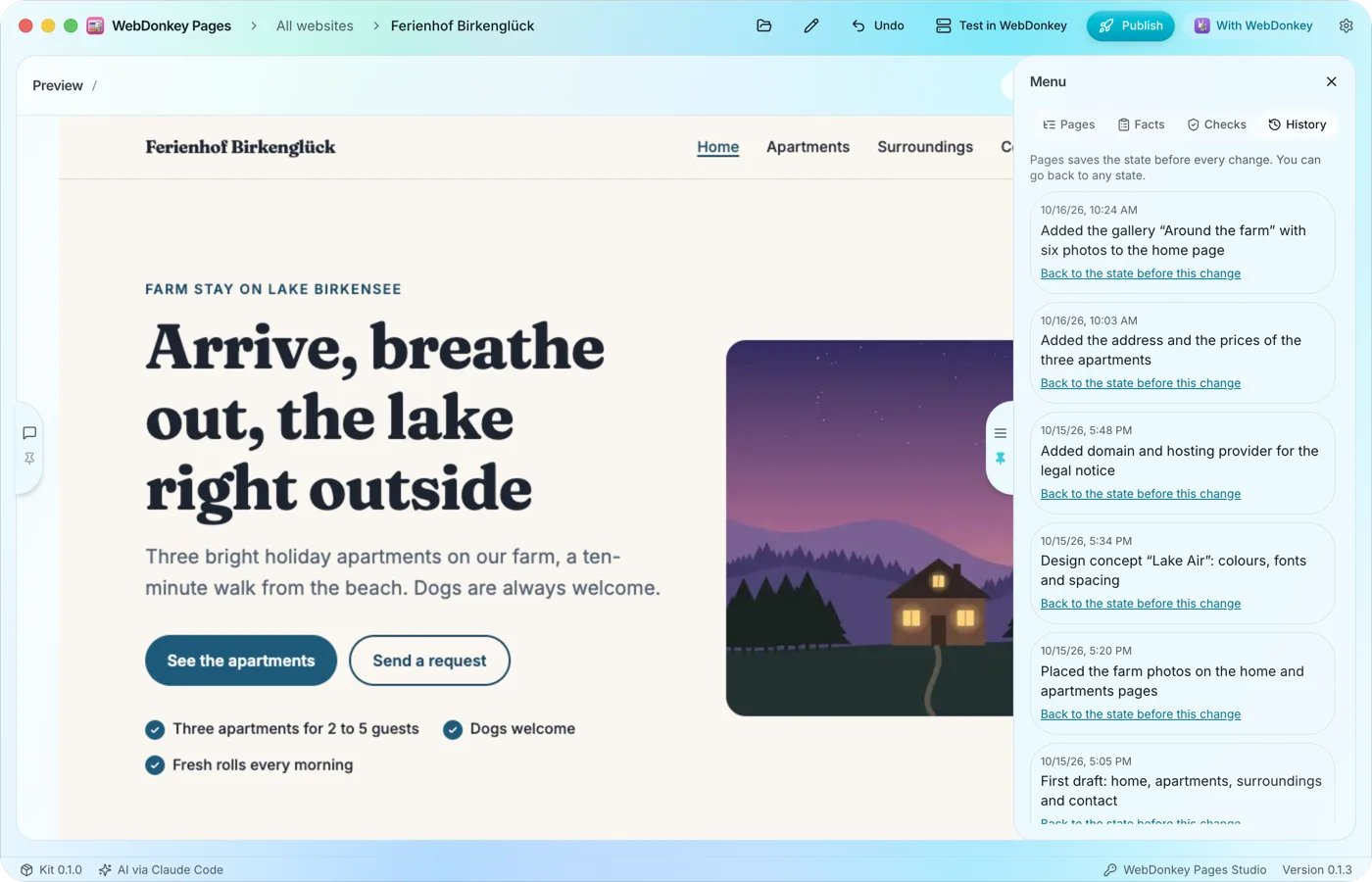 Every state can come backBefore every change Pages saves the state of your website. The History tab lists these states, newest first, and takes you back to an earlier one in two clicks.
Try it on your own project.
Free costs nothing and has no time limit. macOS 11 or later, Apple silicon and Intel.
