





Checked after every change
What is it?Pages checks the website by itself after every change, before it appears in the preview. Before publishing, the full check with Lighthouse is added.
Pages checks the website by itself: build, content and links, external sources, the details required for the legal notice and privacy policy, accessibility and the layout on narrow screens. Before publishing, the full check with Lighthouse is added.
Free costs nothing and has no time limit. macOS 11 or later, Apple silicon and Intel.
Without WebDonkey
Whether a page is accessible, overflows on a phone or has a dead link, you otherwise only learn from visitors.
With WebDonkey
Checked are build, content and links, external sources, the details required for the legal notice and privacy policy, accessibility and the layout on narrow screens. Red the AI fixes in the chat; yellow usually means adding facts.
What you get out of it
- Lighthouse targetsLighthouse on mobile: performance from 98, accessibility, best practices and SEO 100 each.
- WCAG 2.2 AANo violations of WCAG 2.2 AA, nothing overflowing at 360 pixels, alternative text on every image.
- Only green in the previewIf a check is red, the last green version stays on screen, and export and publishing wait.
In detail
Automatic checks
Runs after every change from the chat and with Check now. It rebuilds the website and checks content, links, external sources, open facts and required details, plus accessibility and width in a browser. For that Pages uses Google Chrome, Chromium or Microsoft Edge.
Reading the result
At the top the summary with date and time, green when the website is ready to publish. Below it each check part with a tick, a yellow warning triangle or a red sign and the number of findings. Red you have the AI fix in the chat; yellow usually means adding facts.
What is checked
Page titles up to 60 characters, descriptions of 120 to 160, exactly one main heading, alternative text on every image. Nothing from external servers, no iframes, no links that lead nowhere, and a legal notice and privacy link on every page. Accessibility is checked with axe at 390 and 1440 pixels wide.
Full check with Lighthouse
Additionally measures every page meant for search engines with Lighthouse on mobile, in one to two minutes. It runs by itself before every publish to your server, or when you click. If performance falls below the threshold, Pages measures the page once more and the better score counts.
Result of an automatic check. It does not replace a full audit under BITV 2.0 / EN 301 549.
What does Free include?
Checks and the full check are fully included in Free.
Compare Free and PremiumGoes well with this
-
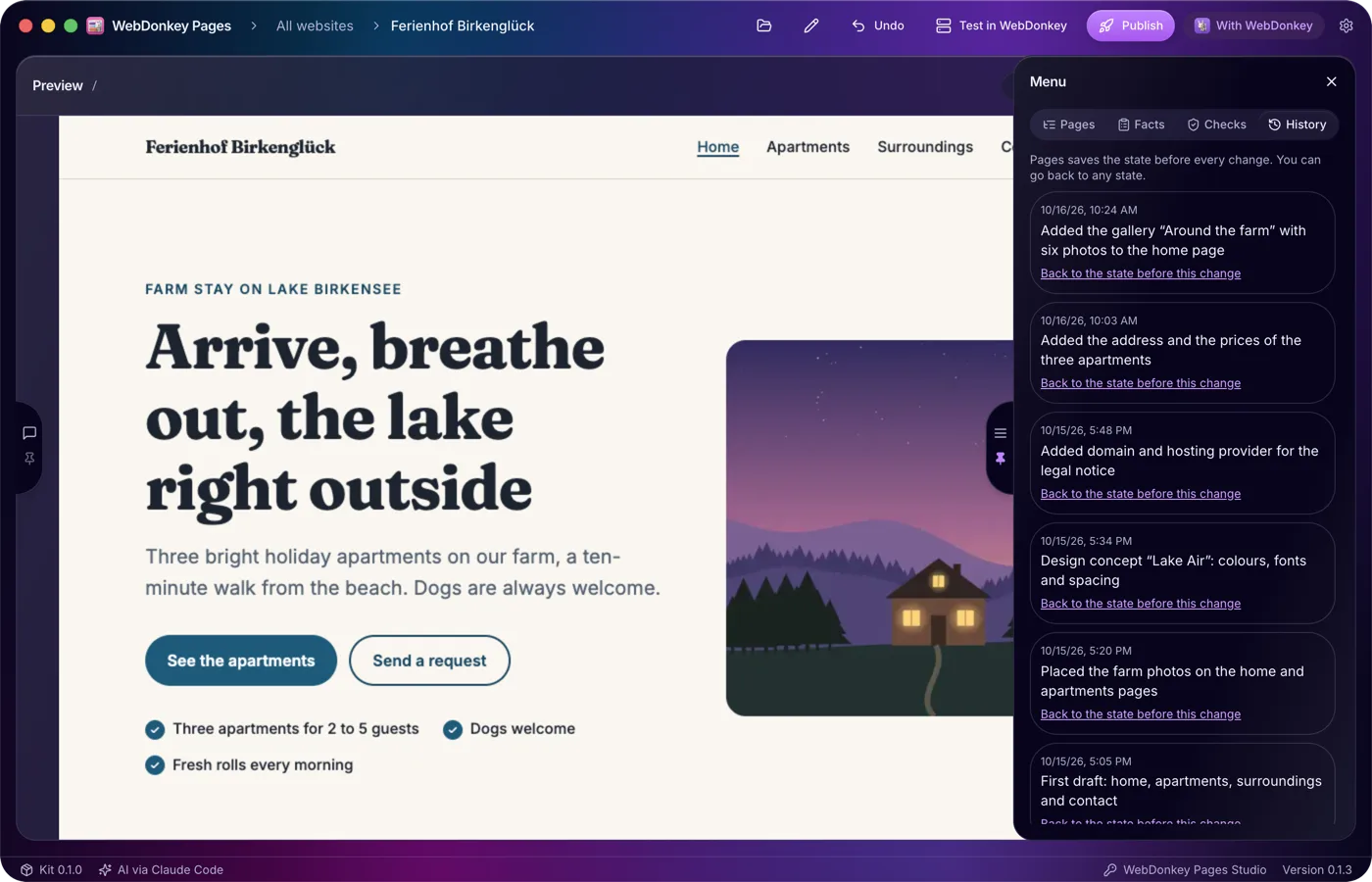
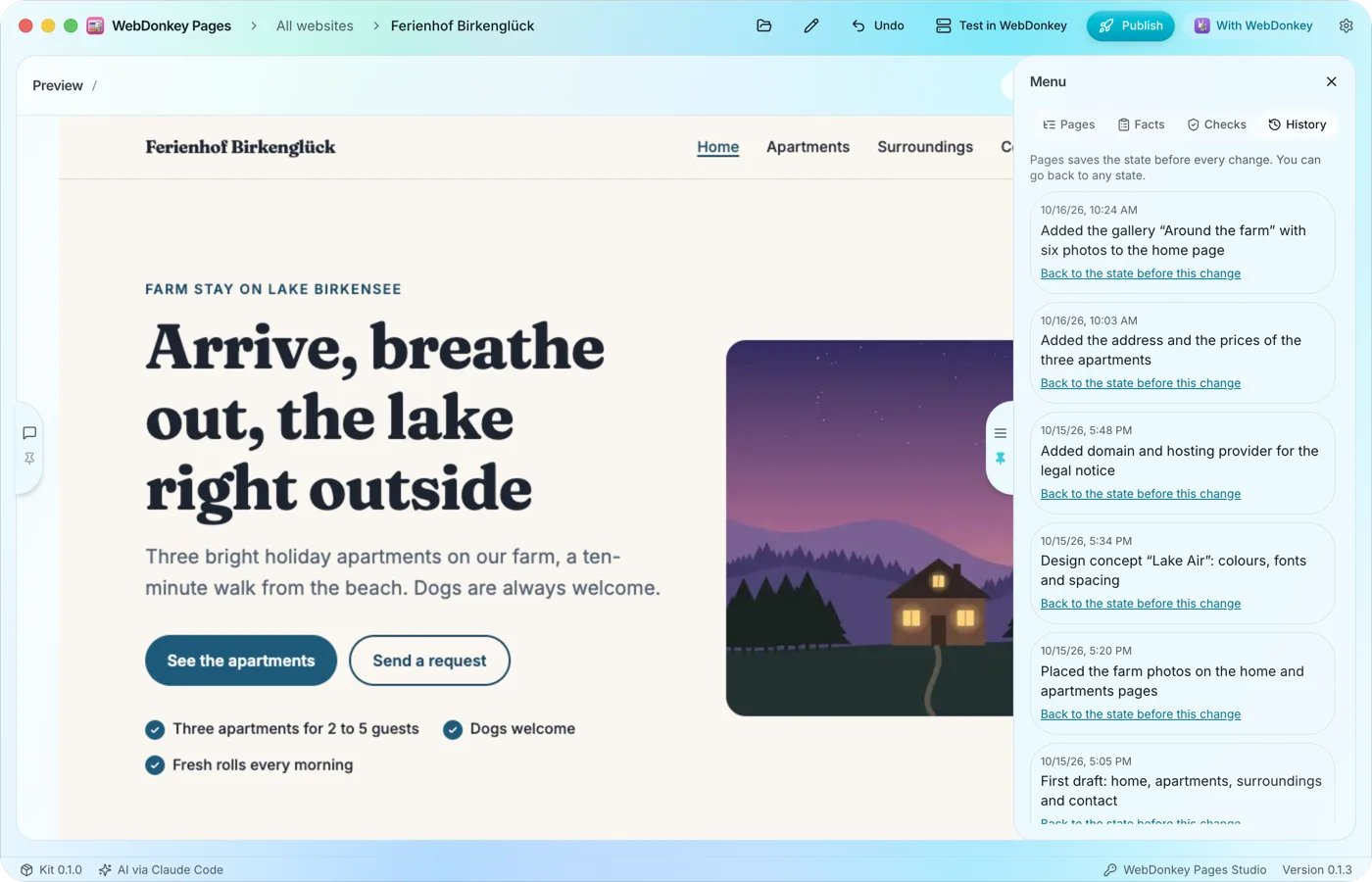 Every state can come backBefore every change Pages saves the state of your website. The History tab lists these states, newest first, and takes you back to an earlier one in two clicks.
-
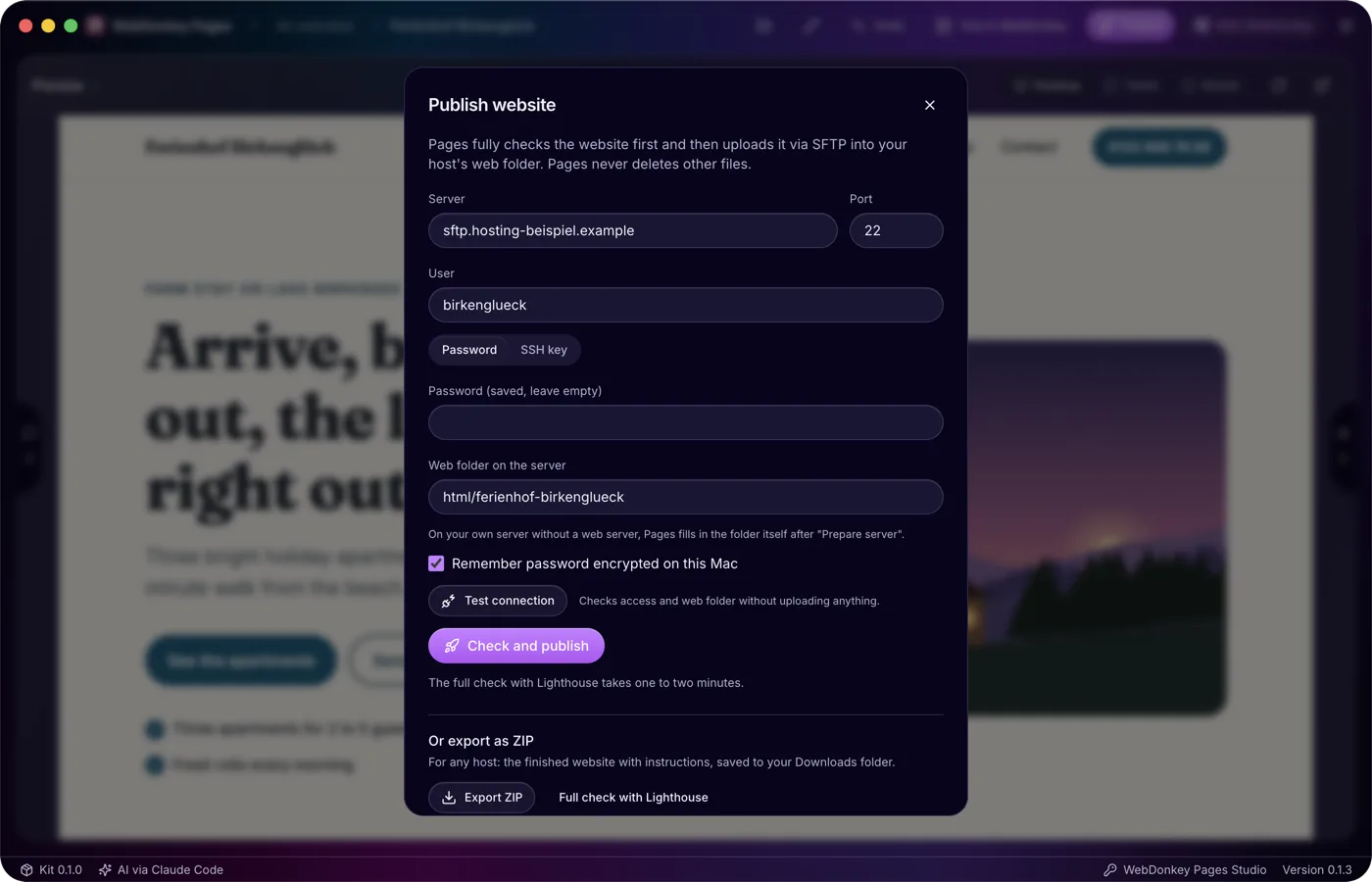
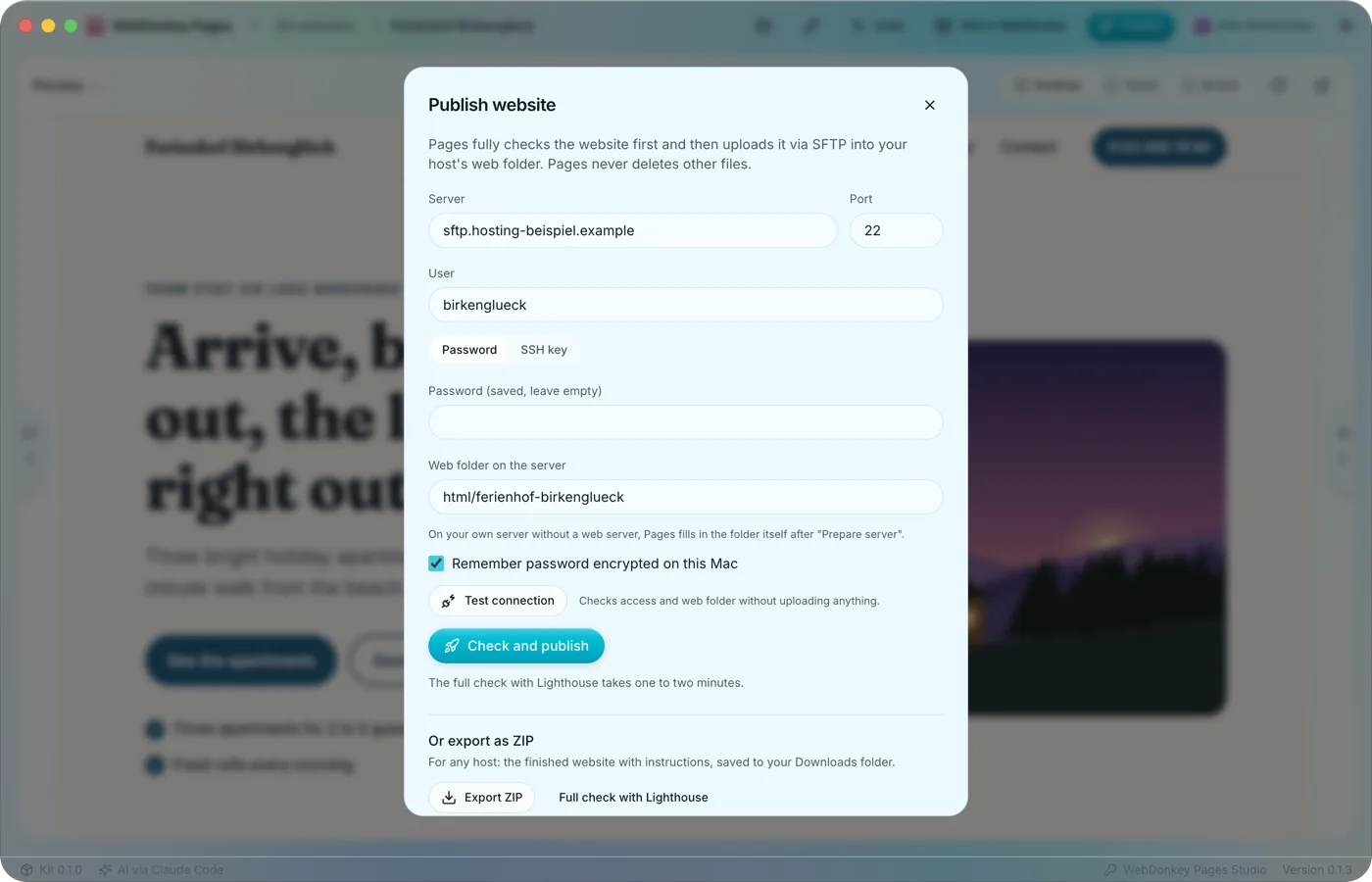 Only what passes every check goes onlineThe Publish website window brings the ways out together: straight to your server via SFTP, as a ZIP for any host and as a backup of the whole website. Only a version that passed the full check goes online, Lighthouse included.
-
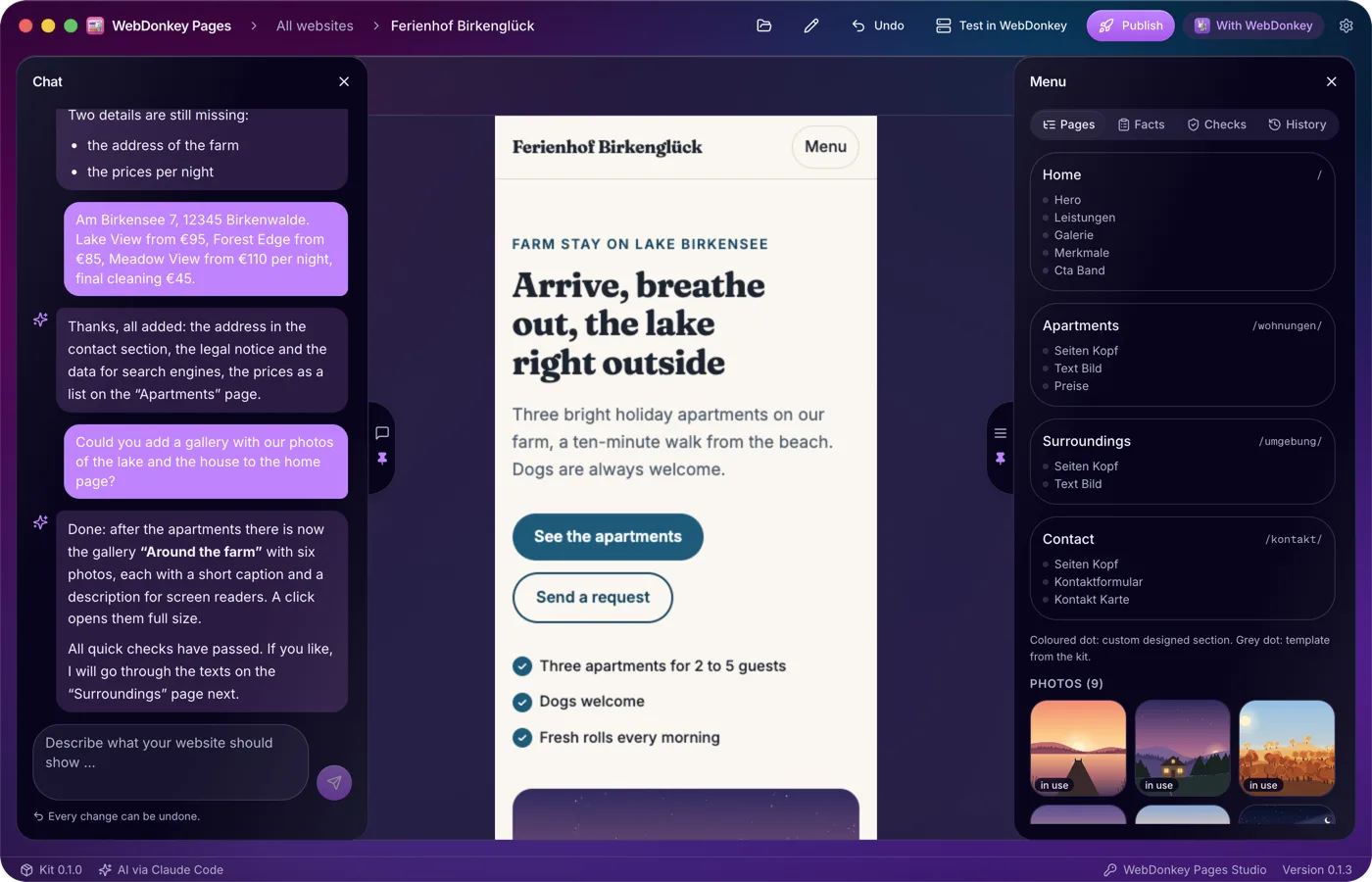
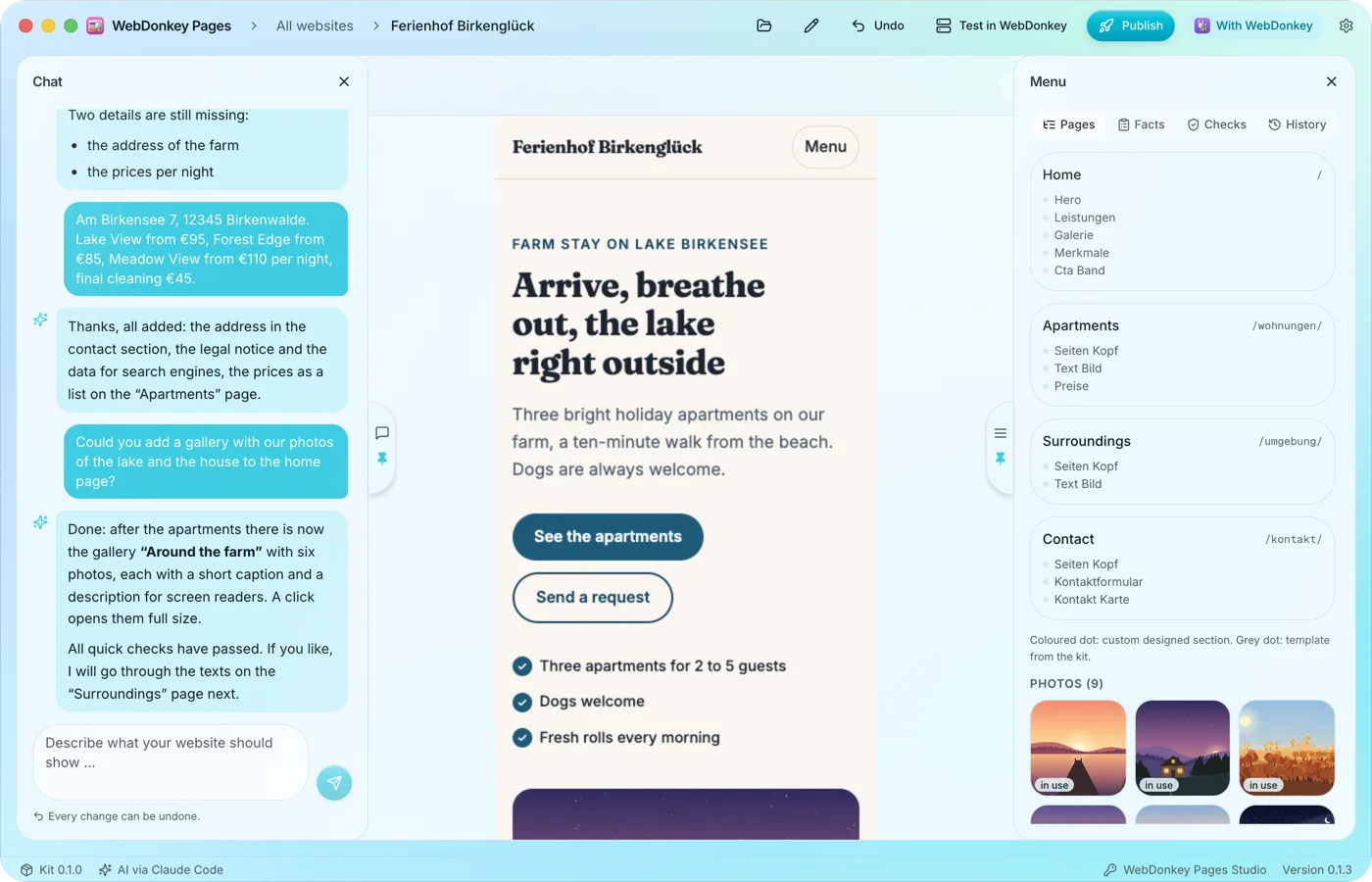 The preview at full widthWhen you open a website, the preview takes up the full width. The chat sits on the left, the menu with pages, facts, checks and history on the right, and both slide open when you move the pointer to their handle at the edge. The workspace is fully included in Free.
-
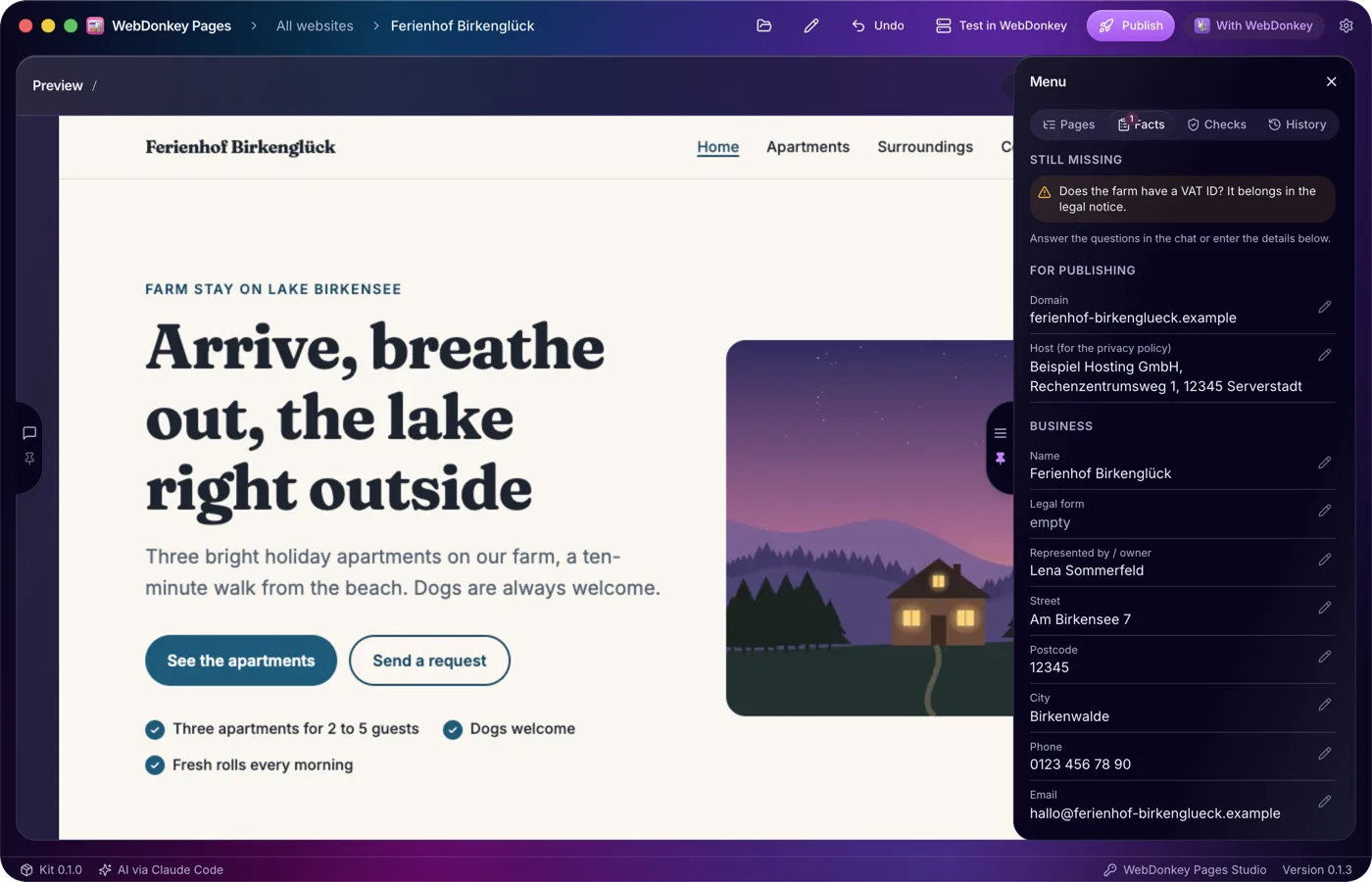
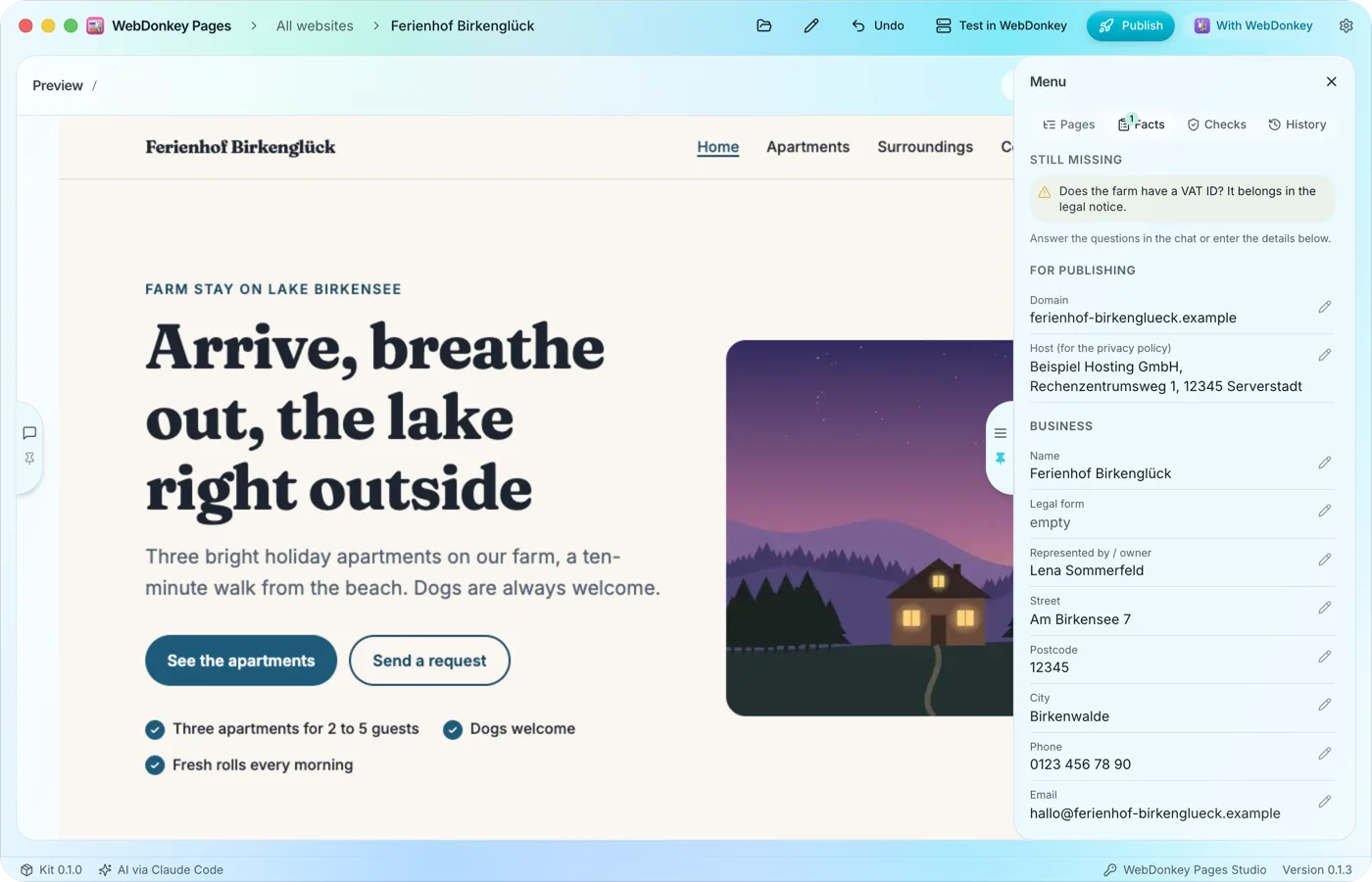 What Pages must not inventThe Facts tab collects the details your website needs: domain, host, the business's name and address, contact details and register entry. Whatever the AI learns in the chat it enters itself, and you can edit every field yourself too.
Try it on your own project.
Free costs nothing and has no time limit. macOS 11 or later, Apple silicon and Intel.
