





Only what passes every check goes online
What is it?The Publish website window brings the ways out together: straight to your server via SFTP, as a ZIP for any host and as a backup of the whole website.
The Publish website window brings the ways out together: straight to your server via SFTP, as a ZIP for any host and as a backup of the whole website. Only a version that passed the full check goes online, Lighthouse included.
Free costs nothing and has no time limit. macOS 11 or later, Apple silicon and Intel.
Without WebDonkey
Upload files over FTP, overwrite the old ones, and if something is missing, the old version is already overwritten.
With WebDonkey
Only a version that passed the full check goes online, Lighthouse included. At the top you see what is still missing. Each file arrives under a temporary name and only then replaces the old one; afterwards Pages checks under your domain whether the new site shows up.
What you get out of it
- Other files stayPages never deletes other files on the server. Next time it only uploads what changed.
- ZIP for any hostThe finished website with instructions in your Downloads folder, for archived or locked websites too.
- Backup of the whole websiteData, design, photos, chat and history as a ZIP, to bring back on another Mac too.
In detail
What must be ready first
At the top you see what is still missing: open facts, the domain, the host for the privacy policy and your confirmation of the legal pages. Before uploading, Pages checks the website completely. If anything is still open or red, Pages uploads nothing and gives the reason.
Straight to your serverPages package
Enter server, port, user, password or SSH key and web folder, then Check and publish. Each file arrives under a temporary name and only then replaces the old one, and afterwards Pages checks under your domain whether the new site shows up. If the web folder already holds other files, Pages moves them into a hidden backup folder when you agree. For a contact form Pages creates the sending settings. From the Business package on.
Export as ZIPFree & Pages package
The finished website with instructions in your Downloads folder, for any host and for archived or locked websites too. In Free the footer carries the link "Built with WebDonkey Pages", a plain text link without any script; from the Business package on it is left out.
What does Free include?
Exporting as ZIP always works, in Free too. There the footer carries the link “Built with WebDonkey Pages”; from the Business package on it is left out. Publishing straight to your server comes with a Pages package.
Compare Free and PremiumGoes well with this
-
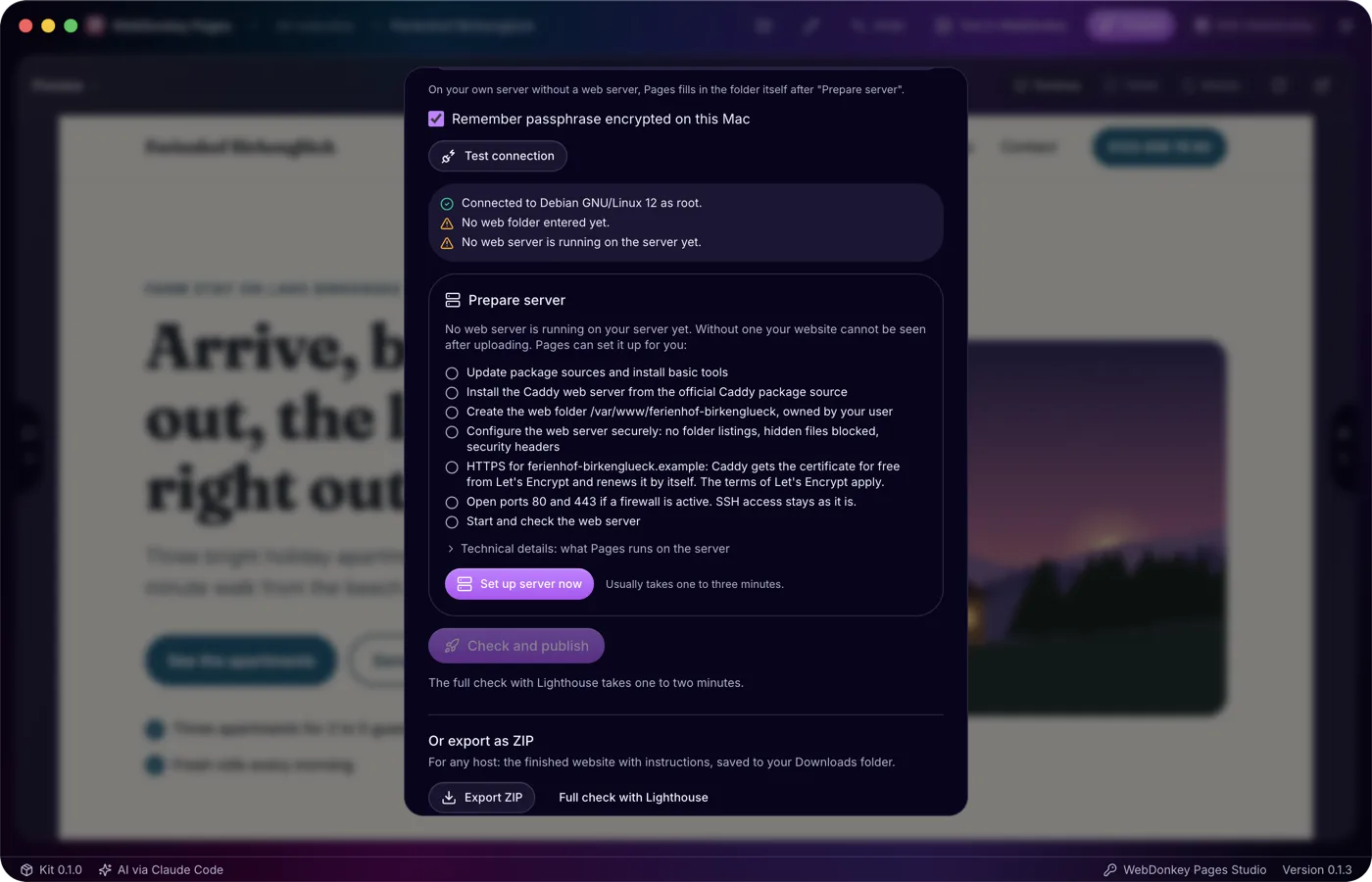
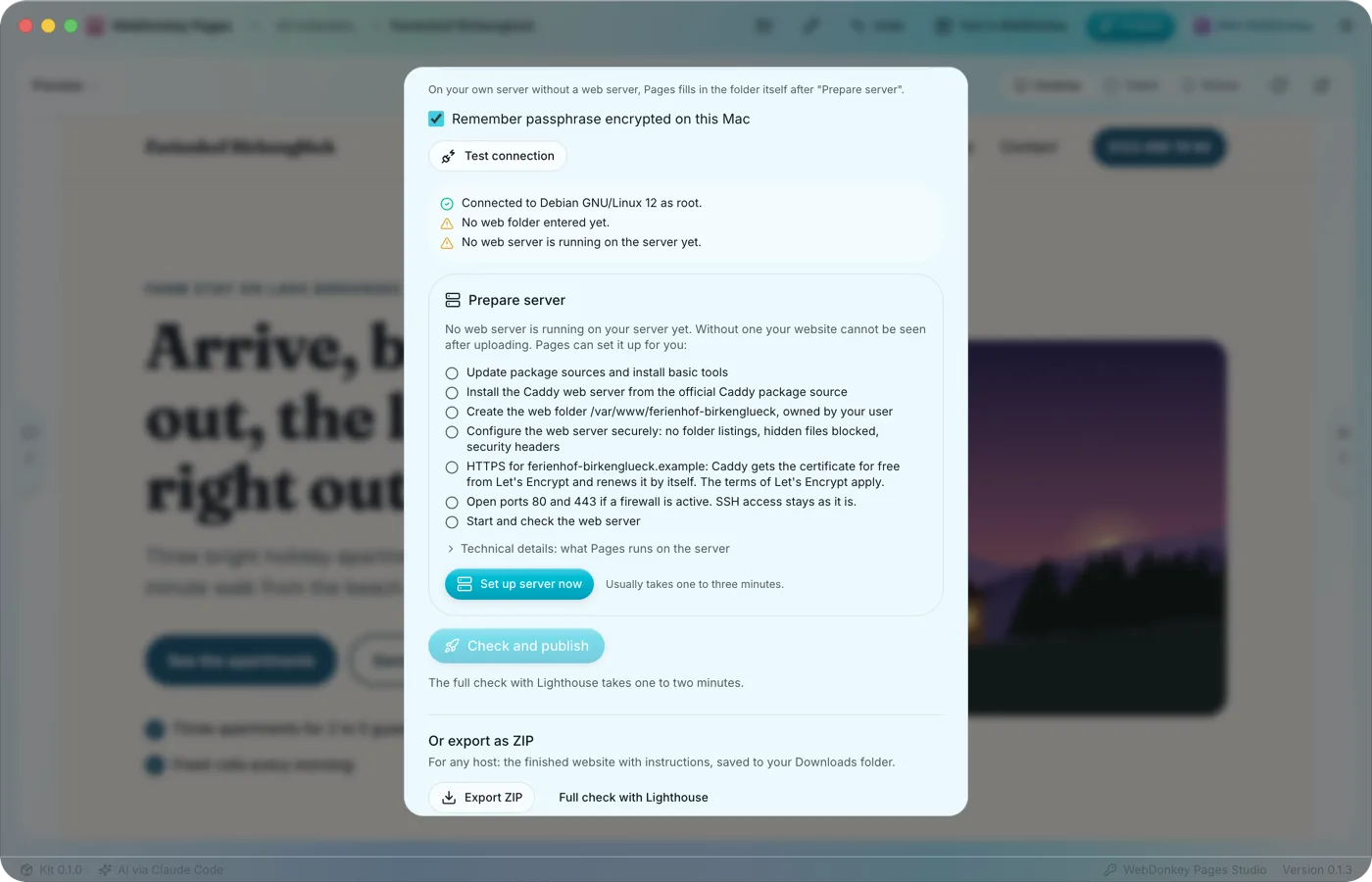 Your server, set up safelyTo publish straight to a server, Pages needs SFTP access to your web space or server, remembered per website. With a host, access and web folder are enough; a fresh server of your own without a web server Pages sets up itself.
-
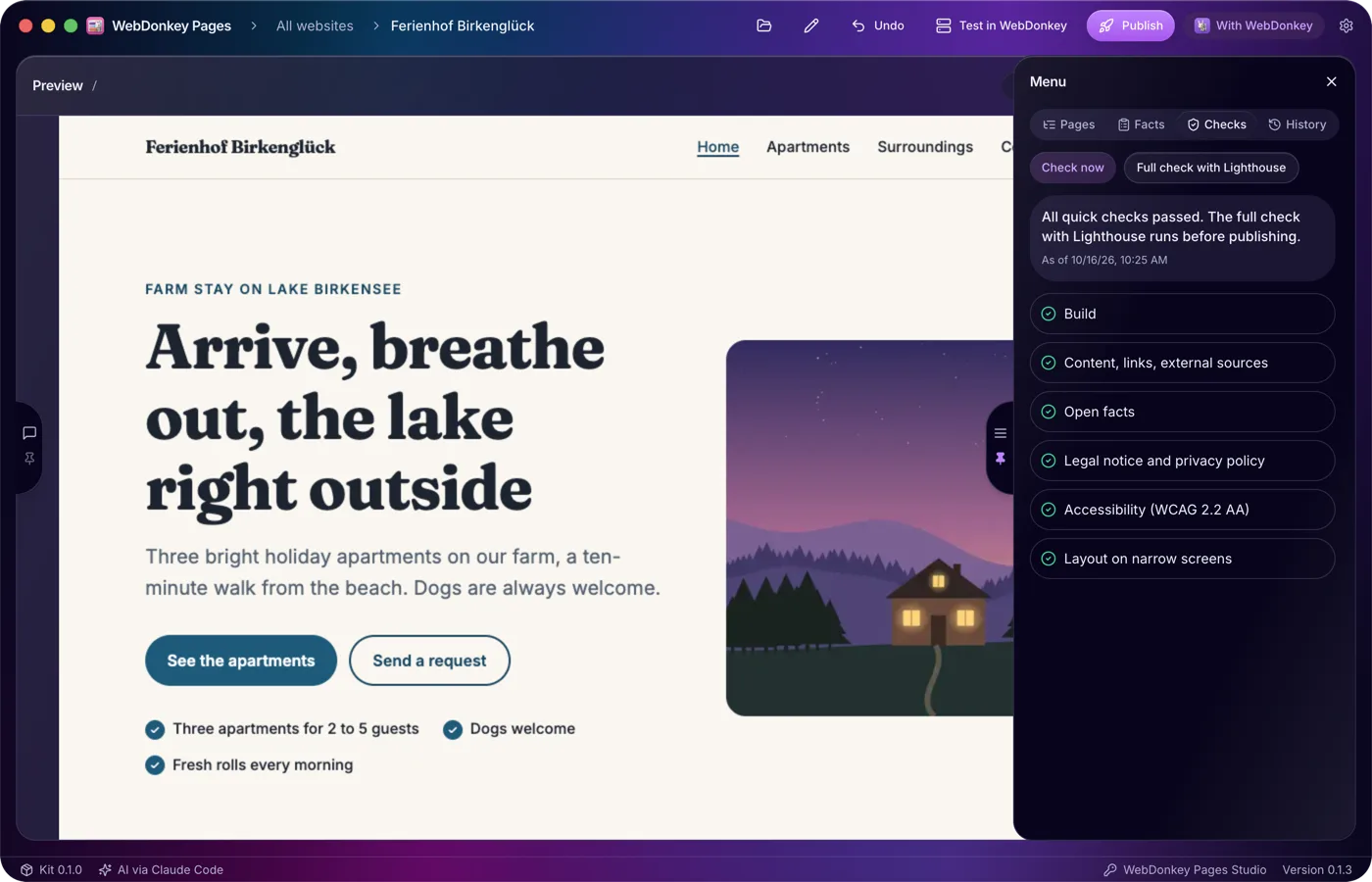
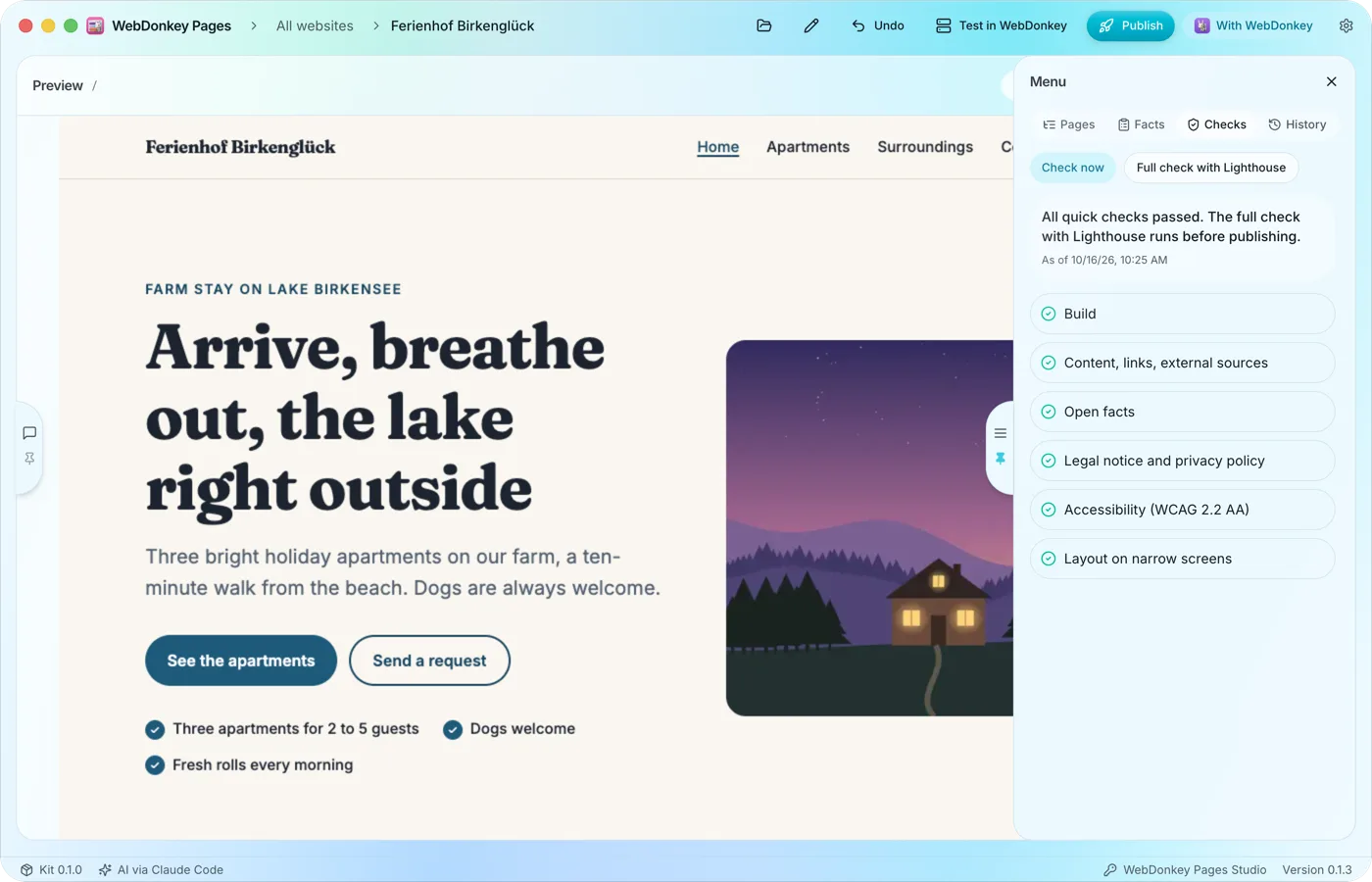 Checked after every changePages checks the website by itself: build, content and links, external sources, the details required for the legal notice and privacy policy, accessibility and the layout on narrow screens. Before publishing, the full check with Lighthouse is added.
-
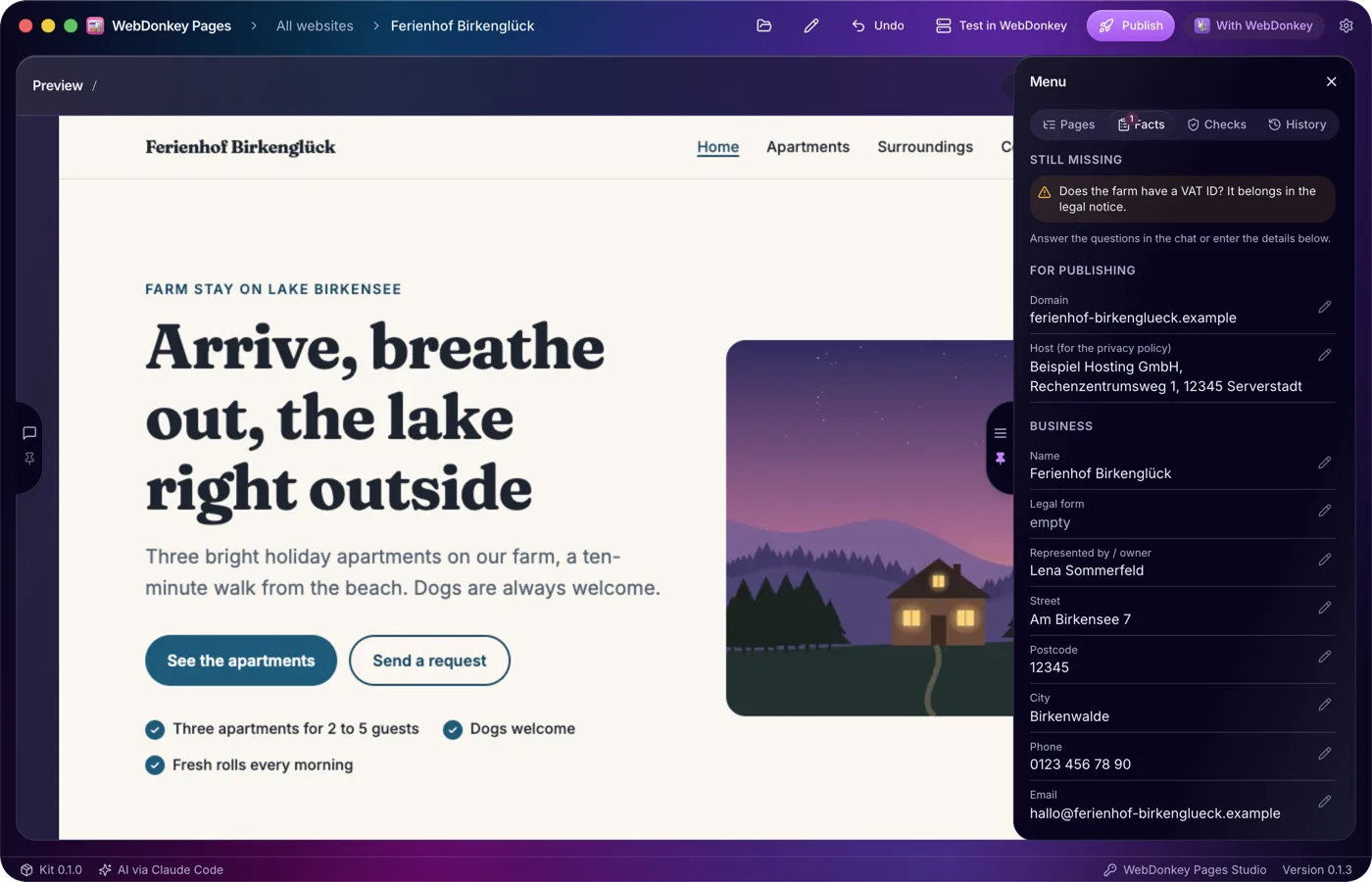
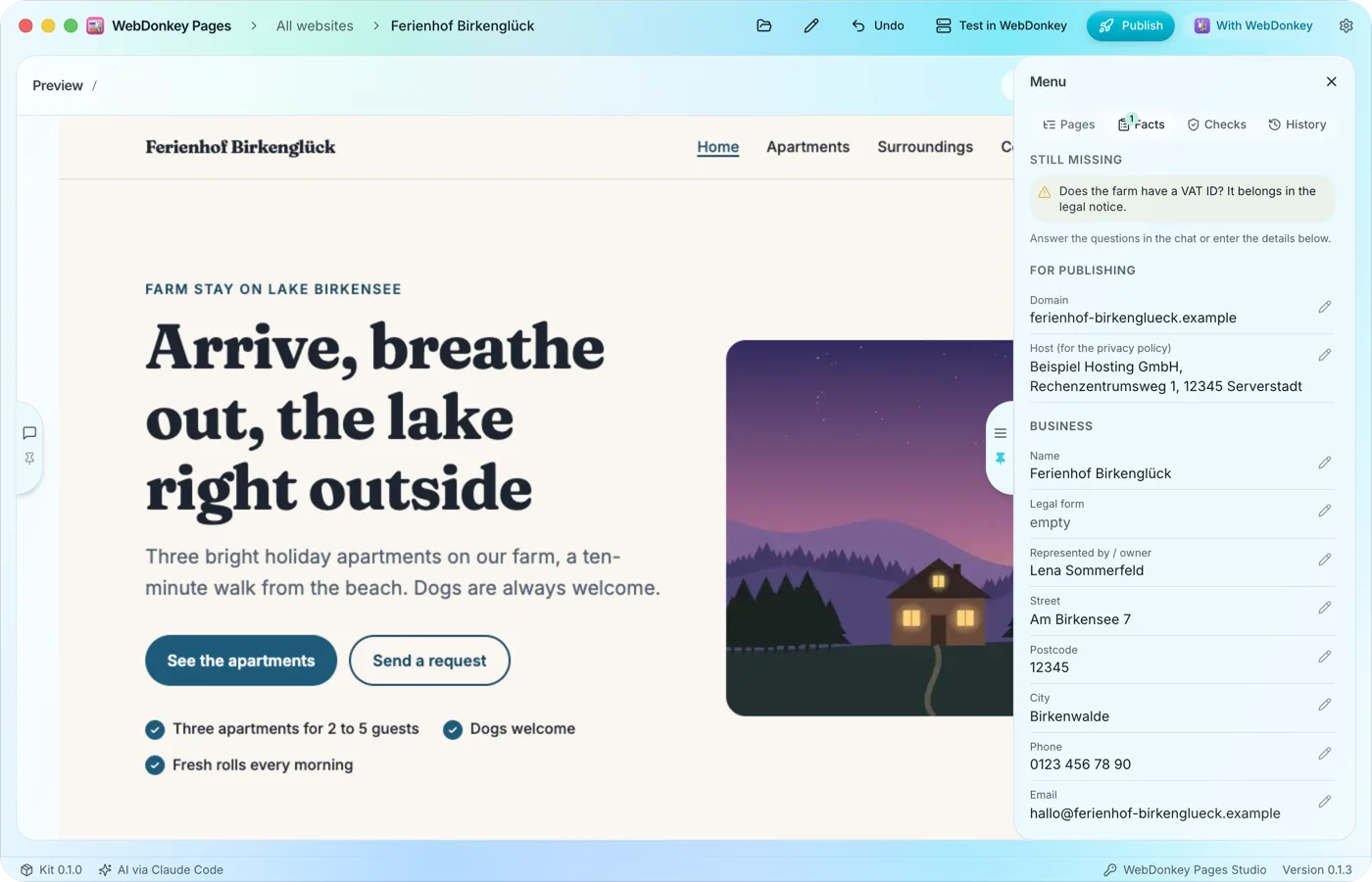 What Pages must not inventThe Facts tab collects the details your website needs: domain, host, the business's name and address, contact details and register entry. Whatever the AI learns in the chat it enters itself, and you can edit every field yourself too.
-
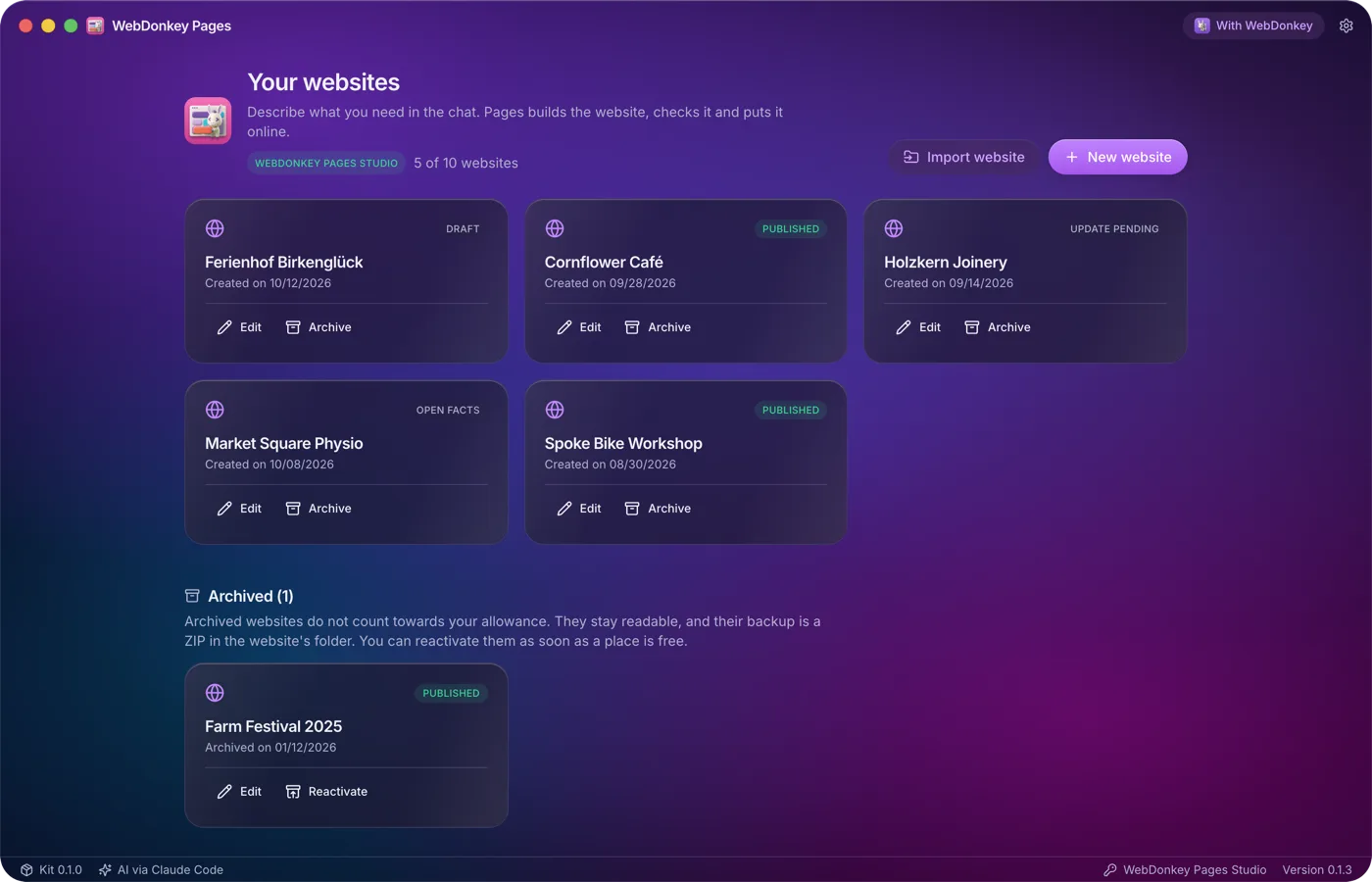
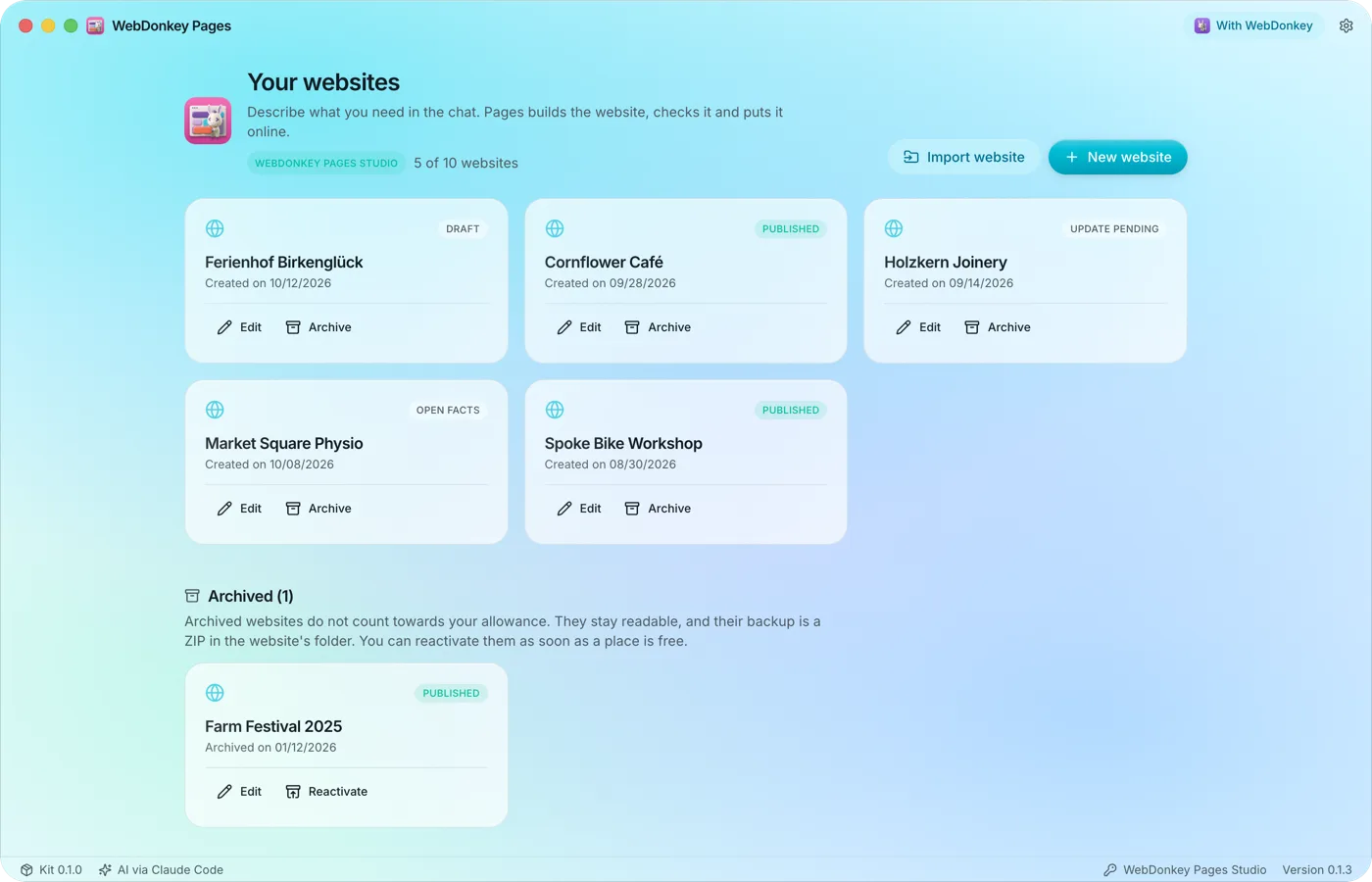 All your websites at a glanceThe overview is the start view of Pages: every website as a card with name, status and date, and above them your package and how many websites are in use. Active websites count, drafts included.
Try it on your own project.
Free costs nothing and has no time limit. macOS 11 or later, Apple silicon and Intel.
