





Your server, set up safely
What is it?To publish straight to a server, Pages needs SFTP access to your web space or server, remembered per website.
To publish straight to a server, Pages needs SFTP access to your web space or server, remembered per website. With a host, access and web folder are enough; a fresh server of your own without a web server Pages sets up itself.
Free costs nothing and has no time limit. macOS 11 or later, Apple silicon and Intel.
Without WebDonkey
Setting up a fresh server otherwise means: install a web server, get a certificate, open ports. You do every step by hand.
With WebDonkey
With a host, access and web folder are enough. A fresh server of your own without a web server Pages sets up itself: on Debian and Ubuntu Caddy, the web folder, secure settings, HTTPS through Let's Encrypt and ports 80 and 443. The plan is shown in plain words first.
What you get out of it
- Test without uploading anythingTest connection shows whether sign-in works, whether the web folder exists and whether a web server is already running.
- Fingerprint checkedOn the first connection Pages remembers the server's fingerprint. If it identifies itself differently, Pages shows a red warning and uploads nothing.
- Messages in plain wordsWrong port, key not accepted, web folder missing or no space left: Pages names the reason and says what you can do.
In detail
Server access
The server without https:// and without a path, the port (usually 22), the user, sign-in by password or SSH key, and the web folder your host set up for the domain. With WebDonkey Premium you pick a server saved there and Pages fills in the access. Password and passphrase stay encrypted on this Mac, only apply to the server you saved them for and never go into the website's folder or a backup.
Test connection
Shows whether sign-in works, whether the web folder exists and Pages may write there, and whether a web server is already running. If anything is missing, Pages offers to prepare the server.
Server fingerprint
On the first connection Pages remembers the server's fingerprint and compares it every time after. If the server identifies itself differently than last time, Pages shows a red warning. Until the fingerprint is confirmed, Pages uploads nothing.
Prepare server
On Debian and Ubuntu with shell access: Caddy from the official package source, the web folder, secure settings, HTTPS through Let's Encrypt and ports 80 and 443. The plan is shown in plain words first, and nothing starts before you click. Pages doesn't store the sudo password. Mail sending for the contact form is not part of this setup, and Pages tells you so.
Common messages
When testing, publishing and preparing, Pages names the reason in plain words and says what you can do: wrong port, key not accepted, web folder missing, no SFTP for this account or no space left on the server.
What does Free include?
Server access belongs to publishing straight to your server and so to a Pages package. With WebDonkey Premium you pick a server saved there.
Compare Free and PremiumGoes well with this
-
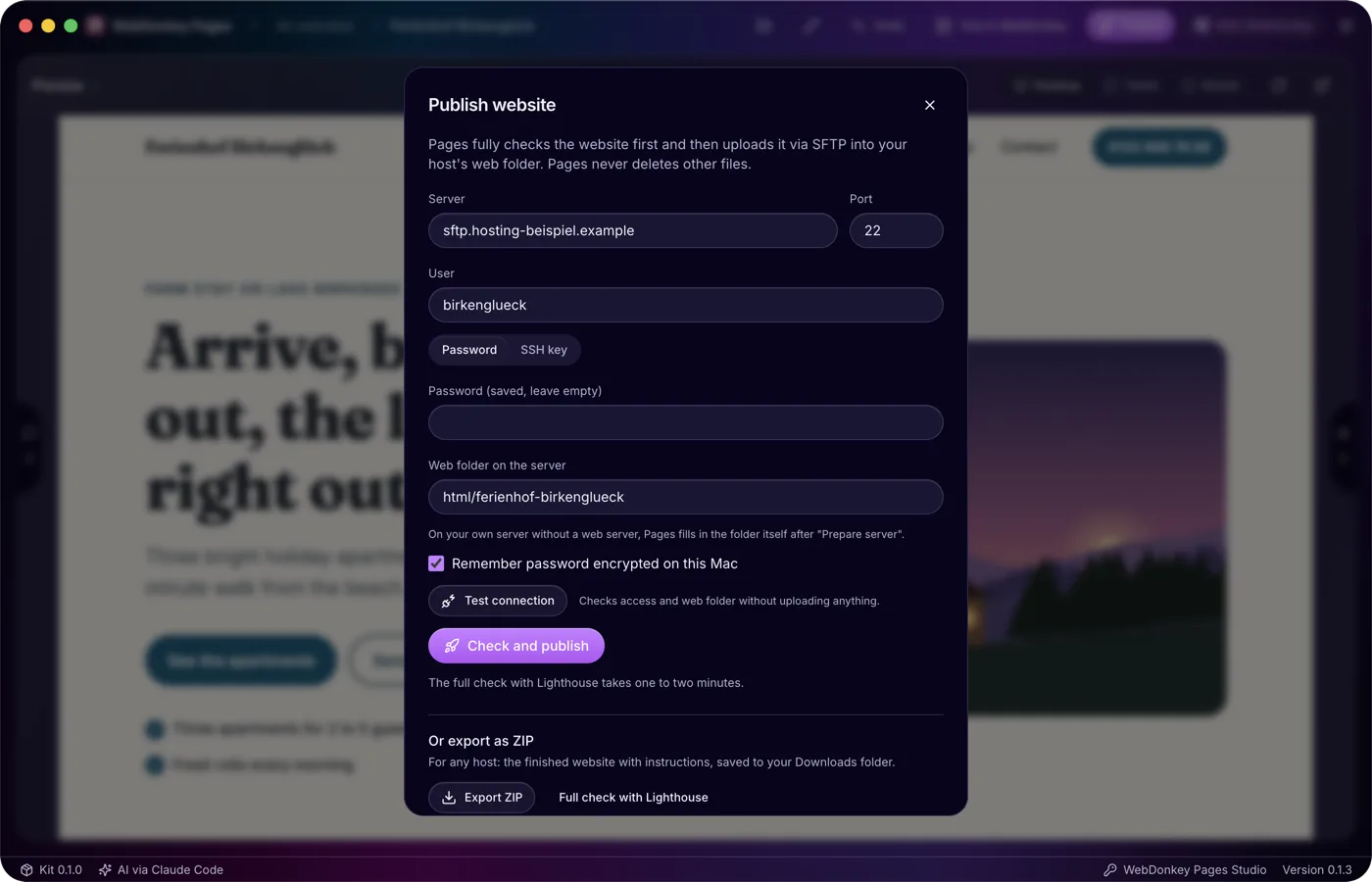
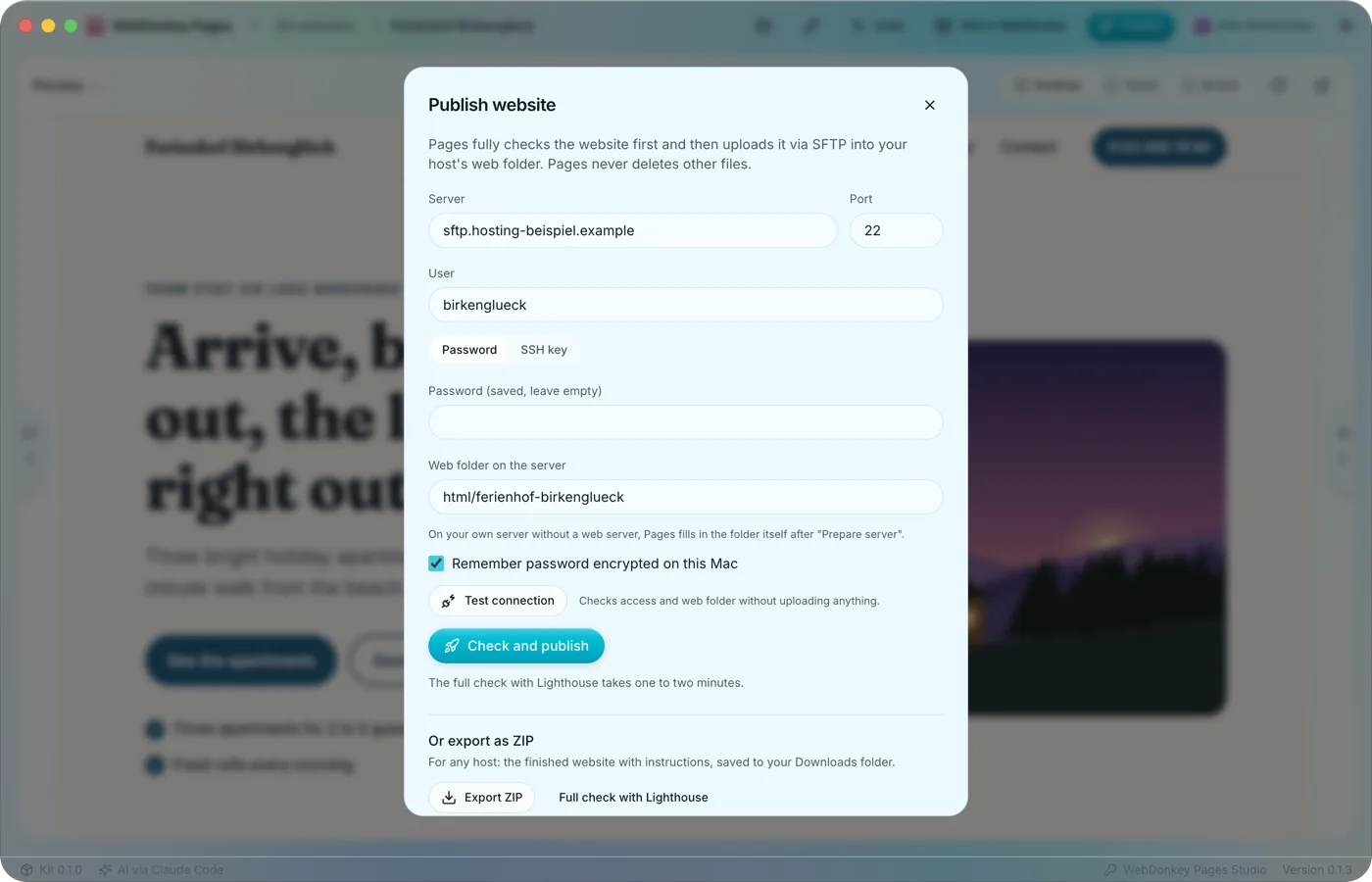 Only what passes every check goes onlineThe Publish website window brings the ways out together: straight to your server via SFTP, as a ZIP for any host and as a backup of the whole website. Only a version that passed the full check goes online, Lighthouse included.
-
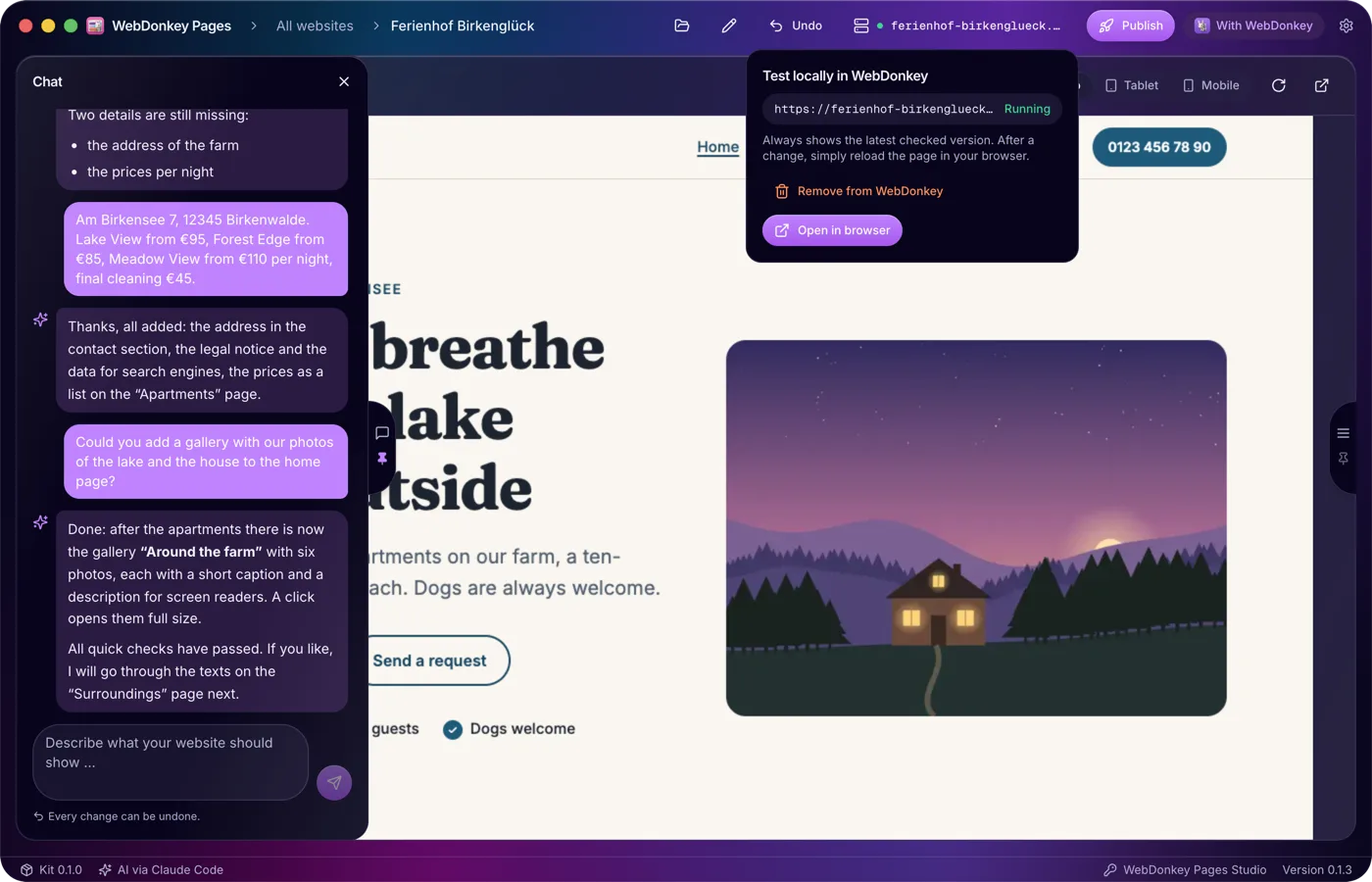
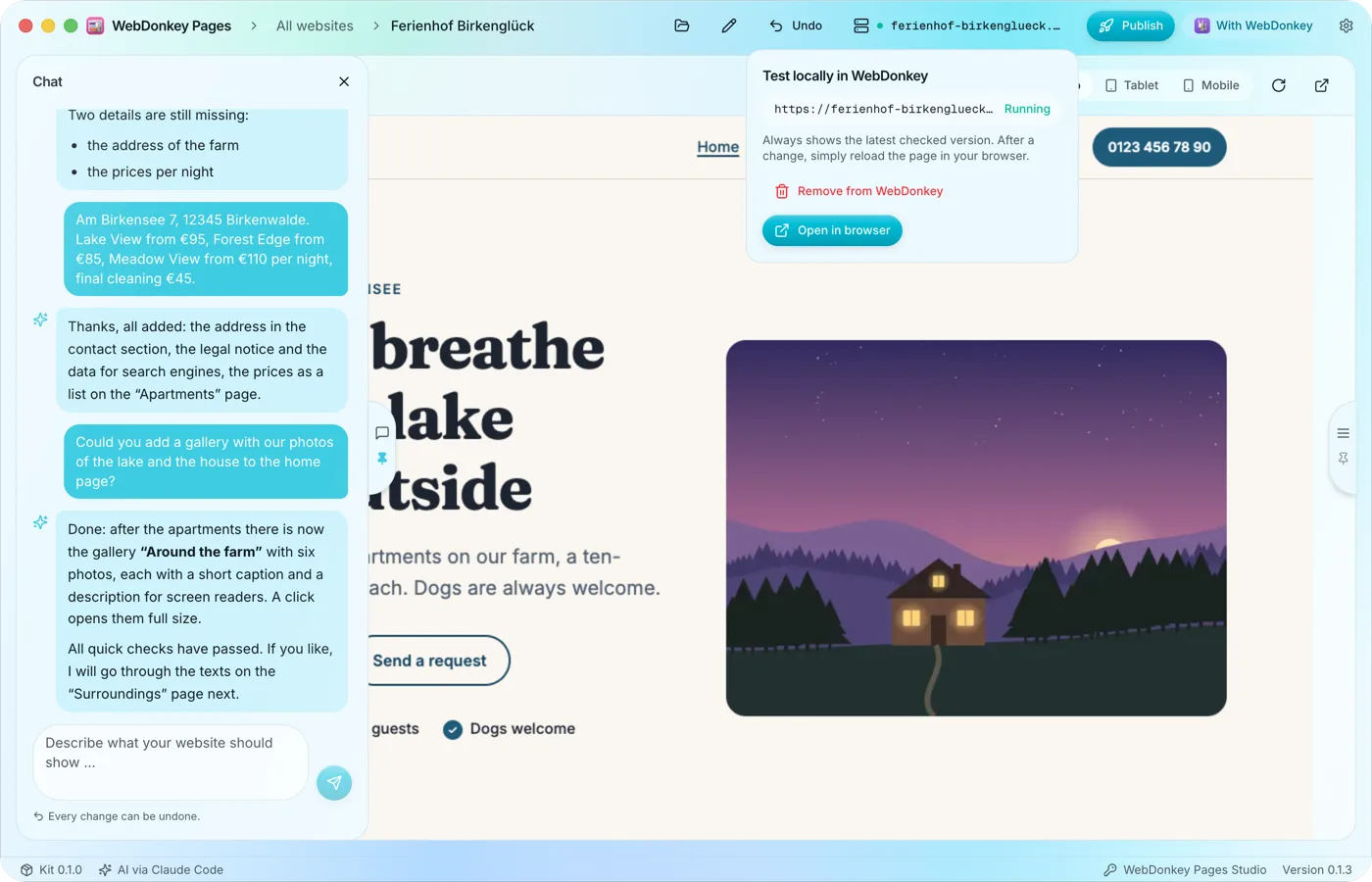 Test locally, with PHPIf WebDonkey is installed and running, you test a website at a local address with PHP and can try the contact form too, before it goes online. Without WebDonkey only this test is missing. You don't need a Pages licence for it.
-
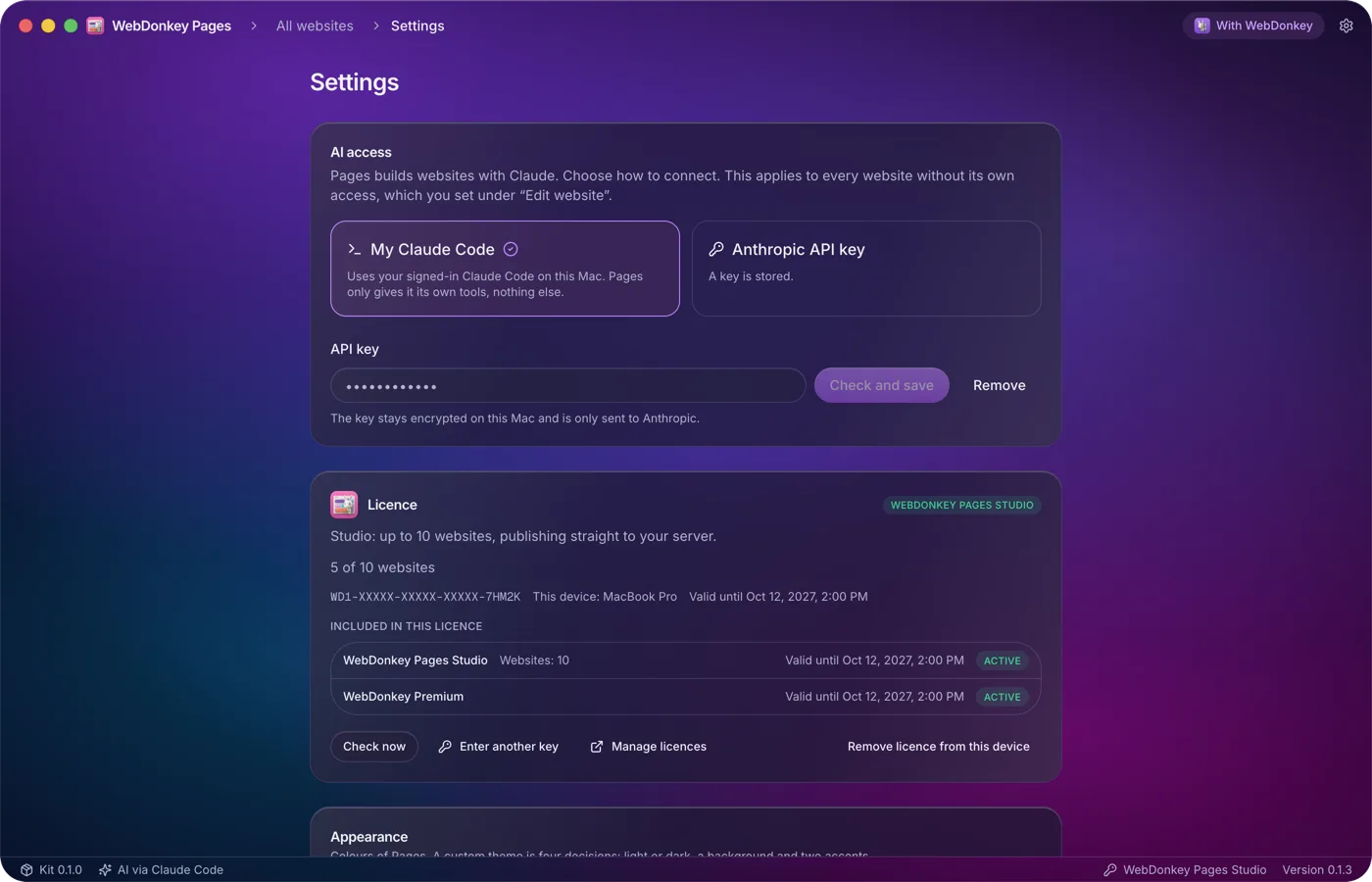
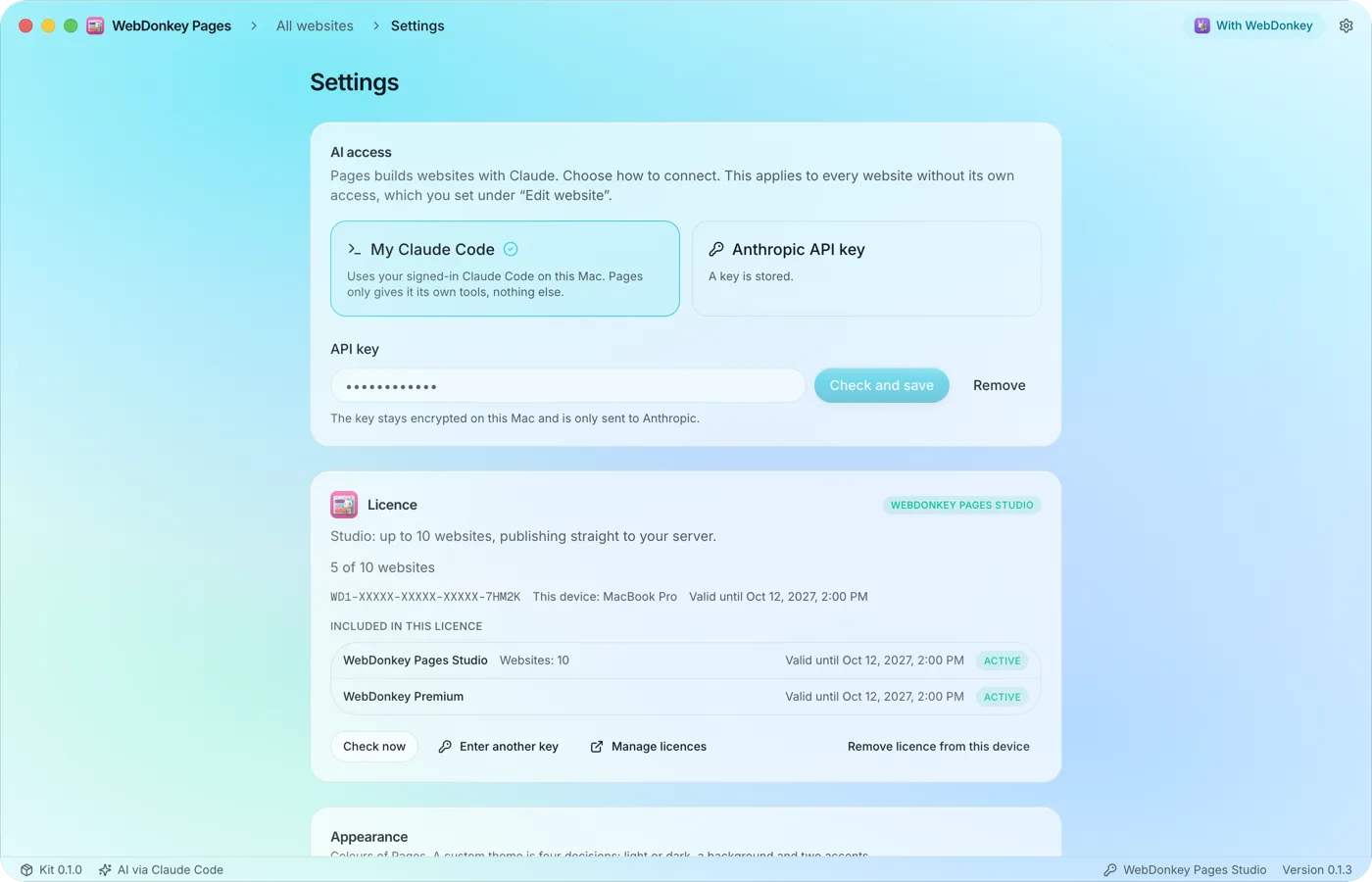 AI access and technologyThe gear at the top right opens Settings, from top to bottom: AI access, licence, appearance, updates, technology, and legal and open source.
-
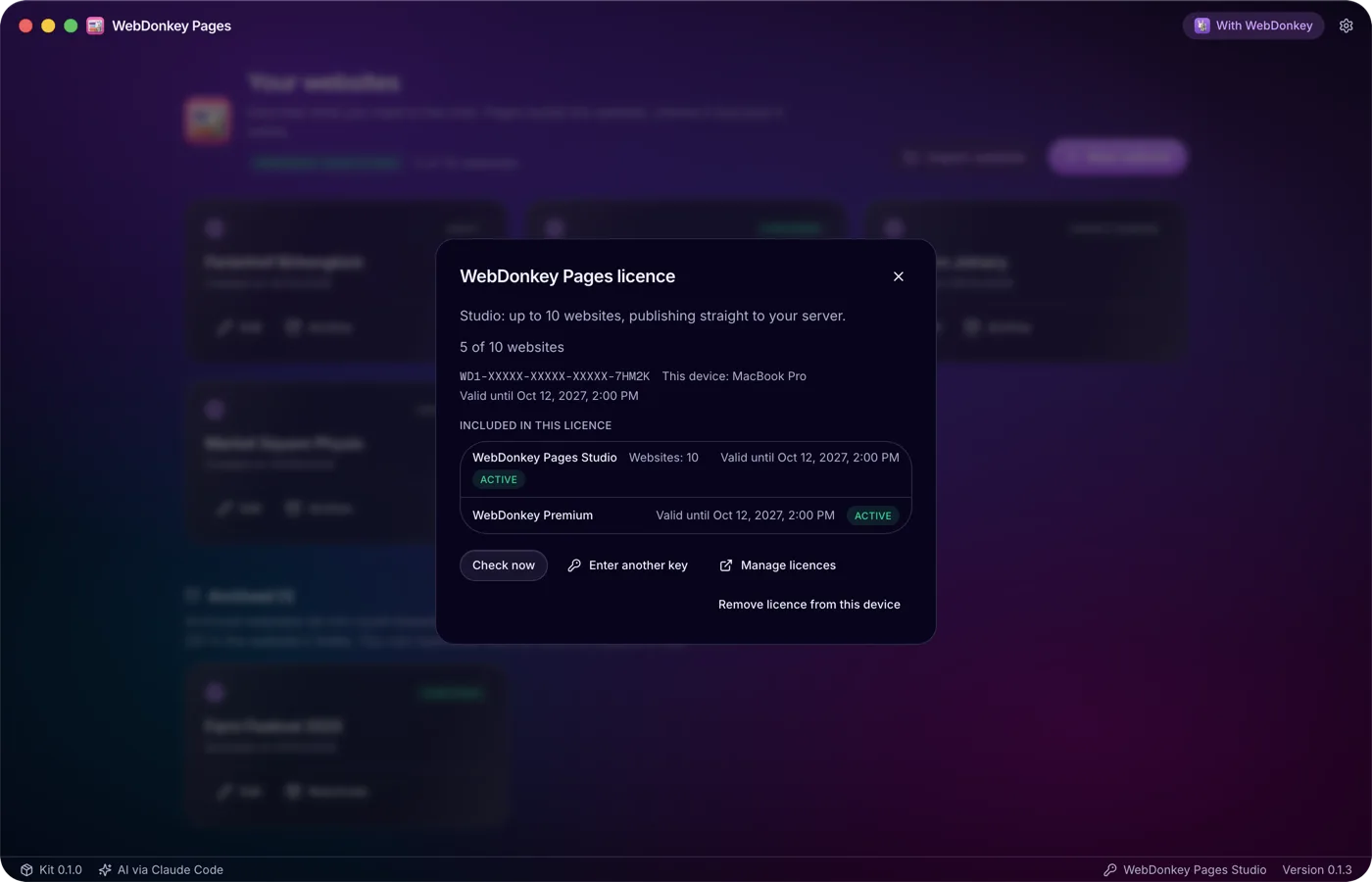
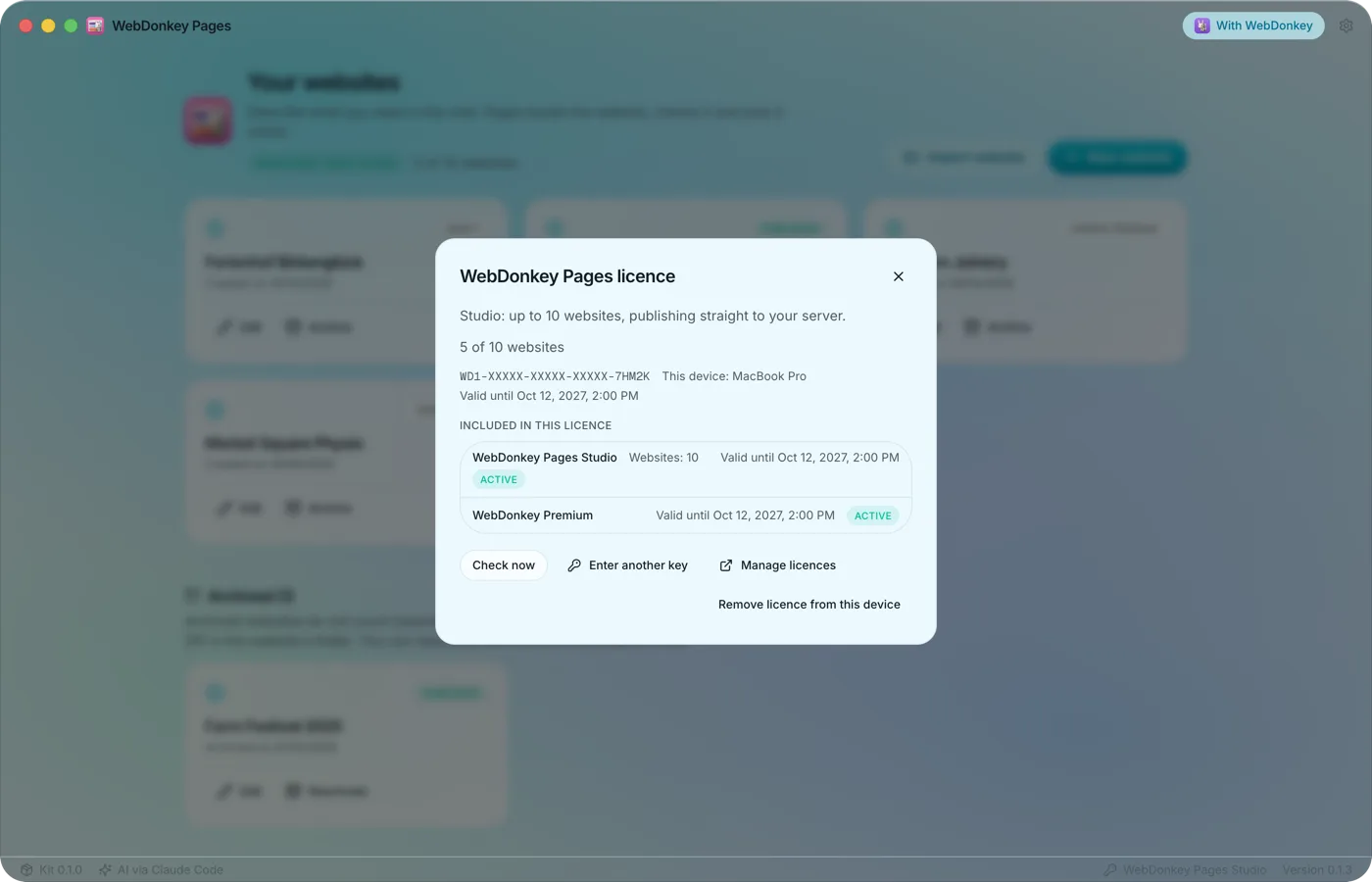 A package for more websitesWithout a licence you build, check and back up a website and export it as a ZIP. With a Pages package you create more websites and publish straight to your server. Pages checks its licence with the shop itself, independently of WebDonkey, and syncs it every 10 minutes.
Try it on your own project.
Free costs nothing and has no time limit. macOS 11 or later, Apple silicon and Intel.
