





Test locally, with PHP
What is it?If WebDonkey is installed and running, you test a website at a local address with PHP before it goes online.
If WebDonkey is installed and running, you test a website at a local address with PHP and can try the contact form too, before it goes online. Without WebDonkey only this test is missing. You don't need a Pages licence for it.
Free costs nothing and has no time limit. macOS 11 or later, Apple silicon and Intel.
Without WebDonkey
Whether the contact form really sends, you otherwise only see once it's online. And the first test message lands in the real inbox.
With WebDonkey
Test in WebDonkey, Set up now: WebDonkey sets the website up, and the address is the folder name with the ending .test. The form checks your input as it would online and really sends, but to Mailpit.
What you get out of it
- Test the form locallyThe message appears in WebDonkey under Mail, never in a real inbox.
- Always the checked versionYou always see the latest version that passed the checks.
- Both directionsOn WebDonkey's Sites page, Pages websites lead back into Pages, and those not set up yet can be set up with Set up locally.
In detail
Local address
Test in WebDonkey, Set up now: if there is no build yet, Pages builds first, then WebDonkey sets the website up. The address then appears on the button, with a green dot while it runs. It gets HTTPS as long as WebDonkey has room for one more site with SSL.
Form test
In WebDonkey the website runs with PHP, and the form checks your input as it would online and really sends, but to Mailpit: the message appears in WebDonkey under Mail, never in a real inbox. Pages starts Mailpit for it, and tells you if it still isn't running. Publishing and export never take these test settings along.
Remove from WebDonkey
The button with the local address takes it out of WebDonkey again. Your website stays as it is, and you can set the address up anew at any time.
Your websites in WebDonkey
On WebDonkey's Sites page, built Pages websites not set up there yet are listed under From WebDonkey Pages, and Set up locally sets them up; the ones already set up carry the Pages badge. Open in Pages brings Pages to the front and opens the website. WebDonkey only reads the folder of your Pages websites.
What does Free include?
The local test is Free. You don't need a Pages licence for it, only WebDonkey on the same Mac.
Compare Free and PremiumGoes well with this
-
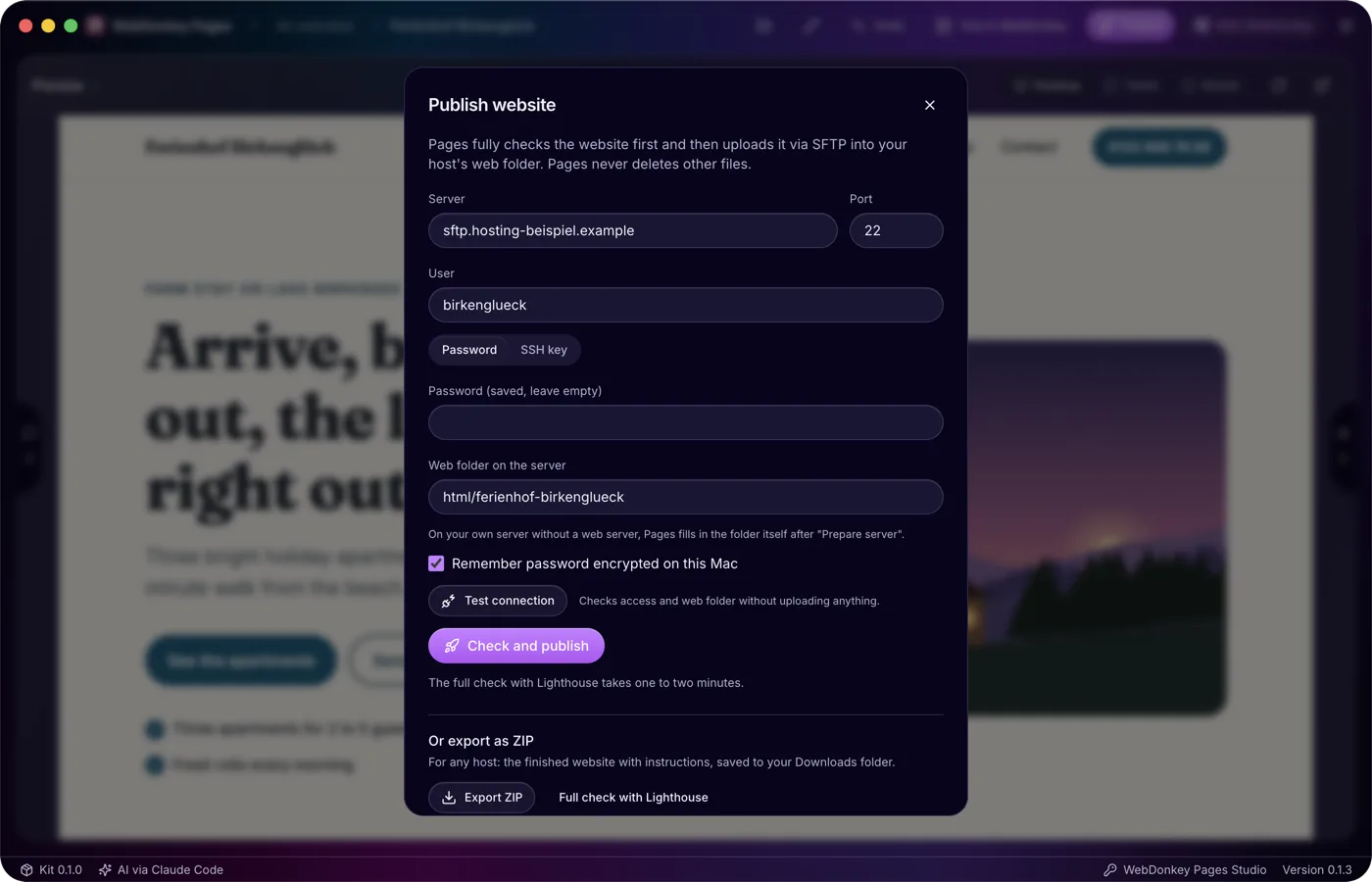
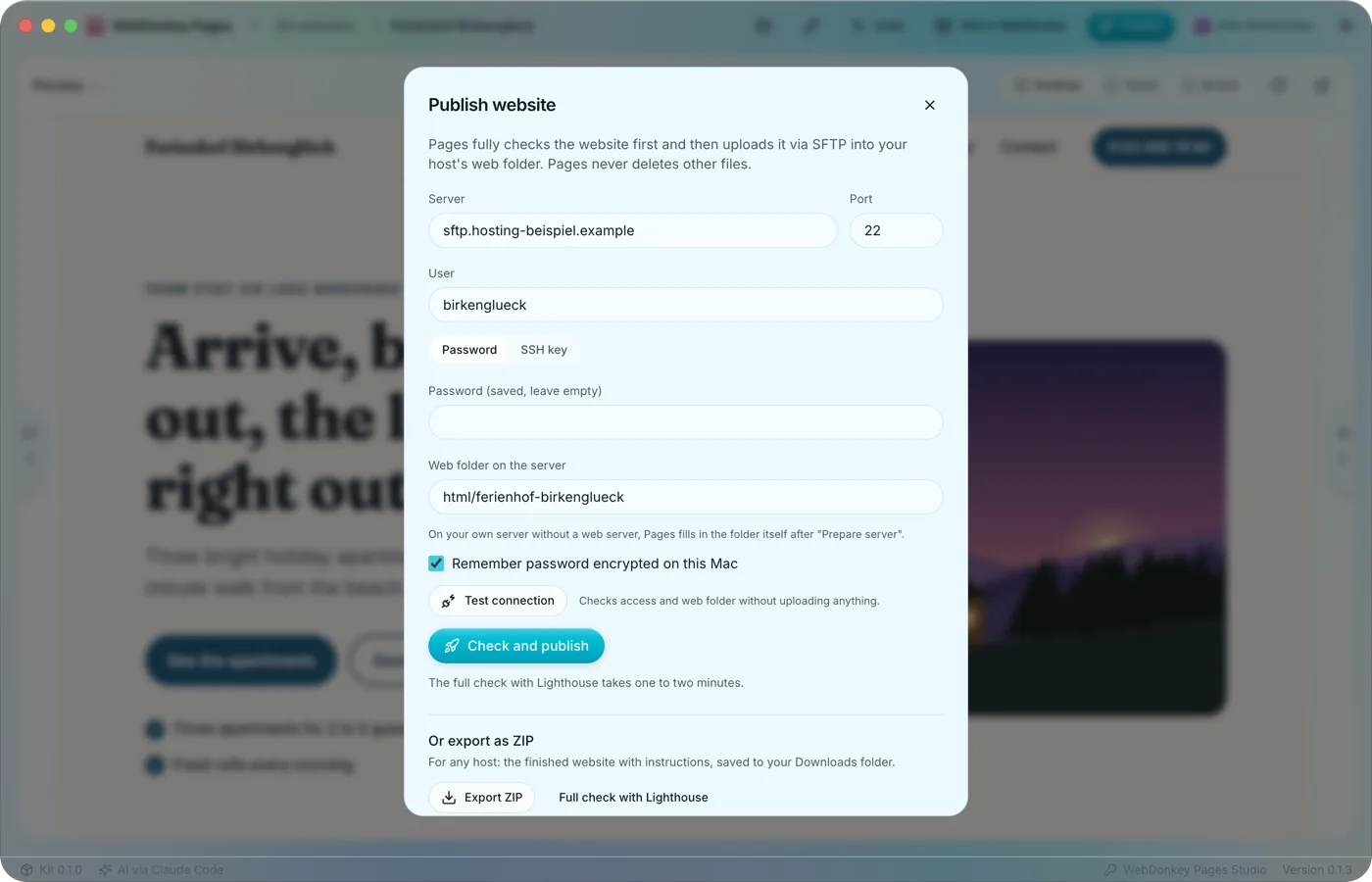 Only what passes every check goes onlineThe Publish website window brings the ways out together: straight to your server via SFTP, as a ZIP for any host and as a backup of the whole website. Only a version that passed the full check goes online, Lighthouse included.
-
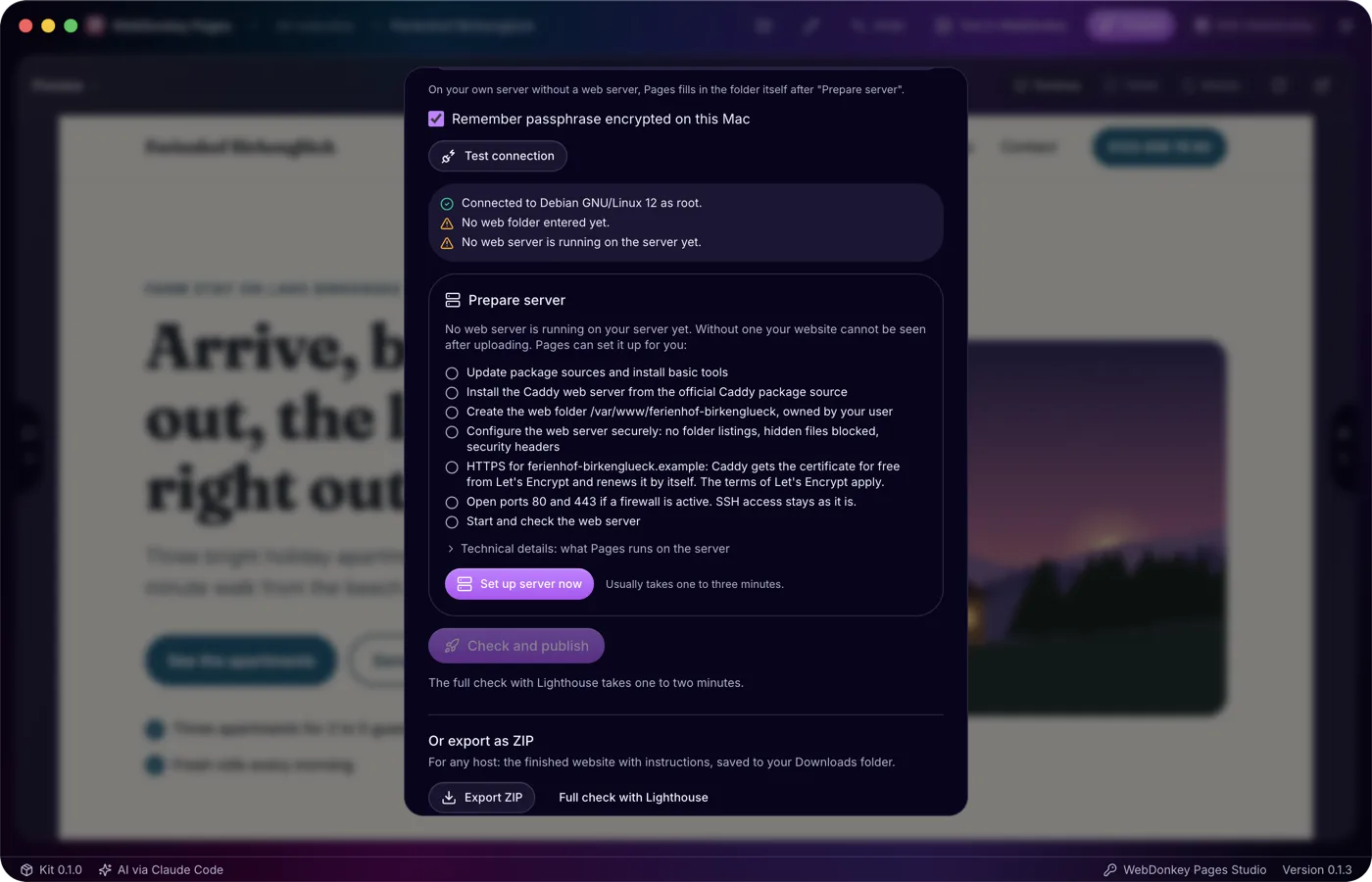
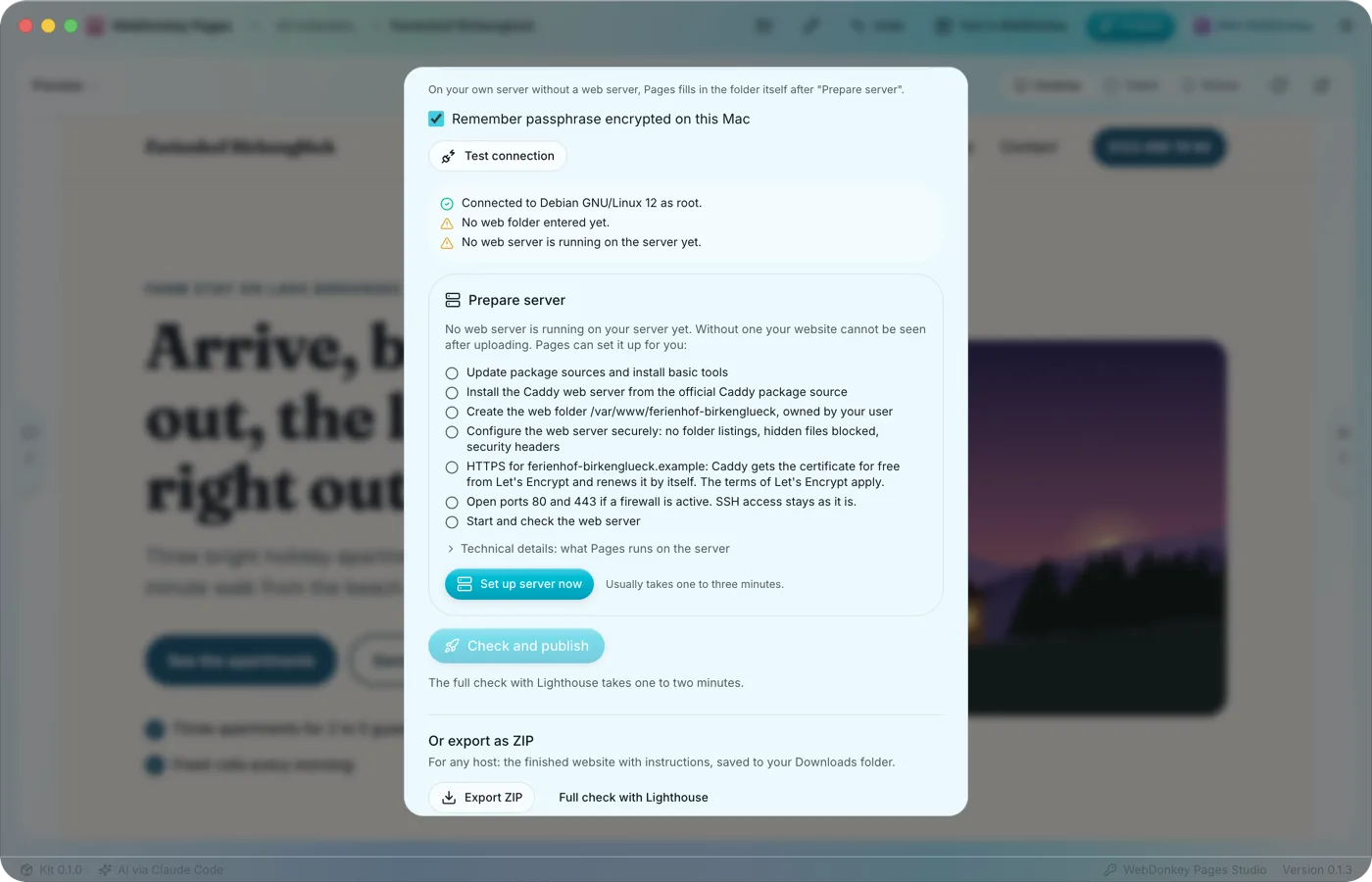 Your server, set up safelyTo publish straight to a server, Pages needs SFTP access to your web space or server, remembered per website. With a host, access and web folder are enough; a fresh server of your own without a web server Pages sets up itself.
-
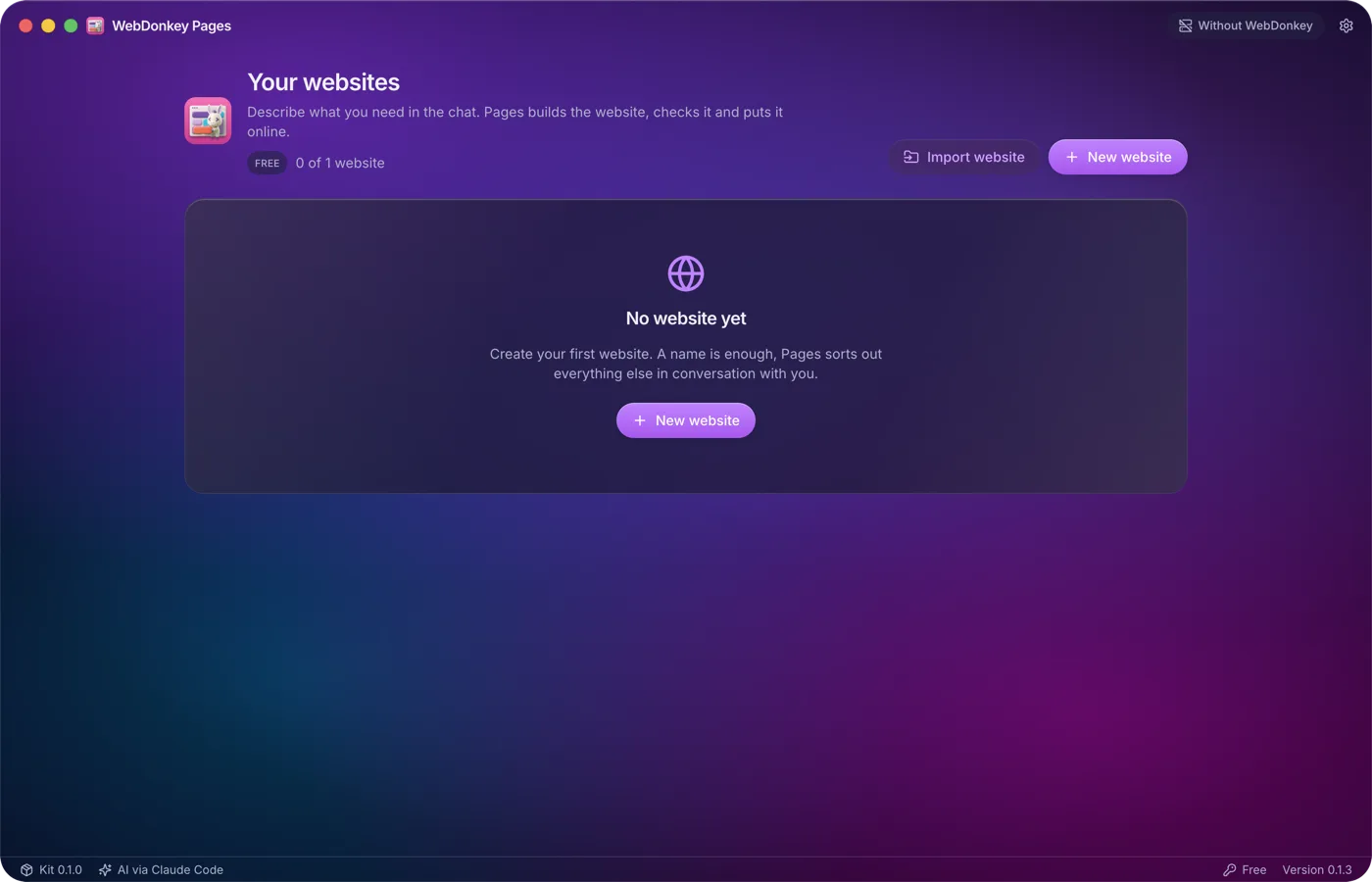
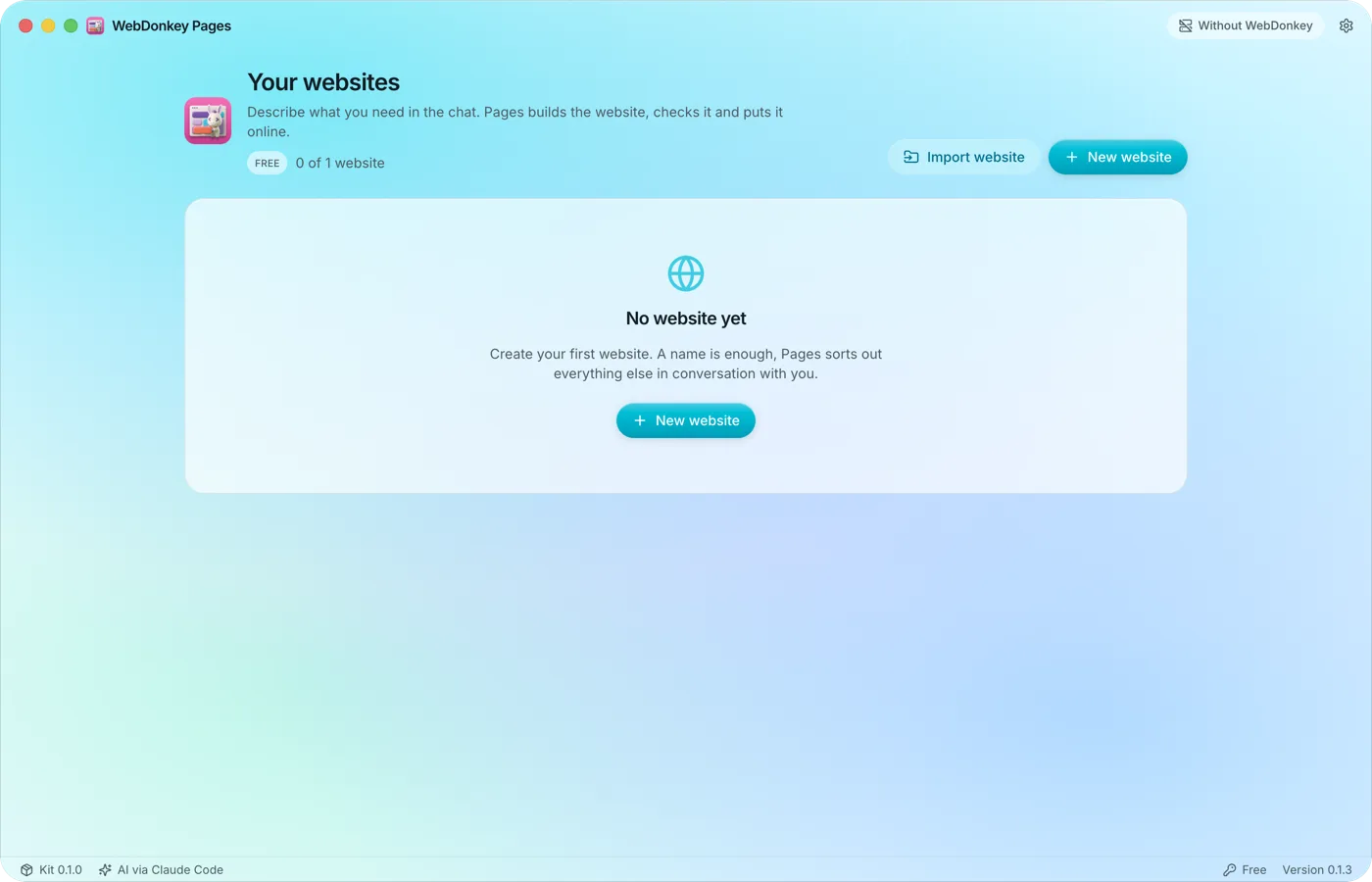 From a name to the first draftPages runs on your Mac and builds websites through conversation. You never see code, a terminal or build errors, and the preview shows the latest version that passed every check. You don't need WebDonkey for any of it.
-
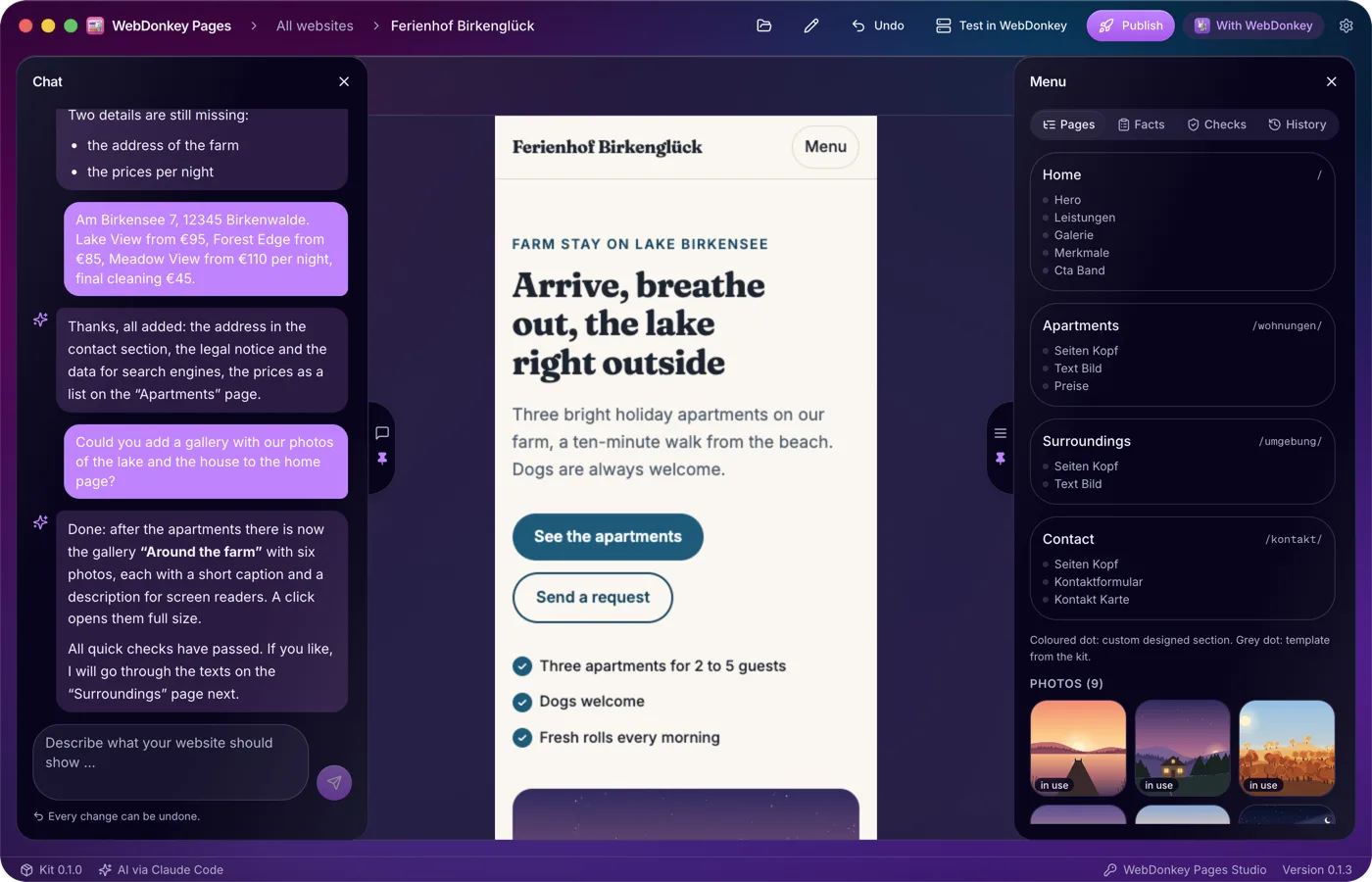
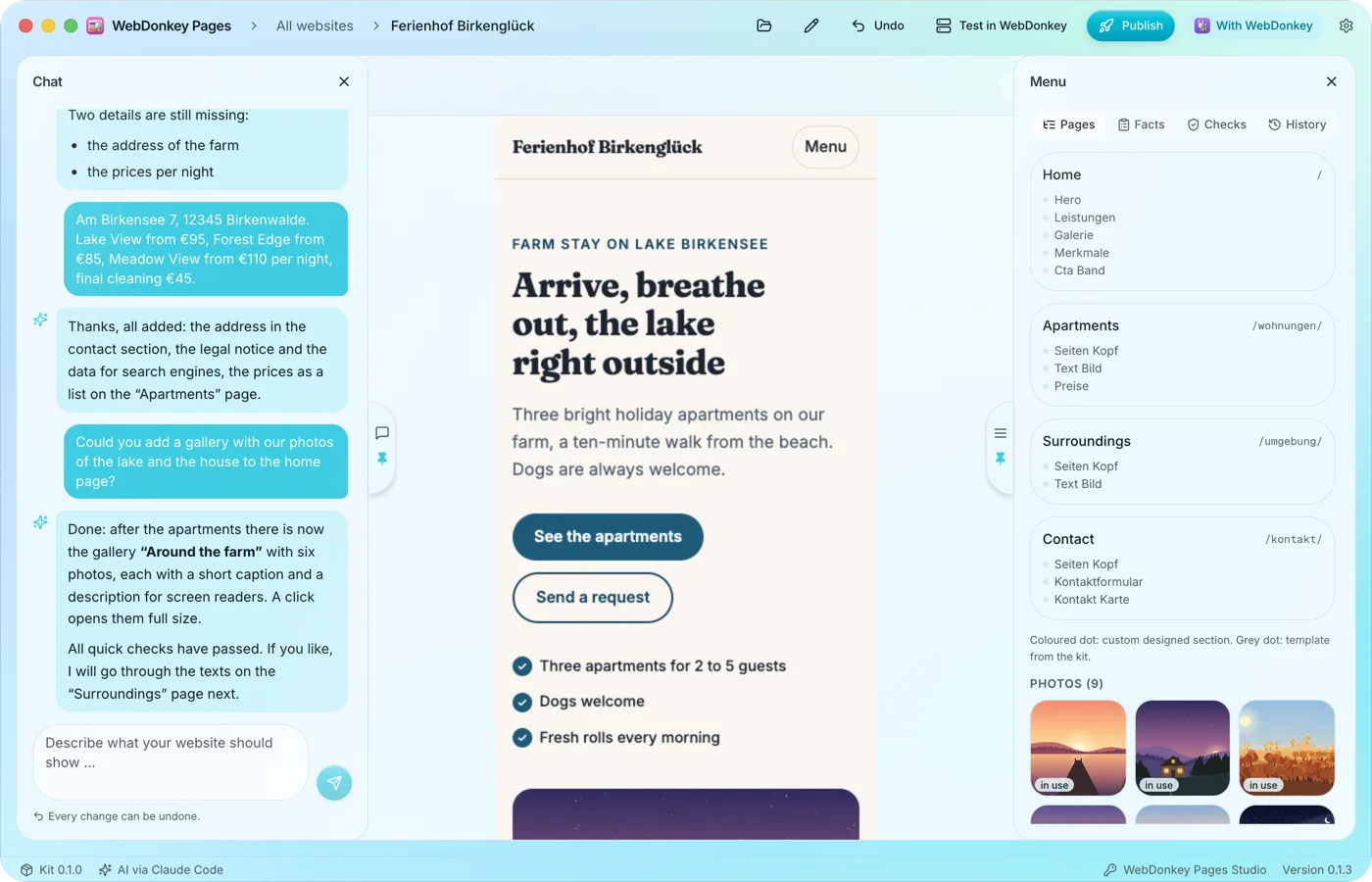 The preview at full widthWhen you open a website, the preview takes up the full width. The chat sits on the left, the menu with pages, facts, checks and history on the right, and both slide open when you move the pointer to their handle at the edge. The workspace is fully included in Free.
Try it on your own project.
Free costs nothing and has no time limit. macOS 11 or later, Apple silicon and Intel.
