





From a name to the first draft
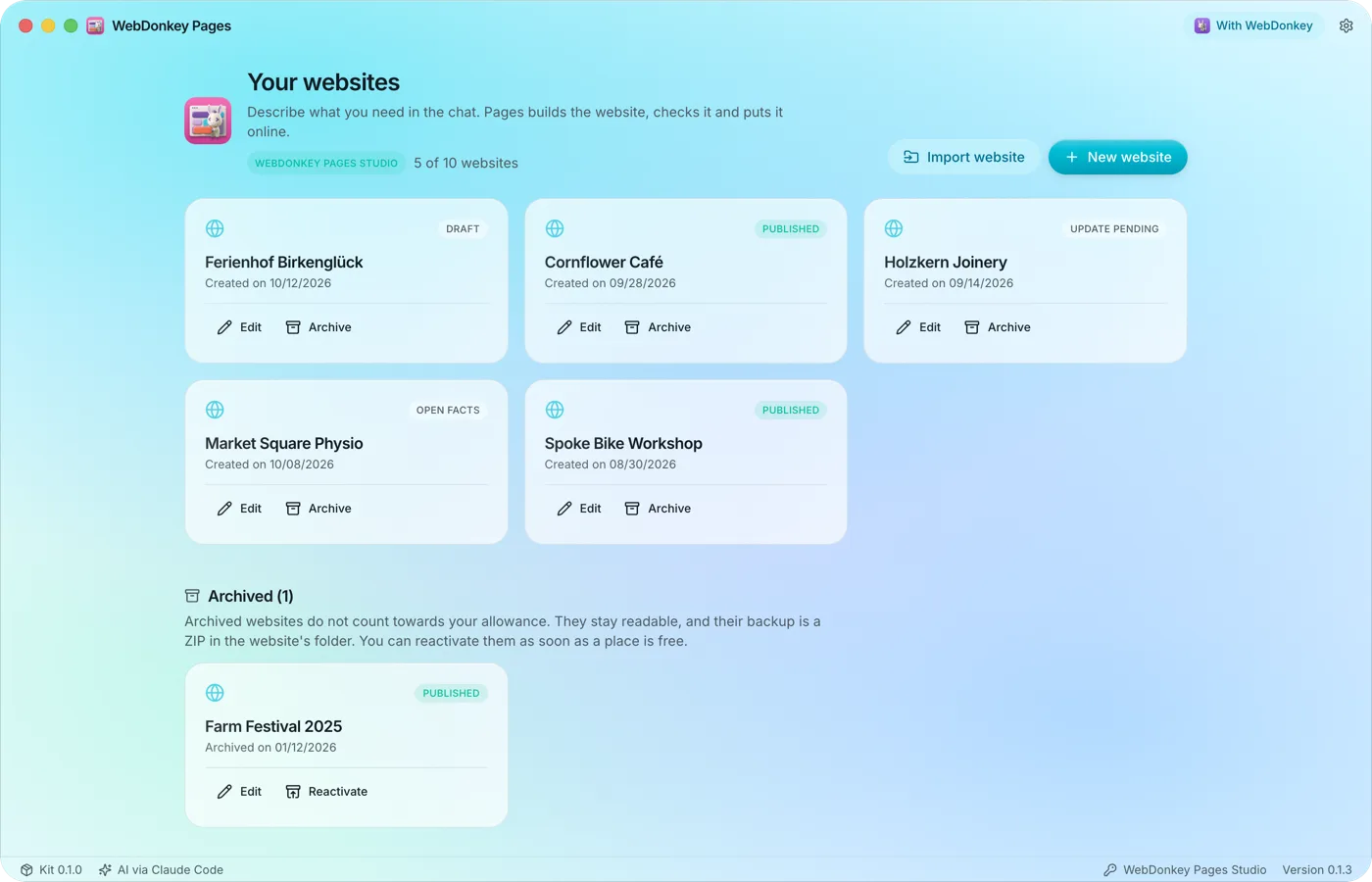
Pages runs on your Mac and builds websites through conversation. You never see code, a terminal or build errors, and the preview shows the latest version that passed every check. You don't need WebDonkey for any of it.
Free costs nothing and has no time limit. macOS 11 or later, Apple silicon and Intel.
In detail
Install
Open the DMG, drag WebDonkey Pages into Applications and launch it. If anything is missing, the overview lists it in the notice "Pages is not ready yet:". The Pages kit, which Pages builds and checks with, is part of the app and is renewed with every update.
Requirements
Node.js 22.12 or newer, Google Chrome, Chromium or Microsoft Edge for the checks, and an AI access: your signed-in Claude Code or an Anthropic API key. Settings › Technology lists each tool with its location or as "missing".
Your first website
New website, enter a name, Create. The chat asks what you offer, for whom and where, and Pages builds a first draft from it. Pages asks for missing details or collects them under Facts; nothing is made up.
With and without WebDonkey
Pages runs fully on its own, with a licence too. If WebDonkey is on the same Mac, Pages connects by itself and adds the local test with PHP, the same language, your themes from WebDonkey, with Premium the servers you saved there, and the option to use its licence key. Pages always checks its licence with the shop itself. The badge at the top right shows whether Pages runs with or without WebDonkey; if WebDonkey is too old, Pages runs on its own until WebDonkey is updated.
Free and Pages packagesFree & Pages package
Without a licence you build, check and back up a website and export it as a ZIP with the link "Built with WebDonkey Pages" in the footer. A Pages package adds more websites, publishing straight to your server, the footer without the link and submitting your own themes to the gallery. The AI always runs through your own access.
What does Free include?
This feature comes in Free and in Premium. Where Free ends is set out in the details and in the comparison.
Compare Free and Premium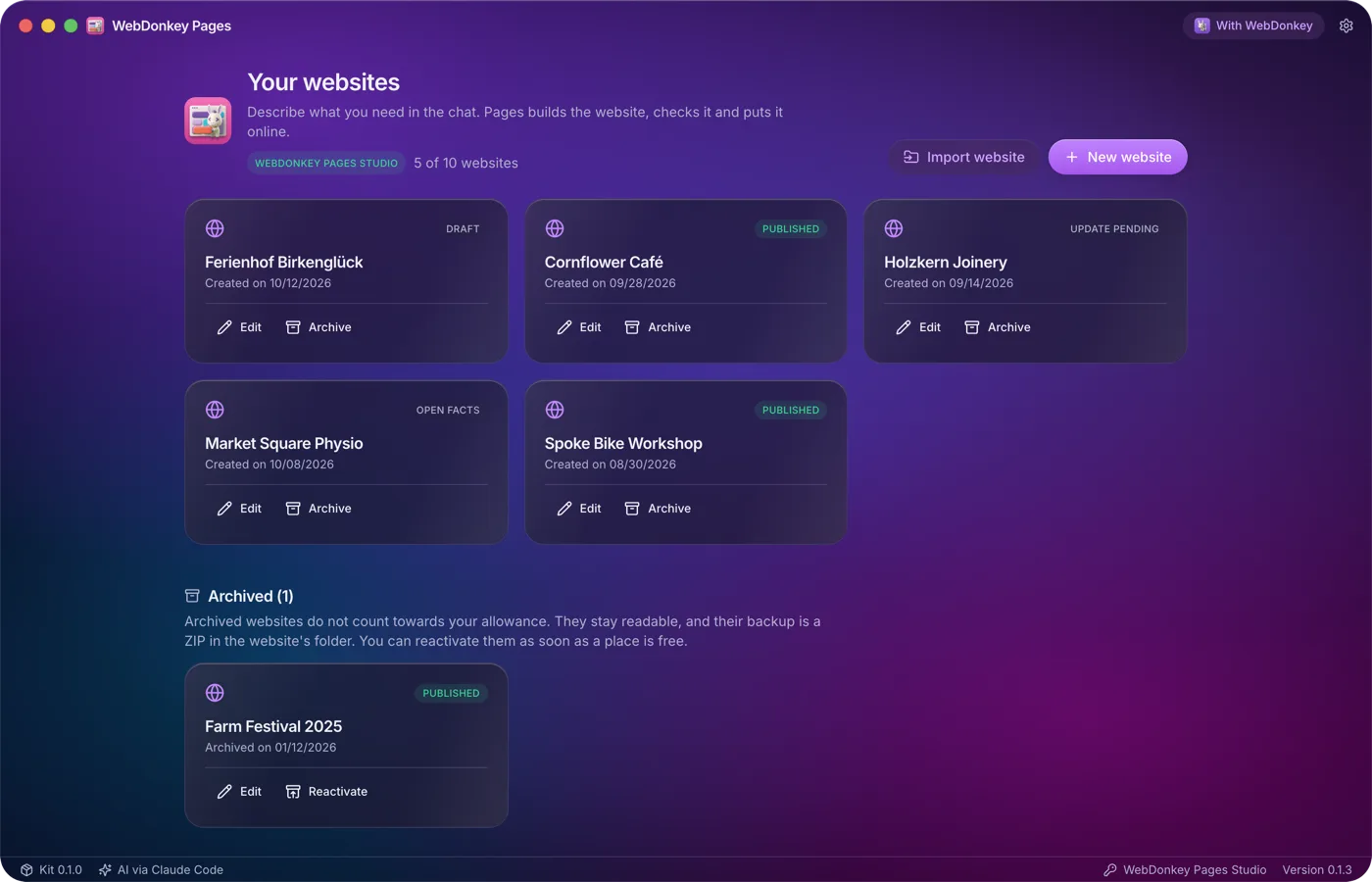
Try it on your own project.
Free costs nothing and has no time limit. macOS 11 or later, Apple silicon and Intel.
